Guides
The Best Faceless YouTube Tools: Build Your Automated Channel Stack
An independent, job-by-job evaluation of video generators, editing platforms, and automation stacks.

Starting a channel without showing your face has become a highly viable path to building a digital audience. Finding the best faceless youtube tools requires matching your specific content format with the right software. Whether you are producing a 10 hour lofi study stream or a 60 second financial tip Short, the software you choose dictates your production speed. This guide breaks down the top options to help you assemble a functional production line.
Instead of declaring a single universal winner, this comparison evaluates how different tools fit specific creative goals. A tool that excels at generating short vertical videos with automated captions might fail when tasked with a detailed 20 minute historical documentary.
Quick answer: the best faceless YouTube tool by goal
The table below summarizes the leading tools based on their primary strength, workflow coverage, and practical limitations.
| Goal | Recommended Tool | Workflow Coverage | Control Level | Free Plan | Main Limitation |
|---|---|---|---|---|---|
| All-in-One Long-form | InVideo AI | Script, voiceover, stock visuals, basic editing | Medium | Yes (with watermarks) | Stock footage can feel repetitive |
| Long-form Explainer | Pictory | Text-to-video, blog-to-video, stock matching | Medium | Yes (trial limits) | Voiceover library requires external upgrades |
| Automated Shorts | AutoShorts.ai | Automated scripting, voiceover, daily publishing | Low | Yes (limited generation) | Limited creative customization |
| Voiceover Specialist | ElevenLabs | Voice generation, voice cloning, audio translation | High | Yes (limited characters) | No built-in video editing tools |
| Advanced Editing | CapCut | Video editing, auto-captions, transition effects | High | Yes (basic features) | Manual asset sourcing required |
| Thumbnail Design | Canva | Layout design, background removal, template editing | High | Yes (standard templates) | Lacks advanced vector drawing tools |
| YouTube SEO | vidIQ | Keyword research, competitor tracking, title ideas | High | Yes (limited daily searches) | Recommendations rely heavily on historical data |
| Ambient & Lofi Channels | Chillframe | Music generation, visual loops, scheduling | High | From $19/mo | Specialized strictly for ambient music niches |
What a faceless YouTube tool stack actually needs
A complete faceless YouTube production line consists of several distinct stages. To build a channel that publishes consistently, you must address each of the following steps:
- Niche Research and Topic Validation: Identifying search volume and competition levels.
- Scripting: Drafting a structured narrative with hook variations.
- Voiceover: Generating realistic, natural speech from text.
- Visual Sourcing: Gathering stock footage, generating AI images, or creating custom animations.
- Editing and Compositing: Assembling audio, video, transitions, and background music.
- Captions and Subtitles: Adding kinetic text to maintain viewer retention.
- Thumbnail Design: Creating high-contrast images to drive clicks.
- SEO and Metadata: Writing optimized titles, descriptions, and tags.
- Publishing and Scheduling: Uploading files and managing the release calendar.
To manage this pipeline, creators choose between three types of software:
- AI Video Generators: All-in-one platforms that convert a single prompt into a finished video by combining stock footage, synthetic voices, and automated scripts.
- Specialist Tools: Dedicated applications that focus on one specific task, such as ElevenLabs for audio or CapCut for video editing.
- Channel Automation Platforms: Specialized systems designed to handle both asset generation and direct publishing to your channel.
Operating a faceless channel simply means you do not appear on camera. It does not mean the channel runs entirely on autopilot without human intervention. To secure approval for monetization, creators must still provide editorial oversight, structural pacing, and original concepts. The tools below cover the production line; the channel strategy itself, from niche economics to the 90-day launch plan, lives in our guide to building a faceless YouTube channel. If the stack you want is one tool that owns every stage, our breakdown of the best YouTube automation tool options compares the end-to-end platforms directly.
Best all-in-one tools for faceless YouTube
All-in-one tools attempt to handle scripting, voiceover, and video assembly within a single interface. They are highly efficient for creators who want to produce content quickly without managing multiple file exports.
InVideo AI
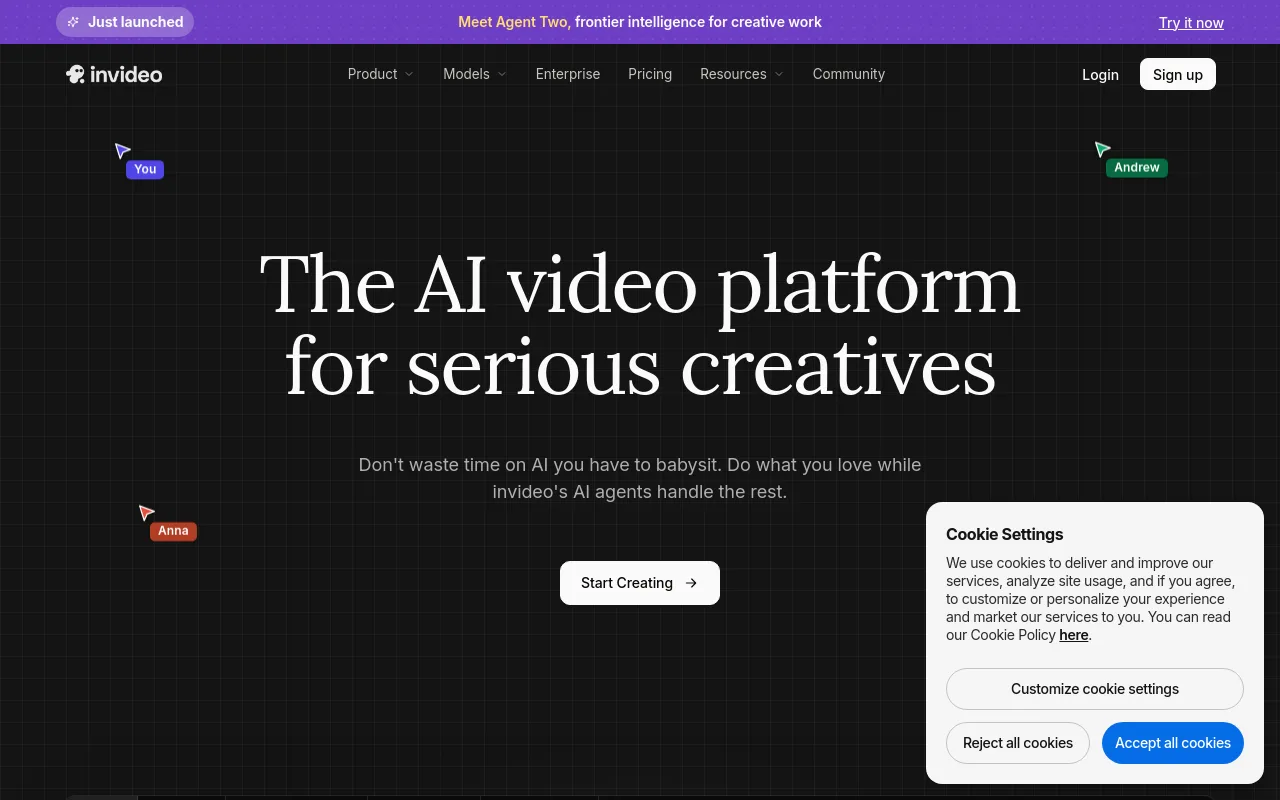
InVideo AI generates complete videos from text prompts. It drafts a script, selects stock footage from libraries, adds a voiceover, and applies background music automatically.
- Pros: Rapid generation of draft videos; intuitive text-based editing commands; solid selection of stock media.
- Limitations: Automated visual selections often require manual replacement to avoid a generic stock aesthetic.
- Best-fit format: Quick informational listicles and educational explainer videos.
Pictory
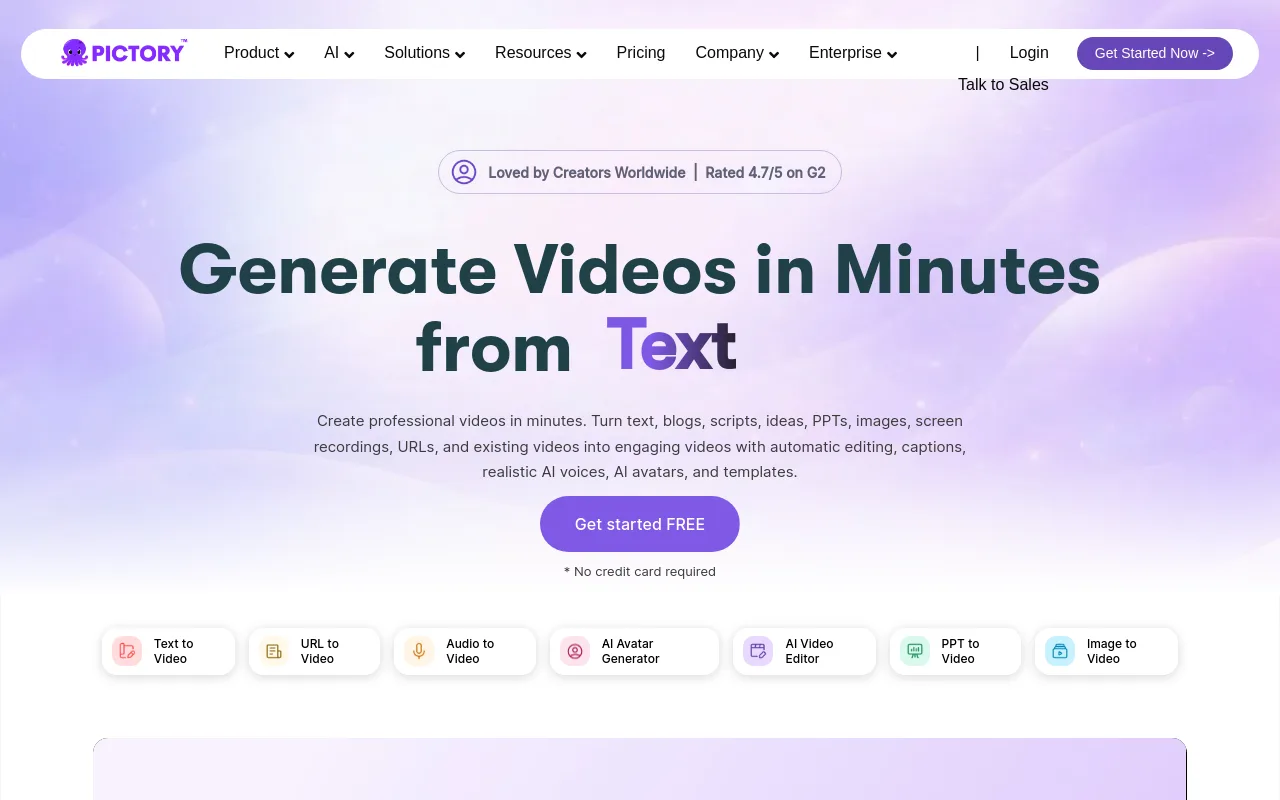
Pictory specializes in converting long-form text, such as blog posts or scripts, into video presentations. It scans your text, extracts key sentences, and matches them with relevant stock clips.
- Pros: Excellent for repurposing existing written articles; clean user interface; reliable text-extraction algorithm.
- Limitations: The built-in AI voices sound more robotic than specialized speech platforms.
- Best-fit format: Blog-to-video conversions and educational summaries.
Fliki
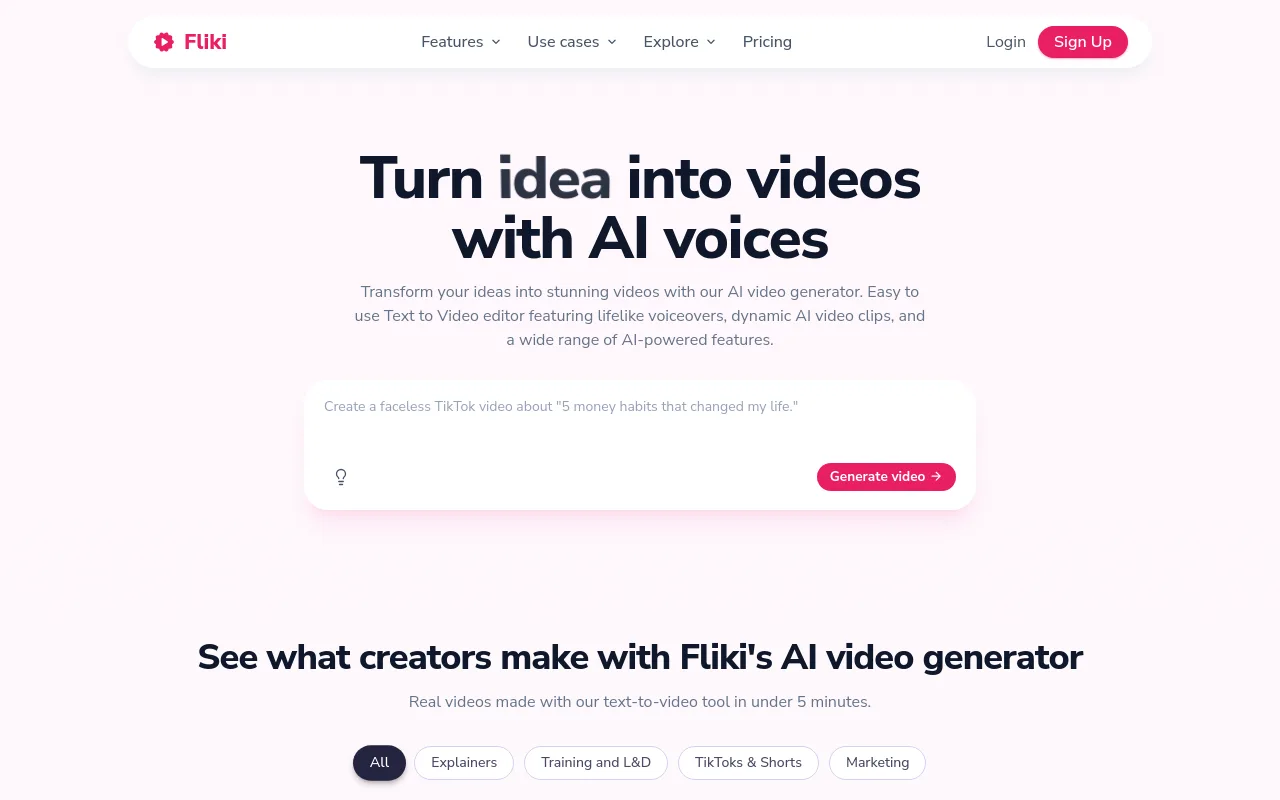
Fliki combines text-to-speech and text-to-video capabilities, focusing on a straightforward, block-based editing interface.
- Pros: Large library of regional accents; simple slide-by-slide editing system; integrated stock audio options.
- Limitations: Visual transitions and advanced editing controls are highly restricted.
- Best-fit format: Simple social media clips and short-form narrations.
HeyGen
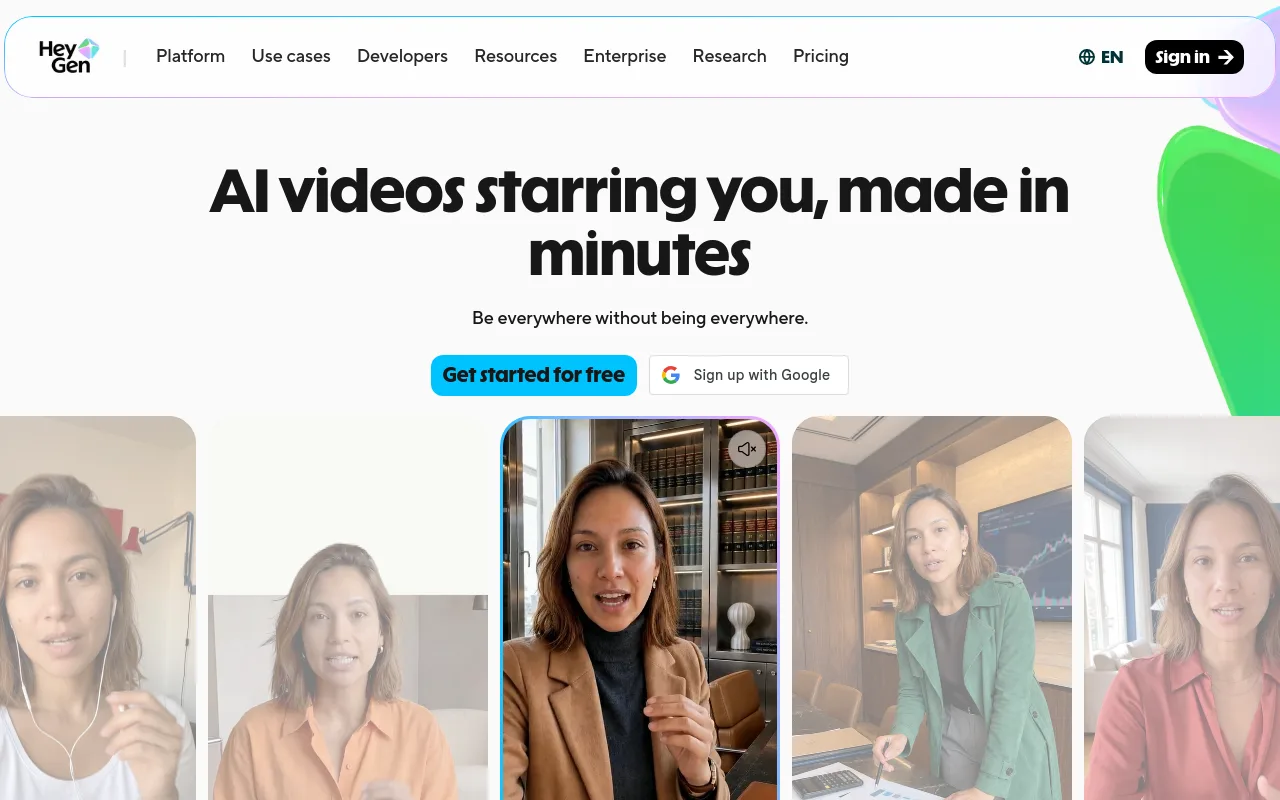
HeyGen focuses on photorealistic AI avatars that deliver spoken scripts. While popular for corporate presentations, it is increasingly used for faceless channels that feature a digital spokesperson.
- Pros: High-quality lip-syncing; realistic human movements; customization options for custom avatars.
- Limitations: Significantly higher pricing tiers compared to stock-footage generators.
- Best-fit format: News-style updates, product reviews, and spokesperson-led explainers.
AutoShorts.ai
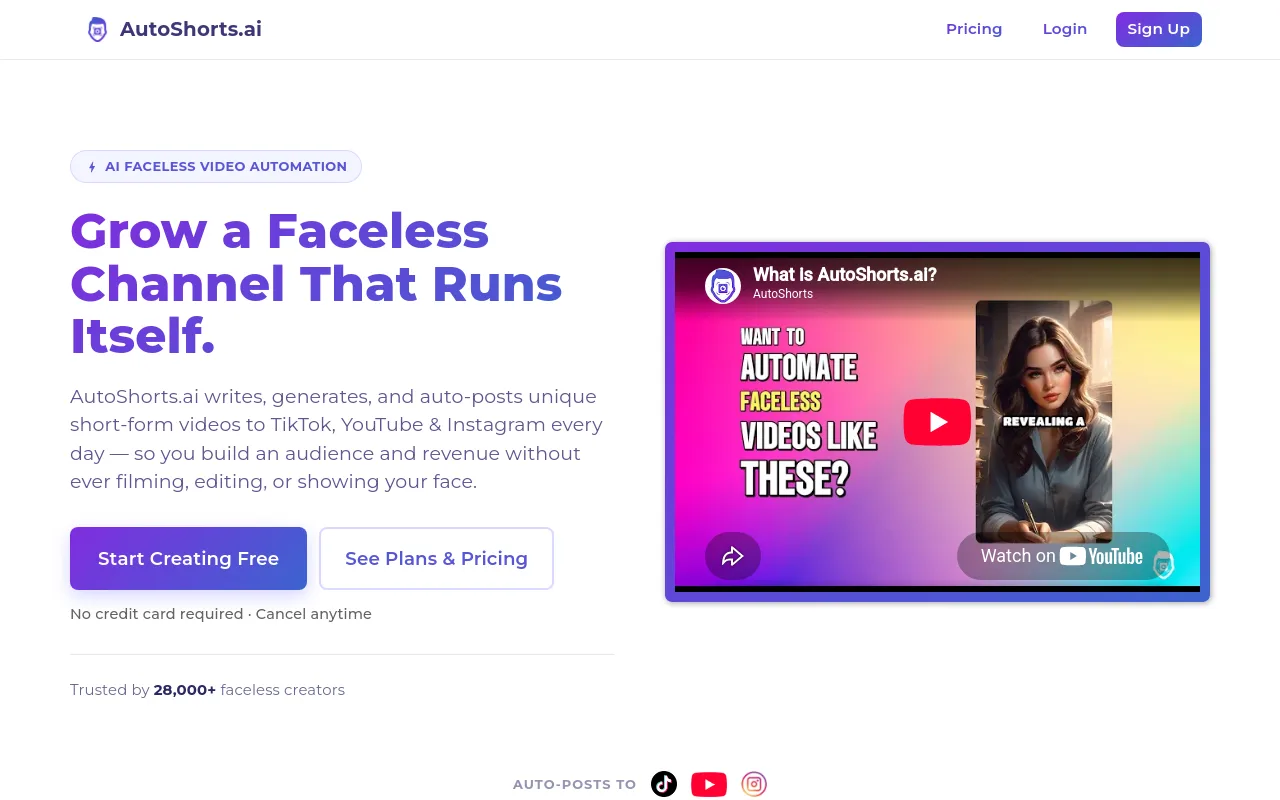
AutoShorts.ai is designed for fully automated short-form content. You select a niche, and the tool writes, voices, and generates vertical videos on a daily schedule.
- Pros: Hands-off workflow; consistent posting schedule; automated caption styles.
- Limitations: Very little creative control over individual frames and transitions.
- Best-fit format: Automated motivational quotes, trivia, and facts channels.
Chillframe
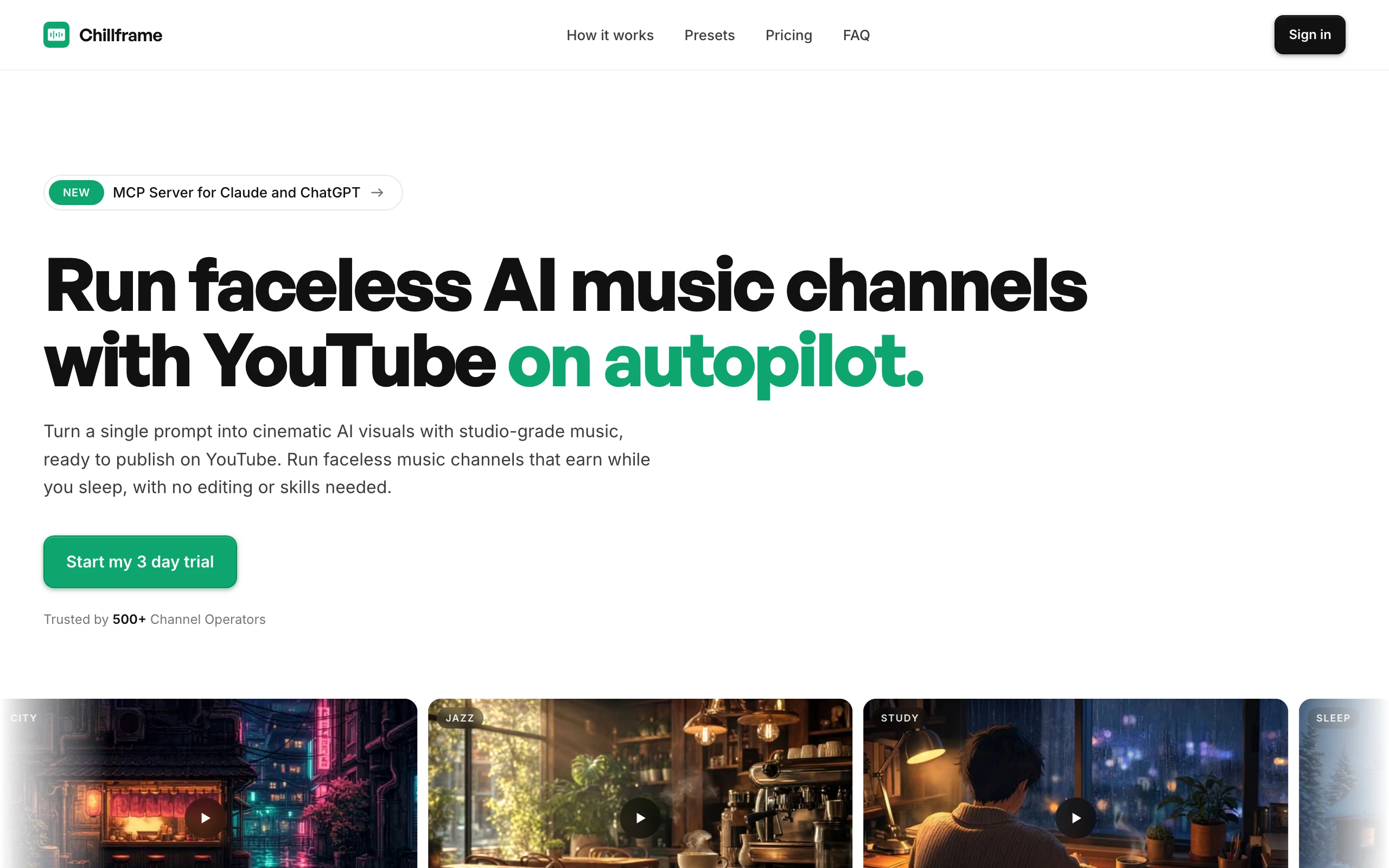
For creators focused on the highly profitable ambient and study music niches, Chillframe offers a dedicated workflow. Instead of piecing together generic stock clips, creators use Chillframe to generate original music and custom visual loops, assemble the final video, and publish directly to their YouTube channel on a custom schedule. This approach allows you to build a self-sustaining ambient channel that compounds watch-time with minimal manual intervention.
- Pros: Combines audio and visual generation specifically for lofi and ambient formats; direct channel publishing; scheduled automation.
- Limitations: Not suitable for voiceover-heavy explainers or talking-head videos.
- Best-fit format: Lofi study beats, relaxation channels, and ambient background music streams.
Best specialist tools by workflow stage
Using an all-in-one generator often requires compromising on visual originality or voice quality. Combining specialist tools allows you to build a customized, professional production pipeline.
Research and SEO
Before creating a video, you must validate the topic. Using tools like vidIQ or TubeBuddy allows you to analyze search volume, track competitor performance, and find high-value keywords. These tools complement all-in-one generators by ensuring your videos target active search queries.
Scripts and Voice
While general writing assistants can draft scripts, voice quality determines whether viewers stay or click away. ElevenLabs provides access to more than 5,000 voices and 70+ languages, offering highly realistic voice generation that avoids the robotic tone of standard video editors. A high-quality voiceover can be paired with an editor like CapCut to create engaging documentary-style videos.
Visuals, Editing, Captions, and Thumbnails
For visual assembly, several platforms stand out:
- CapCut: The industry standard for short-form editing. It provides automated captions, modern transitions, and mobile-friendly editing tools. For more details on editing alternatives, check out our guide on AI video generator tools.
- Descript: A text-based video editor. Editing the transcribed text automatically edits the underlying video file, making it ideal for dialogue-heavy channels.
- Canva: The go-to tool for thumbnail design, offering pre-made layouts, high-contrast text options, and background removal tools.
Comparison matrix: features, cost, control, and risk
The following matrix compares the practical features of different production workflows.
| Workflow Option | Primary Stage Covered | Voice Quality | Visual Originality | Editing Control | Automation Support | Free Tier Limits | Paid Entry Price |
|---|---|---|---|---|---|---|---|
| All-in-One AI (e.g. InVideo AI) | Scripting, voice, video assembly | Medium | Low (Stock-reliant) | Medium | Moderate | Watermarked exports, limited minutes | Low monthly tier |
| Specialist Stack (e.g. ElevenLabs + CapCut) | Voiceover and manual video editing | High | High (Self-sourced) | High | Low | Free voice + editor tiers | Low monthly tier per tool |
| Ambient Specialist (e.g. Chillframe) | Music, visuals, automated publishing | N/A (Music-focused) | High (Original loops) | Medium | High | N/A | Standard subscription |
Workflow cost planning
To build a professional faceless channel, budget for your monthly software stack based on your production volume. Check each vendor's current pricing page before committing, because tiers and limits change frequently.
- Low-Cost Beginner Stack: Canva Free, CapCut Free, an entry ElevenLabs voice tier, and a basic vidIQ plan. This stack requires manual editing but keeps overhead extremely low.
- Balanced Creator Stack: An all-in-one generator like InVideo AI for fast video drafts, paired with Canva Pro for custom thumbnails and a TubeBuddy plan for SEO.
- Specialist Professional Stack: A creator-tier ElevenLabs plan, DaVinci Resolve (a capable free version exists), Canva Pro, and a higher vidIQ tier for deep competitor analytics.
Best stacks for different creators and budgets
Choosing the right combination of tools depends on your budget, editing skills, and chosen niche.
1. The Free Beginner Stack
- Best for: New creators testing the water without upfront costs.
- Tools: Google Docs (Scripting), ElevenLabs Free Tier (Voice), CapCut Free (Editing), Canva Free (Thumbnails).
- Workflow: Write scripts manually, generate voiceover within the free tier limits, edit manually using free stock clips, and design basic thumbnails.
2. The Long-Form Explainer Stack
- Best for: History, finance, or documentary channels.
- Tools: ElevenLabs (Voice), CapCut Pro (Editing), vidIQ (SEO), Canva Pro (Thumbnails).
- Workflow: Generate highly expressive narration, import the audio track into CapCut, overlay historical images or custom b-roll, and apply kinetic captions.
3. The Shorts Automation Stack
- Best for: High-frequency publishing across TikTok, YouTube Shorts, and Instagram Reels.
- Tools: AutoShorts.ai.
- Workflow: Input your target topic, allow the tool to generate and post daily vertical videos, and monitor performance through the native YouTube Studio app. For more on vertical video automation, read our breakdown of the AI YouTube Shorts generator.
4. The Ambient & Lofi Stack
- Best for: Relaxing music channels, study streams, and sleep aid videos.
- Tools: Chillframe.
- Workflow: Generate original lofi tracks, pair them with custom animated visual loops, and publish directly to YouTube on a set schedule. This eliminates the need for separate audio editors, video compilers, and manual upload steps. To learn more about music options, explore our guide on background music for YouTube videos.
How to test a faceless YouTube tool before subscribing
Do not commit to an annual plan without testing a tool's output quality. Use this repeatable test script to evaluate any video generator:
"In 1922, an explorer entered an ancient tomb, ignoring the warnings carved into the stone. What he found inside changed history forever."
When running this test, score the platform on the following criteria:
- Factual Accuracy: Does the script draft make logical sense?
- Hook Quality: Is the first 5 seconds engaging enough to prevent a viewer from scrolling away?
- Voice Naturalness: Does the voiceover pause naturally at commas and periods?
- Visual Relevance: Did the AI match "ancient tomb" with a historical visual, or did it select a generic modern concrete room?
- Caption Accuracy: Are the automated subtitles spelled correctly and timed perfectly with the audio?
- Licensing: Check the terms of service. Do you receive explicit commercial-use rights for the generated music, stock footage, and voiceovers? Avoid platforms that do not clearly state their licensing terms, as this can lead to copyright strikes later.
Monetization, originality, and AI-disclosure rules
Monetizing a faceless YouTube channel is entirely possible, but you must follow YouTube's platform policies. YouTube's primary concern is preventing "reused content" and "repetitive content."
Understanding YouTube's Policies
According to the YouTube Partner Program guidelines, your channel will be rejected for monetization if it consists of auto-generated content without original commentary or educational value. Simply downloading stock clips, applying an automated voiceover, and uploading the file without modification is highly unlikely to pass review.
To qualify for monetization, you must:
- Add original commentary, educational insights, or creative editing.
- Customize your video scripts to ensure they do not read like generic encyclopedia entries.
- Use high-quality voiceovers and unique visual assets.
YouTube Partner Program Thresholds
To apply for ad revenue sharing, you must meet the standard eligibility routes:
- Standard Route: Secure 1,000 subscribers + 4,000 valid public watch hours in the last 12 months. Note that watch hours from the Shorts Feed do not count toward this threshold.
- Shorts Route: Secure 1,000 subscribers + 10 million valid public Shorts views in the last 90 days.
- Fan Funding Route: You can apply for early access to fan funding features (like Super Chats and memberships) once you reach 500 subscribers.
Currently, more than 3 million people earn money through the YouTube Partner Program, proving that the platform remains a viable source of income for creators who build original, policy-compliant channels.
AI Disclosure Requirements
YouTube requires creators to disclose when they use altered or synthetic media to create realistic content. In YouTube Studio, you must check the disclosure box if your video features realistic synthetic voices or altered real-world events. However, you do not need to disclose clearly unrealistic animations, fantasy graphics, or standard video production effects.
Frequently Asked Questions
Can I start a faceless YouTube channel for free? Yes, you can start a channel without spending money by combining free tools. Use Google Docs to write your scripts, record your own voice or use free text-to-speech tiers, edit the video inside CapCut Free, and design your channel art and thumbnails in Canva. This manual approach requires more time but allows you to test your niche before investing in paid software.
Is AI-generated content allowed to monetize? Yes, YouTube allows AI-generated content to monetize, provided it complies with their reused content policies. Your videos must contain original creative value, such as custom editing, unique scripting, or educational commentary. Channels that upload raw, unedited AI generations with no human curation are typically rejected from the YouTube Partner Program.
Do I need a separate voiceover, editing, or SEO tool if I use an all-in-one generator? It depends on your quality standards. While all-in-one generators like InVideo AI provide built-in scripts, voices, and editing, their voice libraries may sound generic. Many professional creators use an all-in-one tool for quick visual assembly, but import premium voiceovers from ElevenLabs and manage their keyword research through vidIQ to maximize their reach.
Which tools are best for long-form videos versus Shorts? For long-form explainer videos, tools like Pictory and InVideo AI are excellent for managing complex timelines and stock footage. For short-form content, CapCut and AutoShorts.ai are better suited for vertical formats, fast-paced transitions, and kinetic captions. For ambient and lofi music channels, Chillframe is the ideal choice to generate long-form audio-visual loops and handle scheduled publishing. If you are focused entirely on music, you can explore specialized AI music generator platforms to build your audio assets.
How much original commentary or transformation should a faceless video add? Your video should add enough editorial value that a viewer cannot find the exact same content elsewhere. This means writing original scripts with unique angles, arranging stock clips to match specific narrative points, and adding custom text overlays or graphic elements. Avoid simply reading Wikipedia pages word-for-word over random stock footage.
Building a successful faceless YouTube channel requires consistency, high-quality assets, and a clear understanding of platform guidelines. By selecting the right combination of tools for your workflow, you can streamline your production process and focus on growing your audience.