Guide
How to Start a Faceless YouTube Channel: The Complete 2026 Guide
Everything you need to start a channel without showing your face, from the first niche idea to the first payout.

The easiest way to start a faceless YouTube channel with AI is a music or ambient channel made with Chillframe: you pick a look or describe a scene, and it makes the music and visuals, puts the video together and posts it to YouTube on your schedule. And yes, faceless channels do make money, from ads, affiliate links, sponsorships and memberships, once they join the YouTube Partner Program.
A faceless YouTube channel is one where the creator never appears on camera. The videos run on voiceover, animation, stock footage, screen recordings or music with a visual, and you can build a real audience and a real income without ever showing your face. In this guide I walk through how to start one in 2026, step by step: the niche, the format, the setup, the tools, the rules, the money and a realistic timeline.
The timing is good. Faceless channels make up 38% of all new creator monetization ventures in 2026, up from 12% in 2022. That's a 217% increase, and the space is still growing.
What Is a Faceless YouTube Channel, and Why Start One Now
Instead of a host on camera, a faceless channel teaches, tells stories or keeps people company with visuals you put together. The most common kinds are:
- Tutorials and how-tos: software walkthroughs, coding and design guides made with screen recordings.
- Storytelling and list videos: history, true crime or top-10s made with stock footage and a voiceover.
- Explainers and video essays: analysis of finance, business, films or culture with animated slides and clips.
- Music and ambience: lofi, sleep music, rain or fireplace sound paired with one looping scene.
What changed is the cost of making a video:
- Cost: end-to-end AI stacks have brought production costs down to under $3 per video, 70 to 90 percent below face-to-camera budgets.
- Time: a video took 6.5 to 8 hours to make in 2022, and about 80 minutes per video in 2026.
- Adoption: AI video tool use grew 342% year over year, and roughly 42% of active creators use an AI tool somewhere in their production.
Viewers are on board too. 72% of Gen Z viewers say they care more about content quality than about seeing the creator. YouTube paid creators more than $70 billion in 2024 and 2025.
How to Start a Faceless YouTube Channel in 7 Steps
Here's the whole plan at a glance. Each step has its own section below.
- Pick a niche by what it pays and how much people search for it.
- Choose one format you can repeat every week.
- Set up the channel properly, once.
- Build your production stack, or use a tool that makes the videos for you.
- Stay monetizable under YouTube's AI and originality rules.
- Publish on a steady schedule for your first 90 days, then keep going.
- Get monetized through the Partner Program and add income beyond ads.
Step 1: Pick a Niche by What It Pays
Your niche decides how much each view is worth, how hard it is to get noticed and how much each video costs to make. Advertisers pay more to reach viewers who are ready to spend, so pick by the numbers, not by gut feel. If you don't have candidate topics yet, the YouTube channel ideas quiz suggests five faceless niches that fit your time, voice and budget.
Run every candidate through four filters:
- Search demand: people search for the topic steadily, all year.
- RPM: the niche pays well per 1,000 views.
- Evergreen demand: the videos still pick up views in two years.
- Visuals: you can find or make good visuals to match, every week.
Here's how popular faceless niches compare. CPM is what advertisers pay per 1,000 ad views, and RPM is what you keep per 1,000 views of your video:
| Niche | CPM | RPM | Source |
|---|---|---|---|
| Betrayal and revenge stories | $20 to $25 | $12.82 | OutlierKit |
| Personal finance and investing | $15 to $22 | $10 to $15 | OutlierKit |
| Finance, make money online, tech and AI, legal | $15 to $25 | $10 to $15 | milx.app |
| Storytelling and listicles | $15 to $25 | $9 to $13 | OutlierKit |
| Tech, health and insurance | $10 to $30 | $4 to $12 | OutlierKit |
| Lofi and sleep music | $3 to $10 | OutlierKit | |
| Education and tutorials | $3 to $6 | Apple Daily | |
| Gaming, entertainment, Shorts compilations | $2 to $10 | $0.10 to $3 | milx.app |
Two niches are growing especially fast: senior health and longevity (19x growth) and English learning (21x growth).
A few things stand out from the numbers:
- Finance pays the most per view, but with 200,000+ finance channels a new one struggles to grow from search, and every video needs careful research.
- Narrative stories pay well against a fraction of the competition. Betrayal and revenge stories have roughly 10,000 to 40,000 channels and still earn high RPMs.
- Lofi, sleep and ambient channels pay on watch time. People play them for hours while they work, study or sleep, so each view adds far more watch time than a ten-minute explainer. They also need no script and no voice at all.
Niche matters more than size. A 10,000-subscriber personal finance channel can out-earn a 100,000-subscriber entertainment channel, because the rates are so different. For a longer list to choose from, see these faceless YouTube channel ideas and the top faceless YouTube niches, and the top faceless YouTube channels show which niches hold up at scale.
Step 2: Choose One Format You Can Repeat
Your format decides your workflow and how long people stay. These five work without a face:
| Format | Works best for | Ideal length | Retention hook |
|---|---|---|---|
| Animated explainer and infographics | Finance, history, true crime | 8 to 12 minutes | A surprising fact in the first 3 seconds |
| Stock footage montage with narration | Travel, outdoors, philosophy | 10 to 15 minutes | A dramatic question and a fast cut |
| Screen recording tutorials | Software, Excel, AI tools | 5 to 10 minutes | The finished result in the first 3 seconds |
| AI illustration storytelling | Horror, history, relationship drama | 15 to 30 minutes | Start in the middle of the action |
| Ambient music and lofi | Study, sleep, focus, relaxation | 1 hour | Rain or a crackling fire from the first second |
Pick one and stick to it for your first 20 or so videos. A consistent format teaches YouTube who your channel is for, and it makes production faster every week.
Long-form and Shorts do different jobs. Long-form builds watch time, and Shorts are good for reaching new viewers fast and sending them to your long videos. The guide to faceless YouTube Shorts covers that side.
Step 3: Set Up the Channel Properly
A professional setup earns trust from viewers and from YouTube from day one. Do each of these once:
- Channel name: pick a memorable name that isn't your own. An unbranded channel is much easier to sell later.
- Logo and banner: make a clean logo and banner in Canva. A simple icon on a high-contrast background reads best on a phone.
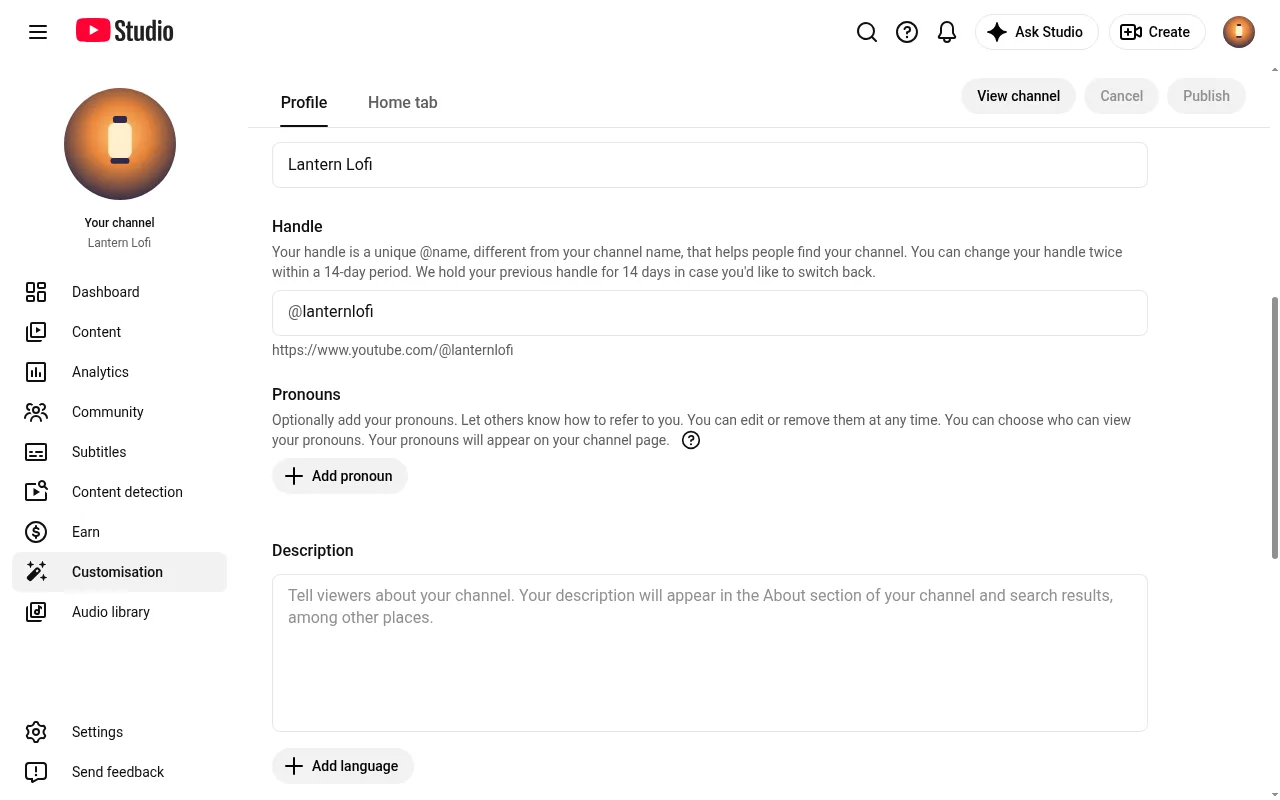
- About section: open with one sentence that says exactly what the channel gives viewers, and use your target search terms naturally in the rest.
- Upload defaults: set visibility to Public, choose the Standard YouTube License and hold potentially inappropriate comments for review.
- Payments and tax: link a Google AdSense account and complete the tax interview early, so future payouts aren't held up.
- Security: turn on 2-step verification for the Google account behind the channel. The Partner Program requires it.
Step 4: Build Your Production Stack
A faceless channel runs on an assembly line of software tools. If you make the videos by hand, this is the stack:
| Stage | Tool options | What it does |
|---|---|---|
| Scripting | ChatGPT, Claude, Perplexity for research | Outlines and first drafts. Write 1,200 to 1,800 words for an 8 to 12 minute video |
| Voiceover | ElevenLabs, Murf, PlayHT, or your own voice | Narration. See the best AI voice for YouTube videos |
| Visuals | Storyblocks, Pexels, Pixabay, Runway, InVideo | Stock B-roll and AI video |
| Editing | CapCut, DaVinci Resolve, Descript | Scene-by-scene cuts that hold attention |
| Thumbnails | Canva | High-contrast designs with three words of text at most |
| SEO | TubeBuddy, VidIQ | Titles, tags and keyword research |
A few habits make the stack work better:
- Rewrite the AI draft. Use the tool for the outline, then add your own research, examples and point of view.
- Keep one voice. Your own voice on a basic USB microphone is the safest route to monetization. With a synthetic voice, keep the same one from episode to episode, because a recognizable voice is the closest thing a faceless channel has to a host.
- Cut often. Don't let one stock clip run for minutes without a text overlay, zoom or transition.
With AI tools in the loop, this setup keeps the cost per video under $3. The cost is in the upkeep: five or six tools, several subscriptions and hours of editing every week. Paid stacks run from $47 to $279 a month, depending on the voice and video tools you pick. For a tool-by-tool comparison, including all-in-one generators, see the review of the best faceless YouTube tools. Music and ambient channels have a simpler route, covered in the Chillframe section below.
Step 5: Stay Monetizable Under YouTube's AI Rules
Two policy changes shape faceless channels in 2026.
On July 15, 2025, YouTube renamed its repetitious content policy to "inauthentic content" to make clear it covers mass-produced, repetitive content. Channels that publish templated videos, recycled stock clips or AI scripts copied word for word can be refused monetization or demonetized when a reviewer looks at the channel.
On May 27, 2026, YouTube added signals that detect AI-generated content and label photorealistic synthetic media automatically when the creator hasn't disclosed it. For music channels, the guide on whether you can monetize AI music on YouTube covers the AI music label and the reused content rules in detail.
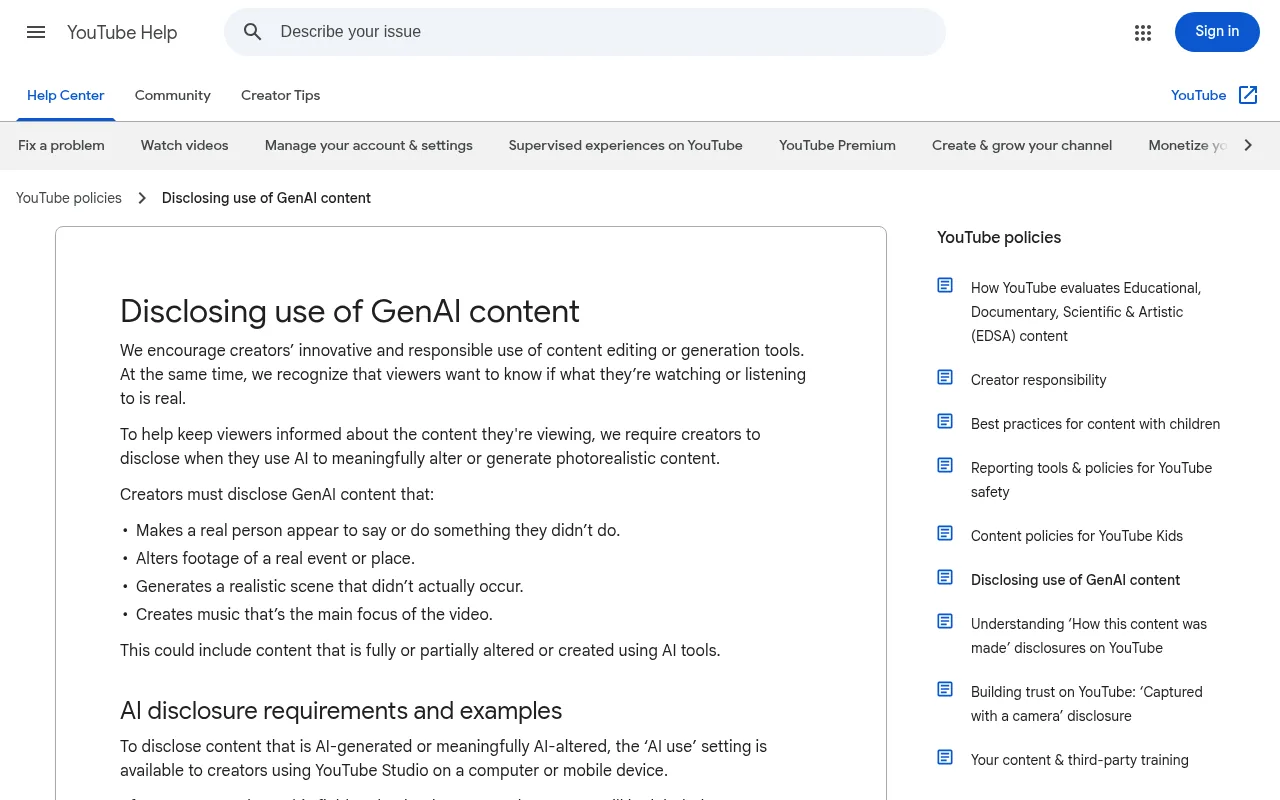
Tick the disclosure box when you upload any of these:
- synthetic voices that mimic real human speech
- AI visuals that show realistic events or places
- deepfakes of real people or altered historical footage
- AI scripts that present synthetic information as fact
Where the label shows depends on the video: below the player on long-form, as an overlay on Shorts, and in the expanded description for animated or stylized content.
Breaking the rules triggers a three-strike penalty:
- First violation: a formal warning and a required policy review.
- Second violation: a 90-day monetization suspension that switches off ad revenue and fan funding.
- Third violation: removal from the YouTube Partner Program.
YouTube also restricts monetization for AI-generated medical, legal or financial advice that no person has checked.
Before you publish any faceless video, check three things:
- Synthetic voices and realistic AI visuals are disclosed.
- The script is your own, not copied from an existing article.
- You added something of your own, like editing, graphics, original music or sound design.
Step 6: Publish on a Steady Schedule
Consistency is what builds a channel. Here's a 90-day plan with milestones.
Days 1 to 7: Foundation
- Pick your niche with the table in step 1.
- Set up the name, logo, banner, About section and upload defaults.
- Do your keyword research and shortlist a handful of low-competition search terms.
- Make and upload your first 3 videos, so early viewers have more than one thing to watch.
Days 8 to 30: Consistency
- Publish until you have at least 20 videos live.
- Make 2 or 3 thumbnail options for each video and test them.
- Note the click-through rate (CTR) and average view duration of every upload.
- Cut a few 30 to 60 second Shorts from the best moments of your long videos.
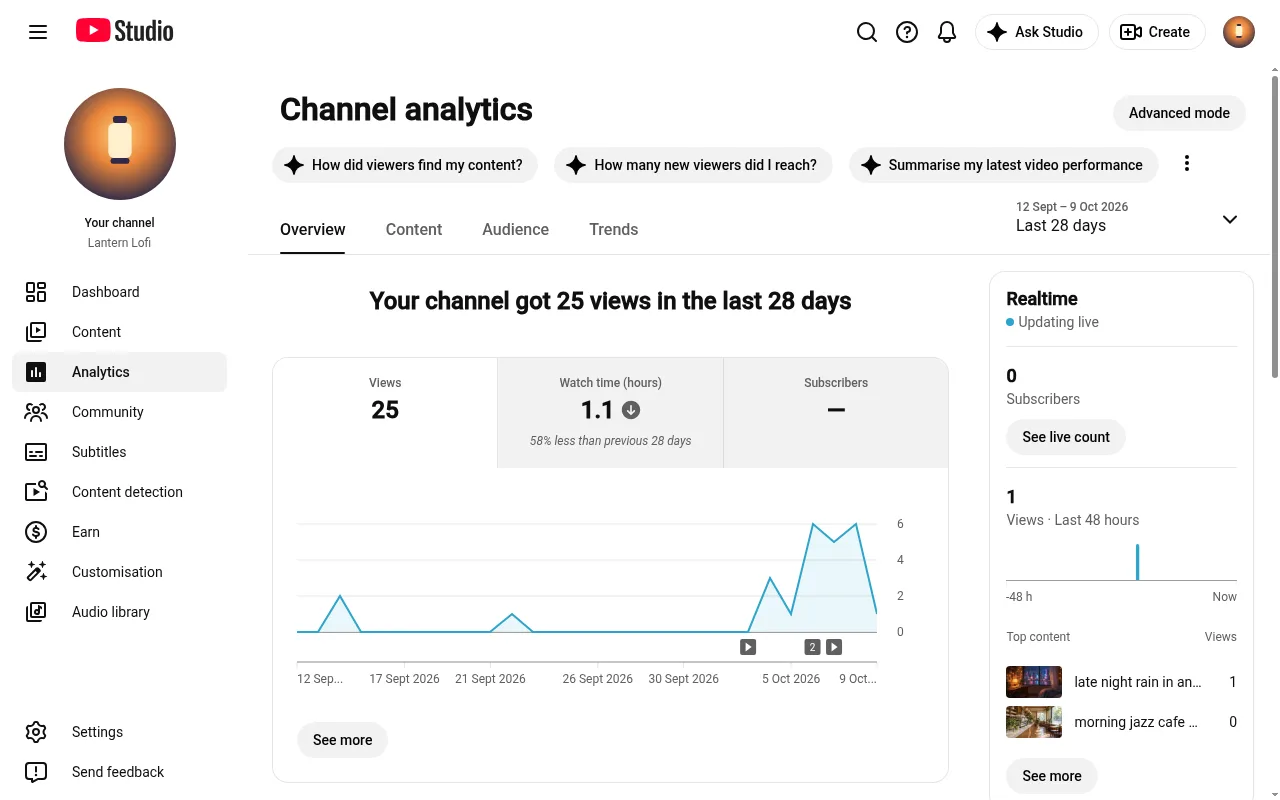
Days 31 to 60: Learn From the Data
- Retest thumbnails on videos with a low CTR.
- Find your 3 best performers and make more on those sub-topics.
- Use the audience retention chart in YouTube Studio to see exactly where viewers drop off, and fix that in the next video.
Days 61 to 90: Monetization and Scale
- Work toward the Tier 1 thresholds in step 7.
- Add your first affiliate links to descriptions and shortlist sponsors in your niche.
- Automate the repeat work, like captions, thumbnails from a template and scheduled uploads, so you keep publishing on schedule without burning out.
A checklist to bookmark:
- Niche picked and checked against the RPM table
- Name, logo, banner and About section done
- Upload defaults set to Public
- At least 20 videos published
- Thumbnail tests running on every upload
- AdSense linked and tax info submitted
Step 7: Get Monetized Through the Partner Program
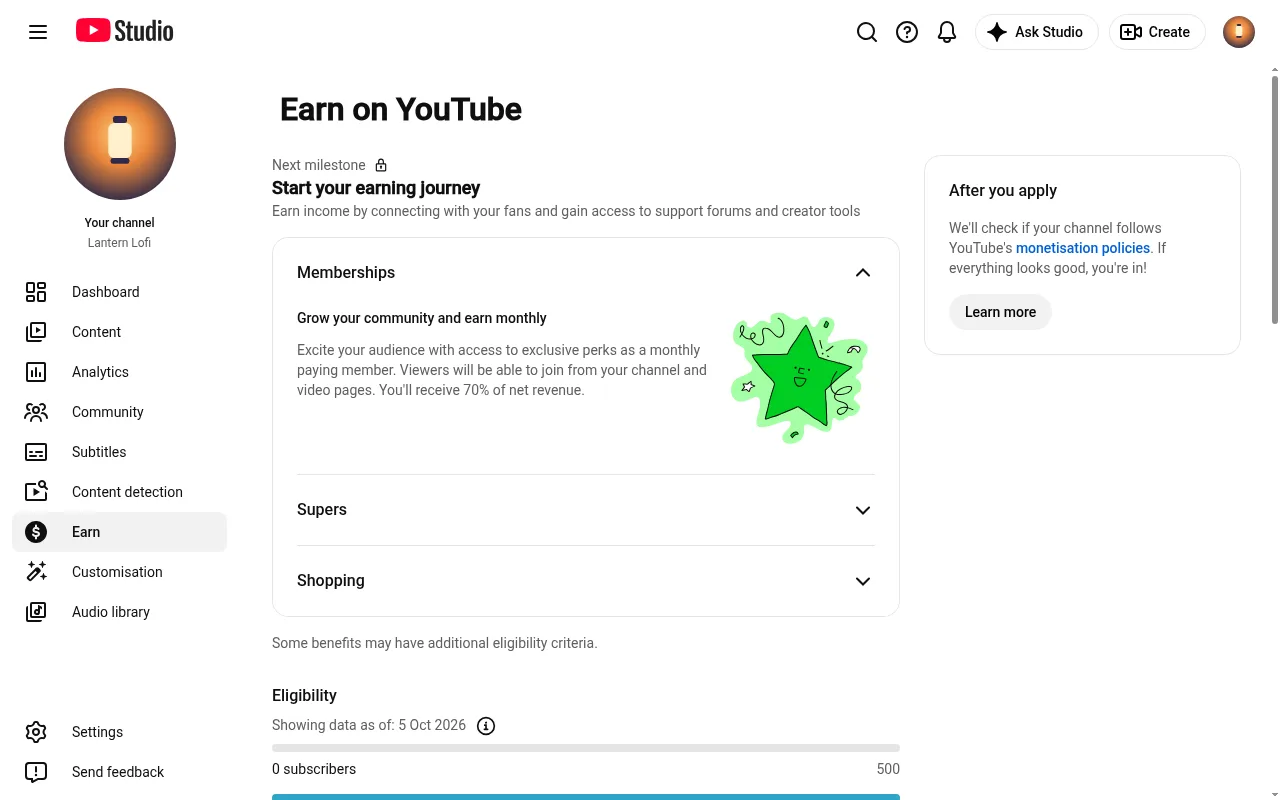
To earn from YouTube itself, you join the YouTube Partner Program (YPP). It has two tiers, so you can start earning before you reach full scale.
| Tier 1: fan funding and shopping | Tier 2: full ad revenue | |
|---|---|---|
| Subscribers | 500 | 1,000 |
| Uploads | 3 public uploads in the last 90 days | |
| Watch time | 3,000 public watch hours in 12 months | 4,000 public watch hours in 12 months |
| Or Shorts views | 3 million in 90 days | 10 million in 90 days |
| What it switches on | Super Chat, Super Thanks, Channel Memberships | Ad revenue and a share of watch-page revenue |
On top of the numbers, you need to live in a country where the Partner Program is available, have no active Community Guidelines strikes, link an AdSense account and turn on 2-step verification.
For most faceless channels, watch hours are the number to focus on. Watch hours are views multiplied by how long people stay, not how many videos you upload:
- 4,000 hours is roughly 24,000 views at 10 minutes watched each.
- It's about 4,000 views at a full hour each.
That's why long ambient and sleep videos reach the threshold on far fewer views than short clips, and why retention matters more than upload count.
How Faceless Channels Make Money
The best faceless channels earn from several places at once, so no single change to ad rates can stop the income. A realistic range for well-run channels is $500 to $10,000 a month. At the top end, Lofi Girl's estimated monthly earnings run between $4,900 and $78,000.
These are the main income streams:
- Ad revenue: your share of the ads on your videos, and usually 30% to 50% of an established faceless creator's income. Videos over 8 minutes can carry mid-roll ads.
- Affiliate marketing: links in your descriptions can bring in $100 to $1,000 a month at a modest scale, with commissions from 5% to 50%. It's the easiest stream to start on day one.
- Sponsorships: brands pay $500 to $5,000 per deal once a channel passes 10,000 to 50,000 subscribers. They care about who your audience is, not whether you show your face.
- Channel memberships: priced between $0.99 and $49.99 a month, they give you steady recurring income. YouTube keeps 30% and you keep 70%.
- Super Chat and Super Thanks: viewers tip you on uploads and live streams once you reach Tier 1.
- Digital products: templates, planners, guides or courses can earn $200 to $10,000 or more a month, and you keep nearly all of it.
- Licensing: visual loops, original audio and animations can be licensed to media outlets and documentary makers.
- Selling the channel: a faceless channel doesn't depend on one person's face, so ownership passes cleanly to a buyer. Prices are a multiple of monthly profit, so a durable niche, several income streams and steady watch time all raise the price.
Music channels add up differently: every complete play of a one-hour video counts a full hour of watch time, and Chillframe makes and posts each new hour-long video for you, from $19 a month, so your costs stay flat as the library grows.
A good rule is to keep ad revenue at no more than half your income within 12 months, with the rest from affiliates, products and memberships. To estimate what your own views would earn, try the YouTube money calculator.
A Realistic Timeline
A faceless channel grows by building on itself, and consistency is what drives it. This is how the first year usually goes:
- Months 0 to 3: build a library of 30 to 50 videos and learn what titles and thumbnails work. This is the library that earns later.
- Months 3 to 6: a steady schedule takes you toward 1,000 subscribers and 4,000 watch hours, and your first AdSense payment.
- Months 6 to 12: add affiliate links and sponsorships alongside ad revenue.
- After a year: put more into your best formats and add more income streams.
The YouTube algorithm generally starts rewarding a consistent upload schedule somewhere between months 7 and 10. Many new creators stop between months 4 and 6, right before that point. A schedule that publishes automatically carries the channel through it. One more habit helps: in the first 90 days, don't check your analytics every day. YouTube is still working out who your audience is, and a weekly look tells you more.
Mistakes to Avoid
Each of these has a clear fix:
- Reused content. Unedited text-to-speech over a generic stock slideshow gets flagged as inauthentic. Add something of your own every time: an original script, original music or real editing.
- A niche you know nothing about. Chasing finance RPMs without knowing the topic leads to dull scripts and low retention. Pick a niche where you can give viewers something real.
- Skipping AI disclosure. Not disclosing realistic AI or synthetic voices can mean a 90-day monetization suspension.
- Scaling too early. Hiring writers and editors before your first 20 videos means paying before you know what your audience wants. The same goes for a second channel: get the first one publishing steadily and earning before you start another. Start lean.
- Unchecked music and footage. Stock clips or third-party music you haven't checked can lead to Content ID claims that send your ad revenue to the copyright holder. Use original music or check every license.
- Burnout. Keeping a weekly schedule by hand is the biggest reason channels stall. Put production on a schedule that publishes for you.
Start a Lofi or Ambient Faceless Channel With Chillframe
Lofi, sleep and ambient channels are one of the fastest-growing faceless niches. They need no script, no voice and no camera, and people play them for hours, which is exactly what builds watch time. Chillframe automatically makes and publishes the videos for that kind of channel, from the music to the upload.
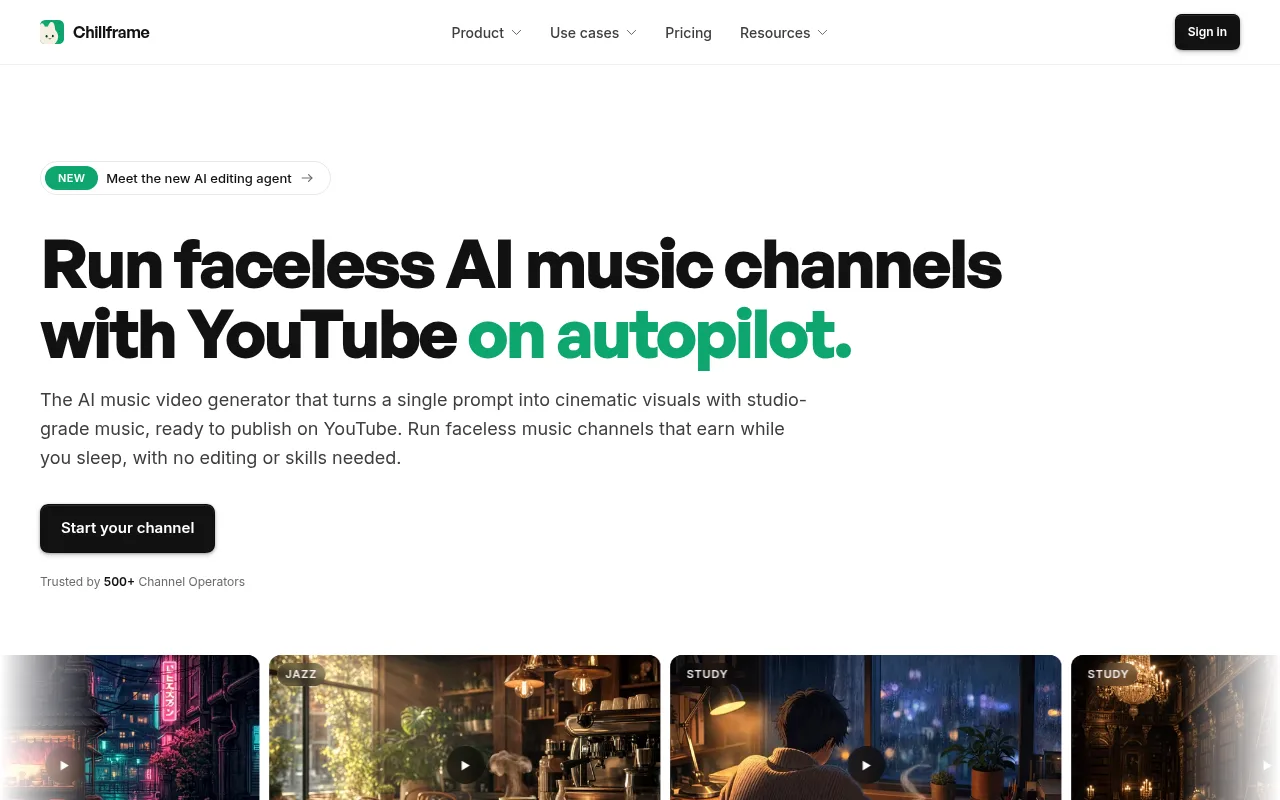
What Chillframe makes for each video:
- Music: original lofi tracks made for your channel. When a video has more than one, they crossfade into one continuous soundtrack.
- Ambience: choose Ambience only for rain, fire or coffee shop sound with no music.
- The look: pick a preset like Rainy Tokyo, Anime Rainy Bedroom or Synthwave Night Drive, or describe your own scene in plain words.
- Visuals: Lite gives you a still scene made in 4K, and Plus gives you a moving one on Creator, Pro and Max.
- The finished video: up to 1 hour long, ready to publish, with no editing to do.
A Series keeps the channel publishing. It automatically makes fresh videos on a cadence of 1 to 7 a week, on the days and times you choose:
- Connect your YouTube channel.
- Pick a look and choose music or Ambience only.
- Set your Series cadence, like a new hour every weekday evening.
- Approve the first video. From then on it's fully hands-off: each episode publishes straight to your channel on schedule, with a title and description written for it and a thumbnail taken from the video.
One limit to know: a single video is at most 1 hour long, on every plan. For a 3-hour sleep stream, publish a series of 1-hour videos instead. Chillframe is also built for music and ambient channels, so it's not the tool for a narrated explainer channel.
Starter runs 1 Series, Creator runs 3, and Pro and Max run as many as you like. Each plan comes with a monthly pool of usage: Creator has 5x Starter's usage, Pro 11x and Max 25x. Chillframe starts from $19 a month.
Frequently Asked Questions
Is a faceless YouTube channel worth it in 2026?
Yes. Faceless channels make up 38% of new creator monetization ventures in 2026, up from 12% in 2022, and AI tools have brought the cost of a video down to under $3. Treat it as a real business, pick a niche advertisers pay for, publish on a steady schedule and follow YouTube's AI disclosure rules, and it's one of the best ways to build an online income without a camera.
How do you start a faceless YouTube channel?
Pick a niche by what it pays and how much search demand it has, choose one format you can repeat, set the channel up once (name, branding, About section, upload defaults and AdSense), build a production stack or use a tool that makes the videos for you, and publish on a steady schedule. Then work toward the YouTube Partner Program thresholds and add income streams beyond ads.
How long does it take to monetize a faceless channel?
It depends on your niche, how often you upload and how long people watch. The thresholds are fixed. Tier 1 needs 500 subscribers, 3 public uploads in the last 90 days and 3,000 watch hours over 12 months (or 3 million Shorts views in 90 days). Tier 2 needs 1,000 subscribers and 4,000 watch hours (or 10 million Shorts views in 90 days) for full ad revenue. Long formats get there on far fewer views, because every complete play of a one-hour video adds a full hour of watch time.
Can a faceless channel use an AI voice only?
Yes, as long as the voice is natural and you add your own work, like an original script and real editing. Disclose synthetic voices when you upload. Robotic, monotone voices hurt retention and can be flagged under YouTube's inauthentic content rules.
Can you automate a faceless YouTube channel?
Yes. Tools can draft the script outline, voice it, cut it, caption it and schedule the upload, and for music and ambient channels Chillframe makes and publishes the whole video on a schedule. What you keep is the part that makes the channel yours, like the niche, the angle and the look.
Is faceless YouTube automation still allowed after YouTube's 2025 policy change?
Yes. In July 2025 YouTube renamed its repetitious content policy to inauthentic content, to make clear it covers mass-produced, repetitive uploads, like the same script template reused across channels or AI re-uploads with nothing added. Channels with an original angle, real editing and their own visual style can still be monetized.
How much does it cost to start a faceless YouTube channel?
You can start with free editing software like CapCut and free stock footage. An AI production stack can bring the cost under $3 a video. Chillframe makes and publishes the whole video for you, from $19 a month.
Do faceless YouTube channels actually make money?
Yes. Once a faceless channel joins the YouTube Partner Program it earns from ads, and many add affiliate links, sponsorships, memberships and digital products on top. What drives earnings is watch time and the niche, not whether you appear on camera.
What's the easiest way to start a faceless YouTube channel with AI?
Start a music or ambient channel. With Chillframe you pick a look or describe a scene, and it makes the music and visuals, puts the video together and posts it to YouTube on the days you choose. Approve the first video and from then on it's fully hands-off. Plans start at $19 a month.