Comparison
Why Chillframe is the Ultimate Loopa Alternative for Faceless Lofi Channels
Stop juggling multiple design tools, AI music generators, and video editors just to post a single lofi loop.
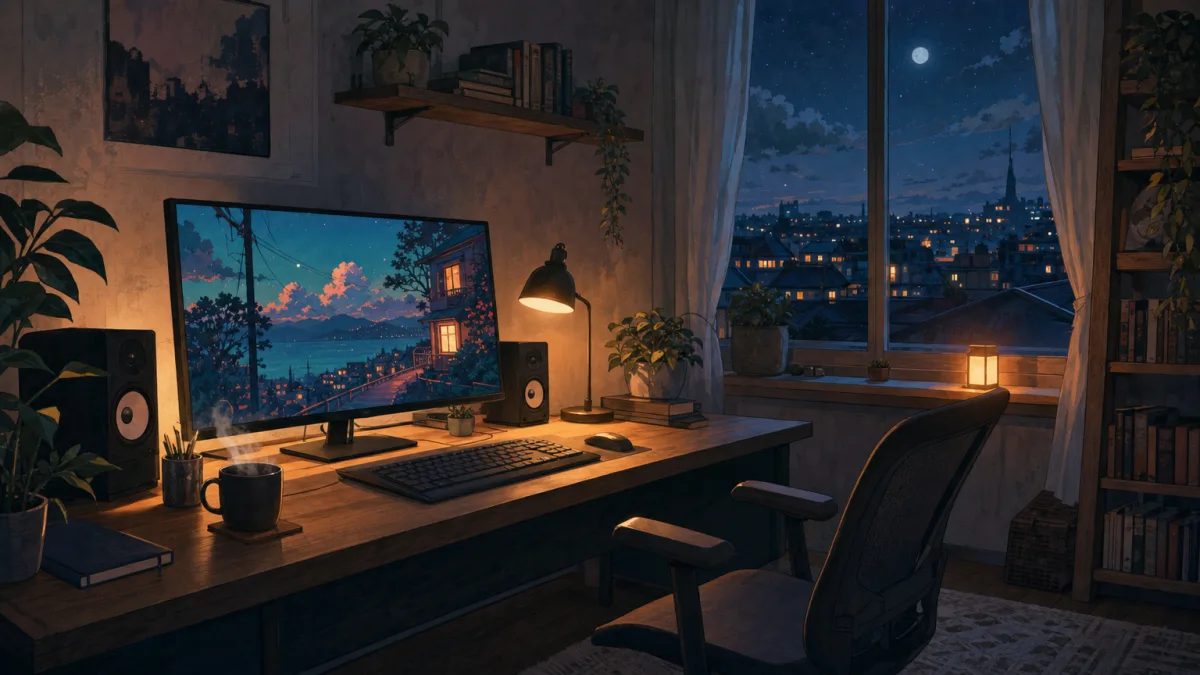
Faceless YouTube channels are a big and growing source of income for creators who want to build something without showing their face. Channels like Lofi Girl pull in a lot of traffic, with some earning an estimated $13.5K per month from ad revenue alone.
Making these videos by hand takes hours of editing, though. If you've been looking for a faster workflow, you've probably come across Loopa Studio. Loopa is excellent at making looping animations, but creators who want one system for everything often need a dedicated loopa alternative that handles the whole production pipeline.
That's where Chillframe comes in. You don't piece together visuals, audio tracks and scheduling tools. Chillframe makes both the lofi music and the matching visuals, puts them together into a finished video, and publishes it straight to your YouTube channel.
What is Loopa Studio?
Loopa Studio is a browser-based AI video generator. It turns a single source image into a short clip that loops cleanly, around 6 seconds per generation, which you then repeat to whatever length you need. Built on modern video models, it lets creators turn still artwork, product shots or concept designs into high-quality cinemagraphs.
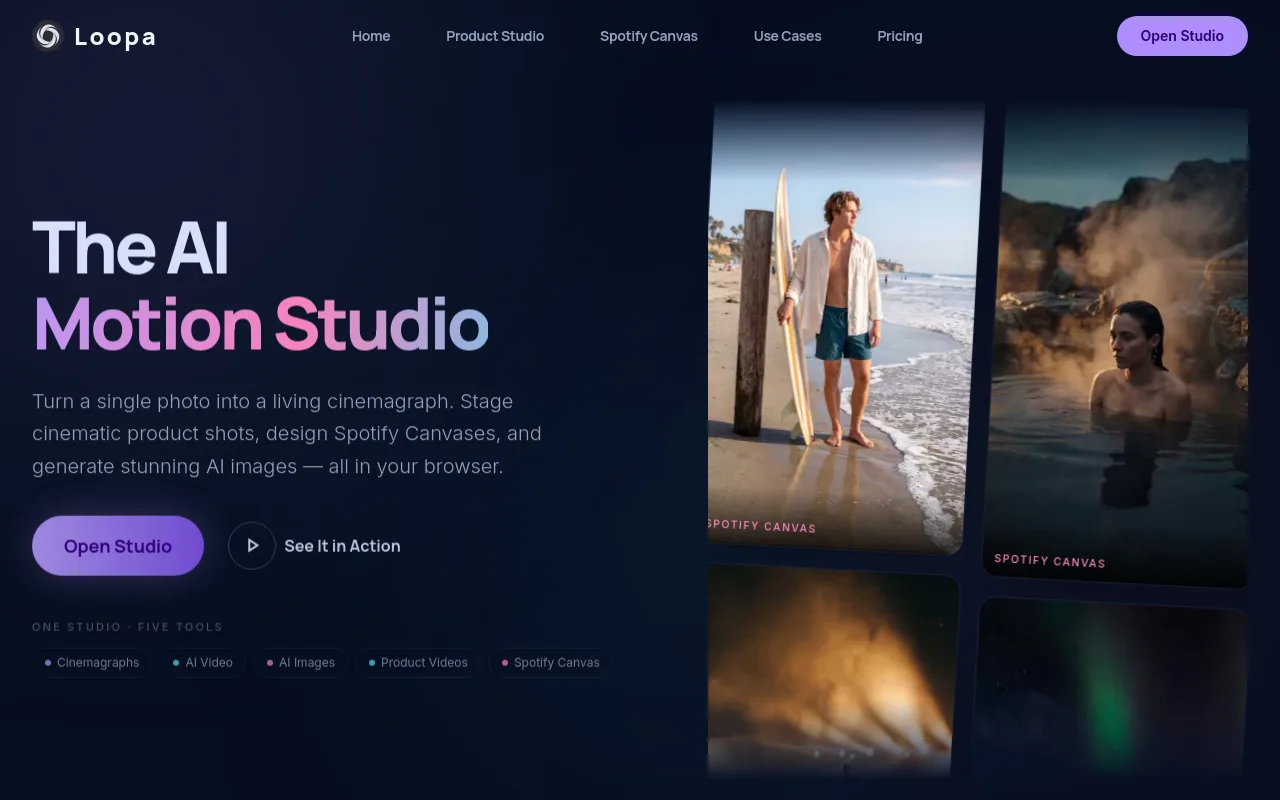
For creators focused purely on how a channel looks, Loopa is very capable. If you already have a library of audio tracks and need a good-looking moving background, it's a strong choice. The key facts:
- Output: a continuous landscape 16:9 loop in 1080p or 4K resolution.
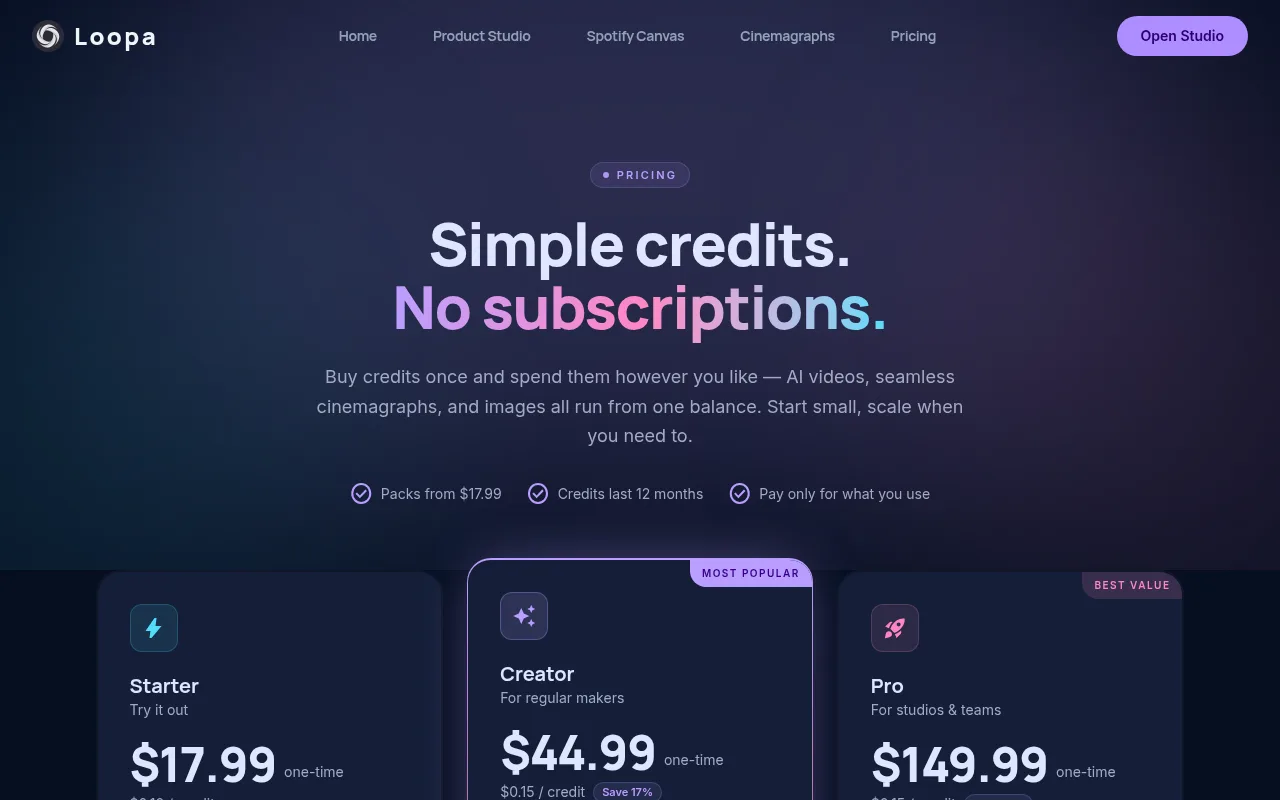
- Pricing: one-time credit packs, from $17.99 for 100 credits to $149.99 for 1,000 credits.
- Cost per clip: a short 1080p clip of about 6 seconds costs around 10 credits, and a starting AI image costs 3 credits.
Loopa doesn't make a complete video, though. It has no audio generation, so to build a full video you have to combine it with other software.
The Multi-Tool Stack Loopa Recommends
Because Loopa only handles the visual loop, its own guide to starting a cozy YouTube channel sets out a five-step production recipe. In that pipeline, you are the one joining several platforms together by hand.

The five steps:
- Pick your channel vibe.
- Make the looping visual in Loopa Studio.
- Because Loopa has no audio, go to a third-party tool like Suno to make your soundtrack.
- Bring the visual loop and the audio files into a video editor or a livestream encoder like OBS or Streamlabs to put the final stream together.
- Upload the video to YouTube by hand, write the metadata and publish.
This two-tool and manual assembly pipeline works, but it takes a lot of labour. If you want to post daily or run several channels, the hours spent matching audio to video, rendering large files and uploading them by hand become the bottleneck.
What Chillframe Does Differently
Chillframe is built for creators who want to launch and grow a faceless lofi channel without juggling a multi-tool stack. You don't learn video editing software, sort out outside music licences or handle uploads yourself. Chillframe does the whole creation cycle from a single prompt:
- You write a brief.
- Chillframe makes the original lofi music and a matching aesthetic visual.
- It puts the two together into a finished, high-quality video.
- It publishes the video straight to your YouTube channel on the schedule you set.

With a Series, approve the first video and from then on it's fully hands-off. You don't download huge video files, worry about sync problems or log into YouTube every day to upload. Chillframe puts each video together and publishes it, so you can spend your time on channel strategy while your watch-time builds. It's the step from editing by hand to running a channel as a proper system.
Side-by-Side Comparison
Here's how the tools compare on the features that matter for your workflow.
| Tool | Visual Capability | Audio Capability | Publishing Workflow | Primary Source |
|---|---|---|---|---|
| Loopa Studio | Generates 1080p/4K loops from images | None | Manual assembly and upload | Loopa Studio |
| Suno | None | Generates complete music tracks | Manual download and upload | Suno |
| Chillframe | Generates matching aesthetic visuals | Generates original lofi music | Automated publishing on a schedule | Chillframe |
The Verdict
If you only need a single looping GIF or a short visual background for a track you already have, Loopa Studio is a powerful option. If you want to build and grow a YouTube channel with steady uploads, Chillframe is the better choice, because it takes away the outside video editor and the manual publishing steps.
Cost and Time Walk-Through: Your First Month
Here's what your first month of launching a lofi channel looks like on each of the two paths.
The Loopa and Suno Route
- Buy a Loopa credit pack. The Starter pack costs $17.99 for 100 credits. A 6-second cinemagraph loop costs about 10 credits, so that's around 10 looping scenes, assuming nothing fails (failed generations are refunded automatically).
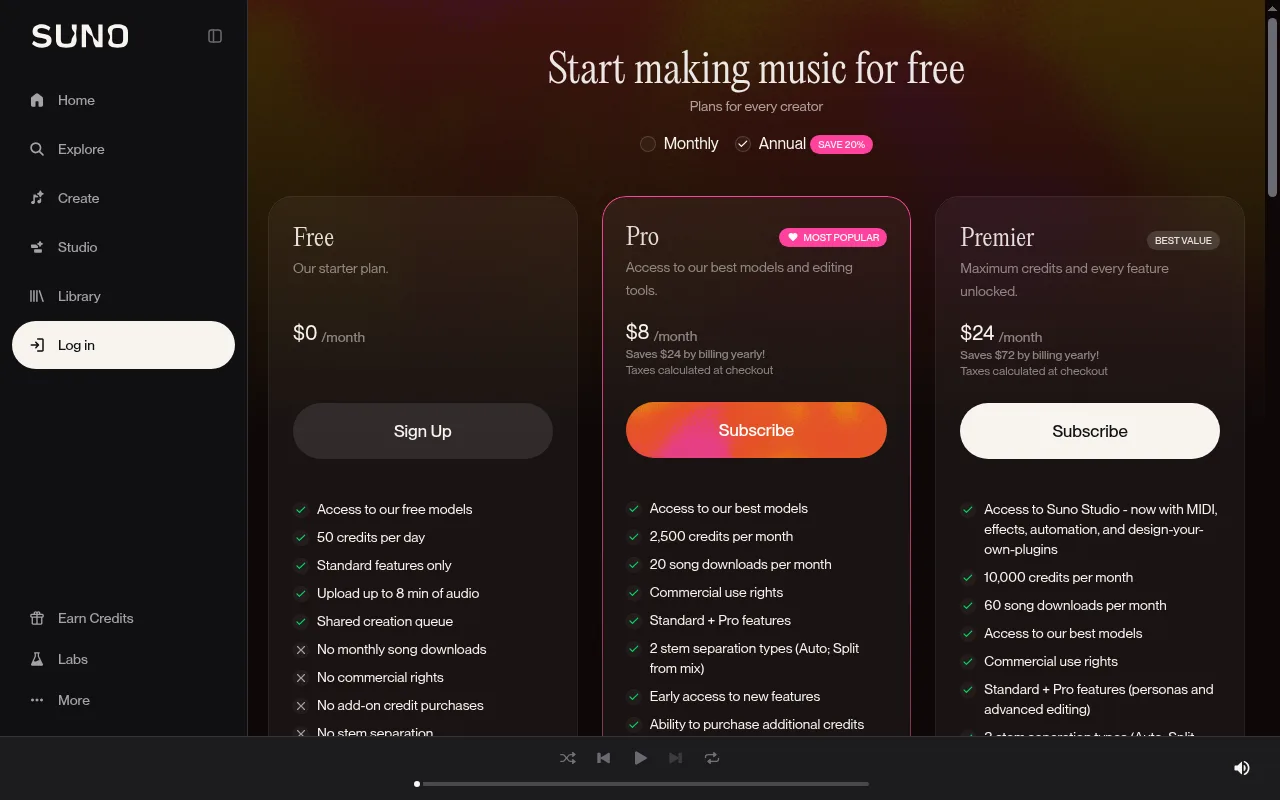
- Subscribe to Suno. You need music too, so you pay for a Suno subscription to make your background tracks.
- Edit by hand. Stretch the 6-second Loopa clip to match a 1-hour or 2-hour audio file in a video editor.
- Render the huge finished video file on your own local computer.
- Upload it to YouTube yourself, then write the metadata.
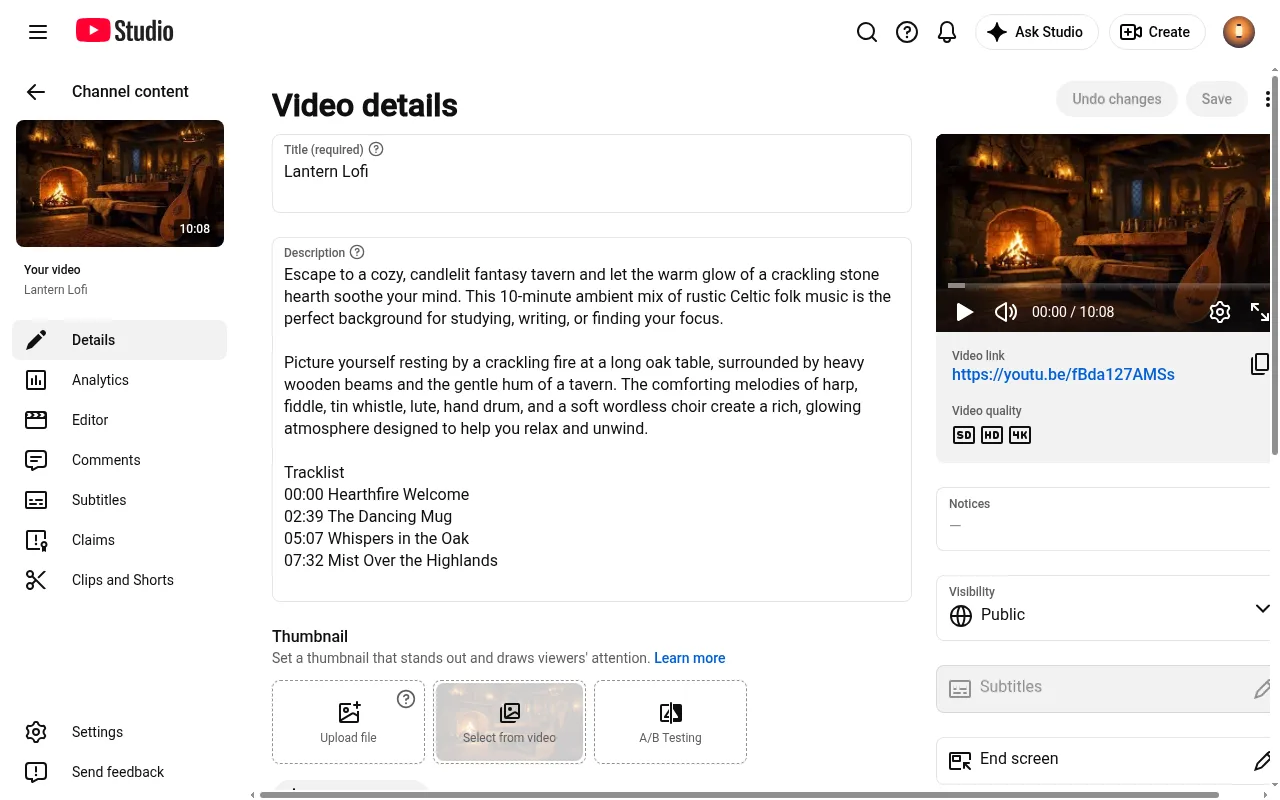
If you want to publish 15 videos in your first month, the subscriptions and the hours of manual work add up quickly.
The Chillframe Route
With Chillframe, the whole pipeline sits on one subscription:
- Starter: $19 a month
- Creator: $49 a month
- Pro: $99 a month
- Max: $199 a month
Each one covers the music, the visuals and the publishing together. You don't buy separate visual credits, pay for an outside music subscription or fill your disk rendering huge video files. You write your prompt, and Chillframe makes the music and the visual, puts the video together and schedules it to post. Your own time per video comes down to writing the brief, which makes a steady posting schedule easy to keep.
Which Should You Pick?
Choosing between the two comes down to your creative goals and how much time you want to spend editing.
Pick Loopa Studio and Suno if:
- You want full, detailed control over the editing and enjoy putting streams together by hand in OBS.
- You only need short, high-resolution cinemagraphs for Spotify Canvas or social media teasers, not full-length YouTube videos.
- You already have a library of audio tracks and only need a visual loop generator.
Pick Chillframe if:
- You want a faceless lofi channel that runs itself.
- You'd rather skip the hassle of downloading, editing, rendering and uploading huge video files by hand.
- You want one system where one brief makes both the music and the visuals, so your workflow stays simple and efficient. If you're still looking at your options, compare the leading free AI music video generators and read our guide to picking background music for YouTube to see how different tools fit your workflow.
Frequently Asked Questions
Can I use Loopa Studio to make a full YouTube video? No, Loopa Studio only generates short looping visual clips, typically up to 6 seconds long. To make a full YouTube video, you must use a video editor to loop the visual and pair it with an audio track generated from another tool.
Does Chillframe require me to upload videos manually? No, Chillframe connects directly to your YouTube channel. Once the platform generates and assembles your lofi music and visuals, it publishes the completed video directly to your channel according to the schedule you set.
Where do I get the music if I use Loopa? Loopa does not generate audio. Its documentation recommends using third-party AI music tools like Suno to generate your soundtrack, which you must then manually combine with your Loopa video files.
Is Chillframe a good Loopa alternative for automated channels? Yes, Chillframe is a highly efficient alternative for creators focused on YouTube automation. While Loopa requires a multi-tool stack and manual assembly, Chillframe automates the entire process from music and visual generation to final publishing.
A faceless YouTube channel does well on consistency and good content. Loopa Studio is an impressive tool for short, good-looking visual loops, but running a lofi channel on it means managing a stack of outside editors and music generators. Chillframe takes the manual editing out entirely. It makes the music and the matching visuals and publishes on your schedule, so your channel grows and your watch-time builds while you focus on the bigger picture.