Guides
How to Evaluate the Best AI Video Creation Tools in 2026
Stop editing manually and see how automated platforms can run your entire video production workflow, from music to publishing.

Choosing the right ai video creation tools is no longer about finding a clever filter or a basic transcription helper. In 2026, the landscape has fractured into highly specialized categories, each built for entirely different creative workflows. Whether you want to generate abstract cinematic clips from raw prompts or build a faceless YouTube channel that runs on autopilot, the tool you choose determines your daily workload. Understanding this split is the key to scaling your digital footprint without burying yourself in manual editing timelines.
What "AI video creation tools" actually means in 2026
The term is frequently used as a catch-all, but it actually covers four distinct functional categories. Mixing up these categories leads to wasted budgets and mismatched expectations.
First, text-to-video generators like OpenAI Sora and Runway Gen-3 focus on producing short, highly detailed generative video clips from text prompts. These tools are incredible for visual effects and cinematic b-roll, but they do not assemble finished, long-form content.
Second, avatar and talking-head systems such as Synthesia generate digital human presenters. These are primarily used for corporate training videos, product walk-throughs, and slide-based presentations.
Third, AI-assisted video editors like Descript and VEED help creators speed up traditional editing. They cut out silences, add auto-captions, and resize clips for social feeds without a manual timeline.
Fourth, end-to-end automation platforms like Chillframe focus on creating entire, publish-ready videos for specific niches. Instead of handing you a timeline and forcing you to edit, these systems generate the music, loop the visuals, build the metadata, and publish the finished product directly to your channel.
This division is critical as adoption scales. Over 124 million monthly active users now use AI video platforms, proving that these systems are now standard creator infrastructure. If your goal is to build a channel that runs itself, you need an end-to-end automation platform, not just another manual editing tool. Pairing the right generator with a hands-off faceless YouTube automation workflow is the only way to scale production without living in an editing timeline.
The market at a glance: AI video by the numbers
The shift toward automated video production is backed by rapid market growth. According to ngram, the global AI video generator market size has reached $847M in 2026, with projections showing a climb to $3.35B by 2034 at an 18.8% compound annual growth rate (CAGR).
This trajectory is mirrored by Grand View Research, which valued the segment at $788.5M in 2025 and projects expansion to $3,441.6M by 2033 at a 20.3% CAGR. Text-to-video remains the dominant input modality, commanding a 46.3% share of the total market.
This massive surge in supply meets an equally intense demand from businesses and independent creators. Wyzowl data reveals that 91% of businesses use video as a marketing tool, matching an all-time high. This is highly logical given that 85% of people state they have been convinced to buy a product or service after watching a video.
Why creators are adopting AI video tools so quickly
Traditional video production is notoriously slow and expensive. A standard commercial video can cost anywhere from $1,000 to $50,000 per finished minute when factoring in cameras, lighting, sound design, and editor salaries. In contrast, AI-generated video averages between $2 to $30 per finished minute, representing a 97% to 99.9% cost reduction.
This economic reality has triggered massive adoption. Wistia data reported by GetViews shows that AI video adoption among marketers surged from 18% to 41% in a single year. The primary driver is speed: 62% of marketers using AI tools report cutting their total content creation time by more than half.
Independent creators are moving even faster. Currently, 65% of video creators have adopted AI tools to optimize their production workflows. For channel operators, these tools make it possible to maintain a daily upload schedule without hiring an entire production agency.
The best AI video creation tools by use case
To help you find the right fit, we have categorized the leading tools of 2026 based on their primary creative outputs and workflows.
1. Chillframe (Best for Automated YouTube Channels)
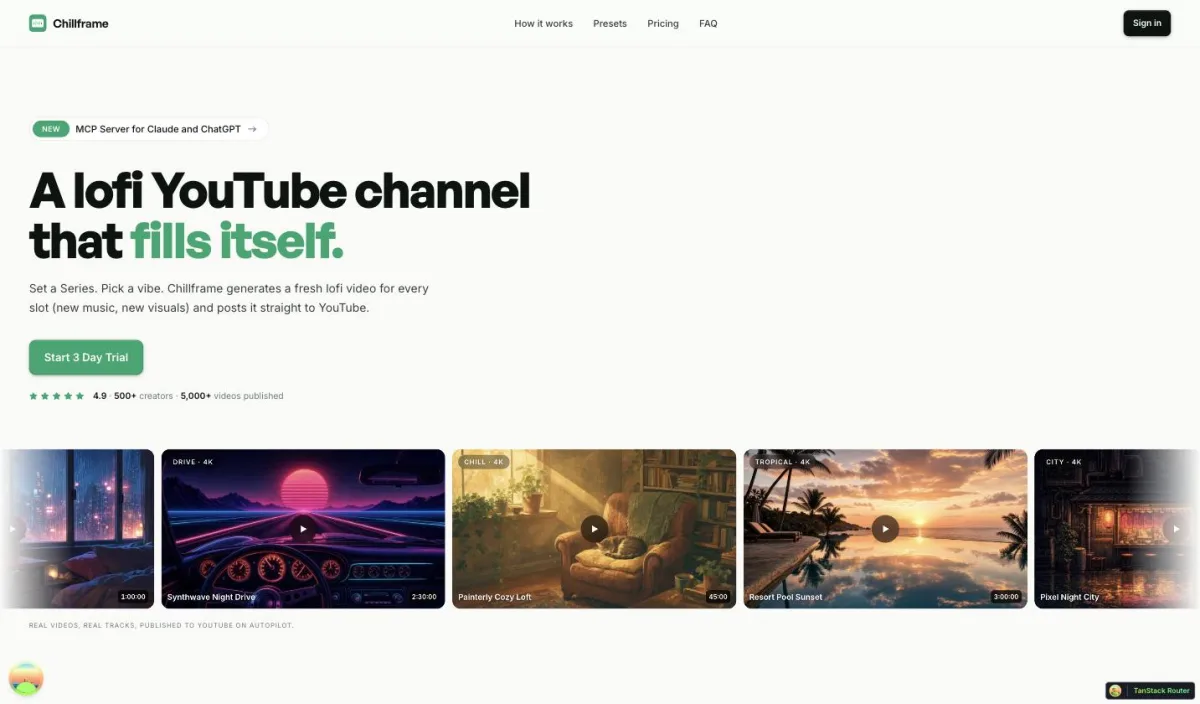
For creators who want a faceless channel that runs itself, Chillframe offers a complete hands-off publishing solution. Instead of giving you an empty editing timeline, Chillframe generates a finished, ready-to-publish video that loops cleanly to your chosen runtime. It is designed to build compounding watch-time with zero manual effort.
While general AI music generators give you raw audio files, Chillframe writes original, studio-quality lofi tracks made specifically for your channel. When a video contains multiple tracks, they blend into a single gapless, continuous soundtrack. This audio is paired with looping lofi visuals matched to your selected theme. You can choose from seven distinct themes:
- study-boombap (plays clean, no ambient layer)
- rainy-tokyo (includes a fixed, matched rain texture)
- jazzhop (includes a warm cafe hum texture)
- ambient-sleep (includes a soft crackling fire texture)
- synthwave (plays clean)
- future-garage (includes a fixed rain texture)
- citypop (plays clean)
Instead of spending hours reading a guide to making lofi music and editing videos manually, the platform handles the entire distribution flow. You connect your YouTube channel in a single click. A Series then keeps the channel fed by generating fresh videos on a scheduled cadence of 1 to 7 videos per week on the days and times you choose. Every episode publishes straight to your connected channel, complete with an optimized thumbnail and title generated automatically by the system. You can monitor performance and watch-time growth signals directly through the creator analytics dashboard.
Pricing is credit-based across four main subscription tiers, with monthly credits that reset each billing cycle:
- Starter (76 credits, 1 active Series)
- Creator (196 credits, 3 active Series)
- Pro (396 credits, unlimited Series)
- Max (796 credits, unlimited Series)
Every tier generates videos of up to 1 hour, so runtime is never the thing you upgrade for. Credits are what scale: they are spent per video by duration, track count, and visual tier, so your plan tracks how much you publish rather than how long each episode runs. Videos render at 1080p on all tiers, with 4K resolution available on the Ultra visual tier. If you want to test the workflow, you can start with a card-required-upfront 3-day trial with $0 due today, which provides 45 credits, Lite-only visuals, a 30-minute maximum runtime, one generated video, and 2 track re-rolls.
2. Runway Gen-3 (Best for Generative Cinematic Clips)
Runway Gen-3 is a powerful text-to-video tool designed for filmmakers and creative directors who need bespoke visual clips. It excels at translating complex descriptive prompts into highly detailed cinematic shots. If you are producing high-concept music videos or need specific b-roll sequences, Runway is one of the strongest generative options available. However, it does not generate audio or compile these clips into a finished, long-form video. You must still export the clips and import them into traditional editing software, or hand them to a dedicated AI music video generator that assembles the finished piece for you.
3. Synthesia (Best for Corporate Training and Presentations)
Synthesia is the industry standard for generating talking-head videos using realistic human avatars. You type a script, select an avatar, and the system generates a video of a presenter speaking your words in many languages. It is highly effective for corporate training, product onboarding, and educational presentations. While it saves thousands of dollars on actors and studio space, it is not built for entertainment or creative channel growth.
4. Descript (Best for Text-Based Video Editing)
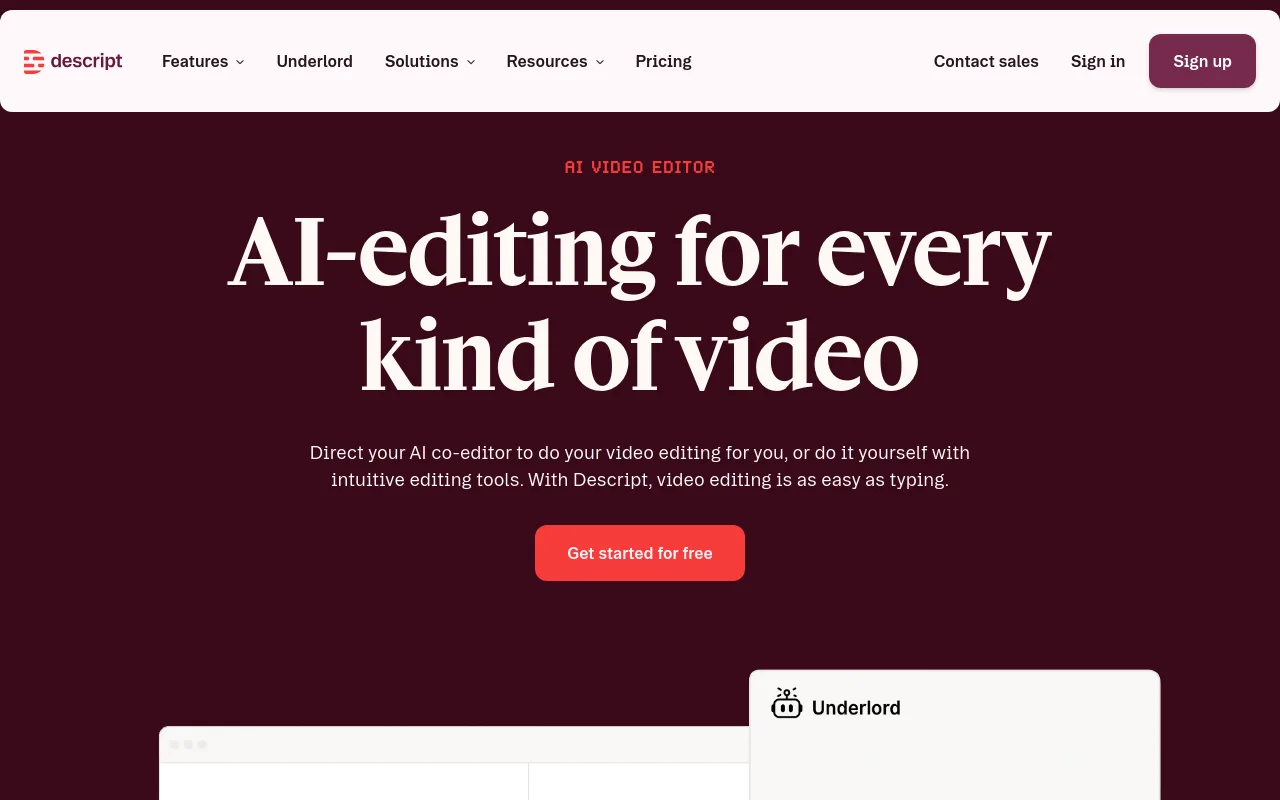
Descript changes how you edit existing video files. By transcribing your raw footage into text, Descript allows you to edit your video timeline simply by editing the text document. Deleting a word in the transcript instantly cuts that exact moment from the video file. It is an invaluable tool for podcasters, interviewers, and talk-show creators who need to clean up long-form speech quickly.
AI Video Tools Comparison Table
The table below compares these top platforms across key metrics for 2026.
| Tool | Primary Use Case | Output Format | Automation Level | Source |
|---|---|---|---|---|
| Chillframe | Automated YouTube Channels | Finished long-form lofi videos (up to 1 hour) | Fully automated publishing | Chillframe |
| Runway Gen-3 | Generative Cinematic Clips | Short raw generative clips | Manual prompt-by-prompt generation | Runway |
| Synthesia | Corporate Training and Avatars | Talking-head presentation clips | Script-to-video generation | Synthesia |
| Descript | Text-Based Video Editing | Edited timeline exports | Manual text-to-timeline editing | Descript |
Verdict
If you are a creator looking to build a passive, always-on audience, Chillframe is the clear winner because it handles the entire loop, from original music and visual loops to automated publishing on YouTube. If you are a filmmaker who needs custom, high-fidelity scene generation, Runway Gen-3 is the superior choice for raw clip generation. For standard narrative editing, Descript remains the best utility.
How to choose the right AI video tool
With so many options on the market, you must evaluate tools based on your specific creative goals rather than raw feature lists. If you are new to the space, our guide to starting a faceless YouTube channel walks through the core mechanics before you commit to a tool.
Check the Input Modality
Every tool starts with a specific input. Text-to-video engines require highly descriptive prompts to get clean results. Avatar tools require structured voice scripts. AI editors require you to upload raw, pre-recorded footage. Automated platforms like Chillframe require only a theme selection, making them the easiest to manage if you do not want to write scripts or record yourself.
Evaluate Distribution Hooks
Most general-purpose editors require you to manually export your finished video, download a massive multi-gigabyte file, and then manually upload it to YouTube or TikTok. If you are running an active channel, look for tools with deep distribution hooks. Chillframe connects directly to your channel, scheduling and publishing your videos automatically so you can maintain a consistent upload schedule without touching an upload button.
Compare Pricing Models
AI video pricing varies wildly. Some tools charge per user seat, others charge per video render, and many use a credit-based system. The industry benchmark for finished AI video is $2 to $30 per finished minute. Ensure the tool you choose aligns with your required video lengths. If you need hour-long ambient videos, a tool that charges you per 10-second render will quickly become cost-prohibitive.
Confirm Output Quality and Niche Tolerance
Different audiences have different standards for visual artifacts. If you are producing corporate training videos, your audience will not tolerate a digital avatar whose mouth does not match the audio. However, if you are building an atmospheric channel, visualizer niches tolerate generative styling beautifully. Looping lofi visualizers look incredibly artistic even with minor generative motion, making them perfect candidates for full automation.
Frequently Asked Questions
What is the best AI video creation tool for beginners? For complete beginners who want to edit recorded footage, Descript or Canva are the easiest starting points. Descript allows you to edit video by editing a text transcript, which removes the learning curve of traditional timeline editors. If you want to build a faceless channel without recording any footage or learning to edit, Chillframe is the best option because it handles the music generation, visual looping, and publishing automatically.
Are AI-generated videos good enough for YouTube? Yes, especially in highly popular visualizer, ambient, and lofi music niches. Millions of users listen to study music and background audio tracks daily. Because these viewers use the video as secondary background focus, they prefer consistent, atmospheric visual loops over complex cinematic edits. Automated tools like Chillframe generate original, studio-quality tracks and matching visual loops that are perfect for building compounding watch-time in these massive niches.
How much do AI video tools cost? Free tiers are available on platforms like Canva and VEED for basic editing. Paid plans for general editors and avatar makers vary widely with the feature set and export volume you need. End-to-end automation platforms like Chillframe use credit models across tiers like Starter, Creator, Pro, and Max, scaling with your production volume. On average, producing video with AI costs between $2 and $30 per finished minute, compared to thousands for traditional production.
Can AI video tools auto-publish to YouTube? Most general-purpose editors require you to manually export, download, and upload your files. However, workflow-specialized tools like Chillframe feature deep YouTube integration. Chillframe connects to your channel in a single click, allowing you to set a recurring Series schedule that automatically generates, titles, schedules, and publishes your episodes directly to YouTube without any manual intervention.
Choosing the right automated content tool comes down to matching it to the life you want. By picking a system that runs the entire production and publishing workflow for you, you can step away from the editing bay and let your channel build its audience on autopilot.