List
Best Suno Alternative Options: 2026 AI Music Generators Compared
A guide to the best AI music generators for creators who need commercial licensing, vocal control, or DAW integration.

More and more content creators are looking for a reliable suno alternative as they build automated video channels that last. Whether you want apps like Suno with friendlier licensing or something genuinely better than Suno for your workflow, the answer depends on what matters most to you:
- vocals
- ownership
- integration
- automation
Suno is still a huge force in generative audio. Growing a faceless YouTube channel, though, needs certainty on licensing, audio quality and how the tool fits your workflow. And the space is growing fast: the global generative AI in music market is projected to grow from 569.7 million dollars in 2024 to 2,794.7 million dollars by 2030, a 30.4% CAGR, according to Grand View Research.
If you're building an automated background music channel, Chillframe does the whole job. Instead of downloading tracks from an outside suno alternative, you let Chillframe make the music and visuals, put the video together and publish it to your YouTube channel on the schedule you set. You get a lofi channel that runs itself, with watch-time that compounds.
Why people look for a Suno alternative in 2026
Suno has reached a huge scale: 2 million paid subscribers, about 300 million dollars in annual recurring revenue (ARR) and a 5.4 billion dollar valuation in mid-2026, per Forbes. Even so, three problems push professional creators to look elsewhere.

1. Commercial rights are locked behind paid plans. According to the Suno Pricing Page, commercial rights need a paid Pro subscription at 8 dollars a month or Premier at 24 dollars a month (billed annually). The free tier gives you 50 credits a day for 2 songs at once and excludes commercial use completely. Publish a lofi track from the free tier on a monetised channel and you break the terms of service.
2. The legal picture is still unsettled. Per Chartlex, Sony Music had not settled with Suno or Udio as of July 2026, so its copyright case is still active. Universal Music Group (UMG) and Warner Music Group settled with Udio in late 2025, but Sony's open case is still a real legal risk for creators who monetise these tracks on YouTube, Spotify or Apple Music.
3. Power users hit technical limits. Suno lacks fine-grained mixing controls, has slow rendering queues at peak times and gives uneven vocal realism in its v5.x models. Meanwhile, competitors now offer label-licensed training data, 6-minute tracks and open-weights models you can run on your own GPUs.
How we picked the best Suno alternatives
To find the top contenders, we compared published reviews and creator reports of same-prompt tests across four genres: pop, EDM, ambient and orchestral. We looked at how each generator handled prompts that set the instruments, tempo (BPM) and mood.
We judged them on five criteria:
- Audio Fidelity: how clear the final render is, the stereo image, and whether there are metallic artefacts in the high frequencies.
- Control and Editing: whether you get inpainting, track extension, stem separation and MIDI export.
- Licensing Clarity: plain terms of service on ownership, commercial monetisation and platform-specific safe lists.
- Pricing and Credits: the real cost per rendered minute of audio, and whether the free tier is usable.
- Workflow Integration: support for digital audio workstation (DAW) plug-ins, API access and batch exporting.
We checked all licensing terms against each vendor's official Terms of Service (ToS) and help pages, not their promotional landing pages.
Quick comparison: Suno alternatives at a glance (2026)
This table sums up the specs, pricing and licensing terms of the top eight alternatives to Suno.
| Tool | Starting Price | Free Tier | Max Track Length | Commercial License | Standout Feature | Source |
|---|---|---|---|---|---|---|
| Udio | Paused during relaunch | Free tier active | Not published | Paid plans only | Label-licensed training data | Chartlex |
| Stable Audio 2 | Not published | Non-commercial only | 6 minutes | Yes (on paid plans) | 44.1 kHz stereo output | Stable Audio |
| AIVA | $15.00/mo | Not published | Not published | Yes (on paid plans) | MIDI and stem export | eesel AI |
| Mureka | $9.90/mo | 10 generations/day | Not published | Yes (on paid plans) | DAW plug-in integration | Mureka |
| Soundful | $4.99/track | Not published | Not published | Per-track license | Ethical training data | Tad AI |
| Loudly | $9.99/mo | Not published | Not published | Yes (100% royalties) | Direct-to-DSP distribution | Tunesona |
| Boomy | $9.99/mo | Not published | Not published | Yes (80/20 split) | One-click generation | eesel AI |
| Sonauto | $9.99/mo | Community tier | 4.5 minutes | Yes (on paid plans) | Active community remixing | Tunesona |
What is actually better than Suno?
It depends on what you need:
- Vocal realism and melody: Udio is still the closest direct competitor, though its relaunch currently limits downloads.
- Long, high-fidelity instrumentals: for developers, video editors and system integrators, Stable Audio 2 is the most stable and production-ready option.
1. Udio, best audio quality and label-licensed output
Udio is backed by well-known venture capital firms like a16z and by artists including will.i.am. After heavy industry pressure, Universal Music Group and Warner Music Group settled their legal disputes with Udio in late 2025, taking equity stakes and setting up a cooperative licensing framework. That makes Udio one of the few platforms actively working towards cleanly licensed training data.
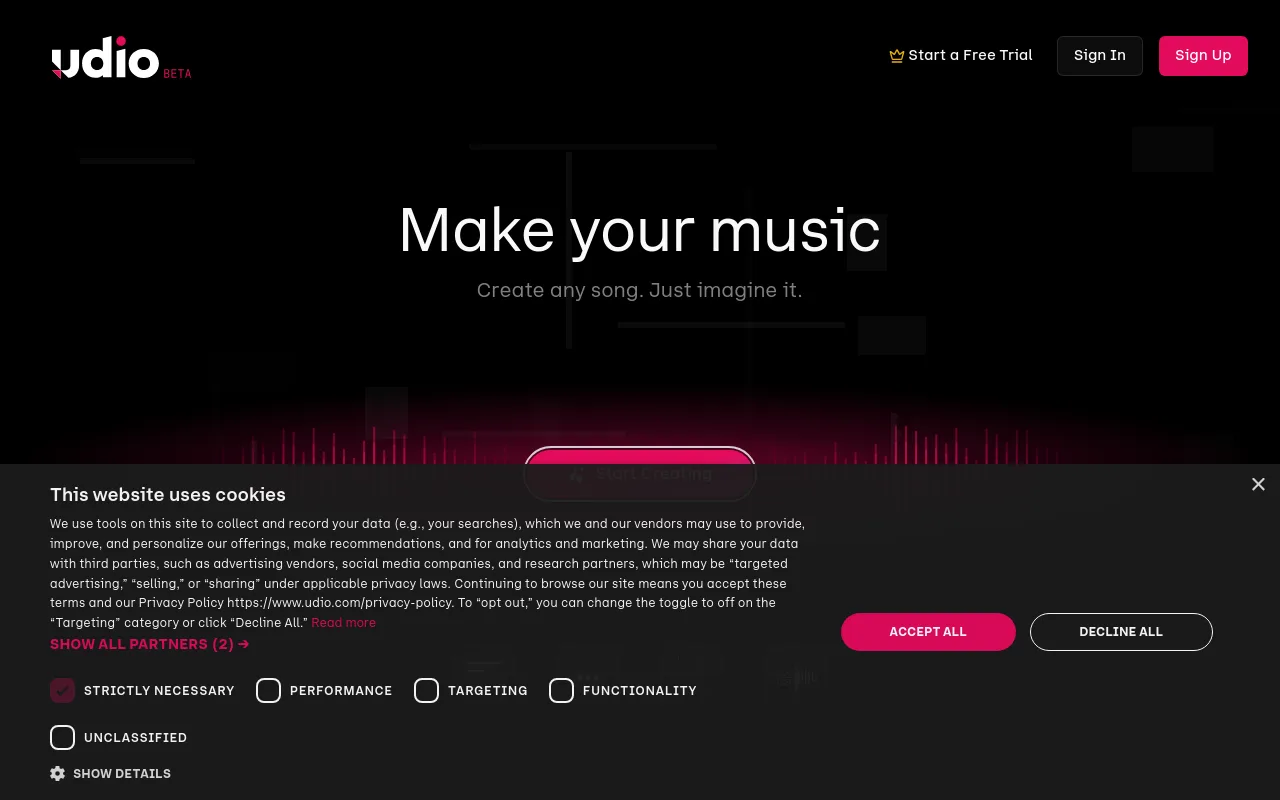
In published blind A/B listening comparisons across EDM, pop and ambient, reviewers consistently rated Udio ahead of Suno v5. Its vocal clarity, natural vibrato and realistic breath sounds make it a strong option for songwriters who need realistic vocals.
The platform has been through big changes, though. Per Chartlex, Udio downloads (audio, video and stems) have been switched off since October 29, 2025, and its Pro tier is paused during a platform relaunch. For now, that makes it hard to export high-resolution WAV files for outside editing. For a wider look at how these two compare with the rest of the market, read our AI music generator guide.
2. Stable Audio 2, best for developers and long tracks
Made by Stability AI, Stable Audio 2 is a strong tool for creators who need long, continuous background tracks. According to the Stable Audio Official Site, it makes tracks up to 6 minutes long in 44.1 kHz stereo. That's a big advantage over Suno, where creators usually have to stitch several 2-minute clips together for a full-length track.
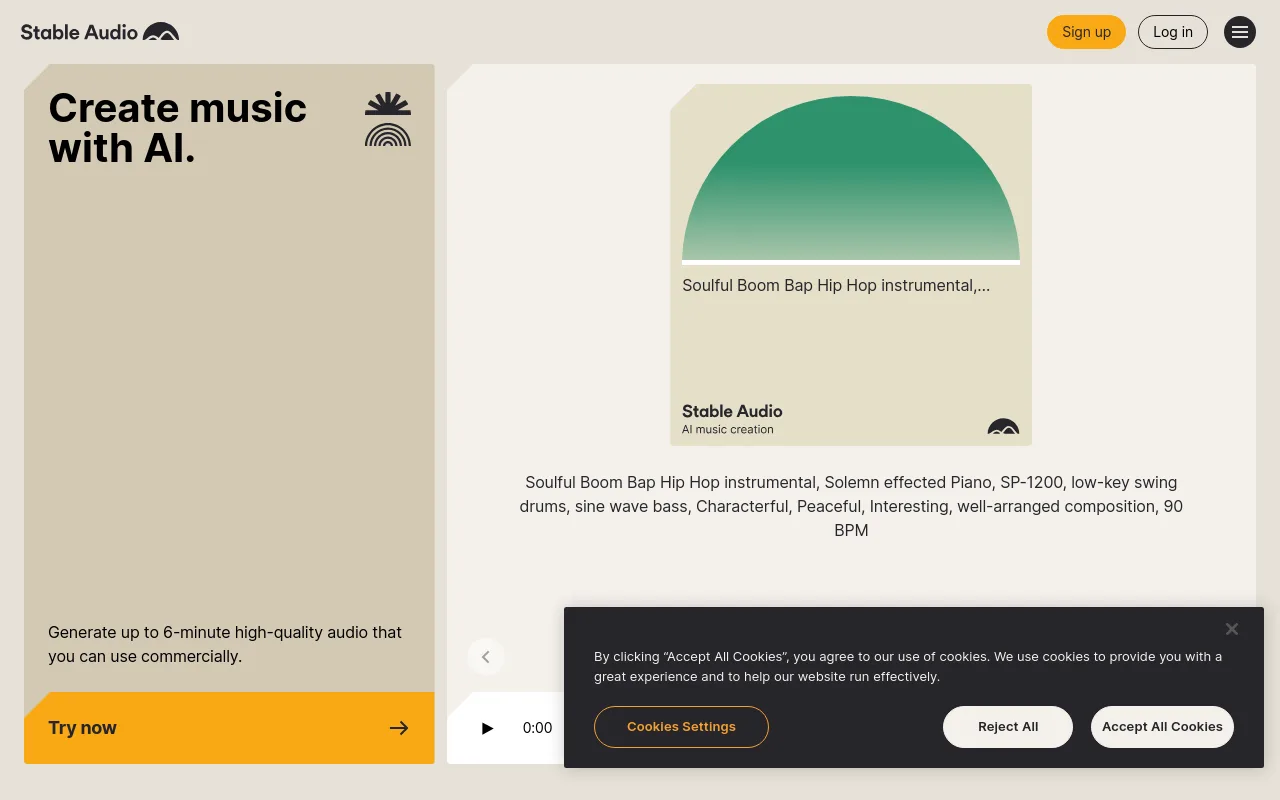
Stable Audio 2 is built for commercial use, so tracks you make on a paid plan are cleared for monetised projects. That takes away a big licensing worry if you need background music you can safely publish.
For technical creators, the non-commercial model weights are free to download, so you can run the model on your own hardware. That makes it an excellent choice for developers building custom pipelines, interactive web apps or automated soundtrack tools. If you want those long tracks paired with visuals rather than left as plain audio, see our comparison of AI music video generator tools.
3. AIVA, best for composers who need MIDI export
AIVA (Artificial Intelligence Virtual Artist) is a long-running tool built for composers, game developers and music producers. It has over 250 presets across cinematic orchestral, ambient lofi and modern electronic styles.
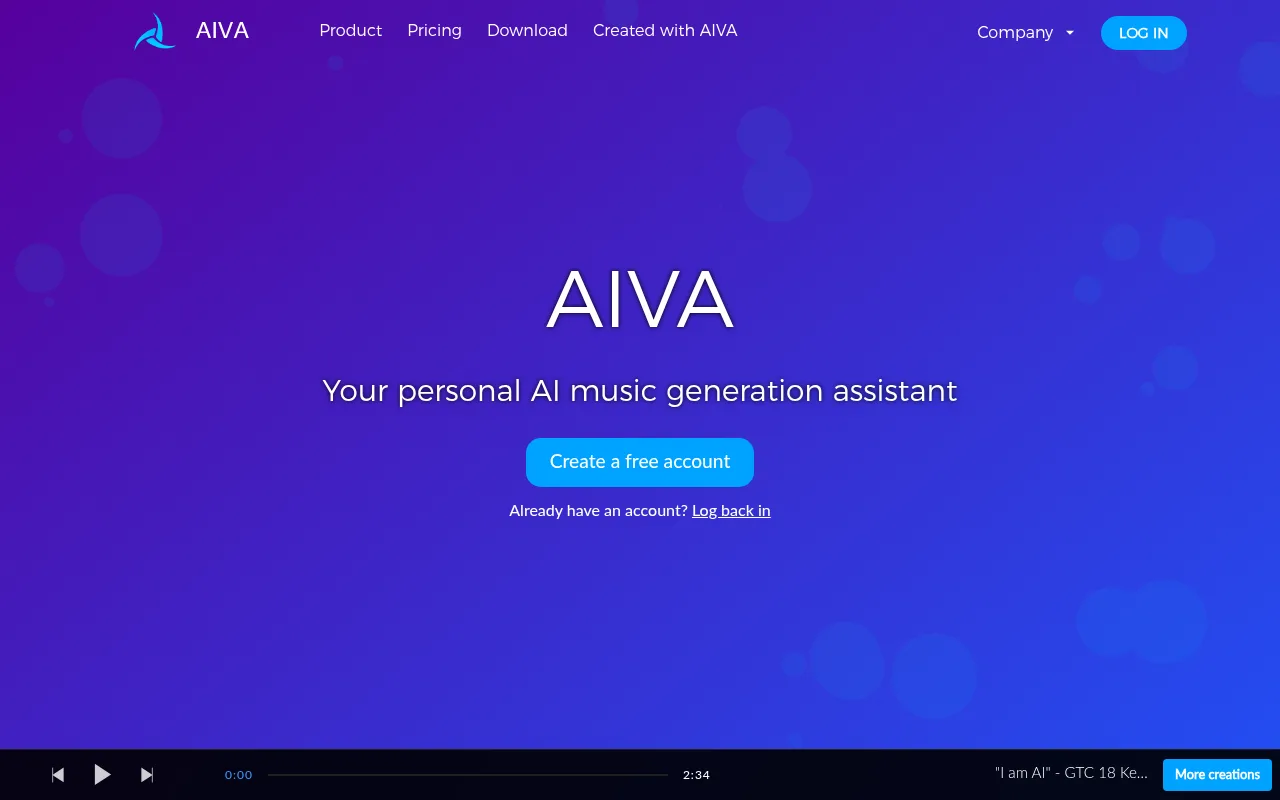
Suno gives you a single, flattened audio file. AIVA lets you export full MIDI files and individual audio stems on every paid plan. So if you make a lofi track and want to swap the synth piano for a real keyboard in Logic Pro, you can download the MIDI and assign your own virtual instruments.
Commercial licensing is simple. The Standard plan starts at 15 dollars a month and gives you full copyright ownership of your compositions. That's very useful for film scoring, game design and commercial video work where you need to sync audio to specific frames.
4. Mureka, best lyrics-first workflow with a DAW plug-in
Mureka is built around turning lyrics into songs, with vocals in many languages and precise control over the singer's gender. It's a great fit if you write your own lyrics and need a virtual singer to perform them.
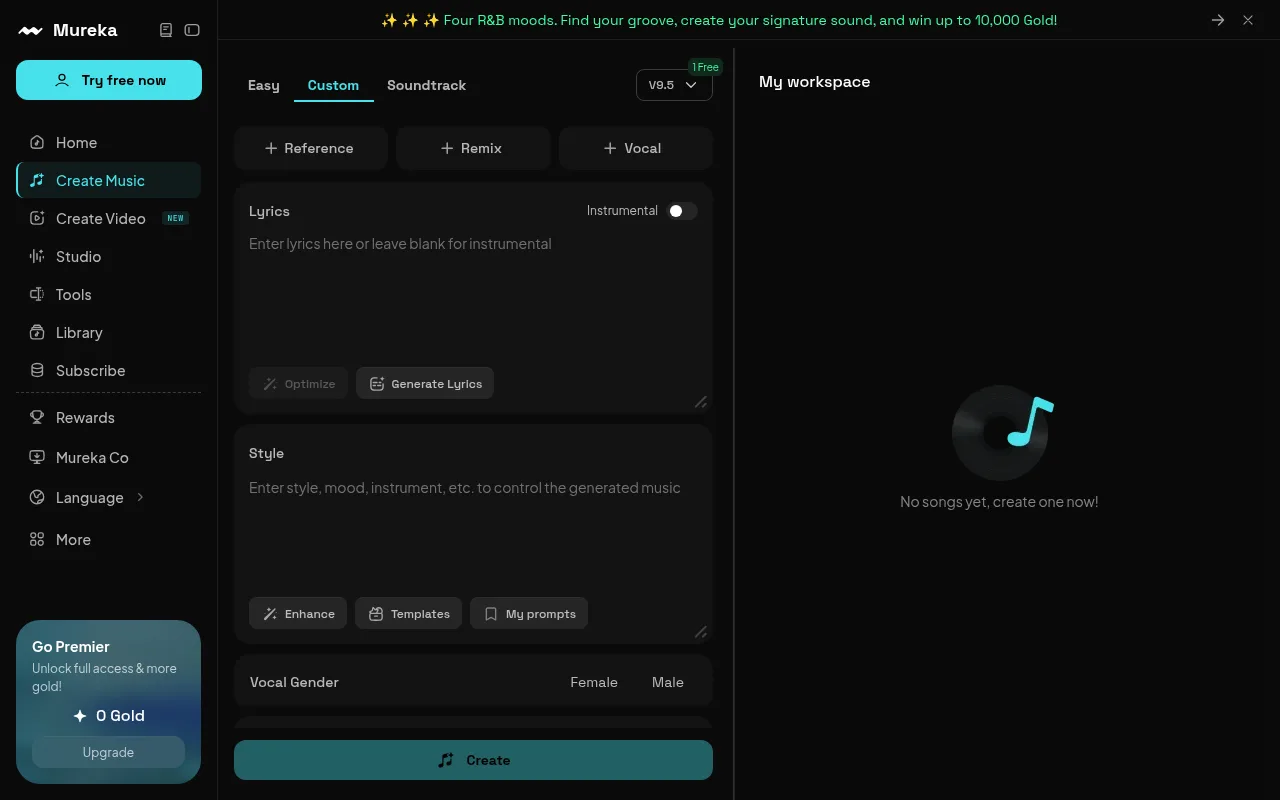
It has a dedicated desktop plug-in that works inside major digital audio workstations, including Logic Pro, Ableton Live and FL Studio. You can make vocal lines or instrumentals right inside your project, with no downloading files from a browser and dragging them into your timeline.
There's a free tier with 10 generations a day. To use the tracks commercially, you need the Creator plan, from 9.90 dollars a month, as listed on the Mureka Official Site.
5. Soundful, best for branded and background music
Soundful is an ethically trained generator used by major brands like Adobe, Meta and Microsoft. It builds its output from its own dataset of studio-grade samples and loops that it licenses itself. That's what makes it a safer bet for commercial work than a generator trained on scraped catalogues. For more on avoiding copyright strikes on a monetised channel, read our guide on choosing background music for YouTube videos.

Soundful has a flexible pricing model that needs no subscription. Instead of paying a recurring monthly fee, you buy individual tracks:
- Personal licence: 4.99 dollars.
- Commercial licence: 9.99 dollars.
That suits podcasters, advertisers and independent video editors who only need a few good background tracks a month and want to avoid ongoing subscription costs. If you then need to turn a finished track or episode into a video you can publish, see our guide to audio to video AI generators.
6. Loudly, best for direct distribution to streaming platforms
Loudly is built for independent artists who want to go from prompt to release. You make a track, adjust its structure and instrument mix, and send the final song to over 50 digital service providers (DSPs), including Spotify, Apple Music and TikTok, all from the same interface.

On the Pro tier, at 9.99 dollars a month, you keep 100% of your royalties. Higher plans add a monetisation partner programme that helps artists pitch tracks for playlist placement and sync licensing.
If you want to build an audience on streaming platforms, Loudly makes distribution simple, with no need for third-party distributors like DistroKid or TuneCore.
7. Boomy, best for beginners and fast content
Boomy is an easy AI music generator that makes a complete song in under 30 seconds. The interface is clean and simple, and you don't need any musical or technical knowledge.

Boomy uses an 80/20 royalty split. When you release a song through Boomy's distribution network to Spotify, Apple Music, TikTok and others, you keep 80% of the royalties and Boomy keeps 20% to cover distribution and hosting.
The free tier lets you create and save tracks. Paid plans start at 9.99 dollars a month and add faster rendering, MP3 downloads and commercial monetisation rights. For more no-cost options that pair the music with visuals, see our roundup of free AI music video generator tools.
8. Sonauto, best free community option
Sonauto is a community platform where creators make, share and remix tracks. Its v3-preview model makes full-length songs up to 4.5 minutes, with a range of vocal styles and instrumental arrangements.
There's an active community feed where popular tracks trend, so you can get noticed and work with other users. You can fork an existing track, change the prompt or lyrics, and make a new version.
Sonauto has a generous free tier for experimenting. The 9.99 dollars a month plan removes watermarks and adds priority processing, commercial use rights and batch generation.
How to choose the right Suno alternative for your use case
The right suno alternative depends on your workflow, budget and where you want the music to end up. Use this guide to find your match:
- If you need label-safe output for monetized streaming: choose Udio or Loudly. Udio has strong vocals and settled licensing terms with major labels, while Loudly gives you a direct route to streaming platforms and keeps 100% of royalties with you.
- If you need DAW integration and MIDI export: choose AIVA or Mureka. AIVA is ideal for composers who need MIDI files for orchestral mockups, and Mureka's plug-in makes audio right inside Ableton or FL Studio.
- If you need long, continuous background tracks: choose Stable Audio 2. Its 6-minute tracks and high-fidelity 44.1 kHz stereo are ideal for long video projects.
- If you need cheap, one-off licensing for ads or podcasts: choose Soundful. You buy only the tracks you need, with no recurring subscription.
- If you want to build a hands-off, automated YouTube channel: use Chillframe. Instead of exporting files from a music generator and editing them in a video program, you let Chillframe do the whole process: it makes the audio and visuals, puts the video together and publishes it straight to your YouTube channel on your schedule.

Frequently Asked Questions
Is there a truly free Suno alternative? Yes. Sonauto and Boomy both offer functional free tiers that let you generate and save music. However, to use these tracks commercially on monetized YouTube channels or streaming platforms, you typically need to upgrade to a paid plan or participate in a royalty-sharing agreement.
What is the closest competitor to Suno? Udio is the closest direct competitor to Suno, particularly in vocal realism and creative prompt adherence. While its download features are temporarily restricted during its platform relaunch, it remains the industry standard for high-fidelity generative vocals.
Can Suno alternatives be used commercially for monetized content? Most platforms allow commercial use, but only on their paid subscription tiers or through per-track license purchases. Always review each platform's official Terms of Service to ensure your specific use case is covered.
Which Suno alternative has the best vocals? Udio consistently leads in vocal quality, producing realistic performances with natural phrasing and minimal digital artifacts. Mureka is also a strong option for vocal control, offering gender selection and multi-language support.
What are the best apps like Suno? The apps like Suno that creators switch to most are Udio for vocal realism, Stable Audio 2 for long instrumental tracks, AIVA for MIDI export, and Sonauto for a free community option. Each covers a different slice of what Suno does, so match the app to the output you actually need rather than looking for a single one-to-one replacement.
Is anything better than Suno? Better depends on the job. Udio beats Suno on vocal quality in most published comparisons, AIVA beats it on composition ownership and MIDI workflows, and Loudly beats it on direct streaming distribution. For creators whose end product is a YouTube video rather than a song file, a tool like Chillframe is better than Suno in a different sense: it delivers the finished, published video instead of an audio export you still have to edit.
Building a self-running channel in 2026
If you want to grow a faceless YouTube channel, making, downloading and editing audio tracks by hand quickly becomes the thing that holds you back. Chillframe takes it off your hands. It makes the music and the visuals, puts the finished video together and publishes it straight to your YouTube channel on the schedule you set. You keep a steady upload schedule and your channel's watch-time grows, while you spend your time on building the brand.