List
AI Intro Maker: 7 Tools for YouTube Intros, Compared
Seven intro makers side by side, how long an intro should run, what to check in the music licence, and why calm channels open on the scene instead.
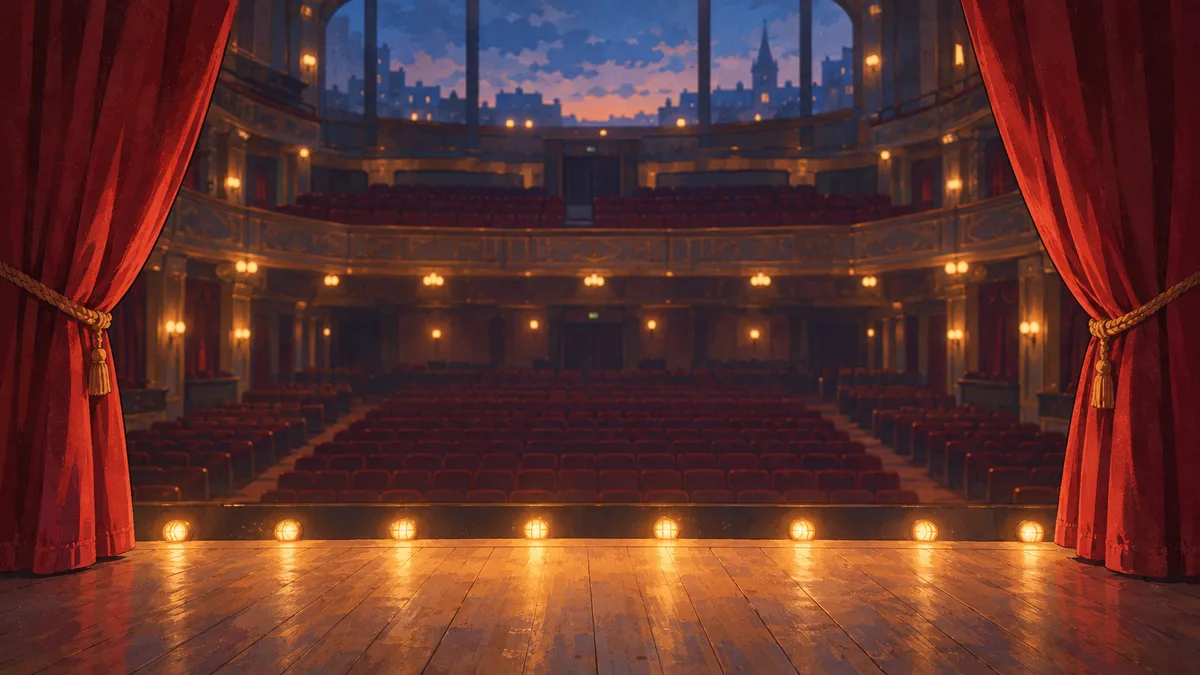
An AI intro maker turns your logo, your channel name or a short written prompt into the few seconds of animation that open a YouTube video. There are a lot of them, and most of the pages that rank for this are written by one of the tools, which tends to put itself first. So I've compared seven on the things that decide whether an intro helps you: templates or real generation, length, logo animation, music rights and price.
One kind of channel is better off with no branded intro at all: lofi, study and sleep channels. There's a section on what they open with instead.
What an AI intro maker does
There are two kinds of tool under this name.
- Template editors. You pick a finished animation and swap in your text, logo and colours. Canva, Renderforest, Placeit and Panzoid work like this. Fast and predictable, but other channels can use the same template.
- Generators. You give the tool a logo file, a tagline or a prompt, and it builds the motion for you. HeyGen's intro maker is the clearest example in this list.
Most tools sold as AI intro makers are template editors with some AI features on the side. That's not a bad thing. A good template beats a strange generated one, and most tools here have a free way in, so try two or three before you pay for one.
How long a YouTube intro should be
Short. Renderforest's prompt guide gives the clearest numbers I've found:
- 3 to 5 seconds for a standard YouTube intro.
- 1 to 3 seconds for reviews, gaming and fast tutorials.
- 5 to 8 seconds for podcasts, recurring shows and cinematic formats.
- About a second, or nothing, for Shorts.
HeyGen's page suggests 3 to 8 seconds and staying under 10, so viewers don't skip before the video starts.
There's a good reason to keep it tight. YouTube's audience retention report has a key moment called Intro, which shows the percentage of viewers still watching after the first 30 seconds. A 10-second logo sting is a third of that window spent on something nobody clicked for.
The AI intro makers compared
Prices below are from each tool's own pages when I checked them in October 2026. They change, so confirm before you pay.
| Tool | How it works | Free way in | Paid from |
|---|---|---|---|
| HeyGen | Generates an opener from your logo and a prompt | Free plan to create and test | Around $29 a month (Creator) |
| Canva | Templates | Free, no watermark | Only the premium stock you add |
| Renderforest | Templates and logo reveals | 500+ free templates | $9 a month (Lite, 720p) |
| Placeit | Templates with a music picker, unlimited downloads | Not mentioned on its intro page | $8.33 a month on the annual plan |
| Panzoid | Community templates | Basic plan, free Clipmaker 2 downloads | $7.99 a month |
| VEED | Browser video editor | No account needed to begin | $147 per user a year (Creator) |
| Kapwing | Browser video editor | Watermarked 720p exports | $16 per member a month billed annually (Pro) |
HeyGen
HeyGen's AI intro maker is the one that generates rather than fills in a template. Upload a vector or PNG logo, add a tagline or a short prompt, and it builds an animated opener with motion, glow or particle effects on the logo.
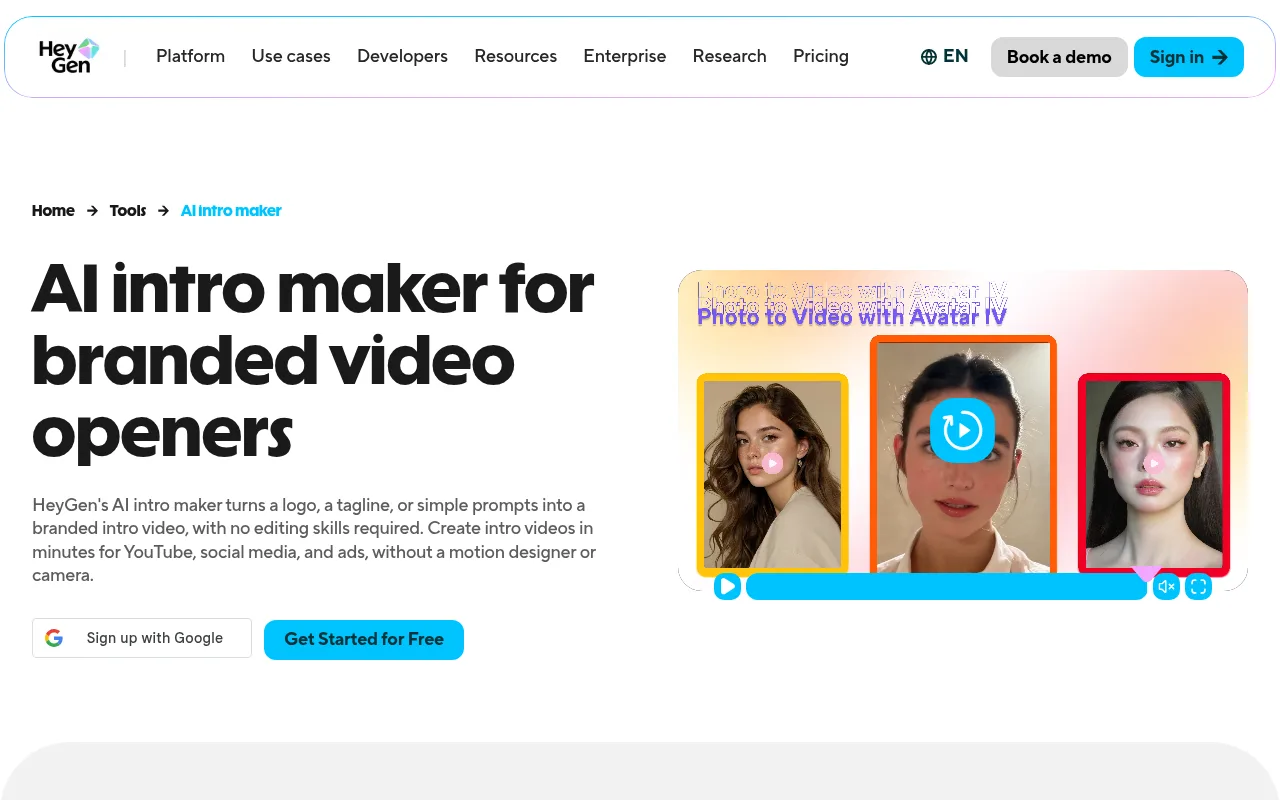
From one project you can export 16:9 for YouTube, 9:16 for Shorts and Reels, and 1:1 for feed posts, as MP4 or MOV, with a transparent background where it's supported. A brand kit keeps your logo, colours and fonts for the next one. There's a free plan to create and test intros, and the page says the Creator plan starts from around $29 a month.
Canva
Canva's intro maker is template first: more than a million templates, drag and drop, on the web, iOS and Android.
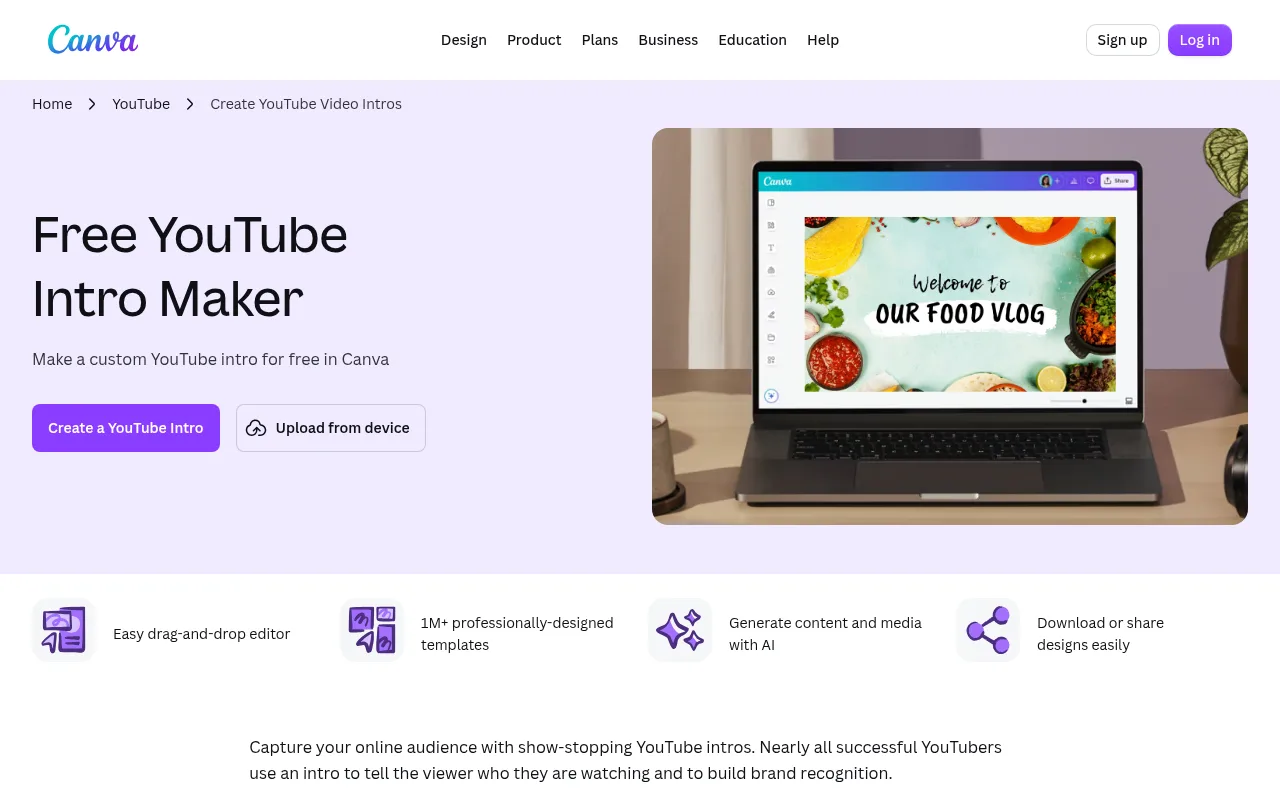
The useful detail is on the money side. Canva says the intro maker is free, downloads have no watermark and there's no limit on how many you make. You pay only when you add premium stock video, music, photos or illustrations. It exports MP4 or GIF. The AI part sits alongside: a text-to-video tool marked free and an auto-animate tool marked Pro. One thing I'd ignore is Canva's own FAQ, which suggests an intro of around 10 seconds. That's long for most channels.
Renderforest
Renderforest's intro maker leans on logo reveals. The page lists 500+ free templates, a logo animation category and a sound library for the background track, all in the browser.
The pricing page lists Lite from $9 a month with 720p exports, Pro from $19 with 1080p and Business from $39 with 4K, all without watermarks. Renderforest also wrote the length guide above, one of the few vendor pages that gives clear numbers.
Placeit
Placeit has hundreds of intro templates for YouTube, logo reveals, gaming intros and outros. You change the colours, logo and images, then pick a music track before you download.
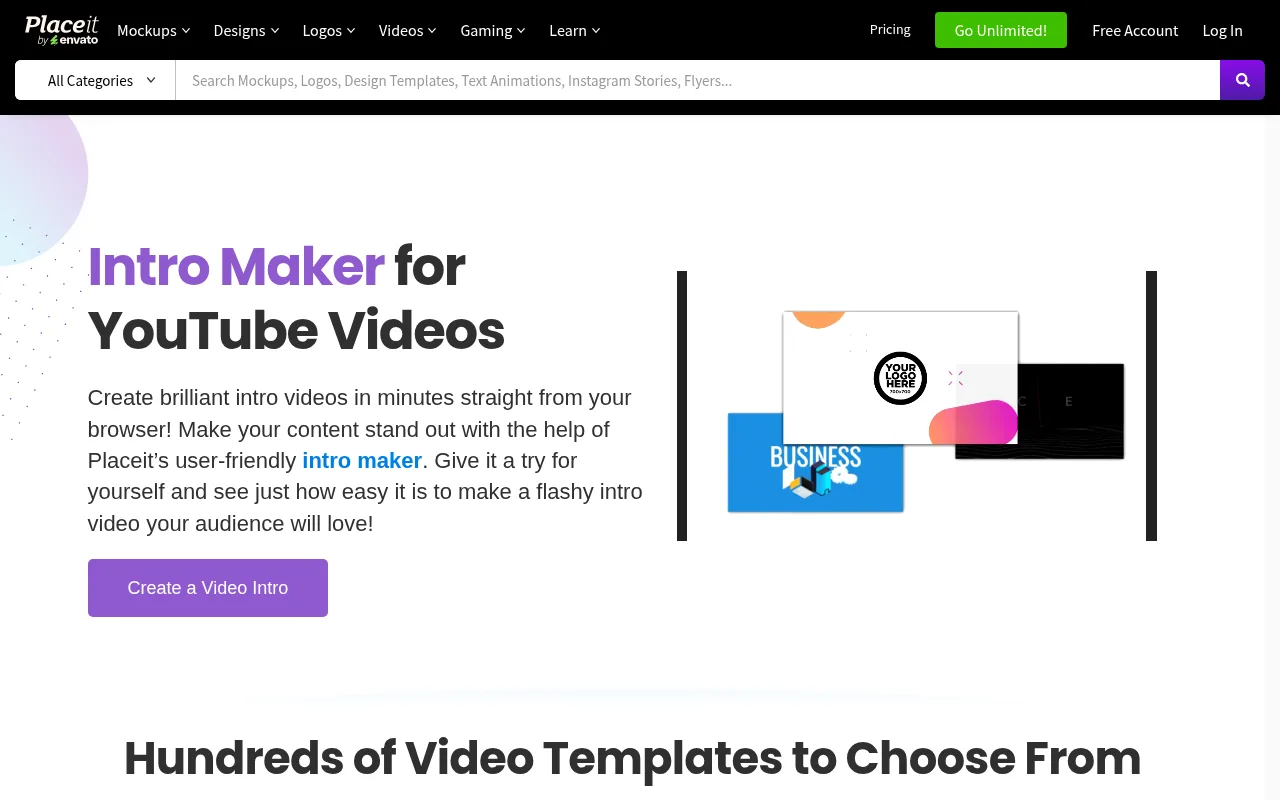
It runs on one subscription with unlimited downloads, shown at $8.33 a month on the annual plan. Its help centre says you keep the right to use what you downloaded after you cancel. The licence allows commercial use, but it also says some parts of a template come from third parties and may carry their own terms, and that checking them is up to you. That matters for the music, which I come back to below.
Panzoid
Panzoid is the community option. It says it has 8+ million users and 850+ thousand creations, and its gallery is full of intro templates other people made: 3D text, gaming intros, logo stings. You open one in Clipmaker and change the text.
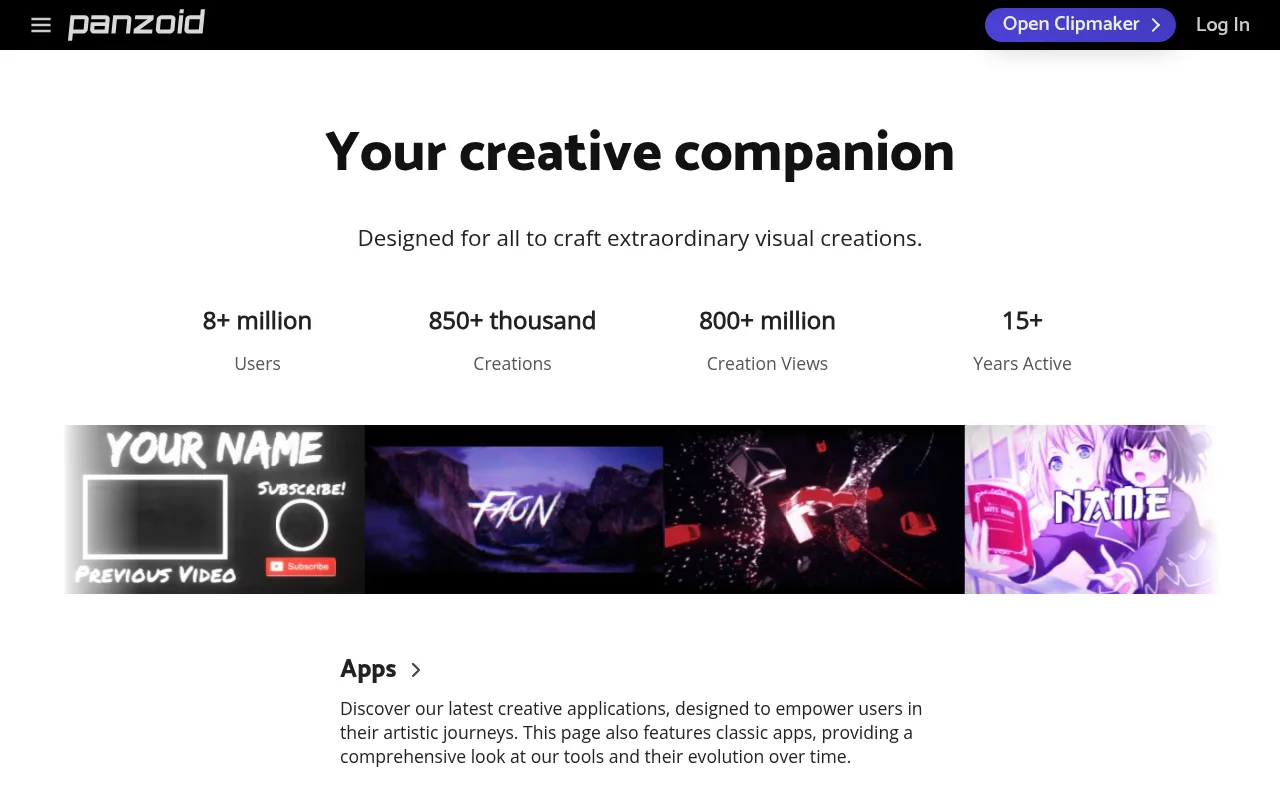
The Basic plan is free with full access to the apps, and classic Clipmaker 2 downloads stay free. Some download options in its newer MiniEditor cost extra or add a watermark. Paid plans are $7.99 and $19.99 a month for ad-free editing and a monthly allowance for paid downloads. The look is loud and fast, which suits gaming and edit channels best.
VEED
VEED's intro maker is a browser video editor rather than an intro library. You drag text, images, your logo and music from its library onto the start of your timeline, and you don't need an account to begin.
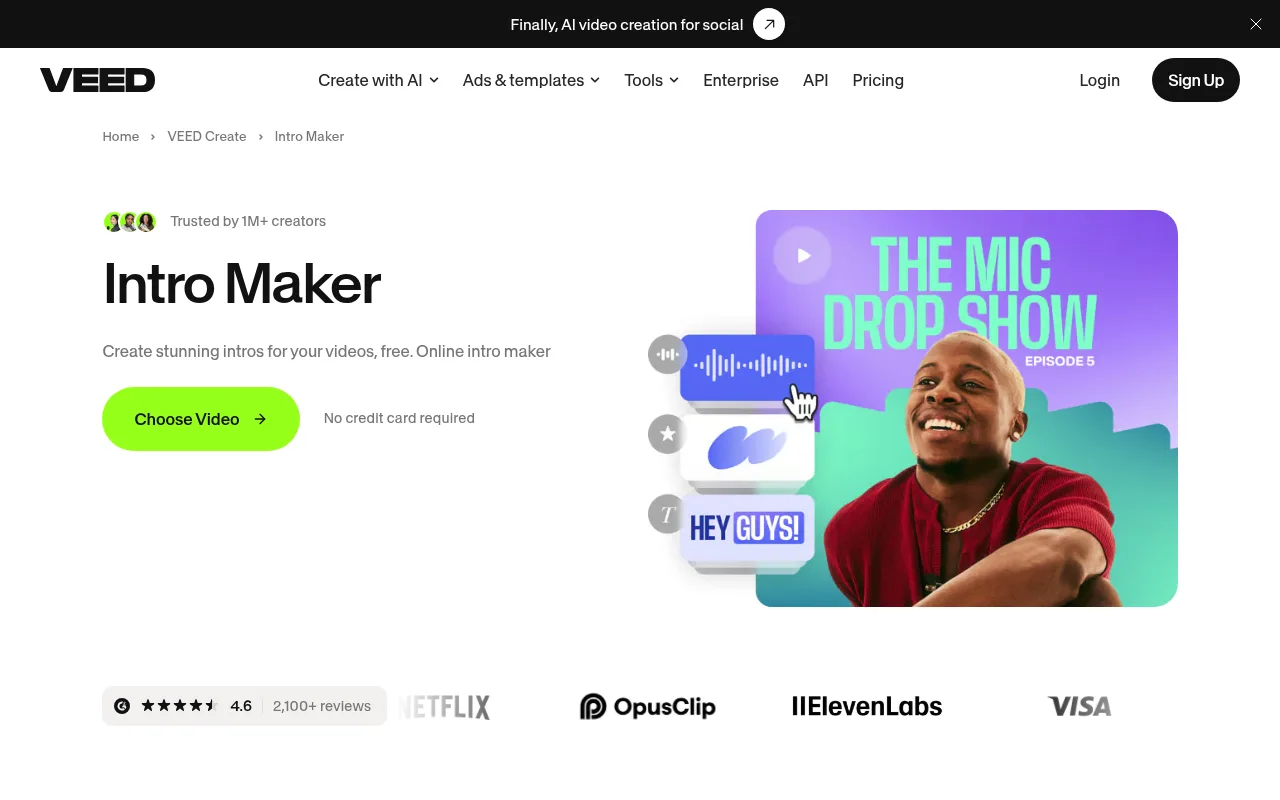
That makes it handy when you're already editing the video and want the intro in the same place. Its paid Creator plan, at $147 per user a year, lists no watermark among its features, and the Brand Kit for saving logos is on paid plans too.
Kapwing
Kapwing works the same way as VEED: a browser editor with dozens of intro templates, stock music or your own voiceover on top, and MP4 export.
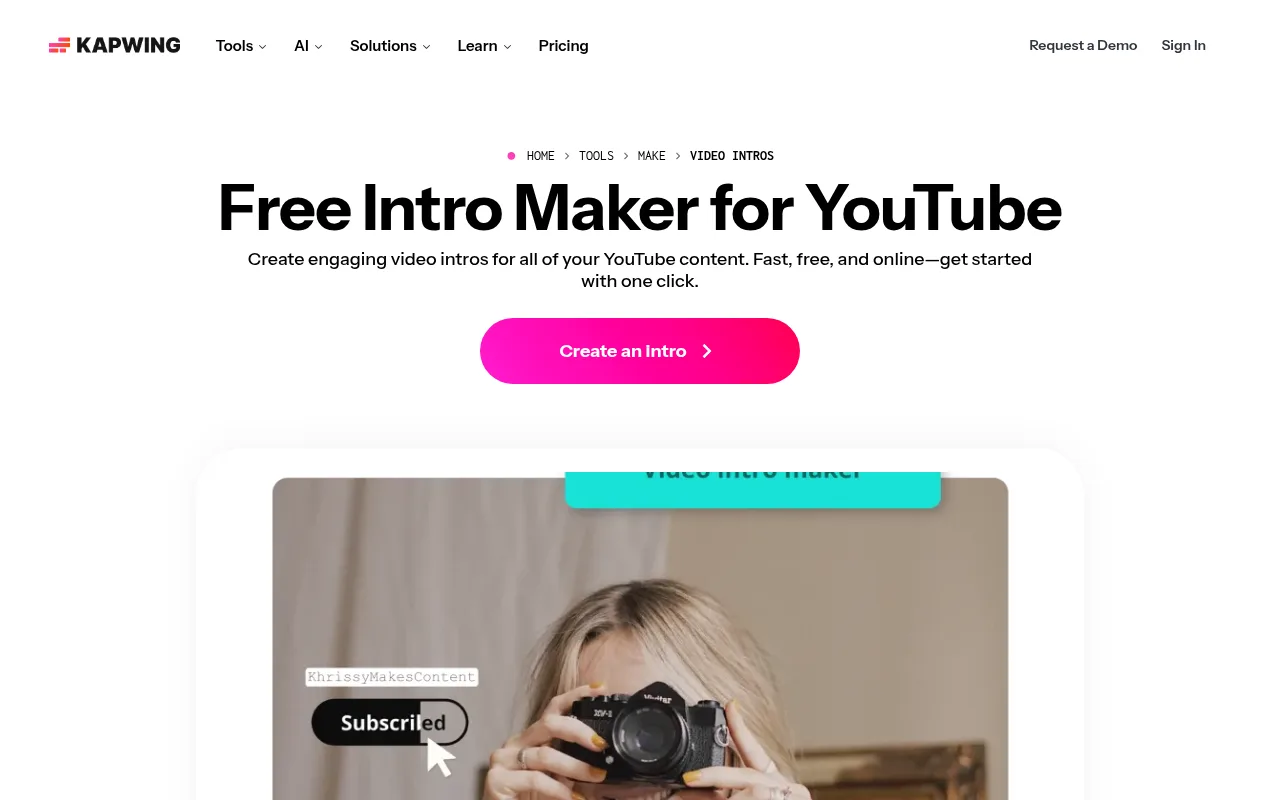
Its pricing page is the most specific of the lot. The free plan exports with a watermark at 720p, up to 4 minutes per video and 30 minutes of exports a month. Pro is $16 per member a month billed annually, or $24 billed monthly.
Which intro maker to pick
Here's where I'd start for each kind of channel.
| What you need | Start with | Why |
|---|---|---|
| An animated logo from your logo file | HeyGen | Generates the motion from your logo, exports 16:9, 9:16 and 1:1 |
| A free intro with no watermark | Canva | Free downloads with no watermark; you pay only for premium stock |
| Logo reveal templates with music | Renderforest or Placeit | Large logo reveal libraries and a track picker |
| A gaming or 3D text intro for free | Panzoid | Community templates and free classic Clipmaker 2 downloads |
| An intro inside the edit you're already doing | VEED or Kapwing | Browser editors with intro templates on the same timeline |
| A Shorts opener | None of them | A second at most, or straight into the hook |
| A lofi, study or sleep channel | Chillframe | Opens on the scene with a fade in, no branded sting |
How to write a prompt for an AI intro maker
When the tool takes a prompt, the prompt decides whether you get something usable. Renderforest's advice is to start with what the viewer gets, not with effects, and that holds across tools. Put these in the prompt:
- Your exact channel name, spelled out, so the tool doesn't invent one.
- Who it's for and what the video promises them.
- The length in seconds, so the tool doesn't invent a long sequence.
- One motion idea. A slow logo build or a light sweep, not five effects stacked.
- The final frame, and how long it holds. Renderforest suggests half a second.
Keep the words on screen to six or fewer. Then make three versions that differ in one way only, say the motion or the colour, so you can see what changed.
Music and rights for your intro
Most tools here offer a music library, and the licence terms are rarely on the intro page itself. Before you publish, check two things for the track you picked: whether it's cleared for a monetised YouTube channel, and whether you can keep using it after you cancel the subscription.
Here's what the pages say:
- Canva lists premium music among the things you pay for.
- Kapwing describes its library as copyright free.
- VEED describes its intro music as royalty-free.
- HeyGen lets you pick from its built-in library or upload a track you've licensed, and the page doesn't spell out the terms for the built-in tracks.
- Placeit lets you keep using your downloads after you cancel, and its licence says third-party parts of a template can have their own terms.
If you're not sure, a silent intro, or one that uses a track you own, avoids the question. I've gone through where to find music that's safe to use on YouTube in my guide to copyright free lofi music.
Intros for lofi and ambient channels
This is where I'd skip every tool above.
Someone who clicks a two-hour study mix or an eight-hour rain video wants the mood straight away. A bright logo sting and a whoosh is the opposite of what they came for, and on a lofi livestream that runs for hours, nobody wants a jingle every time a section starts again. The first frame should be the scene itself: the rainy window, the desk lamp, the fire.
So the opener for a calm channel is a slow fade in from black onto the scene, with the music coming in on its first note. If you want your channel name on screen, fade in one quiet line of text over the scene and let it go after a few seconds. The picture keeps playing underneath. Your branding lives in the thumbnail, the title and the look of every video, so the channel is recognisable without an intro.
How Chillframe opens a lofi or sleep video
Lofi, study and sleep channels are a great niche to build in, and they don't need a branded intro: the first frame of the scene sets the mood, and that's how every Chillframe video opens. It's a lovely, calm kind of channel to build.
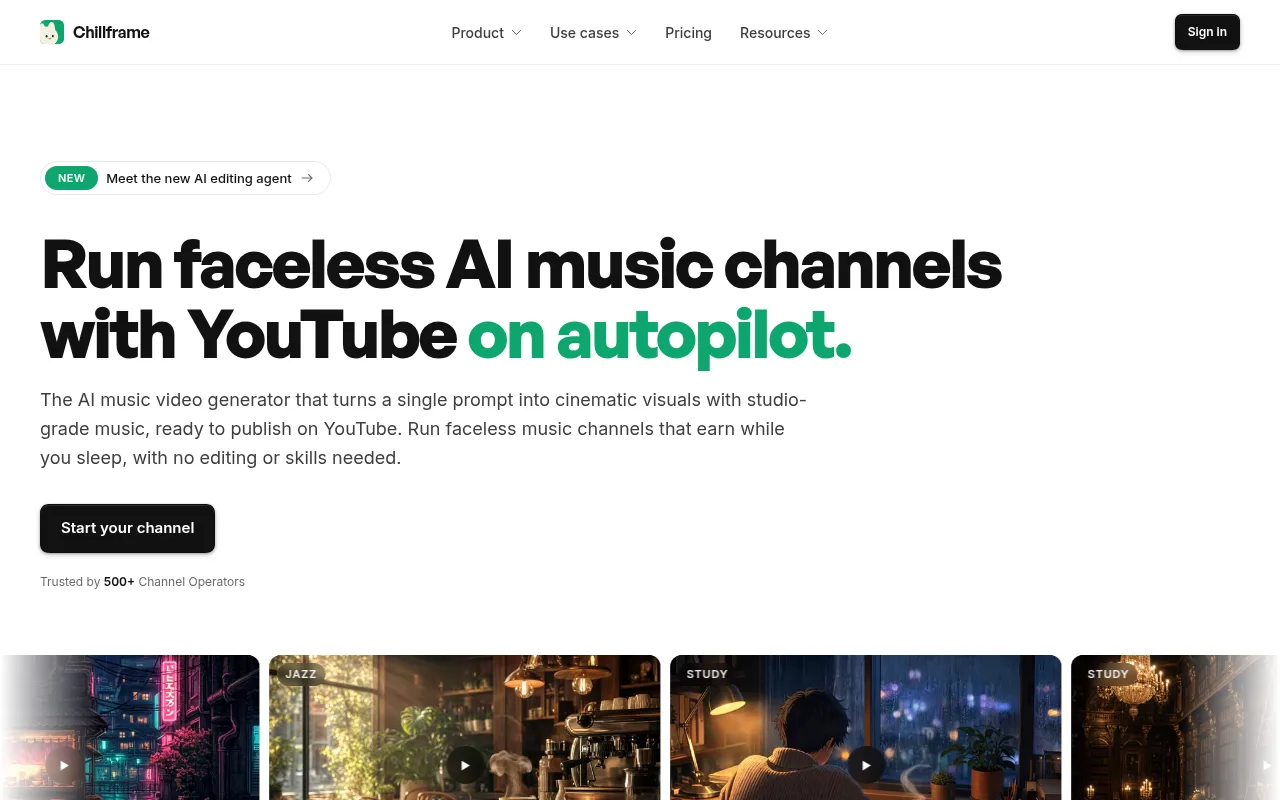
It makes original music made fresh for each video, or scene sound with Ambience only, a matching scene and the finished video, up to 1 hour long, then publishes it to your YouTube channel. Lite is a still scene. Plus, from the Creator plan up, is a moving scene with its end blended back into its start, so there's no jump each time it repeats. My guide to the AI video loop generator goes into how that blend works.
Every video starts with Start and end set to Auto, so the picture and sound fade in from black and out to black as the music ends. On a video you make by hand, you can add your channel name as a text box over the opening seconds with the Fade animation.
Putting café jazz out on weekend mornings takes three things. Make one video from Autumn Lake Café, or your own scene in plain words, and watch the first ten seconds. Open its menu in the Studio, pick Make it a Series, and choose Saturday and Sunday at 8am. Then approve the first post when it's held for review. With auto-publish on, Chillframe makes and posts every weekend video after that automatically, fully hands-off.
The limit for this post: Chillframe makes no logo reveals or animated stings. If your channel needs one, use one of the seven tools above for it.
The Starter plan at $19 a month makes the still version of that café, and the Creator plan, at $49, adds a moving one. If you're building a faceless channel from scratch, my guide to running an AI YouTube channel covers the rest of the setup, and the roundup of tools to make lofi videos is the place to go next.
AI intro maker FAQ
How long should a YouTube intro be?
Renderforest's guide puts a standard YouTube intro at 3 to 5 seconds, 1 to 3 seconds for fast formats like reviews and gaming, and 5 to 8 seconds for podcasts and cinematic series. HeyGen suggests 3 to 8 seconds and staying under 10. For Shorts, keep it to a second or skip it.
Is there a free AI intro maker with no watermark?
Canva says its intro maker is free and downloads have no watermark, and you pay only for premium stock video, music, photos and illustrations you add. Panzoid's classic Clipmaker 2 downloads are free too. Kapwing's free plan exports with a watermark at 720p.
Can I use the music from an intro maker on a monetised YouTube channel?
It depends on each tool's licence, so read it before you publish. Placeit's licence, for example, says some parts of a template come from third parties and may have their own terms. A silent intro, or one that uses your own music, avoids the question.
Does a lofi or sleep channel need an intro?
Not a branded one. Viewers on a long study or sleep video want the mood from the first second, so open on the scene itself with a slow fade in from black. If you want your channel name on screen, fade a quiet line of text in over the scene.
What is the difference between an AI intro maker and an intro template?
A template is a finished animation where you swap the text, logo and colours. An AI intro maker builds the animation from your inputs, such as a logo file, a tagline or a written prompt. Most tools sold as AI intro makers are template editors with some AI features added.