Guides
7 Best AI YouTube Shorts Generator Tools for Creators
Scale your faceless channel with automated short-form video tools that build compounding watch-time.

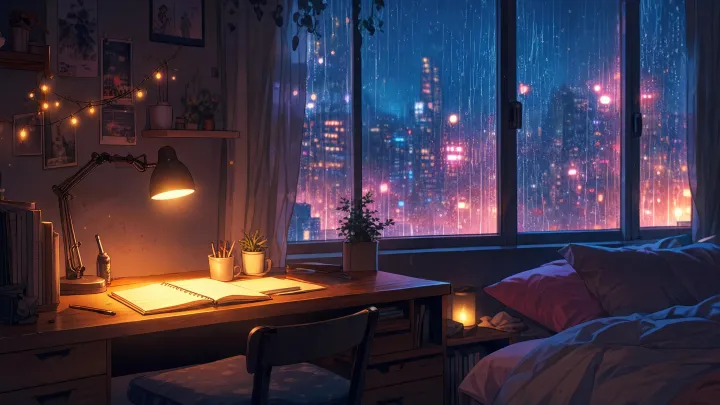
Building a faceless channel comes down to one thing: publishing consistently without burning out. If you want a slice of the massive mobile audience, an ai youtube shorts generator is the fastest way to keep uploads flowing. Short-form videos earn 2.5x more engagement than long-form content, which is why they have become essential for modern creators. Whether you run a lofi study channel, a synthwave music hub, or an aesthetic background-video feed, these tools keep your upload schedule full without you ever opening an editing timeline.
This roundup ranks seven tools worth your time in 2026, including one deliberate outlier built for the opposite bet: a long-form music channel that runs itself. For the wider strategy, start with our complete guide to AI video generation for creators.
What Is an AI YouTube Shorts Generator?
An AI YouTube Shorts generator is a software tool that uses advanced language models and generative media engines to turn text prompts, scripts, or existing long-form video files into vertical 9:16 videos built for mobile feeds. YouTube Shorts has become a huge distribution channel, garnering over 200 billion daily views globally. Creators use these tools to skip the traditional editing process and publish dozens of videos per week.
Most generators combine several capabilities into one system: script writing, scene composition, generative B-roll, AI voiceover, automatic subtitles, and sound-effect layering. A creator can prompt the tool to build a 30-second video about sleep hygiene, and the software writes the script, generates a calming background loop, layers a voiceover, and outputs a finished MP4.
Where they diverge is input and output style. Text-prompt tools like Invideo AI build new videos from scratch, while long-video repurposing platforms like WayinVideo clip existing landscape videos into vertical highlights. Visual-first tools like SeaArt focus on artistic styles, and ideation tools like LogicBalls output text-only concepts. Faceless operators lean on these distinct workflows to scale output and test different hooks across several channels at once.
How AI YouTube Shorts Generators Work (The 4 Core Steps)
The journey from a blank page to a published vertical video follows four automated steps. First, the creator provides an input: a short text prompt, a full script, or a link to an existing video. This sets the topic, tone, and visual direction.
Second, the software analyzes that input with GPT-4-class models to decide the structure. For long-form uploads, it scans the transcript and audio to find high-engagement moments and scores them for pacing and hook strength. WayinVideo uses an AI virality score to pick clips, while custom developer tools use models like GPT-4-mini to read long transcripts and pull 5-10 high-retention segments.
Third comes automated assembly. The tool pairs the chosen script or clip with matching visuals, pulled from stock libraries or generated on the fly, then adds kinetic captions, background music, and voiceover. A lofi study channel might pair a slow visual loop with a low-tempo beat, while a fast trivia channel pairs rapid cuts with upbeat sound effects.
Fourth, the video is rendered and exported. Most tools hand you an MP4 to download and upload to YouTube Studio yourself; a few connect to your channel and publish on a schedule you set, which is what makes a workflow truly hands-off.
The 7 Best AI YouTube Shorts Generators (Tested, 2026)
We looked at the leading tools on speed, visual quality, automation, and how approachable they are for faceless-channel operators.
1. Invideo AI
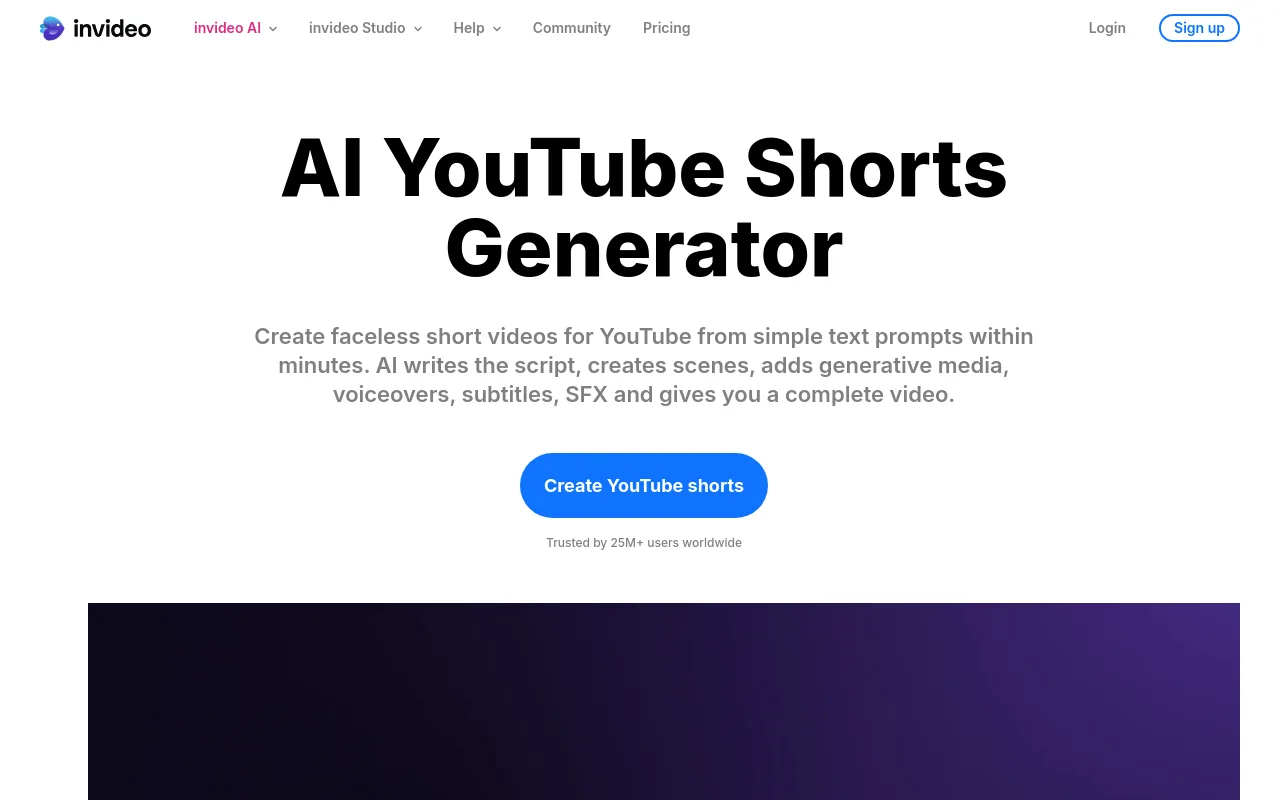
Invideo AI is a popular pick for text-to-video generation, trusted by over 25M+ users across 190 countries and holding a 4.8 rating on both Capterra and G2. You enter a detailed prompt describing your concept, and the system writes a script, places stock footage, adds a realistic voiceover, and burns in subtitles. It is strong for educational, documentary, and trivia faceless channels. The trade-off is a heavy reliance on stock media, which can produce generic visuals that lack a distinct brand.
2. WayinVideo (Wayin AI)
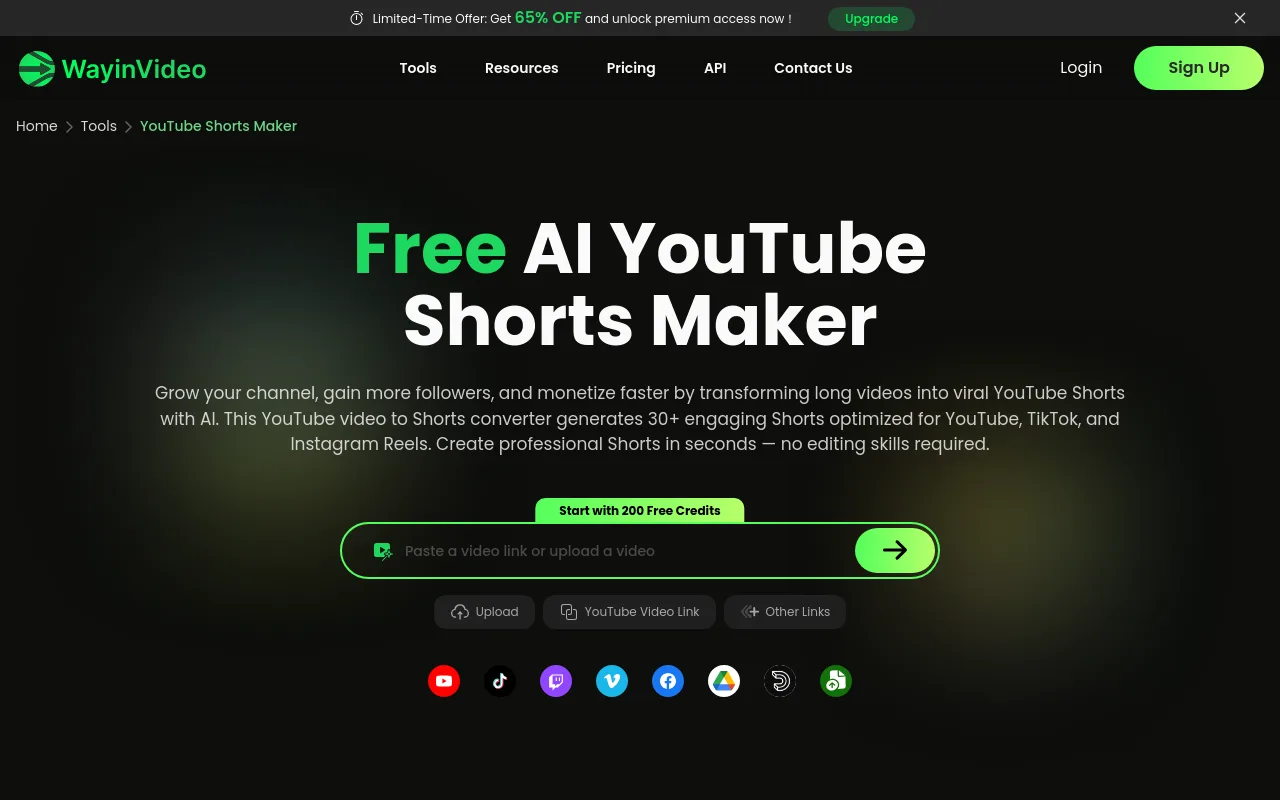
WayinVideo is built for creators who want to repurpose long-form videos into short clips. Paste a YouTube link or upload a file and it generates 30+ vertical Shorts in as little as 10 seconds, ranking them with an AI virality score so you post the strongest hooks first. It is a fast win for podcasters and streamers with highlights to extract, though it needs existing long-form footage to work from.
3. Dreamina (CapCut)
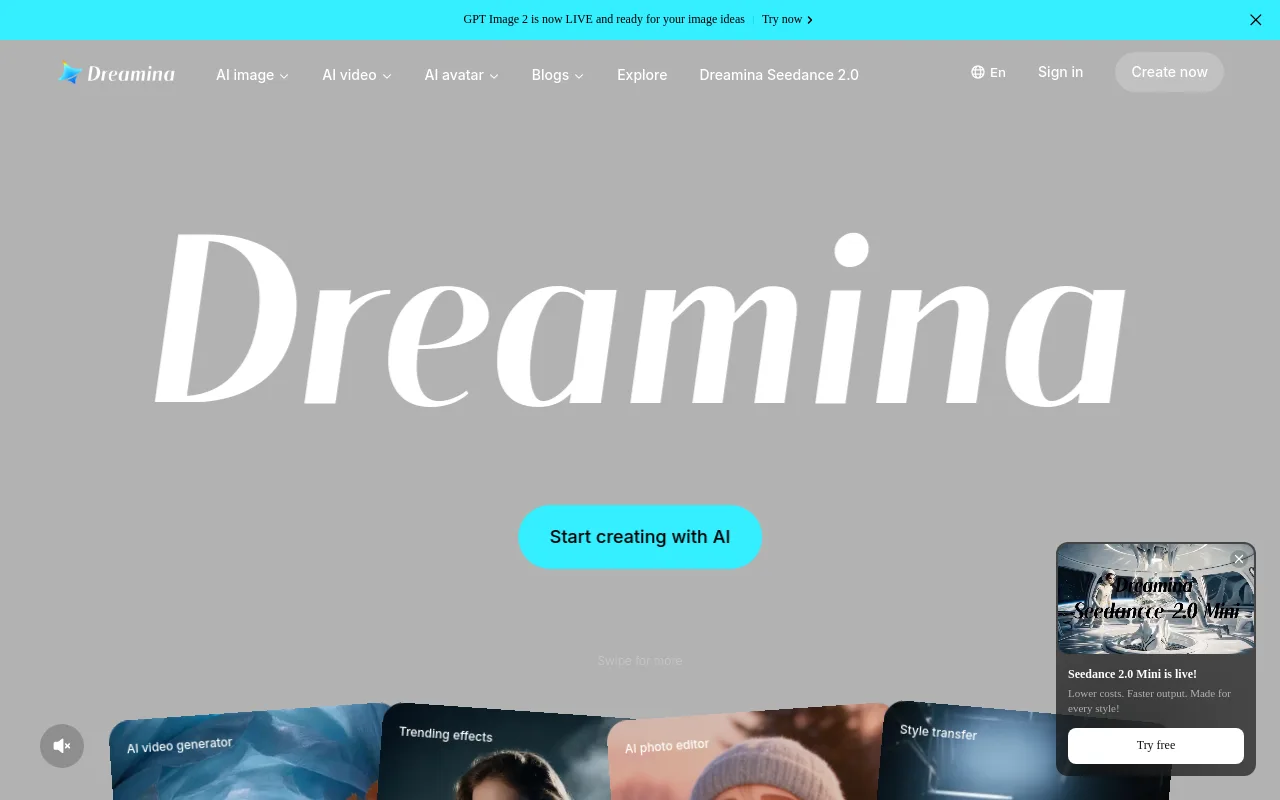
Dreamina is a free AI video generator inside the CapCut ecosystem. It suits casual creators and zero-budget channels who want to experiment with generative art and vertical layouts without a subscription. It is good at generating individual frames and short motion clips, but it lacks deep automation, so you still edit the assets together and handle publishing yourself.
4. SeaArt AI
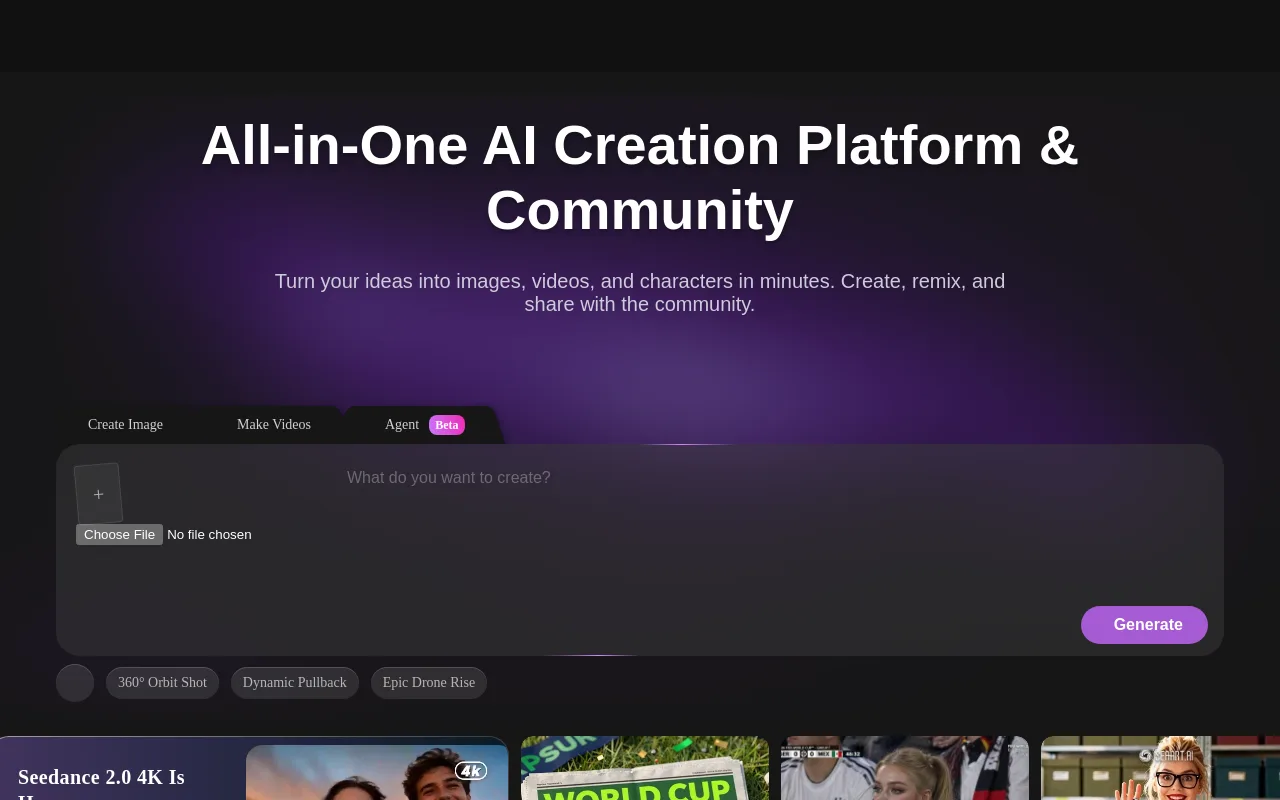
SeaArt AI is an art-forward generator tuned for stylized, aesthetic-led channels. It is popular for anime-style content, stylized fantasy loops, and artistic background visuals. If your channel leans on unique, eye-catching art rather than stock footage, SeaArt gives you the tools to make it. The limitation is weak scriptwriting and voiceover, so it is a visual-creation tool rather than an all-in-one system.
5. Chillframe (the long-form alternative)
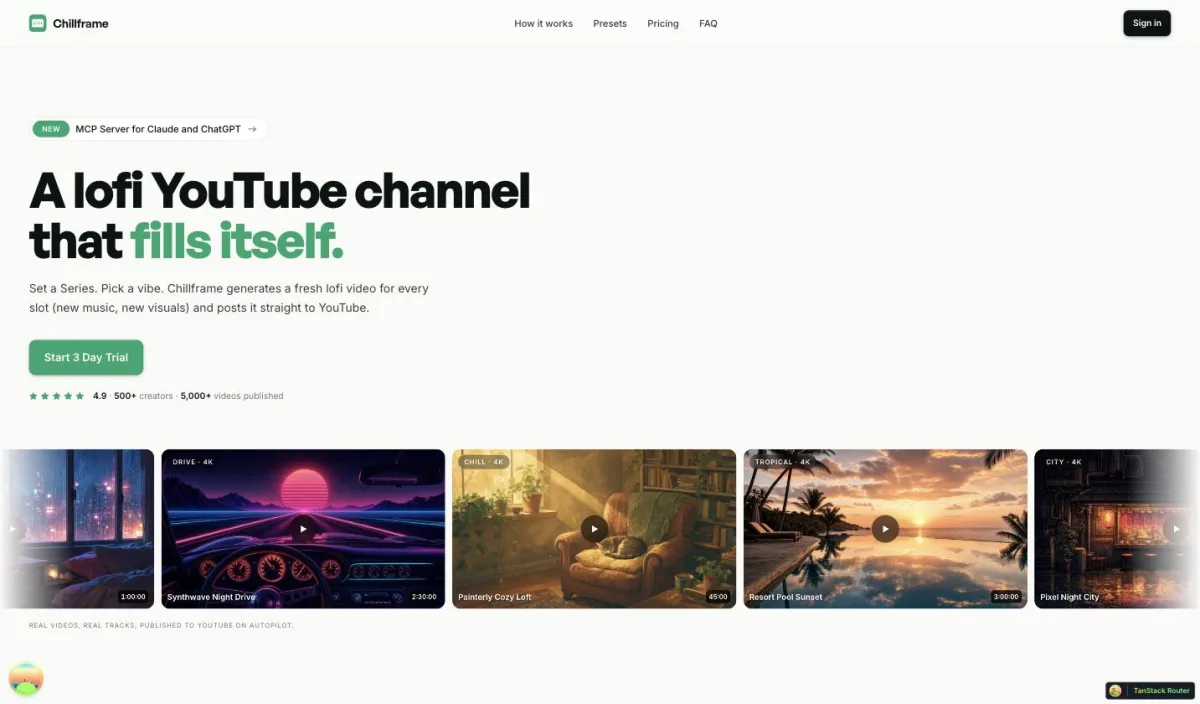
Chillframe takes a deliberately different route. It does not cut vertical Shorts; it builds the long-form, faceless music channel that a Shorts feed is often trying to funnel viewers toward. If your niche is lofi, ambient, or study music, a catalog of hour-long sessions that runs itself tends to compound watch-time more durably than a stream of 40-second clips.
Instead of asking you to assemble anything, Chillframe turns a theme into a finished, schedulable video: original, studio-quality music and matching visuals, generated and assembled for you, then lined up to publish to your connected YouTube channel on the cadence you set.
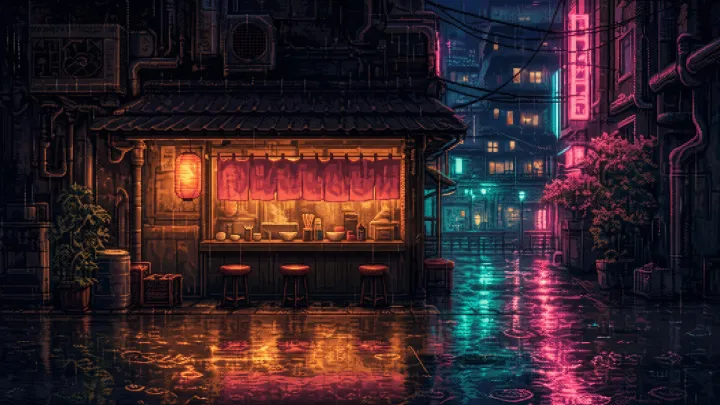
The music is original and studio-quality, and when a video has multiple tracks they blend into one gapless, continuous soundtrack. You choose from seven themes: study-boombap, rainy-tokyo, jazzhop, ambient-sleep, synthwave, future-garage, and citypop. Some carry a fixed ambient texture woven into the sound: rain in rainy-tokyo and future-garage, a warm cafe hum in jazzhop, and a soft crackling fire in ambient-sleep. The other three (study-boombap, synthwave, citypop) play clean.
Chillframe also creates looping visuals tuned to your theme. Lite delivers a static image loop, while Plus and Ultra add motion. Every tier renders in 1080p, and the Ultra visual tier reaches 4K (3840x2160).
To keep the channel fed without you lifting a finger, a Series generates fresh videos on a recurring cadence of 1 to 7 per week, on the days and time you choose, then handles the title, description, thumbnail, and scheduled release for each episode. Starter runs one Series, Creator three, and Pro and Max unlimited. A built-in performance view shows how each episode and the channel are doing, so you can read the watch-time and growth signals without leaving the dashboard.
Pricing is a monthly credit model: Starter (76 credits), Creator (196), Pro (396), and Max (796), spent per video by duration, track count, and visual tier. Credits reset each billing cycle. A 3-day trial with $0 due today gives you 45 credits for one Lite-only video up to 30 minutes, plus 2 track re-rolls, so you can see a finished result before you commit. It asks for a card upfront.
6. Honchar / SamurAIGPT CLI
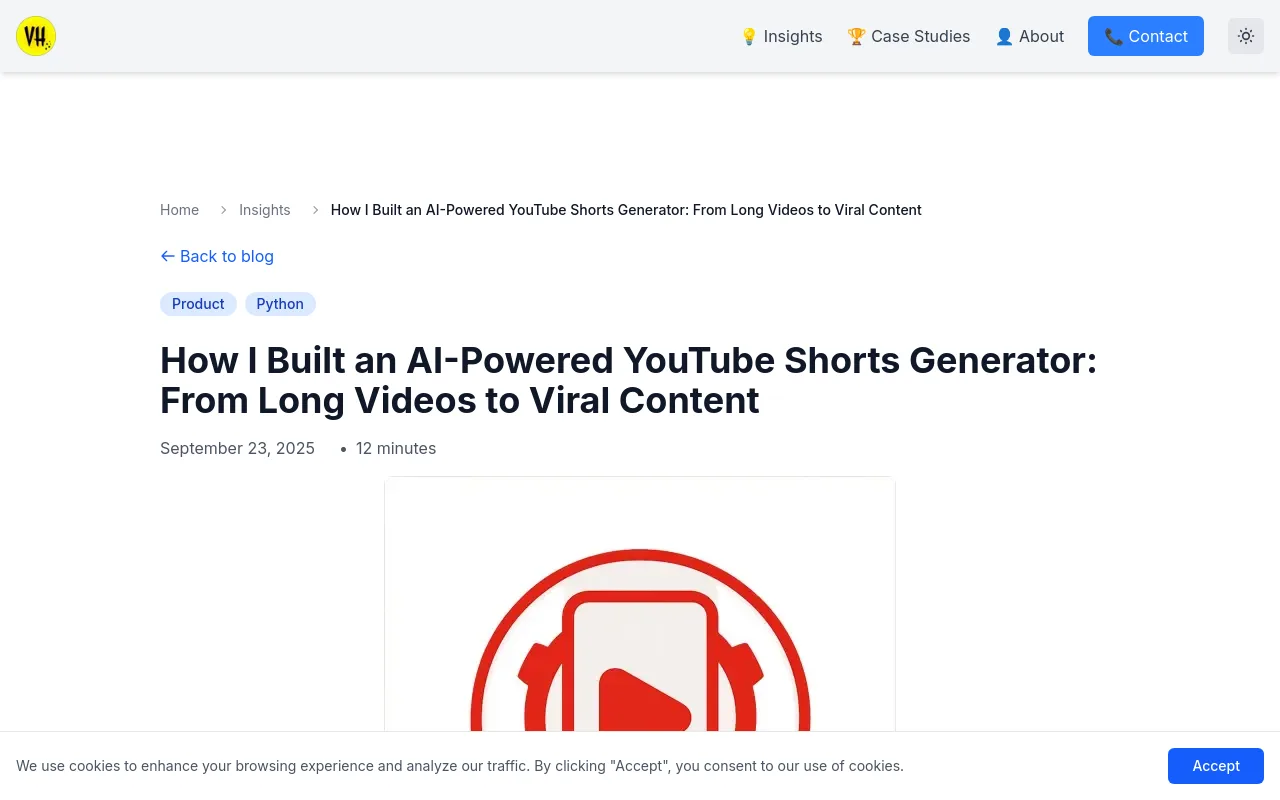
For developers and technical creators, the open-source Python command-line tool from Vitalii Honchar is a fully customizable DIY build. Using Whisper for transcription, GPT-4-mini for highlight detection, and ffmpeg for speaker cropping and caption burn-in, it produces 5-10 ready-to-publish Shorts from a single long video. It offers unmatched control and no subscription fees, but it expects working knowledge of Python, API keys, and YouTube OAuth, which puts it out of reach for non-developers.
7. LogicBalls
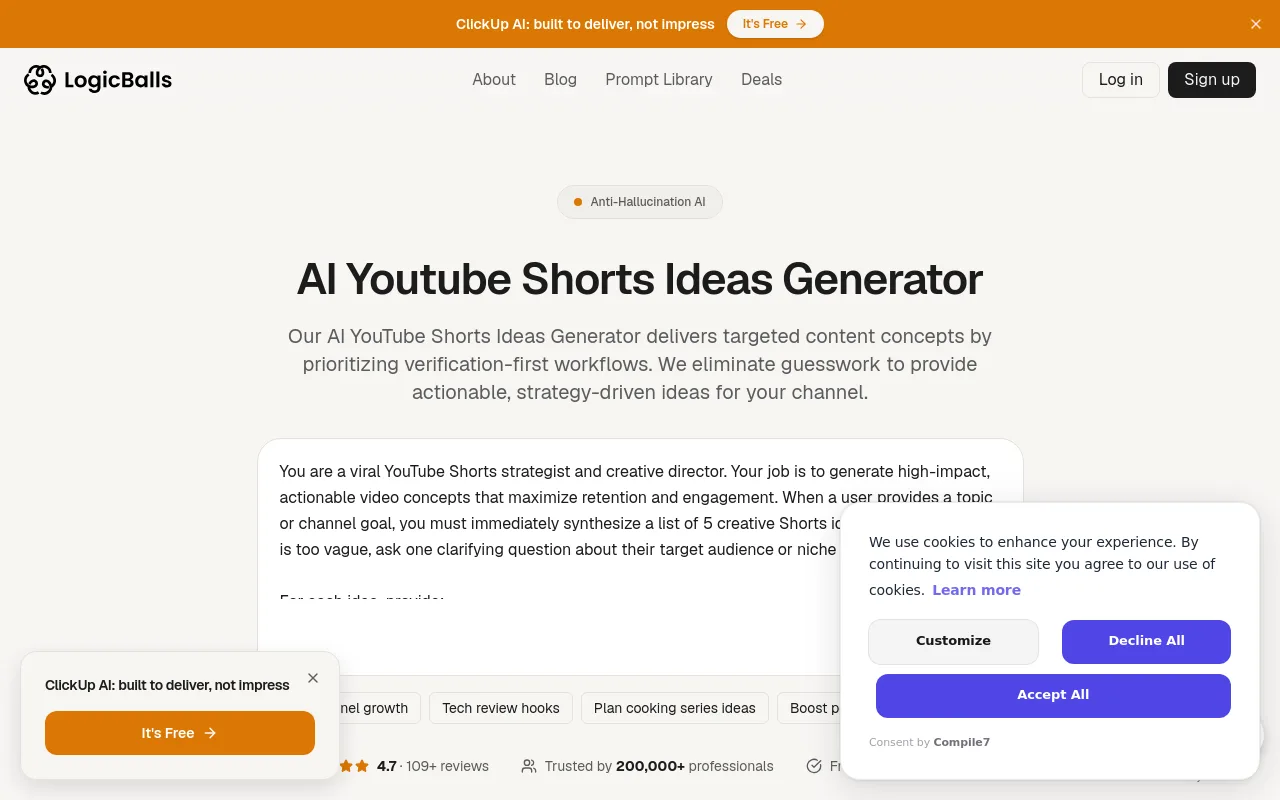
LogicBalls is an AI ideas generator that does not render video or audio. Instead, it produces text-only Shorts concepts, hooks, and structures. If you prefer to film or edit your own videos but hit creative block, LogicBalls hands you ready-to-use text blueprints. It is a solid starting point for creators who want full control over production while automating the brainstorming.
Sourced Comparison of AI Shorts Generators
| Tool Name | Primary Strength | Pricing Model | Standout Detail |
|---|---|---|---|
| Invideo AI | Text-to-video faceless automation | Subscription plans | 4.8 rating on G2 and Capterra |
| WayinVideo | Long-to-short viral clipping | Pay-per-clip or subscription | 30+ clips in about 10 seconds |
| Chillframe | Hands-off lofi and music channels | Monthly credits (Starter to Max) | Builds long-form channels, not vertical Shorts |
| Honchar CLI | Developer-controlled clipping | Free and open source | 5-10 Shorts per long video |
The Verdict
If you want to repurpose long-form video into Shorts, WayinVideo leads. For general-purpose text-to-video Shorts on educational channels, Invideo AI is the most reliable all-rounder. And if your real goal is a music or ambient channel rather than a Shorts feed, Chillframe is the tool built for that bet, pairing original music, matching looping visuals, and scheduled publishing in one place, aimed at long-form sessions rather than vertical clips.
AI YouTube Shorts Generators for Music and Faceless Channels
Running a music or lofi channel comes with problems generic video generators cannot solve. Standard tools produce short, disjointed clips that do not match the tempo or mood of a continuous track. A high-performing aesthetic channel needs smoothly looping, theme-matched visuals and high-quality audio to keep viewers listening, and it needs a consistent visual and sonic identity across every upload to build a loyal audience.
On top of that, professional faceless operators rarely run just one channel; they frequently run several at once to widen their reach. At that scale, downloading big video files and uploading them by hand to YouTube Studio becomes a real bottleneck. To scale, you want a system that handles both production and distribution.
When you are building a music or ambient channel, look for a tool that offers:
- Original, studio-quality music so every upload sounds like your channel and no one else's.
- Looping visuals tuned to your theme, not one-off clips bolted together.
- A recurring schedule that keeps the channel fed without a daily upload chore.
- A direct connection to your YouTube channel so publishing is one less manual step.
For the fundamentals of setting up your brand, read our guide on how to start a faceless YouTube channel. And if you are weighing the music side specifically, our guide to lofi music for YouTube channels covers the details.
Chillframe is built for exactly this. It pairs original lofi track generation with matching looped visuals so your channel has one cohesive identity, and its Series keeps fresh episodes publishing on their own, building watch-time while you focus on strategy. For the wider picture on generating this kind of content, read our guide to the best AI music generators for YouTube creators.
AI YouTube Shorts Generators Compared on Pricing
Knowing the true cost of your production stack matters when you run more than one channel. Free tools like Dreamina and SeaArt are great for testing concepts, but they often restrict output with watermarks, lower resolutions, or strict monthly caps.
Paid platforms are priced on the volume of content you produce. Invideo AI offers scalable subscription tiers for professionals generating multiple text-to-video drafts a day. WayinVideo runs on a pay-per-clip or subscription model, which is cost-effective if you have a large library of long videos to repurpose. Text-only tools like LogicBalls cost very little, but you have to add the price of separate editing software and stock media licenses to turn those ideas into real videos.
When you budget, add up the total cost of ownership: the generator subscription, stock media licensing, and any scheduling tool. Chillframe folds most of that into one monthly credit model. The Starter tier (76 credits) suits a single Series, while Creator (196 credits) supports up to three active Series. Pro (396 credits) and Max (796 credits) lift the Series limit entirely so you can run several channels at once. Every tier includes original music generation and scheduled publishing, so you do not need a separate video editor or scheduler.
How to Use an AI YouTube Shorts Generator (Step-by-Step)
Creating short-form content with an AI generator is straightforward when you follow a structured workflow.
Step 1: Define Your Hook Style
The first two seconds decide whether a viewer stays or keeps scrolling. Pick an engaging hook, such as an intriguing question, a bold claim, or a visually surprising frame, so people stop mid-scroll.
Step 2: Input Your Prompt or Source Video
Enter a detailed prompt describing the topic, tone, and visual style, or paste the URL of a long-form video you want to clip. The more specific your prompt, the closer the first draft lands to your channel's look.
Step 3: Configure Your Output Settings
Set the aspect ratio to vertical 9:16 (1080x1920) so it displays correctly on mobile. Aim for roughly 30 to 45 seconds, the current sweet spot for Shorts distribution: long enough for a hook and a payoff, short enough to earn a re-watch.
Step 4: Generate and Evaluate Variants
Generate three to five visual variants and compare their pacing, subtitle readability, and visual appeal. A/B test the top two by posting them at different times or with different titles to see which lands.
Step 5: Automate Your Publishing
Rather than downloading and uploading each video by hand, connect your YouTube channel directly to your generator. Set the schedule, write an optimized title and description, and let the tool handle the upload.
Tips to Make AI-Generated YouTube Shorts Perform
To grow reach and build a sustainable audience, apply these proven optimizations to your short-form content:
- Lead with a visual hook: make your first frame count with high-contrast text or a striking image. Tools that rank hooks, like WayinVideo's virality scoring, save hours of manual testing.
- Keep on-screen text concise: hold captions to a few words per line. Dense text distracts viewers and drives early drop-offs.
- Iterate on proven concepts: if a script performs, reuse the text over three different visual backgrounds. The algorithm rewards creators who build on hooks that already work.
- Cross-post your content: do not limit reach to one platform. YouTube Shorts has the highest engagement rate at 5.91%, but cross-posting pays off elsewhere too. TikTok users average 56 minutes a day on the app, where the engagement rate is 2.34%, and Instagram Reels makes up 35% of total Instagram usage time with a 1.48% engagement rate.
- Keep the loop clean: for music and lofi channels, make sure your visual loops transition smoothly so viewers leave the video playing, which signals retention and lifts total watch-time, the metric that ultimately drives a channel's growth.
Frequently Asked Questions
Are AI YouTube Shorts monetizable? Yes. YouTube lets creators monetize AI-generated Shorts as long as they follow the platform's community guidelines, originality rules, and synthetic-media disclosure requirements. To qualify for the YouTube Partner Program you must meet the view or subscriber thresholds, and your content must offer original value rather than low-effort, repetitive uploads.
What is the best free AI YouTube Shorts generator? Dreamina and SeaArt are the strongest free video-generation options for creators on a budget, offering good visual output with daily free credits. If you only need help brainstorming concepts and writing scripts, LogicBalls is an excellent free tool for text-based ideation.
Can AI generators auto-publish to YouTube? Most tools only export a finished MP4, so you upload it manually. A few, including Chillframe, connect directly to your YouTube channel and publish on a recurring schedule you set, removing the manual upload step.
Do AI Shorts get flagged as spam? AI-generated Shorts get flagged only when they are low-quality, repetitive, or duplicated from other channels. To stay clear, focus on original music, custom visual loops, and unique themes that give your audience genuine value.
How long should an AI-generated Short be? Around 30 to 45 seconds is the current sweet spot for Shorts distribution: long enough to land a hook and a payoff, short enough that viewers often watch more than once, which lifts your loop rate.
Build a Hands-Off Channel That Grows on Autopilot
Scaling a video channel does not require endless hours in an editing timeline or wrangling stock footage libraries. With the right tool, you build a consistent publishing schedule that captures compounding watch-time and a loyal audience. Whether you repurpose long-form clips with WayinVideo or build a dedicated lofi music brand with Chillframe, these tools carry the heavy lifting of production so you can focus on growth. Connect your channel, set your recurring Series schedule, and watch your library grow on its own with high-quality, studio-grade content.