List
AI Avatar Video Generator: 5 Presenter Tools Compared for Faceless Channels
HeyGen, Synthesia, Colossyan, D-ID and Captions put a talking presenter on screen from a typed script. Here's what each one costs, what it does well, and when your channel is better off with no presenter at all.
An AI avatar video generator turns a typed script into a video of a lifelike presenter reading it out, so you can run a talking channel without ever being on camera. The five worth comparing are HeyGen, Synthesia, Colossyan, D-ID and Captions. I've looked at each one's pricing page and compared them on the things a faceless creator cares about: the avatars and languages you get, custom avatars of yourself, and the price to start. Most of them let you start for free, so you can see your own script on screen before you spend anything.
What an AI avatar video generator does, and who it suits
You paste a script, pick a stock presenter or your own custom avatar, choose a voice and a language, and the tool makes a video of that presenter speaking your words, lip movements and all. Most tools also let you add slides, captions and background footage around the presenter.
That suits channels where a person explaining things is the point:
- Explainers and how-to videos
- News recaps and commentary
- Training and course videos
- Product reviews and walkthroughs
It doesn't suit channels where nobody talks. A lofi, sleep, rain or ambient video has no script to read, so there's nothing for a presenter to do.
Two things stay with you whichever tool you pick. You still need a good script, and my guide to the AI YouTube script writer tools covers that part. And viewers know they're watching an avatar, so the script has to be worth listening to.
The best AI avatar video generator tools for faceless channels
Here they are side by side. The figures come from each tool's own pricing page, and these pages change often, so check the price before you sign up.
| Tool | Stock avatars | Languages | Your own avatar | Free plan | Paid from |
|---|---|---|---|---|---|
| HeyGen | 700+ on paid plans | 175+ on paid plans | 1 even on Free | 3 videos a month, 1 minute each | $29 a month |
| Synthesia | 125+ on Starter | 140+ | 3 on Starter, 5 on Pro | 10 minutes a month, watermarked | $29 a month, or $18 billed yearly |
| Colossyan | 300+ | 120+ | Instant custom avatars on any plan | Starter, 20 minutes a month | $59 a month billed yearly |
| D-ID | Not shown on its pricing page | Not shown on its pricing page | Talking avatars from a photo | Free to start, full-screen watermark | Not shown on its pricing page |
| Captions | Not shown on its pricing page | Captions in 100+ languages | AI Twin on paid plans | No AI features | $24.99 a month |
HeyGen
HeyGen has the biggest avatar library listed here and the most languages, which makes it the one to try first if you want to publish in more than one language.
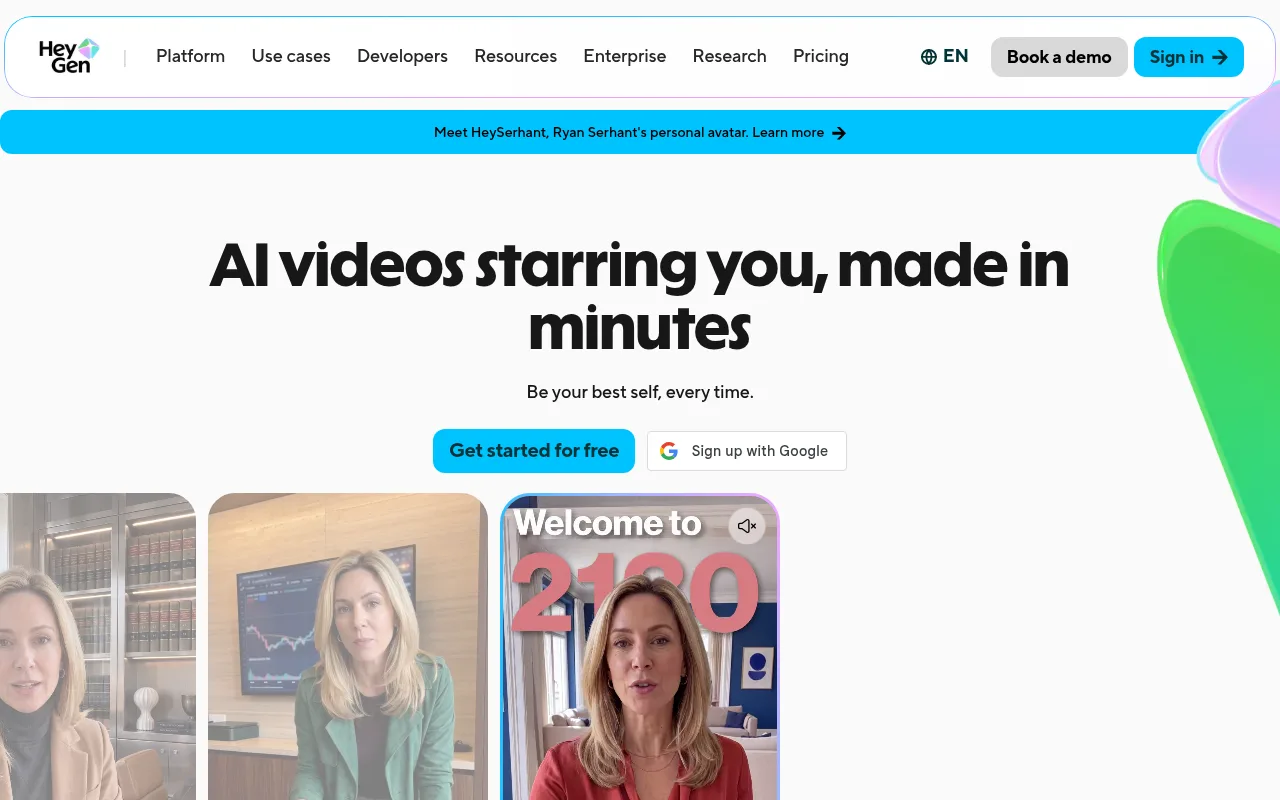
Its pricing page lists 700+ stock avatars and 175+ languages and dialects on paid plans, with 500+ avatars and 30+ languages on Free. The free plan gives you 3 videos a month of up to 1 minute each, plus 1 custom video avatar, 3 photo avatars and 1 voice clone, which is plenty for a first test of your own face and voice on screen. I like that a custom avatar is included before you pay anything.
Creator is $29 a month, or $24 a month billed yearly, and allows videos of up to 30 minutes. Pro is $49 a month and Business $149 a month plus $20 for each extra seat. Paid plans work from a monthly allowance, and the model and the length of each video set how far it goes.
Synthesia
Synthesia leans towards businesses and training teams, and plenty of people search for it by name, so I've given it a section of its own further down too.
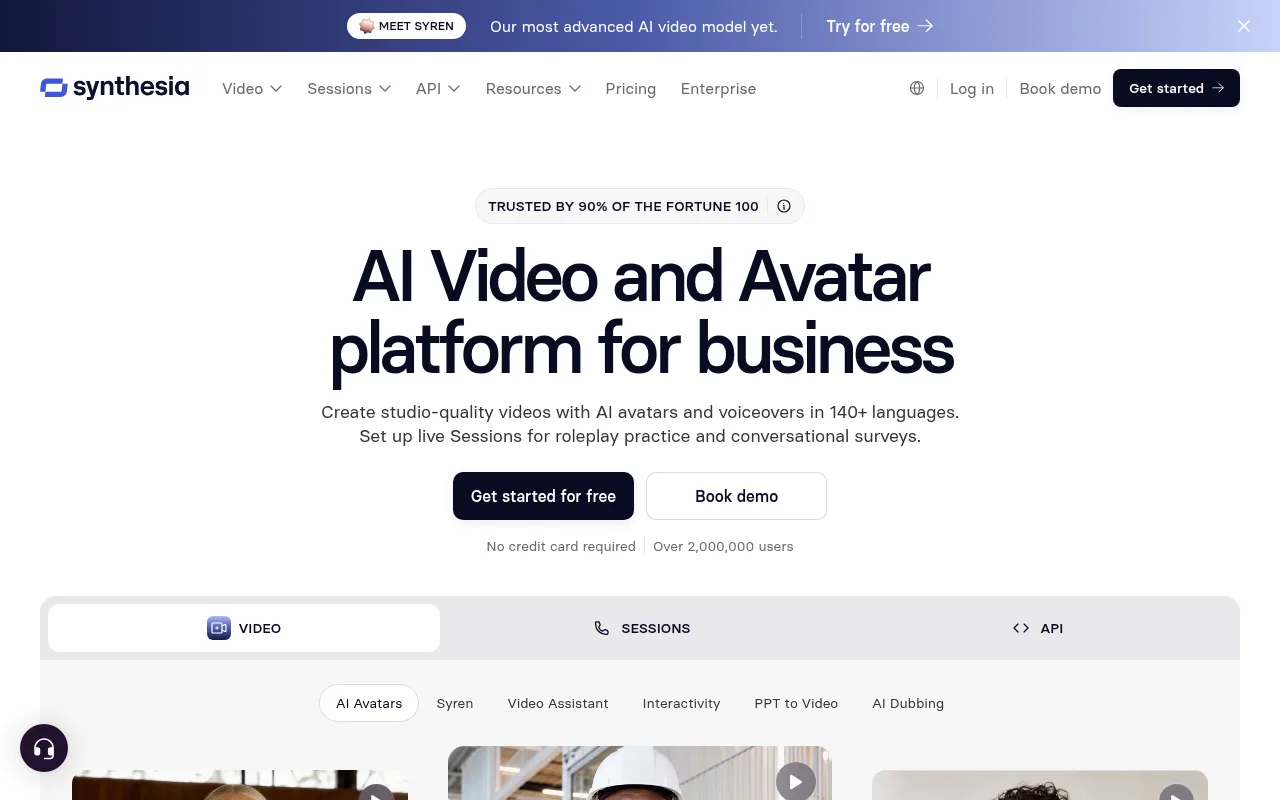
Its pricing page lists 140+ languages on every plan. The free Basic plan gives you 10 minutes of video a month and 9 avatars, and the videos carry a Synthesia watermark. Starter is $29 a month, or $18 a month billed yearly, with 125+ avatars, no watermark and 3 personal avatars of yourself. Pro is $89 a month, or $64 billed yearly, with 180+ avatars and 5 personal avatars.
If you want a studio-quality avatar of yourself, Synthesia's Studio Express-1 avatars are a paid add-on at $1,000 a year for annual plans, and they can take up to 10 days to process.
Colossyan
Colossyan is built for training and course videos, with features like SCORM export and interactive videos, and its avatars suit an explainer channel too.
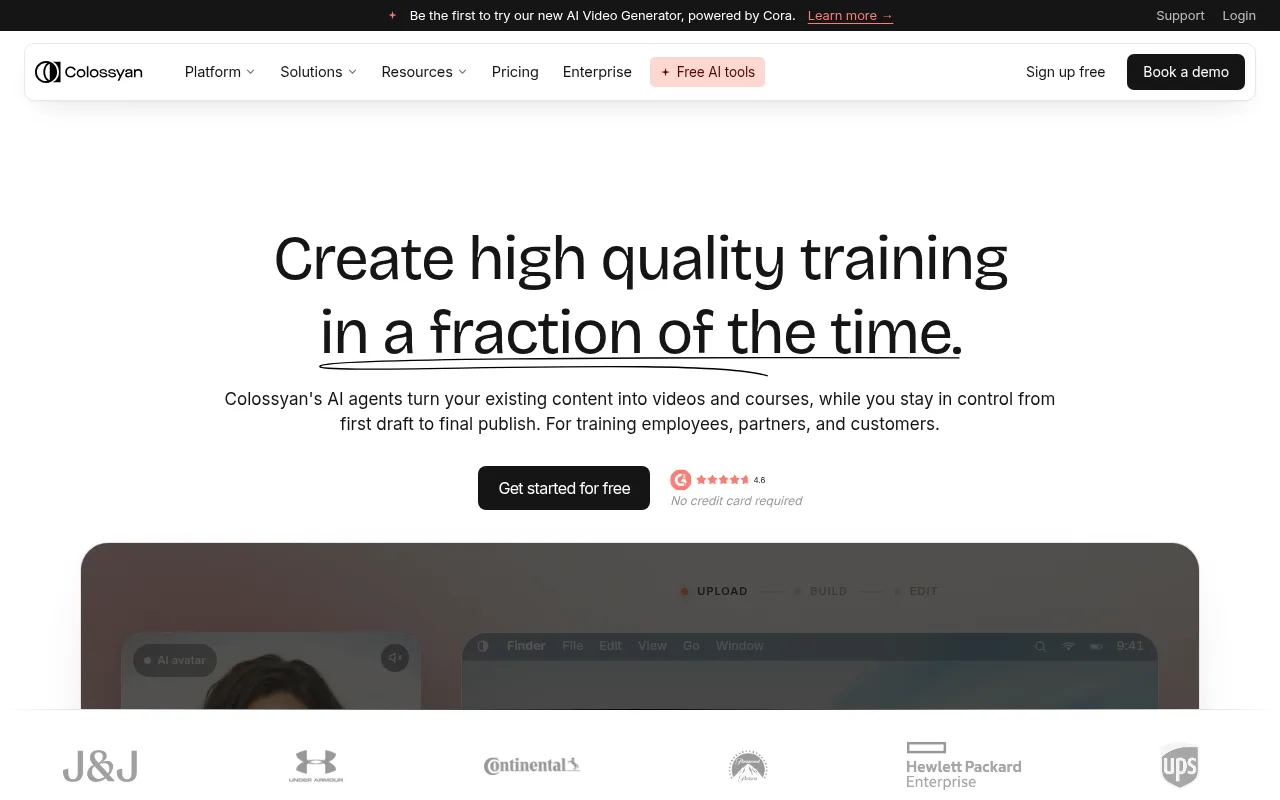
Its pricing page lists 300+ stock avatars, 700+ stock voices and 120+ languages. Starter is free, with 20 minutes of video a month. Professional is $59 a month billed yearly, with 30 minutes a month on its NEO avatars and 10 on the newer NEO2.
The custom avatar deal is good here. Instant custom avatars are included on any active plan. Studio avatars, filmed professionally on a green screen, are an add-on at $1,000 a year.
D-ID
D-ID turns a single photo into a talking avatar, so you can give it one image and have that face read your script. It also has an API that draws from the same minutes as the web app, which suits creators who want to automate their videos.
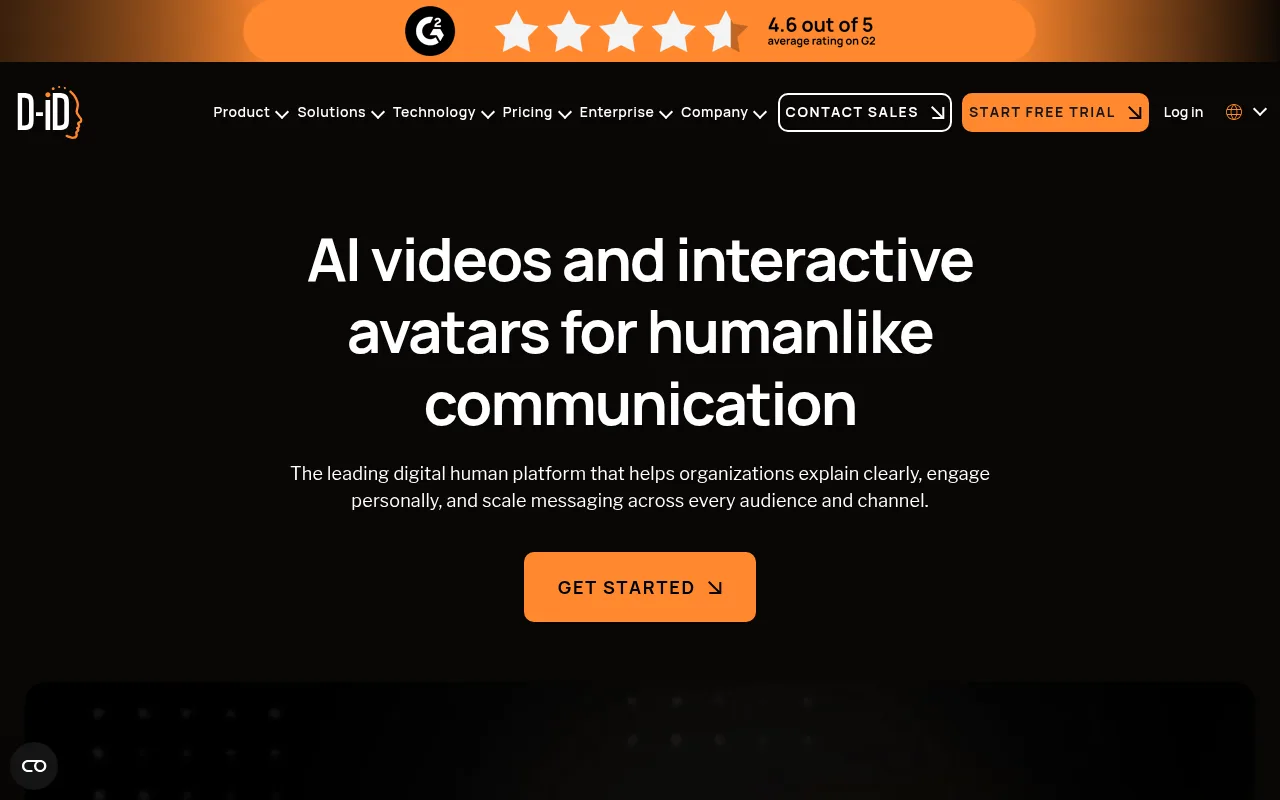
Its pricing page didn't show plan prices when I checked, so look there before you compare. It does explain its minutes clearly. Each video's length is rounded up to the nearest 15 seconds, so a 1 minute 10 second video uses 1 minute 15 seconds, and unused minutes expire at the end of the month. Videos you make for free and on the Lite plan carry a D-ID watermark, full screen on the free ones.
Captions
Captions is a phone-first video editor that has grown into AI video. Its AI Twin feature makes an avatar of you, and its AI actors give you stock presenters. That suits creators who already film themselves and want to make more videos without filming every one.
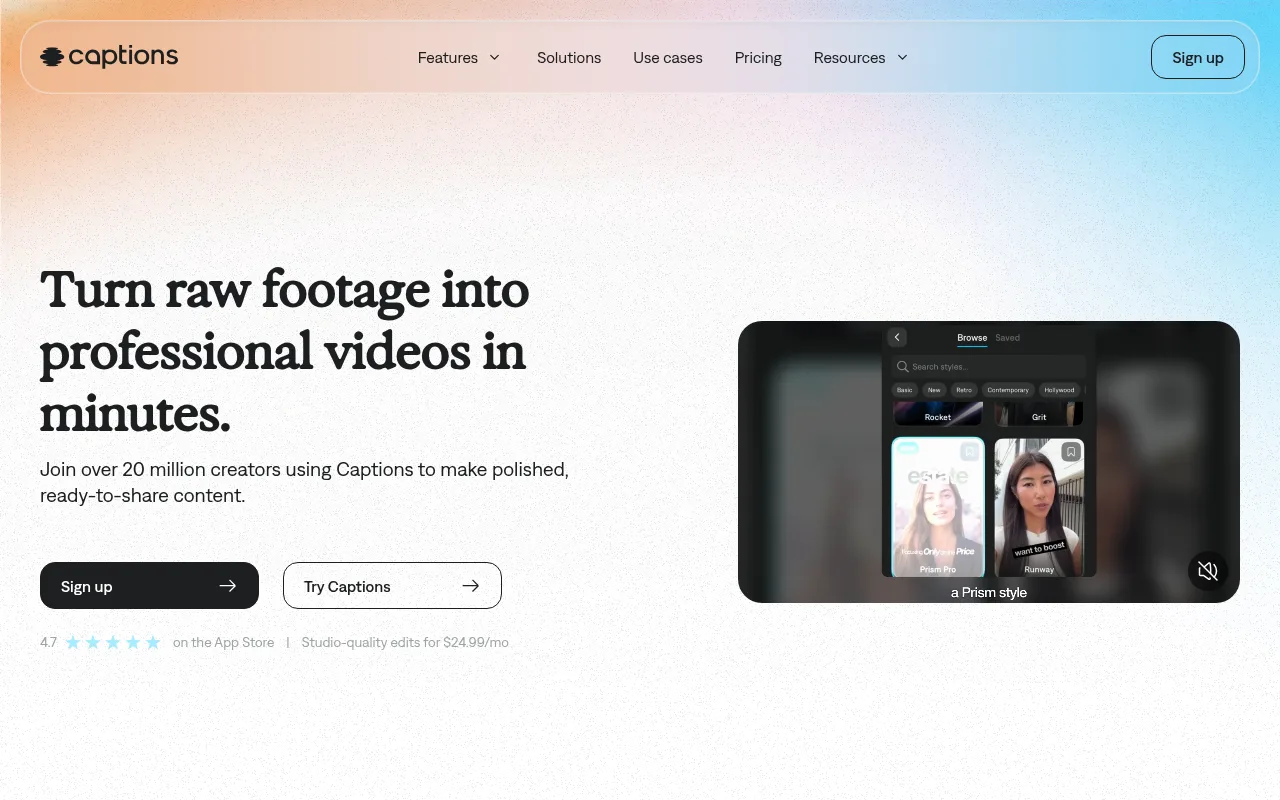
On its pricing page, the Free plan covers ordinary editing but has no allowance for the AI features. Max is $24.99 a month and adds AI actors, AI Twin and a monthly allowance for its AI tools. Frontier starts at $69.99 a month for more of that allowance. It also does captions in 100+ languages, which is handy for Shorts and Reels.
Synthesia video generator and Synthesia alternatives
The Synthesia video generator is a solid pick. Its free Basic plan is fine for a watermarked test, and Starter at $18 a month billed yearly is good value for a channel you plan to keep. The Synthesia alternatives differ from it in four ways:
- Free plan limits: Synthesia's free videos are watermarked, and HeyGen's free plan caps you at 3 one-minute videos a month.
- Languages: HeyGen lists 175+ on paid plans, Synthesia 140+ and Colossyan 120+.
- Your own avatar: HeyGen includes one even on Free, Colossyan includes instant custom avatars on any plan, and Synthesia includes them from Starter.
- Starting price: HeyGen Creator and Synthesia Starter are both $29 a month, Captions Max is $24.99 and Colossyan's paid plan is $59 a month billed yearly.
Bear in mind that many "best Synthesia alternatives" lists are written by one of the tools on them. HeyGen's own roundup puts HeyGen first, for example. The fairest test is your own: take one real script through the free plans of HeyGen, Synthesia and Colossyan, watch the results back to back, and keep the one whose presenter you'd happily watch for ten minutes.
One name you may see in older lists is Hour One. Wix bought Hour One in 2025, so I've left it out and stuck to tools you can sign up to on their own.
Custom avatars, voice clones and consent
A custom avatar is a digital copy of a real person, made from a short recording of them. Paired with a voice clone, it can say anything you type, in their face and their voice. Here's what each tool includes:
- HeyGen: 1 custom video avatar and 1 voice clone on the free plan, more on paid plans.
- Synthesia: 3 personal avatars on Starter and 5 on Pro, with studio-quality Studio Express-1 avatars at $1,000 a year.
- Colossyan: instant custom avatars on any plan, and studio avatars at $1,000 a year.
- Captions: AI Twin on its paid plans.
The rule is short. Only make an avatar of yourself, or of someone who has agreed to it in writing. The tools take misuse seriously too. Synthesia, for one, lists content moderation on every plan, the free one included.
When an avatar fits your channel, and when music and scenes do the job
An avatar earns its place when the channel is a voice with information. If your videos explain something, teach something or recap the news, a presenter gives viewers a face to follow, and a tool like HeyGen or Synthesia saves you from filming. Pair it with a good AI voice, which my guide to AI voices for YouTube videos covers, and you have a full talking channel without a camera.
Music-first channels are different. Lofi, sleep, rain and ambient videos have no speaker, and their viewers want something calm to leave on for an hour. A presenter there costs you money and pulls attention from the thing people came for. Those channels need good music, a scene that holds the eye, and a steady upload schedule.
That side of YouTube is growing fast, and it's where you can go fully faceless with no script at all. My guide to the faceless AI video generator tools covers the options, and the best faceless YouTube tools roundup covers the rest of the kit. If you'd like to add short cinematic clips, the text to video AI tools comparison covers those.
YouTube rules for avatar and AI videos
Avatar videos are welcome on YouTube, and two policies keep a channel in good standing.
The first is disclosure. YouTube's altered or synthetic content policy asks you to disclose AI content that looks realistic, including a video that makes a real person appear to say something they didn't. You do it with the AI use setting in YouTube Studio when you upload. YouTube says the label won't limit your video's audience or its ability to earn money, but channels that keep failing to disclose can have labels added for them, videos removed or Partner Program access suspended.
The second is the inauthentic content policy, which YouTube renamed from "repetitious content" on 15 July 2025. It covers repetitive or mass-produced content, including AI videos made with generic templates, and a channel that breaks it can lose Partner Program eligibility as a whole. YouTube is clear that AI itself is fine: it lists using AI to edit your scripts or make a unique background visual as allowed. It also won't monetise AI personas that present themselves as a human expert giving advice on health, legal issues, money or politics.
In practice, that means:
- Write each script fresh. Your own research and opinions are what make one video different from the next.
- Vary the format. Don't publish the same avatar, layout and structure in bulk.
- Be upfront about the avatar. Set AI use to Yes when the presenter looks real.
- Don't dress the avatar up as an expert. One presented as a human doctor, lawyer or financial adviser giving advice won't be monetised.
Build a presenter-free music channel with Chillframe
If your channel is music and scenery, you can skip the presenter, the script and the voice entirely. Lofi, sleep, rain and ambient channels are a great way into faceless YouTube, and one like that can publish on a steady schedule without you ever writing a line.
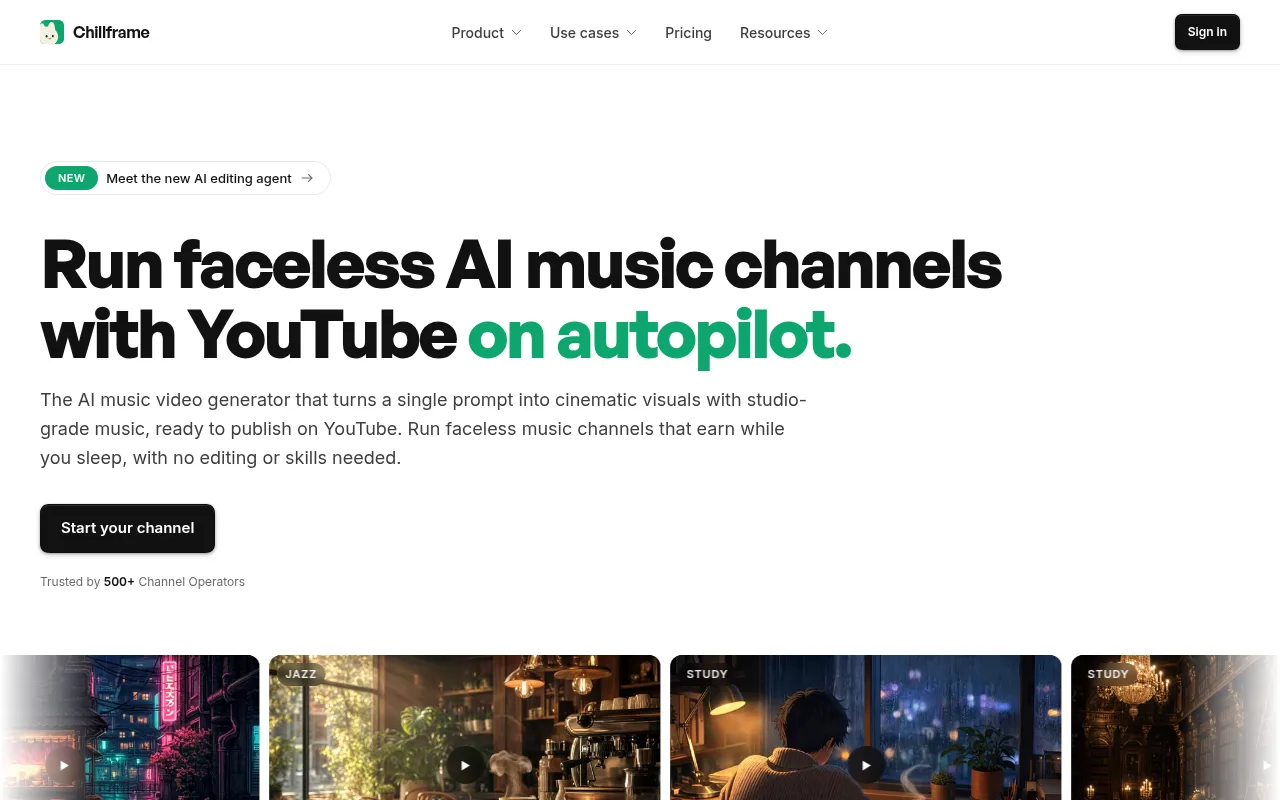
That's the side Chillframe is built for. It makes original music, made fresh for each video, or scene sound like rain, fire or cafe noise, a matching scene, and the finished video at the length you pick, then publishes it to your YouTube channel.
If your channel is rain sounds, set it up like this:
- Open the rain looks, such as Konbini Rain or City Rain, Twelfth Floor, or describe a wet street at night in your own words.
- Set the audio to Ambience only, so it's rain with no music over it.
- Give the Series three nights a week, Monday, Wednesday and Saturday at 10pm, and connect your YouTube channel once.
- Approve the first video when it comes in for review.
With auto-publish on, that's the last step. Every video after it is made and posted automatically, fully hands-off, with an optimised title, description and tags and a thumbnail from the video. Chillframe also handles YouTube's AI-content disclosure on upload, the setting covered in the rules above.
The honest limit: Chillframe makes no avatars, no presenters and no voiceover. If your channel needs someone explaining things on screen, one of the five tools above is the right pick. Each video also runs up to 1 hour, on every plan.
A still rain scene is on the Starter plan at $19 a month. For rain running down the glass, Plus starts on the Creator plan at $49 a month. If your channel is music rather than talk, start your channel with Chillframe, and good luck with it.
AI avatar video generator FAQ
What is the best free AI avatar video generator?
HeyGen's free plan is the most useful for testing: 3 videos a month of up to 1 minute each, and it includes 1 custom video avatar. Synthesia's free Basic plan gives you 10 minutes a month, but the videos carry a Synthesia watermark. Colossyan's Starter plan is free too, with 20 minutes a month.
Can I monetise a YouTube channel that uses AI avatars?
Yes. YouTube allows AI in monetised videos when the result shows your own creative work. It won't monetise mass-produced, template-made content, or AI personas that present themselves as a human expert giving advice on health, legal issues, money or politics.