List
AI YouTube Script Writer: 6 Tools Compared for Faceless Channels
Three general chatbots, two tools built for YouTube and one marketing writer, side by side, with a prompt that works and the checks to run before you record.

An AI YouTube script writer drafts the words your video says aloud, from the hook to the last line. For a faceless channel that means you can go from an idea to a script you're happy to record in an evening rather than a week. The six I'd look at are ChatGPT, Claude and Gemini on the general side, vidIQ and Subscribr on the YouTube side, and Jasper if you already use it for marketing.
Whichever you pick, the tool gives you a first version. The hook, the facts and the voice are where your channel wins, so most of this piece is about those.
What an AI YouTube script writer should actually do
A video script is not a blog post. It's spoken, so it needs short sentences you can say in one breath. It's paced, so the first 30 seconds carry more weight than the rest. And it's tied to what's on screen, so every few lines should tell you, or your editor, what the viewer is looking at.
Whether you search for a YouTube script writer AI or a YouTube video script generator AI, you land on the same two kinds of tool: general chatbots you prompt yourself, and YouTube tools that wrap a chatbot in research and templates. Both can do the job. The difference is how much of the structure you bring.
One thing to say first: music, lofi and ambient channels need no script at all. If that's your kind of channel, skip the script step and go straight to my faceless YouTube automation guide, which covers that path end to end. The rest of this piece is for talking channels: explainers, history, documentaries, top tens, story channels.
General chatbots versus YouTube-specific tools
General chatbots like ChatGPT, Claude and Gemini are flexible and cheap, and all three have a free plan. You decide the structure, the length and the tone, and you keep refining in the same conversation. They write whatever shape you ask for, so a vague prompt brings back a vague essay.
Subscribr, which sells a YouTube tool, makes the same point on its comparison page, where it says scripts from generic chatbots need heavy editing and lack proper video structure. That's a vendor's view, and it's fair when the prompt is thin. A good prompt closes most of the gap, and there's one further down.
YouTube-specific tools like vidIQ and Subscribr build the video structure in. They look at videos that did well in your niche, write hook options and shape the script into an intro, sections and an ending that asks viewers to act. You pay for that, and you still check every fact.
Marketing writers like Jasper are built for a business's marketing rather than for video pacing. If your company already pays for one, it can draft a script, but I wouldn't start there for a faceless channel.
The best AI YouTube script writer tools, compared
Here's how the six line up before going through each one.
| Tool | Built for | What it adds for scripts | Price to start |
|---|---|---|---|
| ChatGPT | General chat | Flexible drafting and rewrites in one conversation | Free plan; Plus is $20 a month |
| Claude | General chat | Long drafts and careful rewrites | Free plan; Pro from $17 a month billed yearly |
| Gemini | General chat | Deep Research and Canvas on the free plan | Free plan; paid Google AI plans above it |
| vidIQ | YouTube growth | Script Writer that studies similar videos | Free plan with a limited number of scripts |
| Subscribr | YouTube channels | Ideas, a script agent, voice matching, thumbnails and video | Start for $0; Growth is $99 a month |
| Jasper | Marketing teams | Brand voice across a team | Pro is $59 to $69 a user a month |
ChatGPT
ChatGPT is the one most people already have open. It has a free plan, and ChatGPT Plus costs $20 a month if you want more use.
Its strength for scripts is the back and forth. You can ask for a hook, reject it, ask for three more, then build the script one section at a time in the same conversation. That rhythm is the right way to write a script with any chatbot, so ChatGPT is a good place to learn it.
Best for: anyone starting out who wants one tool for ideas, outlines and drafts.
Claude
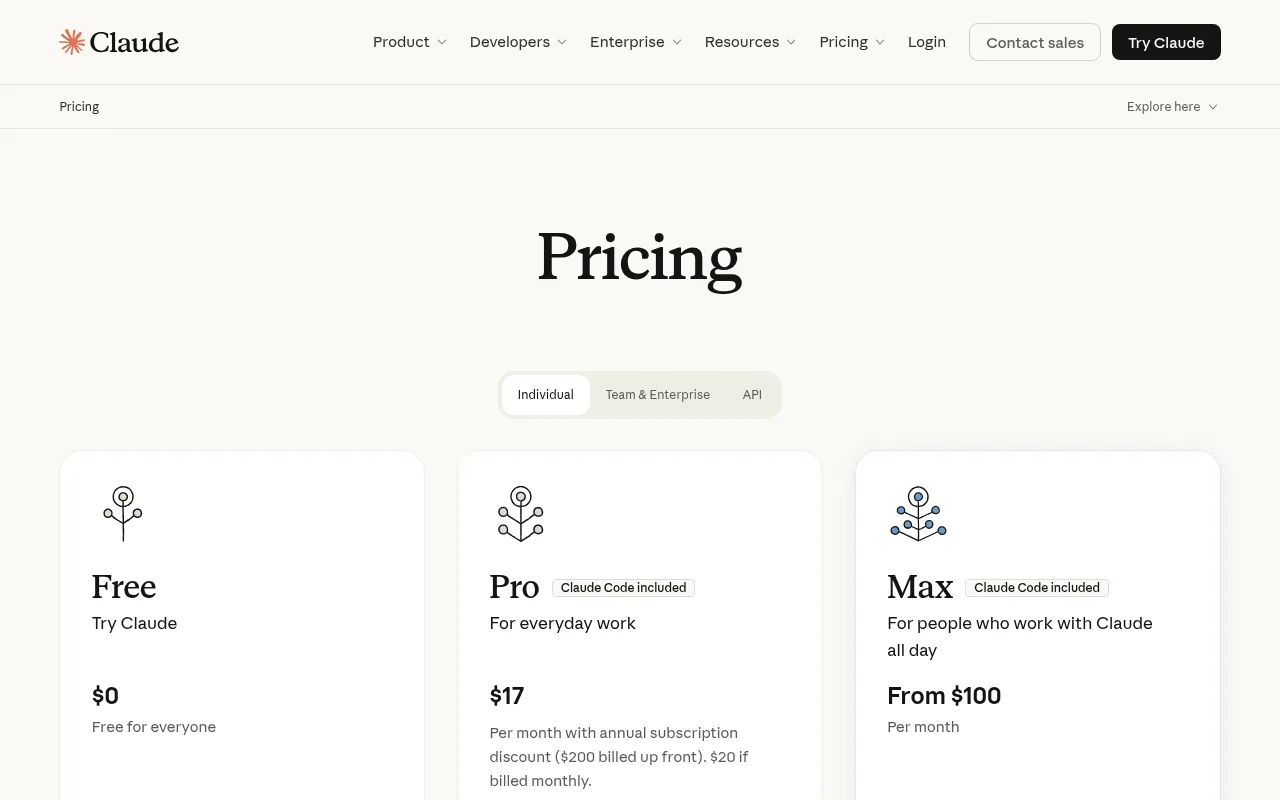
Claude is free to start, with Pro at $17 a month billed yearly ($200 paid in advance) or $20 billed monthly, and Max from $100 a month.
I'd reach for it when the script is long and the tone matters, like a 20-minute documentary or a calm history channel. Paste in your research notes and a script you liked, and ask it to match the rhythm. It's also good at the second pass: give it your draft and ask it to cut every sentence that sounds like an essay.
Best for: long, careful scripts and rewriting a draft for the ear.
Gemini
Google's Gemini includes Deep Research and Canvas on its free plan, which makes it useful before you write a word. Deep Research analyses hundreds of sources on a topic and summarises them in a full report in a few minutes.
For a faceless explainer, that's a sensible order: research the topic, check the report against the original sources, then turn it into a script. Paid plans are sold under the Google AI name.
Best for: research-heavy topics where you want sources before you draft.
vidIQ
vidIQ is best known as a YouTube growth toolkit, and its Script Writer is built for YouTube creators. It looks at videos in a similar style, then writes a script with an intro, sections and a closing line asking viewers to act.
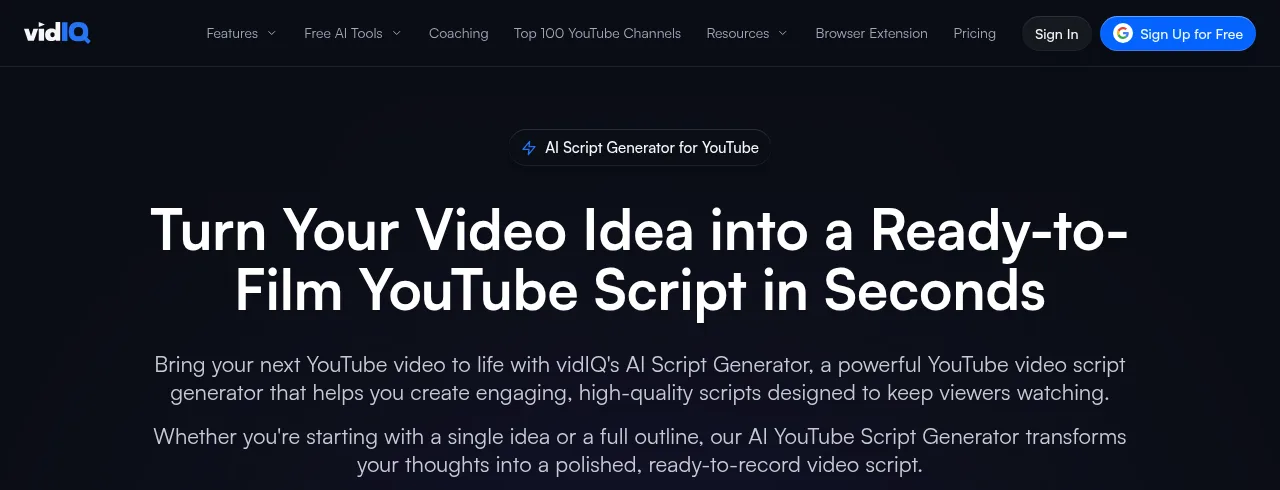
You can edit sections, rewrite the intro or the whole script, and change the tone. Free plans include a limited number of scripts a month and higher plans include more, but vidIQ's help page doesn't give the numbers, so check your plan before you rely on it.
Best for: creators who already use vidIQ for keywords and titles and want the script in the same place.
Subscribr
Subscribr is built around running a YouTube channel from idea to upload. It has an Outlier Database of tracked videos in your niche, daily ideas, a Viral Script Agent that writes hook options and a finished script matched to your voice, plus thumbnails and a video generator.
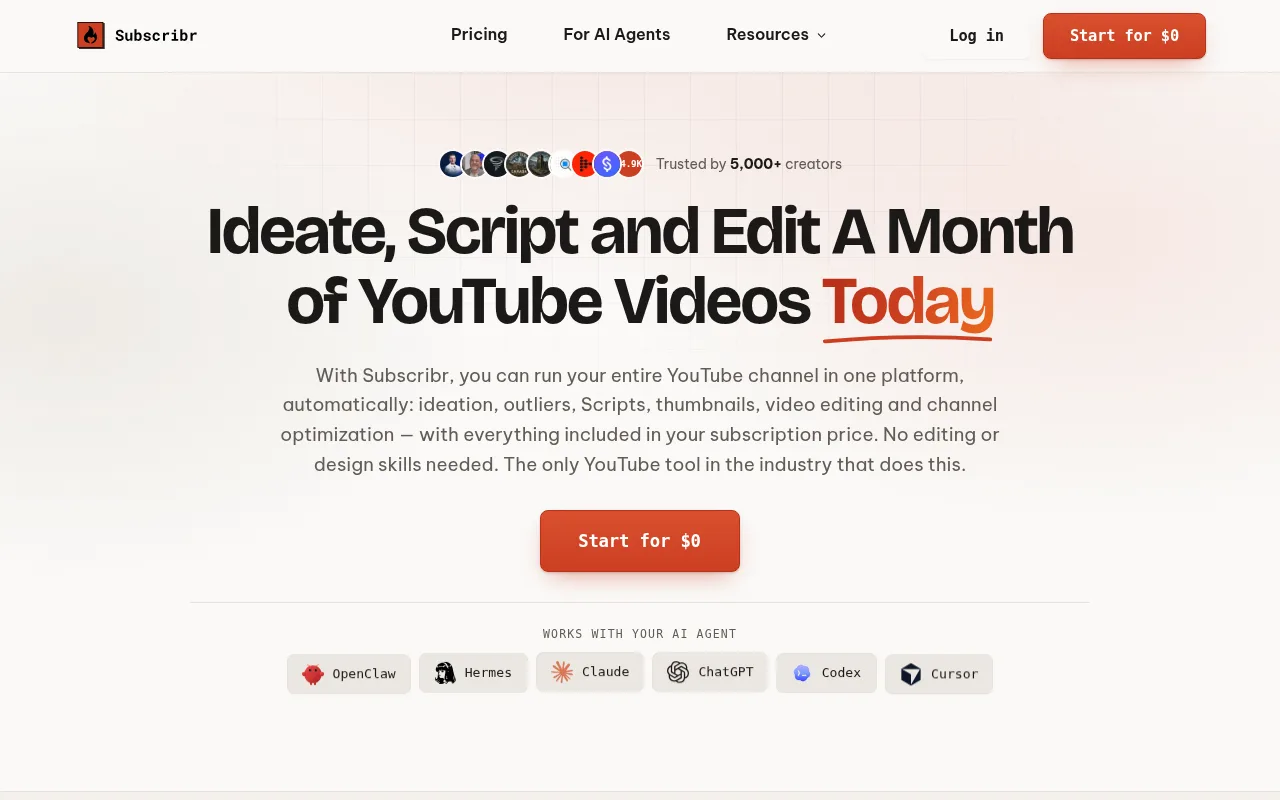
You can start for $0. The Growth plan is $99 a month and includes 8 eight-minute videos, 150 thumbnails, 3 channels and 3 users, with finished video at $1.50 a minute. It also connects to AI agents like Claude and ChatGPT, so you can work on your channel from a chat.
Best for: talking channels that want research, scripts and production in one place.
Jasper
Jasper is an AI writer made for marketing teams. Pro costs $69 a user billed monthly or $59 a user billed yearly, and Jasper offers 7 days of Pro for free.
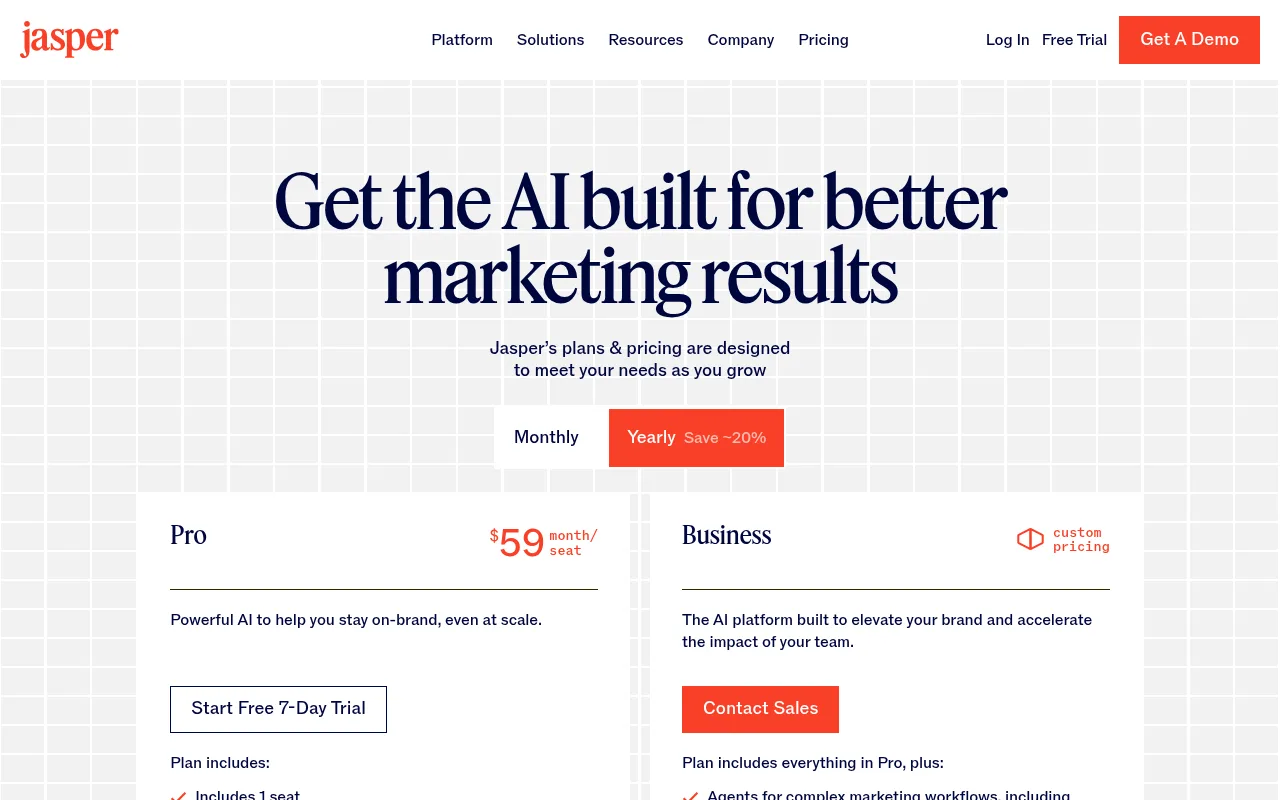
Its brand voice features keep the writing consistent across a team, which helps when your channel belongs to a business. It's built around marketing copy rather than video, so you'd bring the script structure through your prompt, the same as with a chatbot, at a higher price.
Best for: marketing teams already on Jasper who want brand videos in the same voice.
Hooks and retention structure to ask for
The structure matters more than the tool. Whatever you use, ask for these three things in the opening.
- Open on the most surprising moment. Start with the strangest fact or the result, not a line about what the video covers.
- Show proof early. A number, a clip, a document, a before and after. Something that tells the viewer this video knows what it's talking about.
- Give a reason to keep watching. Say what they'll have by the end, or tease a point the middle of the video pays off.
Then ask for the script one section at a time rather than in one long go. A long script written in one go wanders. Section by section, you can steer each part, and the script keeps a shape you chose.
Last, write for the ear. Read every section aloud. If you run out of breath, the sentence is too long. If a line sounds like an essay, cut it. If you're using an AI voice, play it through that voice too, because some phrasing that reads fine sounds stiff when spoken.
A prompt that turns any chatbot into a script writer
Paste this into ChatGPT, Claude or Gemini and fill in the square brackets.
You're writing a script for my faceless YouTube channel about [your niche].
The viewer is [who they are and what they already know].
The video should run about [number] minutes when read aloud.
Open with a hook of two or three sentences: start on the most surprising point in the video, show one piece of proof, then say what the viewer will have by the end.
Write in sections of about one minute each. Under each section, add one line in square brackets describing what's on screen.
Write for the ear: short sentences, everyday words, nothing that sounds like an essay.
Don't invent facts, numbers, names, dates or quotes. Mark any claim that needs a source with [NEEDS SOURCE].
Give me the hook and the first section only, then wait for my notes before writing the next one.
Here's why each line is there:
- The niche and the viewer stop the generic tone. A script for curious teenagers sounds different from one for retired engineers.
- Spoken minutes, not words, keep the length tied to the video you're making. To turn minutes into words, read one section aloud with a timer, work out your words per minute and multiply.
- The hook line puts the three-part opening from the hooks section above into the first few seconds.
- One visual note per section gives you, or your editor, a list of shots as you go.
- The ban on invented facts, and the [NEEDS SOURCE] marks, turn the fact-check into a list you can work through.
- One section at a time keeps you in charge of the shape.
To start, pick your favourite chatbot, paste in the prompt and write the hook and first section of your next video. Read it aloud, check the facts, then ask for the next section. If you outgrow that, vidIQ or Subscribr will add the YouTube research around it.
Fact-check before you record
Chatbots can sound most confident exactly where they should be asking for evidence. A wrong date or a made-up quote in a faceless explainer is the fastest way to lose a viewer's trust, and comments will find it.
So before you record:
- Search every [NEEDS SOURCE] mark and every number, name and date in the script.
- Check each one against a primary source: the study, the official record, the company's own page.
- Keep the sources for each script organised in one plain document. It makes the next check faster, and you can paste it into the description.
- If you can't find a source for a claim, cut it. You'll often realise the script reads better without it.
Keeping your channel earning: YouTube's inauthentic content rule
On 15 July 2025, YouTube renamed its "repetitious content" policy to "inauthentic content" and made clear it covers repetitive or mass-produced videos. The policy says channels where the content feels interchangeable from video to video can't earn from YouTube.
That doesn't rule out AI scripts, and it doesn't rule out a format. The same page allows the same opening and closing across your videos as long as the bulk of each one is different. What it's after is the channel where every video is the same template with a few words swapped.
Writing a script for each video on its own keeps you clear of that. You research each video, write it a new hook and give it a point of its own. That's also the thing that makes viewers come back, so the rule and the audience want the same thing.
On disclosure, YouTube's page on altered or synthetic content lists using generative AI to create or improve a video's outline, script, thumbnail or title as production help that doesn't need to be labelled. The label is for realistic content, such as making a real person appear to say or do something they didn't, or showing a realistic scene that never happened.
From script to finished video
A finished script is half a video. Next comes the voice: my guide to the best AI voice for YouTube videos compares the options for narration. Then the pictures, where script to video AI tools and text to video AI tools turn the words into footage. When it's ready to go out, the YouTube description generator roundup covers the text that sits under it.
Skip the script: a faceless music channel with Chillframe
Music, lofi and ambience channels are a growing part of faceless YouTube, and they're the one kind with no script to write, no voice to record and no facts to check. If that sounds like the channel for you, Chillframe makes the whole thing: original music made fresh for each video, or the sound of the scene, a matching visual and the finished video, up to 1 hour long on every plan.
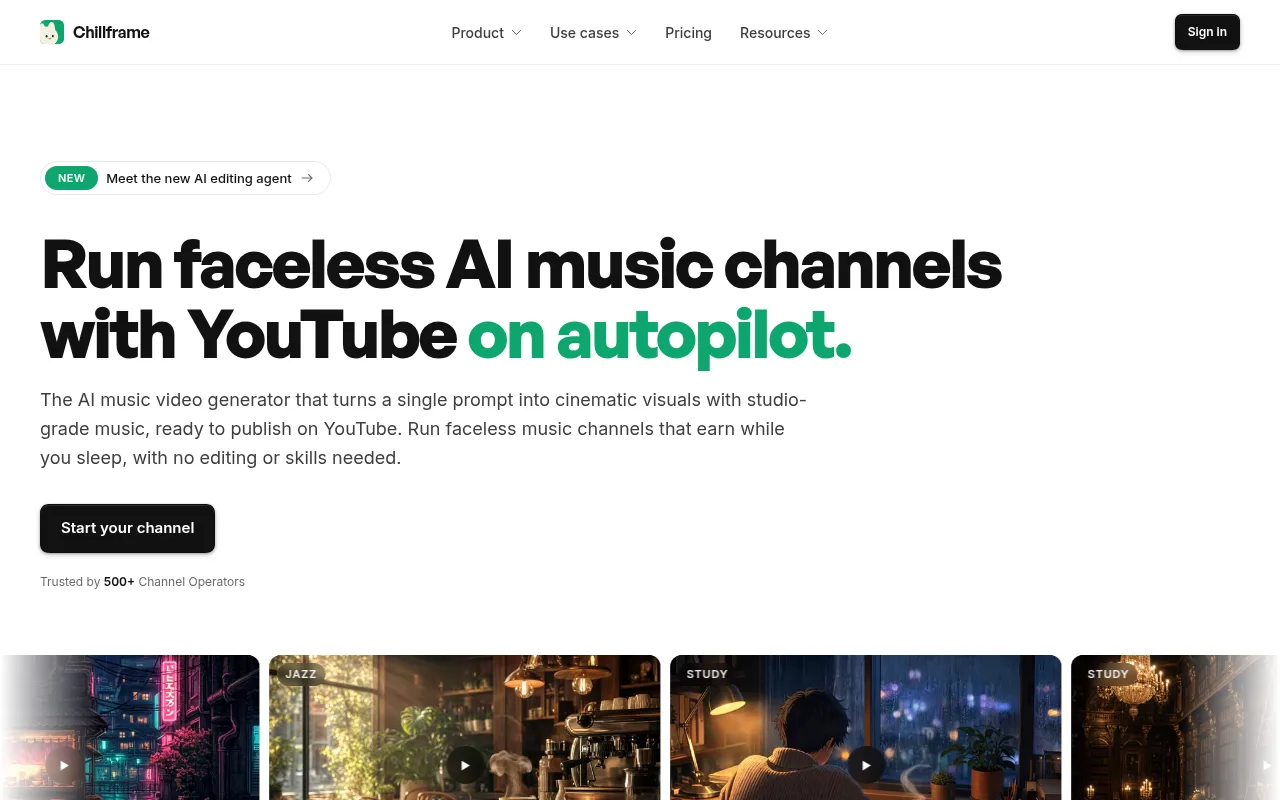
For calm music that plays in classrooms, there are four things to do, once:
- Choose a look from the catalogue of more than 60 presets, such as Jazz Café Morning, or describe a scene like a sunny classroom with rain on the windows.
- Leave the audio on Instrumental, so there are no words for a class to talk over.
- Set a Series for Monday to Friday at 7am, so a fresh hour is up before the first lesson.
- Approve the first video when it arrives for review.
With auto-publish on, the channel is fully hands-off from there. Chillframe automatically makes a new video every weekday morning and publishes it to your YouTube channel with an optimised title, description and tags and a thumbnail taken from the video. It also deals with YouTube's AI-content disclosure on upload.
The honest limit for readers of this piece: Chillframe doesn't narrate. There's no script, voiceover or talking track, so for an explainer, a history video or a story channel, the tools above are still where you start.
The Starter plan is $19 a month, and the Creator plan at $49 adds moving scenes and up to three Series if the channel grows a second one. My faceless YouTube automation guide covers the music path end to end.
AI YouTube script writer FAQ
Is there a free AI YouTube script writer?
Yes. ChatGPT, Claude and Gemini all have a free plan, and Gemini's includes Deep Research and Canvas. vidIQ's free plan includes a limited number of scripts a month, and Subscribr lets you start for $0. The prompt in this piece works on any of the free chatbots.
Can YouTube demonetise a channel that uses AI scripts?
Not for using AI on its own. YouTube's inauthentic content policy is aimed at mass-produced or repetitive videos, where the content feels interchangeable from one video to the next. If each video has its own research, hook and point, the tool that helped you write it isn't the problem.
How long should a script be for a video?
Plan it in spoken minutes rather than words, because everyone reads at a different pace. Read one section aloud with a timer, work out your words per minute and multiply by the length you want. That gives you a word count that fits your own voice or the AI voice you use.
Do I need to disclose that my script was written with AI?
No. YouTube lists using generative AI for a video's outline, script, thumbnail or title as production help that doesn't need the altered or synthetic label. The label is for realistic content, like making a real person appear to say something they didn't, or a realistic scene that never happened.