Guides
How to Start a White Noise Channel: The Complete 2026 Playbook
Build a high-yield faceless brand with automated audio, smart SEO, and a proven defense against copyright claims.
If you want to know how to start a white noise channel, you are likely looking at the massive watch-time potential of long-form, faceless videos. The opportunity is real. The Relaxing White Noise YouTube channel has 4.47M subscribers and approximately 2.69B total video views. According to vidIQ, this single channel earns approximately $107.89K/month from YouTube AdSense alone. This model relies on high-retention sleep loops that run for 10 hours at a time, allowing viewers to play a single video through the night.
The secret to these channels is the compounding math of long-form watch-time. When a user plays an 8-hour sleep video, YouTube has the chance to place multiple mid-roll ads. Unlike a standard 10-minute vlog, a single view on a sleep track can generate dozens of ad impressions. By keeping production costs low and upload frequency high, creators build a passive asset library. With YouTube having paid out more than $30 billion+ to creators, the ambient niche remains one of the most accessible entry points for new creators.
Building a white noise channel requires patience and strict cost discipline rather than on-camera charisma. You do not need a high-end camera, a microphone, or an expensive studio. Instead, you need a reliable method for generating high-quality sound loops and matching visuals. This guide covers the exact production steps, legal strategies to protect your revenue, and alternative monetization methods to help you build a profitable faceless brand.
1. Why white noise channels are still a viable YouTube niche in 2026
The commercial viability of ambient audio channels remains high because they solve a universal, recurring problem: sleep deprivation and distraction. Top-performing white-noise channels are estimated to earn ~$1.1M/year, with monthly earnings between $75,000 and $167,000.
A single ambient video can generate significant revenue from non-advertising sources as well. In a 2024 case study, a single ambient video earned $10,293 from 575,500 views, with $8,832 coming from YouTube Premium memberships and $1,374 from pre-roll ads. This highlights how valuable sleep viewers are: because Premium members do not see ads, creators are paid based on how long those members watch, making 10-hour videos incredibly lucrative.
The silent competitive moat of this niche is that it rewards systemization over personality. Traditional creators must constantly reinvent their content, follow trends, and edit complex narratives. An ambient channel creator focuses on search engine optimization and production consistency. Once you establish a library of 50 to 100 high-quality loops, your catalog generates continuous watch-time while you sleep.
2. Pick your sonic lane: white, pink, brown, fan, rain, or fan-made drone
To stand out in the ambient space, you must understand the different types of noise and how they serve specific audiences:
- White Noise: Equal energy across all frequencies, creating a static hiss that is excellent for masking sharp background noises like barking dogs or traffic.
- Pink Noise: Deeper and richer than white noise, with deeper low-frequency sounds that mimic rustling leaves, often used for focus and concentration.
- Brown Noise: Heavy bass tones with a deep, rumbling quality, highly popular for tinnitus relief and deep sleep.
- Fan Noise: A mechanical, rhythmic hum that mimics hotel-room air conditioners, favored by frequent travelers.
- Rain Noise: Organic water patterns, often mixed with distant thunder, acting as an ASMR-lite trigger.
- Ambient Drone: Low-frequency synthesizer pads and musical tones designed for deep study or creative writing.
To understand how these sound profiles impact sleep, read our deep dive on white vs pink vs brown noise.
If you are starting a new channel, avoid targeting the head term "white noise" immediately. It is highly saturated. Instead, target low-saturation lanes like brown noise or custom ambient drones. These specific terms have dedicated search communities but far fewer competing channels.
| Sonic Lane | Target Audience | Competition Level | Source |
|---|---|---|---|
| White Noise | Parents of infants, light sleepers | High | Ambient Sound Lab |
| Brown Noise | Tinnitus sufferers, deep sleepers | Low-Medium | Sound of Sleep |
| Rain Sounds | Remote workers, relaxation seekers | Medium-High | Quasa |
| Ambient Drone | Students, fantasy writers, gamers | Very Low | Reddit r/NewTubers |
Verdict: If you are launching a new channel today, target brown noise or ambient drone. These lanes have lower search saturation and higher average retention, allowing your content to stand out to YouTube's recommendation algorithm.
3. Brand your channel: name, logo, banner, and tagline
Your channel branding must communicate immediate utility. When a tired user searches for a sleep aid at 11:00 PM, they want to know exactly what your channel offers within two seconds of looking at your homepage.
Use descriptive naming conventions that combine a modifier with an ambient noun. Examples include:
- [Modifier] Calm (e.g. Arctic Calm)
- [Setting] Sounds (e.g. Cabin Sounds)
- [Color] Noise Lab (e.g. Brown Noise Lab)
- [Niche] Drift (e.g. Dream Drift)
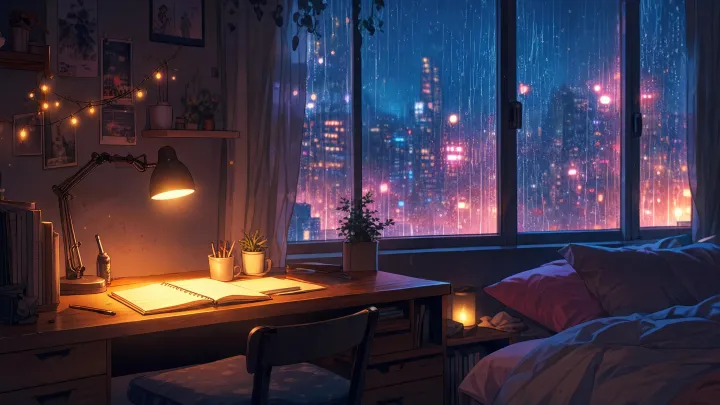
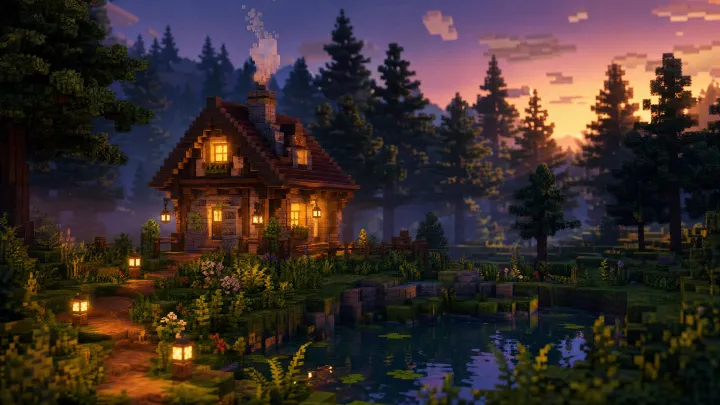
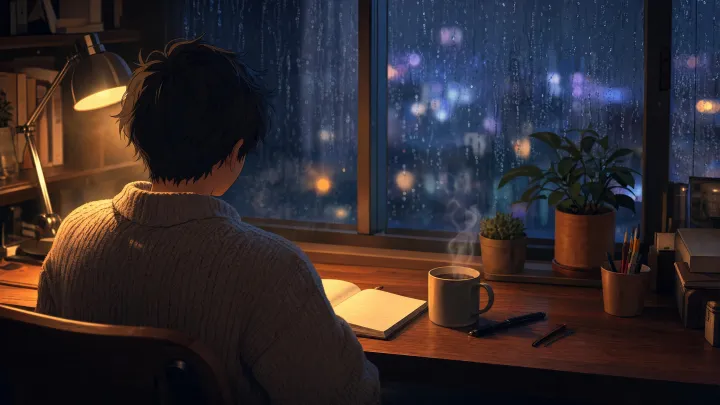
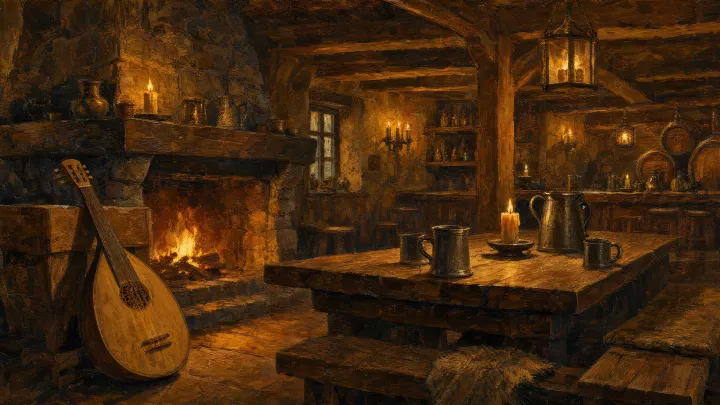
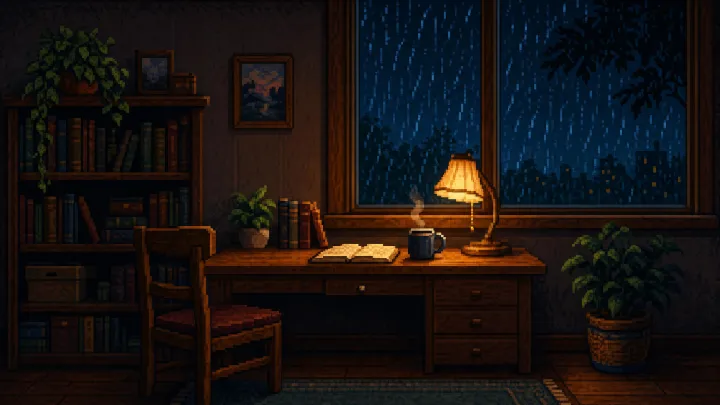
For your visual identity, use Midjourney to generate cohesive, high-quality channel art. A popular style is the "Lost Sounds" aesthetic, which uses soft, low-contrast illustration styles. Use prompts that generate dark, cozy scenes like a cabin in a rainstorm or a quiet library. Avoid bright, neon colors that might strain a user's eyes in a dark bedroom.
Your tagline should explicitly state your video length and purpose. For example, "10 hours of deep brown noise for sleep" or "8 hours of rainy study ambience" helps viewers immediately understand your value when they find you in search.
4. Your $0-$100 production stack (Audacity, Midjourney, Blender, HandBrake)
If you are building your channel manually, you can assemble a highly capable production stack using free and low-cost tools:
- Audio Editing: Audacity (free) is the standard tool for generating raw white or pink noise. You can use the built-in generator to create a noise track, then apply equalization filters to shape the tone.
- Visual Design: Midjourney or Stable Diffusion for static covers, or Blender for rendering slow-motion particle loops like falling rain or drifting dust.
- Video Encoding: HandBrake (free) is essential for compressing your 10-hour files. Use H.264 video codec, a resolution of 1280x720 (720p), 30 frames per second, and a video bitrate of 15-20 Mbps. This keeps your exported MP4 files under 120 GB, which is easier to upload.
- Audio Textures: FlexClip AI SFX generator to add textured layers like rain on a tin roof or a distant cafe hum.
If you want a faceless channel that runs itself, Chillframe offers a hands-off publishing workflow that builds your watch-time on autopilot. Instead of spending hours rendering files in Blender and fighting with massive 120 GB uploads, Chillframe turns a theme into a finished, schedulable video with original music and matching visuals.
The tool generates original, studio-quality lofi tracks that blend into a gapless, continuous soundtrack. It also creates looping lofi visuals tuned to your chosen theme. The Lite tier provides a static image loop, while the Plus and Ultra tiers add motion visuals.
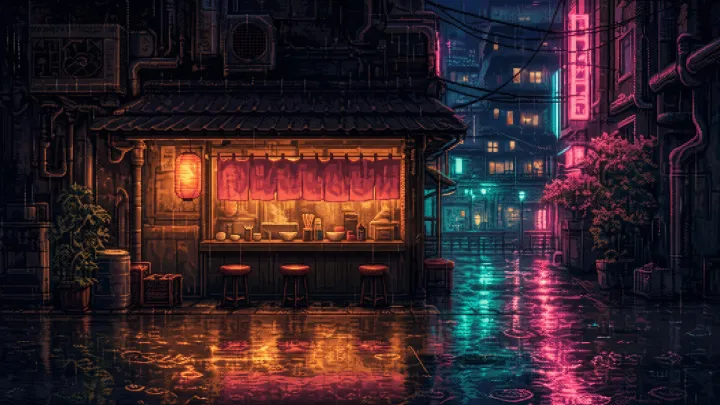
You can choose from seven specific themes: study-boombap, rainy-tokyo, jazzhop, ambient-sleep, synthwave, future-garage, and citypop. Several carry a matched ambient texture for extra depth: rain in rainy-tokyo, a cafe hum in jazzhop, or a soft crackling fire in ambient-sleep.
Each finished video loops cleanly to your chosen runtime, up to 1 hour on every tier. Resolution is 1080p on all tiers, with 4K resolution available on the Ultra visual tier.
To keep your channel consistently fed, you can set up a Series. A Series automatically generates fresh videos on a set cadence of 1 to 7 videos per week, on your chosen days and times. Starter includes 1 active Series, Creator includes 3, and Pro and Max offer unlimited Series.
You can connect your YouTube channel in a single click. Chillframe lets you line up each episode's title, description, visibility, and release date directly on your schedule. Finished episodes publish straight to your connected channel, completely hands-off. It also generates an optimized thumbnail and title for each episode, ensuring every upload is ready to attract clicks.
Chillframe operates on a credit and subscription model. Monthly credits scale by tier: Starter provides 76 credits, Creator provides 196, Pro provides 396, and Max provides 796. Credits are spent based on video duration, track count, and visual tier, and they reset each billing cycle. To help you get started, there is a card-required-upfront 3-day trial with $0 due today: 45 credits, Lite-only visuals, a 30-minute maximum runtime, one video, and 2 track re-rolls. The dashboard also includes creator analytics that show you how your channel is growing, tracking the watch-time and growth signals that matter.
5. Step-by-step: produce your first 10-hour video
If you choose to produce your videos manually, follow this five-step workflow to ensure high-quality output:
- Step 1: Generate or record original sound. Generate at least 10 minutes of original sound in Audacity. Do not simply copy stock white noise. Per the BBC and The Hustle, using identical stock audio can trigger automated copyright systems or lead to your channel being flagged for duplicate content.
- Step 2: Loop the audio. Loop your track in Audacity. Use the Paulstretch effect (Effect > Paulstretch) to stretch short ambient drones into long soundscapes with no audible repeat or cut.
- Step 3: Pair audio with visuals. Pair your audio with a single high-quality static image. Use video editing software to stretch the image to match the audio track, then export as an MP4.
- Step 4: Add chapter markers. Add clear chapter markers in your description (e.g. 0:00, 1:00:00, 5:00:00, 9:30:00). This helps users navigate long sessions and signals to the YouTube algorithm that your video is structured for long-term play.
- Step 5: Upload and test. Upload your video as unlisted first. This lets you check the audio levels on multiple devices and ensures no weird clipping or digital noise occurs before you publish it to the public.
If you want to create a similar channel based on nature sounds, read our guide on how to make a rain sounds youtube channel.
6. Length, file size, encoding, and YouTube SEO metadata
To maximize your search visibility and ensure your videos are technically optimized, follow these standards:
- Recommended Length: The industry standard for sleep videos is 8-10 hours. This ensures the video covers a full night of sleep, keeping the user's device active and accumulating watch-time.
- File Size: At 1080p resolution, a 10-hour H.264 video at 20 Mbps can easily reach 80 to 120 GB. To manage upload times, many creators pair the audio with a static image loop, which is why the static-image approach is the norm in this niche.
- Title Formula: Use structured, keyword-rich titles. A proven formula is: "10 Hours of [Color] [Sound] for [Use Case] | [Channel Name]". For example: "10 Hours of Brown Noise for Deep Sleep | Desert Calm".
- Tags: Target long-tail, high-intent terms. Mix search phrases like "brown noise for sleep", "10 hour sleep sounds", "study background noise", and "tinnitus relief sound".
- Description Boilerplate: Write a short opening paragraph explaining the use case for the sound. Include your chapter markers, a disclaimer about sleep safety, and links to your external platforms. For more tips on optimizing faceless videos, check out our guide on how to start a relaxing music youtube channel.
7. 5 ways to make money before you hit YouTube's monetization threshold
You do not have to wait for the YouTube Partner Program, which requires 1,000 subscribers and 4,000 public watch-hours in the prior 12 months. Use these five alternative revenue streams:
- Audio Streaming Platforms: Distribute audio-only versions on Spotify, Apple Podcasts, and Amazon Music. These platforms pay per stream, allowing you to monetize your audio assets from day one.
- Digital Storefronts: Sell digital downloads on Gumroad or Bandcamp. Some users prefer offline access to high-quality MP3 loops, so a storefront turns the same catalog into a second income stream.
- Affiliate Marketing: Place high-ticket affiliate links in your descriptions. Promote physical sleep aids. For recommendations on what to link, see our list of the best white noise machines.
- B2B Licensing: License your loops to sleep apps like Noisli or Rain Rain Sleep Sounds. These apps regularly license high-quality ambient loops from independent creators.
- Short-Form Traffic: Use YouTube Shorts as top-of-funnel traffic. Post 15-second clips of unique soundscapes (like "rain on a spaceship") and direct viewers to the full 10-hour version on your channel.
To learn more about maximizing your earnings, read our guide on how to monetize a faceless youtube channel.
8. Don't get Tomczak'd: how to defeat Content ID trolls in 2026
In 2018, independent creator Sebastian Tomczak reported that his original 10-hour white-noise video received five simultaneous copyright claims via YouTube's automated Content ID system. Trolls and automated systems often target white noise because the audio waveforms are highly uniform and lack distinct musical markers. This makes it easy for bad actors to claim ownership of generic static sounds and siphon off your hard-earned ad revenue.
To protect your channel, follow this defensive playbook:
- Dispute claims immediately: You have 30 days to dispute any claim via YouTube Studio. When disputing, cite the legal reality that "copyright does not protect the idea of white noise, only the specific original expression of it."
- Keep a paper trail: Always record a 10-second screen capture of your Audacity session or your DAW timeline while creating the noise. This acts as concrete proof of original creation if you need to submit a counter-notification.
- Display contact details: Keep a dedicated business email on your channel's "About" page. This allows legitimate licensing platforms to contact you directly instead of filing automated claims.
9. Launch checklist - your first 30 days
Follow this structured schedule to launch and grow your channel during its first month:
- Days 1-3: Establish your branding. Design a clean logo and banner using Midjourney. Create your first 3 pilot videos featuring white, pink, and brown noise variants.
- Days 4-7: Upload your first 5 videos. Set up your distribution profiles on Spotify and Apple Podcasts to cross-post your audio.
- Days 8-14: Write a helpful blog post comparing your noise variants and post it on a simple website or Medium page, linking back to your YouTube channel.
- Days 15-21: Ensure your video lengths are optimized. Once you hit the YouTube Partner Program threshold, enable mid-roll ads on all videos exceeding 8 minutes.
- Days 22-30: Pitch a custom loop pack to a sleep app. Continue publishing regularly. With steady output, many focused ambient channels build meaningful watch-time momentum toward the 1,000 subscribers and 4,000 watch-hours threshold over the following months.
Frequently Asked Questions
How long does it take to monetize a white noise channel? Most focused ambient channels reach the YouTube Partner Program threshold of 1,000 subscribers and 4,000 watch-hours faster than a typical talking-head channel does. The watch-hours are the easy half: because white noise videos are 8 to 10 hours long, a single viewer who sleeps through a video contributes 8 to 10 hours of watch-time, so you only need 400 to 500 full views to hit the watch-time requirement. Building the 1,000-subscriber base is the slower half. By using alternative monetization methods like Spotify distribution, affiliate links, and B2B app licensing, you can start earning revenue before that threshold arrives.
Can I use stock audio to build my white noise videos? You should avoid using generic stock audio loops. YouTube's automated systems and Content ID filters frequently flag identical stock tracks as duplicate or reused content, which can prevent your channel from joining the YouTube Partner Program. Additionally, stock loops expose your channel to false copyright claims from other creators who used the same files. Always generate original audio using tools like Audacity, or use Chillframe to generate original, studio-quality soundtracks designed specifically for your channel.
What is the best video resolution for white noise uploads? The standard resolution for ambient channels is 1080p, which provides a clean, crisp visual loop on TVs and mobile devices. If you want to target premium viewers, uploading in 4K resolution (3840x2160) can give your channel an algorithmic advantage, as YouTube often highlights high-resolution content in search results. However, keep in mind that a 10-hour 4K video balloons well past the 80 to 120 GB a 10-hour 1080p file already runs to. Tools like Chillframe offer 4K resolution on the Ultra visual tier without requiring you to render or upload massive files yourself.
Do I need to show my face on a white noise channel? No, white noise channels are entirely faceless. Viewers visit these channels to relax, sleep, or study, meaning they prefer a clean, unobtrusive visual loop rather than a host on camera. This makes the niche highly accessible for creators who want to build a valuable media asset without the pressure of on-camera presentation or voiceovers.
Starting a white noise channel is one of the most reliable ways to build a compounding digital asset in 2026. By focusing on low-competition sonic lanes like brown noise, optimizing your metadata for search, and protecting your work against false claims, you can establish a highly profitable faceless channel. Whether you choose to build your loops manually using Audacity and HandBrake or automate the entire catalog using Chillframe, consistency is your key to success. Start creating your first loop today and watch your channel's watch-time grow.