How-to
How to Make a Sleep Music Video for YouTube, Including the 10 Hour Ones
The music, the scene, the long export and the upload, step by step, plus how the 8 and 10 hour versions are put together.
To make a sleep music video for YouTube, you need an hour of calm music or rain sound, one slow scene, and a long export, and Chillframe makes all three in one go, up to 1 hour per video. For the 8 and 10 hour videos you see on YouTube, loop that hour with the free Chillframe Video Loop Maker, which stretches a clip up to 10 hours.
That's the whole trick behind the long sleep videos. Hardly anyone sits and composes 10 hours of music. They make a shorter piece that holds up on repeat, then repeat it.
How those 10 hour sleep videos are made
Open any big sleep channel and the 8 and 10 hour videos follow the same recipe:
- A sound that works on repeat. A slow piano or ambient track, a long rain recording, or a fire. Nothing with a sudden change in volume.
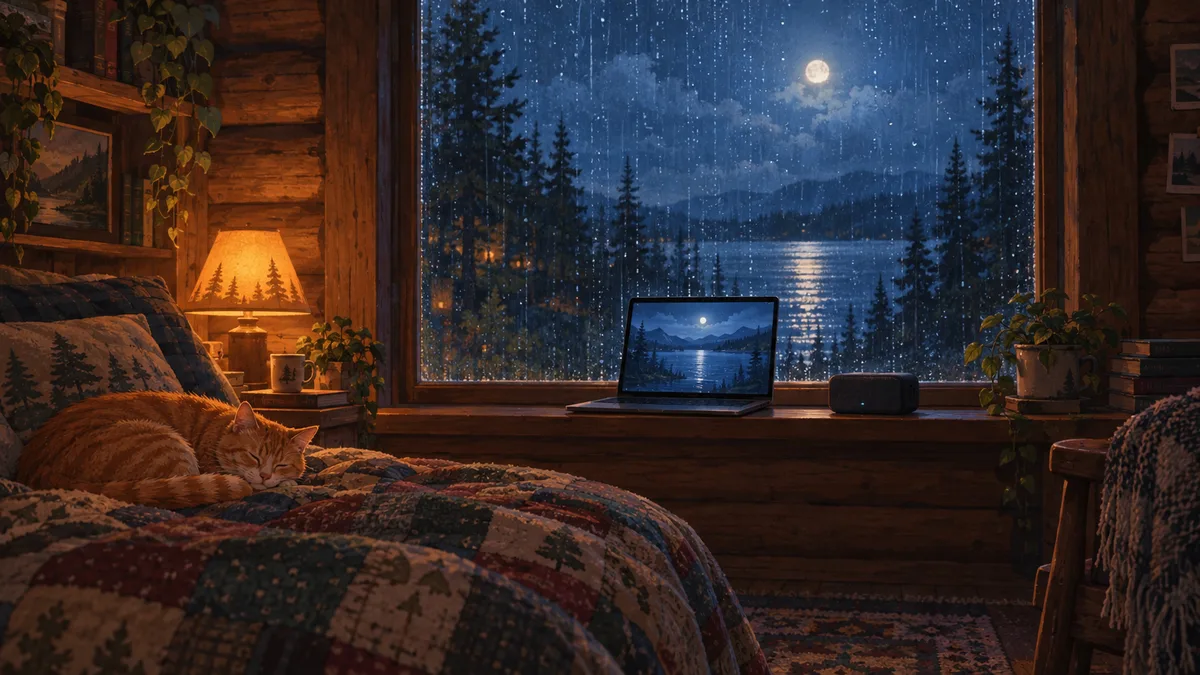
- One calm picture. A dark bedroom window, a cabin in the rain, a moonlit lake. Either a still image or a scene with very slow movement, like rain on glass or a candle.
- A loop. The music and the picture are repeated until the video hits 8 or 10 hours.
- One long upload. YouTube takes files up to 12 hours or 256 GB, whichever is less, and anything over 15 minutes needs a verified account.
The listener only needs the sound to carry on without a jolt. That's why rain, brown noise and slow ambient music suit the format so well: there's no clear start or end for the ear to catch on the loop.
What you need for a sleep music video
Here's each piece of the video and the two usual ways to get it.
| Piece | Doing it by hand | With Chillframe |
|---|---|---|
| Music or ambience | A music generator or a licensed library, plus a mix to join tracks | Made for the video, either music or Ambience only |
| The scene | An image or video generator, or stock footage | Made to match the music, a still or a gently moving scene |
| The finished video | A video editor to line up the picture and the audio | Put together for you, up to 1 hour |
| Title, description, tags, chapters, thumbnail | Written and designed by you | Written and created for you |
| The upload | Uploaded and scheduled by you | Posted to YouTube on the days you pick |
| 8 or 10 hours | Loop it in an editor | Loop it with the free Video Loop Maker |
How to make a sleep music video, step by step
This is the order I'd work in, whichever tools you use.
- Pick one sleep use. Falling asleep, staying asleep, a baby's nap, a racing mind. Each wants a slightly different sound. Our guide to sleep music on YouTube covers what each audience listens to.
- Choose the sound. Slow, steady music, or pure ambience like rain, a fireplace or ocean waves.
- Make the scene. Keep it dark and calm. Movement should be small and steady: rain, a flame, drifting snow.
- Put the video together. Line the picture up with the audio and fade the last few seconds out, so the video doesn't end on a cut.
- Decide the length. One hour is enough for a nap or to fall asleep. All-night listeners look for 8 and 10 hours.
- Write the title and thumbnail for a tired person. Say what it is and how long: "Rain on a Cabin Window, 10 Hours, Dark Screen". Use a dim thumbnail that won't dazzle someone in bed.
- Upload and keep going. Sleep channels grow on a steady run of new videos, each with its own scene and sound.
How to make a rain sounds video for YouTube
A rain sounds video is the simplest sleep video there is: no music, one sound, one scene.
In Chillframe, describe the scene you want, for example "heavy rain on a log cabin window at night, a low fire inside", and choose Ambience only. Chillframe makes the sound of that scene, the rain and the fire, with no music on top, and puts it with the matching picture. It makes music or ambience, not both at once, so a rain-and-piano mix means two videos layered in an editor.
If you're recording rain yourself, record more than you need, cut out cars and voices, and pick a stretch with an even level. A short clip repeated every few seconds is easy to hear on headphones; a longer clip of 10 minutes or more hides the loop far better.
For ideas on what people search for, see rain sounds on YouTube and the guide to 10 hour rain sounds.
How to stretch a video to 8 or 10 hours
The free Chillframe Video Loop Maker runs in your browser and repeats a clip into one long MP4. Lengths run from 10 minutes to 10 hours: 10 or 30 minutes, then 1, 2, 3, 8 or 10 hours. Loops up to 10 minutes are free with no account, and anything longer, up to 10 hours, needs a free Chillframe account.
To turn a 1 hour Chillframe video into a 10 hour one:
- Download the finished video from your Chillframe Library.
- Open the Video Loop Maker and press Choose a clip.
- Under Loop to, pick 8 or 10 hours.
- Under Sound, keep Keep the clip's sound, then press Make my loop and download the MP4.
The tool copies your clip rather than re-encoding it, so every loop looks the same as the original. The catch is file size: the file grows with each loop, so a 10 hour version is about 10 times the size of the hour you started with. Leave plenty of free disk space and stay under YouTube's 256 GB limit.
One long video or a library of hours?
Both work, and many sleep channels do both. A 10 hour video catches the "10 hours" searches and the people who play one video all night. A run of 1 hour videos gives you more titles and thumbnails in search, and each one is a new chance to be found.
Either way, YouTube's monetization policies don't allow channels where content "feels interchangeable from video to video". Looping one scene inside a video is fine. Posting the same scene and sound again and again under new titles isn't. Give each upload its own scene and sound. Our guide to monetizing AI music on YouTube goes through the rules in full.
The best apps to make sleep music videos
These are the tools people use for sleep videos, and what each one covers.
| Tool | Makes the music | Makes the scene | Longest video | Posts to YouTube |
|---|---|---|---|---|
| Chillframe | Yes, music or Ambience only | Yes, still or moving | 1 hour on every plan | Yes, on your schedule |
| Chillframe Video Loop Maker (free) | No, loops your clip's sound or adds your track | No, loops your clip | 10 hours | No |
| Every Mood Studio | Yes | Yes, looped scenes | Up to 10 hours | Not stated on its site |
| Freebeat | No, starts from your song | Yes | About 6 minutes | No |
| A music generator plus an editor | Yes | No | Whatever you edit together | No |
If you want one long file and nothing else, Every Mood Studio makes up to 10 hours directly. If you want a sleep channel that keeps posting without you, Chillframe is the one that makes the video and publishes it.
Build a sleep channel with Chillframe
Sleep videos are one of the steadiest niches on YouTube. People come back to the same kind of video every night, and the long runtimes add up to a lot of watch time.

Chillframe makes the sleep music or the ambience, the scene and the finished video, then posts it to your channel. It writes the title, description, tags and chapters and creates the thumbnail.
Here's how a sleep channel runs on it:
- Describe the night scene or pick a look, such as a rainy window or a snowy cabin.
- Choose the sound: calm music, or Ambience only for pure rain, fire or waves.
- Set a Series to post from once to seven times a week, on the days and at the time you choose, so a new hour goes up each night if you want.
- Approve the first video and from then on it's fully hands-off. Every later video is made and posted automatically.
The honest limit: each video runs up to 1 hour, on every plan. For the 8 and 10 hour uploads, download a video and loop it with the free Video Loop Maker before you post it.
Plans start at $19 a month on Starter, which makes still scenes in 4K. Moving scenes, like rain running down the glass, start on Creator at $49 a month. There's no free plan, and every plan includes full commercial rights to what you make.
Sleep music video FAQ
How do people make those 10 hour sleep music videos on YouTube?
They're usually a shorter video repeated. The creator makes an hour or less of calm music or rain sound over one slow scene, then loops it to 8 or 10 hours and uploads it as one file. With Chillframe you make the hour, then stretch it with the free Chillframe Video Loop Maker, which loops a clip up to 10 hours.
What's the best app to make sleep music videos for YouTube?
For a sleep channel, Chillframe. It makes the music or the ambience, the scene and the finished video up to 1 hour, writes the title, description, tags and chapters, creates the thumbnail and posts to YouTube on the days you pick. For a single file longer than an hour, loop it with the free Video Loop Maker.
How can I make a rain sounds video for YouTube?
In Chillframe, describe the scene, such as rain on a cabin window at night, and choose Ambience only. It makes the sound of that scene with no music, pairs it with the picture and gives you a finished video up to 1 hour. Loop it to 8 or 10 hours with the Video Loop Maker if you want an all-night file.
Can Chillframe make a 10 hour video?
Not in one go. Every Chillframe video runs up to 1 hour, on every plan. The free Video Loop Maker repeats that hour into a single file of 2, 3, 8 or 10 hours, which YouTube accepts because it allows uploads up to 12 hours.
Is a looped 10 hour video allowed to earn money on YouTube?
Looping one scene and one sound is normal for sleep videos. What YouTube refuses to monetize is a channel where every video feels interchangeable, so give each upload its own scene, sound and title, and use music or footage you own.
Do sleep videos need a black screen?
No, but many listeners like a dark one so the screen doesn't light the room. A dim night scene, such as a moonlit window or a low fire, works the same way and gives the thumbnail something to show. See rain sounds with a black screen for that format.