Guide
How to Use and Create Rain Sounds for Sleeping Black Screen Videos
Learn how rain sounds for sleeping black screen videos improve sleep quality, reduce blue light distraction, and how to launch your own automated ambient channel.
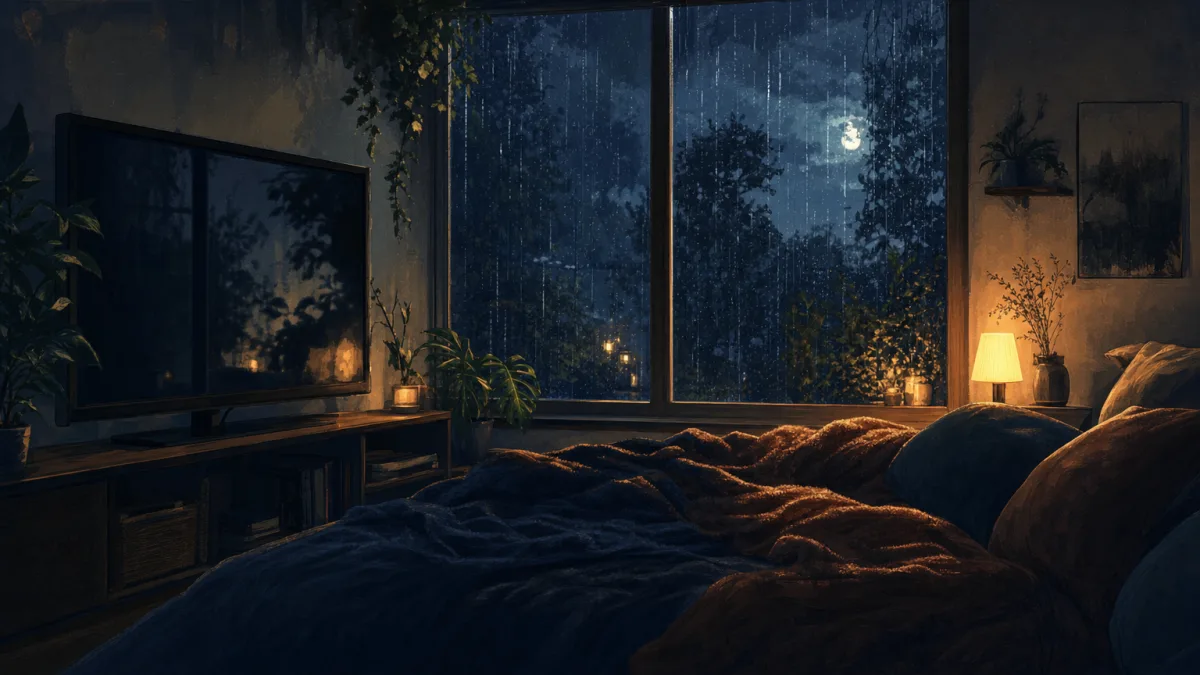
Rain sounds for sleeping on a black screen
If you struggle to fall asleep or wake up frequently during the night, queueing up a long-form video of rain sounds for sleeping black screen is one of the most effective ways to establish a restful environment. Instead of relying on standard television programming or bright mobile applications, ambient audio paired with a dark display offers a distraction-free background that helps ease your mind into a deeper state of relaxation.
The black-screen format is specifically designed to eliminate the bright blue light emitted by modern displays. Standard videos cast a noticeable glow across your bedroom, which can disrupt melatonin production and make it harder to fall asleep. A black-screen video keeps your display dark, saving battery life on smartphones and preventing screen burn-in on OLED televisions, while the soothing rain audio continues to play uninterrupted.
Listeners can choose between gentle summer showers, heavy downpours, or rain-with-thunder variations depending on what frequency masks their local environment best. This simple adjustment to your sleep space can block out disruptive household sounds and provide a consistent acoustic blanket throughout the night.
Choose the right rain sound for sleep
Different rain textures suit different sleep profiles. A gentle summer rain provides a soft, continuous hiss that acts as a natural white noise. This steady background texture is ideal for masking high-frequency household noises, such as a creaking floorboard or a ticking clock, without introducing any sudden acoustic changes that might startle you awake.
For those who prefer a deeper, more enveloping acoustic mask, heavy rain recordings offer a denser sound profile. This heavier texture blocks out louder external disruptions, such as street traffic, sirens, or barking dogs. The continuous roar of heavy rain creates a highly effective sound barrier that keeps your mind from focusing on random noises in your neighborhood.
A dramatic rain-and-thunder mix introduces low-frequency rumbles that mimic the natural environment. While some find the sudden shifts of thunder distracting, others find that the deep bass of distant thunder helps them settle into a deeper sleep state. The key is prioritizing uninterrupted, long-form playback so your brain does not register sudden shifts in sound levels during your sleep cycle.
Why black-screen rain videos work well at night
The primary advantage of a dark-screen layout is the complete elimination of visual distractions. When you play a standard video at night, the shifting colors and sudden flashes of light can penetrate closed eyelids, signaling to your brain that it is time to wake up. By removing the visual element entirely, you allow your optic nerve to rest completely.
This explains why long-form videos lasting up to 10 hours are highly popular on platforms like YouTube. For example, a popular gentle-summer-rain black-screen recording on YouTube runs for exactly 10:00:02, ensuring that listeners do not wake up to a sudden silence or an intrusive commercial in the middle of their sleep cycle. This specific video has accumulated 45,685 views since its release on October 29, 2022.
When setting up your device for overnight playback, place your smartphone or tablet face down, or turn off your television screen if your model has an audio-only mode. Keep the volume at a moderate level, ideally around 40 to 50 decibels, so the acoustic mask remains in the background rather than forcing your brain to focus on the sound.
How to use rain sounds as part of a bedtime routine
Integrating auditory cues into your nightly schedule can signal to your nervous system that it is time to wind down. Begin your chosen rain sounds for sleeping playlist about 15 to 30 minutes before you plan to close your eyes. This consistent bedtime setup helps prime your mind for rest and establishes a clear boundary between daytime activities and sleep.
Set your playback device to a comfortable listening level. If you are using an app or a web-based player that supports it, configure a timer or a gradual fade-out function. This allows the rain audio to gently taper off after 60 or 90 minutes, once you have successfully fallen asleep, which can be useful if you prefer complete silence during the later stages of your sleep.
While ambient audio is a helpful tool for relaxation, it is helpful to keep expectations realistic. Auditory aids support relaxation and help mask external noise, but they do not serve as a medical treatment for chronic sleep disorders. Combine your audio routine with good sleep hygiene, such as keeping a cool bedroom temperature and avoiding caffeine late in the day.
Rain videos, playlists and sound apps compared
When selecting a source for your nighttime audio, you have several formats to choose from, ranging from fixed video loops to interactive mixers. YouTube is the primary destination for long-form, 10-hour black-screen videos. These videos are incredibly convenient because you can play them directly on a smart TV or a tablet with a single click, without needing to configure complex settings.
In contrast, platforms like Spotify offer audio-first inventories, such as the black screen rain sounds album. While excellent for mobile listening, these platforms do not inherently provide a dedicated black-screen visual mode, meaning your device screen may remain active unless you manually lock it or use a specific sleep timer app.
Interactive tools like A Soft Murmur, Noisli, and myNoise allow users to mix and match individual elements like wind, rain, and thunder. While these custom mixers are highly customizable, a fixed black-screen video is often more convenient for sleep because it requires zero adjustments and will not stop playing due to browser timeouts or mobile app crashes.
| Platform or Tool | Format Type | Visual Presentation | Customization Level | Primary Source |
|---|---|---|---|---|
| YouTube (Restful Channel) | Video (10-hour loop) | Static Black Screen | None (Fixed Mix) | YouTube Video |
| Spotify (Nature Rain Album) | Audio Tracks | Device Default Screen | Low (Track Selection) | Spotify Album |
| A Soft Murmur | Web and App Audio | Interactive Slider UI | High (Mixer Controls) | A Soft Murmur |
How Chillframe can help creators publish sleep ambience
The massive demand for dark-screen sleep content presents a significant opportunity for creators. For instance, the popular Nature Rain playlist on YouTube features a video titled THUNDER and RAIN Sounds for Sleeping BLACK SCREEN that has amassed an incredible 214M views over the last 8 years. Building a faceless YouTube channel around this niche allows you to generate passive watch-time that compounds month over month.
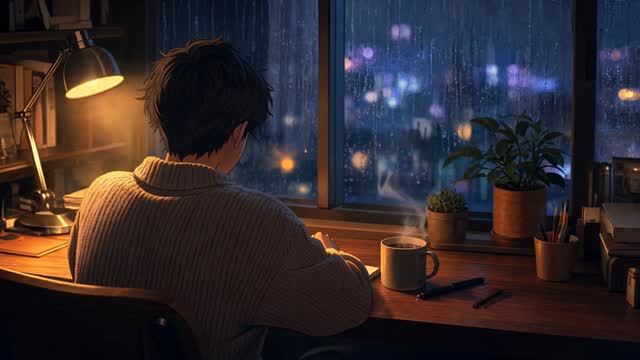
This is where Chillframe helps creators establish a hands-off publishing workflow in the adjacent lofi-sleep lane. Instead of spending hours manually editing long audio tracks, rendering massive video files, and waiting for slow uploads, Chillframe automates the entire production process. The platform generates original, studio-quality lofi tracks, and select scenes weave a matched ambient texture, such as a soft rain wash, directly into the soundtrack. It pairs that audio with a dark, low-distraction looping visual scene, such as a rainy nighttime window, and assembles the final video automatically.
Once the video is assembled, Chillframe publishes the content directly to your YouTube channel on a schedule you set. This allows you to scale your channel consistently with dark, sleep-friendly variants, from rainy Tokyo nights to quiet campfire scenes. Chillframe's videos always carry a gentle visual loop rather than a literal black screen, so they sit in the calm, dim end of the sleep-content spectrum while remaining more engaging in YouTube's recommendations than a pure black frame.
By automating the creation of black-screen sleep videos, you can focus on growing your brand while Chillframe handles the technical heavy lifting. If you are interested in expanding your channel's catalog, you can also use Chillframe to produce relaxing lofi music for sleep or learn how to make a relaxing YouTube video to capture different segments of the ambient relaxation market. This automated approach is a proven strategy for faceless YouTube automation, allowing you to run a consistent sleep-content channel with minimal daily effort.
Frequently Asked Questions
Is a black screen better than a normal video for sleep?
Yes, a black screen is significantly better for sleep than a standard video. Normal videos emit blue light, which can interfere with your body's natural production of melatonin and disrupt your sleep cycle. A black screen eliminates this visual distraction, keeping your bedroom dark while allowing the soothing rain audio to play continuously. It also helps conserve your device's battery and prevents screen burn-in on modern displays.
Should you choose gentle rain or rain and thunder?
The choice depends entirely on your personal sleep preferences and your local environment. Gentle rain provides a steady, high-frequency hiss that works wonders for masking light household noises. On the other hand, a rain and thunder mix introduces deep, low-frequency rumbles that can mask louder external sounds like traffic. Experiment with both styles to see which audio profile helps you relax more effectively.
How long should a black-screen rain video play?
Ideally, a black-screen rain video should play for at least 8 to 10 hours. This duration ensures that the audio remains active throughout your entire sleep cycle, preventing you from waking up abruptly due to sudden silence or an unexpected ad break. Long-form videos running for 10 hours are the standard choice for overnight listening.
Can a timer or fade-out stop playback after you fall asleep?
Yes, many dedicated sleep apps and media players offer sleep timers or gradual fade-out options. These tools allow you to set the audio to play for a specific duration, such as 60 or 90 minutes, and then slowly lower the volume until it stops completely. This is a great option if you prefer not to have audio playing all night long.
Establishing a peaceful sleep environment is essential for overall well-being, and rain sounds for sleeping black screen videos provide a simple, highly effective solution. By eliminating blue light and delivering a steady acoustic mask, these videos help you fall asleep faster and stay asleep longer. For creators, the immense popularity of these long-form videos shows how large the sleep-audio audience is. With Chillframe, you can serve the same audience from the lofi side of the niche by automating the generation, assembly, and publishing of dark, rain-textured sleep videos directly to your YouTube channel.