Listening
Rain Sounds 10 Hours: How to Keep the Rain Going All Night
Which apps and videos really play rain from bedtime to the alarm, and the phone settings that keep them going.

Rain sounds 10 hours long only work if nothing stops them before morning. Four things usually do: a short clip repeated until you hear the join, an ad in the middle of the night, a phone that locks and stops the audio, and a stream that drops with the Wi-Fi. The good news is that each one has a simple fix, and once they are sorted the rain plays from bedtime right through to the alarm.
If you want to know why rain helps you sleep in the first place, I covered that in rain sounds for sleeping.
Where to listen to 10 hours of rain
These four cover the main ways to listen: a video site, a podcast app, a dedicated rain player and a meditation app. All four can be used for free. What you pay for is extras like no ads and offline play, and those decide whether the rain lasts.
YouTube
YouTube has a huge choice of long rain videos, so it is where I'd start if you want variety. One example, Rain Sounds 10 Hours: The Sound of Rain Meditation, runs for 10 hours, 1 minute and 23 seconds.
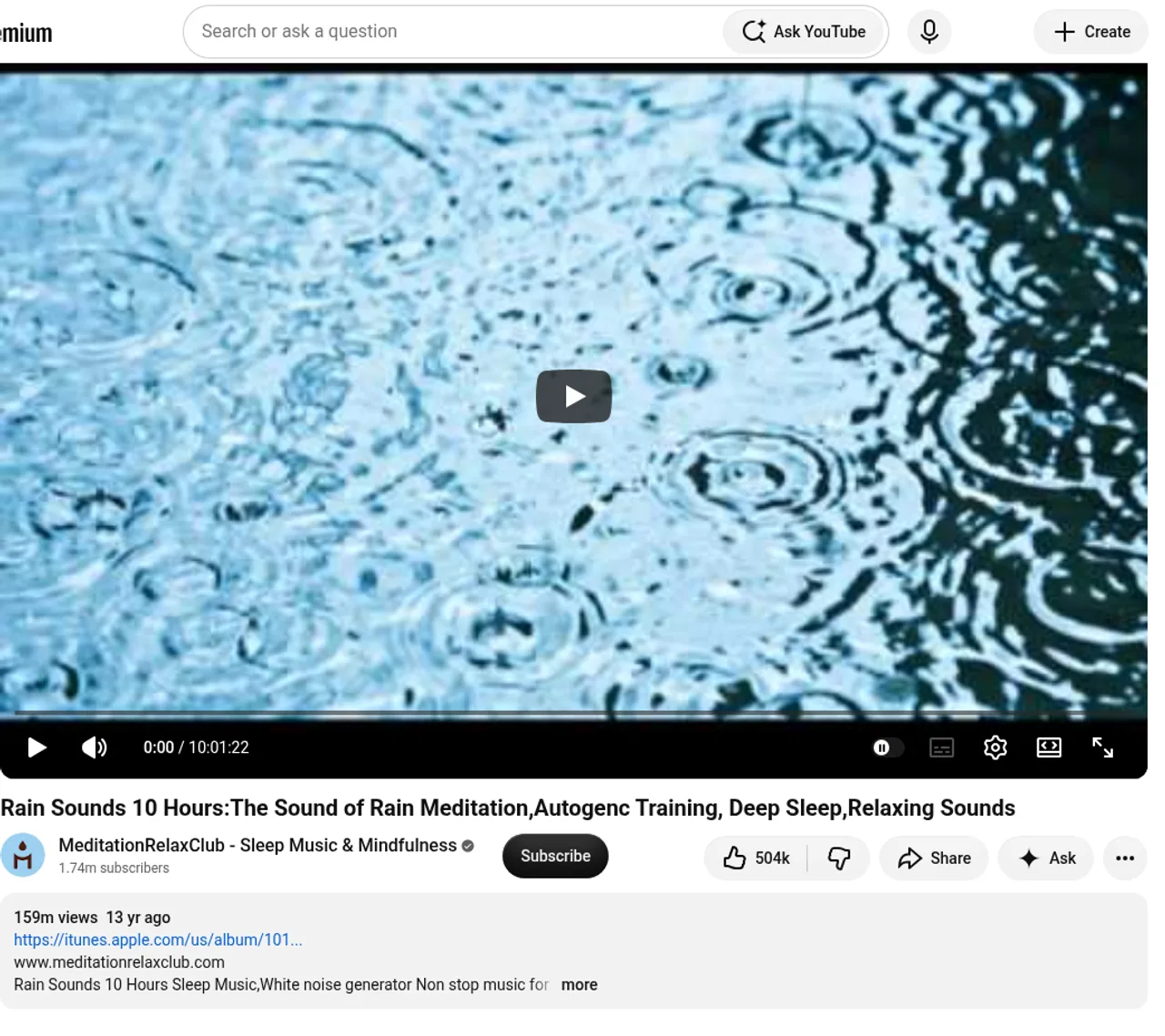
The problem is ads. YouTube lets creators turn on mid-roll ads on monetised videos that are 8 minutes or longer, so a 10-hour video can have ad breaks all through the night. An ad that is louder than the rain is an easy way to wake up at 2am.
YouTube Premium fixes the three things that matter overnight. It removes the ads before and during a video, it keeps audio playing in the background with the screen off, and it lets you download a video to play offline.
YouTube also has a sleep timer in the player settings that pauses the video after the time you pick.
Spotify
Spotify has plenty of rain playlists, but for one unbroken 10-hour track, look at podcasts. Rain Sounds - 10 Hours from Sol Good Media is a podcast show rated 4.2 from 373 ratings, and its feed lists 998 episodes, about one every two days.
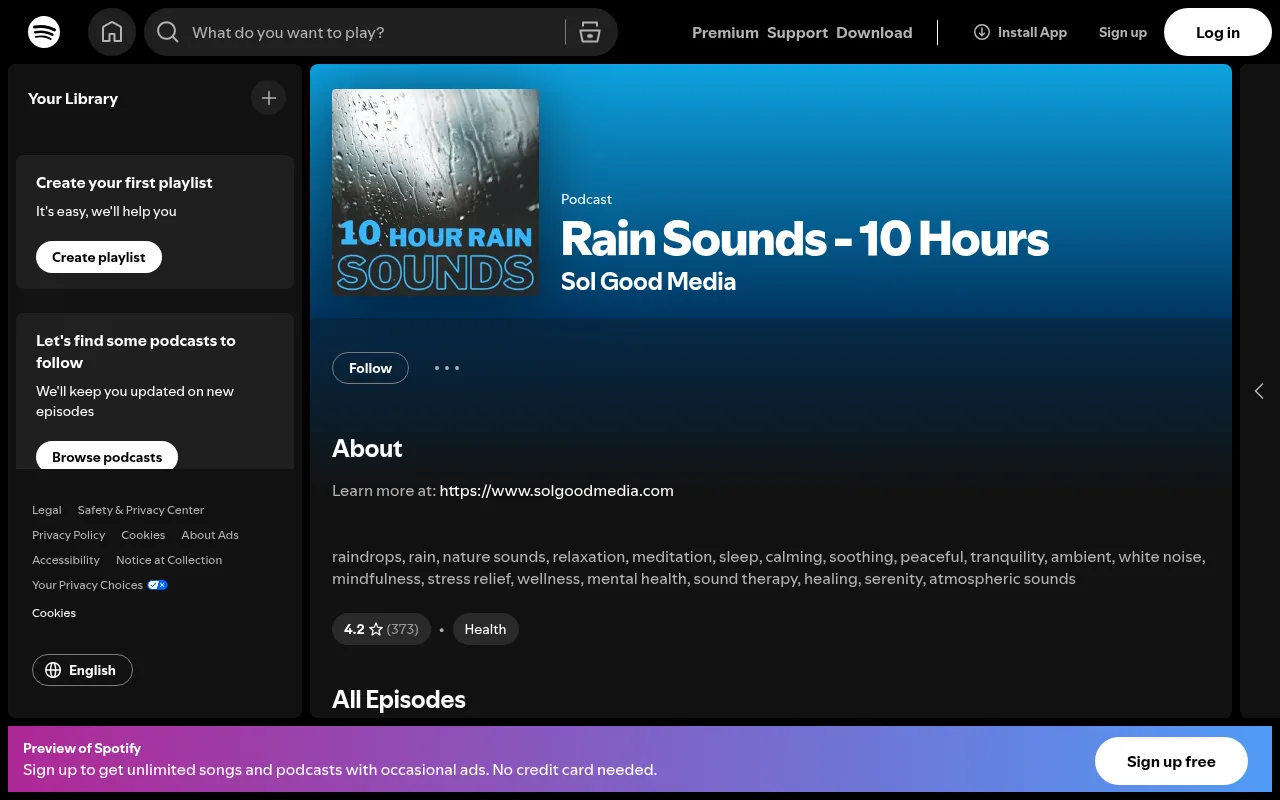
Podcasts are useful here because of how Spotify handles downloads. On the free version, you can download podcasts, while albums and playlists need Premium. So you can save a 10-hour rain episode on Wi-Fi in the evening and play it offline at night without paying. Spotify asks you to go online at least once every 30 days to keep your downloads.
Spotify has its own sleep timer too, on the Now Playing screen.
Rainy Mood
Rainy Mood is a rain player rather than a recording. The website is free and plays in a browser tab, with nothing to install.
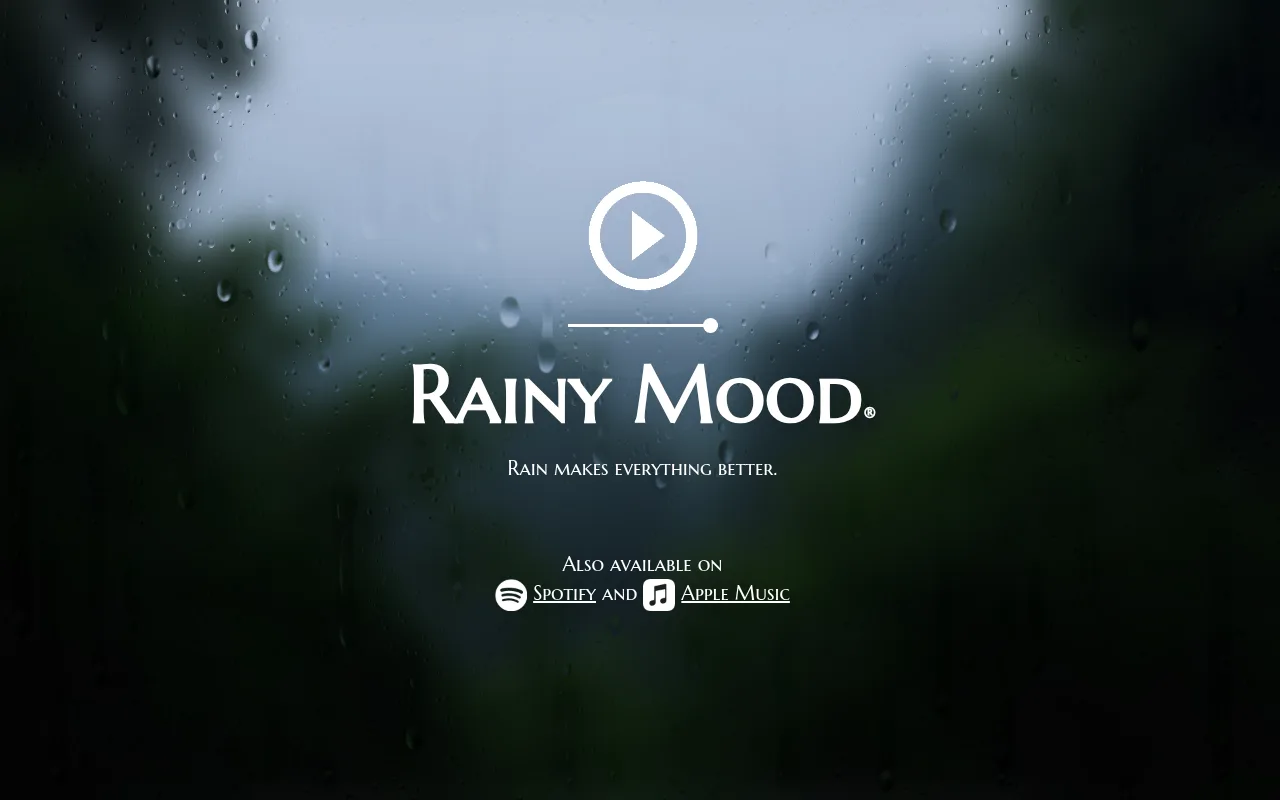
The iPhone app costs $2.99 and mixes its rain from a large library of sounds at random, so it never repeats. It also has a sound mixer and a sleep timer. For a long night that is the main reason to use it: there is no 10-hour file and no join to hear. There is also a free Rainy Mood Lite app if you want to try it first.
Insight Timer
Insight Timer is a meditation app whose free version has thousands of music tracks and ambient sounds, and it has full 10-hour rain tracks. Kevin Pond's Heavy Rain Sounds, 10 Hours For Deep Sleep is exactly 10:00:00, and its page says it plays with no sudden changes in volume.
Offline listening is part of Insight Timer's paid subscription, so on the free version you need a connection for the whole night.
Side by side, with rainrainsound.com (more on it below) added for comparison:
| Where | What you get free | What paying adds | Best for |
|---|---|---|---|
| YouTube | Long rain videos, with mid-roll ads | Premium: no ads, play with the screen off, downloads | The widest choice of rain |
| Spotify podcasts | 10-hour episodes you can download | Premium: downloads of albums and playlists too | Free offline listening |
| Rainy Mood | The website, in a browser tab | The $2.99 iPhone app: random rain that never repeats, a sound mixer and a sleep timer | Rain with no join to hear |
| Insight Timer | 10-hour rain tracks, streamed | The subscription: offline listening | An exact 10-hour track with no sudden volume changes |
| rainrainsound.com | Live rain in the browser, with sleep timers and fade-outs | Not needed for any of this | Rain that never loops |
How to tell a true 10-hour recording from a 10-minute loop
A 10-hour title tells you how long the video runs, not how long the recording is. Some long rain videos are one continuous recording. Others repeat a shorter clip end to end. You may not realise it is a loop until one sound comes round again, and if there is a click where it joins, you may start hearing it every few minutes.
A quick check before bed:
- Read the description. Some creators say whether it is one continuous recording or a loop.
- Jump to three or four points across the video, say 20 minutes, 2 hours and 6 hours in.
- Listen for one distinctive sound, like a thunder roll, a car passing or a drip on a gutter. If the same one comes back at the same spacing, it is a loop.
- Listen for a few seconds either side of a join if you can find one. A good loop has no click.
A loop is not always a problem. A smooth one of heavy, even rain is hard to tell from a long recording. It matters more with thunder or close drips, where a repeated sound is easy to pick out.
If you never want to think about it, a generator gets around it. rainrainsound.com makes its rain live in the browser, so it never loops and plays for as long as the tab stays open, with sleep timers and 15, 30 or 60-minute fade-outs.
Choosing your rain for a long night
Over 10 hours the small things in a sound matter more than they do over 10 minutes. These are the main types and what each is good for:
- Gentle rain is light and even. It suits light sleepers and studying, because nothing in it grabs your attention.
- Heavy rain is fuller and covers more outside noise, like traffic or a neighbour's television. The Insight Timer track above is this kind.
- Rain with thunder feels cosy to some people and startling to others. A loud crack at 4am is the risk, so try a full track while you are awake first. My guide to rain and thunder sounds for sleeping goes through the options.
- Rain with a fan layers a steady hum under the rain. iHeart's Rain and Fan, 10 Hours is a 600-minute episode of this. If you like the hum more than the rain, brown noise for sleeping is worth a look.
You can't take the thunder or the fan out of a single recording, because they are mixed into the audio. If a track has something you don't want, pick a different one, or use an app with a sound mixer like Rainy Mood.
If you like rain up close and detailed, with drops on glass or a tent, that is closer to rain ASMR.
Playing rain sounds 10 hours straight on a phone
You don't need an app for 10 hours of rain: a long YouTube video or rainrainsound.com plays in a browser tab for as long as the tab stays open. A phone is where it tends to stop early, and a few settings fix most of it.
Background play. On a free YouTube account the audio stops when you lock the screen or switch apps, because background play is a Premium feature. That is why black screen rain videos exist: the screen stays on, but it shows nothing and gives off almost no light.
Auto-lock. If you play rain in a browser tab or on free YouTube, set auto-lock to never for the night, or the phone will sleep and take the rain with it.
Do Not Disturb. Turn it on so notifications don't cut through the rain at 3am. Check that your alarm still rings with it on before you rely on it.
Battery. Ten hours of streaming with the screen on drains a phone. Plug it in, or use a download with the screen off.
Data and signal. Streaming 10 hours of video on mobile data uses far more than an audio stream or a download does. Download the night's rain on Wi-Fi before bed where you can: a podcast episode on Spotify, or a YouTube video with Premium. A download also keeps playing if your connection drops overnight.
Sleep timer or rain all night
Both work, and it comes down to what you want the rain for.
A timer suits you if the rain helps you drop off and you sleep through once you are under. Set 30 or 60 minutes and the phone goes quiet. A fade-out, like the ones on rainrainsound.com, avoids the sudden silence that some people notice.
Rain all night suits you if you wake at small noises later in the night, like a car door, a partner getting up or the heating clicking on. That is when you want the full 10 hours.
Whichever you pick, keep the volume low, only loud enough to soften the noise you want to cover. A speaker across the room is easier on your ears over a whole night than earbuds, and you won't wake up with one pressed into your ear.
Make long rain videos for YouTube with Chillframe
Long rain is a whole corner of YouTube, and the channels behind it are faceless by nature. Sol Good Media's rain podcast above lists 998 episodes, about one every two days, and that's the shape of this niche: one calm idea, published on a steady schedule. It's a great niche to build in.

Chillframe makes the rain, the scene, the finished video and the upload to your YouTube channel, and a Series turns that steady schedule into something you set once.
Setting one up is short. Choose a rainy look, such as Storm Against the Cabin Glass, Rainy Tokyo or Konbini Rain, or describe a place of your own, like a lighthouse keeper's cottage with rain streaming down the window. Pick Ambience only, so it's rain with no music, like every track in this guide. Then choose the days and the time. Four days a week keeps pace with Sol Good Media; all seven builds the library faster.
Your first video waits for your approval. After that, Chillframe automatically makes and posts every rain video with an optimised title, description and tags, and a thumbnail taken from the video, fully hands-off.
The limit that matters for this keyword is length. Each video runs up to 1 hour on every plan, so Chillframe doesn't make a single 10-hour file. To publish one, join ten hours together in an editor before you upload. Or skip the giant file and let a Series build a library of hour-long rain videos, each with its own title and thumbnail for people to find.
Chillframe starts from $19 a month on the Starter plan. If you want the library to grow faster than your monthly usage covers, a usage pack adds extra on top and lasts 2 years. You can start your channel whenever you're ready.
Rain sounds 10 hours FAQ
Are 10-hour rain sounds free to listen to?
Yes. YouTube, Spotify podcasts, the Rainy Mood website, Insight Timer and rainrainsound.com all play long rain for free. What you pay for is the extras that keep it going all night: YouTube Premium removes ads and adds background play and downloads, and Insight Timer's subscription adds offline listening.
Do 10-hour rain videos just loop a short clip?
Some do. A 10-hour title tells you how long the video runs, not how long the recording is, so jump to a few points across it and listen for the same thunder roll or drip coming back at the same spacing. If you want rain that never repeats, use a generator like rainrainsound.com or the Rainy Mood app.
Can I remove the thunder or fan noise from a 10-hour rain track?
Not from a single recording, because the thunder or fan is mixed into the audio. Pick a track without it, or use an app with a sound mixer like Rainy Mood.
Can I play 10 hours of rain with my phone screen off?
On YouTube, yes with Premium, because background play with the screen off is a Premium feature. Free YouTube stops when the screen locks. The free workaround is a black screen rain video with auto-lock set to never, which keeps the screen on but almost dark.
Do I need to download an app for rain sounds that last all night?
No. A long YouTube video or rainrainsound.com plays in a browser tab for as long as the tab stays open. A download is worth it if your Wi-Fi drops at night or you're on mobile data: free Spotify lets you download podcast episodes, and YouTube Premium lets you download videos.