Guides
How to Build and Grow a Successful AI YouTube Channel in 2026
A complete guide to the creators driving the AI movement and the automated workflows powering modern faceless channels.

Starting an ai youtube channel represents one of the fastest growing digital opportunities of the decade. As the platform evolves, creators are discovering that AI on YouTube splits into two distinct paths: those who make educational content about artificial intelligence, and those who use generative software to build automated, faceless channels. Whether you want to study the latest machine learning algorithms or publish a stream of automated lofi music videos, understanding this landscape is essential for long-term growth.
This guide breaks down the top creators to follow, the core platform statistics, and the exact production workflows you can use to build a highly optimized channel.
What "AI YouTube Channel" Actually Means in 2026 (Two Meanings, Two Audiences)
The phrase ai youtube channel brings up two entirely different search intents on the web, yet both are deeply connected.
The first intent focuses on channels about AI. These are fronted by human creators, developers, and educators who explain artificial intelligence news, write tutorials for software like Midjourney, or explain the math behind neural networks. The second intent focuses on channels built with AI. These are automated, faceless channels where software generates the scripts, voices, visuals, and music, leaving the creator to act as a director rather than a traditional presenter.
Both audiences rely on the same underlying technology, which is why the platform ecosystem has consolidated around these two paths. Following YouTube's update to its Inauthentic Content policy, creators must disclose synthetic media, but the platform fully permits automated content as long as it prioritizes viewer value. To succeed in either space, you must study how the top creators package their videos and manage their own production systems.
The Top AI YouTube Channels by Sub-Category (2026)
To understand the standards of high-performing AI content, you should analyze the channels that have built massive audiences. Here is a curated list of the top creators across five distinct sub-categories. For a closer look at automated, faceless operations, see our roundup of the top faceless YouTube channels.
Sub-Category A: AI News & Tool Roundups
Matt Wolfe
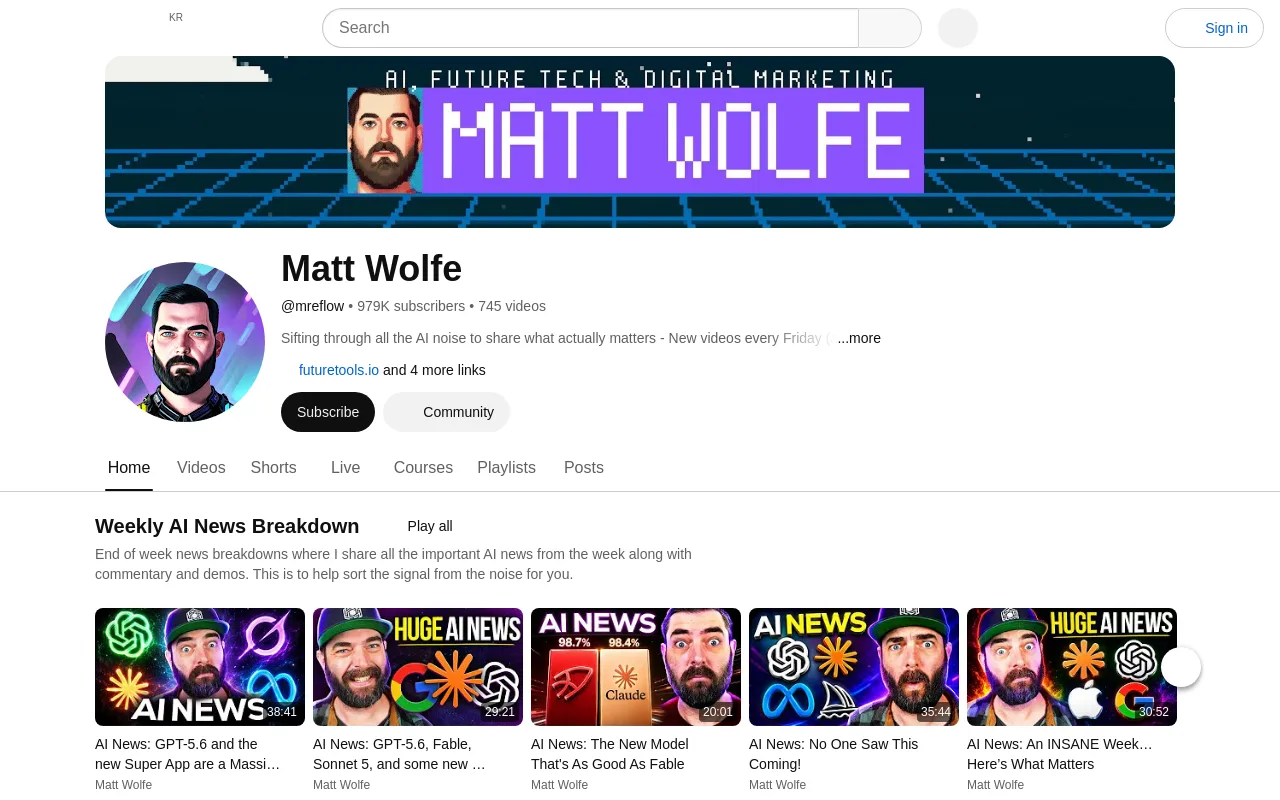
800,000+ subscribers. Matt Wolfe tracks daily AI news, software updates, and practical tutorials. His videos focus on how everyday creators can apply new tools to their workflows.
Wes Roth
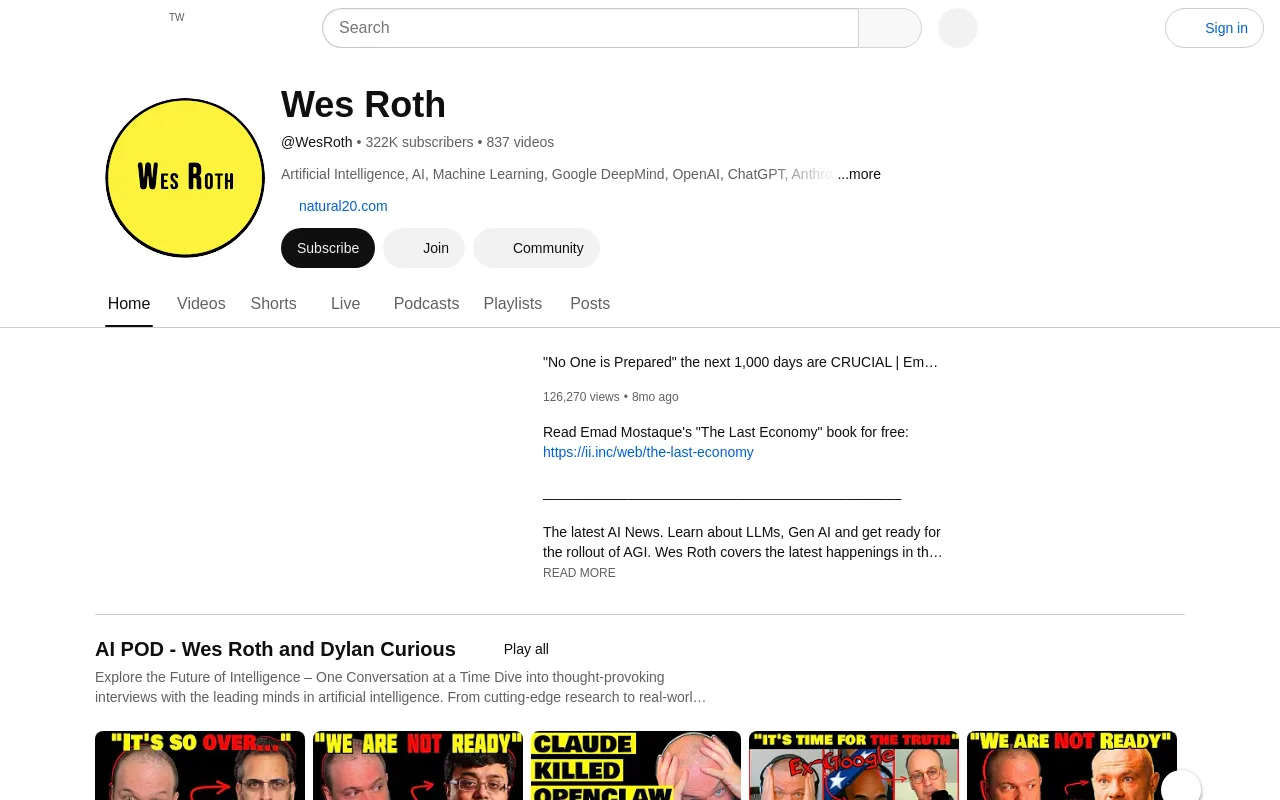
293,000 subscribers. Wes Roth offers deep analytical commentary on industry shifts, corporate AI strategies, and technical research papers, breaking down complex developments into digestible daily videos.
AI Explained
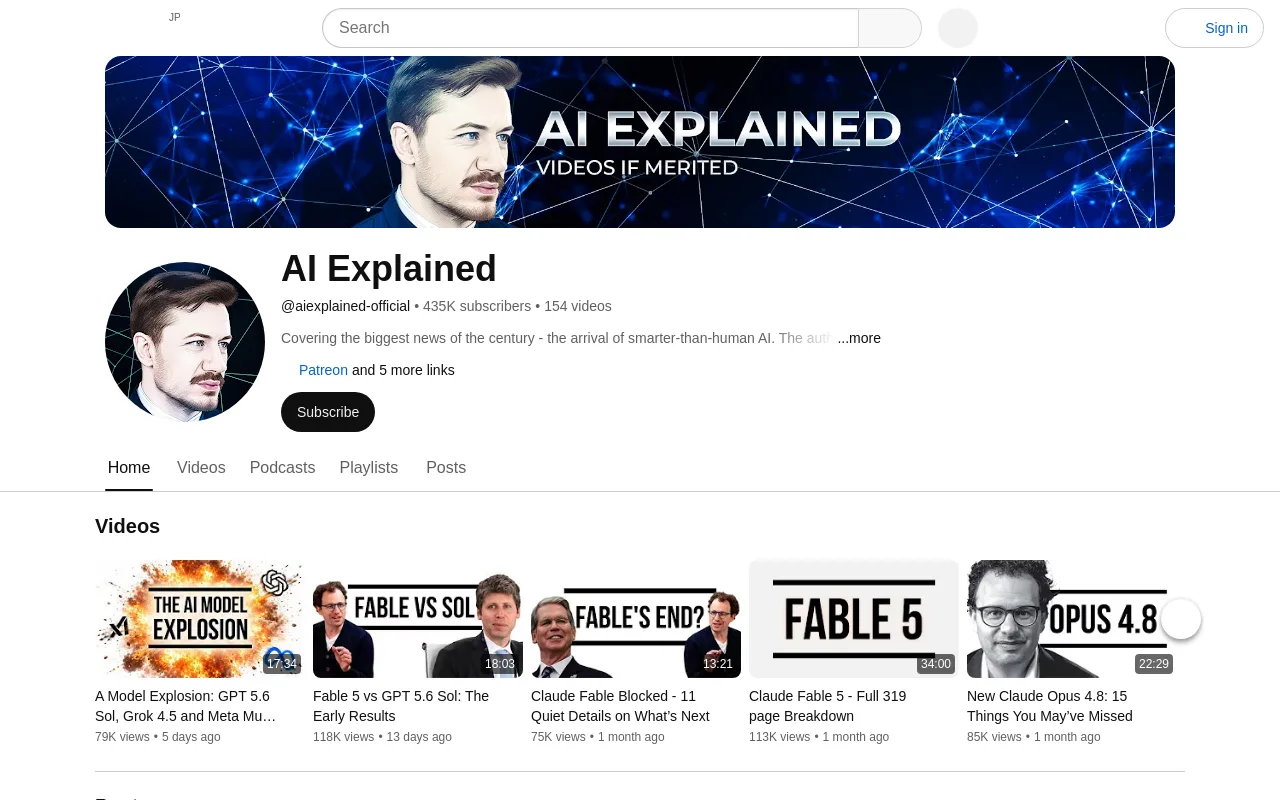
400,000 subscribers. This channel provides highly detailed, objective analysis of major model releases and safety debates, avoiding the typical hype found in the tech niche.
The AI Advantage
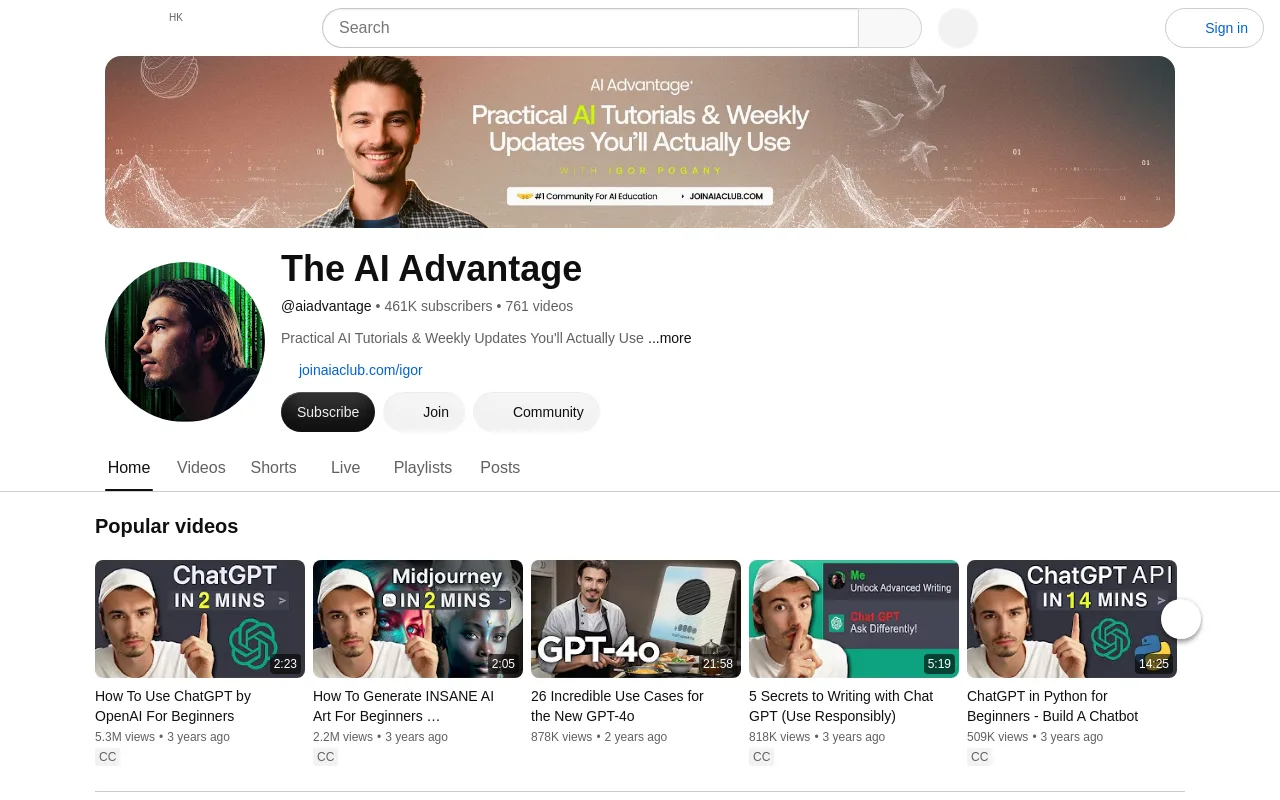
260,000 subscribers. Focused on practical prompt engineering and workflow automation, this channel teaches viewers how to use tools like ChatGPT to save time in their businesses.
Sabrina Ramonov
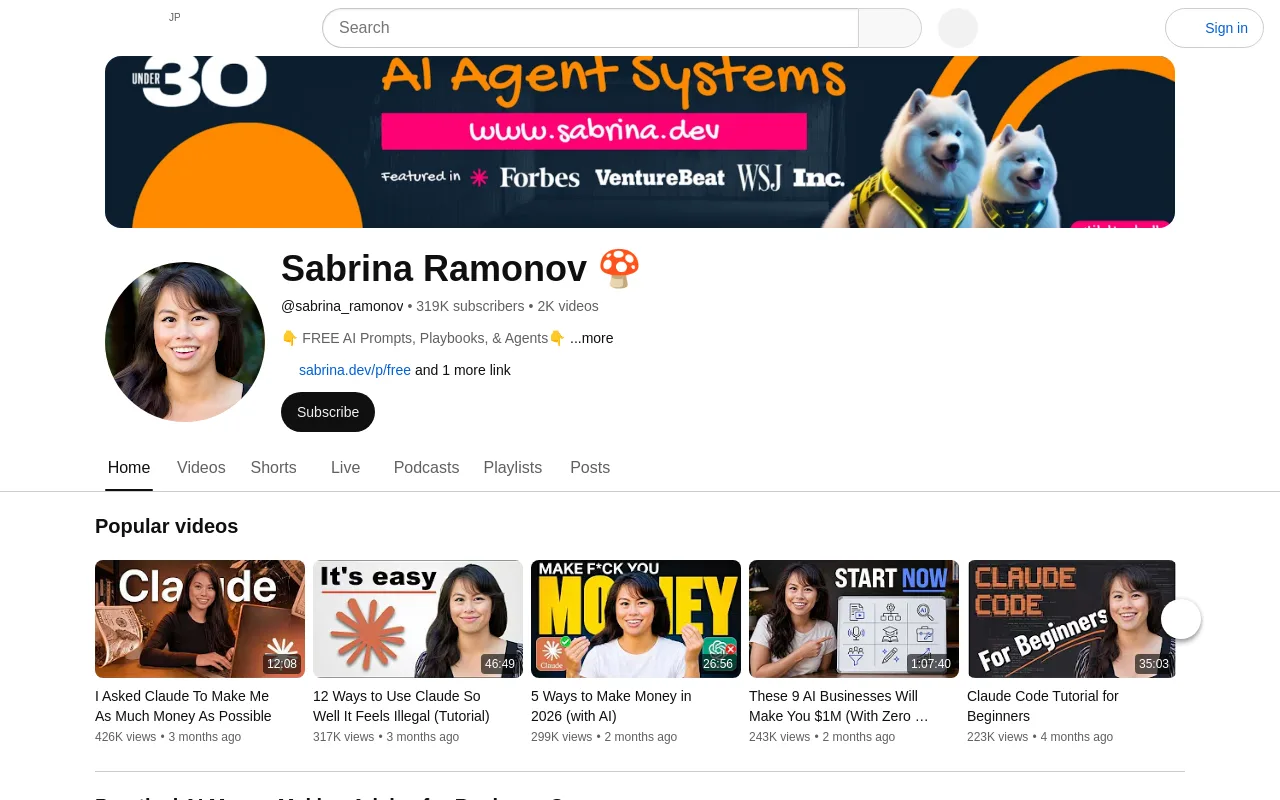
170,000 subscribers. Sabrina Ramonov specializes in hands-on tutorials for automation tools, showing creators how to build custom agents and API connections.
Sub-Category B: Technical Deep Dives & Research
3Blue1Brown
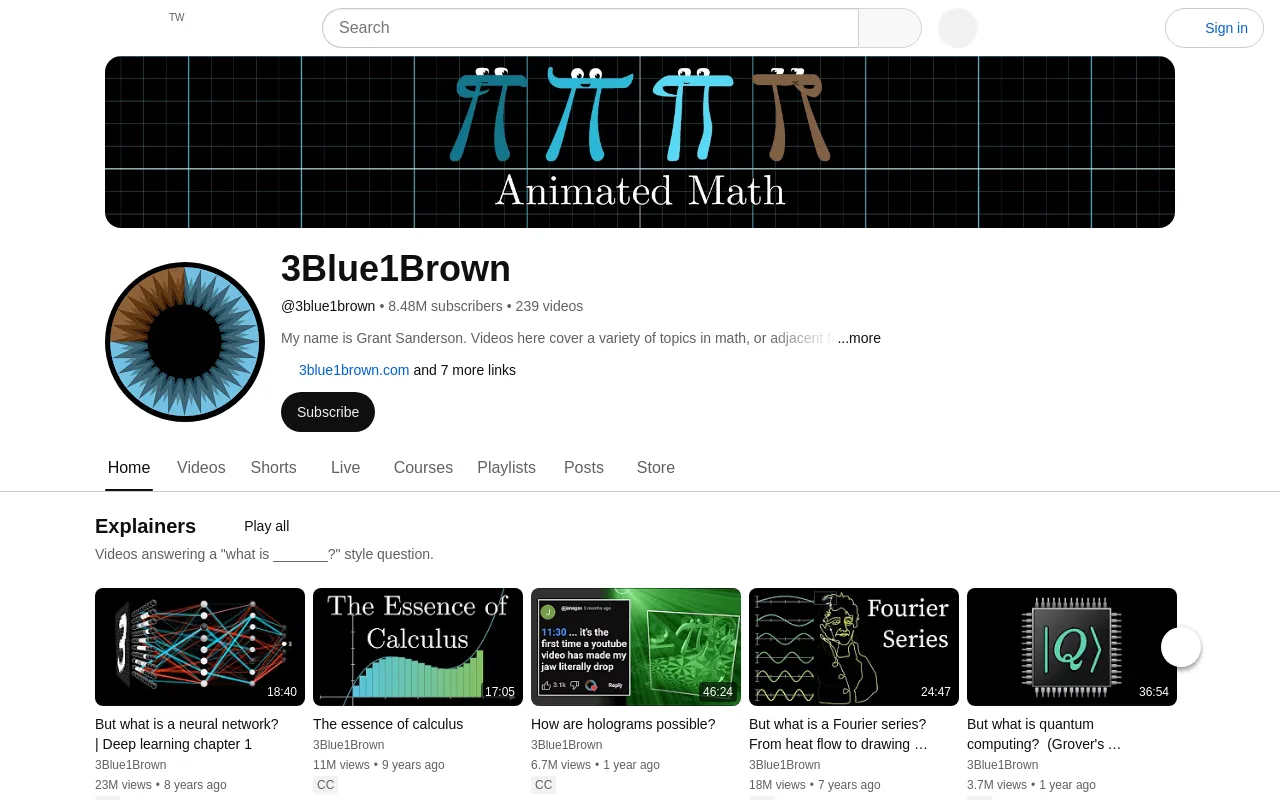
8.2 million subscribers. This channel uses custom math visualization software to explain the core mechanics of neural networks, transformers, and linear algebra.
Two Minute Papers
1.6 million subscribers. This highly popular series summarizes advanced computer science and graphics research papers in short, enthusiastic videos.
Yannic Kilcher
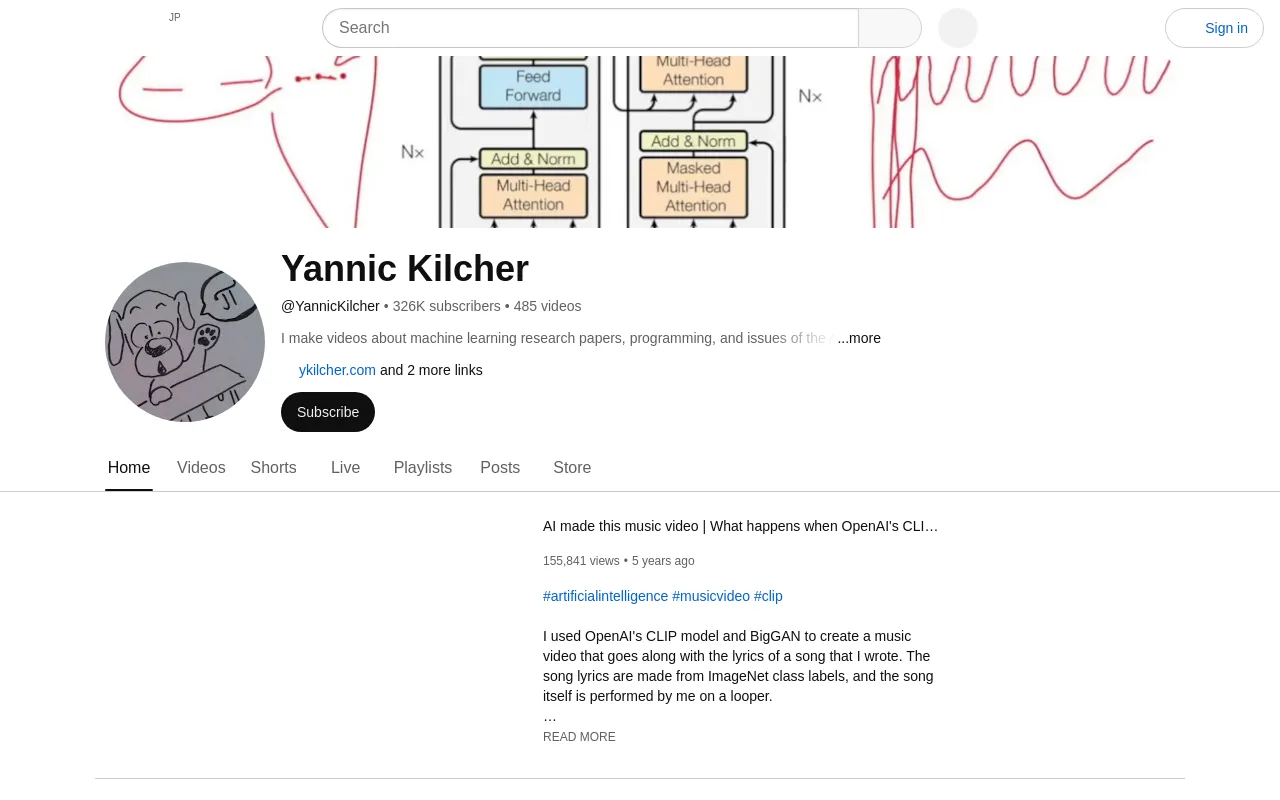
308,000 subscribers. Yannic Kilcher reads and explains machine learning research papers line-by-line, offering technical commentary for developers and data scientists.
Andrej Karpathy
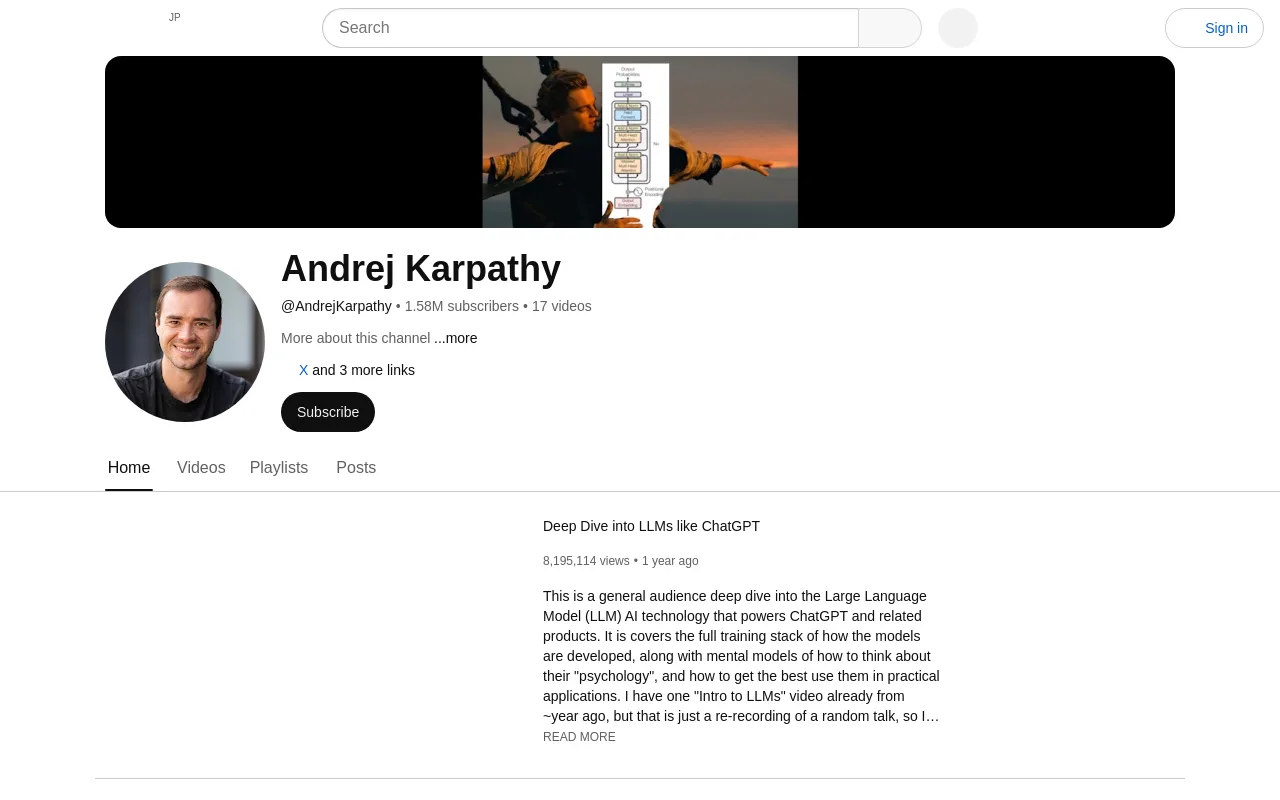
220,000+ subscribers. This channel provides masterclass-level video tutorials on building neural networks from scratch.
Sub-Category C: AI Business, Agencies, & Monetization
Liam Ottley
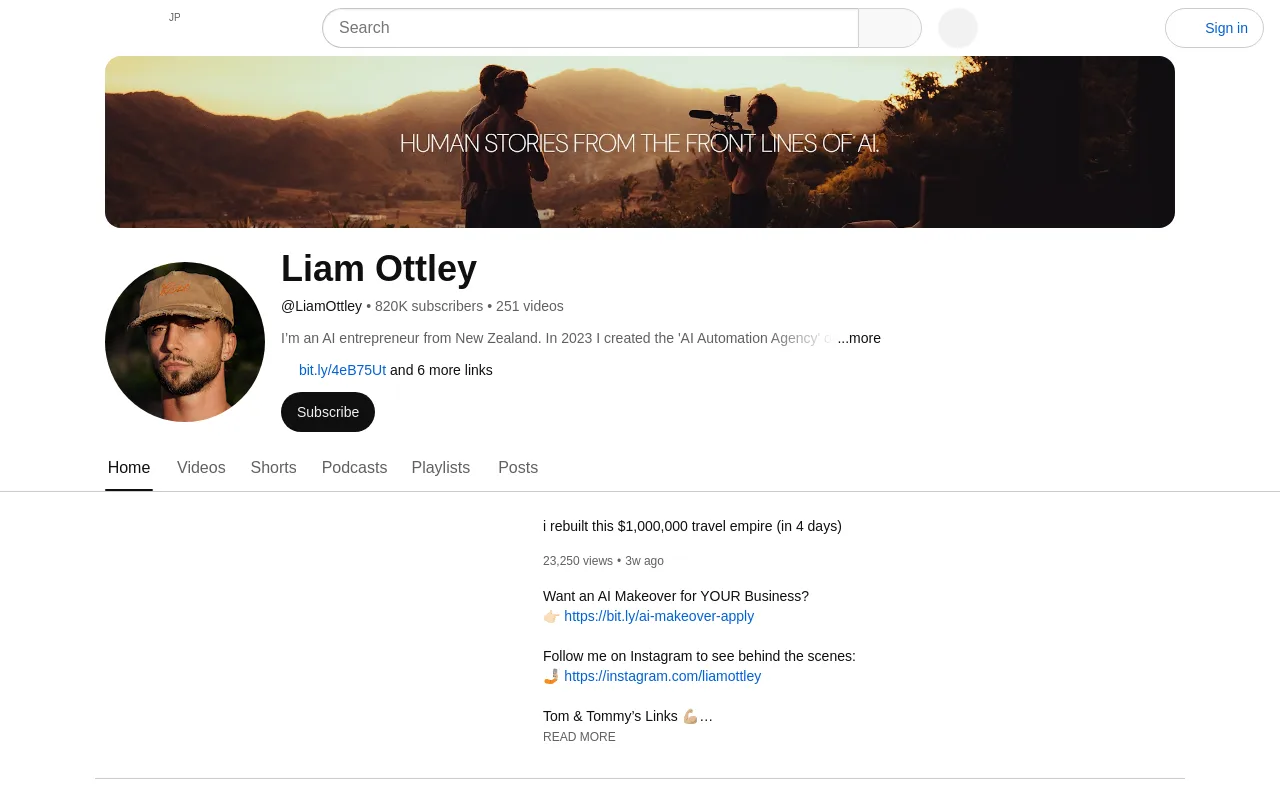
713,000 subscribers. Liam Ottley is a prominent authority on building AI automation agencies (AAA), teaching viewers how to sell custom chatbots and workflows to local businesses.
Nate Herk
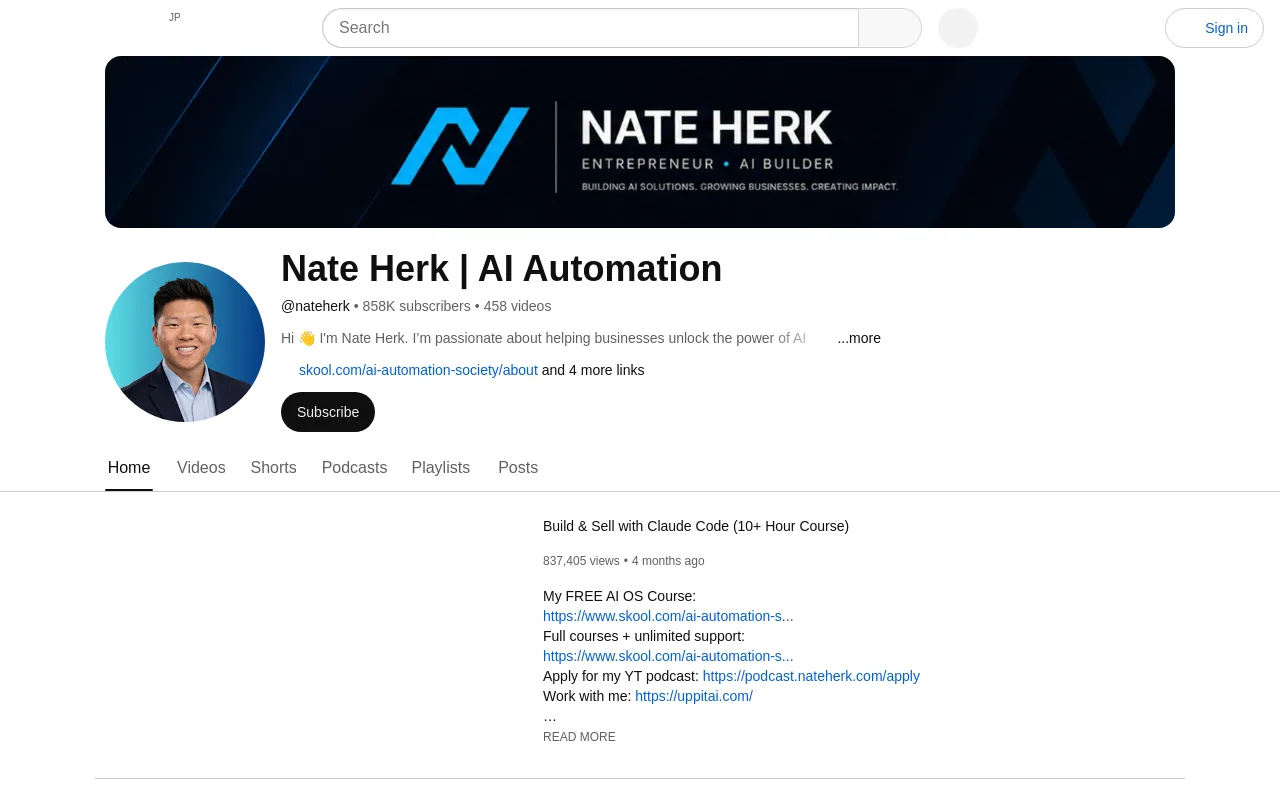
600,000 subscribers. Nate Herk documented his growth from 0 to 230,000 subscribers in just 9 months, focusing on how creators can build free communities and scale digital products.
Julian Goldie
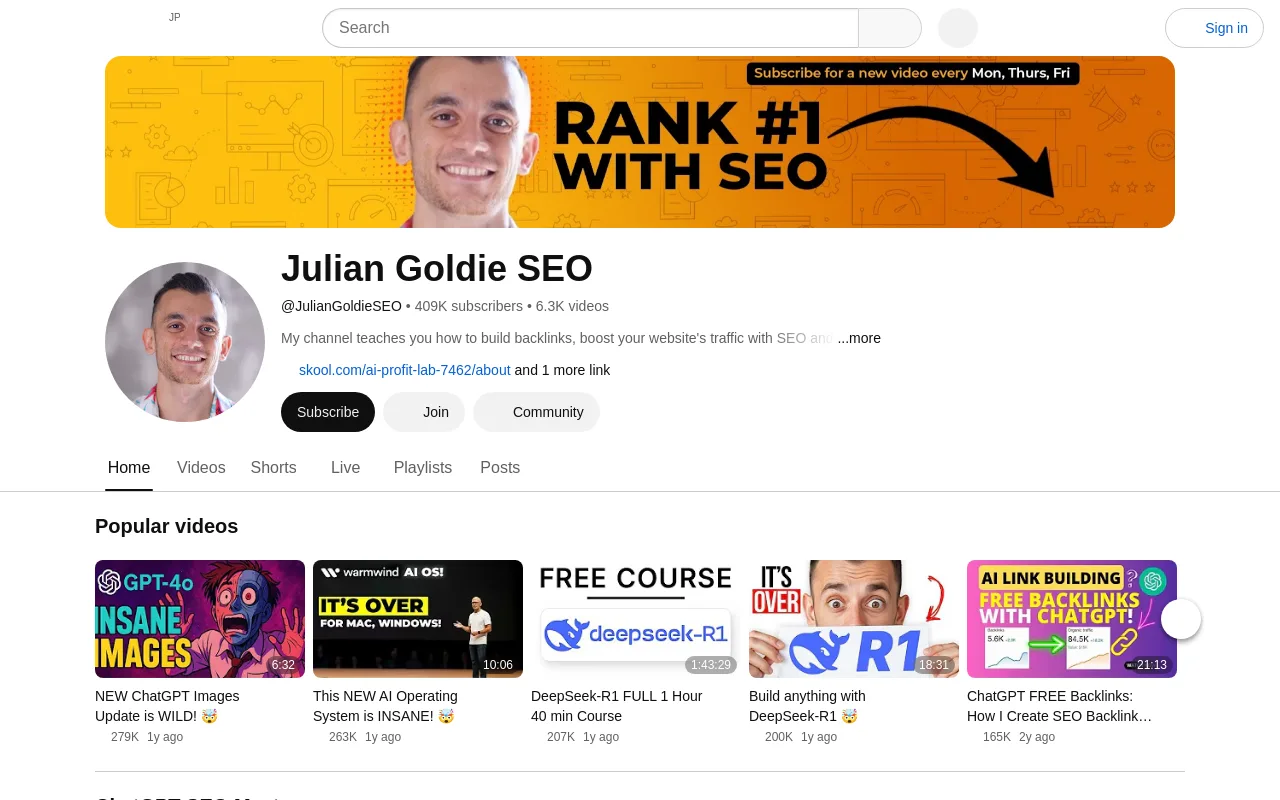
400,000+ subscribers. Julian Goldie focuses on search engine optimization and how to leverage generative text tools to build high-traffic blogs and digital assets.
Greg Isenberg
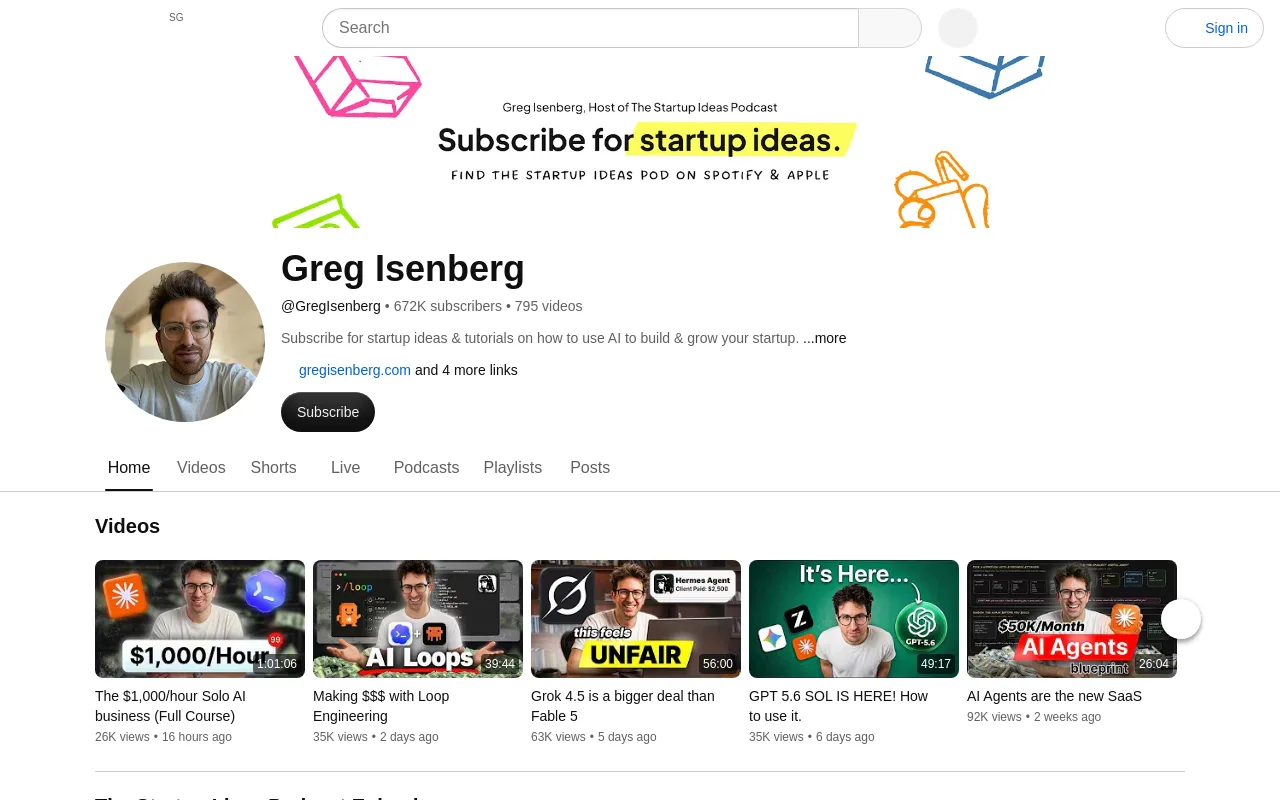
500,000 subscribers. Greg Isenberg discusses community-led growth, product design, and how to use modern automation to build lean, multi-million dollar businesses.
Sub-Category D: Builders, Vibe Coders, & No-Code AI
Alex Finn
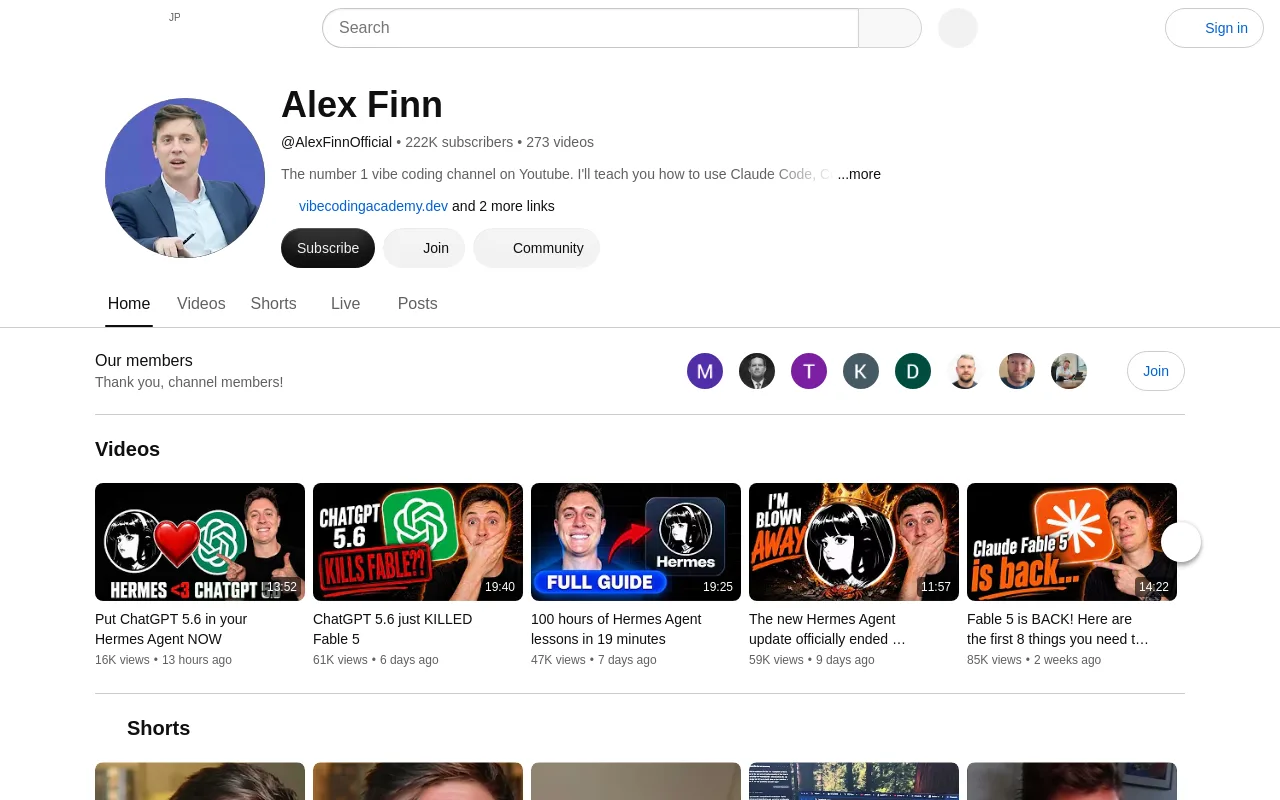
64,000+ subscribers. Alex Finn covers practical AI business models, software development workflows, and how to build custom applications with minimal code.
Nathan Gotch
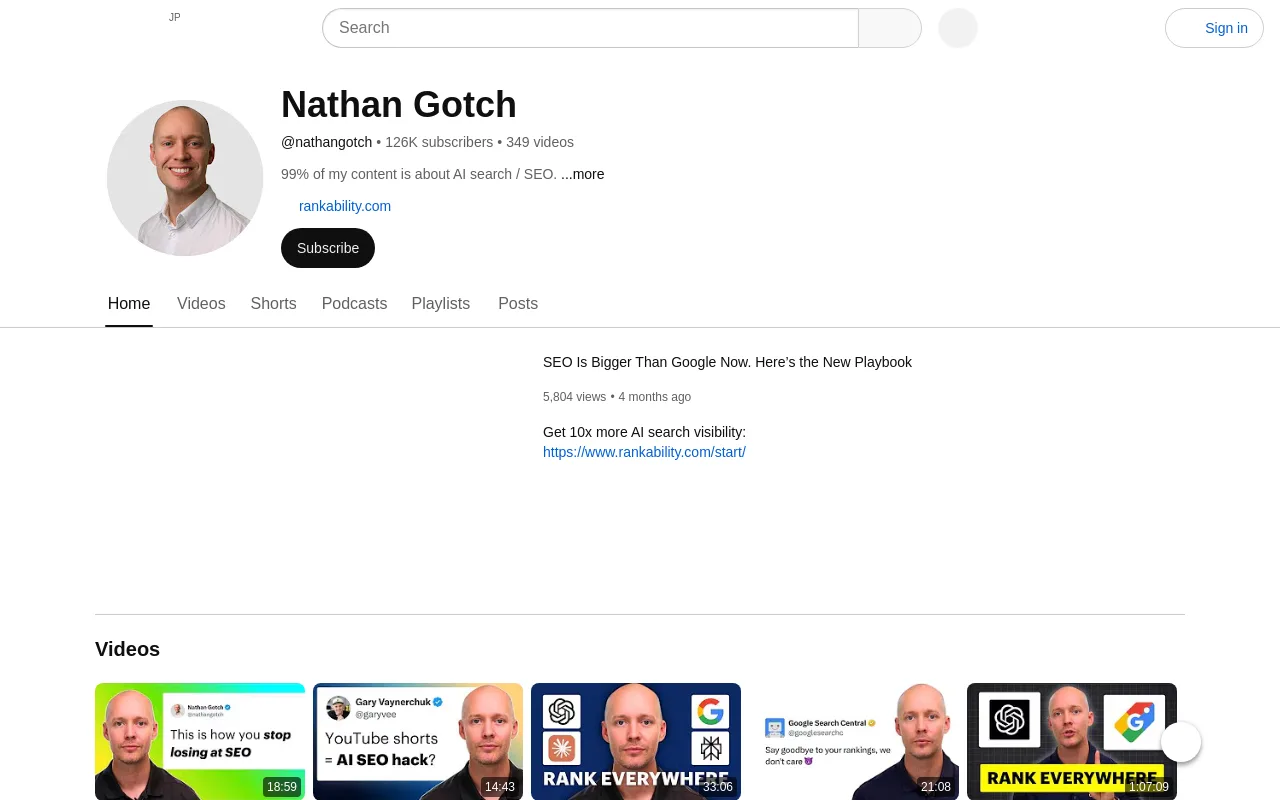
100,000 subscribers. Nathan Gotch provides advanced SEO tutorials, showing how to integrate automated content workflows into client lead-generation campaigns.
Jono Catliff
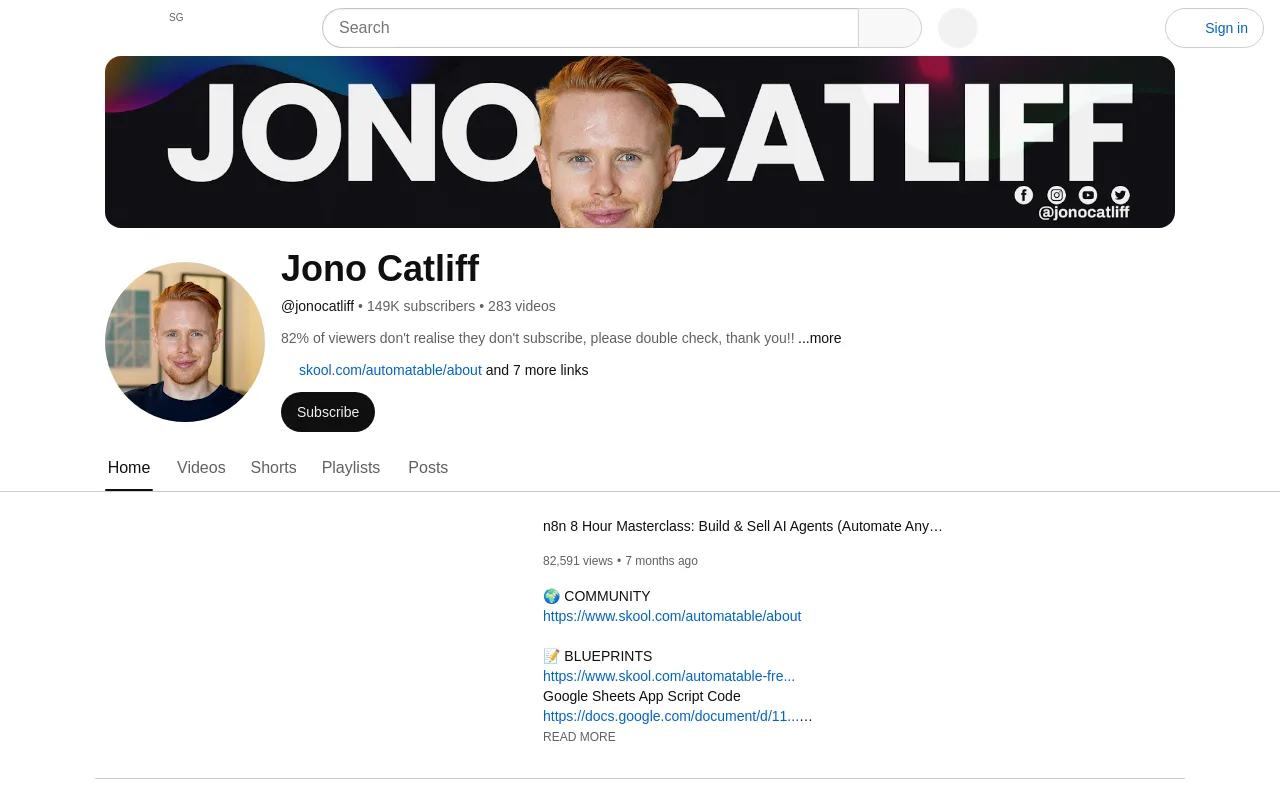
100,000 subscribers. Jono Catliff focuses on no-code development, detailing how to connect databases, APIs, and front-end interfaces using visual builders.
Sub-Category E: AI Interviews & Big-Picture Thinking
Lex Fridman
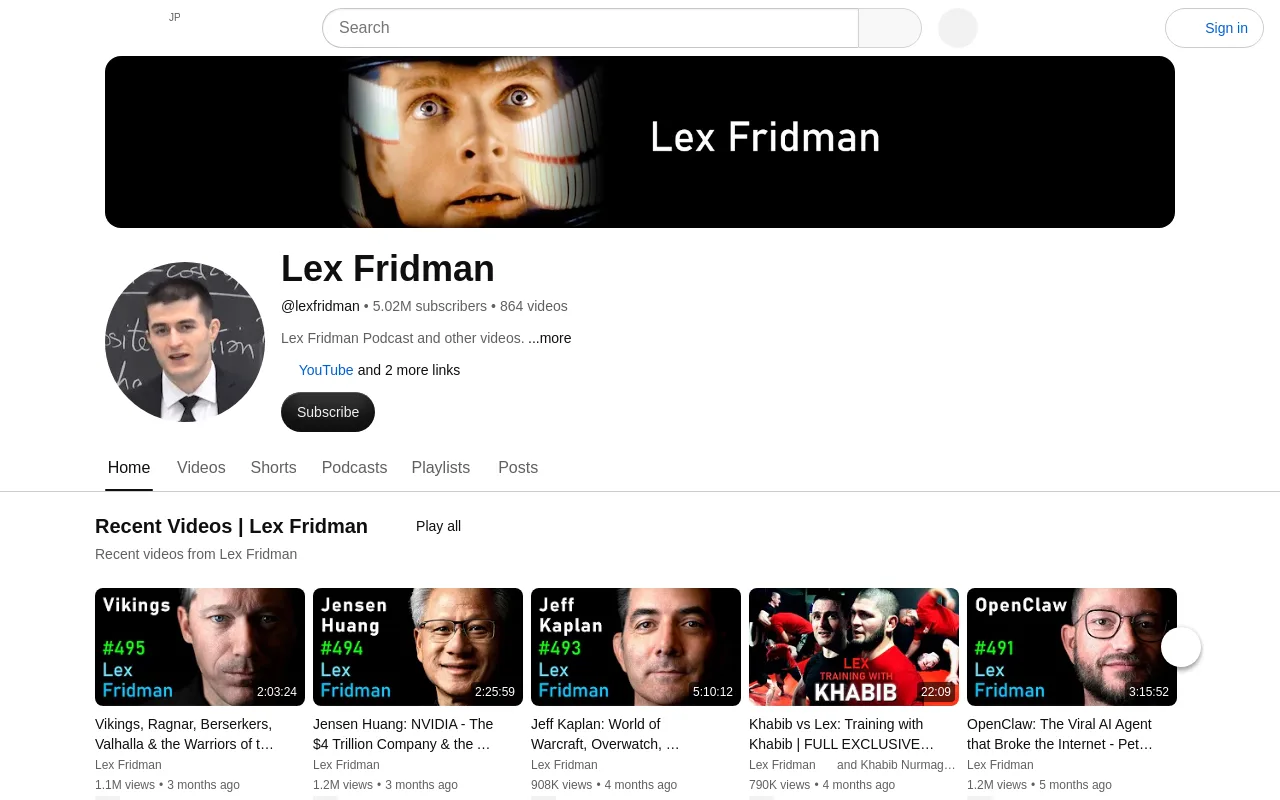
5 million subscribers. Lex Fridman hosts long-form, in-depth interviews with top researchers, founders, and philosophers, exploring the future of artificial general intelligence.
Y Combinator
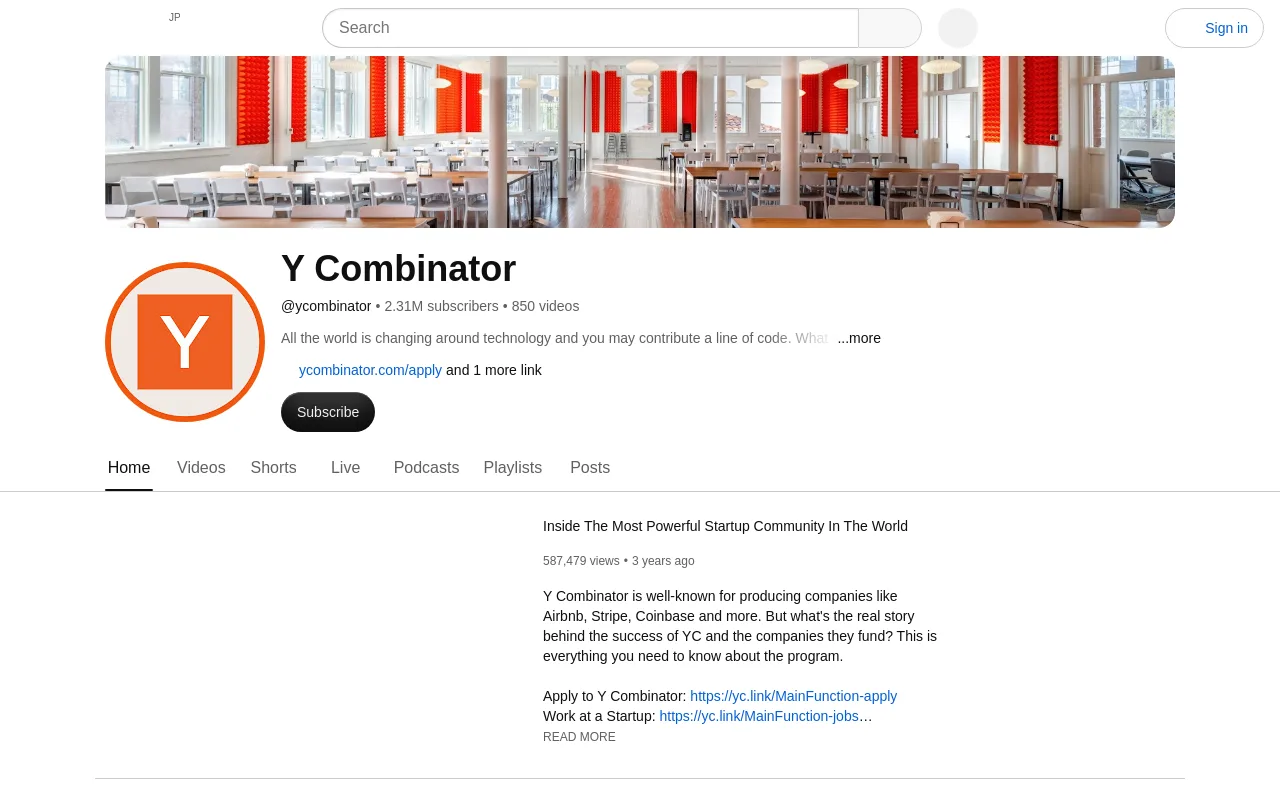
1.3 million subscribers. The startup accelerator's official channel features interviews and advice for founders building AI-native software companies.
Dwarkesh Patel
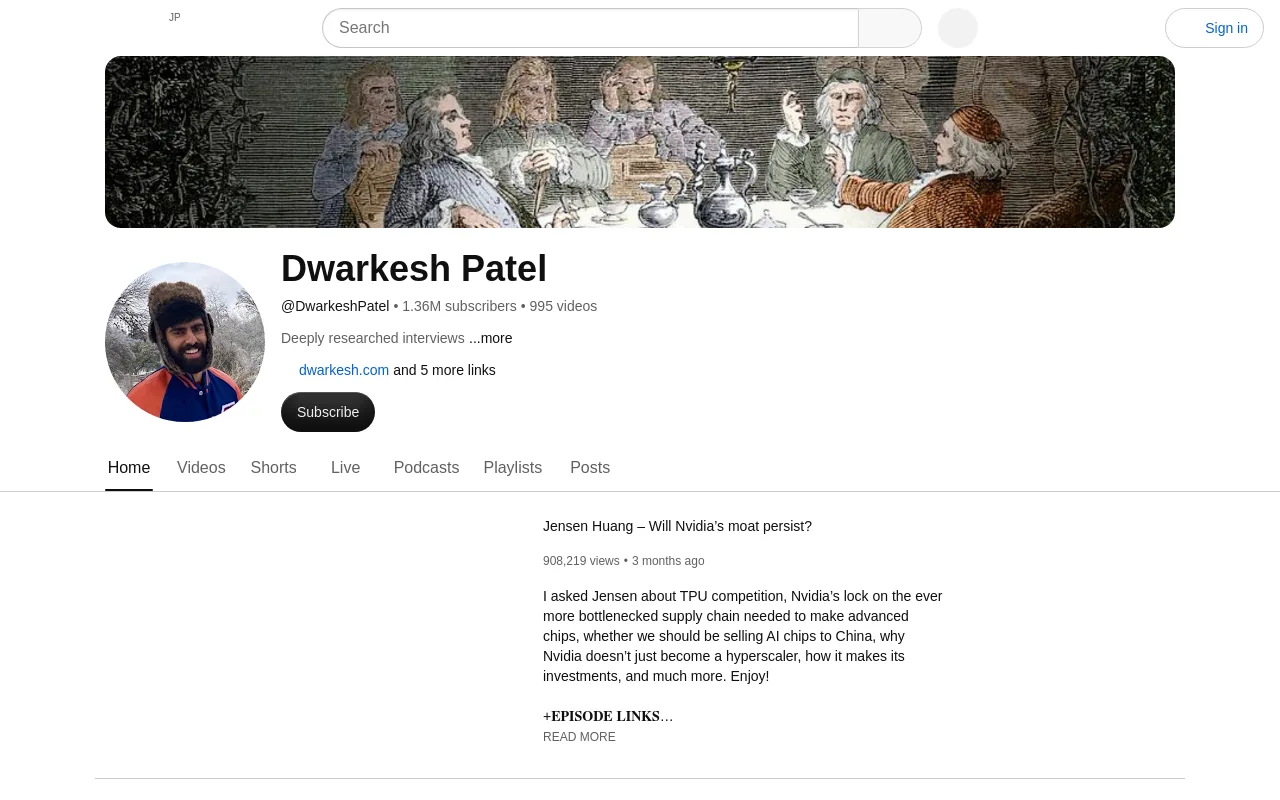
1 million subscribers. Dwarkesh Patel hosts highly researched, intellectually rigorous interviews with leading researchers, focusing on scaling laws and hardware bottlenecks.
What the 2026 Numbers Actually Look Like (Citable Stats)
To build a viable business model on YouTube, you must understand the underlying platform dynamics and financial benchmarks.
According to data from Global Media Insight, YouTube has reached 2.7 billion monthly active users, making it the second most visited website in the world. However, competition is intense. The platform hosts 114 million active channels, and only 35,000 channels (0.03% of the total) have reached the 1 million subscriber milestone.
The market for generative video tools is expanding rapidly. Grand View Research reports that the global AI video generator market size is projected to grow from $946.4 million in 2026 to $3.44 billion by 2033, representing a 20.3% compound annual growth rate (CAGR). This technology has lowered the barrier to entry, leading to a surge in automated content. Frameloop reports that faceless channels now make up 38% of new monetization ventures, up from just 12% in 2022, which is a 217% increase.
Despite this growth, the success rate for fully automated channels remains low. Frameloop data shows that only 3% of automation channels ever reach monetization, and there is only a 0.028% probability of a channel earning more than $100 per day. This highlights the importance of choosing a high-value niche and maintaining strict production standards.
2026 Average CPM by AI YouTube Niche
To maximize your revenue potential, you should target niches with high cost-per-mille (CPM) rates. The table below outlines the average CPMs for popular AI-related niches on YouTube, based on data from vidIQ.
| Niche | Average CPM | Content Difficulty | Target Audience | Source |
|---|---|---|---|---|
| B2B SaaS | $15-$28 | High | Developers & Founders | vidIQ |
| Finance | $15-$25 | High | Retail Investors | vidIQ |
| Tool Tutorials | $10-$28 | Medium | Knowledge Workers | vidIQ |
| Faceless AI | $4-$12 | Low | General Public | vidIQ |
Verdict: While faceless AI channels are easier to produce, targeting specific B2B SaaS or Finance sub-niches yields significantly higher CPMs. If you choose a lower-CPM niche like lofi music or ambient sounds, you must focus on maximizing watch-time and volume to build a sustainable income.
How to Choose Which AI YouTube Channels to Follow (Decision Framework)
With hundreds of creators publishing daily, you must filter your subscription feed to avoid information overload. Use this decision framework based on your primary creative goals:
- If you want to learn machine learning theory: Prioritize technical educators like 3Blue1Brown, Andrej Karpathy, Yannic Kilcher, and AI Explained. These channels focus on mathematical concepts and direct code rather than promotional news.
- If you want daily AI news in under 10 minutes: Follow Matt Wolfe, Wes Roth, and The AI Advantage. They filter through daily product updates and summarize the changes that impact creators.
- If you want to build custom AI tools or software: Study Liam Ottley, Alex Finn, and Nate Herk. They provide practical blueprints for deploying software, building communities, and connecting APIs.
- If you want to monetize automation: Focus on Julian Goldie and Nate Herk, who cover search traffic, digital product sales, and audience monetization strategies.
Red-Flag Checklist for AI Hype Channels
Avoid channels that exhibit these three red flags:
- Paywalled "Done-For-You" CTAs: Be cautious of creators who promise to build a complete business for you if you join their expensive private communities.
- Undisclosed Sponsorships: Watch out for channels that review software tools without clearly stating whether they are sponsored by the software vendor.
- Recycled News Content: Avoid channels that simply read press releases or repeat OpenAI blog posts without adding original analysis, testing, or practical demonstrations.
How to BUILD an AI YouTube Channel (Workflow, Not Theory)
Building an automated channel requires a structured system. By setting up a repeatable workflow, you can dramatically reduce your production time and maintain a consistent upload schedule.
Step 1: Niche Selection
Select a niche with strong commercial interest. You can review our list of faceless YouTube channel ideas to find a high-traffic topic, or read the full guide to building a faceless YouTube channel for the complete playbook. If you prefer a highly automated, passive channel, look into faceless YouTube automation with formats like lofi study music, ambient rain sounds, or synthwave streams.
Step 2: Validate Demand
Before creating videos, validate your ideas using competitor analytics. Tools like vidIQ, which serves over 20 million creators, allow you to analyze search volume and competitor views. Look for "outlier videos"-uploads on smaller channels that have generated significantly more views than the channel's subscriber count.
Step 3: Set Up Your Production Stack
Assemble a software stack that handles scriptwriting, voiceovers, and visual generation. A standard setup includes Claude for scripting, ElevenLabs for voiceovers, and Runway or Midjourney for visuals. If you want a proven starting point, follow our step-by-step guide to starting a faceless YouTube channel to select the right software for your budget.
Step 4: Establish a Consistent Cadence
Consistency is the most critical factor for channel growth. According to data from AutoFaceless, channels that maintain a cadence of 12 or more uploads per month experience 66% more subscribers and 53% more views compared to less frequent uploaders.
Step 5: Optimize for Watch-Time and Compliance
To keep viewers engaged, structure your videos with a strong hook in the first 5 seconds. Ensure you comply with YouTube's policies by using the synthetic media disclosure toggle in Creator Studio when publishing fully generated content.
Best Tools to Run an AI YouTube Channel in 2026
Running a modern channel requires a suite of specialized tools. According to data from Increditors, the typical monthly cost to run an AI YouTube channel ranges from $270 to $430 due to the subscription fees of multiple generative platforms. However, using these tools results in an average 74% cost-per-video reduction compared to hiring traditional freelance editors and voice actors.
Here is the industry-standard toolset for 2026:
- Research & Analytics: vidIQ, TubeBuddy, and ViewStats for keyword research, title testing, and thumbnail CTR analysis.
- Scriptwriting: ChatGPT and Claude Projects for structuring engaging narrative arcs.
- Voice & Avatars: ElevenLabs for clear, natural voiceovers, and HeyGen 4 for realistic digital presenters.
- Visuals & Video Generators: Midjourney v7 for static graphics, and Runway Gen-4, Sora 2, or Kling AI for generating high-quality B-roll. If you want a hands-off route, read our guide to an AI music video generator.
- Video Assembly: Pictory, InVideo, and Descript for editing, adding subtitles, and sync-matching audio tracks.
A Channel That Runs Itself with Chillframe
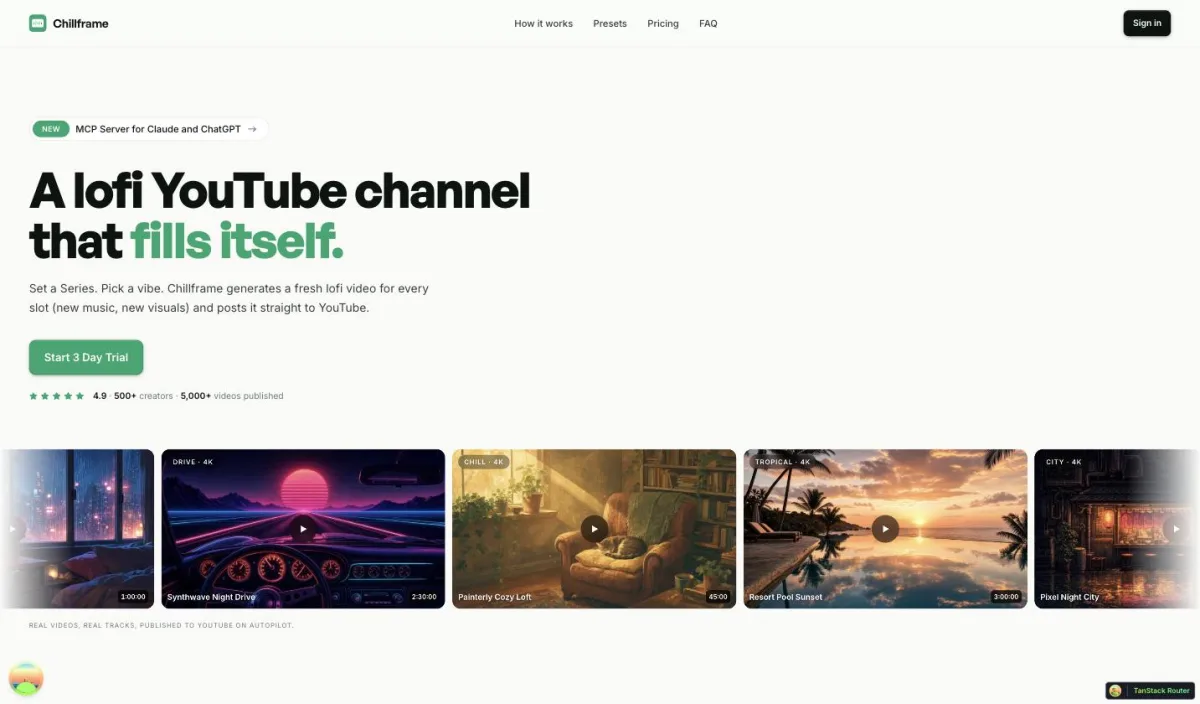
If you want a faceless channel that runs itself, managing five different subscription tools and spending hours rendering files can quickly become overwhelming. Chillframe removes that burden entirely: you get a faceless channel that runs itself, publishing hands-off so your watch-time compounds while you focus on growth instead of production.
With Chillframe, you get a hands-off publishing experience where watch-time compounds over time. The platform generates original, studio-quality lofi tracks that blend into a single gapless soundtrack, paired with looping visuals tuned directly to your chosen theme. Lite users get static image loops, while Plus and Ultra tiers add movement.
You can choose from seven distinct themes: study-boombap, rainy-tokyo, jazzhop, ambient-sleep, synthwave, future-garage, and citypop. Some themes include matched ambient textures woven directly into the audio, such as rain in rainy-tokyo and future-garage, a warm cafe hum in jazzhop, or a soft crackling fire in ambient-sleep.
Connect your YouTube channel in a click, and your Series keeps it fed: fresh episodes publish hands-off on the days and times you choose, each one arriving click-ready with an optimized thumbnail and title. You always know what is working, because you can see how every episode and the channel as a whole are performing right from your dashboard.
Chillframe operates on a credit-based subscription model:
- Starter: 76 credits, 1 active Series
- Creator: 196 credits, 3 active Series
- Pro: 396 credits, unlimited Series
- Max: 796 credits, unlimited Series
Every tier delivers videos of up to 1 hour, so runtime is never the reason to move up a plan, and every tier delivers 1080p resolution, with 4K available on the Ultra visual tier. If you want to test the platform, Chillframe offers a card-required-upfront 3-day trial with $0 due today: 45 credits, Lite-only visuals, a 30-minute maximum runtime, one video, and 2 track re-rolls, so you can see the performance for yourself.
FAQ, The Questions the Top SERP Pages Don't Answer
Does YouTube penalize AI-generated content in 2026? No, YouTube does not penalize AI-generated content as long as it complies with their community guidelines and monetization policies. Under the policy updated on July 15, 2025, creators must disclose when they use realistic synthetic media or AI-altered content. YouTube's primary focus is on viewer engagement and original value; channels that post repetitive, low-effort slideshows with simple text-to-speech voices may be flagged under the "Reused Content" policy, whereas channels that use AI to produce high-quality, creative, or educational videos remain fully monetizable.
How much does it cost to start an AI YouTube channel? Starting a channel is free, but scaling your production with professional software typically costs between $270 and $430 per month. This budget covers subscriptions for scriptwriting tools, voice generation software, video generators, and SEO research tools. You can start with free tiers or low-cost trials, such as Chillframe's card-required-upfront trial, to test your workflows before committing to a larger monthly budget.
How long until an AI YouTube channel makes money? Based on platform averages, it takes approximately 15.5 months for a new channel to reach the 1,000 subscriber milestone required for the YouTube Partner Program. A realistic monetization timeline for an active automation channel looks like this:
- Months 1-3: Focus on building a catalog of videos and optimizing your workflows.
- Months 4-6: Initial growth, earning between $200 and $800 per month as you cross the monetization threshold.
- Months 7-12: Consistent uploads lead to earnings of $1,000 to $5,000 per month.
- Months 13-18: Established channels with a deep catalog can generate $5,000 to $20,000+ per month.
Can AI channels get brand sponsorships? Yes. Brands regularly sponsor faceless and automated channels that have established, highly targeted audiences. Small channels with around 20,000 subscribers can command between $300 and $3,000 per month through a combination of affiliate marketing, direct brand integrations, and digital product sales. Larger channels with 50,000 to 200,000 subscribers often secure $500 to $3,000 per video mention, while creators who launch their own software courses or tools can generate $10,000 to $50,000 during a launch campaign.
What is the difference between a faceless channel and an AI channel? A faceless channel is a production style where the creator does not show their face on camera, often using stock footage, animations, or gameplay clips accompanied by a voiceover. An AI channel refers to the toolchain used to create the content, where generative software writes the scripts, creates the voiceovers, or generates the visual loops. While there is significant overlap-many faceless channels are built entirely with AI tools-you can run a faceless channel using traditional editing methods, just as you can run an AI channel that features a real human presenter.
Which AI YouTube channel should I follow if I am a complete beginner? If you are new to the space, start by subscribing to AI Explained for clear, objective breakdowns of new technologies. Next, follow Matt Wolfe to keep up with weekly tool releases and practical tutorials. Finally, watch Nate Herk to learn how to build an audience, design thumbnails, and structure your channel for long-term growth.
Building a successful automated channel is about consistency and efficiency. To scale your channel without managing a complex editing workflow, let Chillframe run the channel for you: hands-off publishing keeps fresh lofi videos going out to YouTube on the schedule you set, so your watch-time compounds over time. By automating your production, you can focus on building your brand and growing your catalog while your channel runs itself.