Guides
The Best AI Music Video Generator in 2026: 7 Tools Compared
Seven leading tools compared on music intelligence, sync accuracy, and output length, plus where an automated lofi channel fits in.

Picking an ai music video generator in 2026 comes down to one question: does the tool actually listen to your track, or does it generate pretty clips you still have to cut to the beat yourself? The difference decides whether you get a finished music video from a single upload or a folder of silent footage and an evening in a video editor. This comparison covers seven tools built for musicians, producers, and channel operators, what each one does well, where the free options stop, and which to pick if your real goal is a YouTube channel that publishes on schedule rather than a single video.
What Is an AI Music Video Generator? (And Why Creators Need One in 2026)
An audio-reactive video generator works differently from a standard text-to-video model. General-purpose models produce short, silent clips from a text description; a music-first generator analyzes the audio file itself, detecting BPM, song structure, and vocal entries, and then times its visuals to those musical events. A kick drum lands on a cut, a chorus triggers a scene change, a vocal line drives lip sync.
The category is growing fast. Per AI Video Bootcamp, the global AI video generator market was valued at $788.5 million in 2025 and is projected to reach $946.4 million in 2026, and Grand View Research projects the market to grow at a 20.3% CAGR from 2026 to 2033. Musicians are already on board: per WifiTalents, 60% of musicians use AI somewhere in their production workflow in 2026, and Vivideo reports AI video tools cut average production costs by 91% compared to traditional shoots.
Video is only half the stack. If you are still choosing the audio side, start with our guide to picking an AI music generator, then come back for the visuals.
AI Music Video Generator vs. AI Music Video Maker: Is There a Difference?
Search engines treat "ai music video maker" and "ai music video generator" as near-synonyms, and most tools answer to both names. In practice there is a soft split. Maker-style tools assemble a video from existing material: templates, stock clips, and preset transitions, the way Rotor Videos cuts licensed stock footage to your tempo. Generator-style tools synthesize new frames from your audio and prompts, the way Freebeat or Neural Frames render visuals that never existed before. The label matters less than three capabilities: whether the tool analyzes full song structure, whether output can run the length of your track instead of a few seconds, and whether the result needs manual editing afterward. Judge any maker or generator on those three points and the marketing terms stop mattering.
How We Compared These Tools
This is a documentation-driven comparison, not a lab test. We assembled it from each vendor's published product pages and reported numbers, plus independent hands-on write-ups, including Adam Harkus's test of six generators on his own tracks and Freebeat's 30-song roundup. Vendor-reported figures are attributed as such.
Five capabilities separate these tools:
- Music intelligence: BPM detection, full-song structure mapping (intro, verse, chorus, bridge, outro), and beat-aligned transitions.
- Lip sync: whether vocals drive believable mouth movement, and across how many languages.
- Character consistency: whether a character stays recognizable across shots and scene changes.
- Native audio input: direct link-paste from Suno, Udio, YouTube, or SoundCloud versus manual file uploads.
- Export workflow: aspect ratios, resolution options, and how much editing remains after generation.
Best AI Music Video Generator at a Glance: 7 Tools Compared
| Tool | Music intelligence | Lip sync | Max output | Best for |
|---|---|---|---|---|
| Freebeat | Full-song structure analysis with beat quantization | Yes (vendor-reported, 100+ languages) | Full song | Full-length music videos |
| Neural Frames | Frequency-mapped audio reactivity | No | Full song | Audio-reactive visualizers |
| Runway | None (silent clips) | No | 5-10 second clips | Cinematic B-roll |
| Kaiber | Stem-level audio analysis | No | 2-3 minutes | Stylized animation loops |
| Kling AI | None (silent clips) | No | Short clips | High-fidelity single clips |
| Pika | Basic audio integration | Minimal | 5-15 second clips | Short-form social teasers |
| Rotor Videos | Tempo and intensity matching | No | Full song | Stock-footage videos on a deadline |
The verdict: Freebeat leads for complete, full-length music videos because it is built music-first; Neural Frames is the strongest pure visualizer. Runway, Kaiber, Kling, and Pika are clip generators, excellent frames with the musical timing left to you. And none of the seven runs the publishing side, which is exactly the gap Chillframe fills for lofi channels, covered in the decision framework below.
1. Freebeat: Best Overall for Full-Length Music Videos
Freebeat is the strongest music-first generator in this comparison. Its audio-analysis engine maps the entire song form, identifying the intro, verse, chorus, bridge, and outro, and applies a 5-tier beat quantization system so visual transitions land on the rhythm rather than near it.
For vocal tracks, Freebeat reports phoneme-level lip sync at roughly 90% accuracy across 100+ languages, and character-lock consistency across 80+ camera shots, so a digital performer looks the same from the first verse to the final chorus. The platform runs on 44+ video and 14 image models with 528 onbeat-synced effects and six creation modes: Singing MV, Storytelling MV, Abstract MV, Realtime MV, Onbeat Effects, and Dance. By Freebeat's own numbers it serves 1M+ creators across 150+ countries and has visualized over 1 billion seconds of music. Direct link-paste from Suno, Udio, YouTube, and SoundCloud means no download-and-reupload step, and there is a free tier alongside the paid plans.
2. Neural Frames: Best for Audio-Reactive Visualizers
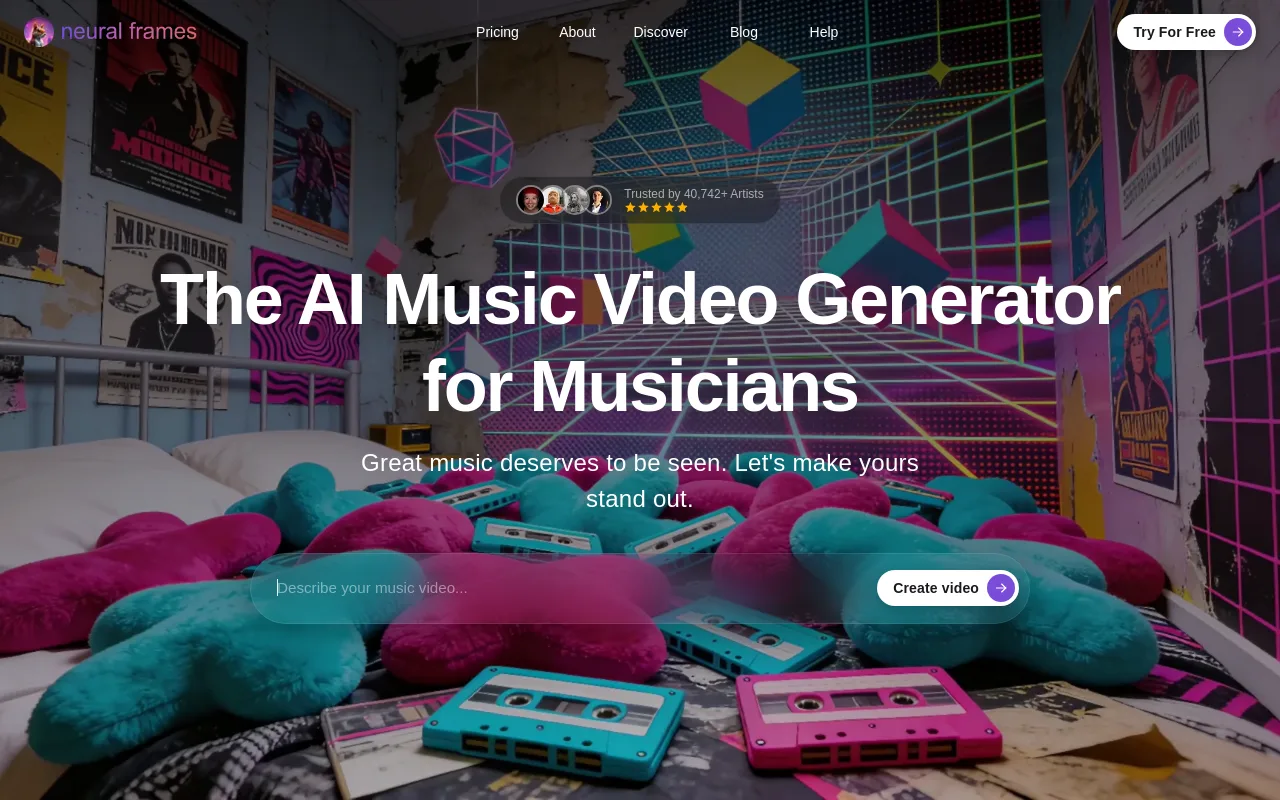
Neural Frames is a beat-synced visualizer engine aimed at electronic producers and digital artists. The platform reports 2M+ music videos created, 40K+ musicians onboard, and 10B+ frames generated.
Rather than narrative scenes or singing characters, Neural Frames produces abstract visuals that react to the audio itself. You can map frequency bands, sub-bass, mids, treble, to visual parameters like zoom, rotation, and noise, and it supports 4K export with frame-by-frame prompt control for users who want full authority over how the aesthetic evolves. The trade-off: no lip sync and no character consistency, so it is the wrong pick for vocal-forward pop or any video that needs a human performance.
3. Runway: Best Cinematic Clip Quality (Manual Sync Required)

Runway is the reference point for cinematic generative video, with industry-leading motion coherence and photoreal styles. For a director building a music video scene by scene, the per-clip quality is the best here.
The limitation is structural: Runway has no music intelligence. It does not read BPM or song form, and it outputs silent clips of roughly 5 to 10 seconds. Turning those into a music video means exporting each clip and aligning everything to the track manually in an editor like Premiere Pro or DaVinci Resolve. That makes Runway a superb B-roll source for a hand-edited project, not a one-upload music video tool.
4. Kaiber: Best for Stylized Animation Loops
Kaiber specializes in stylized, illustrative animation with a distinctive approach: stem-level audio analysis. Upload a track and let specific stems, drums or vocals, drive different visual elements.
It excels at looping, dreamlike animations and style transfers that turn footage into anime, oil-paint, or cyberpunk aesthetics. The constraints are output length, which tops out around 2 to 3 minutes, no lip sync, and no character-lock across dramatic scene changes. Kaiber suits lofi loopers and experimental visualizer work more than narrative videos.
5. Kling AI: Best High-Fidelity Single Clips

Kling AI generates short clips with realistic human motion and strong physics, which makes it a good source for footage of characters playing instruments, dancing, or performing in stylized settings.
It works clip by clip: there is no beat detection, no vocal mapping, and no full-song planning, so assembling a music video means generating clips, exporting them, and editing them to your timeline elsewhere. Treat it as a high-quality asset generator feeding a manual edit.
6. Pika: Best for Short-Form Social Clips
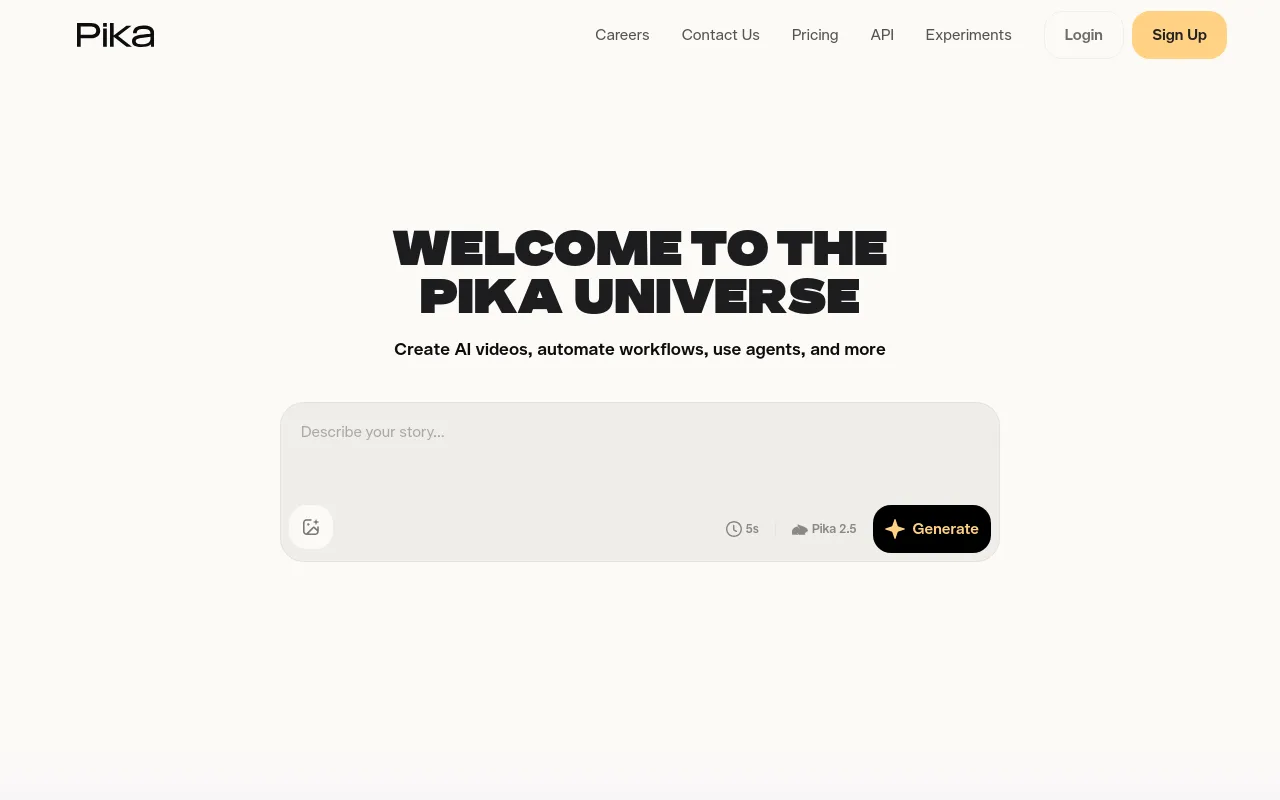
Pika is a fast, approachable generator optimized for short-form social content on TikTok, Instagram Reels, and YouTube Shorts, with quick VFX-style output and simple camera-motion controls.
Its audio side is basic. There is no deep BPM analysis or full-song mapping, and lip sync is minimal, so it fits 5-to-15-second teasers and promotional hooks rather than a complete music video.
7. Rotor Videos: Best Template-Based Option

Rotor Videos skips frame generation entirely and instead edits from a large licensed stock-footage library. Upload a song and its engine analyzes tempo and intensity, then auto-cuts stock clips to match the track, with full-length support and exports sized for Spotify Canvas.
The stock approach is fast and reliable for bands and labels on deadlines, but it cannot produce custom characters, surreal generated imagery, or lip sync, and two artists can end up with similar-looking clips.
How to Choose the Right AI Music Video Generator (Decision Framework by Use Case)
Match the tool to the job you are actually hiring it for:
- An end-to-end music video from one link: Freebeat. Paste a Suno or Udio link and get a synced, character-consistent video without touching an editor.
- An abstract visualizer for electronic music: Neural Frames or Kaiber, which give the most control over frequency mapping and style.
- Elite cinematic shots you will edit yourself: Runway or Kling AI, generated from prompts and cut to your track in Premiere or DaVinci.
- Quick promos for TikTok or Reels: Pika, for speed and simplicity on short clips.
- A lofi YouTube channel that runs itself: Chillframe.

Here is the distinction that matters for that last case. Every tool above ends at an exported file. The music itself, the thumbnail, the title, the upload, and next week's video are still your job. Chillframe is built for the creator whose goal is a channel, not a clip: it turns a theme into a finished, schedulable lofi video, writing original, studio-quality lofi tracks that blend into one gapless soundtrack and generating looping visuals to match. Pick from seven themes (study-boombap, rainy-tokyo, jazzhop, ambient-sleep, synthwave, future-garage, citypop), several carrying a matched ambient texture like rain in rainy-tokyo or a crackling fire in ambient-sleep, and get one ready-to-publish video that loops cleanly to your chosen runtime, up to 1 hour on every tier.
The channel side is where it compounds. A Series generates fresh videos on a cadence of 1 to 7 per week on the days and times you choose (Starter runs 1 Series, Creator 3, Pro and Max unlimited), and finished episodes publish straight to your connected YouTube channel on that schedule, each with an optimized thumbnail and title, while the dashboard shows the watch-time and growth signals that matter. Credits refill monthly (Starter 76, Creator 196, Pro 396, Max 796) and are spent per video by duration, track count, and visual tier. Every tier renders in 1080p, and the Ultra visual tier steps up to 4K. If that channel-first model is your goal, our faceless YouTube automation guide covers the full playbook, and the background music for YouTube breakdown shows where long-form lofi fits in the wider ecosystem.
Free AI Music Video Generator Options (And What Free Actually Gets You)
Searching for a free ai music video generator turns up plenty of options, but read the limits before you plan a release around one. Most free tiers cap output at short clips, useful for testing an aesthetic, not for shipping a full video. Freebeat is the notable exception: per its published plans, the free tier generates full song-length videos. InVideo also markets a free AI music video maker and reports 25M+ users, though it is a script-driven general video tool rather than a music-first generator. Free tiers also change often, so verify the current limits on the vendor's pricing page before committing a workflow to one.
Chillframe takes a different approach: no free tier, and no throwaway demo either. The trial is a card-required 3-day run with $0 due today, and it produces one real, finished video: 45 credits, Lite visuals, up to 30 minutes, plus 2 track re-rolls, so you judge the actual output quality your channel would publish, not a watermarked sample. For a sense of what that output sounds like, see how creators approach making lofi music and what the finished product needs to deliver.
How to Make a Music Video With AI (Step-by-Step Workflow)
The single-video workflow looks the same across most music-first generators:
Step 1: Prepare and Upload Your Audio
Export your track as a WAV or MP3, or paste a direct link if the tool accepts Suno, Udio, YouTube, or SoundCloud sources. Link-paste skips the download-and-reupload round trip.
Step 2: Select a Generation Mode
Match the mode to the track. Vocal-led songs need a singing mode with lip sync; instrumentals fit abstract or beat-effect modes that put the energy into motion instead of a performer.
Step 3: Set the Style and Prompts
Choose a visual preset (anime, cinematic 3D, cyberpunk) or write a custom prompt. For a recurring character, lock the appearance with a reference image or character template where the tool supports it.
Step 4: Generate and Let the Analysis Run
The engine maps BPM and song structure, then renders scenes cut to your intro, verses, choruses, and outro. Tools without audio analysis skip this step, which is exactly why their clips need manual syncing later.
Step 5: Review and Export
Check the transitions and any lip sync, then export 16:9 for YouTube, 9:16 for Shorts and TikTok, or 1:1 for Spotify Canvas. On a channel-first platform like Chillframe this step disappears: the finished episode goes to your connected channel on the schedule you set.
Frequently Asked Questions
What is the best AI music video generator?
For a single full-length music video, Freebeat leads because it analyzes complete song structure rather than bolting beat detection onto a generic video model. For an ongoing lofi channel where the music, visuals, and publishing schedule should all be handled for you, Chillframe is the purpose-built pick.
Is there a free AI music video generator?
Yes, though most free tiers stop at short clips. Freebeat's free plan generates full song-length videos, which makes it the most usable free entry point. Always check current plan limits, since free allowances change frequently.
How does an AI music video generator work?
Music-first tools run audio analysis before generating anything: they detect BPM, map the song structure, and locate vocal entries, then generate visual frames quantized to those musical timestamps so cuts and effects land on the beat.
Can AI music video generators do lip sync?
The audio-reactive category can. Freebeat reports phoneme-level lip sync at roughly 90% accuracy across 100+ languages. Pure visualizer tools like Neural Frames and clip generators like Runway do not offer it.
Which AI music video generator works best with Suno?
Freebeat, because it accepts direct Suno links, along with Udio, YouTube, and SoundCloud sources, so you generate visuals without downloading and re-uploading your track.
Are AI-generated music videos allowed on YouTube and Spotify?
Yes. In 2026 YouTube permits AI-generated music videos, including on monetized channels, provided uploads meet its community guidelines, and Spotify supports AI visuals such as looping Canvas clips. Platform policy compliance stays the creator's responsibility regardless of tool.
How long does it take to generate a music video with AI?
Typically 3 to 6 minutes for a standard 3-minute song once audio analysis completes, compared with the days a traditional edit takes. Longer runtimes and higher resolutions extend generation time.