Guides
Best YouTube Automation Software for Beginners: The 2026 Guide
A complete guide to choosing policy-safe tools that handle video creation, SEO, and automated scheduling.

Starting a faceless YouTube channel often feels overwhelming due to the constant demands of scriptwriting, video editing, and audio production. Finding the best YouTube automation software for beginners is the fastest way to streamline these repetitive tasks so you can focus on high-level strategy. Instead of spending 10 hours editing a single lofi study beat video or a history documentary clip, creators now use specialized software to handle the heavy lifting.
According to a report cited by Shotstack, 83% of creators use artificial intelligence in some part of their workflow. Whether you want to launch a lofi music channel, a daily trivia Shorts channel, or turn your existing blog posts into narrated slide-shows, choosing the right tool determines how fast your channel can grow. This guide breaks down the top software options to help you build a sustainable, automated workflow.
Quick answer: which YouTube automation software is best for beginners?
There is no single tool that excels at every stage of the video creation pipeline. The best software for your project depends on your specific production bottleneck. If you want to understand the fundamentals of YouTube automation, you must first identify whether your main challenge is video generation, SEO optimization, or social media scheduling.
That distinction matters more than any feature list. A generation tool produces the actual footage, audio, and edit. An SEO tool like TubeBuddy or vidIQ, and a scheduler like ContentStudio or the native YouTube Studio upload queue, never create a frame of video. They organize work you have already done. Beginners often buy the second category first, then discover they still have nothing to publish.
For creators who want to build a hands-off, highly focused channel in the ambient music niche, Chillframe provides a dedicated solution. Chillframe generates the music and visuals, assembles the video, and publishes directly to your YouTube channel on a schedule you set. This allows you to run a lofi channel with compounding watch-time while the software handles the daily production loop.
If you are pursuing other niches, here is a quick breakdown of the top beginner-friendly tools:
- Best for Prompt-to-Video Creation: InVideo AI or AITuber
- Best for Ambient and Lofi Channels: Chillframe
- Best for Faceless Shorts: AutoShorts.ai
- Best for Repurposing Blogs: Pictory
- Best for YouTube SEO: vidIQ
- Best for Multi-Channel Scheduling: ContentStudio
While these tools dramatically reduce manual labor, remember that automation only handles repetitive work. You still need to research your niche, analyze your competitors, and monitor your channel analytics to ensure your content resonates with real viewers.
What beginners should look for in YouTube automation software
When evaluating the best YouTube automation software for beginners, you should score each tool based on its ease of onboarding, workflow coverage, and output quality. Many beginners make the mistake of buying complex, enterprise-grade software when a simple, template-driven tool would save them more time.
A beginner-friendly tool must offer a straightforward interface that does not require prior video editing experience. Look for platforms that clearly separate video creation from secondary tasks like search engine optimization, repurposing, and scheduling. This separation prevents you from feeling overwhelmed by too many features at once. A wider survey of faceless channel tools is worth reading before you commit to a subscription, because the category names on pricing pages rarely match what the software actually produces.
Additionally, pay close attention to commercial rights and human review controls. You must have full legal rights to use the generated music, voiceovers, and stock footage on monetized channels. The software should also allow you to pause the automation pipeline to edit scripts, swap out boring visuals, and verify facts before the video goes live.
Best all-in-one AI video creators
All-in-one video creators are designed to turn a simple text prompt into a complete video. These platforms generate a script, select matching visual assets, add a voiceover, and stitch everything together into a cohesive file.
AITuber
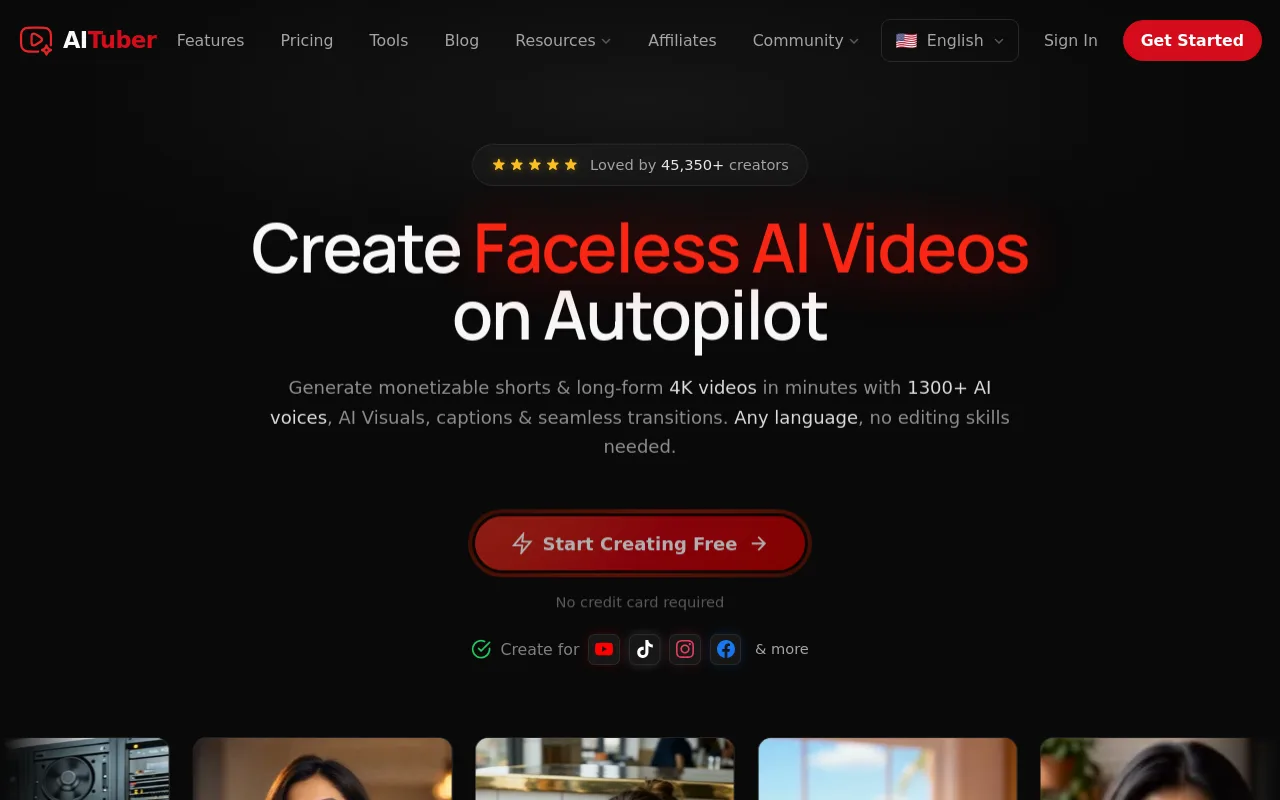
AITuber is built specifically for creators starting faceless channels from scratch. The platform guides you through the process of selecting a niche, generating weekly video concepts, and rendering finished horizontal videos. It reduces the technical friction of video editing, making it highly accessible for those who have never opened an editing timeline.
AutoTube
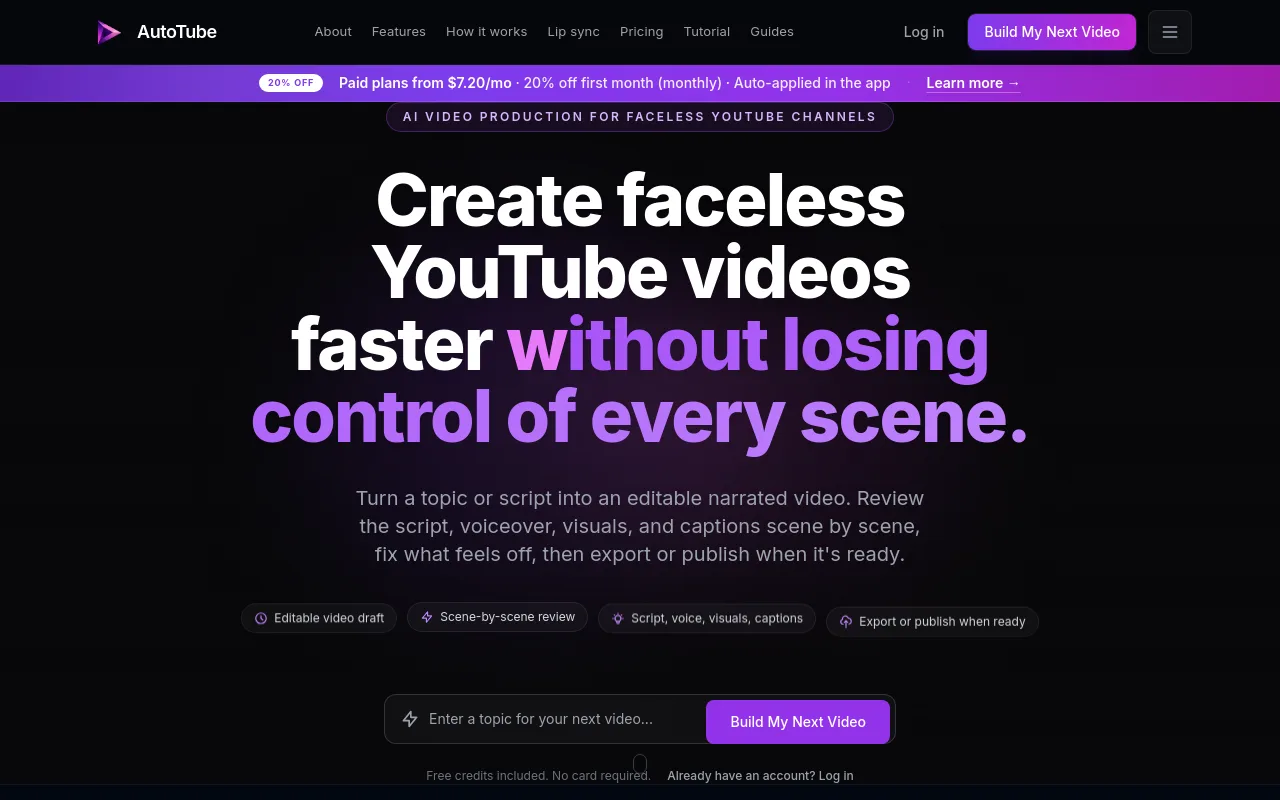
AutoTube focuses on repeatable volume and scalable workflows. If your goal is to manage multiple channels across different niches, AutoTube provides a structured pipeline that moves your projects from raw script ideas to scheduled uploads. It is favored by creators who treat a portfolio of channels as the goal and want one YouTube automation tool covering the whole pipeline rather than four subscriptions stitched together.
InVideo AI
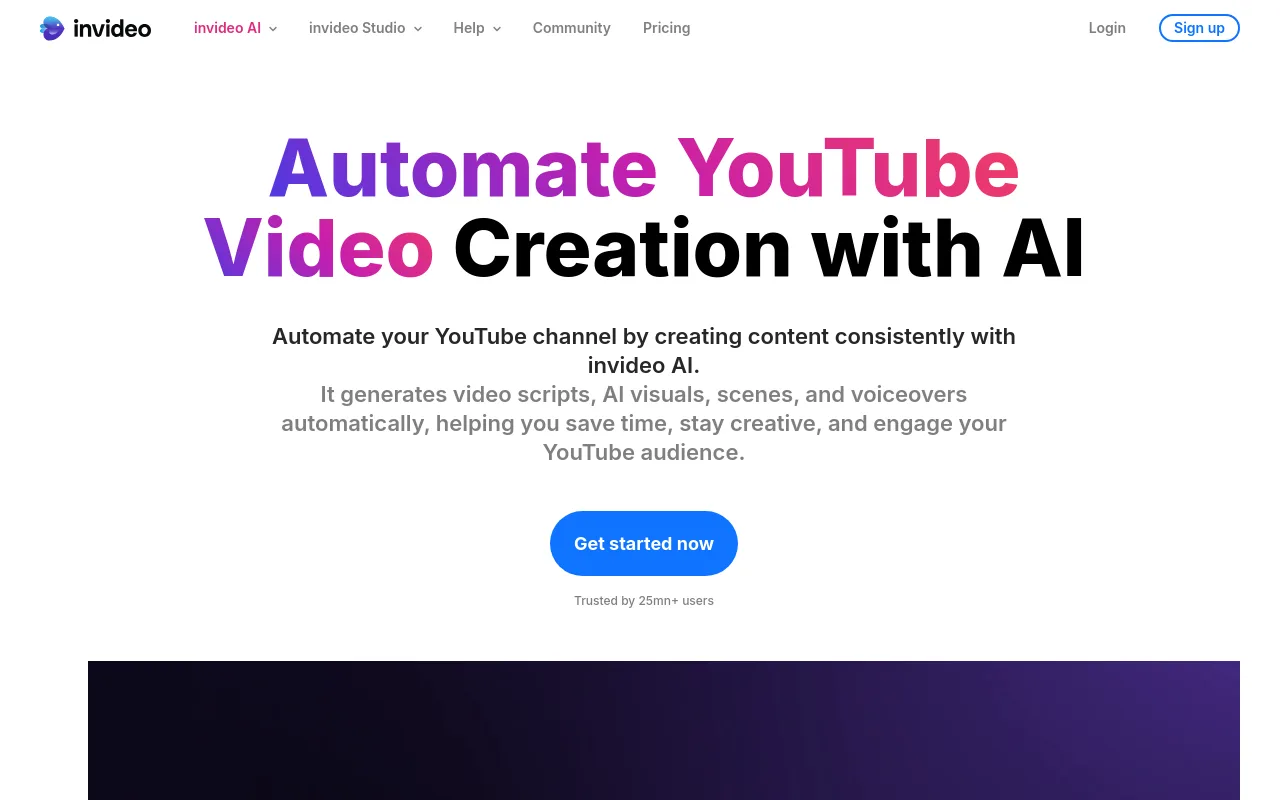
InVideo AI stands out for its command-based editing interface. After entering a prompt, you can type natural language instructions like "make the pacing faster" or "replace the background video at 1:12 with a vintage car." Per official product specifications, InVideo AI provides access to more than 16 million stock photos and videos, ensuring your visual background stays varied and engaging.
Chillframe
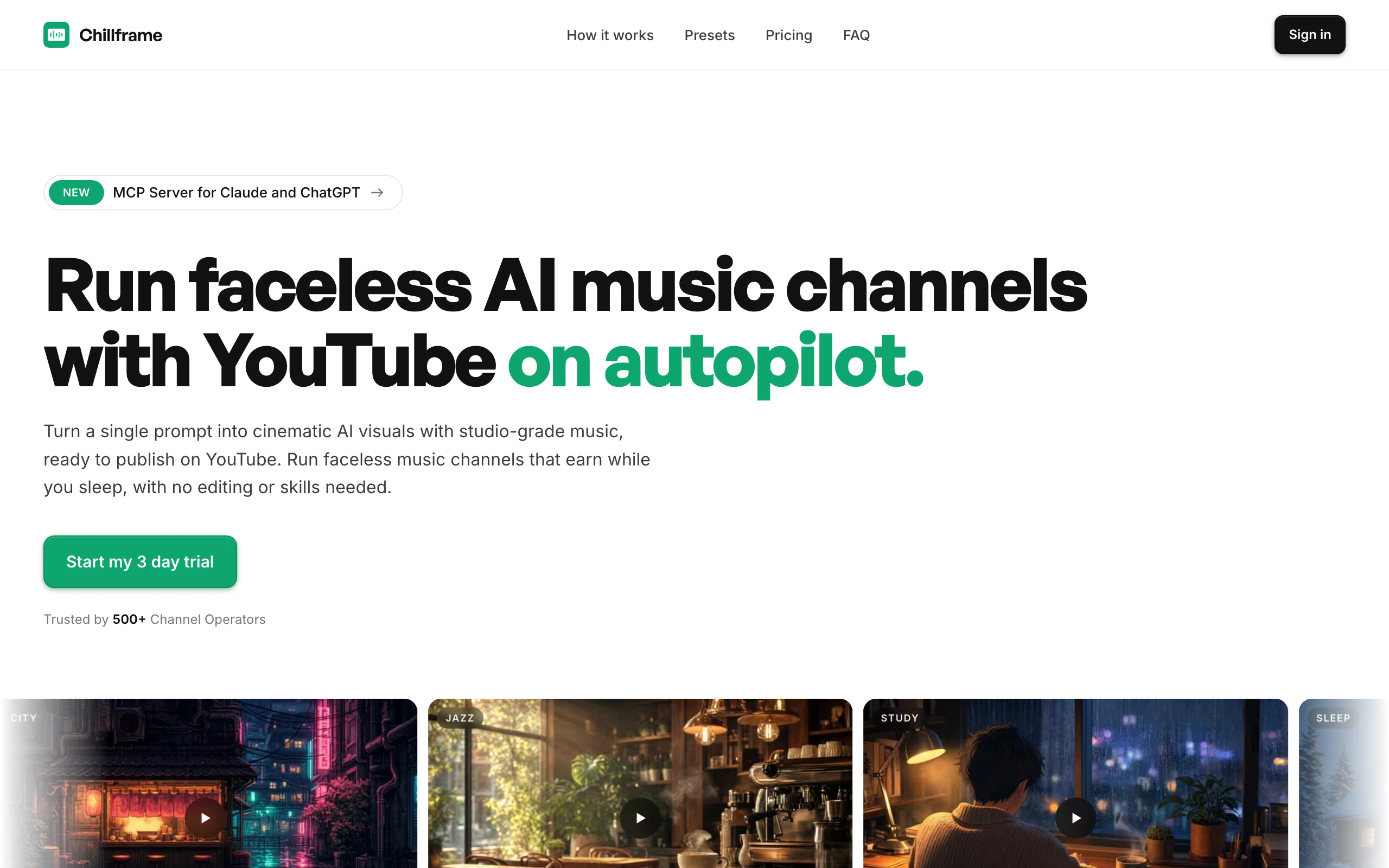
Chillframe is narrower than the tools above by design. It covers one family of niches, ambient, lofi, focus, and sleep, and it covers them end to end: it generates the original music and the matching visuals, assembles the finished video, and publishes to your connected YouTube channel on a schedule you set. Episodes are created at 10, 30, or 60 minutes, which is the length range long-session music channels actually use.
Two things follow from that focus. First, there is no voiceover or talking-head support, so documentary, trivia, and commentary niches are the wrong fit. Second, because each layer is generated separately, you can re-roll just the music or just the visuals on an episode you are not happy with instead of regenerating the whole thing. Plans start at 84 credits a month on Starter and run to 796 on Max. Higher tiers add 4K output, more connected channels, and more concurrent Series. Chillframe starts from $19 a month.
Best tools for faceless YouTube Shorts
Short-form vertical video is one of the fastest ways to gain initial subscribers. However, the high volume of uploads required to stay relevant means you need tools that can generate and schedule vertical clips in batches.
AutoShorts.ai
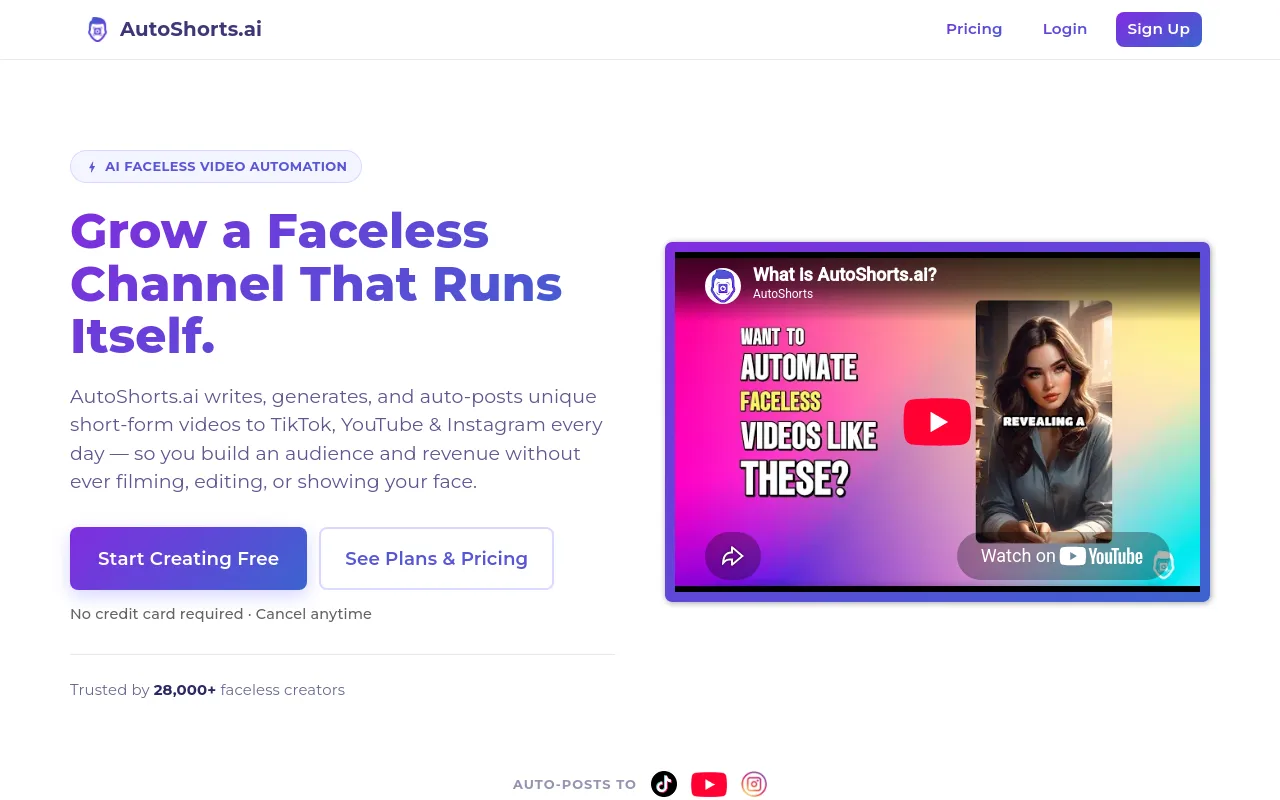
AutoShorts.ai is a specialized tool built entirely for vertical platforms. You select a series of topics, and the software automatically writes the script, applies a realistic voiceover, overlays stylized captions, and publishes the finished Short directly to your channel. It is a highly effective tool for trivia, scary stories, or motivational niches.
Shorts-only vs. long-form tools
While vertical tools are excellent for quick growth, they are generally a poor fit if your goal is to build a long-form channel. Long-form channels rely heavily on extended watch-time, which requires deep narrative structure and high-quality audio. If you want to build a sustainable lofi music channel, an all-in-one long-form creator like Chillframe is far more effective than a vertical clipping tool.
Best tools for turning blogs and long videos into YouTube content
If you already have a library of written blog posts or long-form videos, you can use repurposing software to turn those assets into fresh YouTube uploads.
Pictory
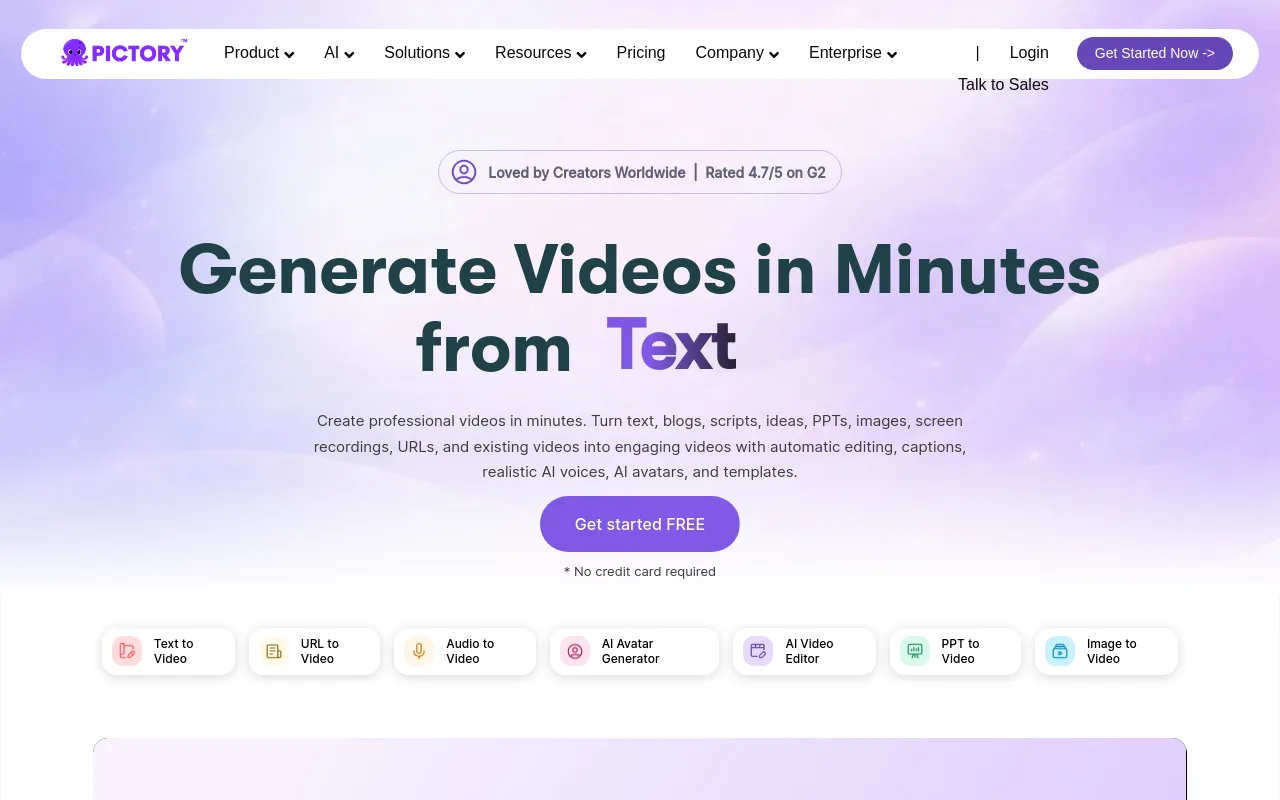
Pictory is the industry standard for text-to-video conversion. You simply paste a blog post URL, and Pictory uses its artificial intelligence models to extract the key sentences. It then matches those sentences with relevant stock footage, generates a voiceover, and adds automated subtitles. This is perfect for publishers looking to expand their organic reach on YouTube without starting from zero.
Lumen5
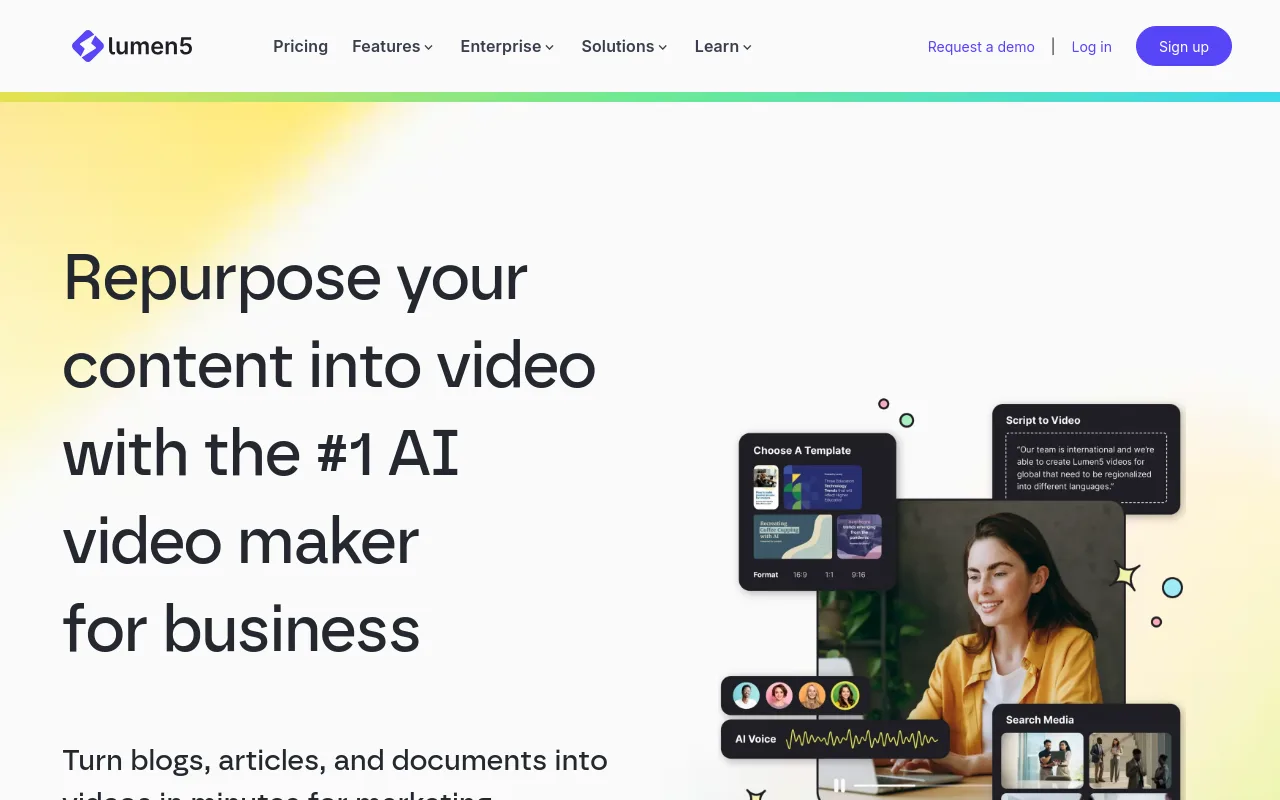
Lumen5 offers a similar blog-to-video workflow but focuses heavily on brand-friendly templates and marketing presentations. It is highly visual, allowing you to drag and drop elements to match your brand style guidelines.
OpusClip
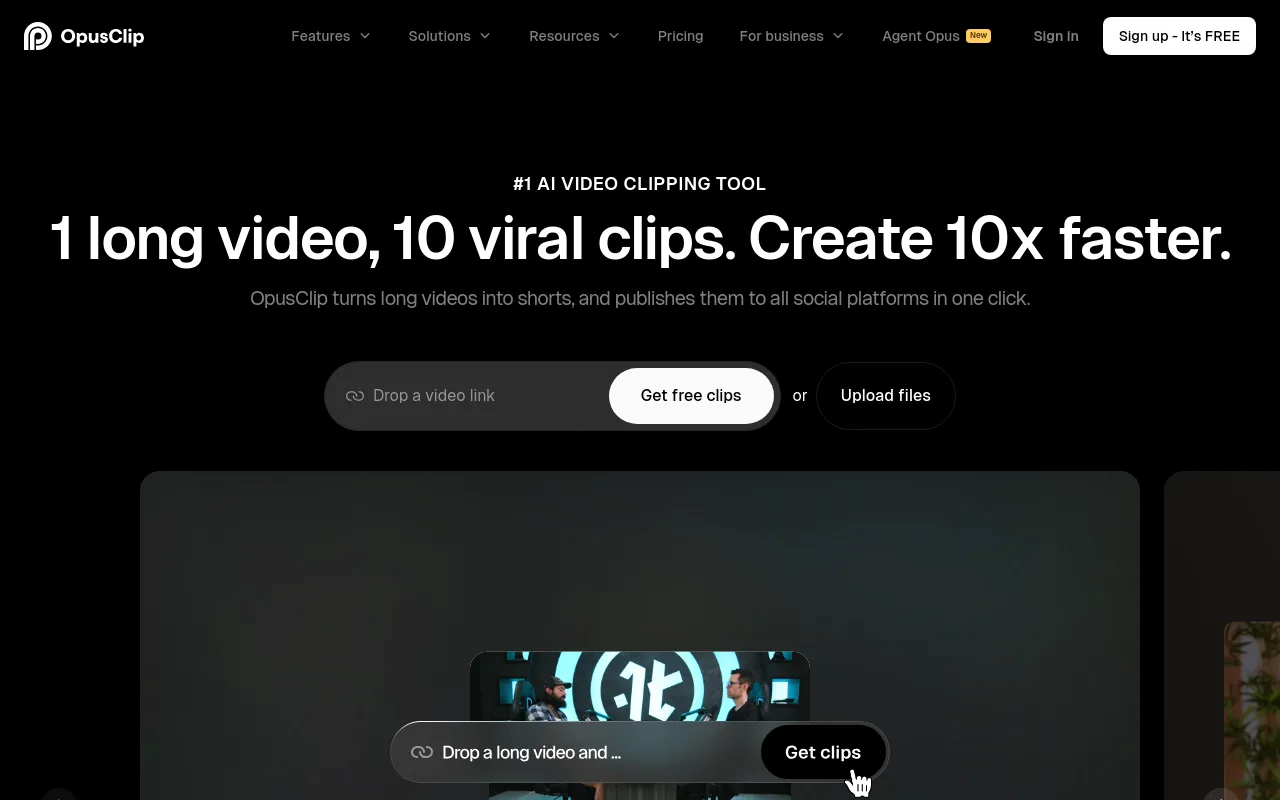
OpusClip takes the opposite approach by turning existing long-form YouTube videos into highly shareable Shorts. It automatically identifies the most engaging hooks in your video, crops the frame to center the speaker, and adds animated captions.
When using repurposing tools, always run a quick quality-control check:
- Fact-check the AI text: Ensure names, dates, and historical facts are accurate.
- Check visual pacing: Make sure the stock footage changes every 3 to 5 seconds to keep viewer attention.
- Fix caption spelling: Correct any mispronounced words in the automated subtitles.
- Verify licenses: Ensure all background music and stock clips are fully cleared for commercial monetization.
Best YouTube SEO and channel-growth tools
Even the most beautiful video will fail to get views if nobody can find it. YouTube SEO tools help you identify what viewers are actively searching for before you begin production. None of the tools in this section produce video, so treat them as an addition to a generation tool rather than a replacement for one.
vidIQ
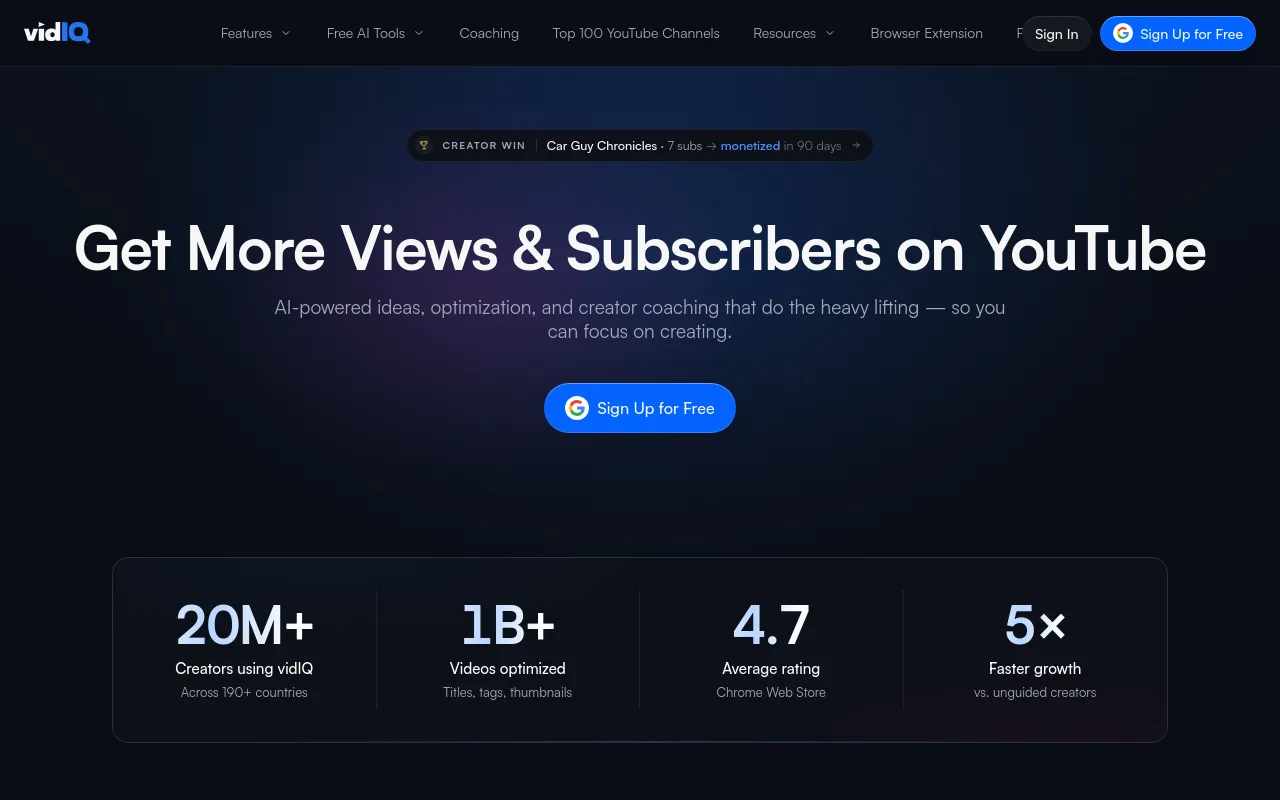
vidIQ is an essential tool for keyword research and competitor analysis. It provides a search volume score and a competition score for any keyword you type in. This allows beginners to target low-competition keywords that are easier to rank for. vidIQ also offers an AI coach that suggests video titles and thumbnail concepts based on successful trends in your specific niche.
TubeBuddy
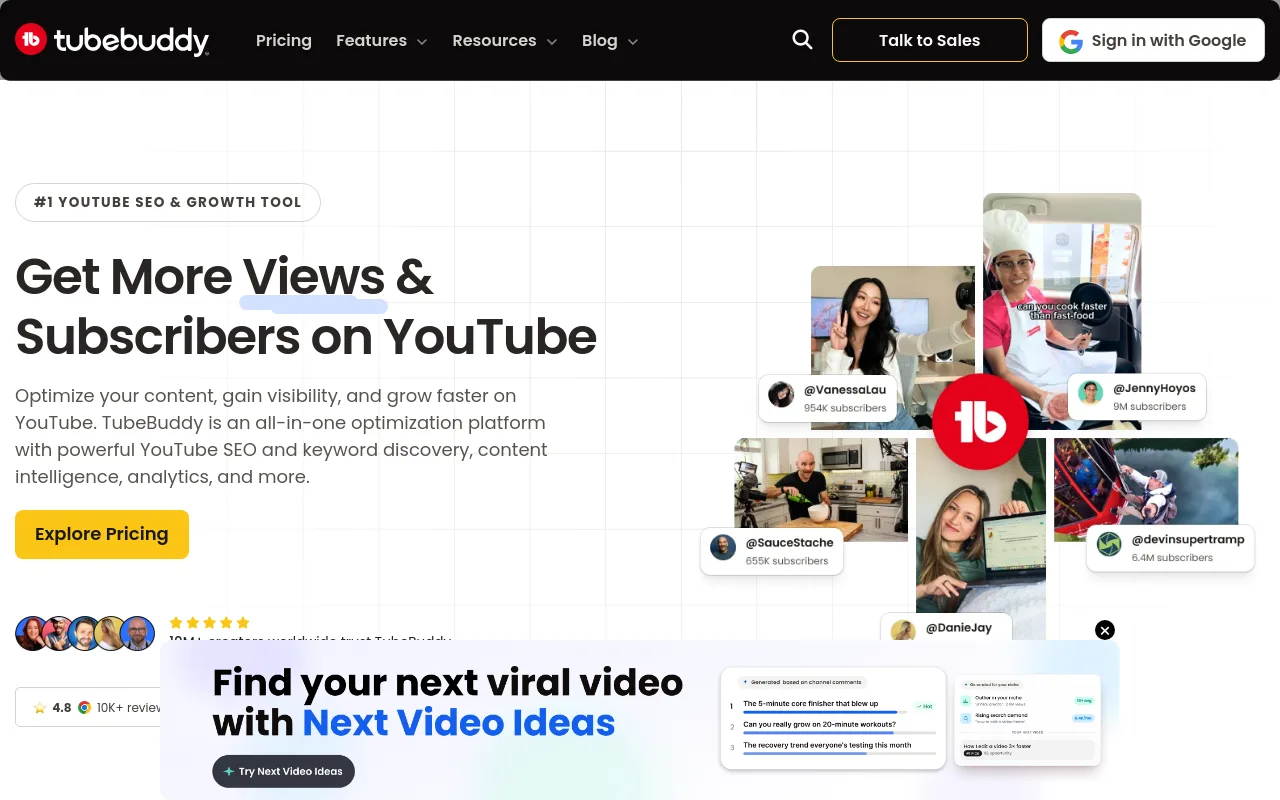
TubeBuddy integrates directly into your YouTube Studio dashboard as a browser extension. It offers powerful bulk-processing tools, such as updating all video descriptions at once, alongside an advanced A/B testing tool for thumbnails. By testing two different thumbnails on the same video, you can see which one gets a higher click-through rate.
To maximize your efficiency, use a simple pre-production workflow: validate the topic on vidIQ, design the title angle, sketch out the thumbnail concept, and only then generate your script using your video creator.
Best scheduling and multi-channel management tools
Once you have a steady stream of videos, you need a central system to manage your publishing calendar. Relying on manual uploads every day quickly leads to creator burnout. Like the SEO tools above, schedulers assume the video already exists.
ContentStudio
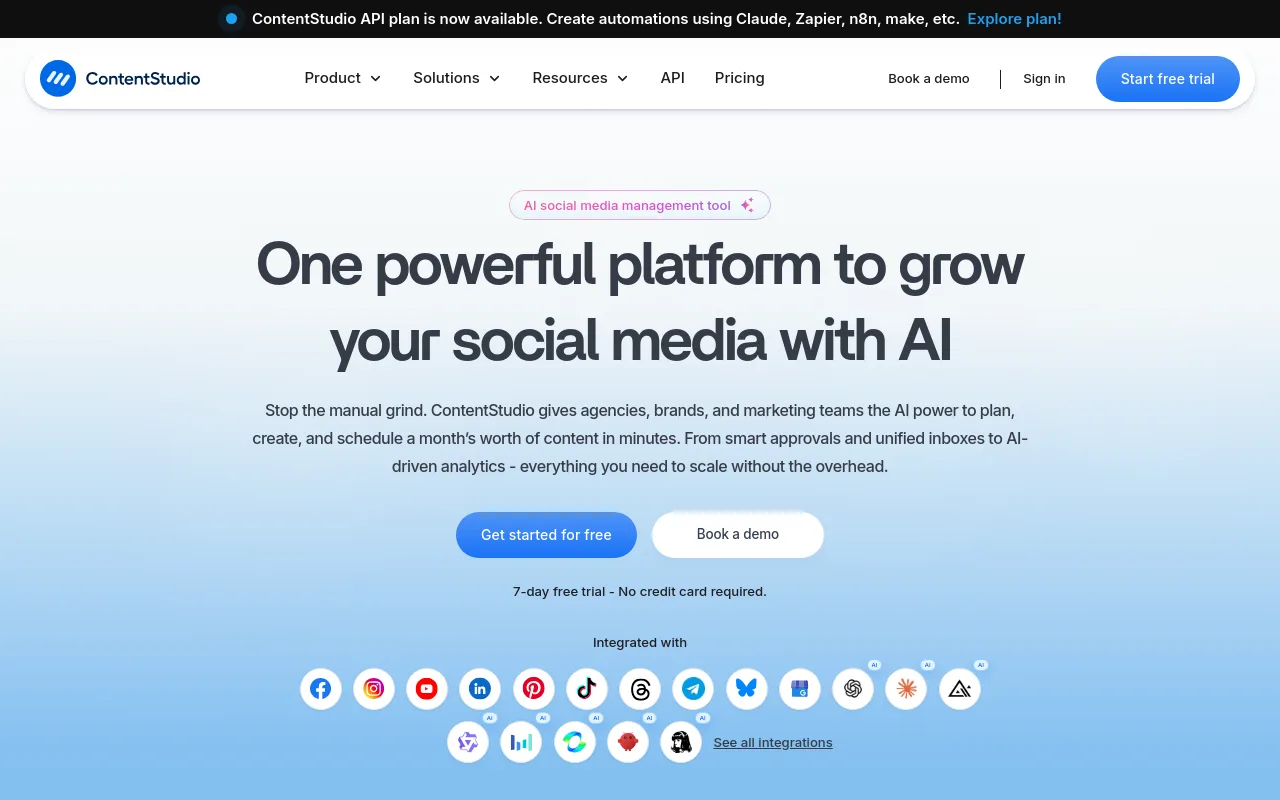
ContentStudio is a comprehensive social media management platform that offers direct publishing to YouTube. It allows you to plan your entire month of videos and Shorts on a visual calendar. You can write your titles, descriptions, and tags directly inside the app, and set up approval workflows if you are working with a partner.
SocialBee
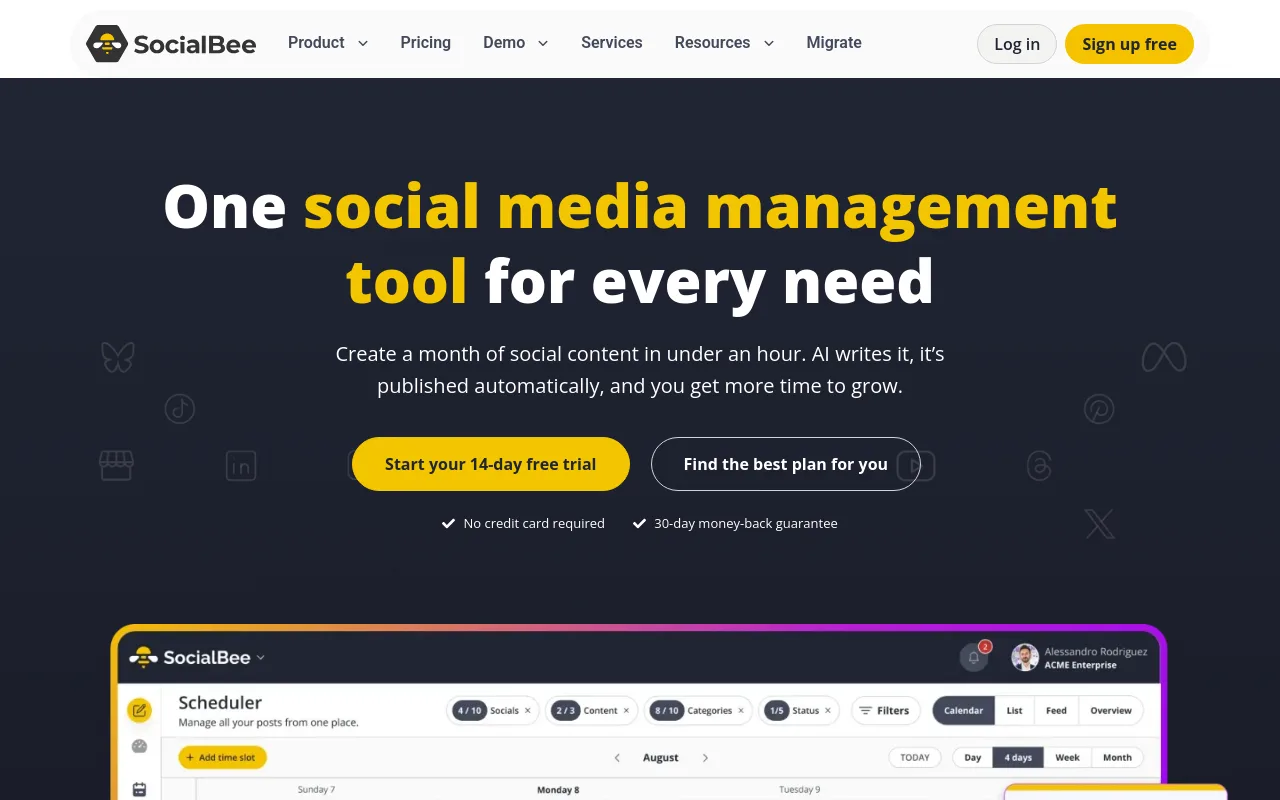
SocialBee is another excellent scheduling option that supports automated publishing for both standard horizontal videos and vertical Shorts. It allows you to categorize your content, making it easy to rotate different video styles across your publishing schedule.
Hootsuite, Buffer, and Later
Hootsuite, Buffer, and Later are broad social media management tools. While they are highly reliable for cross-promotion on Instagram, Pinterest, and TikTok, they lack some of the YouTube-specific optimization features found in vidIQ or ContentStudio, and none of them generate the video itself.
When setting up automated uploads, always double-check your default upload settings in YouTube Studio. Ensure your videos are set to upload as "Unlisted" or "Private" first, giving you a chance to verify that the automated description, tags, and monetization settings are applied correctly before the video goes public.
Beginner stacks by budget and workflow
To avoid overspending, beginners should start with a minimal tool stack. You do not need five different subscriptions to run a successful channel. Choose one creation tool and pair it with native YouTube scheduling before adding specialist tools.
| Stack Type | Video Creation Tool | SEO & Research Tool | Scheduling Tool | Target Niche | Source Reference |
|---|---|---|---|---|---|
| The Lofi Specialist | Chillframe | YouTube Search | Chillframe (Built-in) | Ambient & Study Beats | Chillframe Product Page |
| The Faceless Documentary | InVideo AI | vidIQ | YouTube Studio | History & Trivia | InVideo Automation |
| The Content Repurposer | Pictory | TubeBuddy | ContentStudio | Blog-to-Video | Pictory Automation |
| The Shorts Hustler | AutoShorts.ai | vidIQ | SocialBee | Daily Trivia & Facts | AutoTube Comparison |
YouTube automation policies and quality-control checklist
Monetization is the ultimate goal for most automated channels. To earn ad revenue, your channel must be accepted into the YouTube Partner Program (YPP). YouTube has strict guidelines regarding reused, repetitive, or low-quality content, which means fully automated, unedited channels are often rejected.
To qualify for the lower level of the YouTube Partner Program in eligible regions, your channel must meet these prerequisites:
- Have at least 500 subscribers.
- Have at least 3 public uploads in the last 90 days.
- Accumulate 3,000 valid public watch hours in the last 365 days, or 3 million valid public Shorts views in the last 90 days.
To qualify for full ads-revenue sharing, your channel must meet these higher thresholds:
- Have at least 1,000 subscribers.
- Accumulate 4,000 valid public watch hours in the last 365 days, or 10 million valid public Shorts views in the last 90 days.
Additionally, under YouTube policy, you must disclose the use of synthetic or altered content if your video contains realistic-looking footage or voices generated by AI.
To protect your channel from being flagged for "Reused Content," use this quality-control checklist before every upload:
- Originality: Did you add a unique commentary, a custom intro, or a specific editing style that distinguishes this video from raw stock footage?
- Voice Quality: Is the voiceover clear, expressive, and natural, or does it sound like a monotone, robotic text-to-speech engine?
- Visual Variety: Are the background visuals directly relevant to the words being spoken, or are they random stock clips?
- Copyright Clearance: Are you certain that the background music is properly licensed for commercial use?
How to choose and test a tool in seven days
Choosing the right software does not have to be a long, expensive process. You can easily evaluate any tool on your shortlist by running a simple seven-day test.
Start by signing up for a free trial or a basic monthly plan. Use the exact same prompt across three different tools to see which one produces the highest quality initial draft. Pay close attention to how much manual editing you have to do to make the video acceptable. If a tool requires you to spend hours fixing weird visual glitches or rewriting terrible scripts, it is not saving you time.
Before committing to a paid subscription, verify the licensing terms. Ensure the watermarks are completely removed on the paid tier and that you retain full commercial distribution rights for all exported files. Finally, check the cancellation terms to make sure you can easily pause your subscription if you decide to change your channel niche.
Frequently Asked Questions
Is YouTube automation allowed?
Yes, YouTube automation is fully allowed. Automation is simply the practice of using software tools to streamline your production, editing, and scheduling workflows. YouTube does not ban channels for using automation software, but it will penalize channels that upload low-quality, repetitive, or scraped content that provides no value to the viewer.
What is the difference between a video generator and a scheduling tool?
A video generator produces the actual footage, audio, and edit from a prompt or a niche setting. A scheduling or SEO tool never creates a frame: it plans keywords, writes metadata, or queues an upload you already have. Most beginner stacks fail because they buy a scheduler first and then discover they still have nothing to schedule.
Can beginners monetize automated channels?
Yes, beginners can monetize automated channels as long as they add human value to the content. To pass the YouTube Partner Program review, your videos must feature original editing, unique educational commentary, or highly creative concepts. Channels that simply upload unaltered AI-generated slideshows with robotic voices are routinely rejected under the reused content policy.
When should I add a specialist tool to my stack?
You should only add a specialist tool when you hit a specific bottleneck your current software cannot solve. If you are struggling to find video ideas, subscribe to vidIQ. If you are struggling to keep up with daily uploads on an ambient or lofi channel, use an end-to-end tool like Chillframe that generates and publishes in one pass. Do not buy software before you actually need it.
Choosing the right software stack is the foundation of building a successful faceless channel. By matching your tools to your actual production bottlenecks and maintaining a strict quality-control process, you can build a sustainable channel that grows over time. Start with a simple workflow, focus on delivering value to your audience, and let the software handle the daily grind.