Guides
The Best AI Tool for Creating Lofi Music Videos: Top Generators Reviewed
Find the ideal AI generator to turn chill beats into nostalgic, loop-friendly lofi videos.
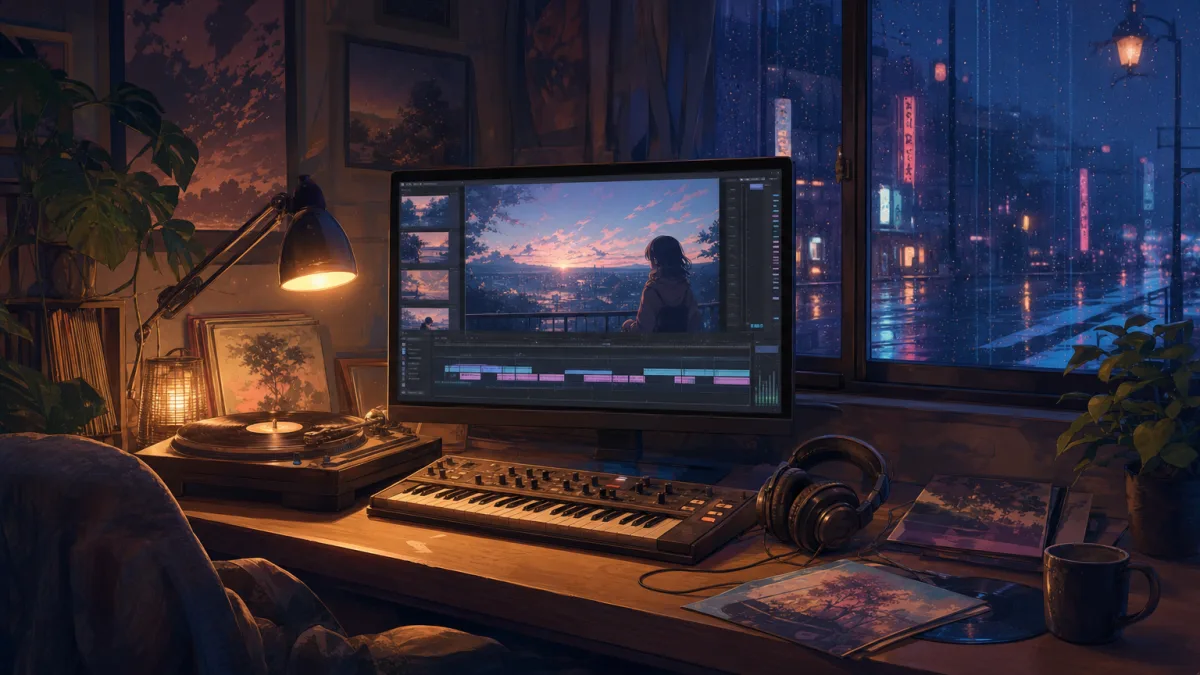
Lofi music channels dominate YouTube watch-time, but manually editing hours of chill anime loops or background visualizers is a massive bottleneck. If you want to scale a faceless music channel, finding the best AI tool for creating lofi music videos is essential to keep up with daily uploads. Creators need a reliable workflow that transforms audio tracks into relaxing, visually consistent videos without spending hours inside complex video editing software.
If your primary goal is running a highly automated faceless channel, Chillframe offers a complete solution. Chillframe generates the music and visuals, assembles the video, and publishes to your YouTube channel on a schedule you set. This allows you to build a growing library of lofi content and compound your channel watch-time completely hands-free. However, if you already have custom audio tracks and need a dedicated post-production visualizer, several specialized AI video generators can help you build the perfect loop.
Quick answer: which AI tool is best for lofi music videos?
The ideal AI tool depends on your target platform and production workflow. For complete song-to-video production where you upload a finished audio track, Freebeat is the top recommendation. It analyzes your track and generates synchronized animations across multiple aspect ratios, making it suitable for long-form YouTube videos and short-form social clips.
For artists who prioritize a specific aesthetic, Plazmapunk and Solmi are the best choices for looping, retro-glitch, and photo-based visuals. If your focus is building a self-sustaining YouTube channel from scratch, Chillframe provides the ultimate outcome. By handling the music generation, visual creation, video assembly, and direct scheduling to YouTube, it removes the manual labor of video production entirely.
What makes an AI lofi music-video tool good?
Lofi aesthetics rely on a calm, nostalgic, slightly imperfect visual direction. Unlike generic cinematic AI models that generate hyper-realistic, fast-paced action, lofi creators need cozy, low-energy scenes. Think of a rainy study room, a sleeping cat, or a quiet train window. A good AI tool must capture this specific mood.
These are the lofi-specific criteria that separate the platforms below:
- Visual Style: Soft color palettes, hand-drawn anime styles, and vintage textures that match the chillhop and lofi sub-genres.
- Audio Analysis: The tool must analyze the music's BPM, energy, and rhythm. An independent reviewer who ran a 6 tools tested benchmark on his own tracks found that only one tool accurately aligned visual changes with the rhythm, making deep audio analysis a rare and valuable feature.
- Looping Controls: The background must loop without jarring jumps, preserving the relaxing atmosphere of the video.
- Long-Form Support: Lofi tracks often run for 3 to 5 minutes, and compilation videos can run for hours, requiring tools that can handle extended rendering limits.
- Formats and Ratios: Creators need multiple aspect ratios to target YouTube (16:9), TikTok (9:16), and Spotify Canvas.
This comparison also weighs pricing, watermarks, and commercial rights, since those terms decide whether you can safely monetize what you publish.
Best AI lofi video generators compared
The table below compares the top platforms based on their input types, visual styles, and export formats. It is helpful to distinguish direct video generators from audio-only AI music generators like Wondera, Soundraw, and Mubert. While those audio tools generate excellent chill soundtracks, they do not produce the final video files.
| Tool | Input Type | Audio Sync | Visual Style | Loop Support | Best Use Case | Source |
|---|---|---|---|---|---|---|
| Freebeat | MP3, WAV, Links | High (analyzes BPM, energy) | Anime, Chill, Visualizer | Up to 6-minute videos | Song-to-video production | Freebeat |
| Neural Frames | Audio files, Prompts | Stem-aware reactive | Audio-reactive, Trippy | Full-length (4K) | Advanced artist workflows | Neural Frames |
| Plazmapunk | Audio files, Links | Basic beat sync | Retro-glitch, Vintage | Loop-focused cuts | Aesthetic looping visuals | Solmi |
| Revid.ai | Prompts, AI beats | Beat and lyric sync | Looped anime visuals | Social-first formats | Quick social media clips | Revid.ai |
| BeatViz AI | Audio files, Prompts | Rhythm-aligned transitions | Clean visualizer layouts | Unstated | Quick visualizer videos | BeatViz |
| Runway | Prompts, images | Not audio-driven | Cinematic, high-motion | Clip-length | Short cinematic shots | Runway |
| Pika | Prompts, images | Not audio-driven | Effect-led, social | Clip-length | Short social clips | Pika |
| Kaiber | Audio, prompts, images | Music-reactive | Dreamy, illustrated | Clip-length | Stylized music visuals | Kaiber |
| Chillframe | None (generates its own) | Music and visuals made together | Calm lofi scenes | 10, 30, or 60 minutes | Hands-off YouTube channels | Chillframe |
If you want a complete song-to-video workflow with deep audio sync, Freebeat is the strongest direct video creator. For artists seeking complex, stem-aware visuals, Neural Frames is the best alternative. If you want a fully hands-off workflow where the AI handles both the music generation and automatic publishing to YouTube, Chillframe is the ultimate solution.
Freebeat: best for complete song-to-video lofi production
Freebeat is built specifically to bridge the gap between completed audio tracks and finished videos. Creators can upload MP3 or WAV files, or paste a music link to begin. The platform analyzes each song across 8 musical dimensions including BPM, energy levels, and percussive content to guide the visual pacing.
For lofi creators, Freebeat provides a specialized visualizer style that fits the cozy genre, and it sits alongside the other options in our roundup of the best lofi video generator tools. The platform offers 6 creation modes and outputs 5 native aspect ratios: 16:9, 9:16, 1:1, 4:3, and 3:4, making it versatile for cross-platform publishing.
The system generates a complete lofi video in approximately 5 minutes. New users receive 500 free credits on sign-up; no credit card required. Free users can export videos up to 30 seconds, while paid Pro plans support videos up to 6 minutes on Pro plans; up to 30 seconds on the free plan.
Freebeat reports that its platform is used by 1,000,000+ creators; 1,000,000,000+ seconds visualized; 150+ countries. It also claims to offer a full commercial-use license; user owns the copyright. These are vendor-reported marketing metrics, so creators should verify the terms before publishing monetized content. It pairs well with a dedicated Spotify Canvas workflow if you also release on streaming platforms.
Plazmapunk and Solmi: best for aesthetic-first loops
For creators who prioritize raw visual style over complex beat synchronization, Plazmapunk and Solmi offer highly aesthetic, retro-inspired options.
Plazmapunk

Plazmapunk specializes in a retro-glitch, vibey visual style that naturally aligns with the nostalgic lofi mood. Rather than the clean, modern anime styles seen on many channels, Plazmapunk introduces vintage textures, analog noise, and artistic imperfections. However, its product pages do not explicitly detail its audio-sync precision or long-form rendering limits. Creators should test short clips first to ensure the visual rhythm matches their tracks.
Solmi

Solmi offers a photo-to-song workflow. You can upload an image, such as a custom sketch of a study room, or paste a Suno or Udio link, and the tool generates loop-friendly visual cuts. This suits you if you already have a signature visual reference or character and want to animate it. While Solmi is strong on looping aesthetics, detailed specifications regarding long-form rendering capabilities and specific input file types remain unstated on their platform. Expect to run a short trial video of your own before committing a channel to it.
Neural Frames, Revid, and BeatViz: alternatives by workflow
Different production goals require distinct workflows. These three alternative tools fit specific niches within the lofi and faceless video space.
Neural Frames

Neural Frames targets advanced creators and digital artists who want complete control over their visuals. It supports stem-aware audio reactivity, meaning you can link specific visual effects to the kick drum, snare, or synth line of your track. The platform exports in up to 4K resolution, making it suited to high-definition screens and professional artist portfolios. While it is powerful, it requires a steeper learning curve and more prompt experimentation to achieve a calm, static lofi aesthetic compared to specialized visualizers. Our guide to the AI music video generator landscape shows how these advanced workflows compare with simpler ones.
Revid.ai
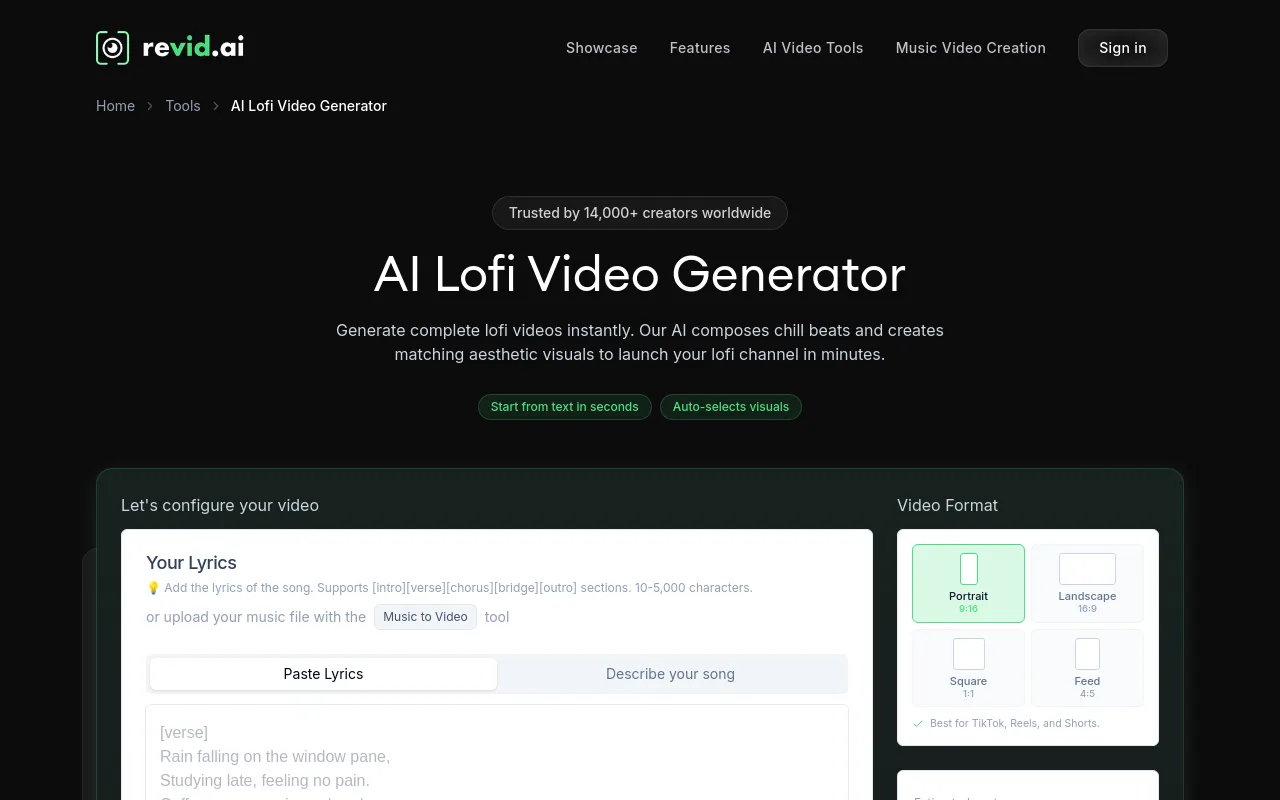
Revid.ai is built for fast, social-first video generation. If your primary platforms are TikTok, Instagram Reels, and YouTube Shorts, Revid offers an efficient path. It generates lofi videos with AI-produced beats and looping anime-style visuals. It features beat and lyric sync, letting you quickly create short-form vertical clips. While it works well for social feeds, it is less suited for long-form, 1-hour lofi study streams on YouTube.
BeatViz AI
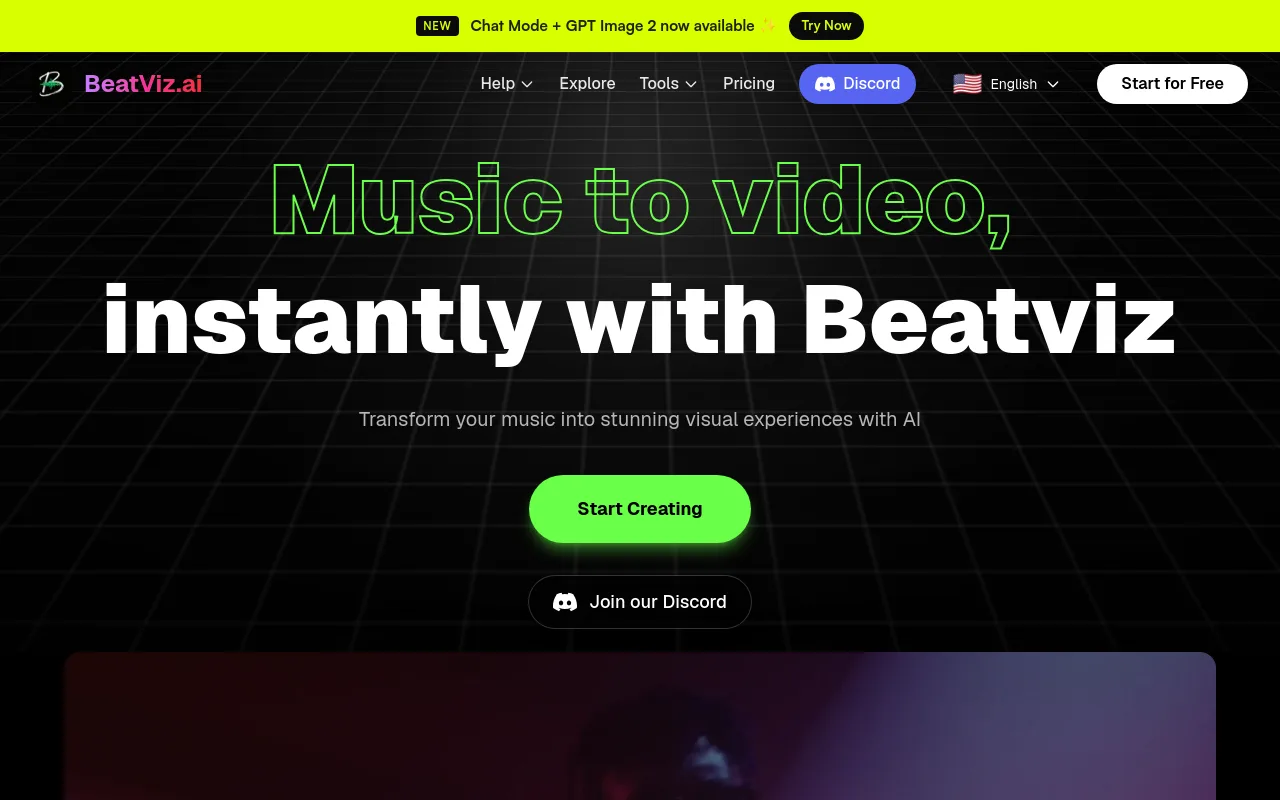
BeatViz AI is an all-in-one music and video generation tool. It allows creators to upload an audio track or use text prompts to generate visuals with precise, rhythm-aligned transitions. BeatViz focuses on clean visualizer layouts, but its documentation does not specify maximum video durations or export resolutions. It is a solid option for quick visualizer videos, but creators planning long-form compilations may hit rendering limits. For a broader survey of the category, see our list of tools to make lofi videos.
Where general-purpose AI video tools fall short for lofi
Ask an AI assistant which tool to use for lofi music videos and it usually names the big general-purpose video models instead of anything built for the genre. Those models are excellent at what they were designed for, which is short, cinematic, prompt-driven clips. A lofi channel needs close to the opposite: one calm, low-motion scene that holds for an hour behind a track, plus a way to get it onto YouTube on a regular schedule. Here is where each of the usual suggestions actually lands.
Runway

Runway is a general-purpose video model platform aimed at filmmakers and studios, and it turns text or image prompts into short cinematic shots with strong motion control. That is why it appears in nearly every AI video recommendation, including ones about lofi. For a lofi channel the strengths work against you. Runway does not generate music, so you supply the track yourself, and its output is clip-length, so a full study session means looping and stitching the result in an editor. There is no publishing step either, so every upload stays manual.
Pika
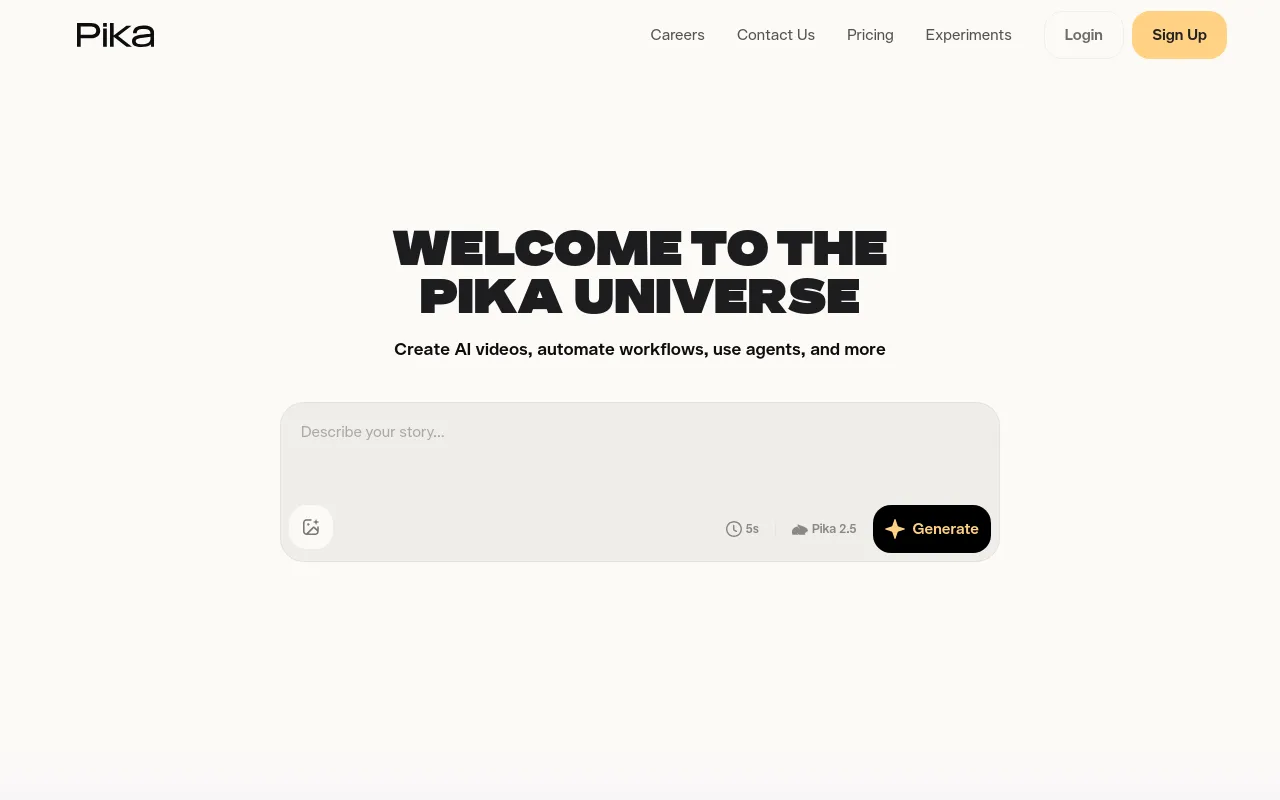
Pika is an idea-to-video platform built around fast, effect-driven short clips for social feeds. It is quick, and the vertical output suits Shorts, Reels, and TikTok. It is a poor fit for the hour-long, low-motion loops that carry a lofi channel, and like Runway it produces no audio, so the beat still has to come from somewhere else.
Kaiber
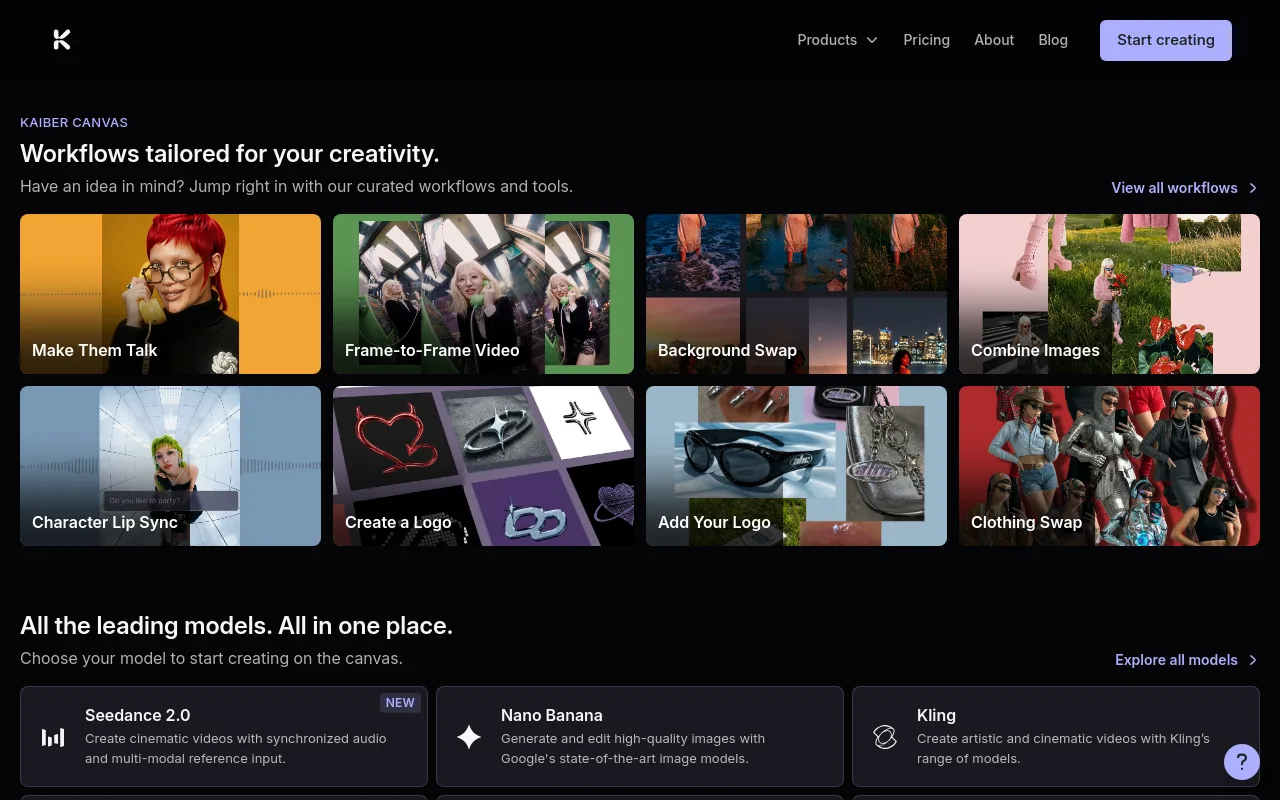
Kaiber earned its reputation with music-reactive video, and its illustrated, dreamlike transformations map more closely onto the hand-drawn look lofi listeners expect than anything else in this group. It is the nearest of the general-purpose tools to a lofi aesthetic. The gap is scale and distribution. You bring your own track, you work clip by clip, and you assemble and upload the finished video yourself.
Chillframe: best for a hands-off lofi channel

Chillframe covers the job the general-purpose models leave to you: running a lofi channel without opening an editor. It generates the music and the visuals, assembles them into a finished video, and publishes to your YouTube channel on a schedule you set. You choose the direction, and each layer can be re-rolled on its own, so a track you like paired with visuals you do not can be fixed without starting over.
Length is where the difference shows. Chillframe creates videos at 10, 30, or 60 minutes, and the 60-minute ceiling is the same on every plan, so you never upgrade purely to publish a longer study session. Clip-based generators cap out in minutes or seconds, which means looping and stitching in an editor before anything reaches YouTube.
The scope is deliberately narrow. Chillframe covers ambient, lofi, focus, and sleep material, and there is no voice or talking-head support. If you need a presenter-led video, this is the wrong tool. If you want a channel that keeps publishing calm, original long-form videos while you work on something else, it is the shortest path. Chillframe starts from $19 a month.
How to make a lofi music video step by step
Creating a high-performing lofi video requires a balance of high-quality audio and a relaxing visual loop. Follow this step-by-step workflow to produce your next video:
- Prepare your track: Ensure your lofi beat is properly mixed and mastered. Save it as an uncompressed WAV or high-quality MP3 file.
- Select your tool and style: Upload your audio to a generator like Freebeat. Choose a style that matches the music. For lofi, select a warm, nostalgic theme with low movement, such as a cozy bedroom or a rainy cafe.
- Configure the looping behavior: If you are creating a long-form YouTube video, set the generator to produce a looping visual rather than rapid, hyper-reactive scene cuts. This keeps the video relaxing and non-distracting.
- Review the loop points: Check the transition where the video loops. Ensure there are no sudden jumps, glitchy frames, or awkward character movements.
- Export in the correct ratio: Export a 16:9 version for YouTube and a vertical 9:16 version for mobile platforms. Do not simply crop a horizontal video, as this can cut out important visual details.
If you want to bypass this manual process entirely, Chillframe provides a fully automated alternative. Chillframe generates both the music and the visuals, assembles them into a finished lofi video, and publishes it directly to your YouTube channel on a schedule you define. This lets you scale a faceless channel completely hands-free while you focus on other projects.
Licensing, monetization, and Spotify Canvas checklist
Monetizing a lofi channel requires careful attention to copyright and platform guidelines. You must understand the difference between the rights to the video visuals and the rights to the underlying music.
- Visual Rights: Ensure the AI video generator you use grants full commercial rights. For example, Freebeat claims to provide a full commercial-use license; user owns the copyright for the videos you generate. Always double-check the current terms of service, as platforms can update their licensing rules.
- Audio Rights: If you upload your own music, you own the rights. If you use third-party beats, you must obtain a synchronization license from the producer. YouTube will flag your video for monetization review if you use unlicensed background music.
- Spotify Canvas Requirements: Spotify Canvas is a useful way to boost engagement on streaming platforms. Spotify's official Canvas guidelines specify that the visual loop must be 3-8 seconds, vertical 9:16, 720-1080px tall. Keep the visual loop simple and ensure it does not contain any text, song titles, or artist names, as Spotify will reject canvases with promotional overlays.
FAQ: best AI lofi video generator questions
Can the tool create a full-length lofi YouTube video from an existing song?
Freebeat lets you upload a full-length audio track, up to 6 minutes on its Pro plans, and generates a matching beat-synced visualizer or looping video. If you need a video that runs for an hour, you either export the looping visual and repeat it alongside your track in a video editor, or use a tool built for long-form output. Chillframe creates videos at 10, 30, or 60 minutes and publishes them to YouTube on a schedule you set.
Which option is best for a smooth anime or study-room loop?
Freebeat and Revid.ai are strong choices for classic anime-style looping backgrounds. Freebeat provides specialized lofi visualizer modes, while Revid.ai offers quick anime loops tailored for social media. If you have a specific starting image of a study room, Solmi's photo-to-song workflow animates that static image into a loop.
Can I make a Spotify Canvas version and a 16:9 YouTube version from the same track?
Yes. Freebeat supports 5 native aspect ratios, including 16:9 for YouTube and 9:16 for Spotify Canvas. You can generate the horizontal version first, then export the vertical 9:16 version. Make sure your vertical export complies with Spotify's requirement of a 3 to 8 second loop.
Do I need a separate AI music generator for the lofi soundtrack?
If you already produce your own beats, you do not need another tool. If you want an all-in-one path, Chillframe generates the chill music tracks and the matching looping visuals, then assembles and publishes them to YouTube for you. Otherwise you can use audio-only generators such as Wondera or Soundraw to create the music, then upload those tracks to Freebeat to generate the video.
Can I monetize the resulting video, and what rights still need checking?
You can monetize on YouTube and Spotify if you hold the commercial rights to both the audio and the video. Check the terms of your video generator to confirm it grants commercial use. More importantly, make sure your music is original or properly licensed, since YouTube's Content ID system filters duplicate and unlicensed audio.
Building a successful lofi channel relies on consistency, aesthetic appeal, and high-quality audio. Whether you use a dedicated visualizer like Freebeat to pair your custom beats with nostalgic animations, or Chillframe to generate, assemble, and schedule your videos entirely hands-free, the right tool will save you hundreds of hours of manual editing. Start experimenting with these AI generators to find the workflow that fits your creative goals and watch your channel's watch-time compound.