List
Best Tools to Make Lofi Videos for YouTube and Social Media
An honest, music-first comparison of the top AI generators, templates, and video editors for building an automated lofi channel.
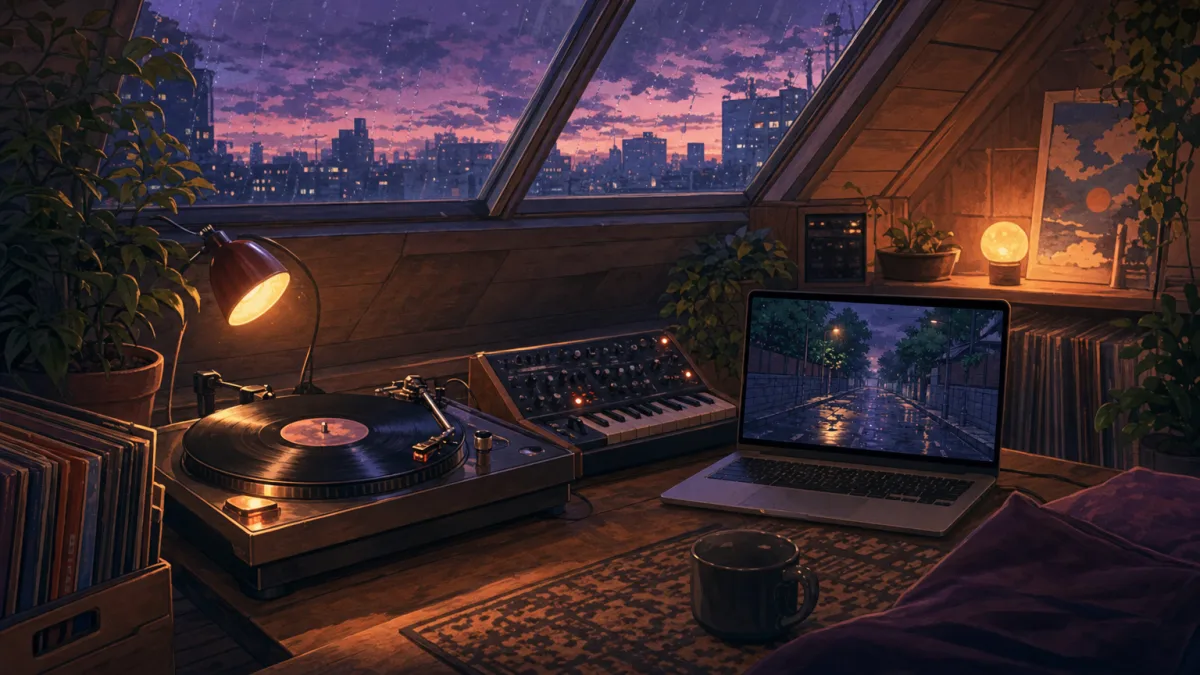
A faceless YouTube channel built on relaxing beats needs the right software behind it. The tools to make lofi videos you choose can decide whether your channel builds up thousands of hours of passive watch-time or gets turned down for monetisation. Lofi creators have three things to balance: audio sync, the look of the visual loop, and how quickly they can publish. Whether you're an independent musician with finished beats or starting from scratch, picking the right production software is the first step to building a successful channel.
Best tools to make lofi videos at a glance
To help you compare the top options, here are the core capabilities of the leading specialist platforms, taken from each vendor's official specifications.
| Tool | Core Input Type | Max Video Length | Aspect Ratios | Source |
|---|---|---|---|---|
| Freebeat AI | Own Audio or Text | Up to 6 minutes (Pro) | 5 native aspect ratios | Freebeat AI |
| Revid AI | Text or Audio | Short loops | Vertical and landscape | Revid AI |
| Neural Frames | Own Audio or Stems | Custom / Variable | Multiple formats | Neural Frames |
| Musicful AI | Text Prompt | Short loops | Vertical and landscape | Musicful AI |
Verdict:
- You have an existing song: Freebeat AI is the most complete option, with deep audio analysis and several output formats.
- You want a fully automated channel: Chillframe makes the music and publishes the videos for you, running the whole pipeline hands-free.
How to choose a tool for your lofi video
Your choice comes down to three things:
- Your audio source. If you already have finished WAV tracks from your DAW, you need a tool that takes direct file uploads. If you make music with outside models like Suno or Udio, you need a tool that imports audio from shared links. Some platforms make both the music and the visuals from one text prompt.
- Visual pacing. If you want the animation to pulse with the kick drum and snare, choose a tool with advanced audio reactivity. If you prefer still anime backgrounds with gentle rain effects, a template-based editor with manual timeline controls works better.
- Technical output. Check the maximum render length, how smooth the loop is, the export resolution, and whether there's a watermark.
If you plan to build a channel that runs itself, Chillframe is a complete, hands-off option.
Chillframe makes the music and visuals, puts the video together, and publishes it straight to your YouTube channel on the schedule you set. Approve the first video and from then on it's fully hands-off, so your channel keeps building watch-time while you do something else.
Best music-first AI lofi video generators
Music-first video generators focus on how the sound and the picture fit together. They analyse your audio file and make visual movement that follows the rhythm of your lofi beats.
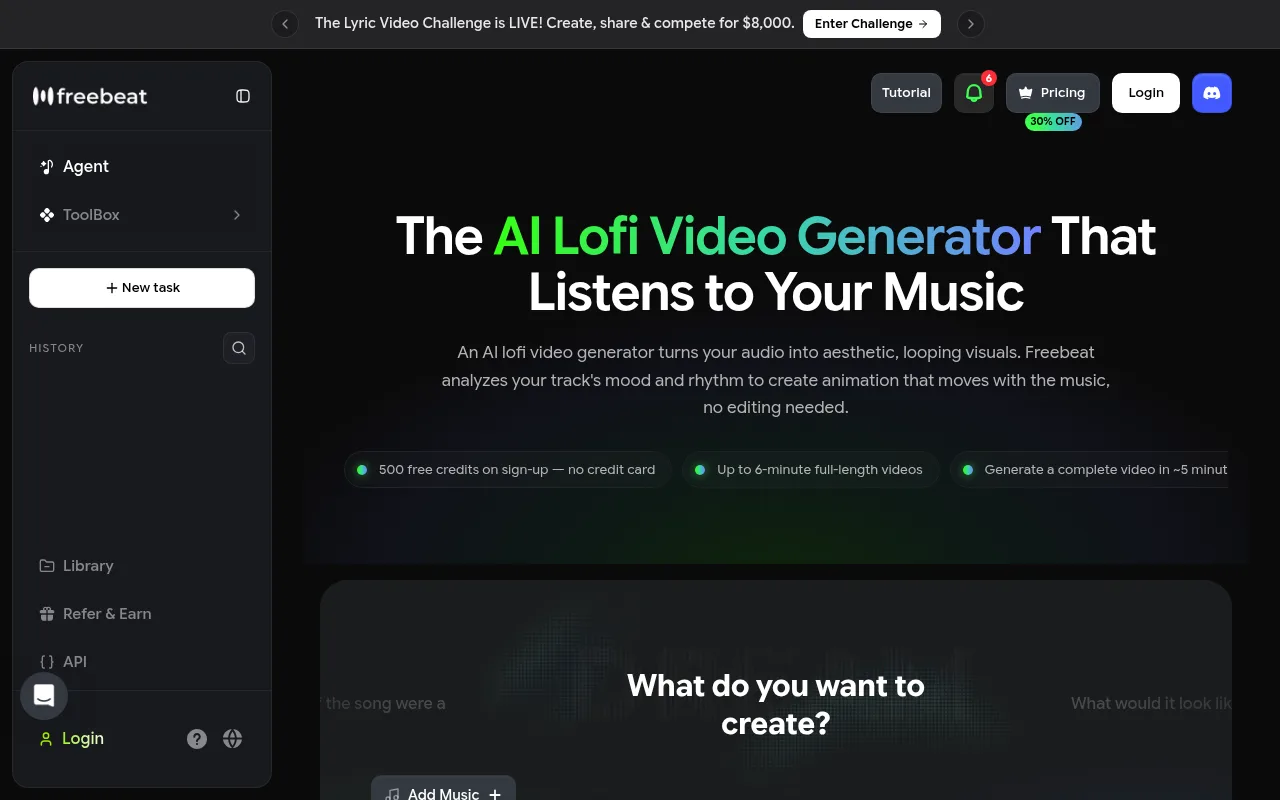
Freebeat AI is a specialist tool for turning audio into aesthetic music videos. According to Freebeat AI, it uses 8 dimensions of music analysis plus beat-synced visual effects to line up animation with the BPM and spectral content of your track. It supports full-length videos of up to 6 minutes on its Pro tier and up to 30 seconds on its Free tier, as detailed by Freebeat AI. It also supports 5 native aspect ratios, including 9:16, 16:9, 1:1 and 4:5, plus portrait and landscape variants, as documented on the Freebeat AI feature page.
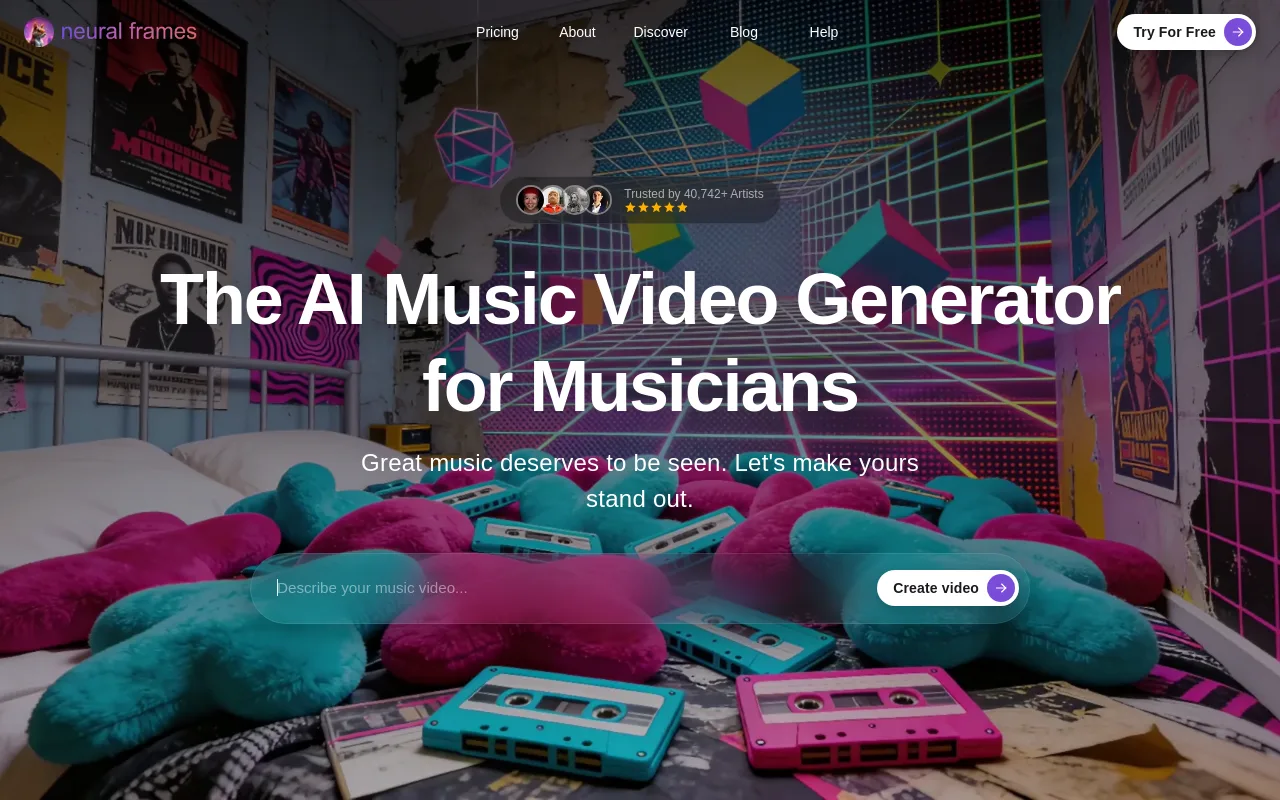
Neural Frames is an advanced alternative for independent musicians who want deep, frame-by-frame control. It uses neural network models to make abstract, audio-reactive visuals. You can upload stems to isolate the bassline or snare, so different visual elements react to different instruments. It supports high-resolution output up to 4K, which suits detailed artistic projects.
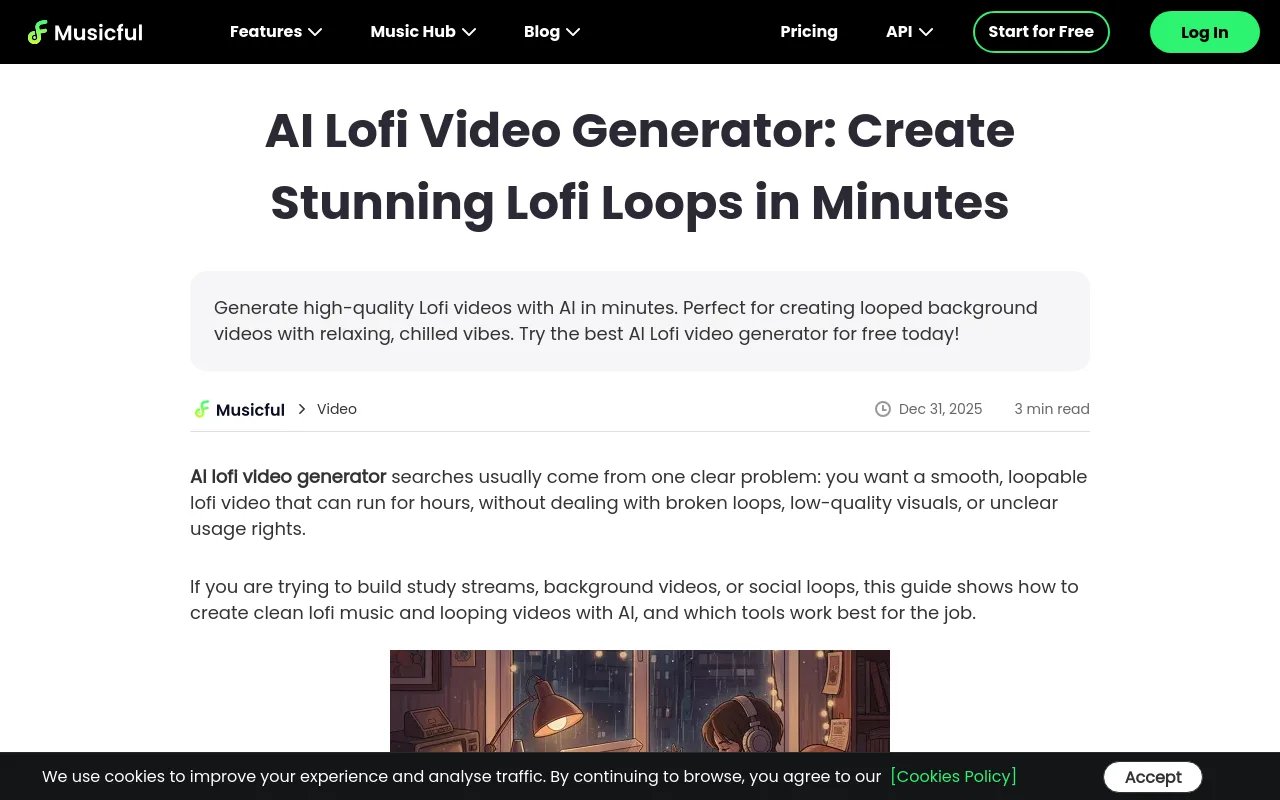
Musicful AI puts music generation and looping visuals in one platform. It's built for creators without their own music who want one interface for both the lofi tracks and the matching background loops.
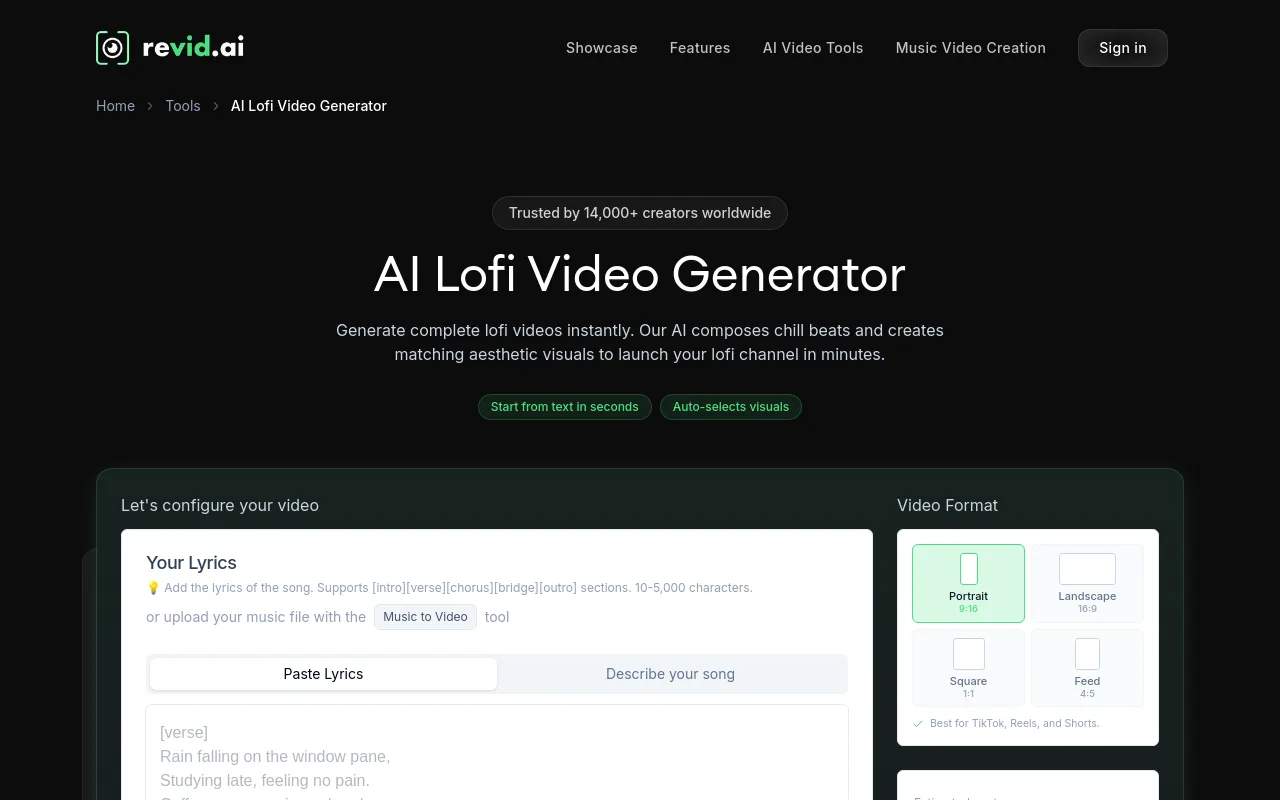
Revid AI is aimed at social media creators who need output fast. According to Revid AI, it has served over 14,000 creators worldwide, with 320 users active in the last 24 hours. It offers 500 free sign-up credits with no credit card required, as shown on the Revid AI sign-up portal. It's built mainly for short, vertical formats.
For a deeper look at pricing and features, read our comparison of the best lofi video generator options.
Recommendations by where you're starting from:
- If you are a producer with an existing song: Freebeat AI or Neural Frames give you the most accurate beat sync and audio-reactive effects.
- If you are starting from a text prompt: Revid AI or Musicful AI make both the music and the visuals quickly.
- If you need Spotify Canvas or YouTube visuals: Freebeat AI is the most versatile, with its 5 native aspect ratios, as sourced from Freebeat AI.
Best editors, templates, and visual tools
If you'd rather control the layout yourself, general editors and template libraries are good alternatives to automated generators. You source the audio and visuals separately, and in return you get precise timeline editing.
- FlexClip is a web-based editor with a structured lofi workflow. Its multi-step lofi animation tutorial walks you through importing still images, adding overlays like VHS static or rain, and syncing an audio track. There's no automatic beat analysis, but you can drag and drop elements exactly where you want them.

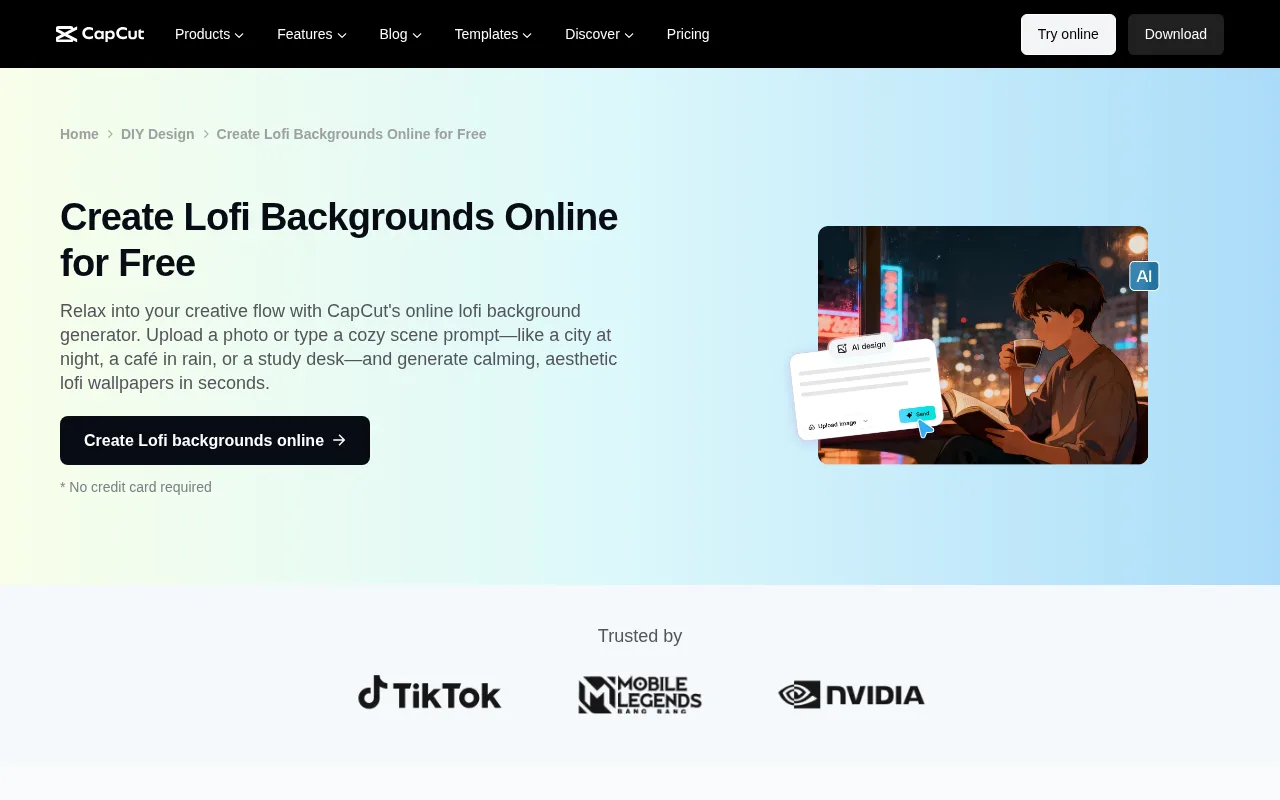
- CapCut is a popular free editor with ready-made, editable lofi background templates and no watermarks. Search for a lofi look, drop in your music and export a finished video in minutes. It's a low-cost option for beginners who don't mind using templates other creators share.
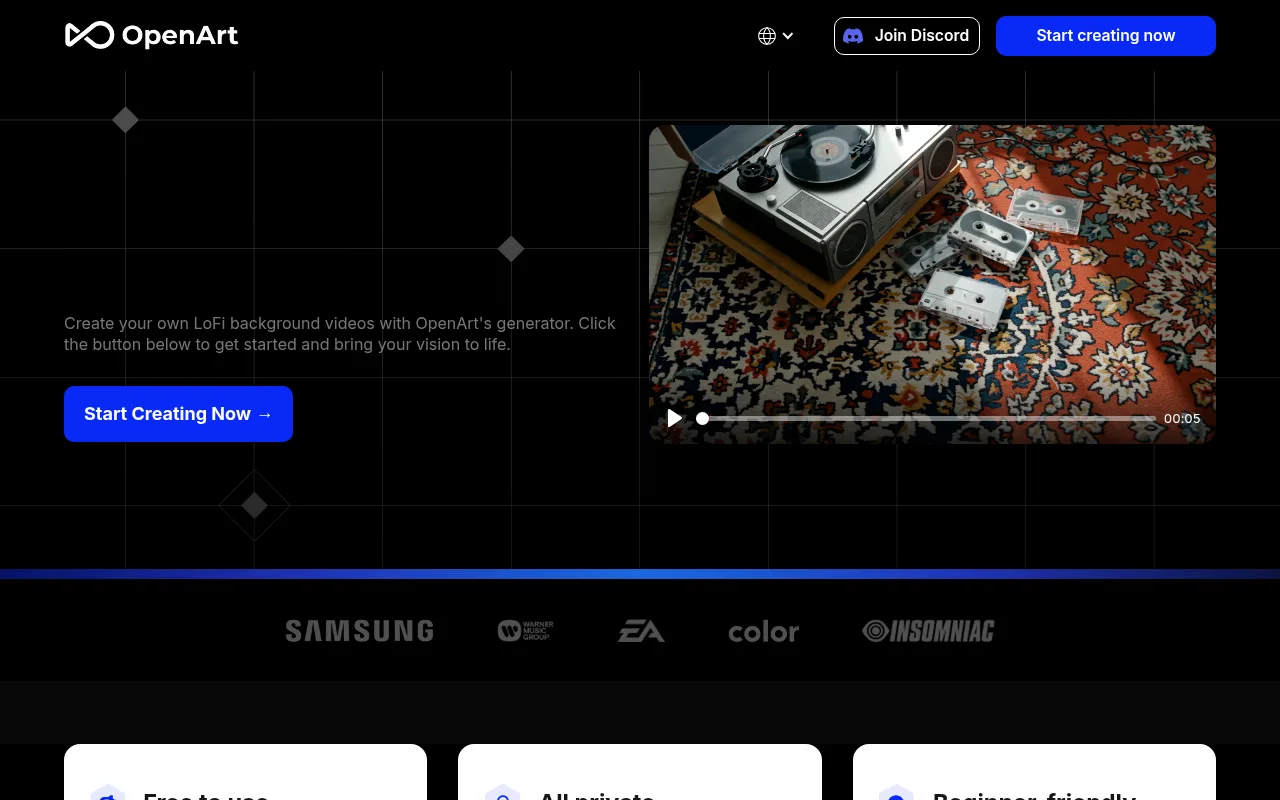
- OpenArt is purely for visuals. Its lofi background generator applies stylised filters to images and turns standard illustrations into animated lofi scenes. You then export them and combine them with music in a separate video editor.
- Creatify is built for social and advertising-style lofi videos. It makes several visual variations so you can run A/B tests. That's very useful for brands that use relaxing background music to sell physical products or digital planners on social media.

With a general editor you handle every job yourself. You need outside AI video generator tools for the visuals, you make the music somewhere else, you loop the video by hand, and you check all the licensing terms yourself.
Best tool by lofi video use case
To make the choice simpler, here are the best tools sorted by what you want to make:
- Own track + beat-synced music video: Freebeat AI or Neural Frames. They analyse your audio file so the visual elements pulse with the beat.
- YouTube study/relaxation upload: Freebeat AI, Musicful AI or FlexClip. They support longer renders or easy timeline looping for long-form uploads.
- Shorts, TikTok, and Reels: Revid AI or a specialised AI YouTube Shorts generator. Mobile-first templates and quick rendering suit daily vertical uploads.
- Spotify Canvas or short looping artwork: Freebeat AI or Musicful AI. Both make smooth short loops in square or vertical ratios.
- Free template-based experiment: CapCut. Its free library of user-made templates lets you test the niche with no upfront cost.
- High-control 4K or frame-by-frame artist workflow: Neural Frames. It lets you change the camera movement and the prompt at specific keyframes.
How to make a lofi video from your own song
If you've already made an instrumental track in a DAW like Ableton or FL Studio, use this workflow to pair it with an aesthetic video:
- Export your track as a high-quality MP3 or WAV file. If you make music on the web, copy the shared link from your supported audio source instead.
- Upload the audio to a music-reactive generator like Freebeat AI or Neural Frames.
- Set your visual theme. Write a text prompt describing your scene, such as a cosy cabin, a rainy city street or a retro bedroom. Choose a colour palette (pastel purples or warm oranges, say) and set the consistency options so the main character looks the same throughout.
- Set the loop behaviour. Make sure the animation cycles smoothly with no sudden jumps.
- Review the storyboard. Check how the visual transitions line up with your song's intro, verse and chorus.
- Export the final render in the aspect ratio you need: 16:9 for standard YouTube uploads, 9:16 for YouTube Shorts, or 1:1 for square social posts.
If you don't have your own audio yet, use an AI music generator to make original tracks before you start.
How to make a lofi video with AI-generated music
If you want to build a channel from scratch with no music production experience, making both the audio and the video with AI is a fast alternative to doing it by hand:
- Pick a platform that makes both, like Musicful AI or Chillframe.
- Choose your musical style. Ask for the slow, relaxed tempo lofi usually settles into, pick the key instruments (Rhodes piano, dusty vinyl crackle and a laid-back boom-bap drum loop, for example), and choose a visual style like 90s anime or pixel art.
- Make a short preview. Listen to how the music and the visual animation work together, and make sure the motion matches the relaxed mood of the track.
- Render the full-length video once you're happy with the preview.
- Keep records of the licences. Save copies of the platform's generation terms and commercial licences to protect your channel from future copyright claims.
Looping and long-form quality checklist
A video people leave playing in the background for hours needs careful quality control. Run through this checklist before you publish:
- Test the loop seam: watch the point where your loop ends and starts again. There should be no visible jumps, sudden lighting shifts or awkward character movement.
- Verify audio continuity: make sure background effects like rain or vinyl crackle don't cut out at the loop point.
- Understand render limits: a standard video generator usually renders short clips. Freebeat AI, for example, supports videos of up to 6 minutes on its Pro tier, as sourced from Freebeat AI. A short render isn't a finished long-form YouTube video. For an hours-long compilation, you import the loop into a video editor and duplicate it several times.
- Check file size and resolution: make sure your final export is optimised for YouTube's processing, so it doesn't come out pixelated.
Copyright, commercial use, and YouTube monetization
To monetise a lofi channel, you need to follow platform policies. Using an AI tool doesn't automatically give you monetisation rights, and two things decide it:
- Your own legal responsibility. A tool's commercial-use licence is separate from what you're responsible for. You need to own or hold valid licences for every element in your video: the music, background images, sound effects and video overlays. If a generator was trained on copyrighted data, your channel could face copyright strikes.
- YouTube's content policies. On 15 July 2025, YouTube updated its repetitious-content policy to clarify how it covers repetitive or mass-produced content, as documented in the YouTube Support Guidelines. Channels that upload identical, low-effort loops with small audio changes are often turned down for the YouTube Partner Program.
To build a successful, monetised channel, add original value: curate your own playlists, add custom visual touches, adjust arrangements, and make each video meaningfully different.
If you want a channel that lasts without all the manual editing, Chillframe gives you a professional route. It makes original music and visuals, puts the video together and publishes it straight to your YouTube channel on the schedule you set. With the whole production and publishing pipeline automated, Chillframe builds you a library of your own that gathers watch-time hands-free. The music and visuals are made for you, so you aren't licensing anyone else's work, and in a Series you choose whether they stay the same, similar or different from one video to the next.
Frequently Asked Questions
What is the best tool for making a lofi video from my own song? Freebeat AI and Neural Frames are the best options for existing songs. Freebeat AI analyzes 8 dimensions of music analysis plus beat-synced visual effects to match animations to your audio, as sourced from Freebeat AI. Neural Frames offers advanced frame-by-frame control and stem analysis for highly detailed, artistic results.
Can I make a lofi video for YouTube without filming? Yes. You can use AI generators like Freebeat AI, Revid AI, or CapCut templates to create high-quality animated backgrounds. These tools generate looping animations, such as a cozy bedroom or a rainy city scene, using text prompts or pre-made templates, eliminating the need for physical camera equipment.
Which tools support 16:9, vertical, and square output? Freebeat AI supports 5 native aspect ratios, including 9:16, 16:9, 1:1, and 4:5, plus portrait/landscape variants, according to Freebeat AI. Revid AI and Neural Frames also support multiple aspect ratios, making them versatile for YouTube, Instagram Reels, and Spotify Canvas.
How long can an AI lofi video be? Most AI video generators render short loops or videos up to 6 minutes long. For example, Freebeat AI supports up to 6-minute videos on its Pro tier and up to 30 seconds on its Free tier, as detailed by Freebeat AI. To create the hours-long compilation videos the niche runs on, you must manually duplicate these loops in an external editor.
Can I monetize an AI-generated lofi video? Yes, but you must comply with YouTube's policies. Under the July 15, 2025 policy update, YouTube clarified its stance on repetitive or mass-produced content, as stated in the YouTube Support Guidelines. To monetize, you must add original creative direction, unique arrangements, and avoid mass-uploading identical loops.
What is the difference between a music visualizer, a lofi video generator, and a video editor? A music visualizer automatically generates abstract graphics that react directly to real-time audio frequencies. A lofi video generator uses AI to create stylized, narrative looping animations (like anime characters or pixel art) based on text prompts. A video editor is a manual timeline tool used to cut, loop, and assemble these media files.
Launch your automated lofi channel
A successful lofi channel doesn't need manual post-production or complicated video editing software. Individual generators and template libraries are good at short loops, but you still spend hours compiling, exporting and uploading what they make. Chillframe automates the whole production pipeline for you. It makes high-quality music and matching visuals, puts the complete video together, and publishes it straight to your YouTube channel on the schedule you set. You build a consistent, professional brand and keep growing your watch-time without sitting down to edit every day.