Guides
How to Choose the Best AI Video Generator for YouTube
Beyond single clips: how to pick the tools that build, schedule, and feed a hands-off YouTube channel.

With over 20+ million videos uploaded to YouTube every day, the platform demands immense consistency from the ~69 million active creators worldwide. Traditional editing workflows require hours of manual clipping, color grading, and audio mixing. To bypass these bottlenecks, creators are turning to an ai video generator for youtube to build sustainable content systems. Whether you run a faceless channel or an avatar-led educational program, choosing the right tool determines how fast your channel can grow.
The global market for these tools has grown rapidly, reaching $788.5M in 2025. That growth has flooded the market with software, making it hard for creators to tell basic clip makers apart from full channel production systems. A successful YouTube channel relies on a steady upload cadence, structured metadata, and content that keeps viewers watching. Selecting a tool means looking past simple text-to-video prompt boxes and examining the entire publishing workflow.
What 'AI video generator for YouTube' actually means in 2026
Not all video generators serve the same purpose. In 2026, the software landscape splits into three distinct layers. First are the text-to-clip engines, such as Google Veo or Runway, which generate short, cinematic clips from a text prompt. These are excellent for cinematic B-roll but require a human editor to assemble them on a traditional timeline. Second are the talking-head avatar generators, which focus on turning scripts into digital presenters. Third are the end-to-end publishing platforms built specifically to generate long-form content, match it with continuous audio, and publish it directly to a connected channel.
Many editorial lists mix these categories together, recommending corporate training tools alongside Hollywood-grade visual engines. For a creator trying to manage a faceless YouTube channel, a raw 8-second clip generator is highly inefficient. The real bottleneck on YouTube is not generating a single scene; it is assembling hours of cohesive footage, blending it with audio, and uploading it on a regular schedule. If you are planning the channel itself, our guide on how to start a lofi YouTube channel walks through that strategy end to end. The search for the best AI video generator has shifted from finding the most realistic model to finding the platform that gets a complete video live on a channel with the least friction.
How we tested and ranked these tools
To rank the best options for YouTube creators, we evaluated platforms against four specific production criteria. First, we measured output resolution and maximum video length, since YouTube favors high-definition long-form content. Second, we analyzed audio integration, checking whether the tool handles background music, voiceovers, or ambient soundscapes. Third, we tested the publishing workflow, evaluating whether the software requires manual exporting or connects straight to a creator's channel. Finally, we calculated the real-world cost per upload based on a typical weekly publishing schedule.
We cross-checked these features against the leading tools used by creators across the platform's 115+ million channels. Because pricing models, credit allocations, and technical limits change frequently, the data in this guide reflects the state of the market at the time of writing. Our focus stays on tools that offer direct utility for building an audience, rather than corporate presentation suites.
The best AI video generators for YouTube right now
Here are the top-performing platforms for YouTube video generation, grouped by their primary creative strengths.
1. HeyGen - Best for Avatar-Led Channels
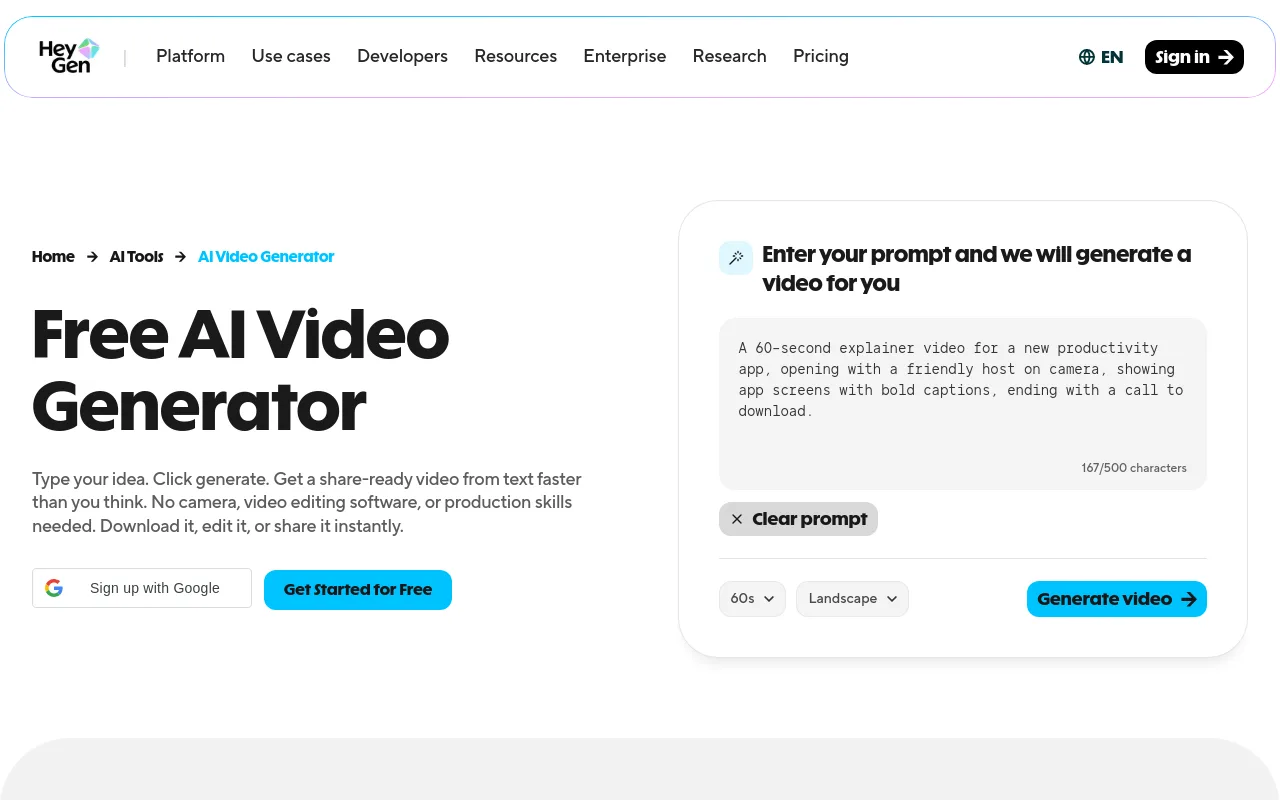
HeyGen is the market leader for presenter-led content, having generated over 148,635,978 videos and 123,830,039 avatars. It lets creators build digital twins or use stock presenters to read scripts in 175+ languages, with 20,589,458 videos translated to date. For educational channels, product reviews, or faceless commentary vlogs, HeyGen removes the need to stand in front of a physical camera. Its pricing relies on a strict credit model, though, which makes long-form content expensive.
2. Renderforest - Best Multi-Model Workspace
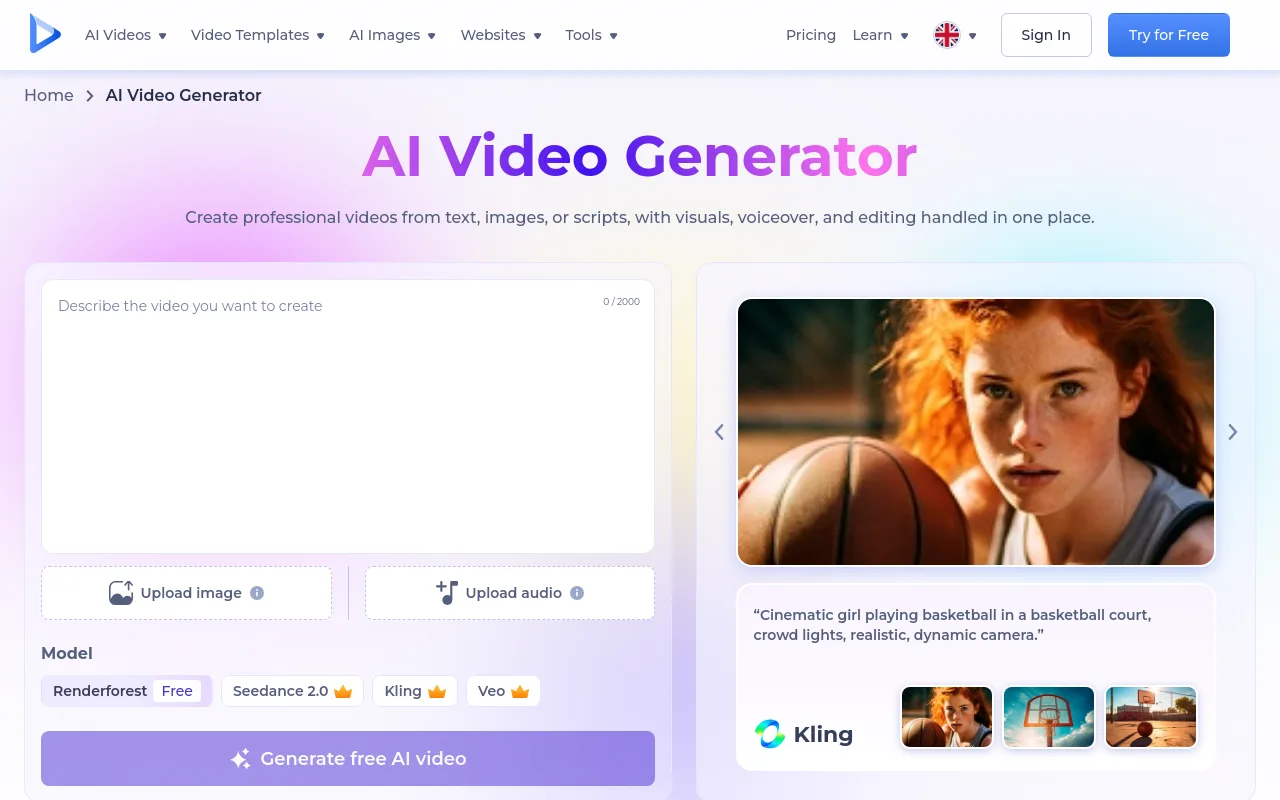
Renderforest provides a unified workspace trusted by 34 million creators and brands. It bundles several generation models, including Google Veo and Sora, letting users produce 16:9 widescreen videos from a single dashboard. Its music-video-from-audio mode is useful for artists and music channels that want to pair an existing audio track with generated visuals. The main limitation is the lack of scheduling automation, so creators still download and upload files manually.
3. Canva AI Video - Best for In-Suite Design Workflows
For creators who already build their thumbnails and channel art in Canva, the integrated AI video generator is a natural addition. Powered by Google Veo, it generates cinematic 8-second clips in a 16:9 aspect ratio with synced audio. It is an excellent tool for quick B-roll transitions or cinematic intros, but it cannot generate long-form episodes or manage a recurring publication schedule.
4. Steve.AI - Best Template-Driven Creator Suite
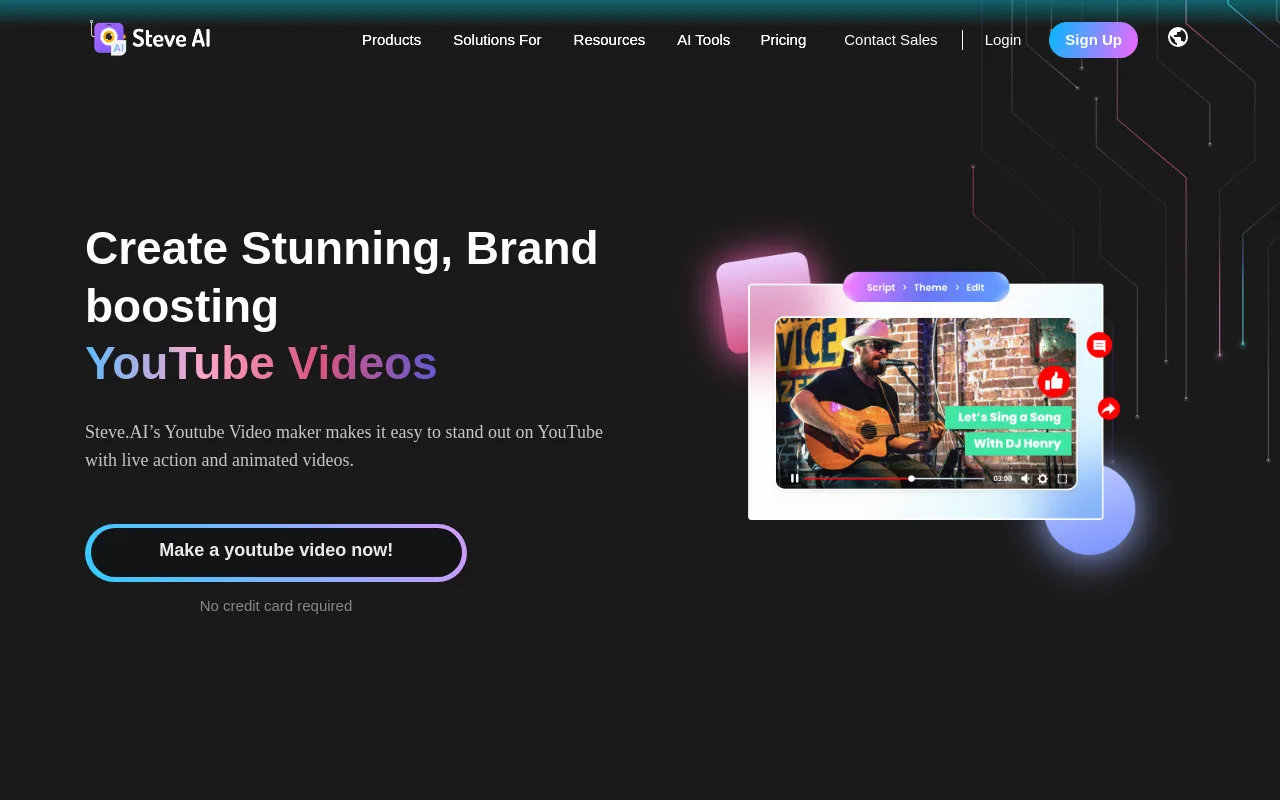
Steve.AI targets creators who need structured formats, offering over 1,000+ custom YouTube templates for intros, outros, ads, and vertical content. Its script-to-video engine turns blog posts or written text into edited videos using stock footage and animations. While highly effective for short-form YouTube content, the reliance on stock assets can make the output feel less original than custom generative models.
5. Magnific - Best for Prosumer Model Testing
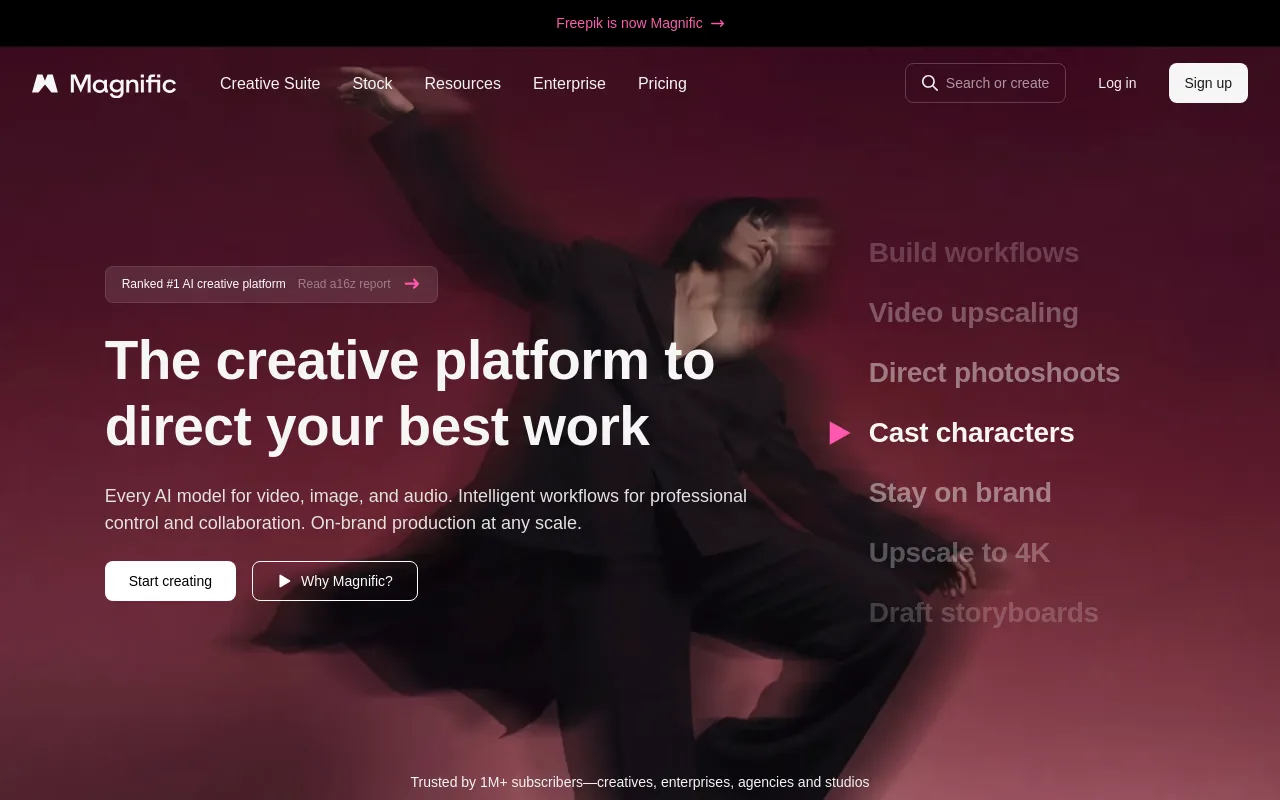
Magnific acts as a high-fidelity hub for prosumers who want to A/B test different visual models like Veo 3.1 4K, Kling, and Seedance. It offers detailed motion controls, making it ideal for filmmakers or creators who want tight control over the visual style of their B-roll. It does not offer audio generation or direct YouTube integration, serving purely as a visual asset generator.
6. Runway Gen-4 - Best for Cinematic B-Roll
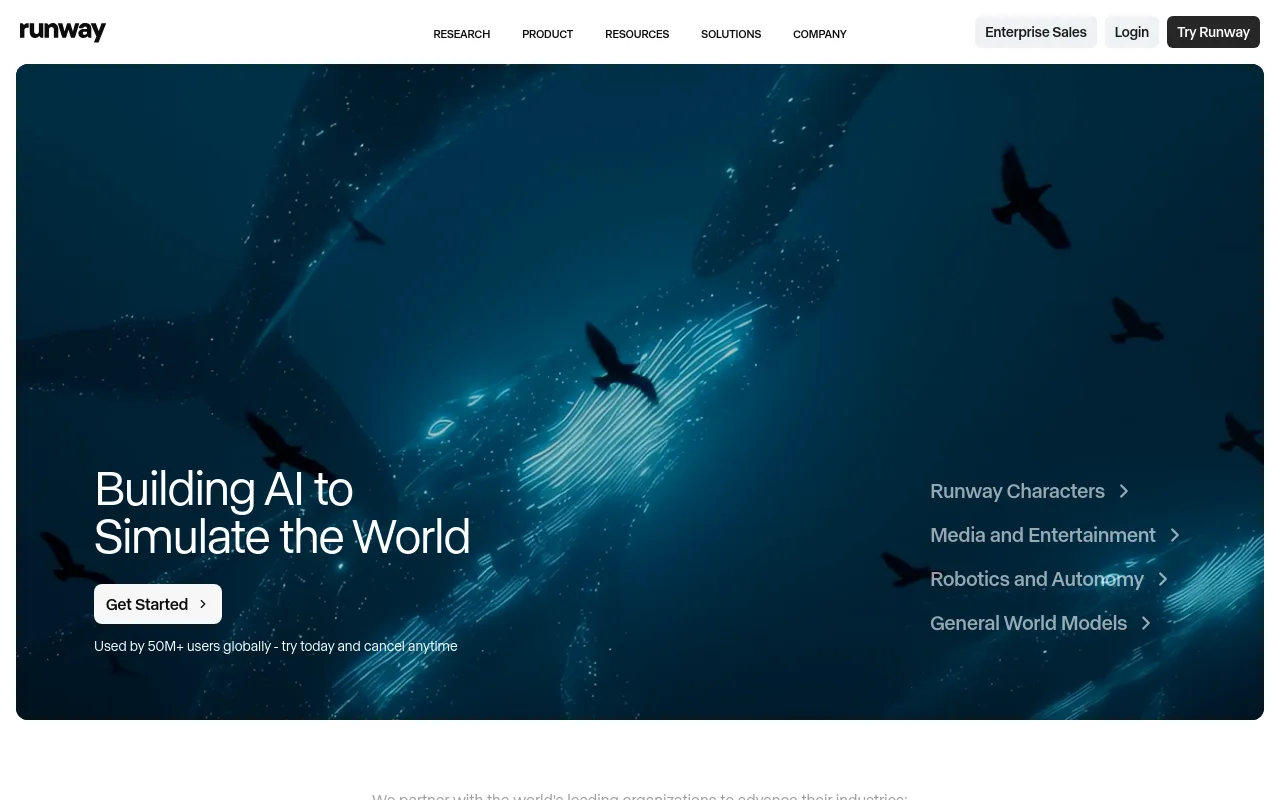
Runway remains a staple for creators who use professional editing suites like Premiere Pro or DaVinci Resolve. It excels at generating high-quality visual clips from text prompts or reference images. Like Magnific, it is an asset generator rather than a complete YouTube publishing system, meaning you still spend hours in an editor assembling the final project.
7. InVideo AI - Best for Automated Explainer Videos

InVideo AI turns a single prompt into a fully narrated video complete with stock footage, script, and voiceover. It is highly effective for history channels, trivia, and quick educational listicles. The editor lets you swap stock clips by typing simple text commands, though the voiceovers can sound synthetic without manual tuning.
Sourced Comparison Table
| Tool | Primary Use Case | Sourced Metric / Stat |
|---|---|---|
| HeyGen | Avatar-led presenter videos | Over 148,635,978 videos generated. |
| Renderforest | Multi-model hub with 16:9 YouTube output | Trusted by 34 million creators and brands. |
| Steve.AI | Template-driven intros and Shorts | Over 1,000+ custom YouTube templates. |
| Chillframe | End-to-end lofi channels, up to 1 hour on every tier and 4K on Ultra | Built for channels like Lofi Girl with 15.8 million subscribers. |
The Verdict
If your goal is a presenter-led or educational channel, HeyGen is the clear winner. For standard explainer videos, InVideo AI provides the fastest path from script to screen. But if your goal is an automated, long-form channel that runs on autopilot, none of these tools bridge the gap between asset generation and channel publishing.
Chillframe: an AI video generator built for faceless YouTube channels
Every tool above still expects you to write a prompt, wait for a clip to render, download the file, import it into an editing timeline, find background music, export the finished video, and manually upload it to YouTube. Chillframe collapses that multi-step process into a single automated loop, working as an AI music video generator built for long-form channels. It delivers a faceless channel that runs itself, with hands-off publishing and watch-time that compounds, and never asks you to touch an editing timeline or buy an expensive camera.
Chillframe does this by generating original, studio-quality lofi tracks made specifically for your channel. When a video contains multiple tracks, they blend into one gapless, continuous soundtrack. That audio is paired with looping lofi visuals tuned to your chosen theme. The Lite tier delivers static image loops, while the Plus and Ultra tiers add motion. Videos render at a crisp 1080p on all tiers, with the Ultra visual tier outputting in true 4K (3840x2160).
To keep your channel visually distinct, Chillframe offers seven curated themes: study-boombap, rainy-tokyo, jazzhop, ambient-sleep, synthwave, future-garage, and citypop. Some themes carry a matched ambient texture woven directly into the sound. You get the soothing sound of rain in rainy-tokyo and future-garage, a warm cafe hum in jazzhop, and a soft crackling fire in ambient-sleep. The remaining themes, study-boombap, synthwave, and citypop, play clean with no ambient layer for a pure musical focus.
The heart of Chillframe's hands-off approach is the Series, which keeps your channel consistently fed. A Series generates fresh videos on a set schedule, running 1 to 7 times per week on the days and times you choose. You can connect your YouTube channel in a single click and line up each episode's title, description, visibility, and release date automatically. Finished episodes publish straight to your channel on schedule, fully hands-off, and Chillframe generates an optimized thumbnail and title for each one so every upload is click-ready.
To track your channel's progress, built-in creator analytics show your watch-time and growth signals right on the dashboard. The platform runs on a credit and subscription model across four tiers: Starter (76 credits), Creator (196 credits), Pro (396 credits), and Max (796 credits). Credits are spent per video by duration, track count, and visual tier, and every tier generates videos that run up to a full hour, so length is never the thing you upgrade for. What does scale with your plan is how many Series you can keep running: one on Starter, three on Creator, and unlimited on Pro and Max. To let you experience this hands-off workflow, Chillframe offers a card-required-upfront 3-day trial with $0 due today: 45 credits for a single Lite-only video with a 30-minute maximum runtime, plus 2 track re-rolls.
Best tool by YouTube format
Matching your tool to your specific format is essential for getting the most from your budget.
- Long-form cinematic narratives: For documentary-style channels, combining Renderforest with Google Veo or Runway lets you generate high-fidelity cinematic clips that you assemble in an editor.
- Presenter-led vlogs: If your content needs an on-screen host, HeyGen provides the most realistic avatar presenter to read your educational scripts.
- YouTube Shorts (9:16): Short-form content thrives on high-frequency publishing. YouTube Shorts average over 200+ billion daily views, making template-driven tools like Steve.AI ideal for churning out quick vertical clips.
- Ambient, study, and sleep streams: For channels built around relaxation and focus, Chillframe is the only tool designed to handle the long runtimes and continuous audio these formats require. It provides the complete system needed to build channels similar to Lofi Girl, which has amassed 15.8 million subscribers and 2.608 billion cumulative views.
Pricing and cost-per-upload reality check
Many creators sign up for an AI tool without calculating the monthly operating cost. Presenter-led avatar platforms often charge by the render minute, which grows costly fast if you upload several videos a week. A daily upload schedule can eat into any ad revenue you earn before the channel even finds its audience.
Chillframe addresses this by offering structured subscription tiers built for high-volume channels. With monthly credits ranging from the Starter tier's 76 up to the Max tier's 796, creators can scale their output predictably. Because every tier generates videos that loop up to a full hour, you build large amounts of watch-time from a single generation rather than paying by the render minute. That predictable pricing makes a daily upload schedule realistic without ballooning your production budget.
How to choose the right AI video generator for your YouTube channel
Selecting your production tool should follow a structured decision framework.
- Define your visual format: Decide whether your channel needs a human face, a digital avatar, or styled illustration loops. This choice immediately filters out incompatible software.
- Determine your video length: If you need long-form videos for sleep, study, or relaxation, avoid clip-based engines that cap outputs at under a minute. Look for tools that deliver long-form, hour-length loops.
- Evaluate the audio requirements: Decide whether your videos need spoken voiceovers, stock background tracks, or original, high-quality music.
- Check the automation depth: Ask yourself how much manual work you want to do. If you want to automate your YouTube channel entirely, choose an end-to-end tool like Chillframe that connects to your channel and publishes on a schedule.
Frequently Asked Questions
What is the best free AI video generator for YouTube? Most free tiers on platforms like Renderforest or Canva work as limited trials that gate high-definition exports, add watermarks, or cap video length at under a minute. To test end-to-end automation instead, Chillframe offers a card-required-upfront 3-day trial with $0 due today that grants 45 credits for a single Lite-only video up to 30 minutes long, plus 2 track re-rolls. That lets you try the channel connection and finished-video delivery before committing to a monthly subscription.
Can you monetize a YouTube channel that uses AI-generated videos? YouTube allows monetization of channels that use AI-generated content as long as the videos offer original value and a genuine viewing experience. Channels built on original music, educational scripts, or custom visual loops can qualify for the YouTube Partner Program, though YouTube reviews each channel individually. The safest path is to avoid raw, repetitive, or reused stock footage and focus on cohesive, high-quality episodes.
Do AI-generated YouTube videos get flagged or demonetized? Reused or duplicate-content issues typically arise when a creator uploads the same clips that already appear across many other channels or leans on low-effort compilations that add little original value. YouTube alone reviews each channel and decides how it is treated under its policies. The general guidance for any creator is to publish original, cohesive episodes rather than recycled stock footage, and to check YouTube's current monetization policies directly.
How long does it take to make a YouTube video with AI? With standard clip generators, a single 10-minute video can still take hours of prompting, stitching, and editing. With Chillframe the work is hands-off: once you set a Series schedule, it generates and publishes your videos on the cadence you choose. There is no rendering queue or editing timeline to manage, and each episode arrives finished and ready to publish.
Which AI video generator is best for YouTube Shorts? For 9:16 vertical content, template-driven tools like Steve.AI make it easy to spin up vertical Shorts, while a prompt-to-video tool like InVideo AI can turn a short script into a narrated vertical clip. Short-form video rewards fast pacing and frequent posting, and with YouTube Shorts drawing over 200+ billion daily views, pairing one of these tools with an AI script writer helps you keep up the posting frequency that vertical growth demands.
Do I need a faceless channel to use an AI video generator? No. If you want to appear on screen but save time, a tool like HeyGen can create a digital avatar that reads your scripts. If you would rather stay entirely behind the scenes, building a faceless channel around lofi music, ambient soundscapes, or study beats is a highly scalable way to grow an audience without ever showing your face.
Building a successful YouTube presence in 2026 means moving past the slow, manual editing workflows of the past. By choosing an AI video generator that matches your channel's format and automation needs, you can raise your upload frequency and build a compounding library of content. Whether you build an avatar-led brand or let a faceless lofi channel run itself, the right production setup turns video creation from a daily chore into a scalable system.