List
AI Video Generator App: 6 Phone Apps Compared for iPhone and Android
What you can make on a phone, what the store listings say about ratings and prices, and when you're better off opening a browser tab instead of installing another app.

The AI video generator app I'd install first on a phone is CapCut, because it makes AI clips and edits them in one place. Runway is the pick for more control over each shot, Kling for clips up to 4K, PixVerse for trend effects, invideo for turning a script into a finished video, and the Gemini app if you already pay for a Google AI plan. All six are free to download, and each one sells plans or packs for the AI video itself.
You can make a whole short-form channel's worth of clips from your phone now, and new apps and features keep arriving. What helps is knowing what each app is good at, and what you pay per clip, before you spend an evening in one.
How an AI video generator app works on your phone
An AI video generator app turns a text prompt, a photo or a short clip into a few seconds of new video. That's the core of all six apps here. Some wrap it in a full editor with captions and music, and some are a prompt box and a gallery.
If you've been searching for an AI video creator app or an AI video maker app, these are the same thing. The names differ by store listing, not by what the app does.
Two things are true of all of them:
- You pay by the clip. The app is free, but each video uses up a balance you buy with a plan or a pack. Runway's listing, for example, sells packs from $10 to $100 alongside its plans.
- Clips are short. A single clip runs seconds, not minutes. Kling's listing gives up to 15 seconds per clip, which you can extend to 3 minutes.
That makes phone apps well suited to Shorts, Reels, TikTok posts, intros and cutaway shots. A long, music-led YouTube video is a different job, and I come back to that further down.
The 6 best AI video generator apps compared
The ratings and prices below are from each app's US App Store listing. Android versions exist for most of these, but prices can differ on Google Play, so check there if you're on Android.
| App | App Store rating | Best for | Price in the app |
|---|---|---|---|
| CapCut | 4.6 from 1.1M ratings | Editing AI clips into posts | Free, plans from $7.99 a month |
| Runway | 4.5 from 17K ratings | Control over each shot | Free, Standard $14.99 a month |
| Kling | 4.7 from about 32K ratings | Clips up to 4K | Free, Standard $10 a month |
| PixVerse | 4.3 from 1.4K ratings (Lite) | Trend effects and templates | Free, Elite $5.99 a week |
| invideo | 4.5 from 28K ratings | Script to finished video | Free, purchases from $12 |
| Google Gemini | 4.7 from 2.3M ratings | Quick clips on a Google plan | Free, Google AI Plus $4.99 |
CapCut
CapCut is a full photo and video editor that also makes AI video. Its listing says the AI video feature turns text or images into videos, and it sits next to auto captions, which recognise speech and add subtitles for you.
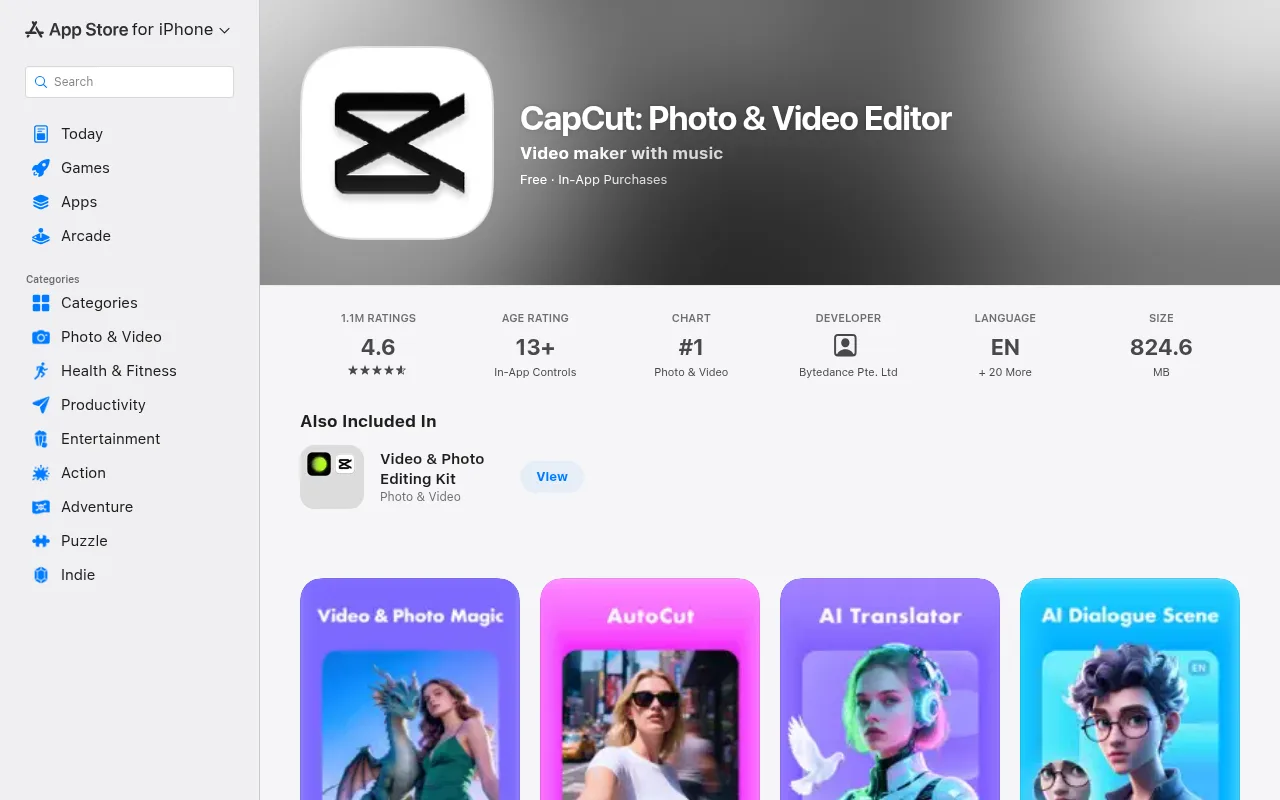
It has 4.6 stars from 1.1 million ratings, the most of any app here bar Gemini. It's free with in-app purchases, with subscriptions listed at $7.99, $9.99 and $19.99 a month and $89.99 a year, and it exports at up to 4K and 60 frames a second. It's the one to install if you want to make a clip, cut it, caption it and export it for TikTok in one app.
Runway
Runway is the app for people who want to direct each shot. It does text to video, image to video and video to video, and it can keep the same character, object or location across several clips.
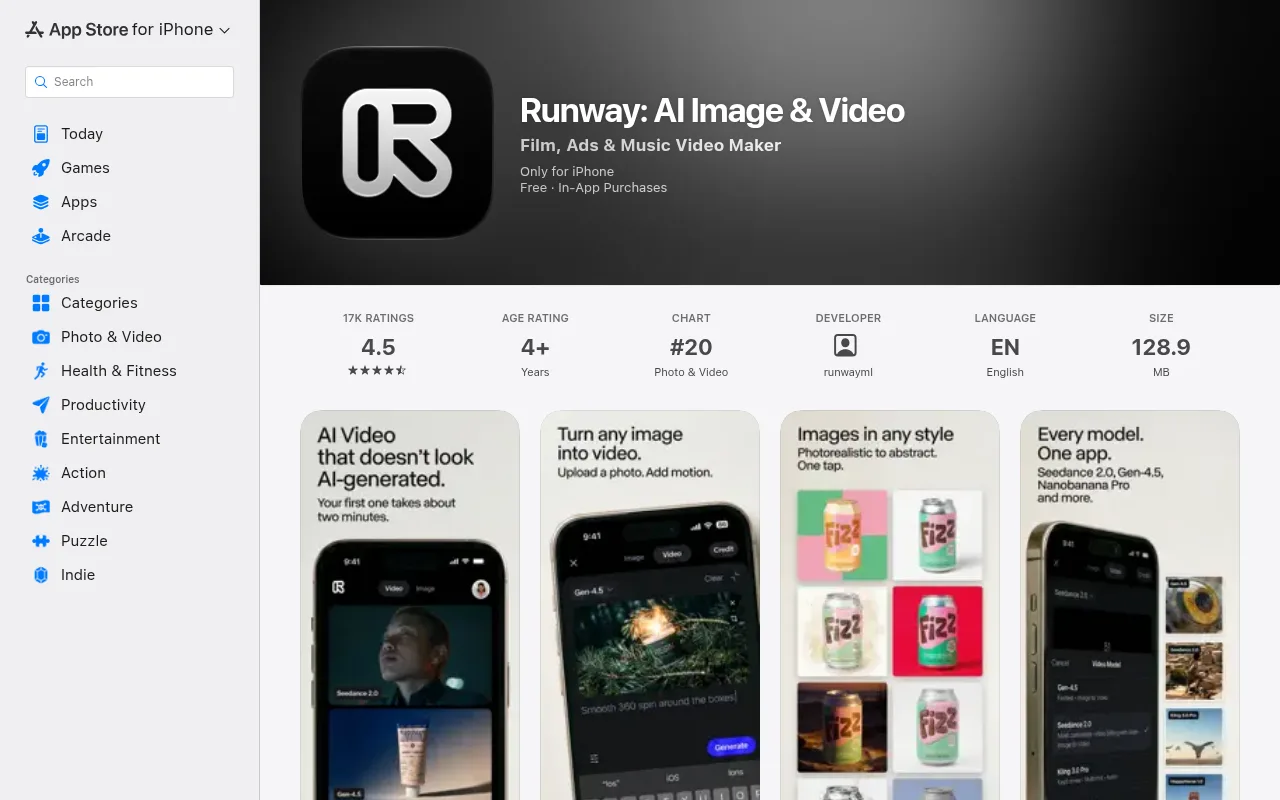
The listing also includes Runway Agent, which plans, makes and assembles a video from a conversation. It syncs with your Runway account on a computer, so a project started on the train can be finished at a desk. It has 4.5 stars from 17,000 ratings. Standard is $14.99 a month or $143.99 a year, Pro is $35 and Max is $95, and extra packs run from $10 to $100. It needs iOS 16.4 or later.
A pattern in the reviews is worth knowing. Several reviewers say every attempt costs the same whether you keep it or not, so a clip that takes four tries costs four times as much. That's a user report rather than a stated policy, but it's worth budgeting for retries.
Kling
Kling AI is the one to try for high-resolution clips. Its listing says it makes clips of up to 15 seconds in native 1080p or 4K, and its Video Extension feature stretches a video to up to 3 minutes.
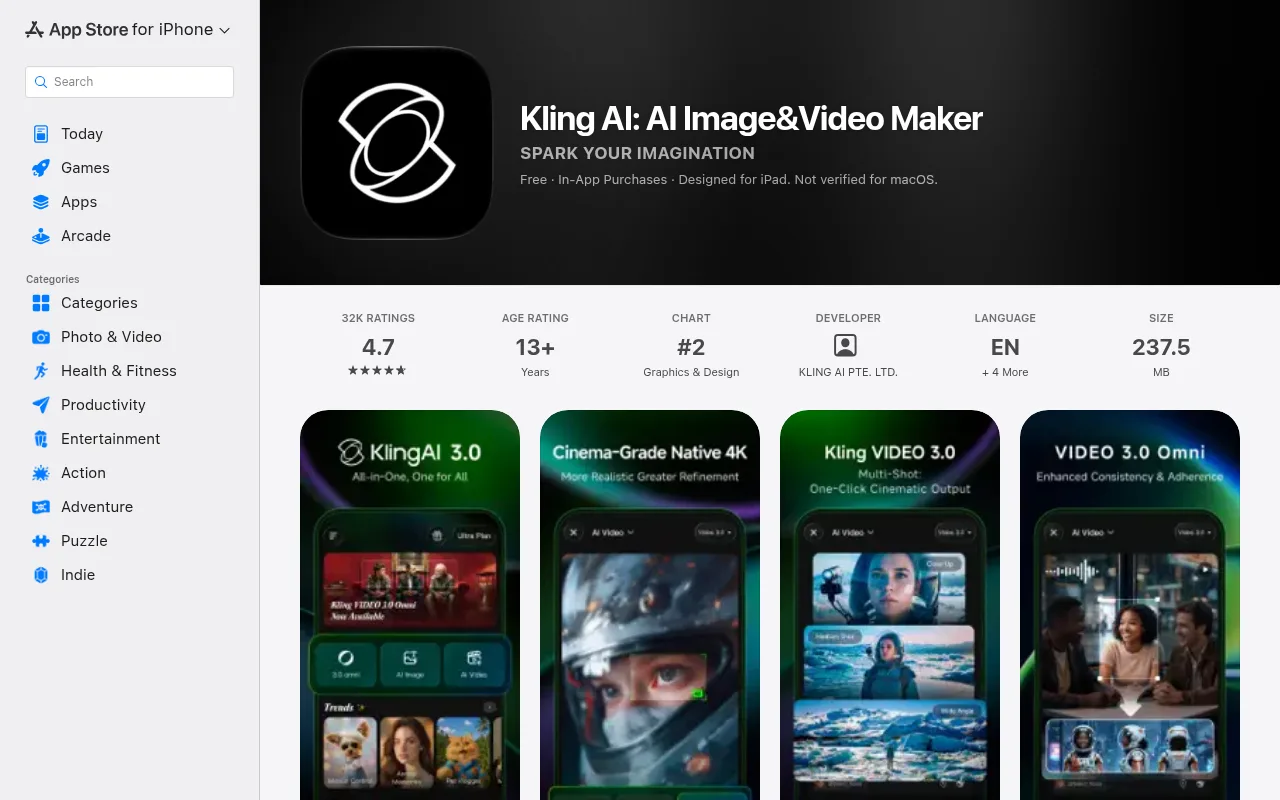
It turns text or images into video, and it makes images too. It has 4.7 stars from about 32,000 ratings. The Standard plan is $10 a month, Pro $37 and Premier $92, with packs from $5 to $100. It runs on iOS 14 or later, the oldest requirement in this list.
PixVerse
PixVerse is built around effects and templates: AI Dance, Transformation, Miniature World, Style Transfer and a music video maker, plus the usual text to video and image to video. In the US App Store it now appears as PixVerse Lite, and the developer says in a reply on the listing that PixVerse and PixVerse Lite are the same service.
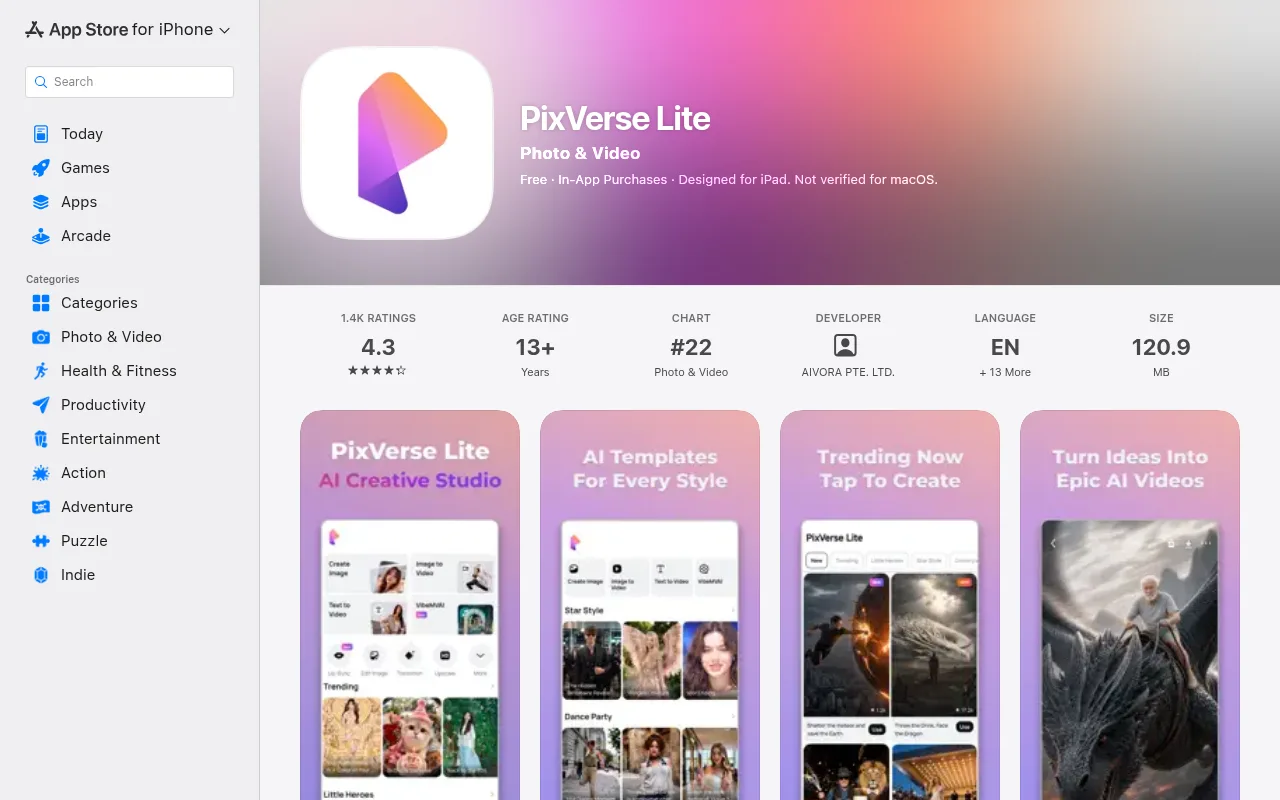
The Lite listing has 4.3 stars from 1,400 ratings, with an Elite plan at $5.99 a week or $49.99 a year and packs from $5 to $100. It can raise a video's resolution to 4K and extend a clip again and again. On Android, PixVerse says it was named App of the Week on the US Google Play Store. It suits a channel that posts trend videos, since the templates do most of the setup.
invideo
invideo is the script-first app. You start from an idea, a script or your own footage, and it builds a whole video around it, with voice, music and captions, rather than a single clip.
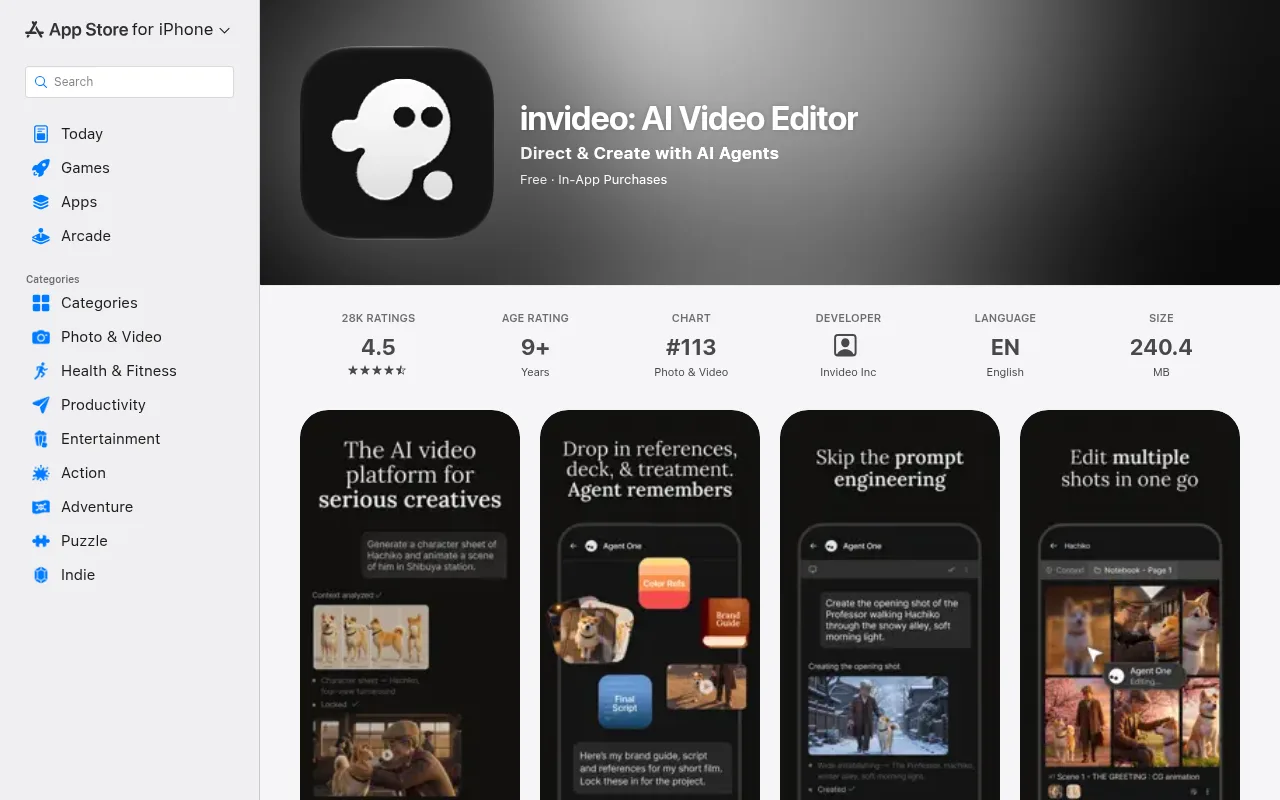
Its listing is now called invideo: AI Video Editor, with 4.5 stars from 28,000 ratings. In-app purchases are listed from $12 for an add-on up to $143.99 for its Generative plan, and it needs iOS 16 or later. It suits explainers, product videos and ads, where the words come first and the pictures follow.
Google Gemini
The Google Gemini app can make videos from a prompt, a photo or a video you upload, and you can ask it to add sound to the clip. You don't need a separate video app if you already pay for Google's AI plans.
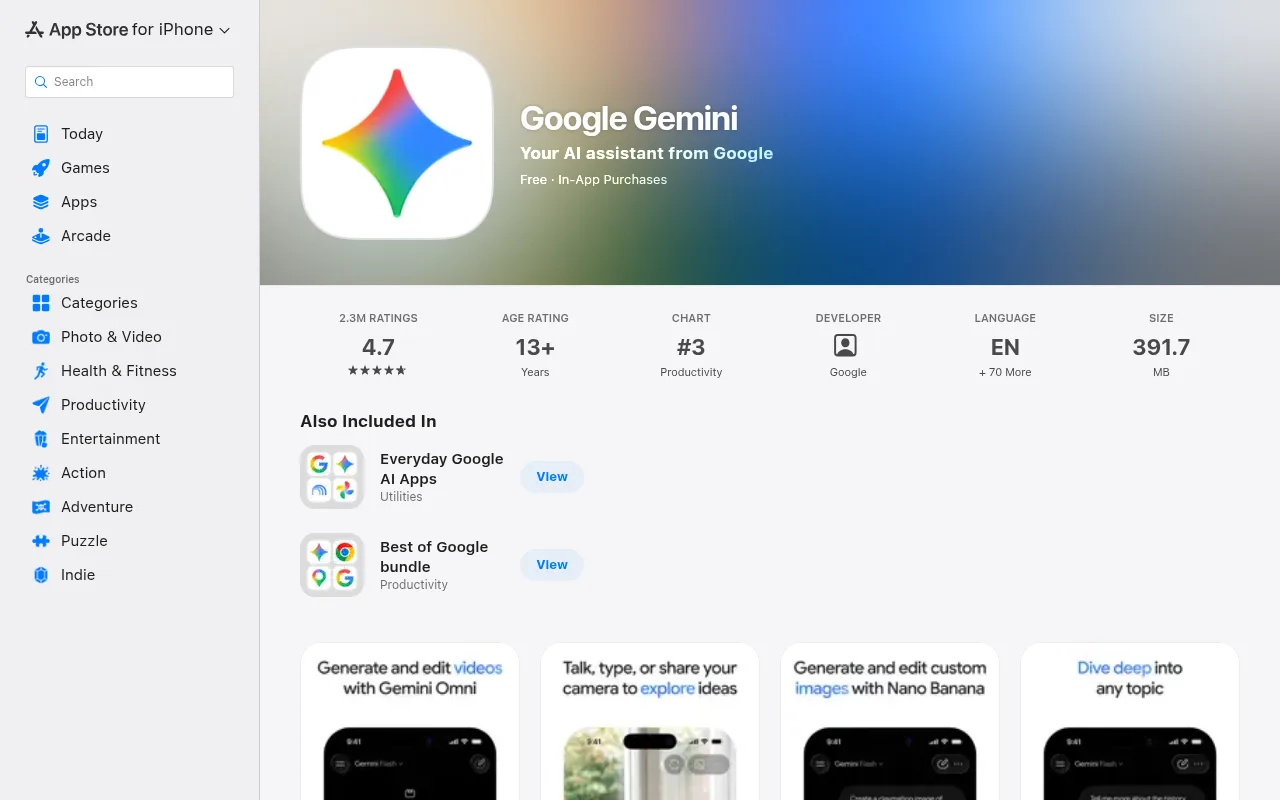
The catch is that video needs a plan. Google's help page says that on a personal account you need a Google AI plan, and the feature isn't available to anyone under 18. The App Store lists Google AI Plus at $4.99 and AI Pro at $19.99, with a higher tier above those. Google sets usage limits per plan and changes them, so its limits page is the place to check the current numbers. With 4.7 stars from 2.3 million ratings, it also has by far the most ratings of any app here.
Lessons from the Sora app shutdown
There was a seventh app, and E-Commerce Fastlane's list of 11 still ranks it second. On 24 March 2026, OpenAI announced it was shutting down the Sora app and its API, and the Sora app is no longer listed in the US App Store.
So keep your finished work outside any one app. A few habits help:
- Save every finished video to your phone's photo library or to cloud storage, not only the app's gallery.
- Keep your prompts in a notes file. If an app goes, you can rebuild a look in another one.
- Look out for renamed listings. PixVerse's own Lite listing has a review from someone who says they lost videos when moving from the original app, so export before you switch.
Checks to make before you pay for an AI video generator app
The monthly price tells you very little. The number that matters is what one usable clip costs you, so look at these before you subscribe:
- Watermarks. Free clips can carry the app's watermark. Check whether your plan removes it.
- Resolution. Free tiers can cap the resolution. For YouTube, 1080p is the lowest I'd accept.
- Whether your allowance resets. A daily or monthly allowance is very different from a one-off batch that never comes back.
- Failed attempts. Assume a bad result costs the same as a good one unless an app says otherwise.
- Commercial use. Read the terms before you build a channel or a client job on the clips.
- Weekly plans. PixVerse and Kling both sell weekly plans in the app. They suit a one-off project. For regular use, compare them with the monthly price.
The right AI video generator app for each job
- Quick social edits with captions: CapCut.
- Cinematic shots with control over each one: Runway.
- Single clips up to 4K: Kling.
- Trend effects and templates: PixVerse.
- A marketing video from a script: invideo.
- Occasional clips on a Google plan you already pay for: Gemini.
- Long, relaxing YouTube videos on a schedule: Chillframe in your browser.
Start with one app. Pick the one that matches the job, make three or four clips, and work out what each kept clip cost you before you commit to a plan.
For the desktop side, my roundup of AI video generator tools compares the wider field, the guide to text to video AI tools goes deeper on prompts, and free AI video generators covers what you can do without paying. If YouTube is the goal, start with the best AI video generator for YouTube.
Long YouTube videos from your phone's browser with Chillframe
Not every video tool needs an app, and for one job that's an advantage. Long, music-led videos like lofi, study music and ambience are a growing corner of YouTube. Chillframe makes them, and it has no app at all. It runs in your phone's browser, so there's nothing to install or update, no store listing that can vanish, and the same project is waiting on your laptop when you want a bigger screen.
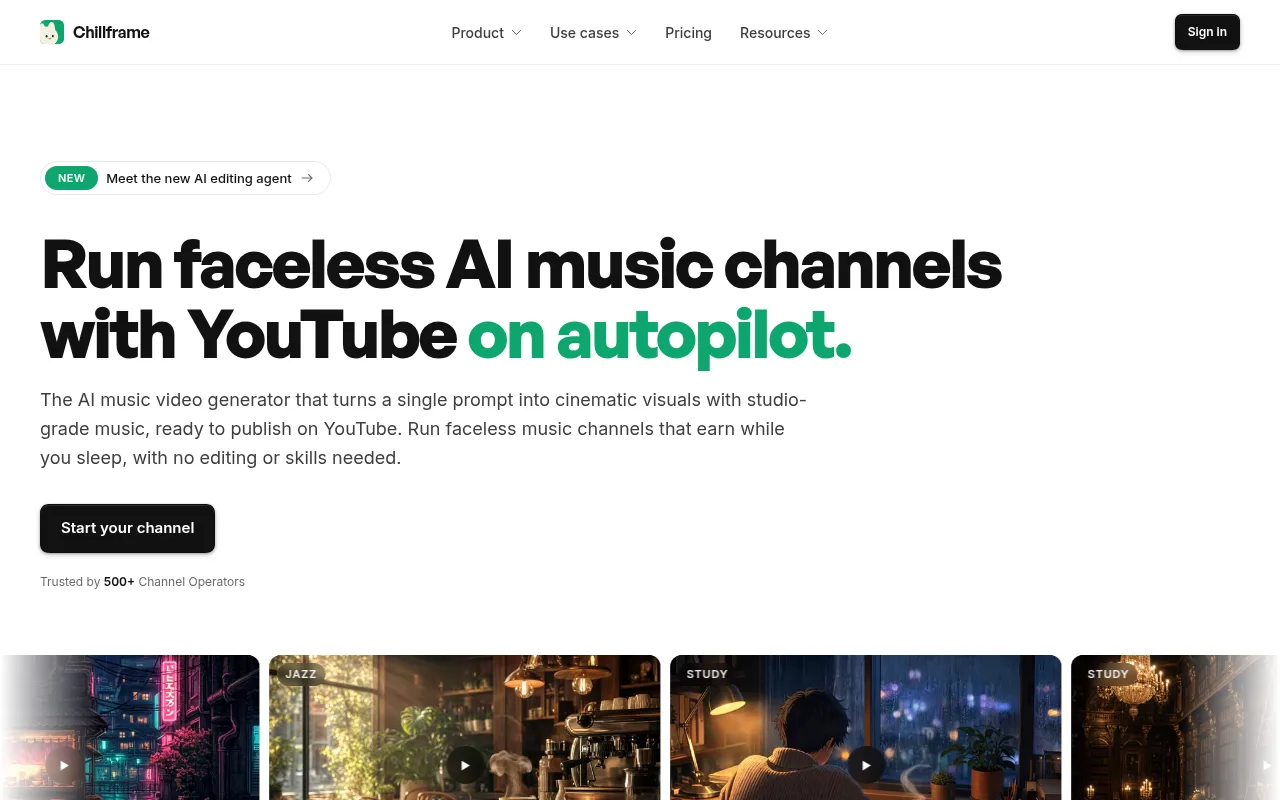
It makes the original music, a matching scene and the finished video, up to 1 hour long on every plan, then publishes it to your connected YouTube channel.
The setup is a few taps. Scroll the looks until one fits, like Rainy Tokyo, or type the scene you have in mind. Pick Instrumental, With vocals, or Ambience only for rain or fire with no music. Choose Lite for a still scene, or Plus for a moving one on the Creator plan and up. Then set a Series: anything from one day a week to all seven, and a time.
After that you can leave your phone alone. Your first post is held for review, and with auto-publish on, approving it is the last thing you do. Chillframe automatically makes and posts a fresh video on every day you chose, fully hands-off.
The trade is real. A browser tab won't send push notifications, and it isn't the place for a quick Reel cut from your phone's photos. Chillframe emails you when a project is ready, and you can add it to your home screen from your browser's menu. For short clips, install an app. For a channel of long videos, the browser is the better fit. My guide to the AI video loop generator covers how the looping scenes behind these videos are made.
Nothing about the price changes on a phone: plans run from $19 a month on the Starter plan to $199 on the Max plan, and you can start your channel from the same browser tab.
AI video generator app FAQ
Is there a free AI video generator app?
Yes, to download. All six apps in this list are free in the App Store, and each one sells a plan or packs for the AI video. Any free allowance changes often, so check the plan screen in the app before you start a project.
Can I post videos from an AI video generator app on YouTube?
Yes, within the app's terms for your plan. Read the terms on commercial use before you build a channel on its clips, and keep a copy of every finished video outside the app.
How long can a video from an AI video generator app be?
A few seconds per clip. Kling's listing gives up to 15 seconds per clip, and its extension feature takes a video to 3 minutes. For a longer video you join clips in an editor, or use a tool made for long videos, like Chillframe, which makes videos up to 1 hour long on every plan.