Guides
Best AI Tools for Passive Income YouTube Channels: A Realistic Guide
Build a sustainable, semi-passive video business by combining smart research tools with automated production workflows.

Many creators dream of building a self-sustaining video library that earns ad revenue while they sleep. Using the right AI tools for passive income YouTube channels can turn this dream into a practical workflow, but success requires moving past get-rich-quick hype. Whether you are launching a 24-hour lofi hip-hop stream or a faceless history channel, these software systems reduce the time spent on editing, scripting, and voiceovers. However, building an audience still demands strategic oversight.
What passive income from a YouTube channel really means
Generating revenue through a YouTube channel is best understood as a semi-passive business model. While AI tools drastically reduce the hours required to script, voice, and edit videos, a channel is not a set-and-forget asset. Creators must continuously monitor audience retention, update outdated thumbnail designs, and analyze competitor performance to maintain search rankings.
A sustainable channel relies on multiple revenue streams rather than a single source. These include YouTube AdSense revenue, affiliate marketing programs like Amazon Associates, brand sponsorships, and channel memberships. Realistic lofi YouTube channel earnings follow the same pattern: a channel focused on ambient study music earns a low single-digit RPM from AdSense alone, and affiliate links for gear the audience is already shopping for, noise-canceling headphones or sleep aids, are the usual way creators add a second stream on top of it.
Relying on automated uploads without human quality control is a recipe for channel suspension. To build lasting value, you must treat AI as an assistant that handles repetitive production tasks, leaving you free to focus on niche validation and community engagement.
How to choose AI tools for a monetizable channel
Choosing the right software stack requires looking past marketing promises and focusing on platform compliance. Before generating a single frame of video, you must prioritize niche validation and competitor-pattern research. Relying on guesswork often leads to producing videos that nobody is searching for.
When evaluating AI tools, look for platforms that offer high-quality outputs, customization controls, and reliable licensing options. Your tools should allow you to edit the generated content easily, ensuring that your final upload does not look identical to thousands of other automated videos. You should also look for tools that offer direct export options or publishing integrations to save administrative time.
Instead of subscribing to five different platforms that duplicate features, select a small, connected stack. For instance, using one tool for market research, one for scriptwriting, and one specialized tool for video production keeps your monthly software expenses low while maintaining a clean workflow. If you want to learn more about selecting the right software, read our guide on choosing a YouTube automation tool.
Best AI tools by YouTube workflow stage
A successful YouTube automation workflow is divided into distinct stages, each requiring specialized software. Attempting to use a single tool for every task often results in generic, low-quality content that fails to engage viewers.
Research and Channel Strategy
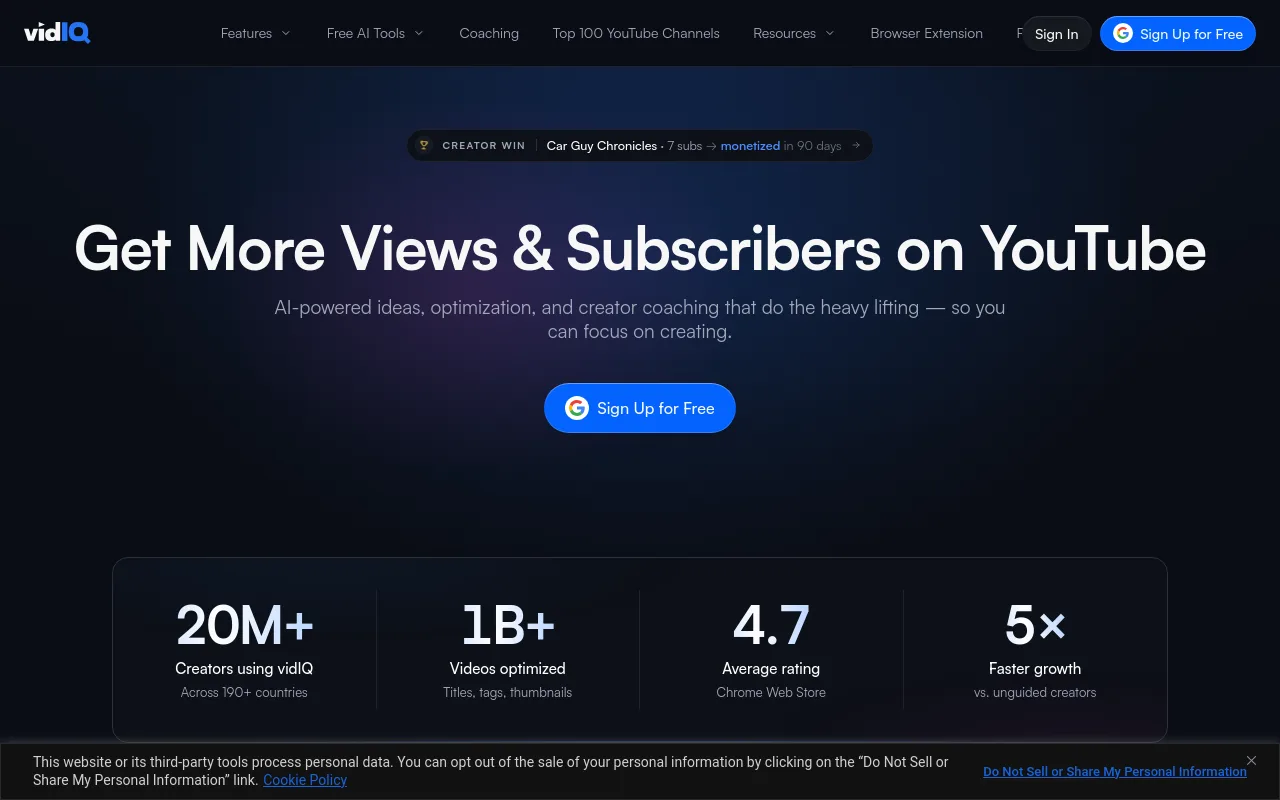
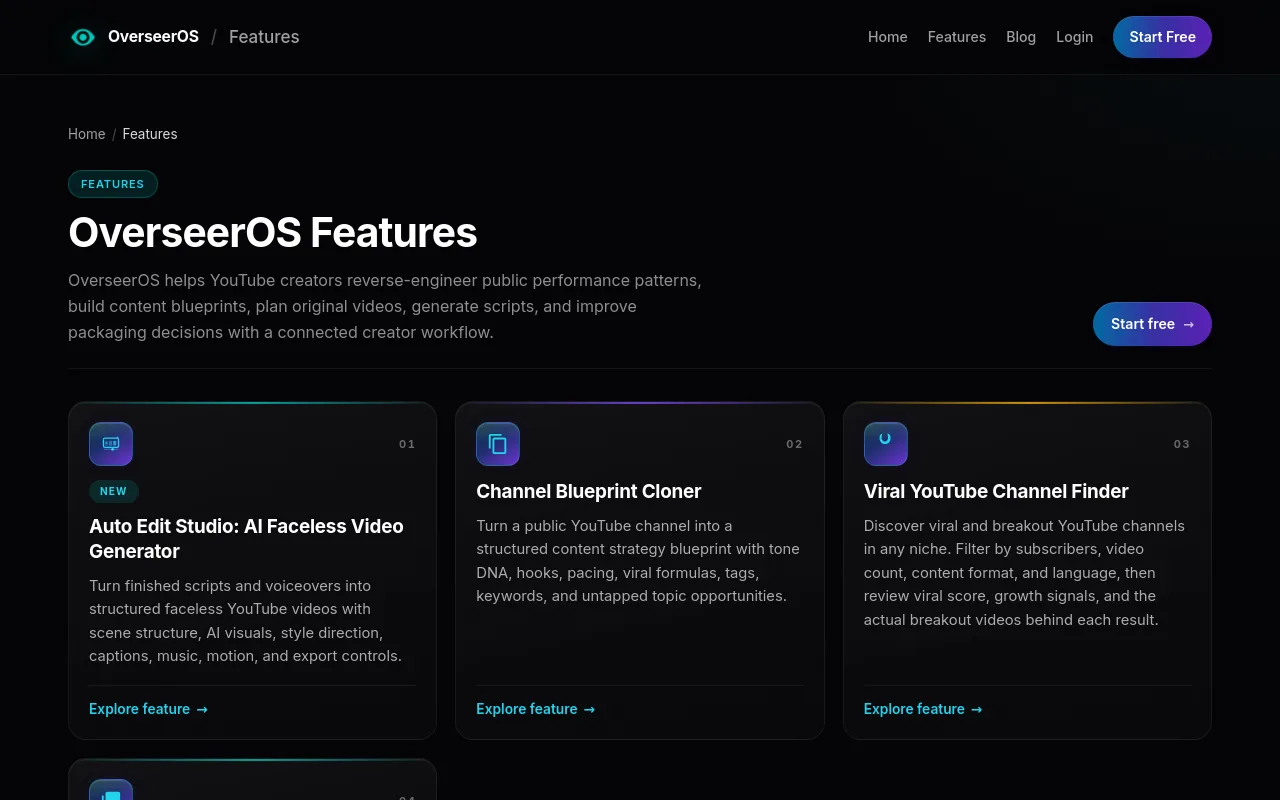
The foundation of any profitable channel is thorough research. Tools like vidIQ help you identify search volume and keyword competition. For a deeper understanding of what actually works in your niche, you can use the viral channel finder features on OverseerOS to discover proven formats and analyze successful channel structures. This ensures you build your content strategy on verified data rather than assumptions.
Scripting and Retention Planning
Once you select a topic, you need a script designed to keep viewers watching. Using a general-purpose writing assistant alongside the OverseerOS channel analysis features allows you to draft highly structured scripts. Always perform a human fact-check on AI-generated scripts to correct inaccuracies, especially in educational or historical niches where errors can damage your channel's credibility.
Voiceover Production
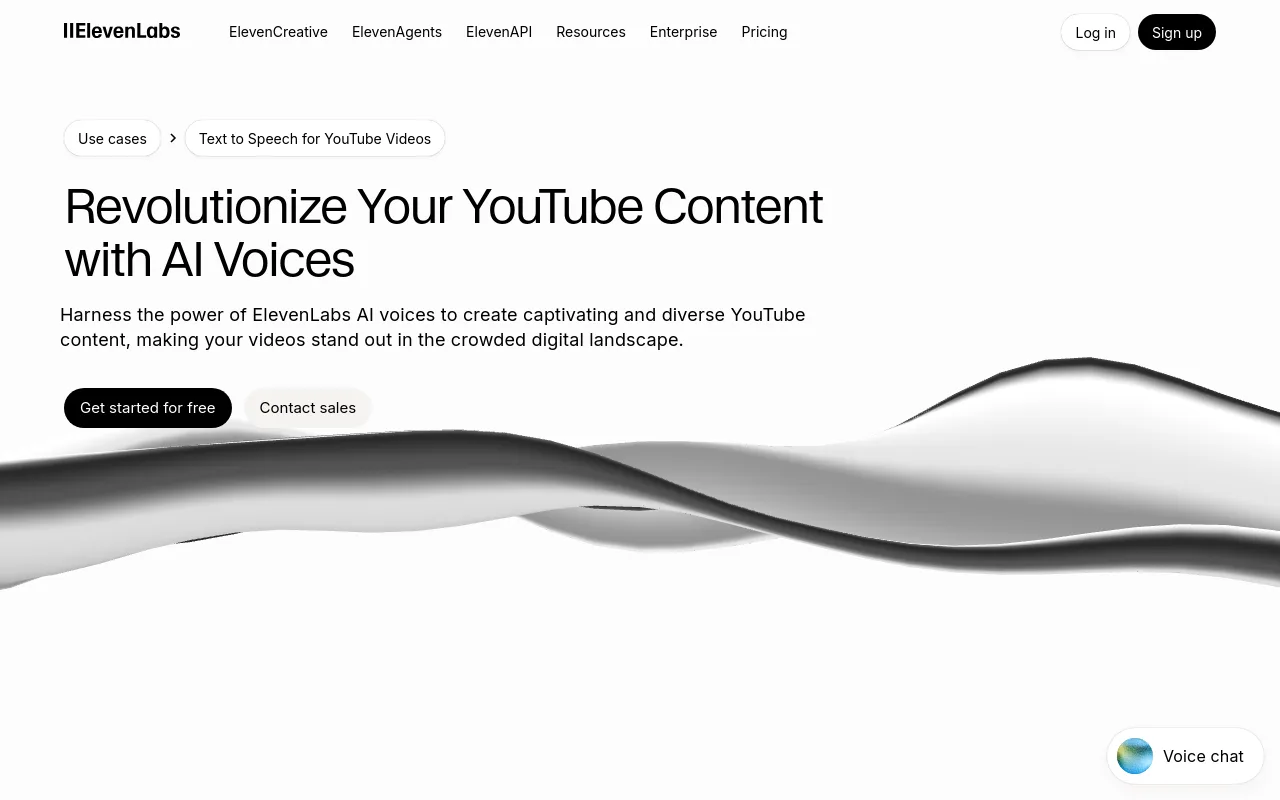
For faceless channels that require narration, ElevenLabs provides highly realistic synthesized voices. The platform allows you to adjust tone, pacing, and emotional delivery to match your content. This is particularly useful for documentary-style channels where a calm, authoritative voice is necessary to retain viewer attention.
Video Assembly and Automation
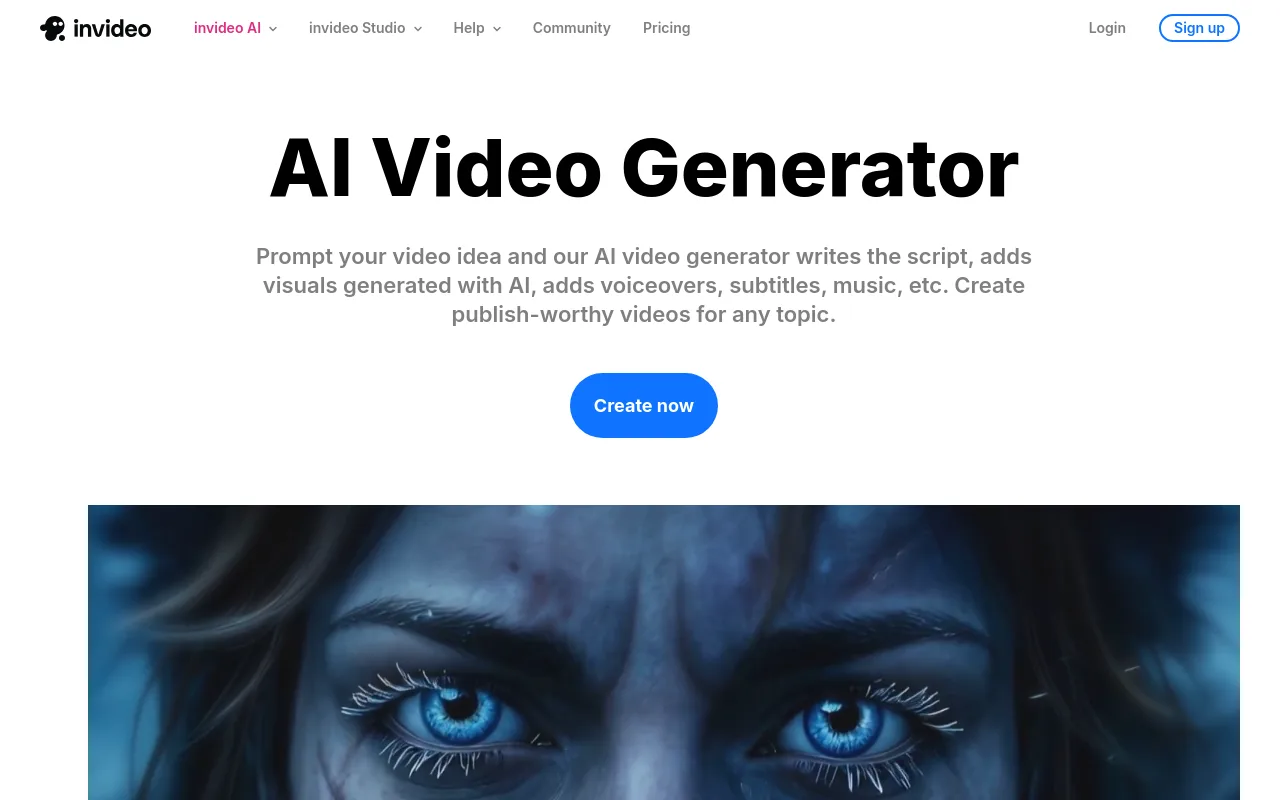
Turning your script into a finished video can take hours of manual editing. Tools like InVideo AI and Pictory allow you to convert text prompts into draft videos with stock footage and basic transitions.
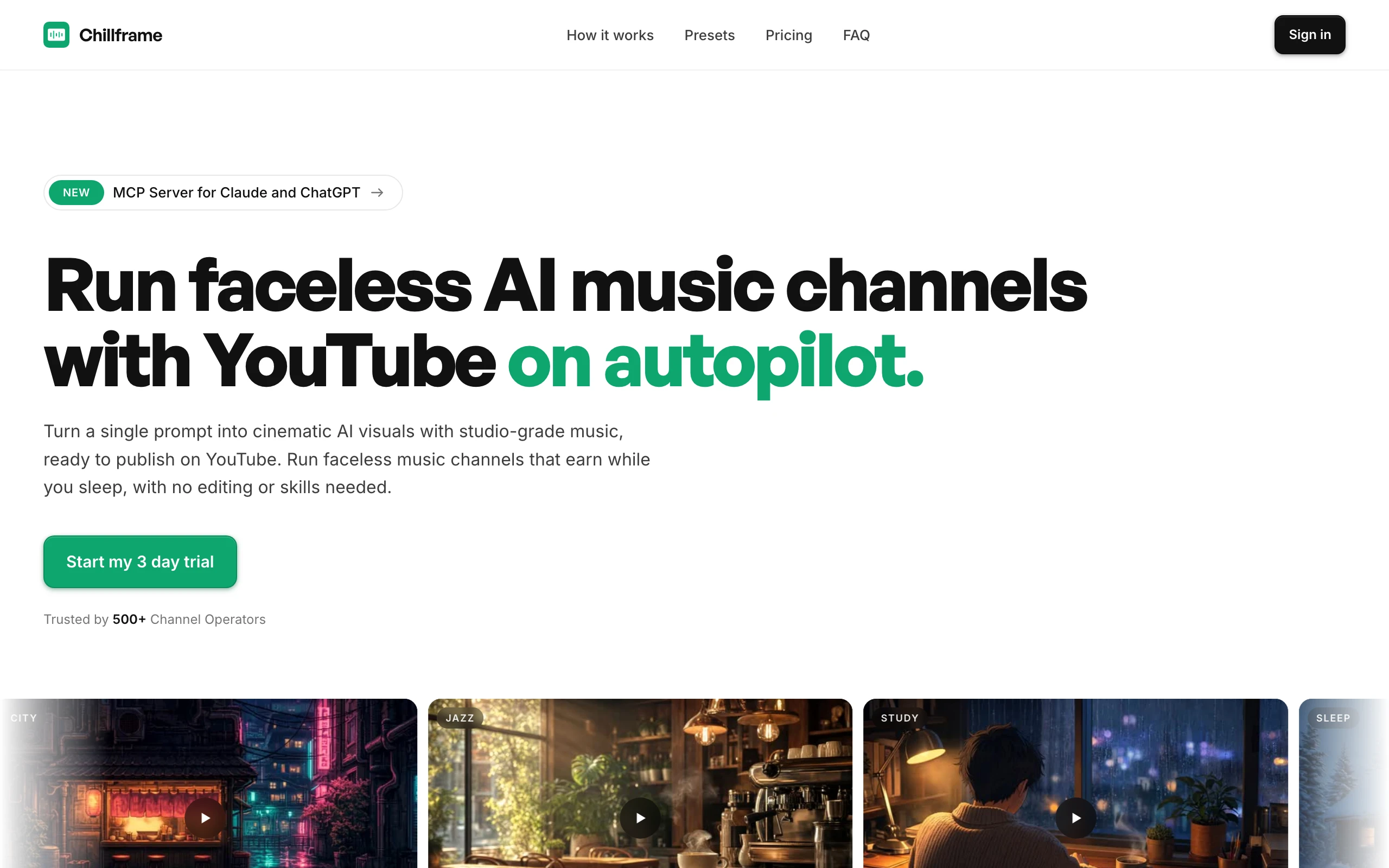
For creators focusing on lofi hip-hop, study beats, or ambient relaxation channels, Chillframe offers a highly specialized, outcome-led solution. Chillframe generates the music and visuals, assembles the video, and publishes to your YouTube channel on a schedule you set. This allows you to build a consistent, high-quality ambient channel completely hands-off, letting you focus on scaling your brand while the system handles the daily production and publishing loop.
Thumbnails and Packaging
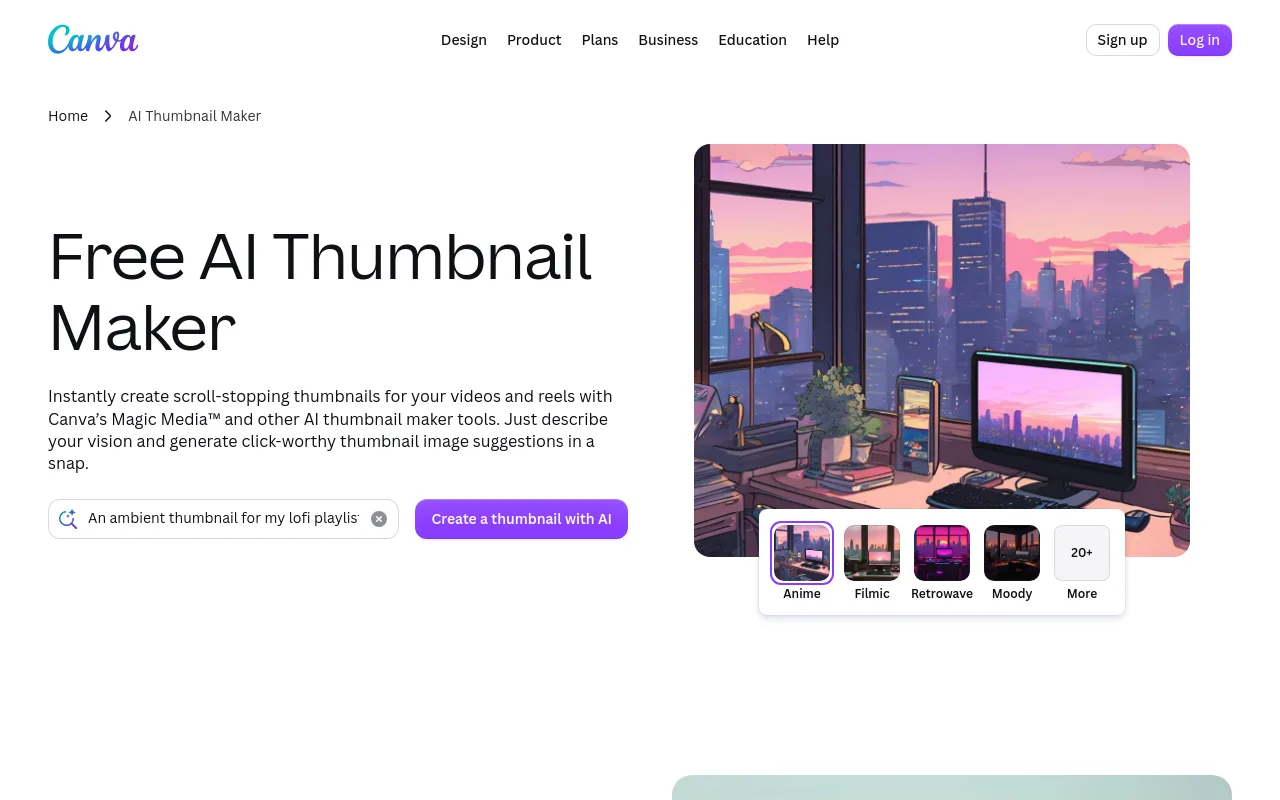
A video cannot get views if nobody clicks on it. Canva AI helps you generate distinct thumbnail concepts and layouts. When designing thumbnails, prioritize high-contrast imagery and clear, legible text that works well on mobile screens.
Editing and Distribution
After your video is assembled, you can use Descript for audio-based text editing, or CapCut for adding dynamic captions and transitions. For short-form content, OpusClip can extract vertical clips from your long-form videos, making it easier to publish daily Shorts to drive traffic to your main channel. To explore more options, see our breakdown of the best faceless YouTube tools.
Recommended AI stacks by budget and channel type
Different types of channels require different tools. Selecting a stack tailored to your specific format prevents you from overpaying for features you do not use.
| Tool Name | Primary Function | Ideal Channel Type | Primary Reference |
|---|---|---|---|
| OverseerOS | Market research & competitor analysis | All channel types | OverseerOS Features |
| ElevenLabs | Voice synthesis & translation | Faceless documentary & educational | ElevenLabs Use Cases |
| InVideo AI | Script-to-video generation | Automated listicles & guides | InVideo AI Generator |
| Canva AI | Thumbnail concept design | All channel types | Canva Thumbnail Maker |
The Lean Starter Stack
If you are launching your first channel on a tight budget, keep your tools simple. Use YouTube Studio for basic analytics, a free writing assistant for scripts, Canva for thumbnails, and a single video creation tool like InVideo AI. This setup minimizes your monthly expenses while you learn the basics of video production and audience development.
The Faceless Long-Form Stack
For channels focused on 10-to-15-minute educational videos, you need a stack that prioritizes high-quality narration and visual variety. Combine OverseerOS for research, ElevenLabs for voiceovers, and Pictory for video assembly. This combination ensures your videos look professional and keep viewers engaged through the entire runtime.
The Ambient Music Stack
For lofi, study, or sleep channels, manual video editing is incredibly repetitive. The optimal stack uses Chillframe to handle the entire creation and distribution process. Because Chillframe generates the music and visuals, assembles the video, and publishes to your YouTube channel on a schedule you set, you can run a highly consistent ambient channel with minimal daily intervention.
The Verdict on Stacks
The best stack is one that matches your niche. If you are building a voice-driven documentary channel, invest in high-quality voice synthesis. If you are building an ambient music channel, choose an integrated tool like Chillframe that automates both the audio and visual creation alongside scheduling.
Step-by-step workflow from idea to published video
To build a sustainable passive income stream, you must follow a structured, repeatable workflow for every video you publish.
First, analyze your competitors. Use public tools to find high-performing videos in your niche. Look at their titles, visual style, and pacing. Do not copy their content directly; instead, identify the underlying patterns that make their videos successful.
Second, validate your topic. Before writing a script, design a rough concept for your title and thumbnail. Ask yourself if the combination creates a strong curiosity gap that will make viewers click.
Third, draft and fact-check your script. If you are using an AI writing assistant, read through the output to ensure the tone is natural and the information is accurate. If you are creating a lofi channel, this step involves selecting the specific mood and visual style for your stream.
Fourth, generate your assets. Use ElevenLabs for your voiceover, or let Chillframe generate the music and visuals if you are publishing an ambient video. Ensure that the visuals match the pacing of the audio to maintain viewer engagement.
Fifth, assemble and edit. Add subtitles, background music, and sound effects to keep the video dynamic. Once the video is ready, export it and upload it to YouTube Studio. Set your title, description, and tags, and schedule the video to publish at a time when your target audience is most active.
YouTube monetization thresholds and AI-content compliance
To earn ad revenue from your channel, you must meet the official requirements of the YouTube Partner Program (YPP) and comply with all content quality guidelines.
YouTube offers an early access tier for creators looking to access fan funding and shopping features. To qualify for early YPP access, you must have 500 subscribers; 3 public uploads in the past 90 days; and either 3,000 public watch hours on long-form videos in the past 365 days or 3 million public Shorts views in the past 90 days.
To earn direct ad revenue from your videos, you must meet the higher threshold for full YPP eligibility. This requires 1,000 subscribers and either 4,000 valid public watch hours in the last 12 months or 10 million valid public Shorts views in the last 90 days.
In addition to subscriber and watch-time thresholds, your content must comply with YouTube's monetization policies. On July 15, 2025, YouTube clarified that its inauthentic-content policy includes content that is repetitive or mass-produced; the policy says such content is ineligible for monetization. Channels that simply upload hundreds of identical, low-effort AI videos without significant human editing or original value will be rejected from the program.
Furthermore, transparency is required when using synthetic media. Creators must select the Made with AI disclosure during the upload process if their video contains realistic or meaningfully altered synthetic content. This disclosure helps maintain viewer trust and ensures compliance with platform guidelines.
Pre-Publish Compliance Checklist
Before you click publish on any AI-assisted video, run through this checklist to ensure your channel remains in good standing:
- Originality: Have you added unique editing, commentary, or a distinct visual style that separates your video from stock footage?
- Factual Accuracy: Have you verified all historical dates, scientific facts, and instructions in your script?
- Licensing Rights: Do you have the proper commercial licenses for all background music, stock clips, and voiceovers?
- Voice Permissions: Are you using synthetic voices that are authorized for commercial use?
- Disclosure Tag: Have you checked the "Made with AI" box in YouTube Studio if your video contains realistic synthetic elements?
- Human Value: Is the video interesting and valuable enough that a human viewer would want to watch it to the end?
Frequently Asked Questions
Can AI-generated or AI-assisted YouTube videos be monetized? Yes. YouTube allows the monetization of AI-assisted videos as long as they provide unique value and do not violate the repetitive content policy. You must add original human editing, custom scripting, or distinctive creative direction to ensure your content is eligible for the YouTube Partner Program.
What is the best AI tool for a faceless YouTube channel? The best tool depends on your specific video format. For channel strategy and market research, OverseerOS is highly effective. For voiceovers, ElevenLabs provides realistic narration. If you are building a lofi or ambient music channel, Chillframe is the ideal choice because it generates the music and visuals, assembles the video, and publishes to your YouTube channel on a schedule you set.
Can one tool run a channel end to end? While most channels require a combination of research, scripting, and editing tools, specialized niches can be automated more deeply. For example, Chillframe handles the entire creation, assembly, and scheduling loop for lofi and ambient music channels, allowing you to run a channel end to end with minimal manual intervention.
How much should a beginner spend on an AI YouTube stack? A beginner should start with free tiers or low-cost subscriptions, spending no more than 50 to 100 dollars per month. Focus your budget on a reliable research tool and a dedicated creation tool, then upgrade your stack as your channel begins to generate revenue.
How do I avoid repetitive-content and AI-disclosure problems? To avoid repetitive-content flags, never upload unedited stock footage templates or mass-produced scripts. Always add custom voiceovers, unique visual pacing, and original concepts. Additionally, ensure you select the "Made with AI" disclosure in YouTube Studio if your content contains realistic synthetic elements.
Building a successful YouTube channel using AI is a long-term project that requires consistency, quality, and smart tool selection. By combining deep competitor research with high-quality automated production tools, you can build a library of valuable content that attracts loyal viewers and generates steady, semi-passive income. Focus on providing real value to your audience, keep your production standards high, and use automation to handle the heavy lifting of daily video creation.