Guides
The Best Royalty Free AI Music Generator for Content Creators in 2026
Stop hunting for raw audio files and build a channel that actually runs itself.

For YouTube creators shipping faceless videos, finding the best royalty free ai music generator for content creators is not just a matter of finding good background tracks. It is a high stakes battle against automated copyright strikes, demonetization flags, and endless editing timelines. If you upload a 1 hour lofi study mix only to have it flagged by YouTube Content ID three weeks later, you lose your hard earned ad revenue. To build a sustainable, monetized presence, you must understand how AI music platforms license their tracks and how these audio files fit into your production workflow.
Evaluating the best AI music generators requires looking past marketing hype. You must analyze exact licensing terms, platform restrictions, and the technical bottlenecks that occur when you try to turn a raw WAV file into a finished, published video.
What "royalty-free AI music" actually means for content creators in 2026
The term royalty-free is frequently misunderstood. In plain English, royalty-free means that once you acquire a license (either through a subscription or a one-time purchase), you do not have to pay ongoing royalties to the creator or platform based on your video's view count or ad revenue. It does not mean the music is copyright-free, nor does it mean you own the track. The platform retains ownership of the underlying composition, but grants you a non-exclusive license to use it.
This distinction becomes critical when comparing free tiers versus paid tiers. For example, Suno's free tier is strictly non-commercial, meaning you cannot use those tracks on monetized YouTube channels, client projects, or podcasts. Upgrading to a paid tier grants commercial rights, but those rights only apply to tracks generated while your subscription is active.
Detection is also getting more sophisticated. Google's Lyria 3 model embeds a SynthID watermark into its audio for automated detection across Google's ecosystem. The more common monetization risk is different: a track can still draw an automated Content ID claim if another rights holder controls similar audio, and YouTube's repetitive-content rules target channels that recycle the same files. To protect your channel, use tools that give you clear, verifiable licensing you can submit during a Content ID dispute.
The two questions that matter more than sound quality
When hunting for the best royalty free ai music generator for content creators, do not get distracted by raw audio fidelity alone. Most modern models generate clean stereo tracks. Instead, filter your options using two practical questions:
- Can you monetize the output without risk of a copyright flag? You must read the terms of service to verify if the tool grants a commercial license for ad-supported platforms, podcasts, and client work. If a tool cannot provide a clean licensing path, the track is useless for a professional creator.
- Does the tool fit your production workflow without creating new bottlenecks? A beautiful 90-second audio track is only half of the equation. If you are building a 1-hour study beat video or a sleep channel upload, you still have to manually import that file into editing software, loop it, generate matching visuals, export the massive video file, design a thumbnail, and upload it to YouTube.
A tool that wins on sound quality but fails on license clarity or workflow fit will cost you money in legal disputes, re-licensing fees, and hours of wasted rendering time. If your goal is a highly optimized workflow, you should understand how royalty-free background music for YouTube actually works before choosing your software stack.
The best royalty-free AI music generators compared
To help you find the right fit, we analyzed the leading AI music generators on the market. The table below compares their pricing, track lengths, commercial terms, and features.
| Tool | Starting Price | Audio Length Limit | Commercial License | Stem Export | Source |
|---|---|---|---|---|---|
| Beatoven.ai | $10/month | 15 min of downloads per month (free tier) | Yes (Paid tiers) | Yes (Paid) | Beatoven.ai Pricing |
| Suno AI | $8/month | Full songs | Yes (Paid tiers) | Yes (Premier) | Suno Pricing |
| Mureka | $7.17/month | 25 min of audio per month (Pro tier) | Yes | Yes | Mureka Subscribe |
| FreeMusic AI | Free | Up to 8 min per track | Yes | No | FreeMusic AI |
| MakeBestMusic | Free | Up to 8 min per track | Yes | No | MakeBestMusic |
| Mubert | $14/month | Matched to your video duration | Yes (Paid tiers) | No | SaleFast Roundup |
Read that third column carefully: Beatoven and Mureka meter your monthly allowance, not the length of any single track, while FreeMusic AI and MakeBestMusic cap each individual track at 8 minutes. Those are different limits, and mistaking one for the other is how creators end up short on audio mid-project.
Beatoven.ai
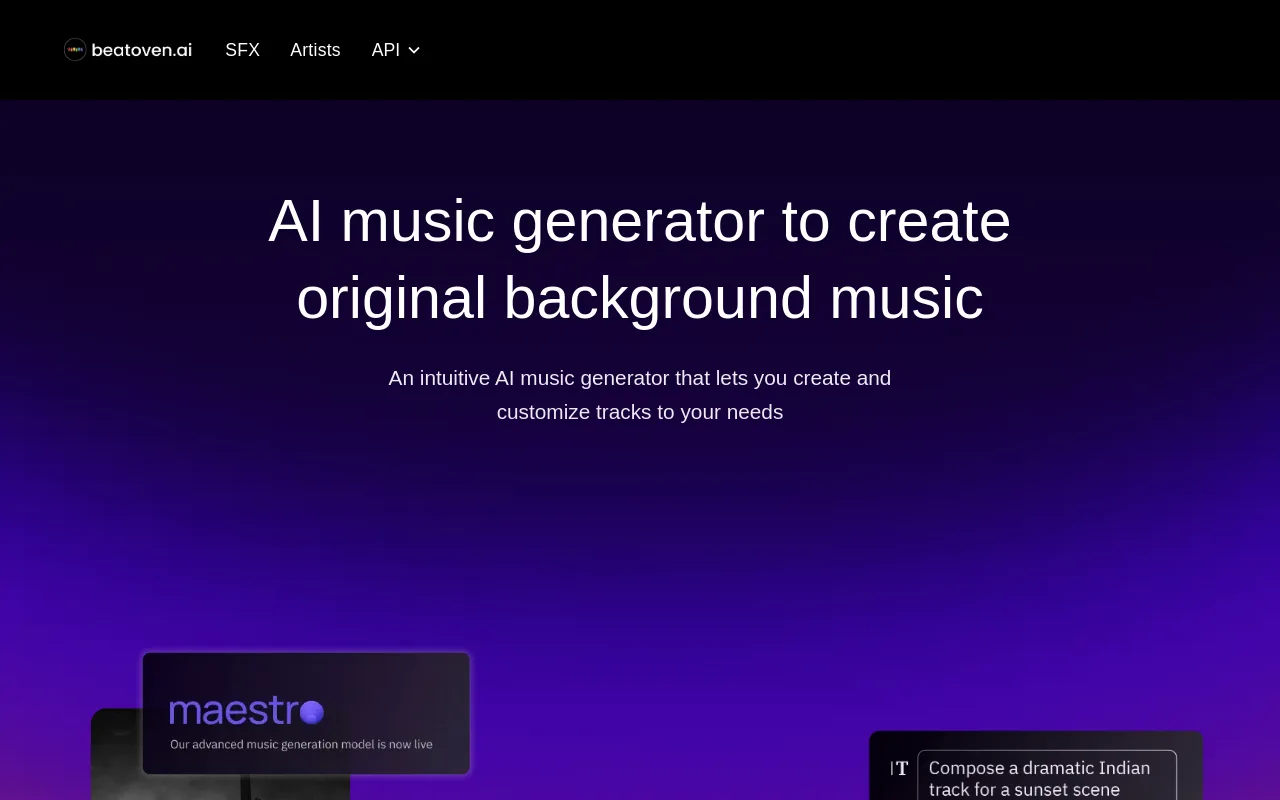
Beatoven.ai is built specifically for video editors, filmmakers, and content creators who need custom background scores. The platform reports that over 2 million creators have generated more than 15 million tracks on its dashboard per Beatoven.ai.
Beatoven.ai pricing starts with a free tier limited to 15 minutes of downloads per month. The Creator plan is priced at $10 per month for 30 minutes of downloads, while the Visionary plan costs $20 per month for 60 minutes of downloads per Beatoven.ai Pricing. Paid tiers grant an exclusive license for your projects, and the tool lets you customize the mood, tempo, and instrumentation of your tracks to match your video's pacing.
Suno AI
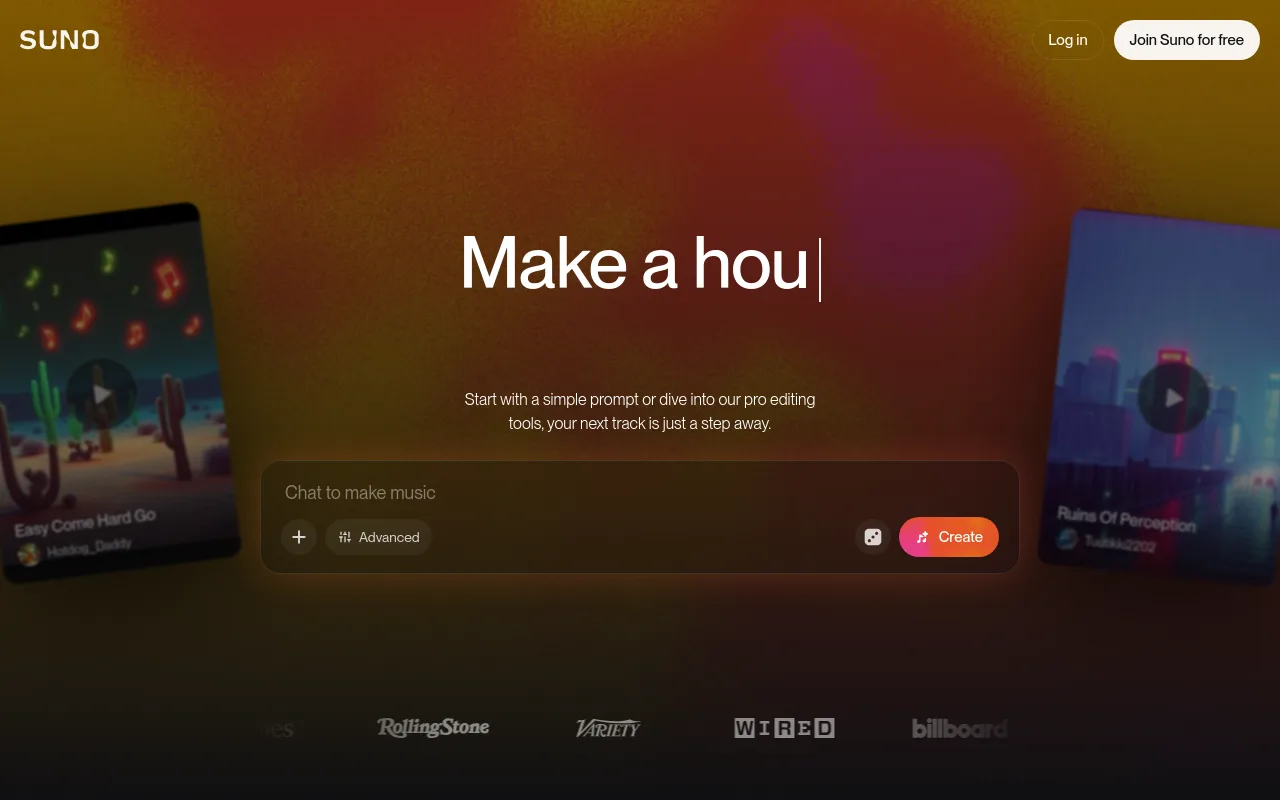
Suno AI is a dominant force in vocal-forward music generation. The platform launched its v4 model on November 19, 2024, and currently uses v4.5 as the default model across all tiers per Suno Blog.
Suno's pricing structure restricts its free plan to non-commercial use. Commercial rights begin on the Pro plan at $8 per month (which provides 2,500 credits) and the Premier plan at $24 per month (billed yearly, providing 10,000 credits) per Suno Pricing. Suno is highly capable at producing radio-ready pop, rock, and electronic songs with full lyrics, but it requires manual audio editing if you need to loop instrumental tracks for long-form background videos. See how it stacks up in our Suno comparison guide.
Mureka
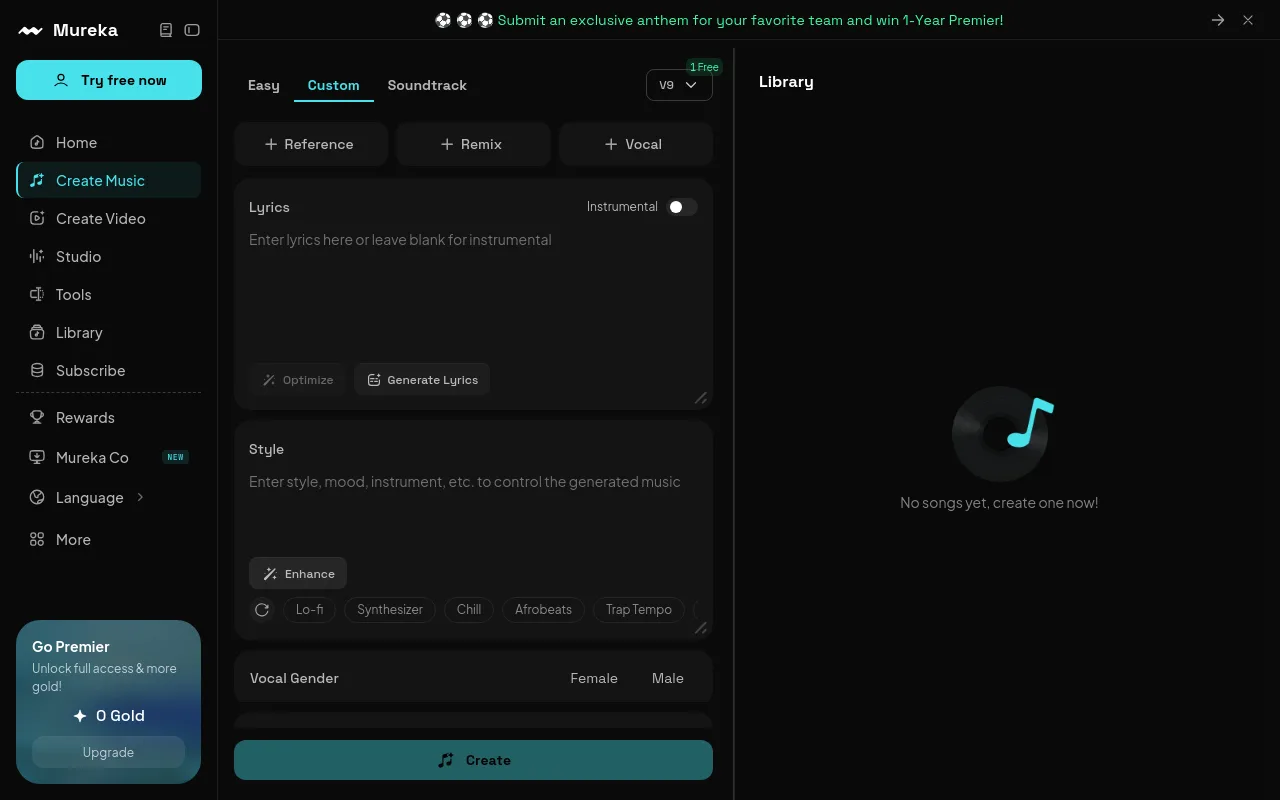
Mureka positions itself as an advanced choice for creators, having released its V8 model on January 27, 2026 per Eachlabs.
The Mureka Pro plan is priced at $7.17 per month when billed yearly, which includes 5,000 Gold credits per month to generate up to 500 songs or 25 minutes of audio per Mureka Subscribe. Mureka provides strong genre controls and stem exports, making it highly useful for creators who want to remix or edit individual instrument tracks.
FreeMusic AI
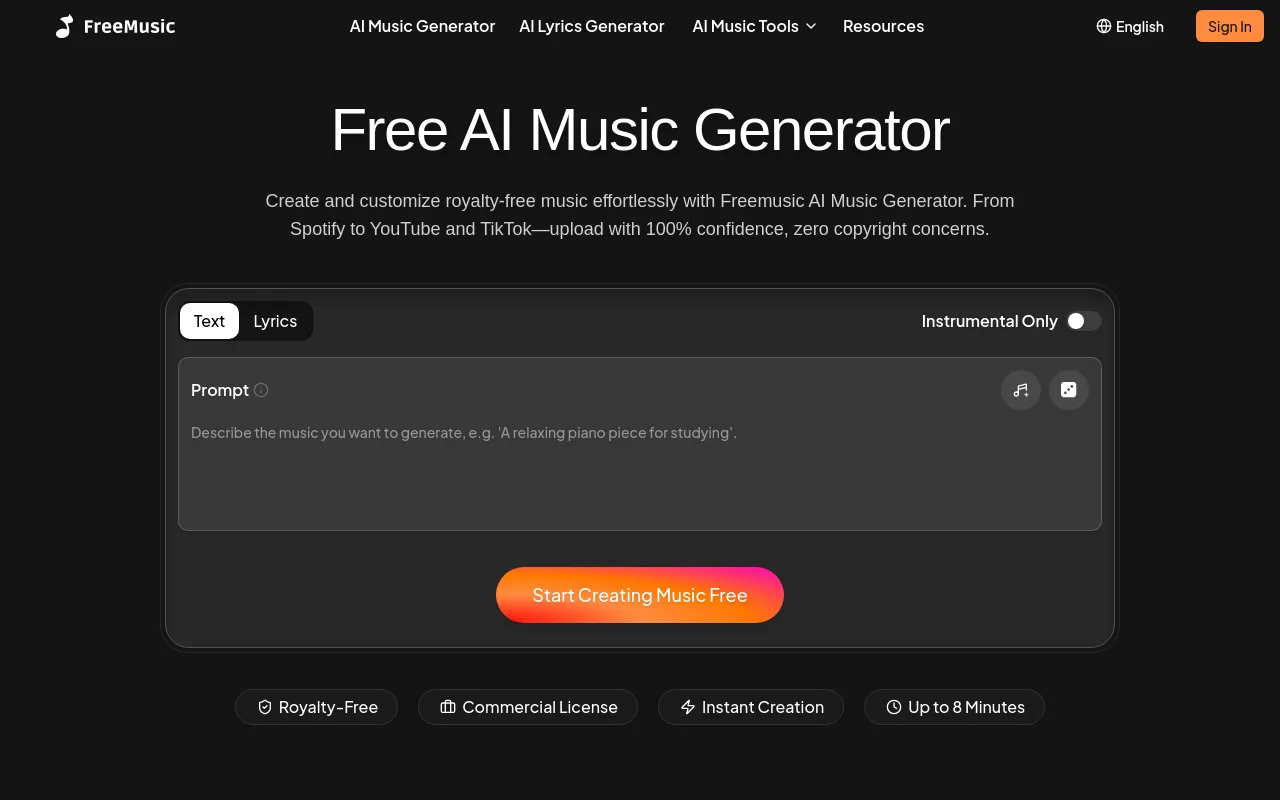
FreeMusic AI is a straightforward, budget-friendly generator that creates tracks up to 8 minutes long. It advertises a royalty-free commercial license targeted directly at YouTube, TikTok, and Spotify uploads per FreeMusic AI. It is a solid choice for creators who need quick, simple background tracks without navigating complex subscription tiers.
MakeBestMusic
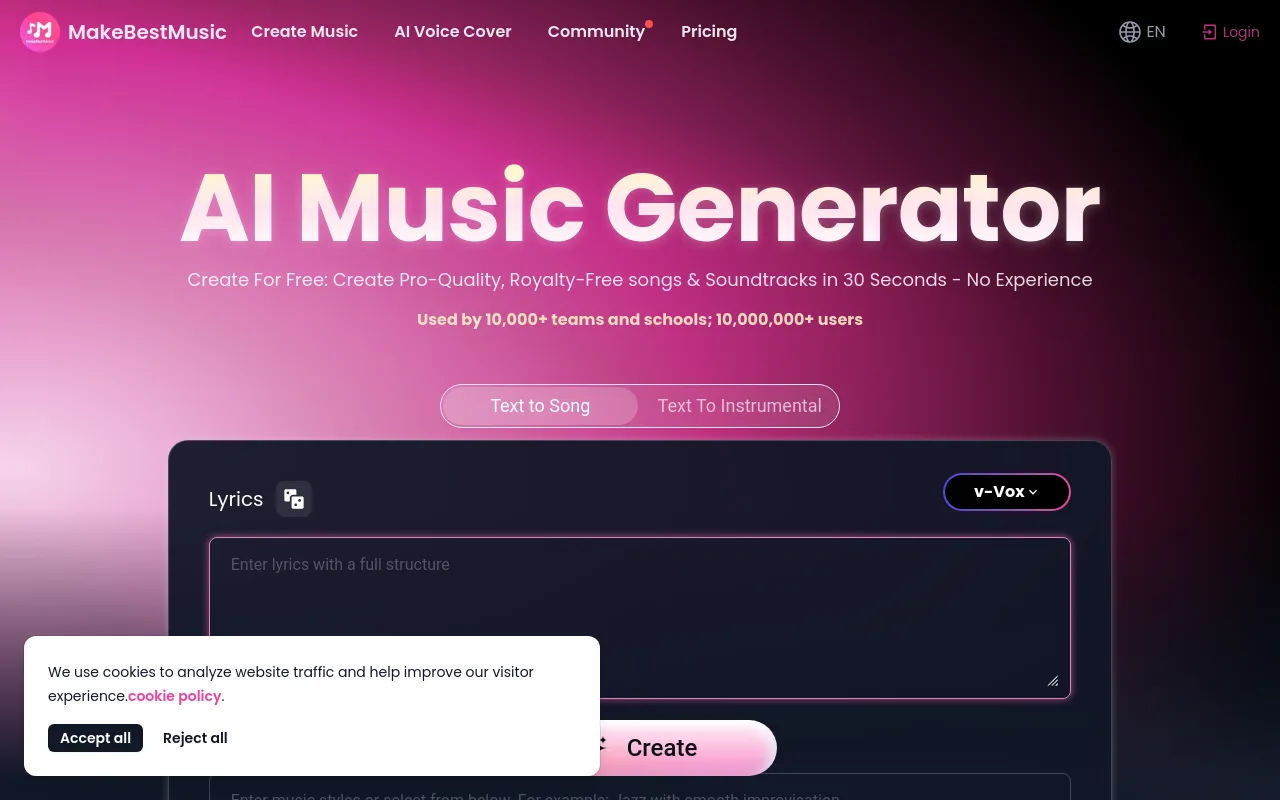
MakeBestMusic claims a user base of over 10 million users and a training dataset of 300 million data points per MakeBestMusic. The platform generates tracks up to 8 minutes long and advertises a royalty-free license. It lists distribution partnerships with platforms like Spotify, DistroKid, TikTok, and YouTube, making it appealing for creators who want to publish their music directly to streaming services.
Mubert
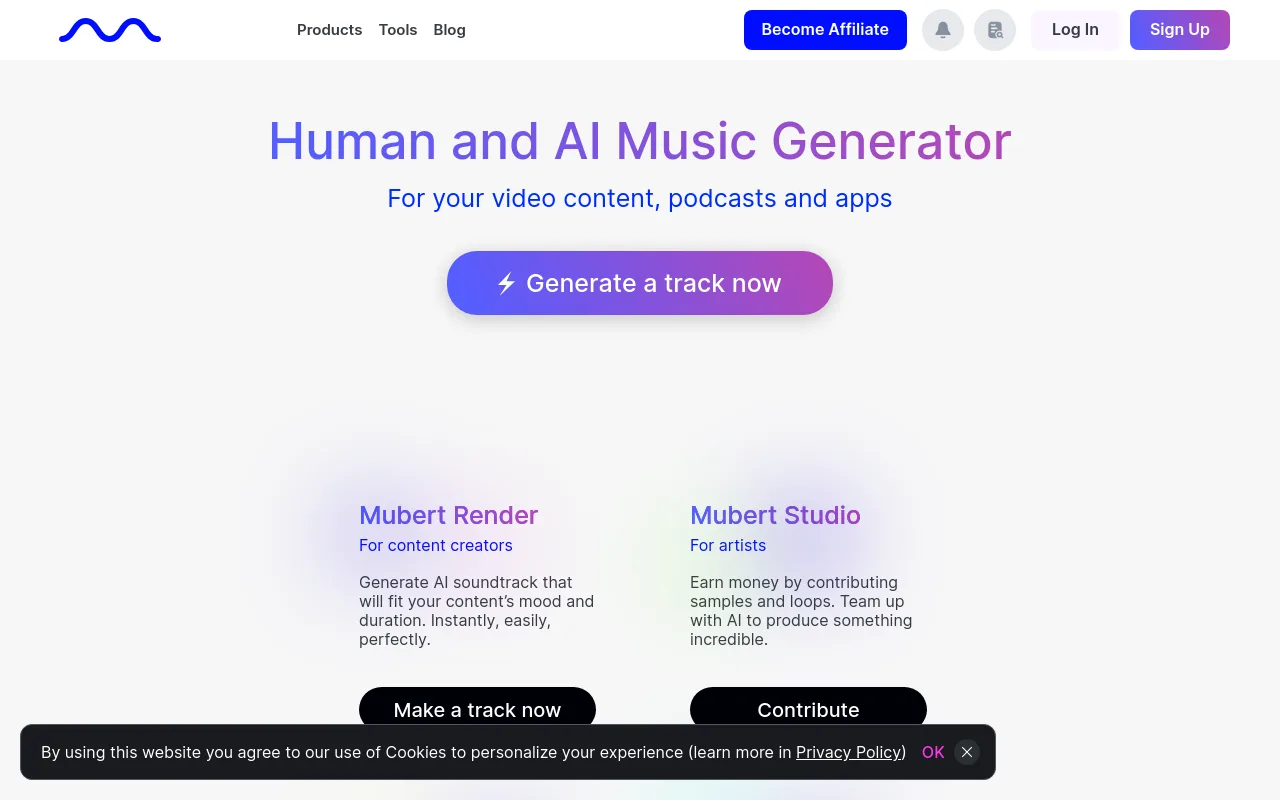
Mubert uses a sample-based model trained on a library of licensed artist samples. Its Render product lets creators generate soundtracks that are matched to a specific duration, removing the need to manually cut or loop the audio. According to the SaleFast roundup, Mubert's creator-focused plans start at $14 per month, providing a reliable stream of electronic, ambient, and cinematic background music.
Lyria 3 (Google via Gemini)
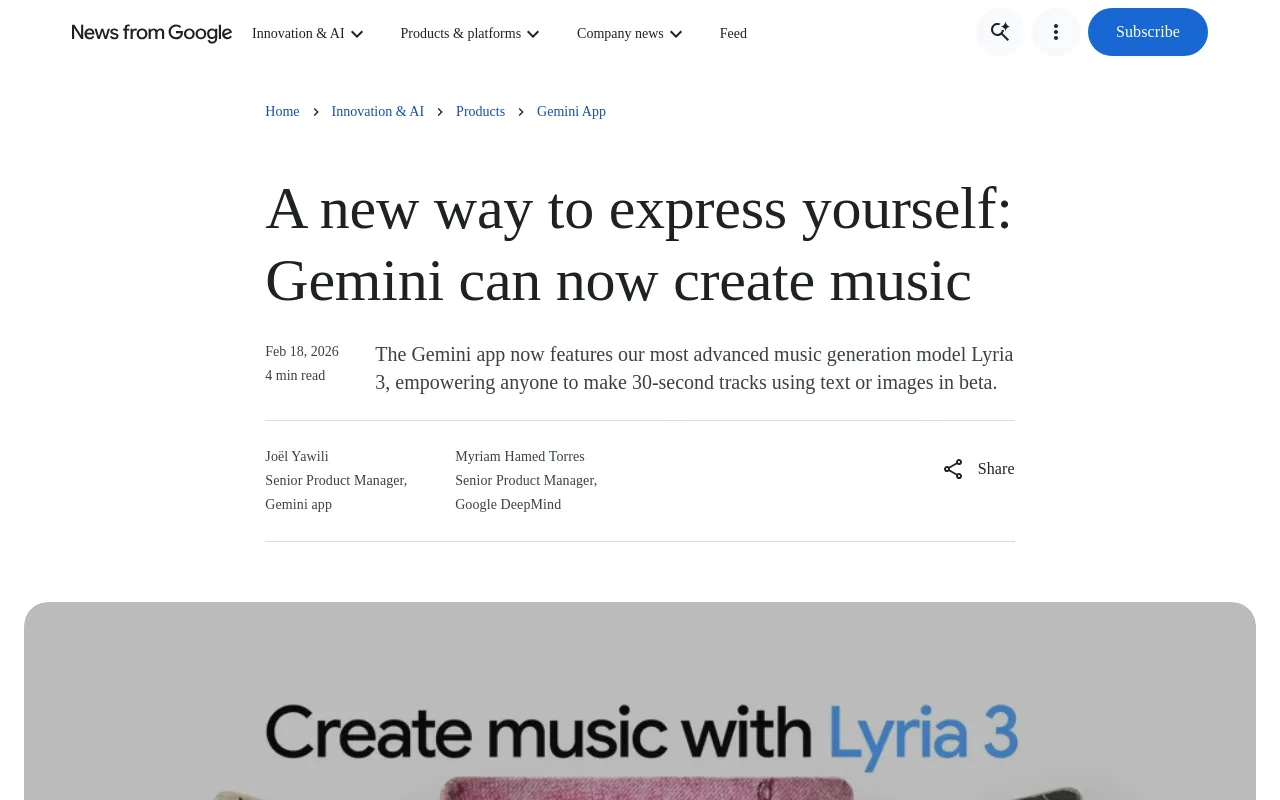
Google shipped its Lyria 3 model inside the Gemini app on February 18, 2026 per Google DeepMind. Lyria 3 generates high-fidelity 30-second music tracks from text or image prompts. Every track generated by Lyria 3 includes a SynthID watermark for detection across Google's ecosystem.
Best AI music generator by creator scenario
To choose the right tool, you must match the generator to your specific production goals:
- YouTube Long-Form Videos & Podcasts: Use Mubert Render or Beatoven.ai. Mubert's duration-matching feature makes your audio fit your video length. Beatoven's mood-based scoring is ideal for matching the emotional beats of a podcast or documentary.
- Short-Form Content (TikTok, Shorts, Reels): Use FreeMusic AI or MakeBestMusic. These platforms generate 8-minute tracks under a free commercial license that you can easily cut down to 15-second or 60-second clips.
- Music-Forward Brands & Ads: Use Suno Pro or Premier. The vocal-generation quality of Suno's v4.5 model is highly effective for creating memorable jingles, brand songs, and high-fidelity promotional tracks.
- Lofi Study & Sleep Channels: To craft individual beats, generate them with Mureka V8 or learn to make lofi music yourself. But if your goal is a self-sustaining channel without hours of editing, the deciding factor is not the beat generator; it is how those tracks fit into a hands-off publishing workflow.
How these tools fit (or break) a real creator workflow
The hidden cost of most AI music generators is that they stop at the audio file. Once you generate a beautiful track on Beatoven, Suno, or Mubert, you are only a fraction of the way to a published YouTube video. You still face a real technical bottleneck:
- You must download the WAV or MP3 file.
- You must open video editing software like DaVinci Resolve or Premiere Pro.
- You must source or generate high-quality visual loops that match the music's aesthetic.
- You must loop the audio and visuals to hit your target runtime (often an hour or more for lofi and study channels).
- You must render a large video file, which can take hours and consume significant local disk space.
- You must design an eye-catching thumbnail, write optimized metadata, and upload the final file to YouTube.
If you are trying to scale a channel by uploading multiple videos a week, this manual process quickly becomes unsustainable.
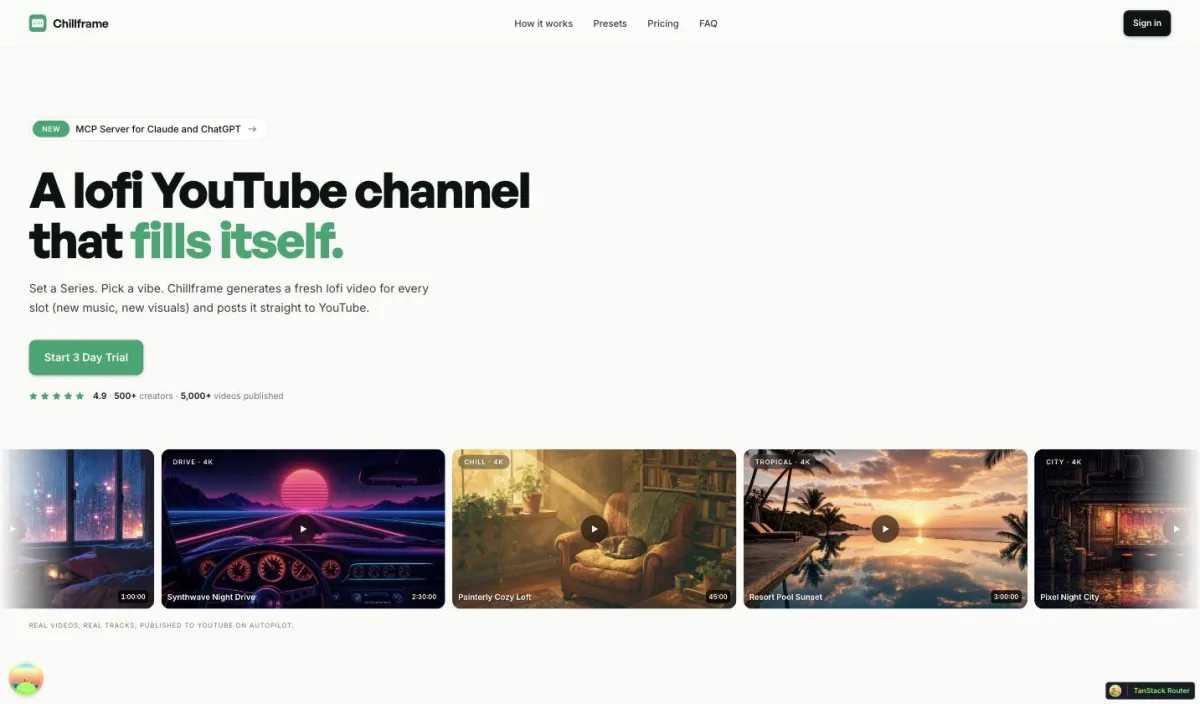
This is where Chillframe takes a different approach. Instead of forcing you to bounce between audio generators, visual tools, and video editors, Chillframe is a complete, automated system for building a lofi channel that runs itself.
The difference is stark. The traditional route strings together five separate tools: you generate audio in one app, source visuals in another, edit and render in a third, then design a thumbnail and schedule the upload by hand, all consuming hours and local disk space. Chillframe collapses that into a single flow. You choose a theme and set a schedule, and it generates and delivers each finished video for you, hands-off.
Chillframe generates original, studio-quality lofi tracks made specifically for your channel. If your video requires multiple tracks, Chillframe blends them into a single, gapless, continuous soundtrack. It pairs this original music with looping lofi visuals tuned to your chosen theme.
The platform delivers a finished, ready-to-publish video that loops cleanly to your chosen runtime. There is no rendering, no editing timeline, and no audio editing required on your end.
Chillframe offers seven distinct themes:
- study-boombap
- rainy-tokyo (includes a matched ambient rain texture woven into the sound)
- jazzhop (includes a warm cafe hum texture)
- ambient-sleep (includes a soft crackling fire texture)
- synthwave
- future-garage (includes a matched ambient rain texture)
- citypop
You can scale your channel using a Series, which keeps your channel consistently fed with fresh content. A Series generates new videos on a cadence of 1 to 7 uploads per week, on your chosen days, at your chosen time and timezone, completely hands-off.
Chillframe connects to your YouTube channel in a single click. It lines up each episode's title, description, visibility, and release date on the schedule you set. It even generates optimized thumbnails and titles for each episode, so your uploads are click-ready without any manual design work.
To help you monitor your growth, the Chillframe dashboard shows your channel's watch-time and performance signals directly, so you can see what is working without ever leaving the platform.
Chillframe operates on a simple credit and subscription model across four tiers:
- Starter: 76 credits per month, supporting 1 active Series.
- Creator: 196 credits per month, supporting 3 active Series.
- Pro: 396 credits per month, supporting unlimited active Series.
- Max: 796 credits per month, supporting unlimited active Series.
Video runtime is the same on every tier: up to 1 hour, whatever plan you are on. Credits are spent per video by duration, track count, and visual tier, and they reset each billing cycle with no rollover.
All tiers deliver crisp 1080p video, and the Ultra visual tier adds stunning 4K (3840x2160) motion visuals. If you want to experience how easily a channel can build its own catalog, Chillframe offers a card-required-upfront 3-day trial with $0 due today: 45 credits, Lite-only static visuals, a 30-minute maximum runtime, one generated video, and 2 track re-rolls to get you started.
If your goal is to automate your YouTube channel and build compounding watch-time without touching a video editor, Chillframe handles the entire job from original music to finished, published video, which single-file music generators cannot match.
Licensing fine print creators keep missing
Before you publish any AI-generated track, you must look closely at the licensing terms. Many creators make costly assumptions that lead to copyright flags:
- The Free-Tier Trap: Tools like Suno and Beatoven restrict their free tiers to personal, non-commercial use. If you upload a free-tier generation to a monetized YouTube channel, you are violating the terms of service, and the platform has the right to claim your ad revenue.
- Active Subscription Clauses: Some platforms state that you only retain commercial rights to your generated tracks as long as you maintain an active paid subscription. If you cancel your plan, your previously published videos may remain safe, but you cannot use those downloaded tracks in new projects.
- YouTube AI Disclosure Guidelines: YouTube requires creators to disclose when their content contains synthetically generated elements, particularly realistic audio or altered visuals. While background instrumental tracks are generally exempt, vocal-heavy songs generated by AI should be disclosed to stay compliant with platform guidelines.
- Stem Exports: If you want to remix your music or send it to a professional audio engineer, you need stem exports. Only select plans, such as Suno Premier or Mureka Pro, let you download vocals, drums, and bass as separate tracks.
How we tested (and how to test your own shortlist)
To verify which tools perform best under real-world conditions, we put them through a three-step testing process:
- The Shared Prompt Test: We generated a 90-second lofi track across every platform using a standardized prompt: "Chilled lofi hip hop beat, dusty vinyl crackle, smooth electric piano chords, relaxing study vibe." We evaluated how accurately each tool translated these genre-specific instructions.
- The License and Export Check: We reviewed the actual terms of service for each paid tier, verifying max track lengths, stem export availability, and whether the downloads were delivered in high-quality WAV format or compressed MP3 files.
- The YouTube Content ID Test: We uploaded each generated track to an unlisted YouTube video and monitored the YouTube Studio dashboard for automated Content ID matches or copyright flags before making our recommendations.
When testing your own shortlist, always perform this unlisted upload test. It is the only way to confirm your generated tracks are safe for monetization before you publish them to your main audience.
Verdict: which "best" is best for your channel
There is no single best royalty free ai music generator for content creators. The right tool depends entirely on your creative output and workflow:
- For Filmmakers and Video Editors: Choose Beatoven.ai. Its mood-based customization and clear licensing make it the ideal companion for scoring structured videos and client projects.
- For Vocal-Driven Songs and Jingles: Choose Suno AI. Its v4.5 model delivers excellent vocal quality and lyrical composition for music-forward projects.
- For Budget-Conscious Creators: Choose FreeMusic AI or MakeBestMusic to get clean, 8-minute tracks with a commercial license without paying a monthly fee.
- For Faceless YouTube Channels: Choose Chillframe. If you want to build a hands-off lofi, study, or sleep channel, Chillframe is the only tool that pairs original, studio-quality music with beautiful looping visuals and publishes them to YouTube on your schedule. It is a complete channel that runs itself, turning your ideas into compounding watch-time.
Frequently Asked Questions
Can I monetize AI-generated music on YouTube? Yes, but only if you generated the track under a commercial license. If you use a free tier that restricts usage to personal projects, such as Suno's free plan, you cannot monetize the video. Always verify that your subscription tier explicitly grants commercial-use rights.
What is the difference between royalty-free and copyright-free? Royalty-free means you do not pay ongoing fees per view or stream of your video, while the AI platform still owns the copyright. Copyright-free means the music is in the public domain or the copyright has been fully waived, so anyone can use, modify, and distribute it without permission.
Will YouTube demonetize my channel for using AI music? YouTube does not demonetize channels simply for using AI-generated music. Your channel can be flagged if you upload repetitive, low-effort slideshows with identical audio, or if a track triggers an automated Content ID claim from another rights holder. Publishing original, high-quality tracks is the best way to avoid these flags.
What are stems in AI music generation? Stems are the individual audio tracks that make up a full song, such as the drums, bass, melody, and vocals. Exporting stems lets you mix, edit, or loop specific parts of a track in a digital audio workstation like Audacity or Ableton Live.
How does Chillframe handle music for its videos? Chillframe generates original, studio-quality lofi tracks made specifically for your channel and pairs them with matching looping visuals. It delivers one finished, ready-to-publish video and lines each episode up to publish to your connected YouTube channel on the schedule you set, so you build a faceless channel that runs itself.