How-to
AI Video Loop Generator: How to Make a Loop With No Visible Jump
How to get the last frame to land on the first, the tools with a loop option built in, and how to turn a 15-second clip into an hour-long video for YouTube.
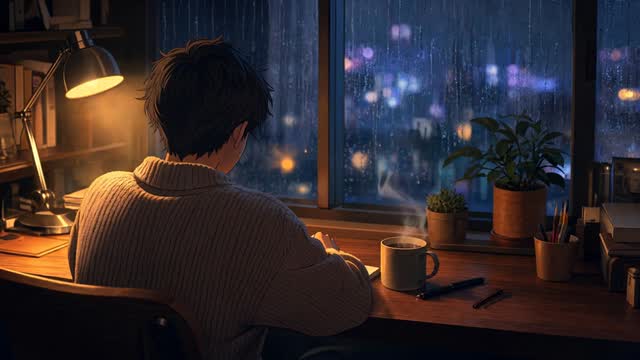
An AI video loop generator makes a short clip whose last frame flows back into its first, so it can repeat for an hour without anyone seeing the join. The tool matters less than the technique. A clip loops cleanly when the end matches the start, the motion is calm enough to come back to rest, and any small mismatch is hidden with a short crossfade.
Once you have one clean 15-second loop, a full hour of lofi, study or sleep video is that loop repeated under the music.
What makes a loop play with no jump
A loop has one job: the last frame has to land almost exactly where the first frame started. If it doesn't, the picture jumps every time the clip repeats. A 15-second loop repeats 240 times in an hour, so a jump you barely notice once becomes 240 of them.
These are the things to check at the join:
- Where the subject sits in the frame. A boat that has drifted a few pixels to the left snaps back at every repeat.
- The framing. A slow push-in that doesn't return to its starting crop makes the whole picture pop.
- Light and colour. A sunset that warms up over 10 seconds flashes cooler each time the clip starts again.
- Things that keep moving. Rain, steam and running water don't need to match drop for drop. They need to look like the same rain.
Sound has its own join. On a lofi video it rarely matters, because the music plays straight through while the picture repeats underneath it. On a rain-only or fire-only video the sound repeats too, and it needs a clean join of its own. My guide to long rain sounds has a whole section on telling a real 10-hour recording from a short loop, which is the same problem from the listener's side.
Pick motion that returns to rest
Calm motion loops best. Water running, steam rising, rain falling, light moving slowly across a wall, leaves shifting a little in the wind. Each of these looks much the same at second 1 and second 15, so the end lines up with the start without much help.
Motion with a path is hard. A person walking, a hand reaching for a cup, a car driving through the frame, a camera flying down a street. Each one finishes somewhere different from where it began, and the loop has to undo that.
Keep camera moves small. Cliprise's loop guide suggests a push-in of less than 5% scale change, and orbits of 10 to 15 degrees, so the camera never travels far from where it started.
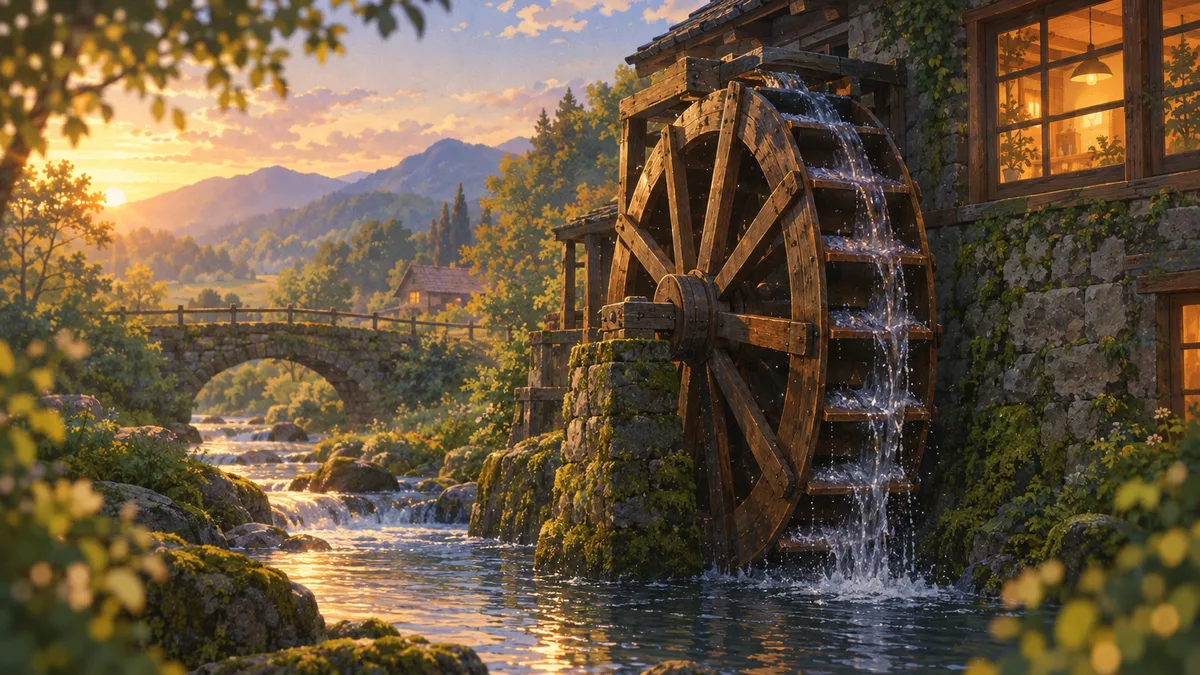
A water wheel is a good example of a scene that works. Water spills off each paddle and the stream keeps running, so every second looks like every other, and the wheel turns in a cycle that comes back round on its own. Put a rowing boat crossing the same stream and you've given the loop a boat to get back to the far bank.
When a loop isn't working, change one thing at a time. Keep the scene and the style, and try a calmer motion or a smaller camera move. If you change the subject, the style and the camera together, you can't tell which one fixed it.
Three ways to get the last frame to match the first
- Use a loop option. Some tools have one built in, like the loop button in Luma Dream Machine, and the clip is made to repeat. This is the least work when your tool has it.
- Give the same picture as the start and end frame. Tools with keyframes let you upload a start image and an end image, then make the motion between them. Use the same image for both, or two near-identical ones, and the clip has to come back to where it began. Test it on your scene first: with two identical frames, some clips barely move at all.
- Fix it in the edit. Take any clip with calm motion, find the two frames that match best, and trim to them. Then hide whatever difference is left with a short crossfade.
Crossfades and trims that hide the join
A crossfade dissolves the last few frames of the clip into the first few. It hides small differences, like a bit of drift in the light or a ripple that doesn't quite line up. It won't hide a big one. If the subject has moved, a dissolve shows two of it for half a second.
A few rules that keep the join out of sight:
- Keep the crossfade short. Cliprise suggests a few frames where the clip allows it, and treats a long dissolve as a sign the take itself doesn't loop.
- A shorter loop that joins cleanly beats a longer one that doesn't. If a 10-second clip only matches at second 7, use the 7 seconds.
- Don't speed up or slow down the last second to force a match. The motion rushes and snaps back, and it looks like elastic.
- Watch the join play rather than scrubbing the timeline. Scrubbing hides exactly the jump you're looking for.
Stretching a short loop to 1 hour or 10 hours
A 1-hour lofi video or a 10-hour sleep video doesn't need an hour of new footage. One clip of 10 to 30 seconds, repeated under a long soundtrack, fills it. The picture stays calm, the music carries the hour, and that's how Chillframe makes its videos too.
There are two easy ways to repeat a clip yourself:
- In a video editor. Put the clip on the timeline and copy it end to end until it covers the music.
- With ffmpeg. This free command-line tool repeats a clip for an hour in one line, without re-encoding it.
ffmpeg -stream_loop -1 -i loop.mp4 -t 3600 -c copy one-hour.mp4
In ffmpeg's options, -stream_loop -1 repeats the input with no end, -t 3600 stops it at 3,600 seconds, and -c copy copies the video rather than re-encoding it, so it's quick and the quality doesn't drop. Change 3600 to 36000 for 10 hours, then add your music in the editor.
YouTube takes uploads of up to 12 hours or 256 GB, whichever is less. Anything over 15 minutes needs a verified account, and you verify with a code sent by text message or an automated phone call. A 10-hour video fits under the length cap with two hours to spare.
Keep a master. Export your finished loop once at the best quality you have and keep that file. Every long version and every smaller copy comes from it, so you're never compressing something that was already compressed.
If you'd rather not upload a 10-hour file at all, a 24/7 stream plays your videos on repeat instead. My guide to the best lofi livestreams covers how those channels run.
File size and export settings
File size is bitrate times length. YouTube recommends 8 Mbps for a 1080p upload at 24 to 30 frames a second, and 35 to 45 Mbps for 4K, in an MP4 file with H.264 video.
That works out like this:
| Video | Bitrate | Approximate size |
|---|---|---|
| 1 hour at 1080p | 8 Mbps | 3.6 GB |
| 10 hours at 1080p | 8 Mbps | 36 GB |
| 10 hours at 4K | 45 Mbps | 200 GB |
So at 1080p the 12-hour length cap is the one to plan around, and at 4K a 10-hour file gets close to the 256 GB cap as well.
Before you upload, watch the loop go round five times, muted, on your phone. Cliprise uses the same test, and it's close to how a viewer meets your video: small, in the background, with the join coming round again and again.
The best AI video loop generator tools
Luma Dream Machine has a loop button, Kling lets you set the end frame, Runway can match frames with keyframes, and Chillframe turns the loop into a finished long video.
| Tool | How it loops | Price to start |
|---|---|---|
| Luma Dream Machine | Loop button, start and end keyframes | $30 a month (Plus) |
| Kling | Start and End Frames | Not listed on the pages I checked |
| Runway | First frame on Gen-4.5, first and last keyframes on Gen-3 Alpha Turbo | Free plan, then $15 a month (Standard) |
| Chillframe | Closes its moving scenes into a loop and makes the full video with music | $19 a month (Starter), moving scenes from $49 a month (Creator) |
Luma Dream Machine
Luma Dream Machine has a loop option built in. Luma's own guide says that on the web you click the infinity symbol in the prompt field, and in the iOS app you'll find Loop under Playback in the prompt tray. You can also type "loop" into your prompt.
It takes start and end images as keyframes too, and base clips are 5 or 10 seconds. The Plus plan is $30 a month, or $25 a month billed yearly, and the monthly allowance doesn't carry over to the next month.
Kling
Kling's Start and End Frames feature lives in Image to Video. You click Add End Frame, upload a first and a last image, and it makes the motion between them. For a loop, use the same picture for both, or two near-identical ones.
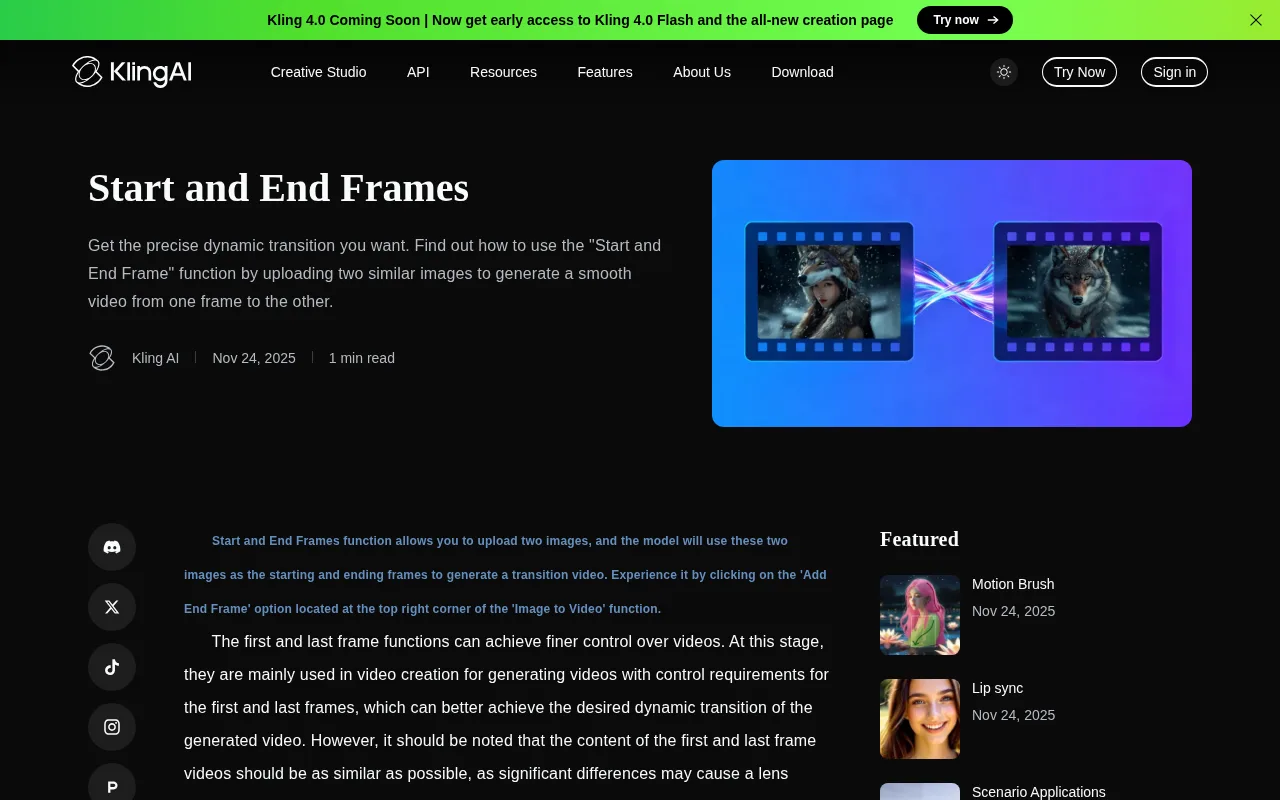
Kling's guide says the two frames "should be as similar as possible", and that big differences can cause a cut. I'd use it on the scenes that keep drifting in other tools, because a fixed end frame gives the clip nowhere else to go.
Runway
Runway is a general AI video generator, and I couldn't find a loop button. Its newest model, Gen-4.5, takes a first frame image with your prompt, and Runway's changelog lists first and last keyframes on the older Gen-3 Alpha Turbo model, which is the way to force a match there.

There's a free plan to try it. Standard is $15 a month, and at Gen-4.5's rate that covers about 52 seconds of video a month, enough for a few loops.
Chillframe
Chillframe is the one built for the long video, not only the clip. It makes a moving scene that loops, original lofi music to go with it, the finished video up to 1 hour long, and the upload to your YouTube channel.

It closes its moving scenes into a loop by itself, dissolving the end of the clip back over its start, so the trimming and crossfading above happen without you. The Starter plan, at $19 a month, makes still scenes (Lite). Moving scenes (Plus) are on the Creator plan and up, from $49 a month. They come in Standard or Premium quality and can be upscaled to 1440p or 4K.
If you're comparing tools for the scene itself, there's a wider look at the best lofi video generator options and at tools for relaxing background videos.
Turn your loop into a lofi channel with Chillframe
Long looping videos are what lofi, study and sleep channels run on, and seasonal ones are a lovely space to build in: one calm scene and a long soundtrack, made again and again. Chillframe is made for this kind of video.
You get the whole thing, not only the clip: a gently moving scene that repeats under the soundtrack, original music made fresh for each video, the finished video, and the upload to your YouTube channel. The trimming and crossfading from earlier in this guide happen without you.
If your channel is Christmas fireplaces, you can plan the year in three moves.
- In the autumn, describe the scene in the Studio, like "a stone fireplace with stockings and snow at the window", or start from Snow Cabin. Choose Plus under Video type, leave Clip length on Auto and set the Length to 1 hour. Then make it a Series for two evenings a week.
- On 1 December, start a second Series for all 7 days a week from Campfire Night, with Ambience only for crackling fire and no music.
- After New Year, pause the December Series and let the first one carry on.
Each Series holds its first post for review. With auto-publish on, approve that one and the rest is fully hands-off: Chillframe automatically makes fresh videos on the days you set and posts them with a title, description and tags written for each.
The limit that matters here is length. Every video runs up to 1 hour, on every plan, so Chillframe won't hand you one 10-hour file. Join a few hours with the ffmpeg line above if you want one, or let the Series build a library of hour-long videos instead.
A moving fireplace needs Plus, so this channel starts on the Creator plan at $49 a month, which includes three Series: room for the year-round one and the December one. When your scene is ready to become a full video, start your channel with Chillframe, and let me know how the first one turns out.
AI video loop generator FAQ
How long should an AI video loop be?
For a background video, 10 to 30 seconds is a good range. A shorter loop repeats more often, so any small jump at the join shows up more. A longer one asks the motion to stay calm for longer. Chillframe's motion clips run up to 15 seconds in Standard quality and 30 in Premium.
Can I use the same image as the start and end frame?
Yes. Tools with keyframes, like Kling's Start and End Frames and Luma's Keyframes, let you upload the same picture for both, which forces the clip to finish where it began. Test it on your scene first: with two identical frames some clips barely move.
What is the longest video I can upload to YouTube?
12 hours or 256 GB, whichever is less. Anything over 15 minutes needs a verified account, and you verify with a code sent by text message or an automated phone call.
Do I need to loop the audio separately?
On a music video, no. The music plays straight through while the picture repeats underneath it. On a rain-only or fire-only video the sound repeats too, so it needs a clean join of its own, the same as the picture.
Which AI video loop generator is best for a lofi channel?
For a single clip, Luma Dream Machine has a loop button and Kling lets you set the end frame. For a finished lofi video, Chillframe makes the looping scene, the music and the full video up to 1 hour long, and publishes it to YouTube.