List
YouTube Keyword Generator: 6 Tools Compared, Plus a Lofi Worked Example
What each tool shows you, which parts are free, and how I'd pick keywords for a lofi or ambient channel before making a single video.

A YouTube keyword generator shows you what people type into YouTube's search box, so you can choose what to make and what to call it before you make anything. The free ones are great for ideas. To see how many people search a phrase, and how crowded it is, you'll need an account or a paid plan.
That research is especially useful for a lofi or ambient channel, because listeners spell out what they want. A search like "rain sounds for sleeping no thunder" tells you the sound, what it's for and what to leave out.
What a YouTube keyword generator does
Most free generators start from YouTube's autocomplete, the list that drops down as you type in the search box. Type "rain sounds for" and YouTube finishes the phrase with what people search. A generator runs lots of those lookups for you and hands back the whole list. Keyword Tool says its free version pulls over 750 suggestions from YouTube autocomplete.
That tells you what people type. It doesn't tell you how many of them type it. YouTube doesn't publish search volume, so every volume figure in these tools is an estimate, usually built from clickstream data (browsing data from large panels of internet users). Volume and competition scores are where the paid plans come in.
You'll also see the names "YouTube keyword maker" and "YouTube video idea generator". They do the same research from a different starting point, and there's a section on them further down.
This is research you do before you make the video. Tags are a field you fill in when you upload, and YouTube tag generators are a separate tool for that step.
The best YouTube keyword generators compared
| Tool | What you get | Volume and competition |
|---|---|---|
| Keyword Tool | Over 750 autocomplete ideas, no account needed | Estimated volume and trends on Pro |
| vidIQ | AI keyword ideas from a video topic | In its separate Keyword Research Tool |
| TubeBuddy | One score per keyword, related searches, trends | On the Pro, Legend and Enterprise plans |
| Ahrefs | Keyword ideas with YouTube as the search engine | Monthly volume estimates |
| Google Trends | Interest over time on YouTube Search | Relative only, 0 to 100, free |
| YouTube Studio Trends tab | Your audience's top searches, from YouTube itself | Interest from very low to very high, free |
Keyword Tool
Keyword Tool is the quickest way to see what people type. Put in a seed word and it returns over 750 suggestions from YouTube autocomplete, with no account needed.
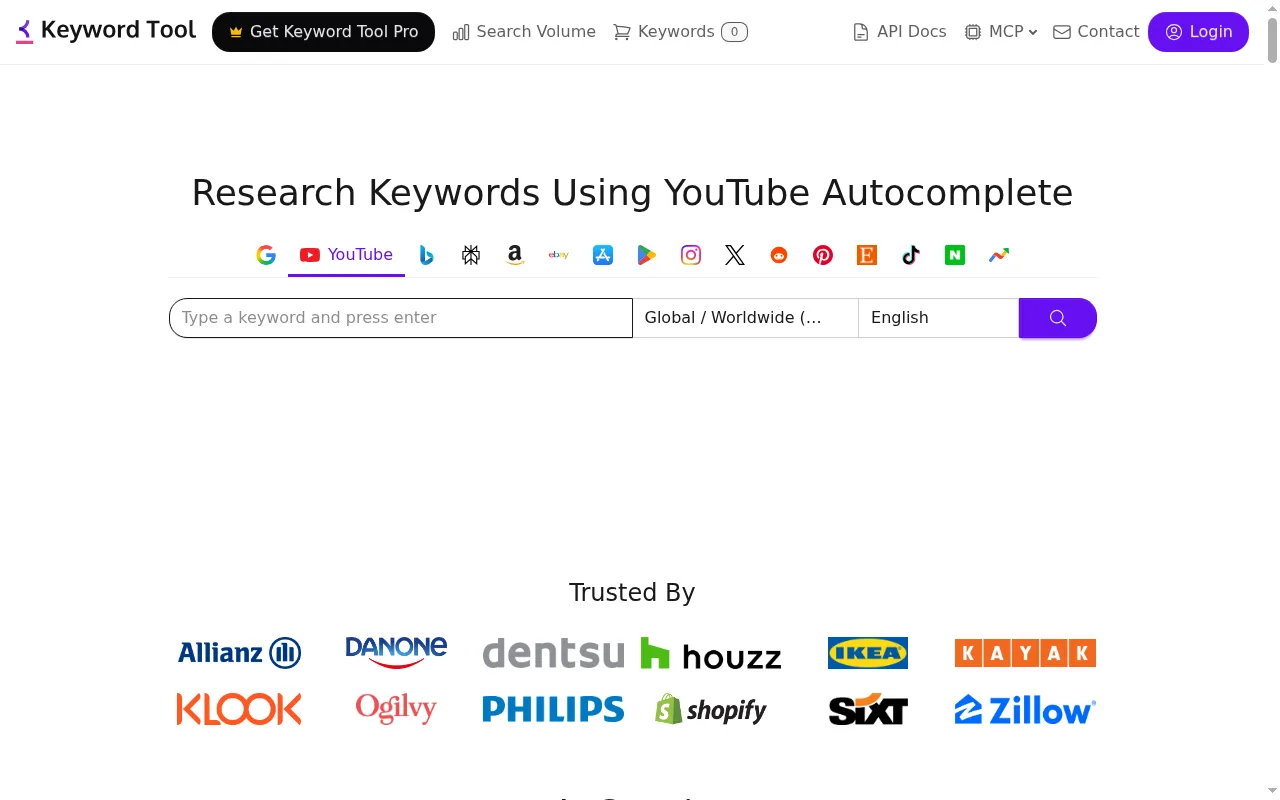
Keyword Tool Pro adds estimated monthly search volume, up to 12 months of trend data and bulk lookups of up to 1,000 keywords. Its page explains that YouTube doesn't publish how popular a keyword is, so Pro's figures are estimates from clickstream data. I'd use the free version first, to fill a page with ideas around a seed word.
vidIQ
vidIQ's free YouTube keyword generator starts from a video topic rather than a single word, and it's free with a vidIQ account. Type in an idea and its AI returns related phrases and long-tail variations, the longer, more specific searches like "rain sounds for sleeping no thunder".

To check demand and competition, vidIQ points you to its separate YouTube Keyword Research Tool, and you can connect your channel for keywords picked for it. It suits you if you think in video ideas first and want help finding the words people use for them.
TubeBuddy
TubeBuddy's Keyword Explorer gives each search term one overall score, worked out from search volume, competition and how strong the keyword is. Alongside the score you get related searches and trend data over 30 days and 12 months.

Keyword Explorer is in the Pro, Legend and Enterprise plans, according to TubeBuddy's pricing page. If your channel has under 1,000 subscribers, the RisingStarBuddy coupon takes 50% off Pro, and TubeBuddy has a 30-day refund policy. It's the one to reach for when you have two or three candidate phrases and want one number to compare them by.
Ahrefs
Ahrefs is a large SEO tool with a free keyword generator where you can switch the search engine from Google to YouTube. Its page says every keyword comes with local and global monthly search volume estimates.
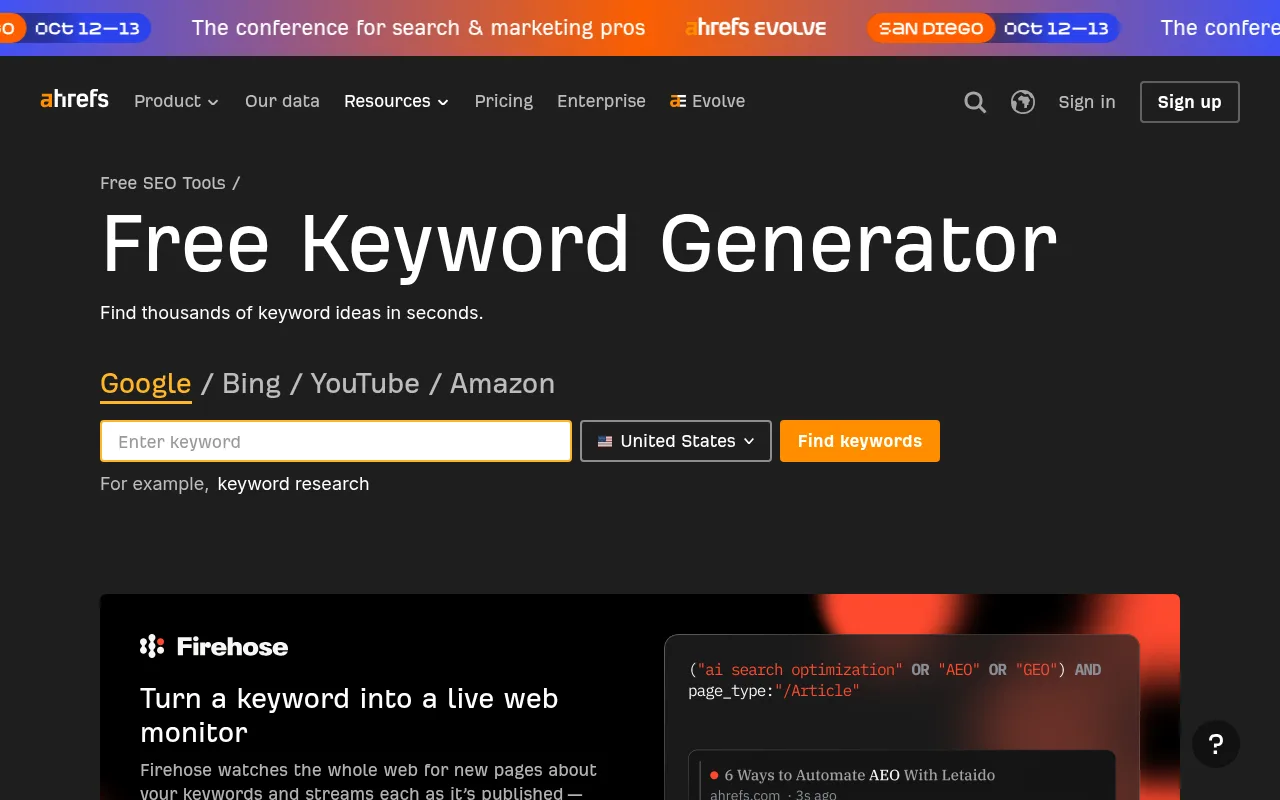
Ahrefs also has a dedicated YouTube Keyword Tool that shows search volume for 170 countries, clicks, clicks per search and return rate. In October 2026, that page said the tool was under maintenance and pointed to the Keyword Generator instead. Paid plans start with Starter at €27 a month. Ahrefs makes the most sense if you already use it for a website, or you want volume figures country by country.
Google Trends
Google Trends is free and shows how interest in a search changes over time and from region to region. Change the search type from Web Search to YouTube Search and it shows YouTube searches only, a filter Search Engine Land covered when it launched.
The numbers aren't search counts. Google scales them from 0 to 100 so terms can be compared, and very small searches show as 0. So Trends is for comparing: "rain sounds" against "thunderstorm sounds", or whether a phrase is growing or fading over the past year.
YouTube Studio's Trends tab
The one place with YouTube's own data is inside YouTube Studio. Go to Analytics, then the Trends tab (older help pages call it the Research tab). It shows your audience's top searches over the last 28 days. Search a topic and you also see popular videos people watched for it across YouTube, and how interested your audience is, from "very low" to "very high".
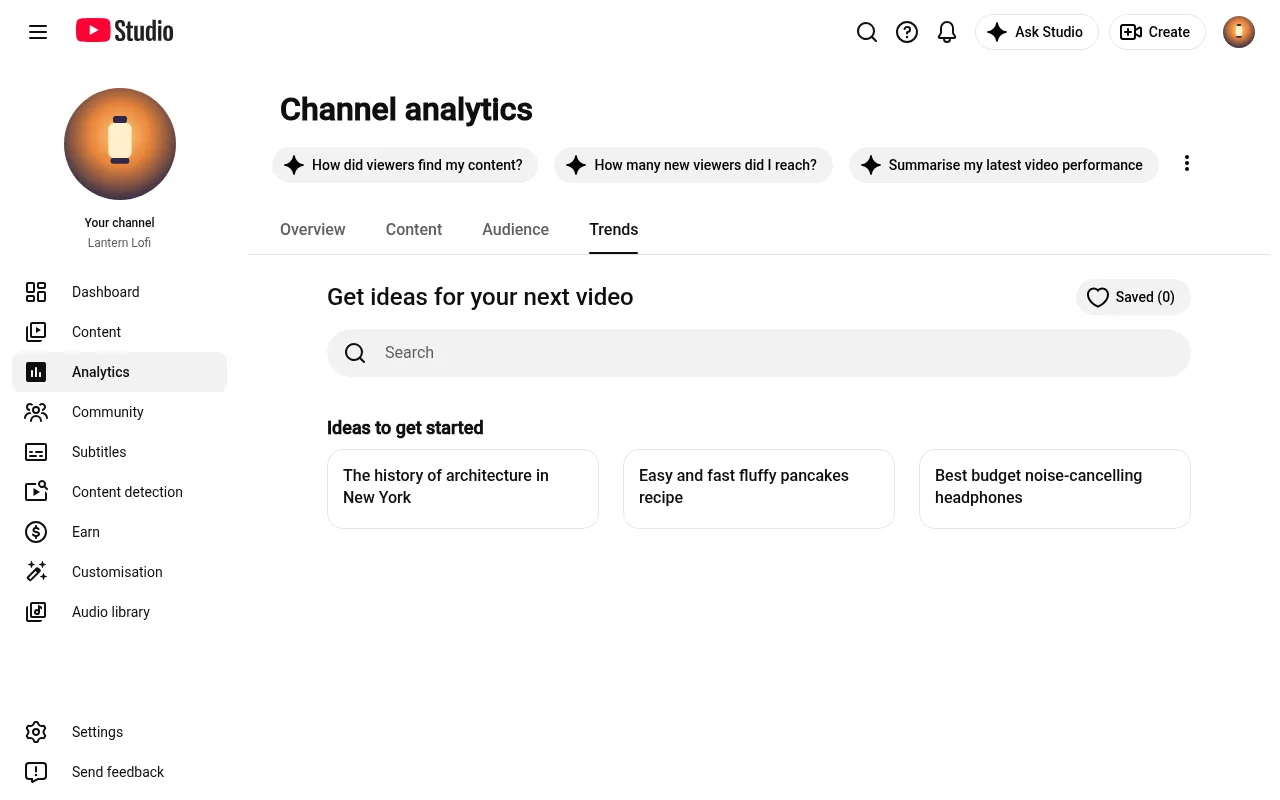
It also lists content gaps: searches where viewers can't find enough good results. YouTube suggests them as Shorts ideas, and they work as video ideas too. Some insights are limited to certain countries, languages and devices. It's free with any channel.
Free or paid tools, and when you need each
It depends on the job in front of you.
- Brainstorming a niche. Autocomplete is enough. Keyword Tool, vidIQ's generator or YouTube's own search box give you plenty to work with for free.
- Choosing between two titles. Now you want volume and competition. TubeBuddy's score or Ahrefs' volume estimates show which phrase more people search, and the Studio Trends tab shows how interested viewers are.
- Checking a phrase is still growing. Google Trends with YouTube Search selected, which costs nothing.
None of the outside tools can see YouTube's own search numbers. They estimate. The way to win with them is to use their figures to rank your options against each other, then let the Trends tab in Studio have the final say.
To start, open YouTube, type your niche followed by "for", and write down everything it suggests. Every one of those phrases is a video someone is already looking for. When two of them look equally good, that's the moment to bring in a tool with volume figures.
A worked example: keywords for a lofi or ambient channel
These steps pick keywords for a rain and lofi channel. Every suggestion in them is what YouTube's autocomplete returned for that seed in English in October 2026.
- Start with a few seeds. "lofi", "rain sounds", "study music" and "ambient music". Add "for" to the end of each, because that's where people say what the music is for.
- Pull the suggestions. For "rain sounds for", YouTube suggested "rain sounds for sleeping", "rain sounds for studying", "rain sounds for sleeping no thunder", "rain sounds for sleeping car", "rain sounds for sleeping tent" and "rain sounds for sleeping no ads black screen". For "lofi for", it suggested "lofi for studying", "lofi for work", "lofi for sleep", "lofi for reading", "lofi for classroom", "lofi for witches" and "lofi for ghosts". "study music for" brought up "study music for concentration" and "study music for focus", and "ambient music for" brought up "ambient music for studying", "ambient music for reading" and "ambient music for focus".
- Group them by what the listener is doing. Sleep: "rain sounds for sleeping no thunder", "lofi for sleep". Study and focus: "rain sounds for studying", "study music for concentration", "ambient music for focus". Work and reading: "lofi for work", "ambient music for reading". Mood and theme: "lofi for witches", "lofi for ghosts".
- Pick one long-tail phrase per video. "rain sounds for sleeping" is the broad search, first in the list. "rain sounds for sleeping tent" is narrower and tells you exactly which scene to make.
- Check it. Compare "rain sounds for sleeping tent" with "rain sounds for sleeping car" in Google Trends on YouTube Search. Then search it in the Studio Trends tab to see viewer interest and what people already watch for it. If you use TubeBuddy or Ahrefs, compare their numbers too.
- Turn it into a title and a first line. Put the phrase near the front of the title, as in "Rain Sounds for Sleeping in a Tent, No Thunder, 1 Hour", and use it again in the first line of the description. vidIQ's own advice is to put the main keyword early in the title and work it into the description.
Two of the sleep searches ask for something to be left out: "no thunder" and "no ads". That's a clue about what listeners want from the video itself, not only what to call it. If you're still choosing your corner, my list of the top faceless YouTube niches is a good place to start, and the guide on how to start a lofi YouTube channel covers the rest of the setup.
Video idea generators and keyword makers
A YouTube video idea generator does the same research with the topic first. You describe the channel, say "cosy rain sounds for sleep", and it suggests video ideas. Then you find the phrase people search for each one. "YouTube keyword maker" is mostly another name for a keyword generator.
vidIQ's generator works this way round, from a topic, while Keyword Tool works from a word. Either way, an idea only works when there is a phrase people type for it. The content gaps in the Studio Trends tab are a good free place to look for ideas nobody has covered well yet.
Turn a lofi keyword list into videos with Chillframe
Once you've picked the phrase, the video has to match it. The search "rain sounds for sleeping tent" asks for rain on a tent, so that's the scene to make. Lofi and ambient searches are this specific all the way down the list, which is what makes it such a good niche to build in: every phrase is a video someone already wants.

Chillframe makes those videos: original music or the sound of the scene, the visual and the finished video, up to 1 hour long, published to your YouTube channel. Take "lofi for classroom" from the worked example. The phrase sets up nearly the whole video:
- The scene is a classroom. Describe one in plain words, like a quiet room with morning light across the desks, or start from a preset look.
- The music sits under a lesson, so keep Instrumental: original music with no singing. For "rain sounds for sleeping tent" you'd pick Ambience only instead.
- The timetable is the school week. Set up a Series for Monday to Friday at 7am, and Chillframe automatically makes a fresh video every morning and publishes it before the first lesson.
- The phrase goes at the front of the title. Each video comes with a title, description and tags written for it, and you can edit them so "lofi for classroom" leads.
Your first video is held for review. With auto-publish on, approve it and from then on the channel runs fully hands-off, every school day.
One thing it doesn't do is estimate search volume, so the research in this guide still comes first. Once your videos are live, the discovery view in Chillframe's analytics shows the search terms that brought viewers to them, which gives you the next round of phrases.
My guides to AI YouTube title generators, YouTube description generators and tag generators pick up where this one stops. A long list means a lot of videos, which is what the Creator plan's bigger monthly pool is for: 5x the Starter plan's, at $49 a month against $19.
YouTube keyword generator FAQ
Is there a free YouTube keyword generator?
Yes, several. Keyword Tool's free version gives you over 750 ideas from YouTube autocomplete with no account. vidIQ and Ahrefs both have free generators, and Google Trends and the Trends tab in YouTube Studio are free as well.
Do YouTube keyword tools show real YouTube search volume?
No outside tool sees YouTube's own numbers. Keyword Tool and Ahrefs estimate volume from clickstream data, and Google Trends shows relative interest on a scale of 0 to 100. The closest thing to YouTube's own view is the Trends tab in YouTube Studio, which rates interest from very low to very high.
How many keywords should I use per video?
I'd pick one main phrase per video and build the title and the first line of the description around it. Related phrases can go further down the description and in the tags.
What is the difference between a YouTube keyword generator and a tag generator?
A keyword generator is research you do before you make the video, to decide what to make and what to call it. A tag generator fills in the tags field when you upload. You'd usually use the keyword generator first.