Guide
Where to Find the Best Royalty Free Rain Sounds for Your Videos
Discover the best sources for royalty free rain sounds. Compare licenses, formats, and top libraries to build your ambient or lofi YouTube channel.
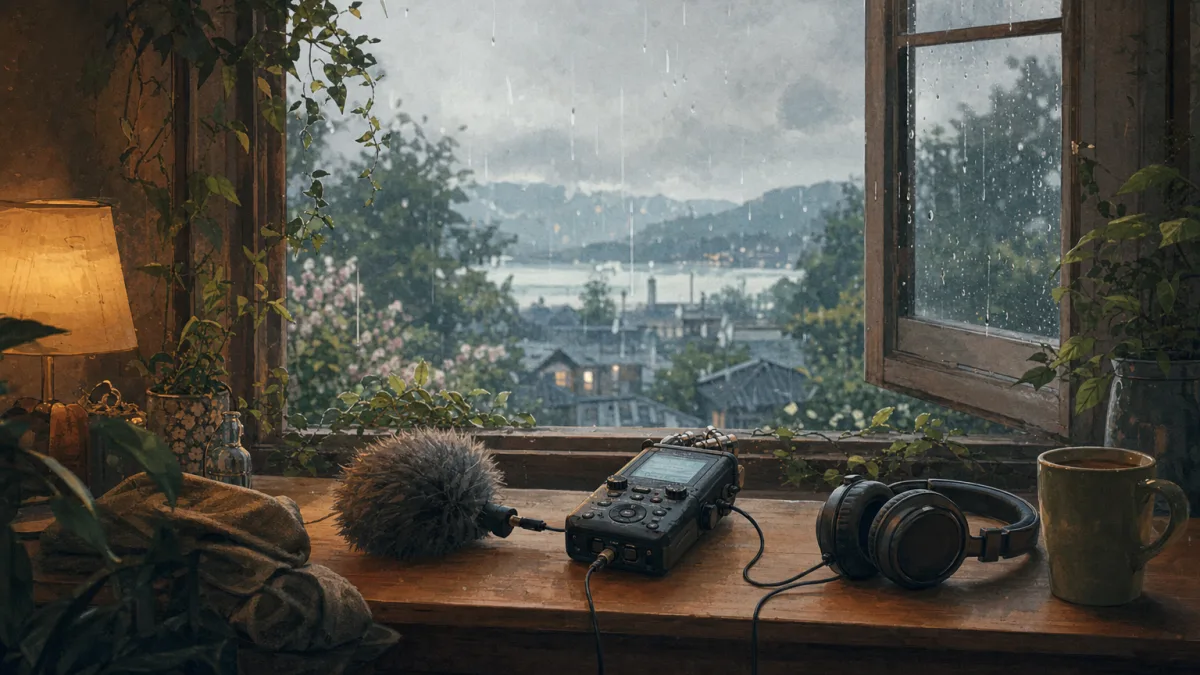
Creating a successful sleep-ambient or study channel on YouTube requires a steady stream of high-quality audio assets. High-fidelity royalty free rain sounds serve as the backbone for thousands of highly profitable faceless channels. Audiences seek these soothing textures to mask background noise, study for exams, or fall asleep. However, finding the right audio files without running into copyright strikes or monetization blocks can be challenging.
For creators who want to scale their production without spending hours editing audio tracks and matching them to stock footage, Chillframe provides a direct path to growth. Chillframe generates the music and visuals, assembles the video, and publishes to your YouTube channel on a schedule you set. This allows you to build a faceless channel that runs itself while your watch-time compounds. If you prefer to manually source and mix your own audio assets, this guide outlines the top libraries, licensing nuances, and technical formats for rain sound effects.
Best royalty-free rain sounds at a glance
Before downloading files, it helps to compare the top platforms based on catalog size, cost, audio formats, and licensing rules.
| Source | Free/Paid Model | Catalog / Pack Size | Format | Loop Availability | Attribution | Best Use Case |
|---|---|---|---|---|---|---|
| Pixabay | Free | Roughly 2.9K tracks | MP3 | Varies | No attribution required | Fast search for video overlays |
| Mixkit | Free | 49 sound effects | MP3 | Varies | No attribution required | Quick video-editor drag-and-drop |
| 99Sounds | Free | 64 sounds (659 MB) | 24-bit WAV (44.1 kHz) | Yes (loop folders) | No attribution required | High-fidelity sound design |
| ZapSplat | Free & Paid | Over 160,000 total SFX | MP3 (Free) / WAV (Paid) | Yes | Required for free tier | Broad category variety |
| Pond5 | Paid | 39,104 sounds | WAV & MP3 | Yes | No | Professional TV and film |
For creators seeking immediate, high-fidelity production packs with zero attribution requirements, 99Sounds is the top choice. For those who require massive searchable variety and do not mind paying a small fee starting at $2 per track, Pond5 offers the most extensive database.
What does royalty-free mean for rain sounds?
Many creators mistake royalty-free for copyright-free or free of charge. Royalty-free simply describes the payment model. You pay a one-time fee (or download the file for free from a licensed provider), and you do not have to pay ongoing royalties to the creator based on how many times your video is viewed.
When sourcing audio for an ambient channel, you must carefully review the specific terms of each asset. Some platforms grant a license for personal use but restrict commercial monetization on YouTube. Others allow commercial use but prohibit you from registering the audio with Content ID or redistributing the files as standalone tracks.
Best free rain sound libraries
Let us look closer at the top free platforms to understand where they fit in your production workflow.
1. Pixabay
Pixabay provides a massive, searchable database featuring roughly 2.9K royalty-free rain effects. The platform relies on user-submitted audio, which means the quality can vary from amateur smartphone recordings to professional studio tracks. Because no attribution is required for these MP3 files, it is an excellent starting point for creators who need quick, diverse background textures.
2. Mixkit
Mixkit offers a curated list of 49 free rain sound effects specifically tailored for video editors. Their licensing terms are highly creator-friendly, stating that the audio can be used in commercial and non-commercial projects without attribution. The curated nature of the library means you spend less time filtering out low-quality recordings.
3. 99Sounds
If you need raw audio quality, 99Sounds provides a dedicated pack containing 64 royalty-free rain and thunder sounds. The entire pack is 659 MB and delivered as stereo 24-bit WAV files at a 44.1 kHz sampling rate. This is a professional-grade sample pack that includes loopable rain textures and distant thunder accents, making it ideal for layering.
4. ZapSplat
ZapSplat is a massive professional resource containing over 160,000 free sound-effect downloads across hundreds of categories. For rain sounds, they cover everything from light attic drizzles to heavy tropical monsoons. The free tier provides MP3 files and requires you to attribute ZapSplat in your video description. Upgrading to a premium account allows you to download WAV files and bypass the attribution requirement entirely.
Choose rain sounds by scene and recording type
Not all rain sounds are created equal. To build an immersive listening experience, you must match the recording type to your visual scene.
- Light Drizzle: A soft, high-frequency hiss with minimal heavy drops. This works best for study videos or cozy indoor scenes where the rain is a distant background element.
- Rain on a Window or Umbrella: Characterized by distinct, sharp tapping sounds on glass or fabric. This adds a sense of proximity and protection, making it highly effective for relaxing ASMR videos.
- Heavy Storm and Thunder: High-energy audio featuring deep bass rumbles and intense rushing water. These tracks have a wide dynamic range, which requires careful volume limiting to prevent waking sleeping listeners.
- Urban Rain: Includes secondary textures like water rushing through gutters, distant car tires splashing on wet asphalt, or faint city hums.
- Sleep and Nature Ambience: Continuous, uninterrupted natural rain without sudden spikes in volume.
When assembling your audio timeline, you must separate continuous loops from one-shot effects. A continuous loop is designed to repeat indefinitely without any audible pops, clicks, or sudden drops in volume. One-shot sounds, such as a single thunderclap or a sudden gust of wind, should be layered on top of the loop to add variety.
MP3 vs WAV: which rain format should you use?
Choosing the right audio format impacts both the sound quality of your final video and the speed of your editing workflow.
- WAV Files: This is an uncompressed, lossless format. Professional packs, like the 99Sounds library, deliver audio in stereo 24-bit WAV at 44.1 kHz. WAV files preserve the entire frequency range of the recording, which is crucial when you plan to stretch, pitch-shift, or layer multiple tracks. The downside is that WAV files are large, often exceeding 50 MB for a few minutes of audio.
- MP3 Files: This is a compressed, lossy format. Platforms like Pixabay and Mixkit primarily offer MP3 downloads to save bandwidth. While MP3 files are highly convenient and load quickly, the compression process can introduce a subtle metallic hiss to high-frequency sounds like rain.
For standard YouTube uploads, MP3 files are often acceptable because YouTube compresses the audio during the upload process anyway. However, if you are building high-end relaxation videos, starting with uncompressed WAV files ensures the cleanest possible output. The same format tradeoffs apply when you assemble longer rain sounds for sleep videos.
Royalty-free licensing and attribution checklist
To protect your YouTube channel from copyright claims and ensure your videos remain eligible for monetization, always run through this compliance checklist before publishing:
- Verify Commercial Rights: Ensure the license explicitly permits commercial use. Some free downloads are restricted to personal, non-profit projects.
- Check Attribution Requirements: If the platform requires attribution (like ZapSplat's free tier), copy the exact attribution text and paste it into your YouTube video description.
- Confirm Loop Integrity: Listen to the transition points of your audio loops in your editing software to ensure there are no noticeable gaps or clicks that could disrupt a sleeping listener.
- Avoid Redistribution: Remember that a royalty-free license does not give you the right to resell or redistribute the raw audio files as your own sound effects library.
- Keep Proof of License: Save a screenshot of the license page or keep the PDF receipt of your purchase. If an automated copyright claim occurs, you can upload this proof to resolve the claim instantly.
Frequently Asked Questions
Can I use a royalty-free rain sound in YouTube, podcasts, games, apps, or client work? Yes, provided the specific license you obtained covers commercial use. Most professional platforms like Pond5 or Soundsnap grant broad usage rights that cover video platforms, mobile apps, video games, and client projects. Free platforms like Mixkit also permit commercial use, but you must always verify the individual license terms of each site before publishing.
Are free rain sounds the same as copyright-free or public-domain audio? No. Free rain sounds are still protected by copyright law, and the creator or platform retains ownership of the audio. They are simply licensing the right for you to use the sound under specific conditions. Public-domain audio, on the other hand, has no copyright protection, allowing you to use, modify, and redistribute it without any restrictions.
What is the best format for a continuous rain loop, and when is thunder a one-shot? The best format for a continuous rain loop is a high-quality WAV file, as it prevents compression artifacts at the loop point. Rain audio should be a continuous, steady loop. Thunder should be treated as a one-shot effect, meaning it is a single, non-looping audio event that you manually place at irregular intervals on a separate track to sound realistic.
Do I need attribution, and why can terms differ between free and premium downloads? Attribution depends entirely on the platform and the tier you use. For example, Pixabay and Mixkit offer free downloads with no attribution required. ZapSplat requires attribution for its free MP3 tier but waives this requirement if you upgrade to a premium WAV account. Terms differ because premium tiers help platforms fund their hosting costs and pay professional recordists.
Building a library of high-quality rain sounds is the first step toward launching a successful ambient channel. If you want to bypass the tedious process of manual audio editing, video rendering, and uploading, Chillframe offers a complete solution. Chillframe generates the music and visuals, assembles the video, and publishes directly to your YouTube channel on a schedule you set. This outcome-led platform lets you grow a faceless channel that runs itself, compounding your watch-time hands-free while you focus on scaling your business.