Guides
8 Best Software for Making Study Playlist Videos in 2026
Find the ultimate tools to compile, edit, and publish long-form lofi and study music playlists on YouTube.
Starting a faceless YouTube channel focused on lofi hip-hop, ambient study music, or focus beats requires specialized production tools. Finding the best software for making study playlist videos helps you assemble long-form audio tracks with beautiful, loopable background visuals that keep students focused for hours. Whether you compile 30-minute Pomodoro study sessions or 3-hour ambient tracks, the choice of video editor directly impacts your workflow efficiency and upload consistency. If you are still deciding what to publish, our guide to lofi study music covers the formats and session lengths that hold listeners the longest.
For creators seeking an entirely automated approach to building a lofi channel, Chillframe offers a complete solution. Chillframe generates the music and visuals, assembles the video, and publishes to your YouTube channel on a schedule you set. This allows you to scale a faceless channel that runs itself, generating hands-off publishing and watch-time that compounds over time.
Quick answer: the best software for study playlist videos
If you want to build study playlist videos manually, the ideal tool depends on your design experience and technical setup. For a direct web-based workflow, FlexClip provides dedicated playlist templates that quickly combine MP3 audio files with background loop animations. For creators who prefer visual customization, Canva offers a rich library of static and animated templates specifically designed for simple music videos.
If you require advanced audio mixing and professional color grading on a desktop system, DaVinci Resolve stands as the most powerful free editor available. It is also helpful to distinguish between video creation and video organization: a playlist organizer arranges existing videos for viewers, while the software below renders the video file you upload.
What to look for in study playlist video software
Producing long-form study videos requires features that general video editors often lack. To build a successful lofi channel, prioritize the following capabilities:
- Long-form timeline and reliable audio handling: A typical study video runs between 1 and 3 hours. Your software must handle large multi-track audio files without lagging or crashing during render.
- Loopable backgrounds and visualizers: Static images can feel stagnant. Look for software that easily loops 10-second MP4 animations or generates real-time audio visualizers that react to the bass frequencies of your lofi beats.
- Flexible export settings and system requirements: High-definition 1080p exports are the baseline for YouTube. Ensure the software does not place restrictive watermarks on your free exports or require massive local GPU power if you prefer browser-based editing.
- Licensing and attribution controls: To avoid copyright claims, you need a clear way to verify the license of your audio assets and export clean files with proper attribution metadata.
- Direct YouTube integration: Software that allows direct publishing saves local disk space and streamlines your content calendar.
The same criteria apply when you are sourcing background music for YouTube, because the audio license and the quality of the loop decide whether a multi-hour session video survives a copyright review.
Best software compared
Here is an in-depth breakdown of the top software options for compiling, editing, and producing study playlist videos.
1. FlexClip
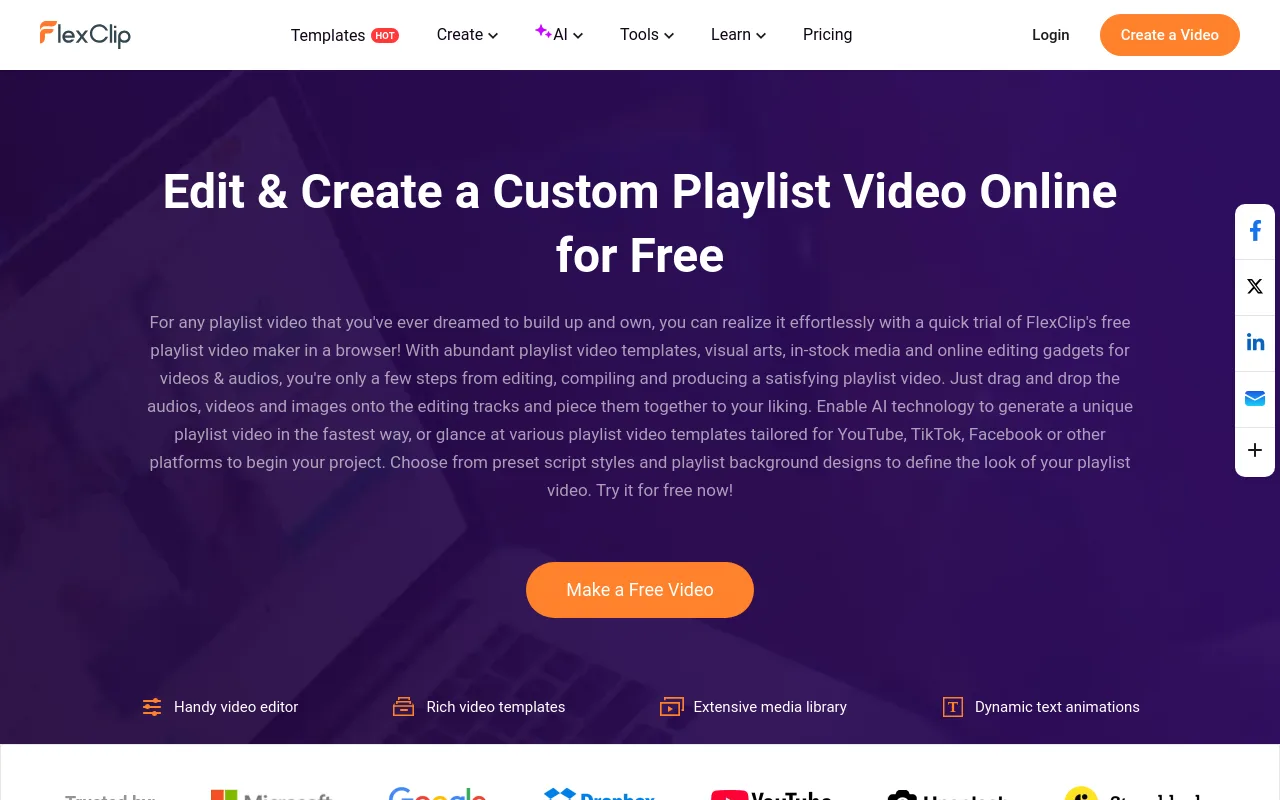
FlexClip serves as a highly targeted online editor for compiling music tracks into a single video file. By using the FlexClip playlist creator, you can drag and drop multiple lo-fi MP3s, arrange them on a visual timeline, and overlay a series of aesthetic background videos. The platform features ready-made playlist templates that display track titles and progress bars, saving you from designing custom text overlays from scratch.
2. Canva
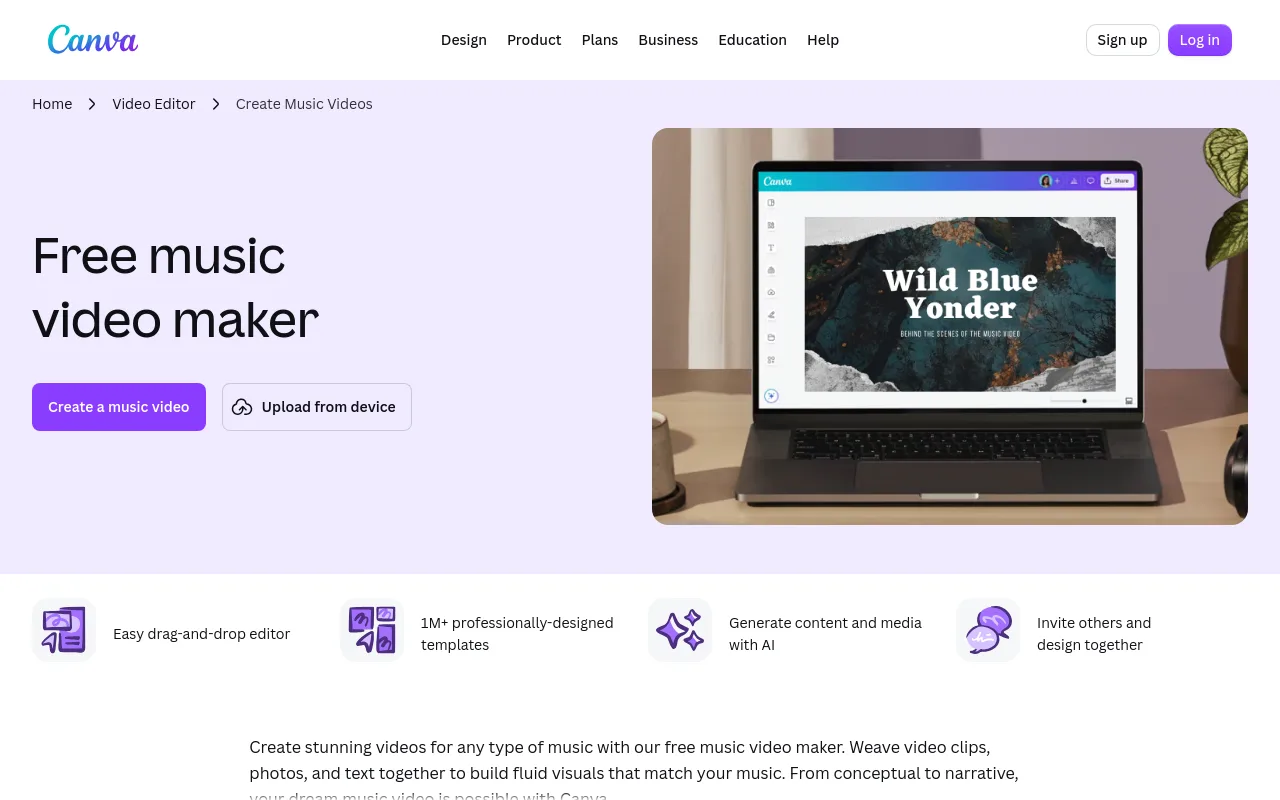
Canva is a dominant design platform that includes a dedicated Canva music video maker. It is ideal for creators who want to build visually stunning, template-driven study videos. You can choose from thousands of animated graphics, apply custom branding, and layer royalty-free background tracks. Canva makes it easy to add lyrics, study quotes, or Pomodoro timers to the video canvas.
3. CapCut
CapCut is highly popular for mobile and desktop creators who need fast, AI-assisted video editing. It excels at applying modern visual effects, auto-captions, and smooth transitions between audio tracks. The software includes built-in audio-wave visualizers and a massive library of trending stickers and overlays, making it easy to create vertical study playlists for YouTube Shorts or TikTok.
4. Adobe Express
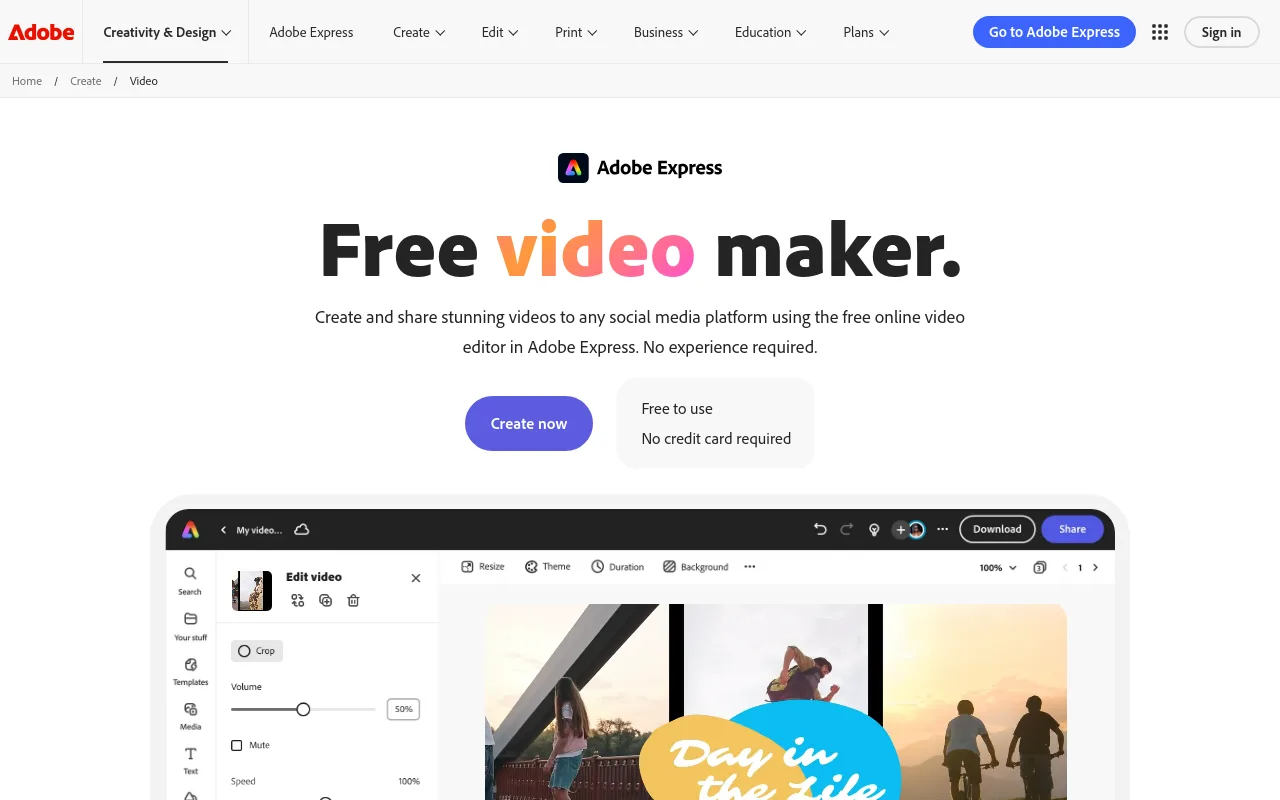
Adobe Express provides a lightweight, web-based video editor backed by the Adobe stock library. The Adobe Express free video maker allows you to build simple slideshow-style study videos by combining static images with background audio. Note that the free tier imposes a 1GB upload limit, which may restrict creators working with uncompressed WAV files or ultra-long video clips.
5. Clipchamp
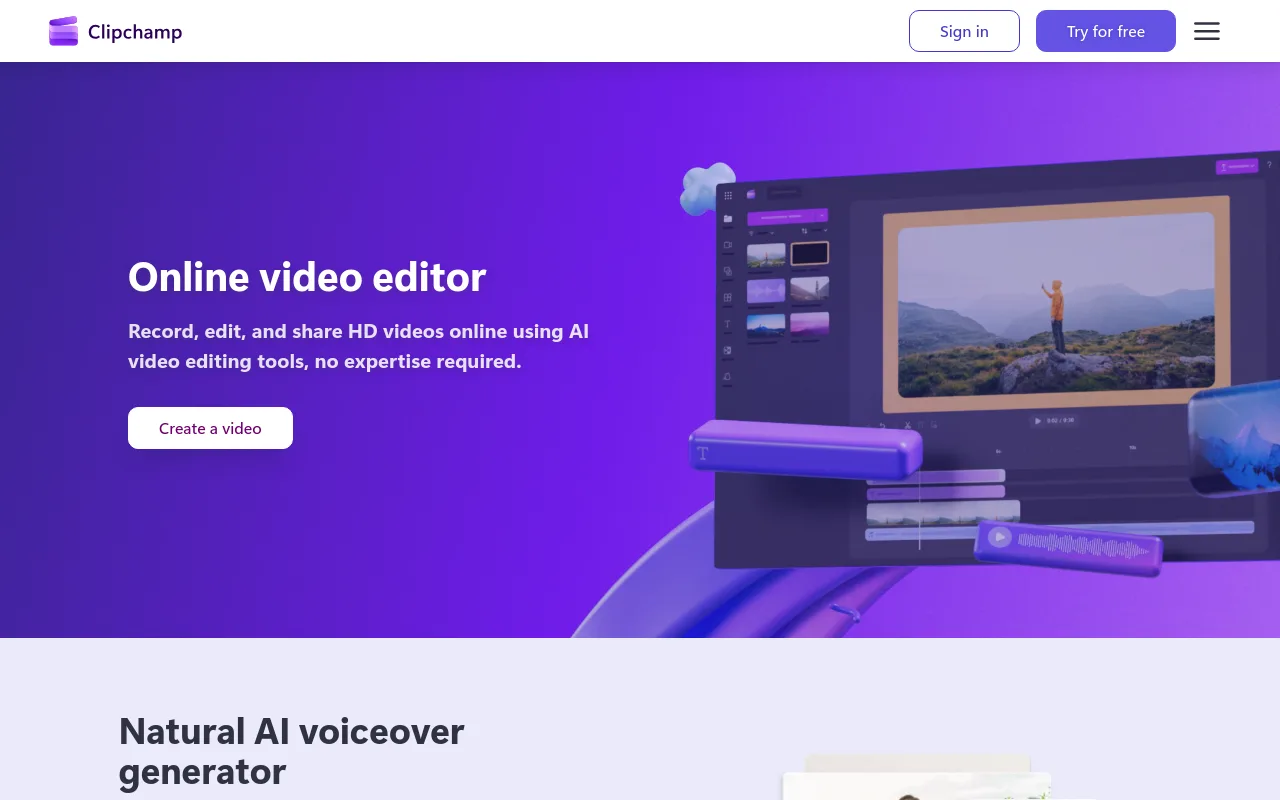
Microsoft Clipchamp is a built-in Windows editor that is also accessible via web browsers. The online video editor by Microsoft Clipchamp features clean timeline editing, text-to-speech tools, and a collection of royalty-free stock footage. It is a reliable choice for beginners who want to loop a single 1080p ambient video background across a 60-minute chillhop audio track.
6. DaVinci Resolve
For professional-grade control, DaVinci Resolve is the industry standard for desktop editing. The Fairlight audio page in DaVinci Resolve 21 supports up to 2,000 tracks in real time, allowing you to mix, master, and equalize your study beats with precision. It is completely free to use on desktop and has no watermarks, making it the most powerful option for long-form, high-fidelity exports.
7. InVideo
InVideo provides an AI-driven approach to video generation, helping creators turn text prompts into rough video drafts. The InVideo AI Music Video Generator is used by over 25M customers across 190 countries to quickly assemble video clips based on descriptive prompts. It is useful for generating rapid visual concepts, though you will still need to manually arrange your final study playlist audio tracks.
8. Filmora
Wondershare Filmora offers a balanced desktop and mobile editing experience. It includes built-in audio ducking, beat detection, and a smart split-screen tool. Filmora is highly visual, providing drag-and-drop elements like rain overlays, snow effects, and cozy fireplace animations that are perfect for creating comforting study environments.
How to make a study playlist video
Creating a polished study playlist video involves a systematic five-step workflow to ensure high-quality audio and visuals:
- Secure your audio tracks: Choose tracks you are licensed to use, and verify the usage terms for every audio file. You can download royalty-free lofi beats from reputable platforms or use original compositions.
- Design the visual background: Select a calm, loopable background video, such as an animated bedroom scene or a slow-motion nature clip. Ensure the visual loops cleanly without abrupt jumps.
- Add text and focus overlays: Overlay track titles, artist names, a Pomodoro timer, or motivational quotes. This helps viewers navigate the playlist and stay engaged during study sessions.
- Assemble the timeline: Import your assets into your chosen editor. Duplicate your visual loop to match the total duration of your combined audio tracks. Ensure you apply smooth crossfades between different songs.
- Export and publish: Export the final file in H.264 MP4 format at 1080p resolution. Follow the official YouTube upload steps to upload your video, write a detailed description with timestamps, and use YouTube playlist management to categorize your upload.
YouTube music and copyright checklist
Copyright strikes can ruin a growing channel. Before publishing any study playlist, run through this essential compliance checklist:
- Utilize the YouTube Audio Library: Tracks and sound effects from the YouTube Audio Library are cleared for use in your videos under the license shown next to each one, which makes them the lowest-risk option for a monetized channel. Check whether a track needs attribution before you publish.
- Verify Creative Commons requirements: Some free tracks require you to attribute the artist in your video description. Always copy and paste the exact attribution text provided by the creator.
- Avoid unauthorized remixes: Never assume a song found on SoundCloud or another YouTube channel is free to reuse. Only use audio that you have explicitly licensed, created yourself, or sourced from verified royalty-free platforms.
Which tool should you choose?
To help you decide, the table below compares the best software options based on user skill level, primary platform, export limits, and ideal visual output:
| Tool | Skill Level | Platform | Visual Style | Max Video Length / Limit | Source |
|---|---|---|---|---|---|
| FlexClip | Beginner | Web Browser | Animated Templates | 10 minutes (Free) | FlexClip |
| DaVinci Resolve | Advanced | Desktop (Win/Mac) | Cinematic Loops | Unlimited | DaVinci Resolve 21 |
| Adobe Express | Beginner | Web Browser | Still Slideshows | 1GB Upload Limit | Adobe Express |
| InVideo | Intermediate | Web Browser | AI Generated | Variable | InVideo |
For a wider look at the specialist end of the market, compare the tools to make lofi videos and the current best lofi video generator options before you commit to a workflow.

For creators who want to build a hands-off, automated lofi channel, Chillframe is the ideal choice. Instead of spending hours matching audio loops on a timeline, Chillframe handles the entire creation process by generating original lofi music and custom background visuals, assembling the final video, and publishing directly to your YouTube channel on your preferred schedule. You create videos at 10, 30, or 60 minutes, and every plan renders up to 60 minutes, so the runtime is never the thing you pay more for.
Frequently Asked Questions
What is the easiest free tool? The easiest free tool for beginners is Canva or Microsoft Clipchamp. Canva offers simple drag-and-drop templates specifically designed for music videos, while Clipchamp provides a clean, web-based timeline that lets you loop background footage and layer audio files without any prior editing experience.
Can I make a study playlist video on a phone? Yes, you can make study playlist videos on a mobile device using CapCut or the Canva mobile app. These apps allow you to import audio tracks, loop short video clips, and add text overlays directly from your phone, making it convenient for creating short-form content.
How do I loop music and a background legally? To loop music and backgrounds legally, you must use royalty-free assets or media licensed under Creative Commons. You can source loopable video clips from sites like Pexels or Pixabay, and get safe audio tracks from the YouTube Audio Library. Ensure you include any required artist attributions in your video description.
What export settings work for YouTube? For the best visual quality on YouTube, export your study playlist video in MP4 format using the H.264 video codec and AAC audio codec. Aim for a resolution of 1080p (1920x1080) or 4K (3840x2160) at 30 frames per second, with an audio bitrate of at least 320 kbps to keep the music sounding crisp.
Is a playlist creator the same as a video maker? No, a playlist creator is different from a video maker. A playlist creator focuses on mixing and transition-matching audio tracks. A video maker, such as FlexClip or DaVinci Resolve, is designed to combine those audio tracks with visual elements, rendering a finished video file that can be uploaded to YouTube.
Choosing the right software for compiling your study playlist videos depends on whether you prefer a manual, highly detailed editing workflow or an automated approach. While traditional editors like DaVinci Resolve and Canva give you complete control over every pixel and frame, automated solutions like Chillframe allow you to bypass the editing process entirely. By automatically generating original music and visuals and publishing directly to YouTube, Chillframe lets you focus entirely on growing your audience and scaling your channel.