List
Best AI Music Generator for Background Videos
Find the right tool to generate background tracks, sync audio to video, or automate your entire lofi YouTube channel workflow.

A faceless YouTube channel needs a steady supply of good audio, so finding the best AI music generator for background videos is high on most creators' lists. Whether you run a study-beats channel or make ambient travel guides, the audio has to fit the pace of the visuals. Stock music libraries tend to mean repeated tracks and licensing headaches. AI music tools let you set the length, genre and mood whenever you need a new track.
The right platform depends on how you make your videos:
- You need audio files to drop into a video editor you already use.
- You want the whole video made, soundtrack and visuals together, in one automated workflow.
Quick answer: what is the best AI music generator for background videos?
There's no single winner. The right tool depends on what you start with and what you want at the end.
| You have | You want | Best fit |
|---|---|---|
| Finished video footage | A custom background track | A soundtrack-first generator like Beatoven.ai or Mubert |
| A finished audio track | Beat-synced visuals for it | A music-video generator like Neural Frames |
| Nothing yet | A YouTube channel of lofi background videos that runs itself | An all-in-one tool like Chillframe |
Chillframe makes both the lofi music and the ambient visuals, puts them together into a complete video, and publishes it straight to your YouTube channel on the schedule you choose.
What to compare in an AI background-music generator
Audio quality is the starting point. What matters next is how each tool fits the rest of your workflow.
- Mood, Genre, and Duration Controls: A good background-music tool lets you set ambient genres, tempo (BPM) and exact track lengths. That's what you need for the chill, down-tempo feel of study and relaxation videos, the formats covered in our guide to background music for YouTube.
- Generation Method: Some tools make tracks from text prompts. Others fit the music to an uploaded video by analysing its cuts.
- Licensing and Platform Rights: Read the commercial-use terms. Look for plain language on YouTube monetisation, whether you need to name the tool in your description, and whether your licence still holds if you cancel. For more on these rules, see our comparison of royalty-free AI music generators.
- Workflow Scope: Most generators export raw audio files. You then import them into an editor like Premiere Pro, pair them with stock footage, render the video and upload it to YouTube by hand. All-in-one tools do that whole sequence for you.
Best AI music generators for background videos compared
All five platforms below are built to score video, not to write songs. If you're moving away from a song-first generator, our roundup of Suno alternatives covers that category on its own.
1. Beatoven.ai
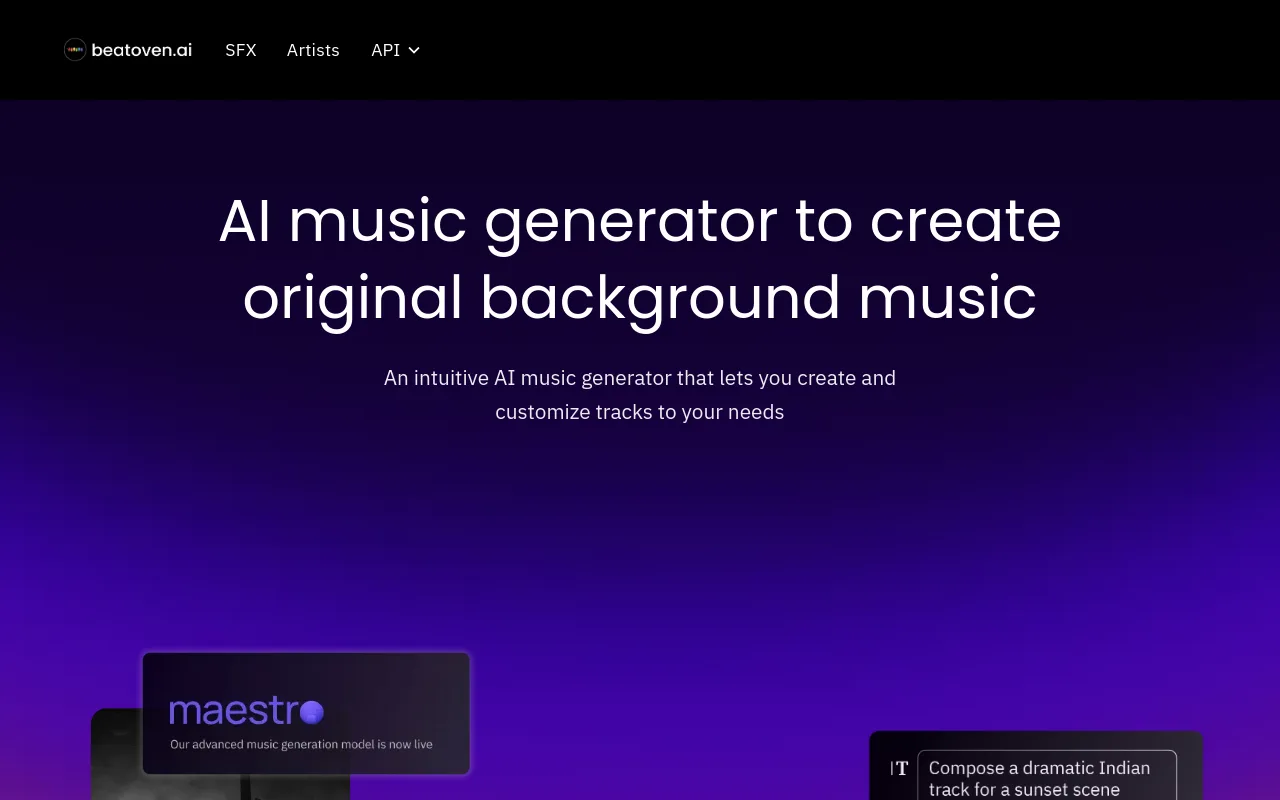
Beatoven.ai helps creators compose original, royalty-free soundtrack music. The company says more than 2 million creators have made over 15 million tracks on the platform, according to its homepage. It mixes AI generation with pre-recorded instrument samples for high-fidelity, acoustic-sounding results. You choose a genre and a mood, edit the instrumentation precisely, and adjust the tempo to the pace of your video.
2. Mubert

Mubert makes royalty-free background tracks in real time, fitted to the length and mood you ask for. Video editors and live streamers who need continuous, non-repeating ambient audio like it. Mubert matches your tags (such as lofi, ambient or chill) against a large library of artist-contributed samples, and produces cohesive background loops that fit standard YouTube video lengths.
3. ACE Studio
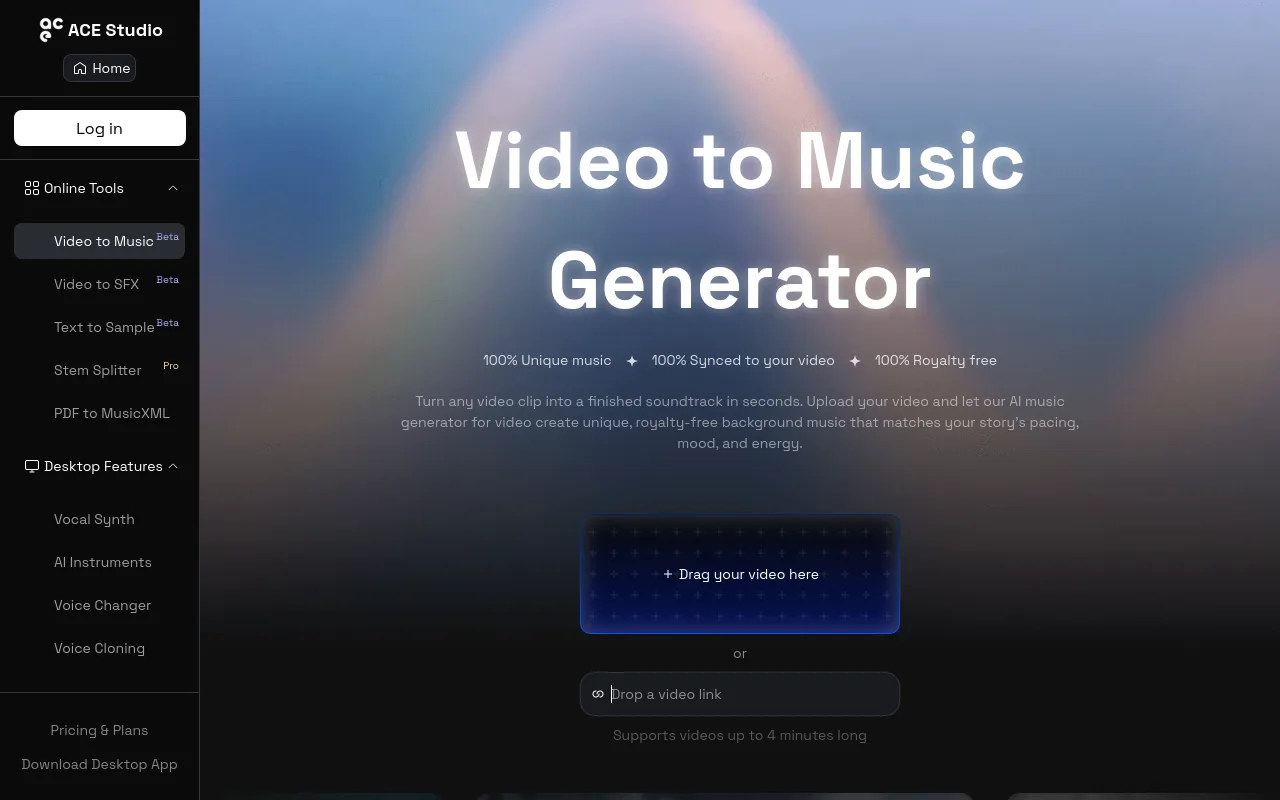
ACE Studio is built around a video-to-music workflow. Its video-to-music page describes the output as 100% unique, 100% synced to video and 100% royalty free. You upload a video you've already made, and the AI reads the visual transitions to write a soundtrack that rises and falls with what's on screen.
4. SOUNDRAW

SOUNDRAW suits creators who want hands-on control of song structure. Rather than relying only on text prompts, you can:
- shape the intro, chorus and bridge
- adjust the volume of each instrument
- export in high-quality audio formats
It's the pick for creators who want to produce their background tracks themselves rather than hand it all to automation.
5. AIVA

AIVA (Artificial Intelligence Virtual Artist) is a capable AI composer for classical, cinematic and ambient scores. You can download MIDI files of what it writes, which makes it a good option for video editors who want to take the composition into a digital audio workstation (DAW) and refine it.
| Tool | Primary Focus | Key Limitation | Sourced Metric/Claim |
|---|---|---|---|
| Beatoven.ai | Mood-based soundtrack composition | Requires manual video editing | 2 million+ creators |
| Mubert | Instant ambient loop generation | Limited track customization | Royalty-free track licensing |
| ACE Studio | Video-to-music synchronization | Requires pre-existing video file | 100% synced to video |
| SOUNDRAW | Structural track customization | No automated visual generation | Royalty-free licensing |
| AIVA | Cinematic and classical composition | Needs a DAW for final refinement | MIDI and stem export |
Verdict: If you already have a finished video and want close control of the musical structure, SOUNDRAW or Beatoven.ai are excellent choices. If you want one tool that makes the music and the visuals together and schedules uploads straight to your channel, Chillframe is the better workflow.
Best tool by creator use case
Matching the tool to how you produce saves you wasted subscriptions and hours of editing you didn't need to do.
- Scenario A: You have the video, but need background music. You've already filmed a vlog, recorded a tutorial or cut a travel montage. Choose a soundtrack-first tool like Beatoven.ai or Mubert. They give you high-quality audio files to drop straight into your editing timeline.
- Scenario B: Pacing and scene transitions are your priority. Your video has dramatic cuts, tutorial step-changes or visual milestones. Choose a video-to-music tool like ACE Studio, which lines up the tempo and instrument changes with your cuts automatically.
- Scenario C: You want to turn a song into an artistic music video. You're a musician who wants stylised, beat-synced visuals for a song you've finished. Look at Neural Frames or Revid.ai. These are visual-first generators, not background-music tools.
- Scenario D: You want an automated lofi YouTube channel. You want a faceless YouTube channel that runs itself. Chillframe is the one to pick. Without it, you make music in one tool, find stock footage in another, stitch them together in an editor and upload the result by hand. Chillframe does the whole chain: it makes the lofi music, pairs it with matching visuals, puts the video together and publishes it straight to your YouTube channel on your schedule. For a wider view of the alternatives, see our rundown of tools to make lofi videos.
Background music generators vs. AI music-video generators
These two kinds of tool are easy to mix up, but they work in opposite directions.
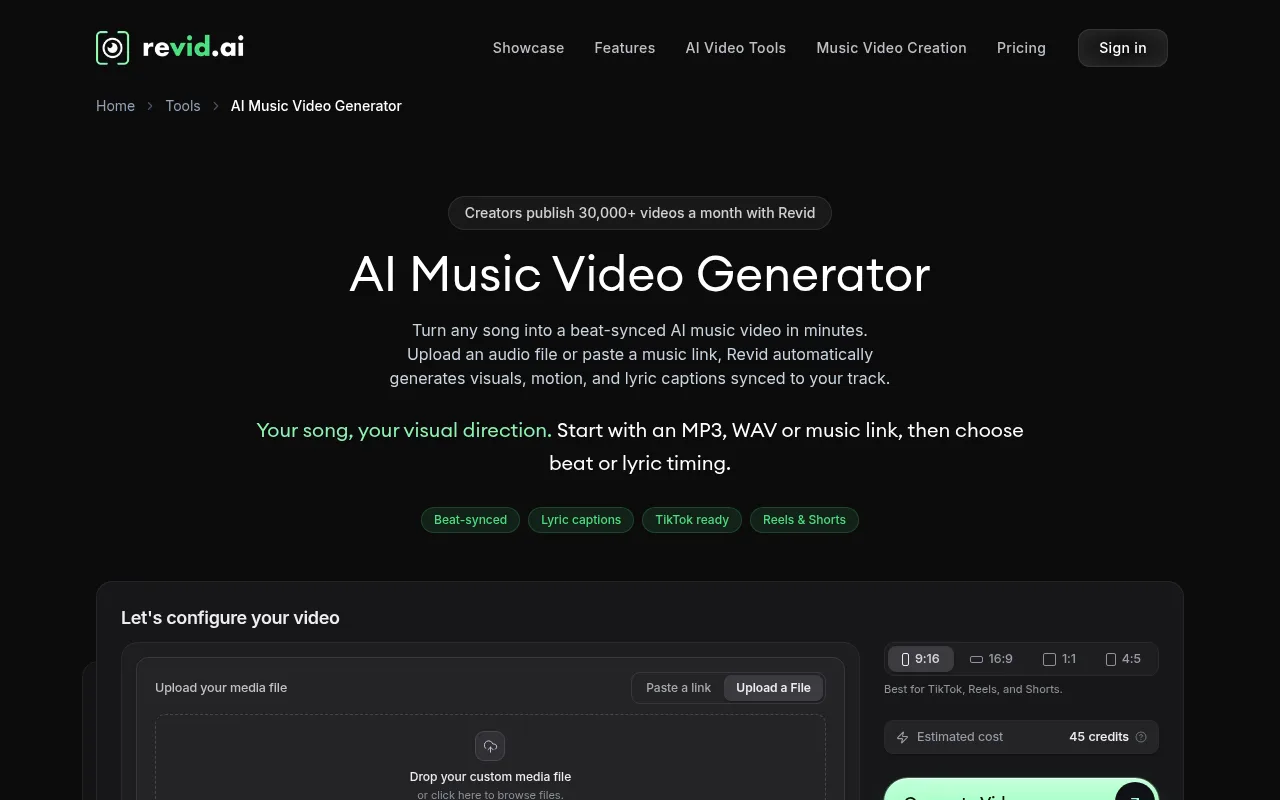
- AI Music-Video Generators: Revid.ai and Neural Frames start from an audio track you already have and make visuals that react to the beat. They're built to promote a song with reactive video loops, not to score footage you've shot.
- AI Background-Music Generators: Beatoven.ai and Mubert work the other way round. They make original audio designed to sit quietly behind a video without pulling attention from it.
- The Missing Link: Neither one covers what a faceless lofi channel needs. A music-video generator needs a song to start with, and a soundtrack generator leaves you with audio and no visuals. Chillframe fills that gap. It makes the lofi track and the matching visuals, puts them together and publishes the video straight to YouTube. To learn more about the visual-first category, read our overview of AI music video generators.
How Chillframe creates a publish-ready lofi video
Chillframe is built for creators who want to launch and grow lofi channels without hours of video production. It works in three steps:
- Pick your lofi vibe. Choose the mood and look of the video: a rainy late-night study room, a cosy coffee shop or a nostalgic retro-futuristic city. Pick from preset styles in 14 groups, where each preset pairs its visuals with a matching soundtrack brief, or describe your own scene in plain words.
- Chillframe makes the music and the visuals together. It writes original lofi tracks and pairs them with ambient visuals that match their mood, then puts everything together into a finished video up to an hour long. A Series lets you pick 10, 30 or 60 minutes. If one part isn't right, you can make just the music or just the visuals again instead of starting over.
- It publishes to YouTube for you. The manual upload is the biggest bottleneck for most creators: writing descriptions, adding tags and scheduling. Chillframe writes an optimised title and description for each video and publishes it straight to your connected YouTube channel on the schedule you set. With a Series, approve the first video and from then on it's fully hands-off, so your channel keeps growing with fresh videos while you work on strategy. To see how this compares with other tools, read our overview of what makes the best lofi video generator.

Royalty-free and commercial-use checklist
"Royalty-free" doesn't always mean you can use the music anywhere. Licence terms vary a lot between platforms, so check your rights before you publish:
- Check the Attribution Requirements: Some free or lower-tier plans require you to name the AI tool in your YouTube description. Beatoven.ai, for example, requires attribution on some plans, and paid tiers remove it.
- Verify Monetization Permissions: Confirm the licence clearly allows YouTube Partner Program monetisation. Some platforms give a royalty-free licence for personal use, but need a premium subscription before you can monetise videos with their tracks.
- Confirm Platform Coverage: Check whether the licence covers every social platform (YouTube, TikTok, Instagram) or only some of them.
- Review Redistribution Restrictions: Most AI music generators forbid registering their tracks with Content ID or releasing them as standalone songs on Spotify or Apple Music.
- Separate Marketing Claims from Legal Terms: A landing page can say "100% royalty-free" while its Terms of Service restrict commercial use after you cancel. Always read the fine print. For more on finding safe audio, read our guide to AI music generators.
Frequently Asked Questions
Is a soundtrack generator enough if the channel also needs lofi visuals?
No. A soundtrack generator only exports audio files. If you are building a lofi YouTube channel, you will still need to find or create matching visual loops, import both files into video editing software, and manually render the finished video. For a complete visual and audio workflow, an end-to-end tool is a better fit.
What changes when the creator starts with an existing video versus an existing song?
If you start with an existing video, you need a video-to-music tool that analyzes visual cuts to generate a fitting background track. If you start with an existing song, you need an AI music-video generator to build reactive, beat-synced visuals around that audio.
How should YouTube creators verify commercial-use and copyright-claim protections?
Read the licensing agreement of the AI music generator you plan to use. Check that the platform explicitly permits monetization on YouTube and offers a mechanism to clear copyright claims if they occur. Avoid platforms that do not clearly define their licensing terms.
When is an end-to-end generator more efficient than stitching together separate music, visual, and publishing tools?
An end-to-end generator is more efficient when you want to publish videos consistently on a schedule. Stitching together separate tools requires manual downloading, editing, rendering, and uploading for every single video. An end-to-end platform automates all of these steps.
Summary of your options
A faceless YouTube channel grows on consistency, good audio and visuals people want to look at. Standalone AI music generators are excellent for individual soundtracks, but they still leave you editing videos and managing uploads. An all-in-one platform like Chillframe skips the multi-tool workflow completely. It makes the music, pairs the visuals, puts the video together and publishes it straight to your channel, which gives you a simple, steady way to grow your YouTube audience.