List
AI Tools That Make Music and Video From One Prompt
Most AI tools make the song or the picture. A few make both, from one description, and that changes how fast a music channel can post.
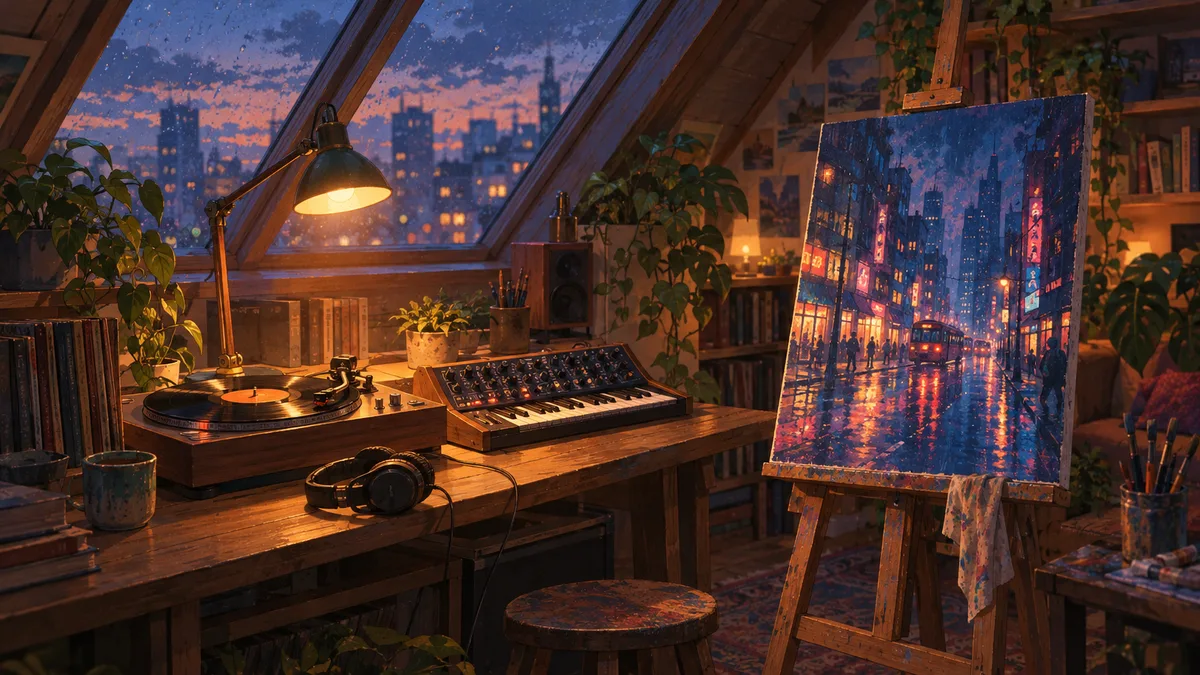
Chillframe makes music and video from one prompt: you describe the video once, and it writes original tracks, makes the matching scene and puts together a finished YouTube video up to 1 hour long. Every Mood Studio does the same for long music videos, while Suno makes only the music and Freebeat makes only the video for a song you already have.
That split matters more than it looks. When one tool plans the music and the picture together, the mood matches without you moving files between apps. When two tools each do half, you're the one joining them up.
The short answer: which tools do both?
The table compares the tools that come up most for AI music videos, by which half of the job they do from your prompt.
| Tool | Music from the prompt | Visuals from the prompt | Longest video | Posts to YouTube |
|---|---|---|---|---|
| Chillframe | Yes: instrumental, vocals or Ambience only | Yes: a still scene or a moving one | 1 hour | Yes, on your schedule |
| Every Mood Studio | Yes | Yes, a looped scene per track | 10 hours | Not stated on its site |
| Revid.ai | Yes, AI beats | Yes, anime-style loops | Short social clips | No |
| Suno | Yes | No | Song length | No |
| Udio | Yes | No | Song length | No |
| Freebeat | No, starts from your song | Yes | About 6 minutes | No |
| Runway, Pika | No | Yes | Short clips | No |
If you want long videos for a channel, the first two are the real one-prompt options. Chillframe is the one that also posts for you.
How one-prompt music video tools work
A one-prompt tool reads your description, for example "a rainy Tokyo side street at night, slow jazz-hop, nothing too busy", and plans the whole video from it before making anything. In Chillframe that plan covers:
- The music: a set of tracks in the style you described, long enough to fill the video, with a chapter for each track.
- The scene: a picture that matches the music's mood, either held still or gently moving, like rain on the glass or steam off a cup.
- The finished video: the tracks joined end to end over the scene, ready to upload.
Because the music and the picture come from the same description, a sleepy piano piece doesn't end up over a bright beach scene. With a two-tool workflow, keeping those in step is your job.
What you can control from the prompt
You don't need a long prompt. A sentence on the place and the sound is enough, and Chillframe fills in the rest. If you want more say, these are the choices that change the result most:
- The audio: instrumental music, music with vocals (sung, or wordless humming and oohs), or Ambience only, which makes the sound of the scene, such as rain, fire or a cafe, with no music.
- Still or moving: Lite holds one still scene in 4K on every plan. Plus is a moving scene on Creator and up, made at 1080p, and you can upscale it to 1440p or 4K as an optional finishing step that uses extra usage.
- The length: 1, 10 or 30 minutes, or 1 hour.
- A look: start from a ready-made look, such as Rainy Tokyo, Synthwave Night Drive or Campfire Night, instead of writing the scene yourself.
Tools that make only half the video
These tools are good at what they do, but each covers one side, so a finished YouTube video takes a second tool and some editing.
Suno and Udio: the music only
Suno and Udio turn a prompt into a song with vocals or an instrumental. They don't make the picture, so you take the song into a video tool or editor. For a long video you also need many songs joined together. Our Suno alternative guide compares that route with making the whole video in one place.
Freebeat: the video for a song you have
Freebeat starts from your audio. You upload an MP3 or paste a link from Suno, Udio, TikTok or YouTube, and it analyzes the track to make a matching video. It suits a single song, and its videos run up to about 6 minutes, so an hour-long video means joining several in an editor.
Runway and Pika: the picture only
General video models make short, cinematic clips from a prompt. They don't make music, and their clips run seconds rather than minutes, so they're a better fit for a shot inside a music video than for the whole thing.
Can AI make the music and the visuals at the same time?
Yes. That's exactly what the one-prompt tools do. In Chillframe the music and the scene are made side by side from the same plan, then put together into one video. You get a finished file, not two pieces to line up.
What it doesn't do is make a video longer than an hour. It makes music-led videos for YouTube, so if you want a single song to release on Spotify, a music generator like Suno is the better fit.
What to check before you pick a tool
- Length: a lofi, study or sleep video usually runs an hour or more. A tool capped at a few minutes means editing work for every upload.
- Commercial rights: check that the plan you pay for covers monetized use of both the music and the picture.
- Fixing one part: if the music is right but the scene isn't, can you remake only the scene?
- Posting: does the tool upload for you, or is every video a manual upload?
- Variety: YouTube's monetization policies don't allow channels where videos feel interchangeable, so you want a new scene and new music for each video, not one template repeated. Our guide to monetizing AI music on YouTube covers the rules.
Make music and video from one prompt with Chillframe
Music channels for studying, sleep and focus are a growing space on YouTube, and making the music and the picture in one step is what lets one person keep a channel posting.
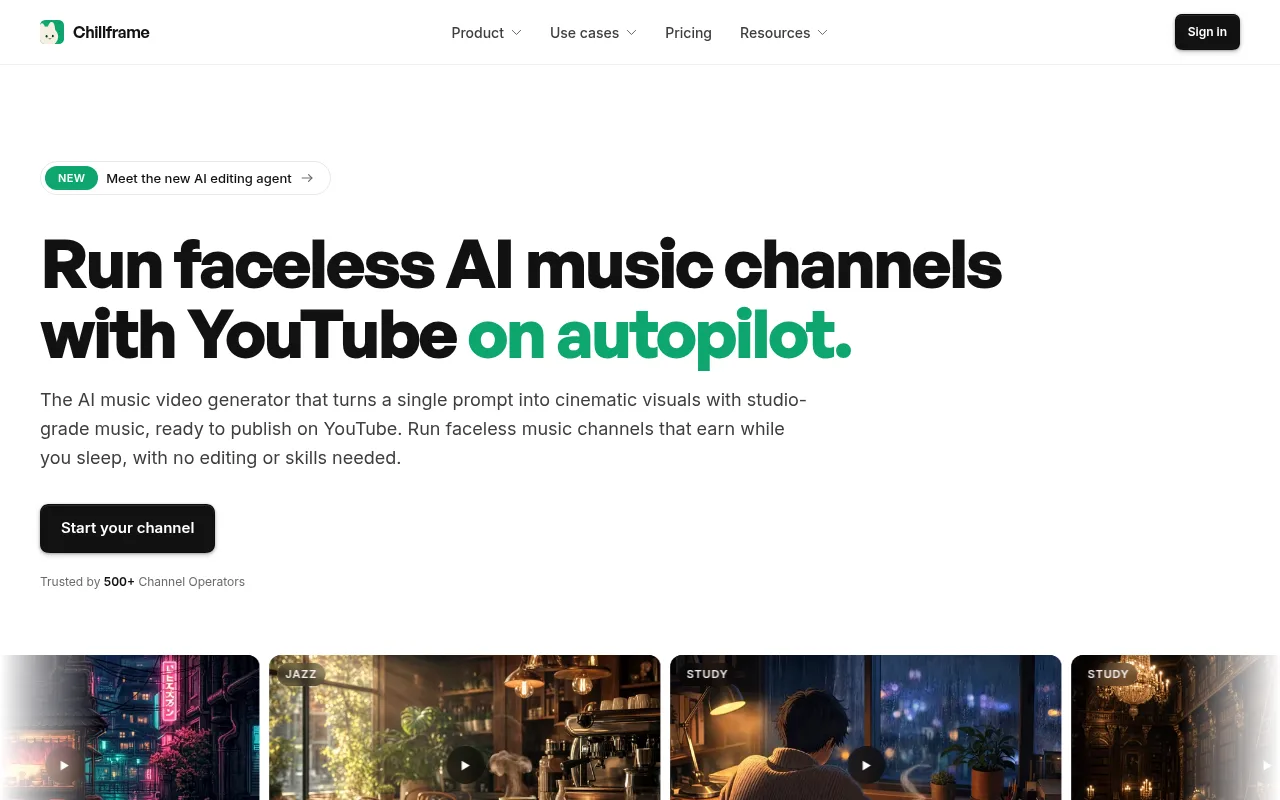
Chillframe makes the music, the scene and the finished video from your description, then posts it to your YouTube channel. It writes the title, description, tags and chapters and creates the thumbnail.
How it works:
- Describe the video in a sentence, or pick a look.
- Choose the audio: instrumental, vocals or Ambience only.
- Set a Series to post from once to seven times a week, on the days you pick.
- Approve the first video and from then on it's fully hands-off. Each new video gets fresh music and a fresh scene, made and posted automatically.
The honest limit is length: every video runs up to 1 hour, on every plan.
Plans start at $19 a month on Starter, which makes still scenes. Moving scenes start on Creator at $49 a month. There's no free plan, and every plan includes full commercial rights.
AI music and video from one prompt FAQ
Which AI music video tools create both original music and cinematic visuals from one prompt?
Chillframe and Every Mood Studio both write original music and the scene for it from one description and hand you a finished long video. Chillframe makes videos up to 1 hour and posts them to YouTube on a schedule. Every Mood Studio makes videos up to 10 hours. Revid.ai makes beats and anime visuals for short social clips. Suno and Udio make only the music, and Freebeat makes only the video from a song you already have.
Can AI make the music and the visuals for a YouTube video at the same time?
Yes. In Chillframe you describe the video once, and it makes the tracks and the matching scene together, then puts them into one finished video up to 1 hour long. It also writes the title, description, tags and chapters, creates the thumbnail and can post the video to YouTube for you.
Do I need Suno and a separate video tool to make a music video?
Only if you use tools that each do half the job. Suno makes the song, then a tool like Freebeat turns it into a video, and you upload it yourself. A one-prompt tool such as Chillframe does the music, the visuals and the finished video in one place.
Can I use AI music videos on a monetized YouTube channel?
Yes, when you have the commercial rights to both the music and the picture. Every Chillframe plan includes full commercial rights. Check each tool's terms, since free plans often exclude commercial use, and give each video its own music and scene so the channel meets YouTube's monetization rules.
Can I change the music without remaking the visuals?
In Chillframe, yes. If the music or the visuals miss, remake that part on its own and keep the rest. You can also open the project in the editor to swap a track or change a scene.