List
YouTube Description Generator: 6 Tools Compared, Plus a Template
Six description generators side by side, five of them free, what a good YouTube description holds, and a template you can paste under your next long music video.

A YouTube description generator turns a title or a few notes into a finished description in seconds. The six I'd try are vidIQ, TubeBuddy, Ahrefs, Hootsuite, Copy.ai and ChatGPT, and five of them are free to use. None of them has watched your video, though, so the parts that make a description work are still yours to check: the first two lines, the chapters and the links.
What a good YouTube description holds
YouTube gives you up to 5,000 characters for a description. You rarely need all of them. What matters is what goes where.
- The first two lines. YouTube suggests using the first few lines to describe your video, because that's what viewers see before they click to expand it. vidIQ puts it at the first 2 to 3 lines before "Show more". Use them to say what the video is and who it's for.
- Your main keyword, used naturally. YouTube's own tips say to find the main words that describe your video and use them in both the title and the description. Write the phrase people would type, once or twice, in a normal sentence. My YouTube keyword generator roundup will help you pick that phrase.
- Chapters. A list of timestamps turns into chapters on the progress bar. The first has to be 00:00, you need at least three in ascending order, and each chapter has to be at least 10 seconds long.
- Links. Point people to a playlist of related videos, your newest upload or anything you mention in the video.
- A call to action. One clear next step, like subscribing or watching the next mix.
- Two or three hashtags. YouTube shows up to three hashtags by your video title. Add more than 60 and it ignores all of them.
Write a new description for every video. YouTube says a unique one makes a video easier to find through search, and this is where a generator earns its place: it gives you a fresh first version every time instead of the same block of text pasted under everything.
The best YouTube description generator tools, compared
Here's how the six line up before we go through each one.
| Tool | What you give it | What you get back | Cost |
|---|---|---|---|
| vidIQ | A title or a short topic | A keyword-rich description, scored | Free on the page |
| TubeBuddy SEO Studio | A target keyword, inside YouTube | Suggestions for your title, description and tags | Pro licence and up |
| Ahrefs | A description of the video, up to 2,048 characters | Three versions, with optional hashtags | Free with an Ahrefs account |
| Hootsuite | Topic, keywords, category, call to action and viewer benefit | A full description to edit | Free |
| Copy.ai | Your transcript or talking points, plus keywords | A keyword-optimised description | Free |
| ChatGPT | Anything you paste in, with your own instructions | Whatever you ask for | Free plan available |
Two more are worth knowing about. Canva has one built into its editor that can match a writing sample you upload, and ngram takes a full transcript of up to 50,000 characters.
vidIQ
vidIQ's free description generator is the quickest start. You add your video title or a short topic, and it writes a keyword-rich description that it scores for SEO, clarity and engagement.
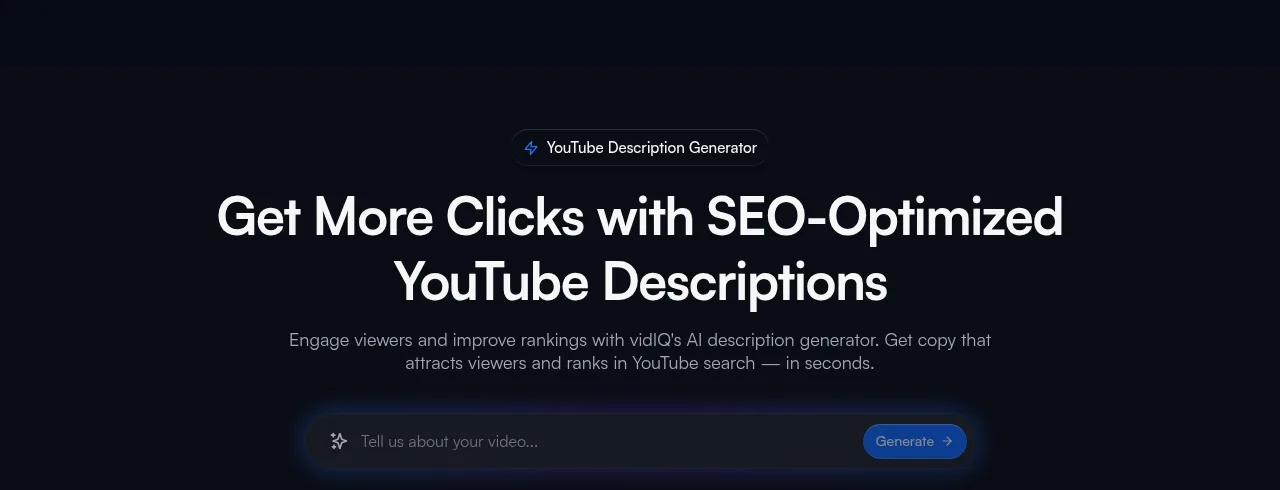
From there, one click makes a matching script, title or tags. You can also connect your channel for descriptions tailored to it. The page's own advice is sound: put your main keyword in the first 25 words, and aim for 200 or more words with timestamps and links.
TubeBuddy
TubeBuddy works a little differently. Its SEO Studio opens from the TubeBuddy browser extension, through the TubeBuddy menu in the top right corner of YouTube.

You enter a target keyword and it gives real-time suggestions for your title, description and tags, alongside the keyword's search volume, competition and an optimisation score. It guides your writing more than it writes for you, which suits you if you'd rather keep the words your own. It's the one paid pick here: SEO Studio comes with TubeBuddy's Pro and Legend licences, not the Free one.
Ahrefs
Ahrefs' YouTube video description generator gives you the most to choose from. You describe the video in up to 2,048 characters, pick a language and a tone, and tick a box if you want hashtags.
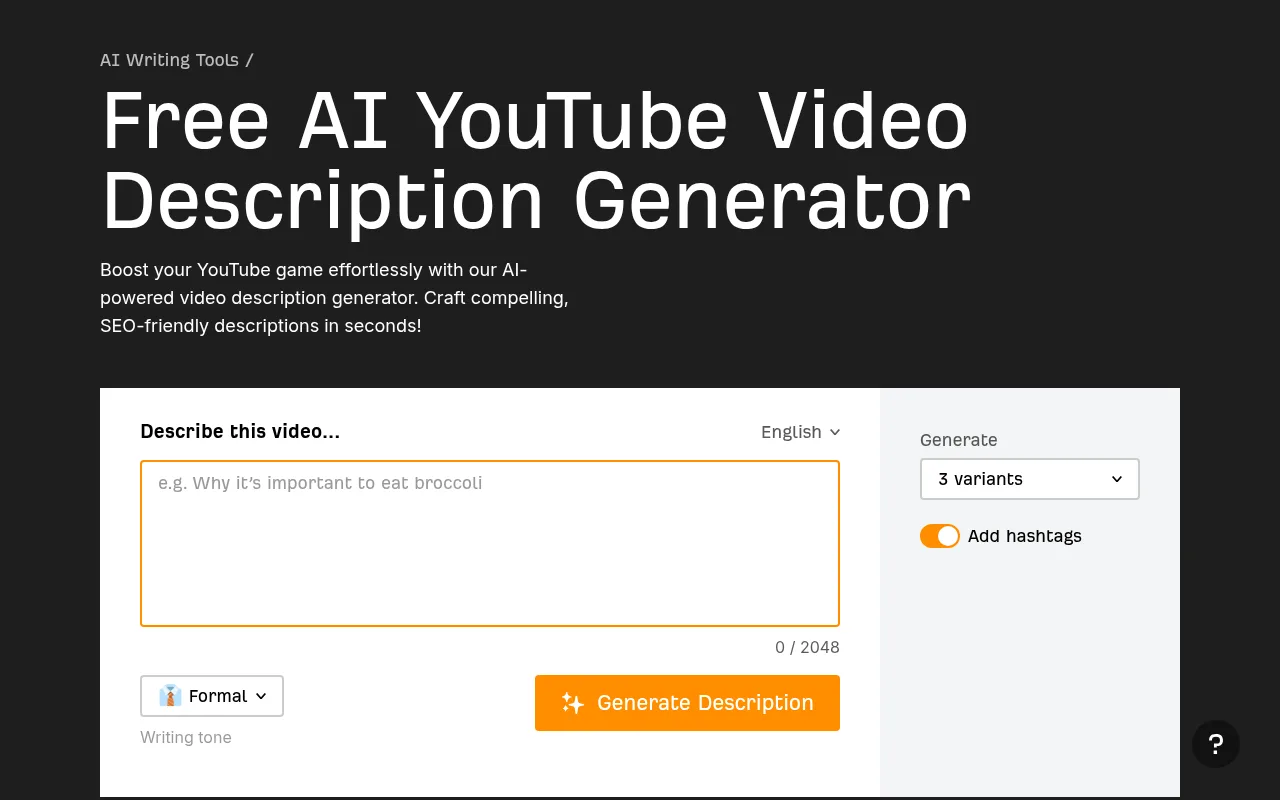
It returns three versions at once, so you can take the best opening line from one and the best summary from another. It's free with an Ahrefs Free account.
Hootsuite
Hootsuite's free description generator asks the most questions, and that's its strength. You give it a topic, a few keywords, a category, the call to action you want and what viewers will gain from watching.
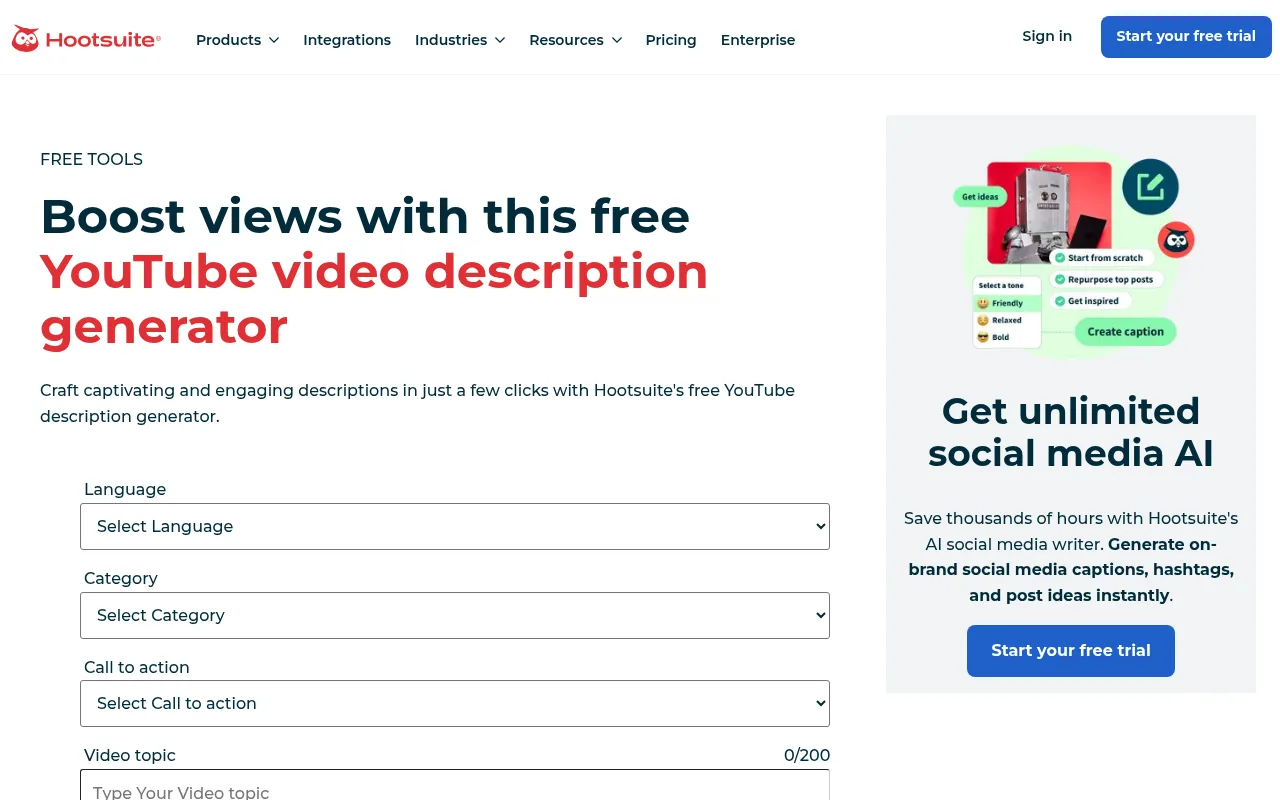
Because you've already told it the benefit and the next step, the result tends to have both. It writes in English, French, German, Italian or Spanish.
Copy.ai
Copy.ai's free YouTube description generator works best when you have a script. You paste your video's transcript or main talking points, add the keywords you want to rank for, and it writes a keyword-optimised description.
Real input makes for specific output. A transcript gives it the actual points you make, so there's less to correct afterwards. If you're still writing that script, my look at AI YouTube script writers covers the tools for it.
ChatGPT
ChatGPT isn't a description generator as such, but it's the most flexible of the six, and it has a free plan. You decide the structure, so you can ask for exactly the blocks you want.
The trick is a clear, detailed prompt. Here's one for a long music video:
Write a YouTube description for a 1-hour lofi video called "[your title]". Start with two short lines that say what the video is and who it's for, using the phrase "[your keyword]". Then add this tracklist exactly as written: [paste your tracklist]. Add one line inviting people to subscribe, and end with three hashtags. Keep it under 1,000 characters and don't add any facts I haven't given you.
That last sentence matters. AI writing tools sometimes invent a detail, so tell it not to, and still check what comes back.
Whichever tool you pick, run your next video through it and keep its structure. Then rewrite the first two lines yourself and add your own timestamps and links.
A copy-paste description template for a long music video
Generators are built around talking videos: tutorials, reviews, explainers. A long music video needs a different shape, because the tracklist does most of the work. Here's the template I'd start from. Replace everything in square brackets.
[Line 1: what the video is, with your main keyword. For example: 1 hour of rainy night lofi for studying and focus.]
[Line 2: the mood in one sentence. For example: Soft piano and rain on a café window, made to sit quietly under your work.]

Tracklist
00:00 [Track 1 name]
[mm:ss] [Track 2 name]
[mm:ss] [Track 3 name]
[mm:ss] [Track 4 name]

[One or two sentences on what it's good for: studying, reading, winding down before sleep.]

Listen next
[Link to a playlist of your other mixes]
[Link to your newest video]

[Music credit or licence line, if your music needs one]

New mixes every [the day you post]. Subscribe here: [your channel link]

#lofi #studymusic #[one more that fits]
A few notes on it:
- The two opening lines carry the keyword. They're what people read before they expand the description, so make them about the listener, not the channel.
- The tracklist doubles as chapters. Start at 00:00 and use the real start time of each track. Three or more tracks, each at least 10 seconds long, give you chapters.
- The links point to more of your videos. Someone who stays for an hour is the person most likely to play a second one.
- The hashtags sit at the end. YouTube still picks up to three to show by the title.
The finished template comes in well under the 5,000-character limit, which leaves room for a longer tracklist. If you want ideas for the title above it, see my piece on the AI YouTube title generator, and for the tags that go with it, the YouTube tag generator roundup.
How to add the description in YouTube Studio
Once the text is ready, it goes in through YouTube Studio. The steps from YouTube Help:
- Sign in to YouTube Studio.
- From the left menu, select Content.
- Click the video's title or thumbnail.
- Paste your description into the Description box and select Save.
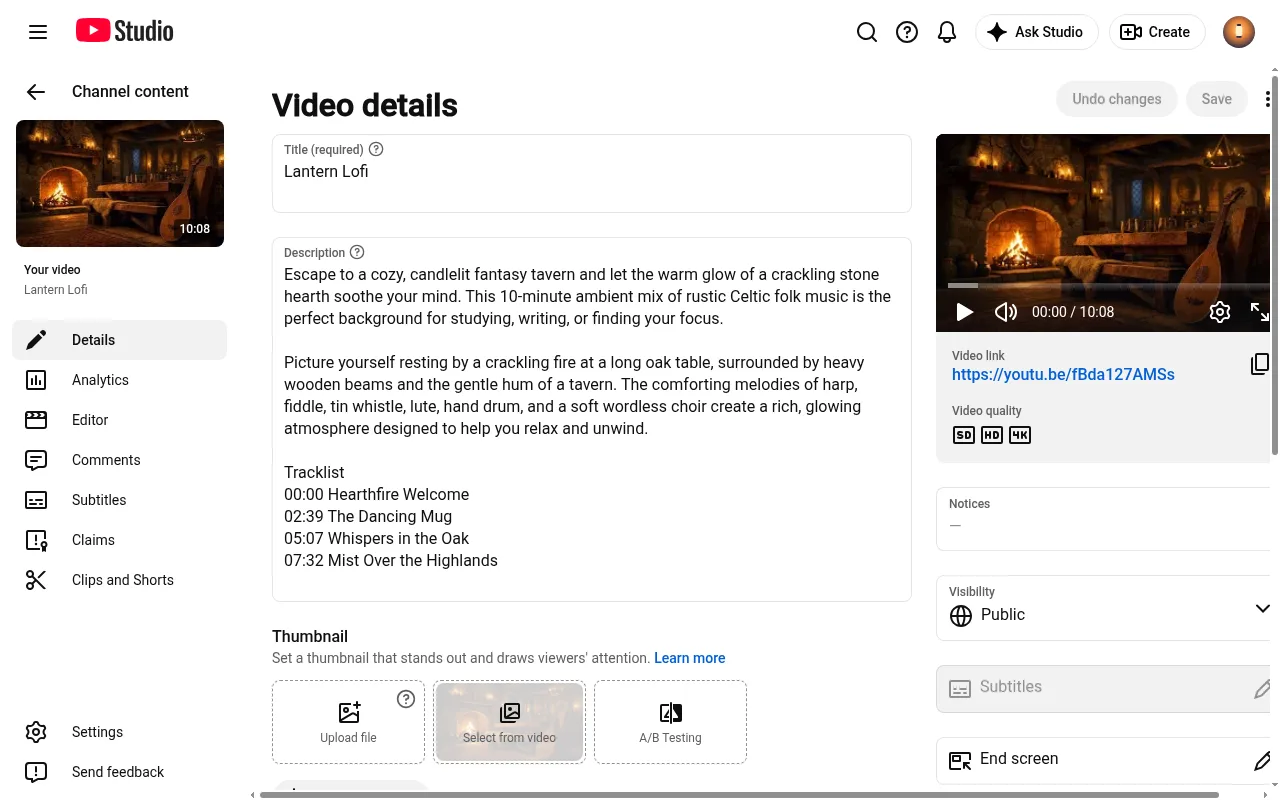
Watch the video once after saving. If your timestamps are right, the chapters show on the progress bar. If they don't, check that the first one is 00:00 and that there are at least three.
How Chillframe writes descriptions for lofi and ambient channels
Long lofi and ambient videos are a growing corner of faceless YouTube, and there's room for plenty of new channels in it. My faceless YouTube channel guide covers the wider opportunity. If that's your niche, Chillframe makes the videos and writes their descriptions too: original music, a matching scene and a finished video up to 1 hour long, published straight to your YouTube channel.
The description work happens in the publish window, which holds the title, description and tags. One click rewrites all three for a lofi channel, with a hook in the first two lines, a short description and a set of tags. If you liked your own version better, undo it.
Chillframe also adds a Tracklist section to the end of the description. It starts at 00:00 and lists the start time of every track, and you can rename the tracks before the video goes out. With three or more tracks, that's the list YouTube turns into chapters on the player, and the times come from the final video.
Once you're happy with how a video reads, hand the whole job to a Series. It automatically makes fresh videos on the 1 to 7 days a week you choose, at the time you set, and each one goes out with an optimised title, description and tags and a thumbnail taken from the video. The first one is held for you to look over. With auto-publish on, approve it and from there Chillframe writes and publishes every one, fully hands-off.
The limit is scope. Chillframe writes descriptions for the videos it makes, so for a tutorial or a vlog you filmed yourself, one of the six tools above is still the one to use.
There's no separate description tool to pay for: the descriptions come with the videos on every plan, from the Starter plan at $19 a month. My guide to starting a lofi YouTube channel covers the rest of the setup.
YouTube description generator FAQ
What is a YouTube description generator?
A YouTube description generator is a tool that writes the text under a YouTube video for you. You give it a title, a topic, some notes or a transcript, and it returns a description with an opening hook, a summary and often hashtags and a call to action. vidIQ, Ahrefs, Hootsuite and Copy.ai all have free ones.
How long can a YouTube description be?
A YouTube description can be up to 5,000 characters, according to YouTube Help. Titles have a 100-character limit. Neither can include invalid characters.
How do I add chapters to a YouTube description?
You add chapters by listing timestamps in the description. The first one has to be 00:00, you need at least three in ascending order, and each chapter has to be at least 10 seconds long. YouTube turns that list into chapters on the progress bar.