Guides
7 Best Free AI Music Video Generator Tools in 2026
Build your visual music channel on a budget with these top-performing free video generators.

Building a faceless YouTube channel in 2026 requires high-quality visuals to accompany your audio tracks, but hiring a professional animator is expensive. If you are looking for a free ai music video generator, you have several capable tools to choose from. Many creators start by generating tracks on platforms like Suno or Udio, then need a fast way to turn those audio files into engaging videos. By pairing the right visual generator with your music, you can build a consistent publishing schedule that grows your audience. For a deeper head-to-head of the leading platforms, see our full AI music video generator comparison.
What 'free' actually means in AI music video generators (2026)
When you use a free AI music video generator, you must navigate several platform restrictions. Most free tiers apply a highly visible watermark to your final video file, though platforms like Freebeat include an explicit toggle to remove watermarks if you meet specific sharing requirements. Output resolution is another common restriction. For example, Freebeat limits its free-tier exports to 720p resolution in a 16:9 aspect ratio.
Additionally, the way tools measure your usage varies. Standard text-to-video editors restrict you using a monthly credit system, while specialized music-to-visual tools limit you based on the total duration of your audio tracks. Finally, commercial usage rights are rarely included on free tiers. If you plan to monetize a 10-hour lofi compilation on YouTube, you will typically need to upgrade to a paid tier to secure the rights for your audio-visual assets.
Quick picks: best free AI music video generators by use case
- Best for 24/7 lofi and ambient YouTube channels: Chillframe, our own tool, which automates the entire process by generating original lofi music and matching visuals, then publishing them directly to your channel on a schedule.
- Best for a music-first workflow: Freebeat and Plazmapunk, which generate reactive visuals directly from an uploaded MP3 or an external streaming link.
- Best for video editors wanting AI assistance: VEED.IO and Invideo, which combine traditional timeline editing with automated visual suggestions.
- Best for script-driven background videos: Pictory.ai, which matches stock footage to a written script or lyric sheet.
Free-tier feature comparison table
Let us look at how the top free tools compare in terms of inputs, output limits, and core features.
| Platform | Input Sources | Free Resolution | Beat-Sync Quality | Watermark Behavior | Source |
|---|---|---|---|---|---|
| Freebeat | 7 sources (SoundCloud, YouTube, Suno, Udio, TikTok, Stable Audio, Riffusion) | 720p | High (Onbeat Effects) | Watermarked (toggle available) | Freebeat |
| Plazmapunk | Direct Audio Upload | Not published (check vendor) | Medium | Watermarked | Plazmapunk |
| VEED.IO | File Upload or Link | Not published (check vendor) | Low (Manual) | Watermarked | VEED.IO |
| Pictory.ai | Text Script or Article | Not published (check vendor) | Low (Not audio-reactive) | Watermarked | Pictory.ai |
For music-first creators who want automated audio-reactivity without manual editing, Freebeat is the strongest overall free option. It accepts 7 input sources and offers specialized beat-synced presets. If you want to build a fully automated background music channel, a dedicated system like Chillframe provides the hands-off workflow you need.
7 Best Free AI Music Video Generators (Ranked)
Let us analyze the top tools available for creators looking to generate videos from audio tracks.
1. Chillframe
Chillframe is our own product, and it takes the top spot for one specific creator: the person building a lofi, study-music, or ambient channel rather than a single music video. Every other tool on this list turns one track into one clip. Chillframe runs the channel. Traditional free tools require you to manually generate a track, download it, upload it to a video generator, wait for rendering, download the video, and then manually upload it to YouTube. This manual process makes it difficult to maintain the consistent posting schedule needed to build compounding watch-time.
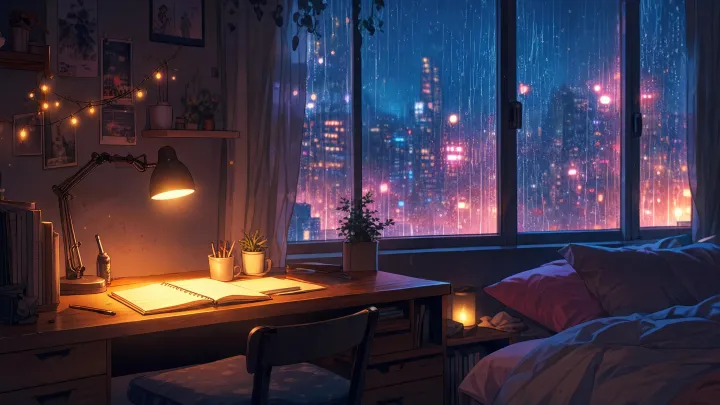
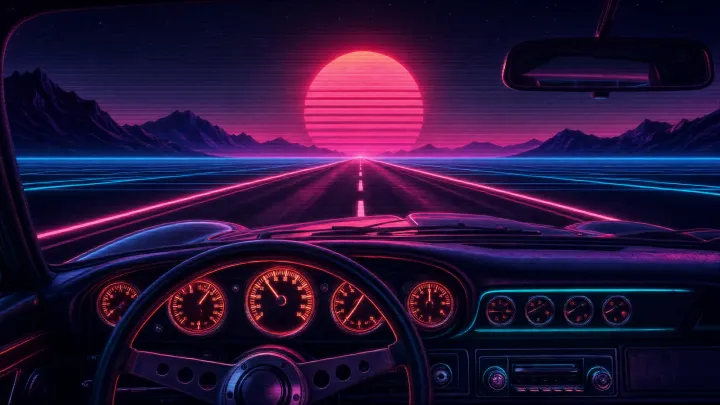
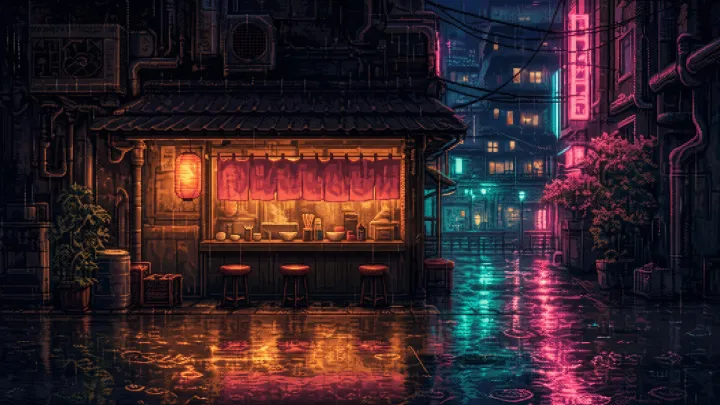
Chillframe handles the entire creation and publishing workflow in one place. It writes original, studio-quality lofi tracks that blend into a gapless, continuous soundtrack, and creates looping lofi visuals tuned to your chosen theme. There are seven themes (study-boombap, rainy-tokyo, jazzhop, ambient-sleep, synthwave, future-garage, and citypop), and several carry a matched ambient texture woven into the sound: rain in rainy-tokyo and future-garage, a warm cafe hum in jazzhop, and a soft crackling fire in ambient-sleep. A Series keeps your channel fed by generating and scheduling fresh videos on a cadence of 1 to 7 per week, and finished episodes publish straight to your connected YouTube channel with click-ready thumbnails and titles. Built-in creator analytics show you the watch-time and growth signals that matter without leaving the dashboard. Our guide to faceless YouTube automation walks through this workflow end to end.
On the free question, Chillframe is upfront: there is no forever-free tier. The card-required 3-day trial is $0 due today and gives you 45 credits plus 2 track re-rolls, enough to generate one complete video of up to 30 minutes on the Lite visual tier. That is a real episode you can publish and judge before you commit to a subscription.
2. Freebeat
Freebeat is a dedicated music-to-video platform designed to turn audio files into reactive visual content. Per Freebeat, the platform is used by 1,000,000+ creators across 150+ countries. It has visualized over 1,000,000,000 seconds of music to date, making it one of the most widely adopted tools in this category.
The tool accepts audio inputs from 7 different sources, including SoundCloud, YouTube, Suno, Udio, TikTok, Stable Audio, and Riffusion. On the free tier, Freebeat defaults to 720p resolution in a 16:9 layout, which is suitable for standard YouTube uploads. It features an Onbeat Effects setting that automatically syncs visual transitions, camera movements, and lighting shifts to the BPM of your audio track.
3. Plazmapunk
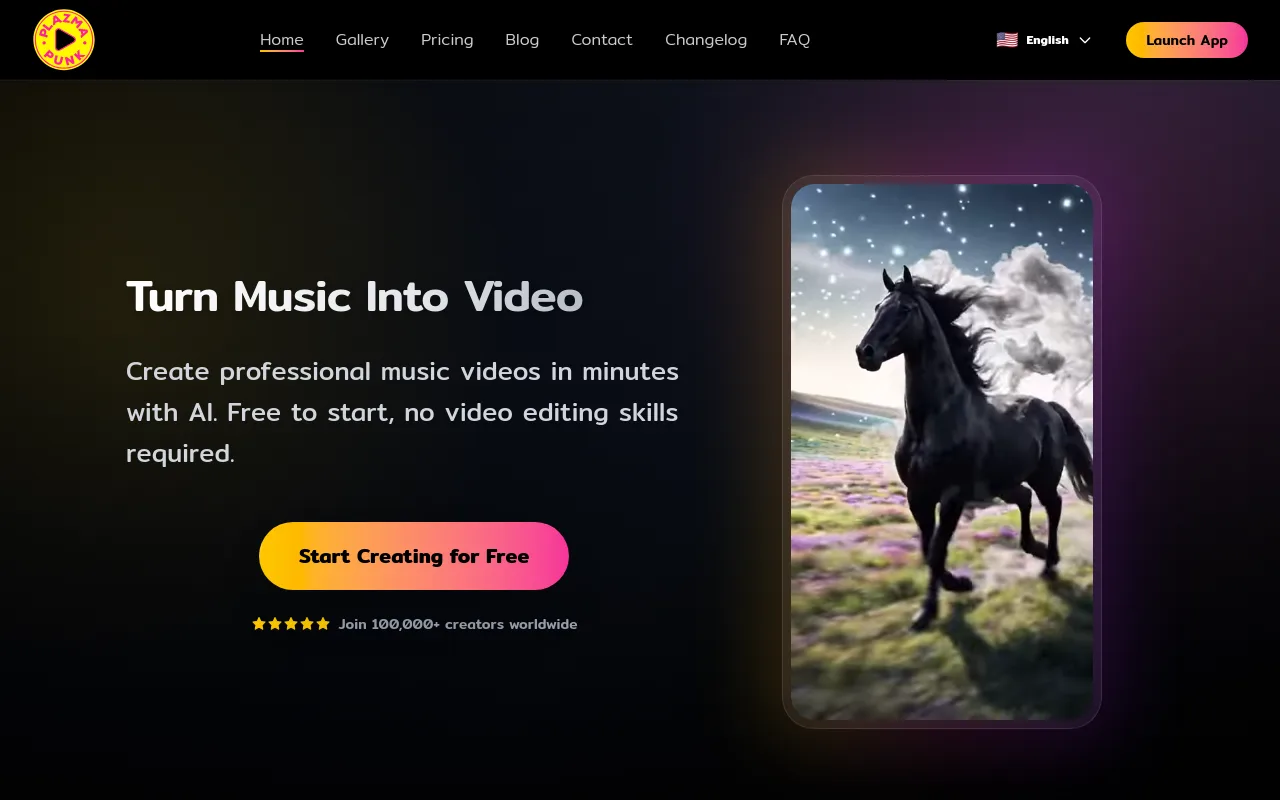
Plazmapunk is a freemium music-to-video tool built specifically for independent musicians and digital artists. Per Plazmapunk, the platform is trusted by 100,000+ creators and artists worldwide.
The free tier allows you to upload an MP3 file directly to the dashboard, select an artistic style filter, and generate a short, looping music video. Plazmapunk excels at abstract, high-contrast visual styles that pulse in time with heavy basslines. While the free tier limits your video length and applies a watermark, its beat-sync engine is highly responsive, making it a reliable choice for 30-second Instagram Reels or YouTube Shorts.
4. VEED.IO
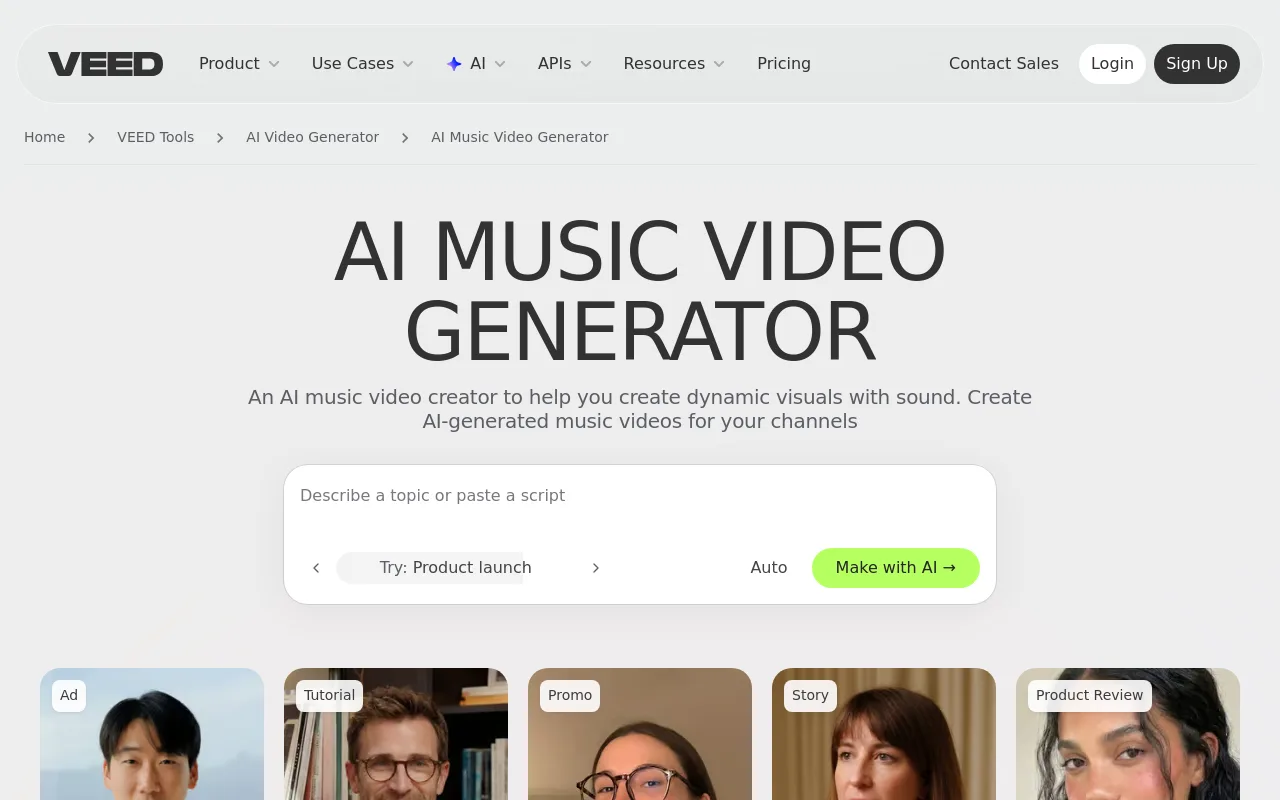
VEED.IO is a comprehensive web-based video editor that features a dedicated AI music video generator module. Instead of focusing solely on generative art, VEED.IO provides an editing timeline where you can combine stock footage, text overlays, and audio tracks.
The free tier allows you to upload your own audio file and apply basic audio-reactive visualizers, such as waveform bars or circular audio rings. While it lacks the fully generative, beat-synced art style of Freebeat, VEED.IO is excellent for creators who want to build lyric videos or promo clips with precise subtitle control. The free export contains a VEED.IO watermark. If you still need tracks to feed it, start with our guide to the best AI music generator options.
5. Pictory.ai

Pictory.ai is primarily a script-to-video platform designed for content repurposing, but it offers a free trial that works well for music clips. If you have an audio track and a written script or lyric sheet, Pictory can automatically match sentences with relevant stock video clips from its library.
The free trial gives you enough room to test the script-to-video workflow on a few short projects before you commit. Pictory does not offer true audio-reactive beat-syncing, meaning the visuals will not pulse with the music. However, it is a practical tool for building narrative-driven background videos where the visual content changes based on the theme of your lyrics rather than the musical tempo.
6. Invideo

Invideo provides a prompt-to-video workflow that generates full video packages, including background music, voiceovers, and visual clips, from a single text prompt. For music creators, you can upload your own audio file and use the AI prompt box to describe the style of video you want to generate.
The free tier gives you access to basic editing tools and standard media exports with an Invideo watermark. The platform is highly effective for generating promotional teasers, as the AI automatically selects and trims stock footage to match the general pace of your uploaded track.
7. Vivideo

Vivideo is a free text-to-video generator that allows creators to build short clips using bundled AI music and voiceovers. Per Vivideo, the platform is optimized for quick social media ads and promotional content rather than long-form music videos.
You can input a descriptive text prompt, and Vivideo will generate a matching visual sequence. While it lacks advanced beat-sync features, it is a fast, zero-cost option for creators who need a short looping video background to place behind an audio track in a third-party editor.
Step-by-step: making a music video with a free AI tool
Creating your first AI-generated music video is straightforward when you follow these five steps.
- Pick your audio track: Start by obtaining your audio file. You can upload an MP3 directly or paste a link from supported platforms. If you are using Freebeat, you can paste a link from 7 different services, including Suno, Udio, or SoundCloud. Per a Jam.com 2026 roundup, Suno has roughly 100 million users, making it the largest community of any AI music generator.
- Select a visual style preset: Choose a visual theme that matches the energy of your song. For a high-energy track, choose a preset like Onbeat Effects or Singing MV to ensure the video pulses in time with the drums. For ambient music, an abstract or storytelling preset works best.
- Configure your aspect ratio and captions: Choose 16:9 for standard YouTube uploads, or 9:16 if you are preparing a vertical video for TikTok, YouTube Shorts, or Instagram Reels. Toggle the captions setting if you want the generator to overlay your lyrics on the screen.
- Generate and iterate: Click generate to render your draft. If the visual style does not match your expectations, modify your text prompt or adjust the style settings before rendering the final version.
- Handle the watermark and export: Export your finished video. On a free plan, you will typically receive a 720p file with a watermark. If you need clean, watermark-free files at higher resolutions, check the platform's upgrade options.
Pricing and limits cheatsheet
To help you choose the right tool for your workflow, here is a summary of the free tiers and upgrade paths for each platform.
| Platform | Free Tier Limits | Upgrade Cost / Key Benefit | Best Suited For |
|---|---|---|---|
| Chillframe | 45-credit trial (30-min max, 1 video, Lite visuals) | Monthly credits, auto-publishing, 4K on Ultra visuals | Lofi and ambient channels |
| Freebeat | 720p output, watermarked | Watermark removal, 1080p, commercial rights | Social media clips |
| Plazmapunk | Short video lengths, watermarked | High-definition exports, longer runtimes | Music artists |
| VEED.IO | Watermarked exports | Watermark removal, higher-resolution exports | Lyric video creators |
| Invideo | Freemium (limits vary by plan) | Watermark removal, expanded export options | Promotional teasers |
If you are looking to build a long-term content library, start with the foundations in our guide to building a faceless YouTube channel.
Frequently Asked Questions
Is there a truly free AI music video generator with no watermark? Most free AI music video generators apply a watermark to support their free tiers. Freebeat is one of the few platforms that offers an explicit toggle to remove watermarks, though this often requires completing promotional tasks or sharing the platform on social media. For completely watermark-free, high-definition exports, you will generally need to upgrade to a paid subscription on platforms like VEED.IO or Plazmapunk.
Can I legally use generated music tracks inside these tools for monetized YouTube? You must check the terms of service for each specific tool. Most free tiers do not grant commercial usage rights for the generated video or audio assets. If you generate music on a free plan, check that platform's license before you monetize, because commercial rights on outputs are a common paid-tier upgrade trigger. Before monetizing, upgrade to a tier that grants commercial rights on your music generator, or use a tool like Chillframe, which writes original, studio-quality lofi tracks made for your channel rather than remixing an existing catalog.
Which free tool fits a TikTok vertical (9:16) without a watermark? Freebeat allows you to select a 9:16 aspect ratio on its free tier, making it ideal for TikTok, YouTube Shorts, and Instagram Reels. While it defaults to a watermarked output, you can use their built-in watermark removal options or crop the video using a local editor. If you are serious about building a vertical video channel, upgrading to a paid tier on Plazmapunk or Freebeat is the most reliable way to get clean, high-resolution vertical files.
Which free tool is best for running a 24/7 lofi or study-music YouTube channel? While general-purpose video editors can create short lofi clips, they are not designed to handle the long runtimes required for study-music channels. Chillframe is the best solution for this niche. It generates continuous, gapless soundtracks up to a full hour long on every tier, pairs them with looping lofi visuals, and manages the entire publishing schedule automatically. This allows you to build a consistent video catalog without spending hours rendering and uploading files.
Do any of these tools auto-publish to YouTube, or do I still have to upload manually? Standard tools like Freebeat, Plazmapunk, and VEED.IO require you to download the finished video file to your local computer and then manually upload it to YouTube. Chillframe is designed to automate this entire process. It connects directly to your YouTube channel and automatically publishes your scheduled Series episodes on the cadence you select, providing a hands-off workflow that keeps your channel active.
Choosing the right free AI music video generator depends on your creative goals. If you are an independent musician looking to create a quick, responsive visualizer for your latest single, platforms like Freebeat and Plazmapunk offer powerful beat-sync features that turn audio tracks into engaging social media clips. If you want to build an automated YouTube channel centered around lofi study beats, rainy day aesthetics, or ambient sleep tracks, Chillframe provides the specialized tools you need to succeed. By automating the music generation, visual creation, and YouTube publishing process, Chillframe allows you to focus on growing your channel while fresh episodes keep arriving on schedule.