Guides
How to Choose the Best Audio to Video AI Generator in 2026
Turn sound files into high-performing video assets without touching an editing timeline.

Creating video content from audio files used to require hours of manual synchronization inside heavy desktop editing suites. Today, an audio to video ai generator automates the entire process, letting creators turn podcasts, voiceovers, and music tracks into visually engaging video assets in minutes. This shift is especially valuable for creators building faceless YouTube channels or repurposing audio across platforms like TikTok and Instagram.
By leaning on generative models, modern tools analyze the structural elements of your audio to produce matching backgrounds, animated loops, or lip-synced avatars. This guide reviews the top platforms, the features that matter, and the workflows that help you pick the right tool for your creative goals.
What Is an Audio to Video AI Generator (and How Does It Work in 2026)?
An audio to video AI generator is a specialized application that ingests an audio file and automatically outputs a synchronized video. Unlike traditional editors that require you to manually place clips on a timeline, these generators use AI to build visuals that match the pacing, tone, and content of your audio.
Most modern tools offer three primary input modes:
- File Upload: Direct support for standard audio formats like MP3, WAV, FLAC, and M4A.
- Link Paste: The ability to pull audio directly from external links, such as YouTube videos, SoundCloud tracks, or Suno generations.
- In-Browser Recording: Direct vocal recording through your microphone for quick voiceovers.
The 2026 capability stack for these tools includes structure-aware scene segmentation, lyric-to-text or speech-to-text alignment, lip-synced digital avatars, and customizable style presets. These features detect beats, rhythm changes, or vocal pauses to transition visual scenes or generate kinetic captions.
The category has grown alongside the broader expansion of generative media. According to AI Video Bootcamp, AI image generation has reached 34 million images created daily worldwide, with more than 15 billion generated cumulatively since 2022, scaling the AI image market to a $15.18B valuation. Because high-quality visuals are now so accessible, audio-to-video developers have applied the same generative techniques to video, making automated video production cost-effective for creators of every size.
Who Uses Audio to Video AI, And What For
Different creators use audio-to-video tools to solve unique production bottlenecks:
- Podcasters: Audio-only podcasts often struggle to gain traction on highly visual platforms. Podcasters use podcast-to-video tools to convert long-form episodes into short, captioned clips for TikTok, Instagram Reels, and YouTube Shorts.
- Musicians and Producers: Independent music creators, especially those in the lofi, ambient, and hip-hop genres, use these tools to generate visualizers. This lets them upload unreleased tracks and beat tapes directly to video platforms without hiring animators.
- Educators and Course Creators: Instructors convert lecture recordings and audio guides into captioned videos to improve student engagement and accessibility.
- Marketers and Social Media Managers: Businesses repurpose voice memos, audio testimonials, and radio ads into high-performing vertical videos for social advertising.
- Faceless YouTube Channel Owners: Creators who run study, sleep, or relaxation channels rely heavily on automated video production. For these channels, the audio track is the primary product, and the visual serves as the essential wrapper required to publish on YouTube.
Key Features That Actually Matter in an Audio to Video AI Generator
When evaluating platforms, focus on the features that directly affect your production speed and output quality:
- Output Modes (Lip-Sync vs. Scene-Match vs. Caption-Only): Choose a tool that matches your content type. Talking-head videos need precise lip-syncing avatars. Music videos need scene-matching visuals that react to beat drops. Podcast clips often only need a clean background with animated waveform captions.
- Aspect-Ratio Presets: Look for standard aspect ratios, such as 9:16 for vertical shorts, 16:9 for horizontal widescreen, and 1:1 for square social posts.
- Caption Style Presets: High-performing short-form videos rely on engaging text overlays. Look for preset styles like Bold, Minimal, Glow, or Outline to keep your branding consistent.
- File Limits and Supported Formats: Make sure the generator can handle your typical file sizes. Basic tools may cap uploads at 50MB, while advanced platforms accept files up to 500MB.
- API Access: For creators who run large portfolios of channels, API integration lets you automate batch rendering and schedule posts programmatically.
- Watermark Policies: Free tiers often place large watermarks on your videos. If you plan to monetize, look for platforms that offer clean, watermark-free exports on their entry-level tiers.
The 10 Best Audio to Video AI Generators in 2026 (Tested & Compared)
1. Vmaker Audio-to-Video AI
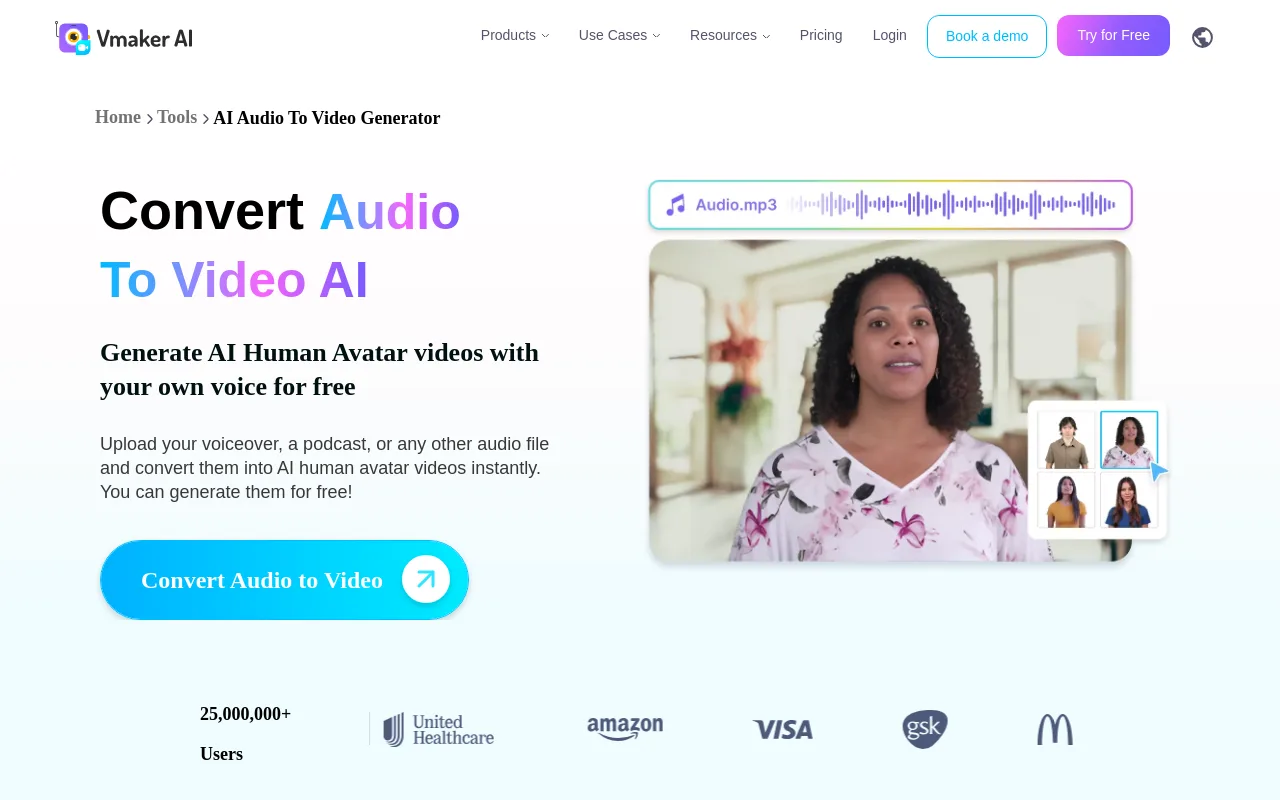 Vmaker is built for creators who want to turn voiceovers and podcast episodes into talking-head videos using realistic AI human avatars. The platform supports a global user base of over 25,000,000 users across its AI tools, per Vmaker, and uses a freemium model with tiered pricing based on generation minutes.
2. Magic Hour Audio-to-Video
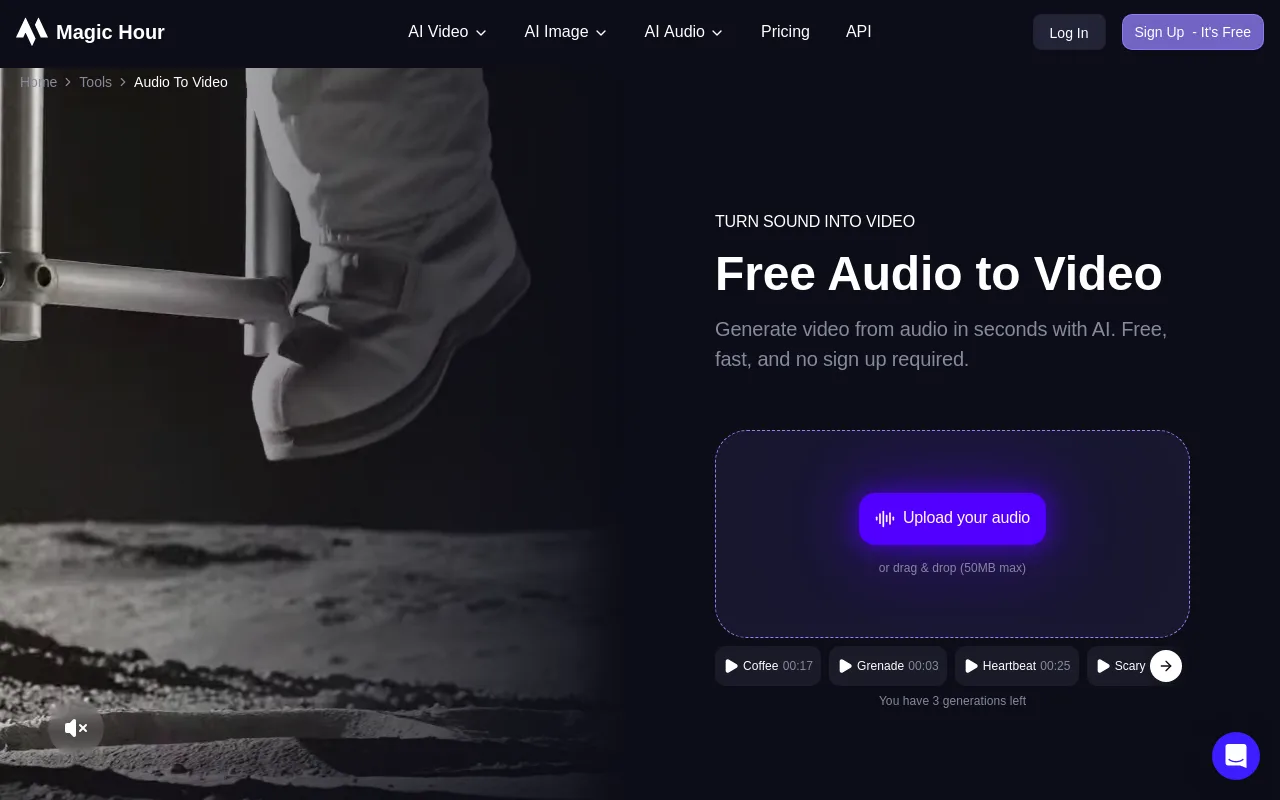 Magic Hour offers a free, no-signup generator that produces context-aligned visuals based on the underlying structure of your audio. It is popular among social media creators, having generated over 20 million videos for more than 500,000 creators, per Magic Hour. It is a good fit for quick, automated visualizers.
3. AudioCleaner Audio-to-Video AI
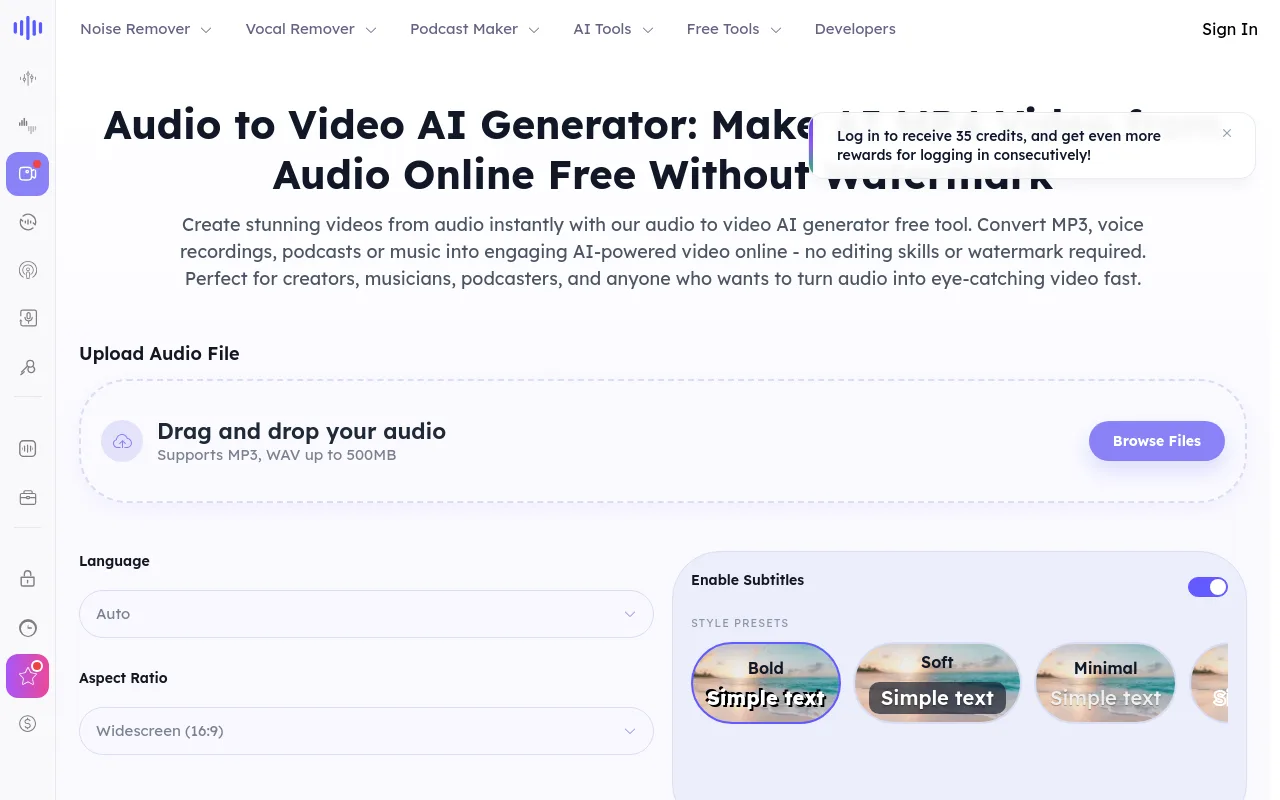 AudioCleaner focuses on converting audio files into videos with an emphasis on caption customization, offering four distinct caption styles: Bold, Minimal, Glow, and Outline. AudioCleaner has processed more than 30 million files for creators across 190 countries, per AudioCleaner, making it a reliable choice for international creators.
4. AudioX Audio-to-Video
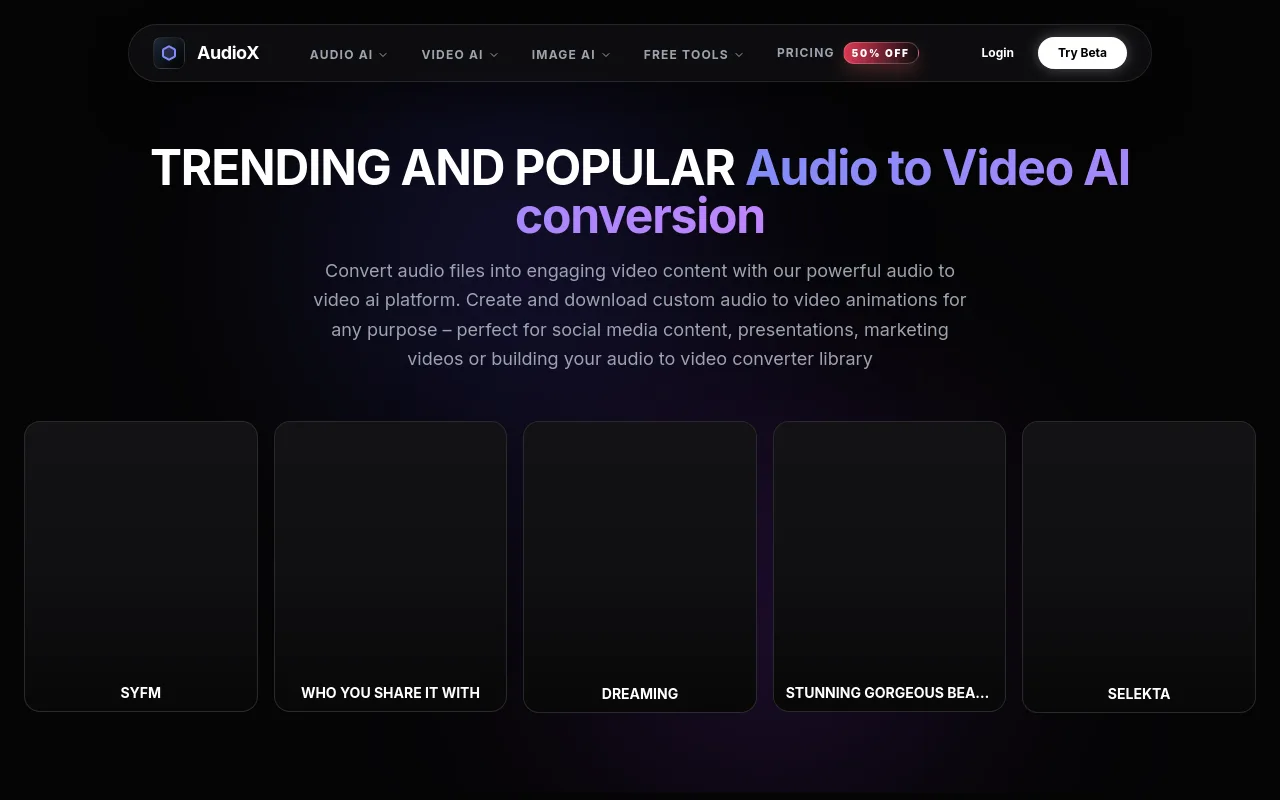 AudioX operates as a multi-model aggregator, letting users run their audio through different underlying generative video models depending on their budget and quality needs. It exposes advanced models so creators can dial in the visual style of their outputs.
5. Pictory Audio-to-Video
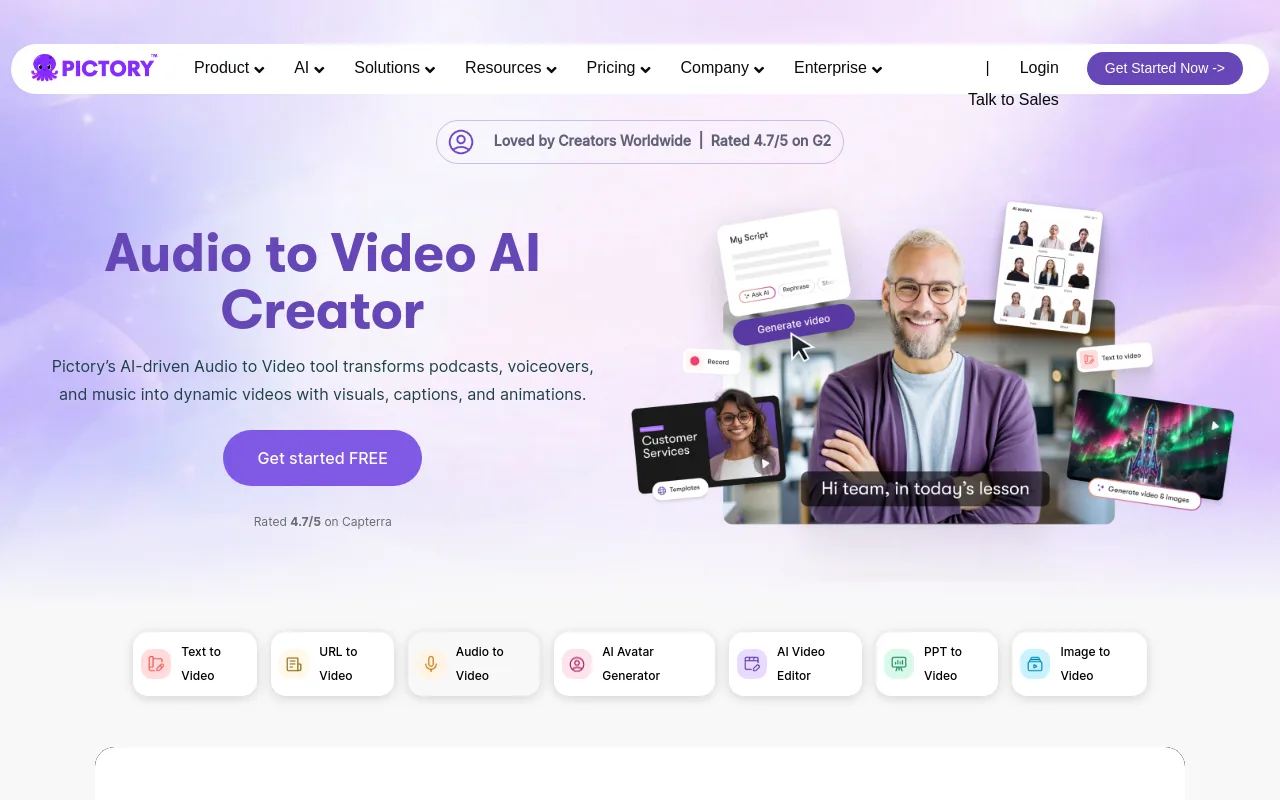 Pictory is a leading tool for turning audio scripts and voiceovers into stock-footage-driven explainer videos. It automatically analyzes your spoken words, extracts key concepts, and matches them with relevant clips from its licensed stock libraries.
6. MotionLaps Audio-to-Video
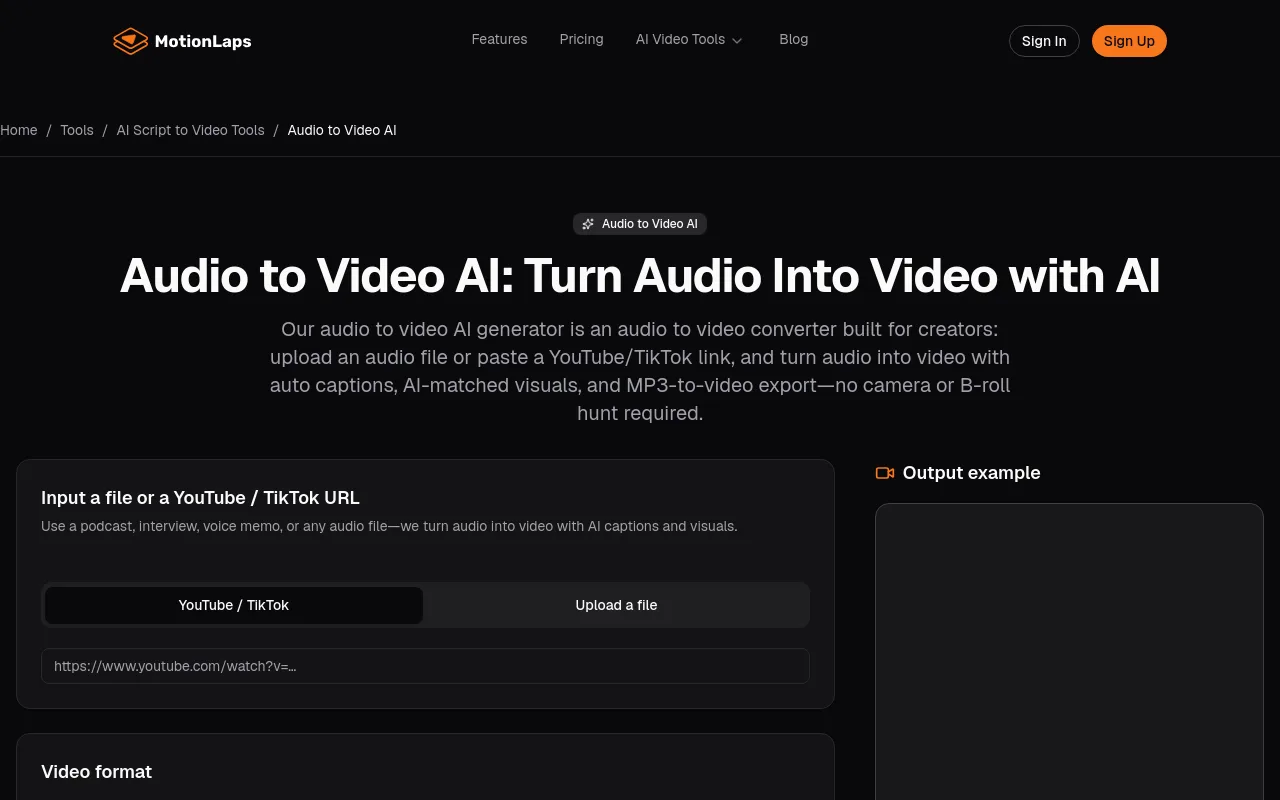 MotionLaps is designed for social media managers who need to quickly convert audio files or links into short-form clips. It features simple aspect-ratio presets (9:16, 16:9, 1:1) and a straightforward upload-and-render workflow.
7. SunoMV Audio-to-Video AI Generator
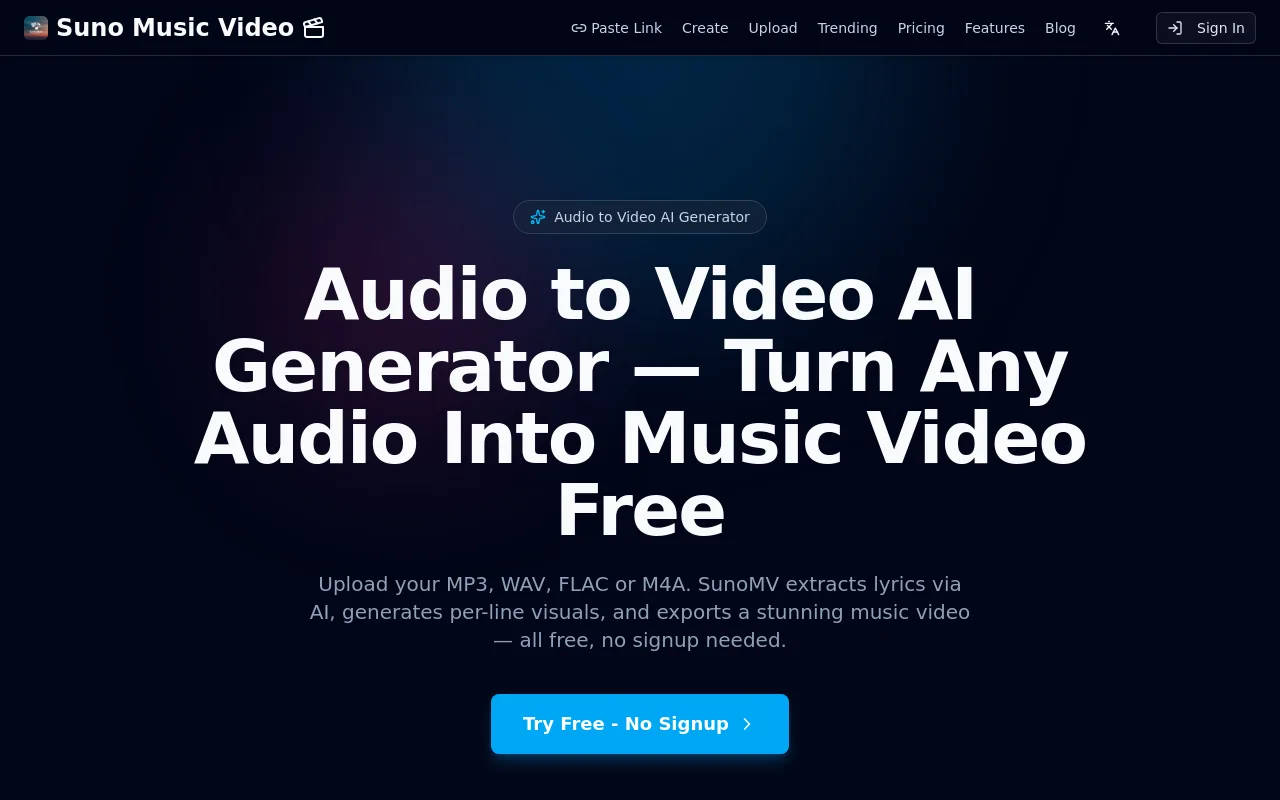 SunoMV is a specialized music-video generator that automatically extracts lyrics from your audio files. It syncs stylized visuals to your music on a per-line basis, making it a favorite for independent musicians and songwriters.
8. AudioToVideo.pro
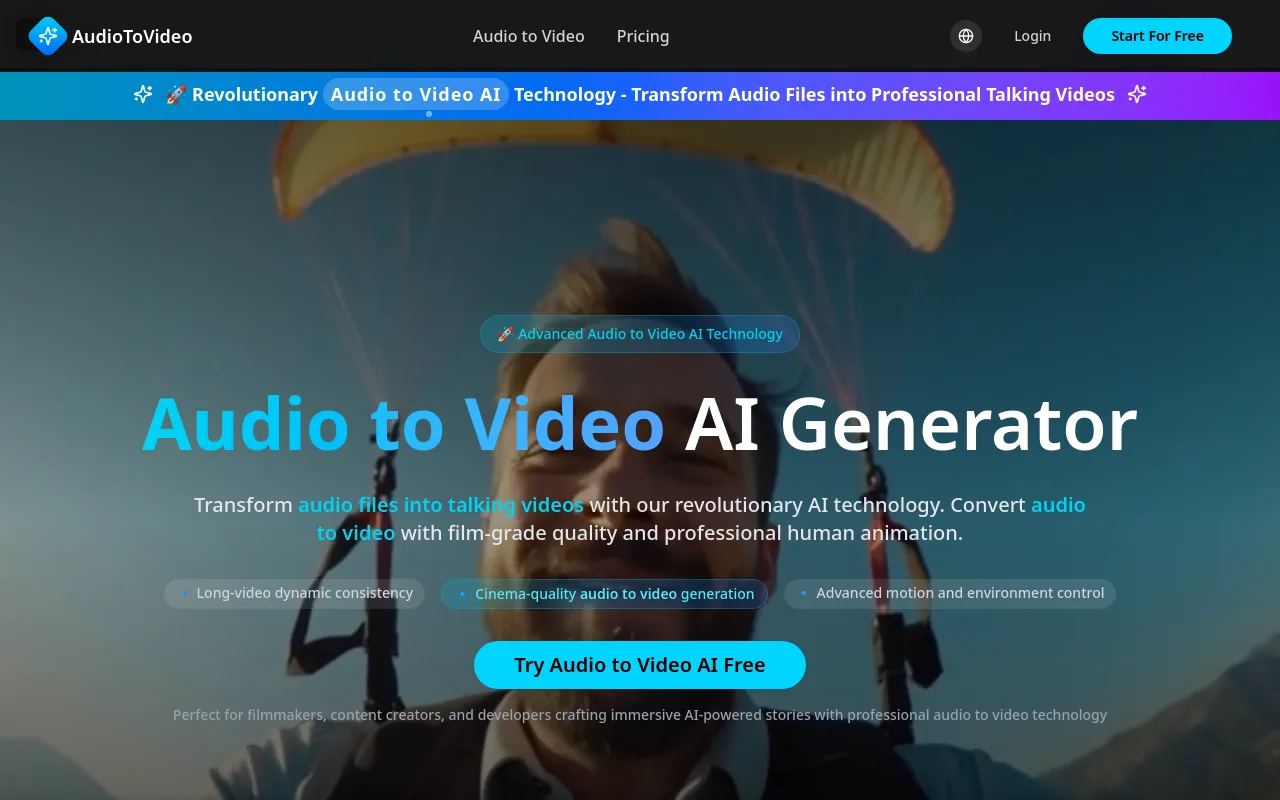 AudioToVideo.pro focuses on producing high-end talking videos. It markets film-grade visual consistency, giving creators detailed control over character motion, facial expressions, and environmental backgrounds during long generations.
9. Wondershare Filmora
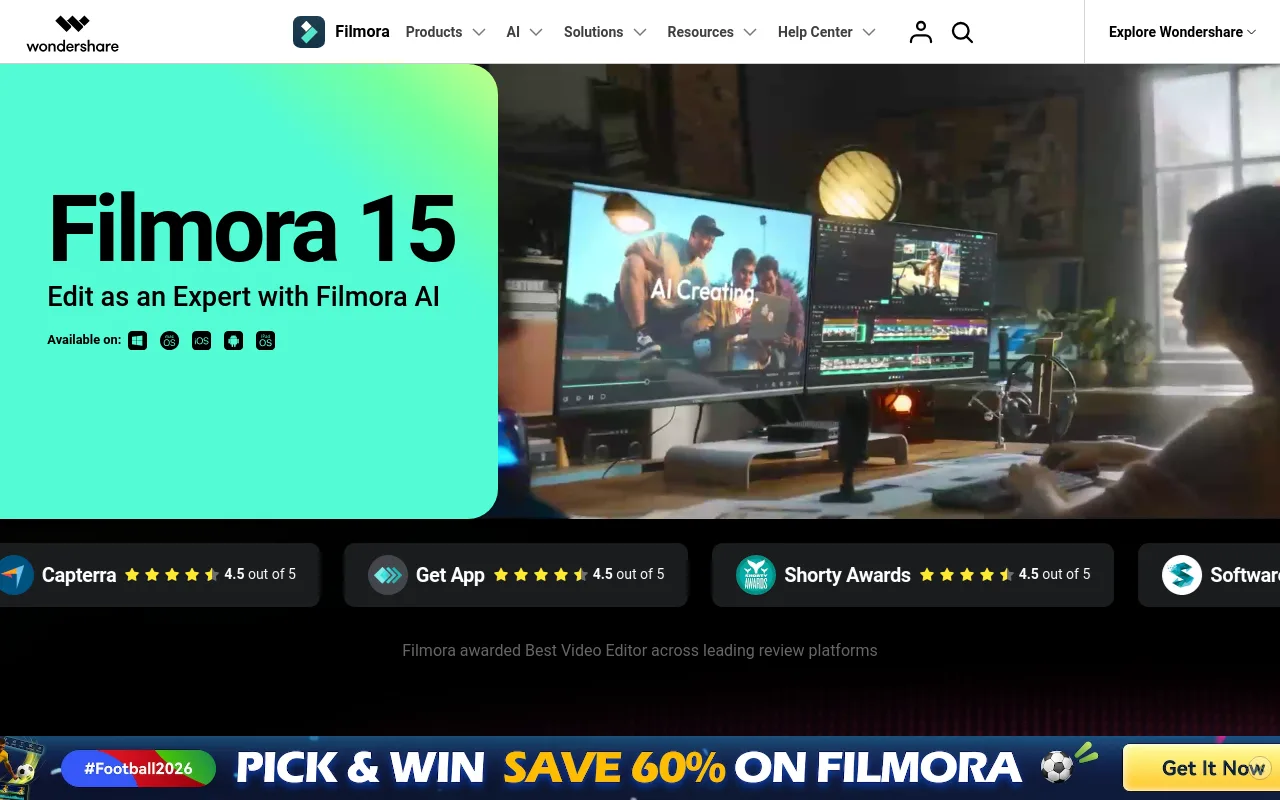 Filmora is a traditional desktop video editor that has integrated several AI-driven audio-to-video features directly into its interface, letting users combine automated generation with manual timeline editing.
10. Google Veo / Capsule
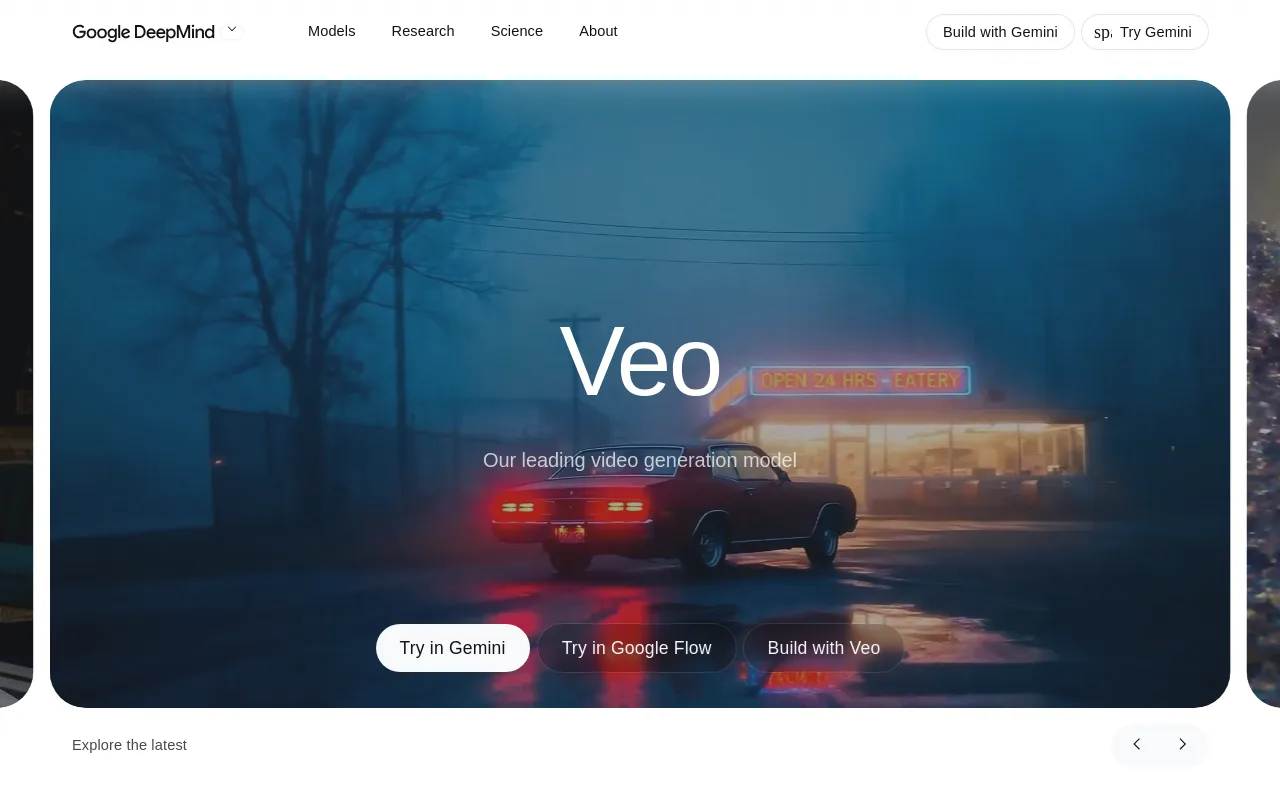 Google Veo and Capsule represent the ecosystem-integrated tier of creative tools, offering advanced, audio-aware video generation designed for professional studio environments.
Sourced Comparison Table
| Tool | Best For | Key Feature | Source Link |
|---|---|---|---|
| Vmaker | AI human-avatar lip-sync | Realistic AI avatars | Vmaker |
| Magic Hour | Free, no-signup generation | Structure-aware visuals | Magic Hour |
| AudioCleaner | Caption style variety | 30M+ files processed | AudioCleaner |
| AudioX | Multi-model experimentation | Exposes advanced models | AudioX |
| Pictory | Stock-footage explainers | Script-to-video matching | Pictory |
| MotionLaps | Social media clips | Aspect-ratio presets | MotionLaps |
| SunoMV | Music videos | Auto-lyric extraction and sync | SunoMV |
| AudioToVideo.pro | Long-form talking head | Dynamic environment control | AudioToVideo.pro |
Verdict
For spoken-word content like podcasts and courses, Vmaker and Pictory offer the most practical workflows for captioned, avatar-led videos. For musicians who want rhythm-aligned visuals, SunoMV and Magic Hour offer excellent specialized templates. But if your ultimate goal is a highly automated, self-sustaining channel with original music and matching visuals, simple file converters can still leave you with manual editing and uploading to do.
How to Choose the Right Audio to Video AI Generator
To pick the best tool for your workflow, weigh the following factors:
- Match the Output to Your Use Case: For talking-head content, prioritize platforms with advanced lip-syncing avatars. For music, focus on beat-responsive scene-matching. For quick social clips, prioritize caption-heavy tools.
- Analyze Pricing Transparency: Compare how platforms bill your usage. Vmaker publishes clear, tiered pricing based on generation minutes, Magic Hour offers free generations with paid upgrades, and Pictory bundles stock asset licensing into its subscription tiers.
- Evaluate Scale and Automation: If you plan to publish several videos a day, manual uploading and exporting will slow you down. Look for platforms that support batch processing, scheduled series generation, or direct social integrations.
- Review Watermark and Resolution Policies: Confirm that your tier supports clean, watermark-free exports at high-definition resolutions (such as 1080p or 4K) so your content looks professional on every screen.
- Understand the Model Tiers: According to AI Video Bootcamp, the AI video market splits into a four-tier structure: quality-first tools, cost-efficiency models, ecosystem-integrated platforms, and open-source models, alongside speed-first social engines. Choose a tool whose underlying technology matches your budget and production standards.
Step-by-Step: Turn an Audio Track Into a Publish-Ready Video With AI
Follow this workflow to convert any sound file into a finished video:
- Step 1: Prepare Your Audio File: Make sure your audio is clean and saved in a supported format like MP3 or WAV. Keep file sizes within your tool's limits (for example, AudioCleaner supports up to 500MB, while Magic Hour caps free uploads at 50MB).
- Step 2: Choose Your Input Mode: Upload your audio file, paste a direct link from platforms like YouTube or SoundCloud, or use an in-browser microphone to record directly.
- Step 3: Select Your Output Mode and Aspect Ratio: Choose your visual style (such as basic visualizers, scene-matching loops, or lip-synced avatars) and the correct aspect ratio (16:9 for widescreen YouTube or 9:16 for vertical TikToks and Reels).
- Step 4: Apply Style and Caption Presets: Select a visual theme and caption style presets (such as Bold, Minimal, Glow, or Outline) so your text overlays stay readable.
- Step 5: Generate and Review: Click generate to start the AI render. Review the completed draft to confirm the visuals align with the audio transitions and that the captions are accurate.
- Step 6: Export and Publish: Download your finished video. If you are a lofi or ambient creator, you can streamline this step by using an automated publishing platform to schedule and post your content directly to your YouTube channel.
Why Audio to Video AI Is a Breakthrough for Lofi and Ambient Creators
Lofi and ambient tracks are long, slow-tempo, and visually low-information, which makes them ideal candidates for looping, stylized visualizers. Traditional video production is cost-prohibitive for creators who need hours of visual content for large music catalogs. AI collapses those production costs to near zero, letting independent artists scale their visual output quickly.
The generative AI video market has grown to a $946M valuation, with leaders like Runway reaching $300M in revenue and a $5.3B valuation, per AI Video Bootcamp. That fast growth has made automated visual creation widely accessible.
While standard audio-to-video converters require you to supply your own audio, Chillframe offers a complete, hands-off solution that builds a faceless channel that runs itself. Instead of spending hours editing and uploading, you get hands-off publishing that generates compounding watch-time and channel performance you can see.
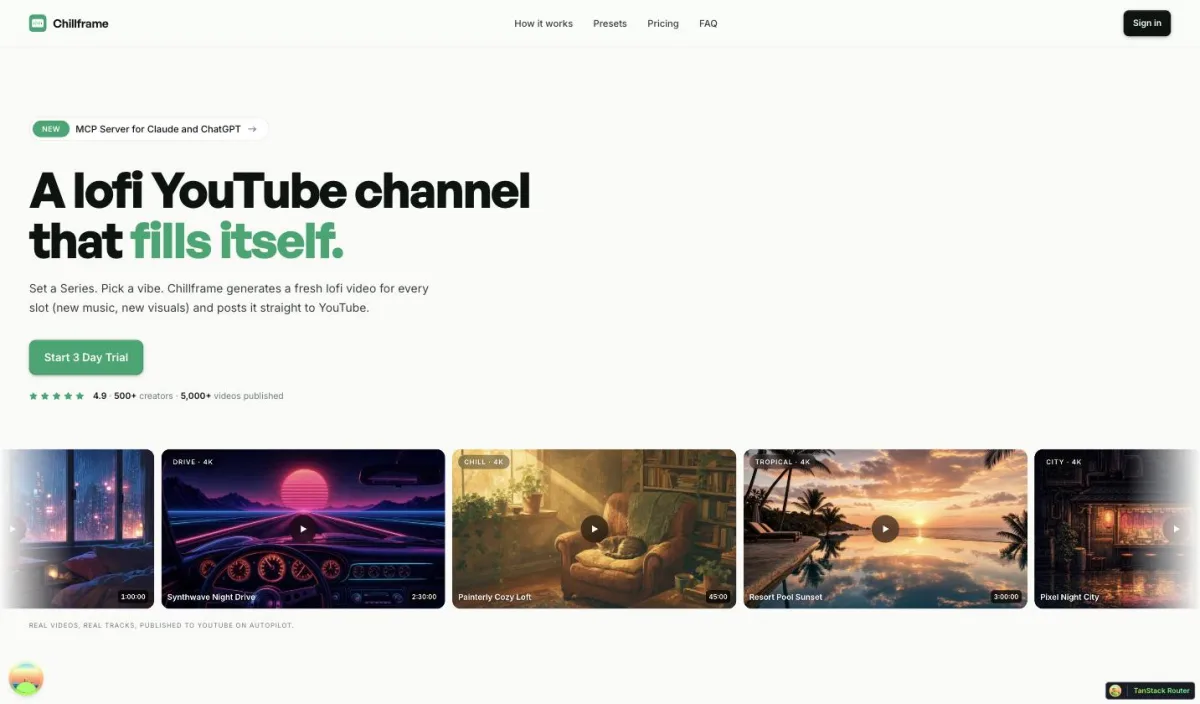
Chillframe turns a simple theme into a finished, schedulable lofi video. It generates original, studio-quality lofi tracks that blend into a gapless, continuous soundtrack, alongside matching looping visuals. You can choose from seven distinct themes: study-boombap, rainy-tokyo, jazzhop, ambient-sleep, synthwave, future-garage, and citypop. To deepen the listener's immersion, some themes carry a fixed, matched ambient texture woven into the sound: rain in rainy-tokyo and future-garage, a warm cafe hum in jazzhop, and a soft crackling fire in ambient-sleep, while the other themes play completely clean.
Your visuals scale with your tier. The Lite tier delivers static image loops, while the Plus and Ultra tiers add fluid motion. Chillframe outputs finished, ready-to-publish videos that loop cleanly to your chosen runtime. You can generate videos up to 1 hour on every tier, so length is never the thing you upgrade for. Every tier delivers crisp 1080p, with full 4K (3840x2160) available on the Ultra visual tier.
To keep your channel consistently active, you set up a Series. A Series automatically generates fresh videos on a cadence you control, from 1 to 7 videos per week, on your chosen days and times. You can connect your YouTube channel in a single click and line up each episode's title, description, visibility, and release date on the schedule you set.
Chillframe handles the publishing side, too. Each finished episode posts straight to your connected channel on the schedule you set, arriving with an optimized thumbnail and title so every upload is click-ready. A Series can run the whole channel for you, handling the theming, generation, scheduling, and publishing on the cadence you choose. Built-in analytics show how each episode and the channel are performing, so you can see what is working without leaving your dashboard.
Chillframe runs on a credit and subscription model, with monthly credits by tier: Starter includes 76 credits, Creator 196, Pro 396, and Max 796, resetting each billing cycle. Credits are spent by video duration, track count, and visual tier. Your Series allowance scales the same way: 1 Series on Starter, 3 on Creator, and unlimited on Pro and Max. New creators can start with a card-required-upfront 3-day trial, $0 due today, that provides 45 credits on the Lite visual tier for a single video with a 30-minute maximum runtime, plus 2 track re-rolls.
To go deeper on setting up your channel, read our guide on how to make lofi music, compare the field in our review of AI music video generator tools, see what the free tools really include, or learn how faceless YouTube automation keeps a channel growing on its own.
Limitations, Risks, and What AI Audio to Video Still Can't Do Well in 2026
Generative technology has advanced quickly, but creators should stay aware of its current limits:
- Lip-Sync Glitches: AI speech-to-video models can still glitch on heavily accented speech, rapid dialogue, or audio with multiple speakers talking over one another.
- Long-Form Consistency: Maintaining visual consistency over videos longer than 10 minutes is still hard. Tools like AudioToVideo.pro market long-video consistency, but those claims are often unproven at scale.
- Copyright and Licensing: Many generative models do not offer licensing or ownership guarantees for their visual outputs. To protect your channel, it is safer to use your own original audio or a platform that generates original, studio-quality music.
- Caption Accuracy: Automated captioning drops in accuracy on noisy, low-quality, or heavily compressed audio. Clean, high-fidelity inputs are essential for accurate transcription.
- Marketing vs. Reality: High-end "film-grade" marketing claims should always be tested with short trials before you commit to an expensive monthly subscription.
Frequently Asked Questions
What is the best free audio to video AI generator? Magic Hour and AudioCleaner are strong free options that let creators generate videos without an upfront signup. Magic Hour focuses on structure-aligned visuals, while AudioCleaner offers multiple caption style presets. If you want to build a highly automated lofi channel, Chillframe also offers a card-required-upfront 3-day trial, $0 due today, with 45 credits on the Lite visual tier for a single 30-minute video.
Can AI turn a song into a music video? Yes. Specialized audio-to-video tools analyze the rhythm, tempo, and frequency of a track to generate synchronized visual loops. Tools like SunoMV automatically extract lyrics and align them line by line with the music, while other platforms use scene-matching to change visuals in response to beat drops and transitions.
How long does it take to generate a video from audio? Generation times vary with the length of the audio track, the complexity of the visual model, and the tool's rendering tier. Short-form clips usually generate in a few seconds to a couple of minutes. Long-form videos, such as one-hour ambient loops, need more processing time, but cloud-based tools handle the rendering in the background without tying up your local computer.
Do these tools add watermarks? Watermark policies differ by platform. Free-tier tools like Magic Hour and AudioCleaner market watermark-free exports on their basic outputs, while freemium platforms like Vmaker gate clean high-definition exports behind paid tiers. Always check the export settings and pricing terms before rendering long projects.
Which tool is best for podcasts? For spoken-word audio and podcast episodes, Vmaker is highly rated for its AI human-avatar lip-syncing and large asset library. Pictory is another strong choice for turning scripts and voiceovers into stock-footage-driven explainer videos. Both help podcasters repurpose audio into shareable, captioned clips for social platforms.
Choosing the right audio to video AI generator comes down to your creative goals. Whether you are a podcaster clipping highlights, a musician visualizing a new release, or an aspiring channel owner building an automated lofi brand, these tools remove the tedious bottlenecks of traditional editing. Pick a platform that matches your workflow, and you can scale your output, build a loyal audience, and let generative technology handle the heavy lifting.