Guides
The Best AI Video Generator for YouTube: Compare 10 Top Tools
Discover the best AI video generator for YouTube based on your format, workflow, and monetization goals.

With over 20 million videos uploaded daily to YouTube, creators must find efficient ways to produce high-quality content. Finding the best AI video generator for YouTube is not about picking a single platform that does everything. Instead, it is about matching a tool to your specific format, whether you produce talking-head videos, faceless history channels, or ambient music loops.
Quick answer: the best tool depends on your YouTube format
The ideal tool for your channel depends entirely on your content style. High-fidelity avatar models work well for educational channels, while stock-footage aggregators suit quick informational lists. If you are building a passive, atmospheric channel, specialized automation tools provide the most sustainable path.
| Format | Best Tool | Input Type | Visual Source | Voice/Avatar Support | Output Ratios | Length Limits | Free Access | Main Caveat |
|---|---|---|---|---|---|---|---|---|
| Talking-Head / Presenter | HeyGen | Script / Text | AI Avatars | Yes | 16:9, 9:16 | Varies by plan | Limited trial | High credit cost |
| Faceless Stock Videos | InVideo AI | Text prompt | Stock Library & AI | Yes | 16:9, 9:16 | up to 15 mins | Watermarked | Stock clips can feel generic |
| Autopilot Shorts | CapCut | Script / Prompts | Templates & Stock | Yes | 9:16 | up to 3 mins | Yes | Requires manual editing |
| Ambient / Lofi Music | Chillframe | Channel Settings | AI Visuals & Audio | No | 16:9 | up to 60 mins | From $19/mo | Niche-specific format |
| Cinematic B-Roll | Kling 3.0 | Text / Image | GenAI Model | No | 16:9, 9:16 | 5 to 10 secs | Daily credits | Needs external editing |
For creators who want to build a hands-off faceless channel that runs itself, Chillframe offers a complete solution. It generates the music and visuals, assembles the video, and publishes to your YouTube channel on a schedule you set. This allows you to build a library of ambient or lofi videos with compounding watch-time, completely hands-off.
How we evaluated AI video generators for YouTube
We compared 10 tools on the criteria that decide whether a channel can sustain a real publishing schedule. Our evaluation focused on several key performance areas:
- Script-to-Video Completeness: We scored how well each tool handles the entire pipeline, including script parsing, storyboard generation, visual asset matching, voiceover synthesis, captioning, and final rendering.
- Format Flexibility: We compared support for both 16:9 landscape workflows for standard long-form videos and 9:16 vertical layouts for YouTube Shorts.
- Asset Quality and Consistency: We evaluated visual realism, prompt adherence, voice naturalness, and character consistency across multiple generated scenes.
- Workflow Repeatability: We assessed whether the tool supports a sustainable schedule or if it requires too much manual correction to be useful for daily publishing.
Best AI video generators for YouTube by use case
Different channels require different production engines. Here is how the top tools group by their primary strengths.
Complete long-form or avatar-led production
If your channel relies on a consistent presenter but you do not want to film yourself, avatar-led suites are the answer. HeyGen and Synthesia allow you to type a script and generate a photorealistic presenter who speaks with natural inflections. For a deeper look at these workflows, read our guide on the AI video generator for YouTube.
Fast faceless Shorts and prompt-to-video
Shorts thrive on quick pacing, bold captions, and rapid turnaround. Tools like InVideo AI, VidFab, and CapCut let you turn a single prompt into a captioned vertical video in minutes. With YouTube Shorts averaging over 200 billion daily views, fast vertical workflows are highly valuable. Learn more in our breakdown of the AI YouTube Shorts generator and our roundup of the best faceless YouTube tools.
Script, blog, or article-to-stock-footage video
If you already have a successful blog and want to convert your articles into YouTube videos, tools like Fliki, Pictory, and Zebracat can help. These platforms scan your text, extract key points, and automatically match them with relevant stock footage, background music, and AI voiceovers.
Cinematic B-roll and original generative footage
For channels that require custom, high-quality visuals rather than stock footage, raw generative models are the best fit. Veo 3, Runway Gen-4.5, Kling 3.0, and Pika 2.5 generate original cinematic clips from text or image prompts. These clips can then be assembled in a traditional editor. For a detailed comparison, see our guide to AI video generator tools.
Repurposing existing long videos into clips
If you already produce long-form videos or podcasts, you can use AI to chop them into bite-sized clips. OpusClip, Kapwing, and Descript scan your long-form uploads, identify high-engagement moments, crop them to vertical layouts, and add animated captions.
Free starting points
If you want to test a channel concept without committing to a monthly subscription, you can use genuinely usable free tiers. For the music side of an ambient channel, our guide to the free AI music video generator options covers what the no-cost tiers realistically produce.
Side-by-side comparison table
This table outlines the capabilities, primary formats, and verified sources for the top AI video tools available for YouTube creators.
| Tool | Primary Format | Visual Source | Voice/Music Support | Source URL |
|---|---|---|---|---|
| HeyGen | Avatar Presenter | AI Avatars | Yes | HeyGen Product Page |
| InVideo AI | Prompt-to-Video | Stock & AI Visuals | Yes | InVideo Product Page |
| Fliki | Blog-to-Video | Stock & AI Visuals | Yes | Fliki Product Page |
| Pictory | Article-to-Video | Stock Library | Yes | MASV Review |
| Runway | Cinematic B-Roll | Generative Model | No | MASV Review |
| Veo 3 | Creative Footage | Generative Model | No | Zapier Review |
| Kling 3.0 | Cinematic B-Roll | Generative Model | No | The Hub of AI Review |
| OpusClip | Short-Form Clips | Existing Video | Yes | TubeGen Review |
| CapCut | Shorts / Editing | Stock & Templates | Yes | VidFab Review |
| Chillframe | Ambient / Lofi | AI Visuals & Audio | Yes | Chillframe Home |
What each tool is best at - and where it falls short
To help you choose the right platform, here is a detailed review of each tool based on its documented capabilities and the cited sources.
HeyGen
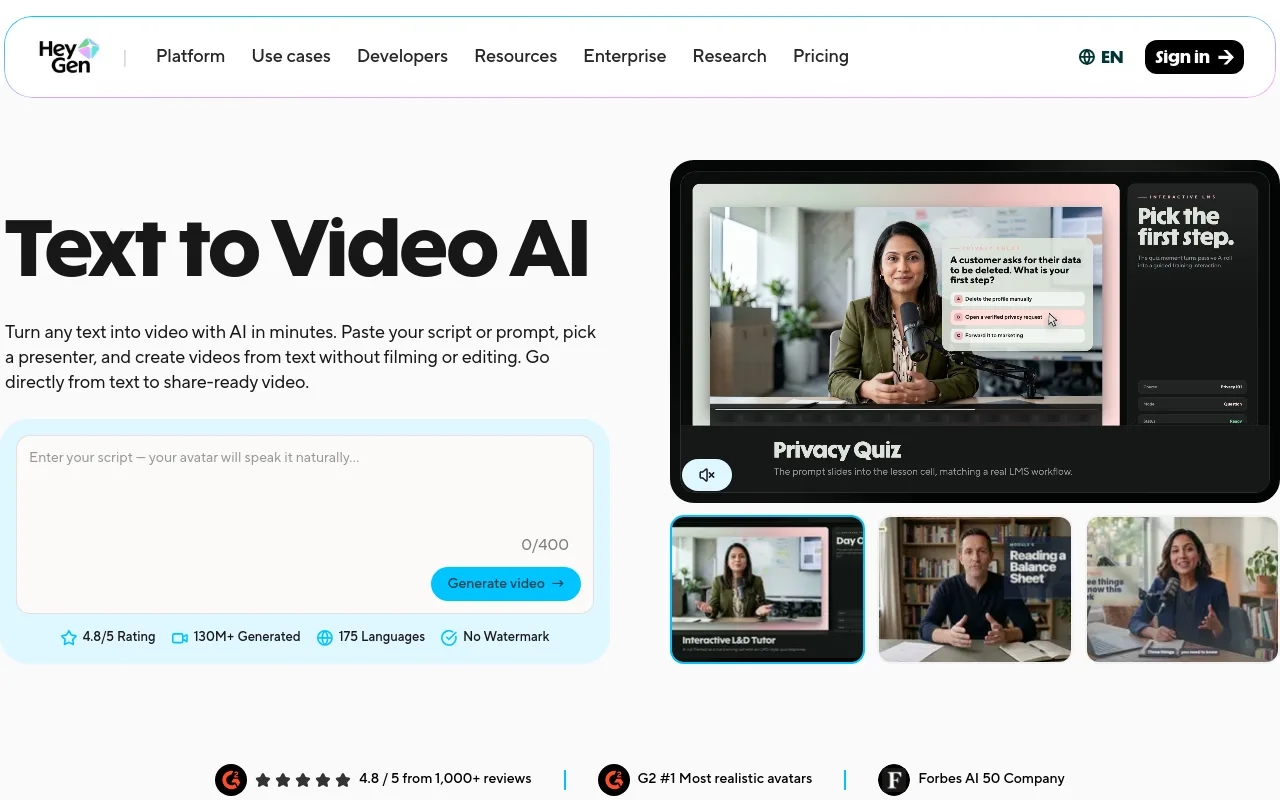
- Best for: Avatar-led educational videos and localized tutorials.
- Inputs: Written scripts, audio files.
- Workflow: Select an avatar, paste your script, choose a background layout, and export.
- Strengths: Highly realistic lip-syncing and facial expressions. HeyGen claims support for more than 700+ avatars and more than 175+ languages and dialects.
- Limitations: High credit usage per video; avatars can sometimes feel slightly stiff during longer pauses.
- Ideal YouTube channel: Tech tutorials, corporate training, localized news.
- Verdict: The cleanest option for talking-head presentations without using a physical camera.
InVideo AI
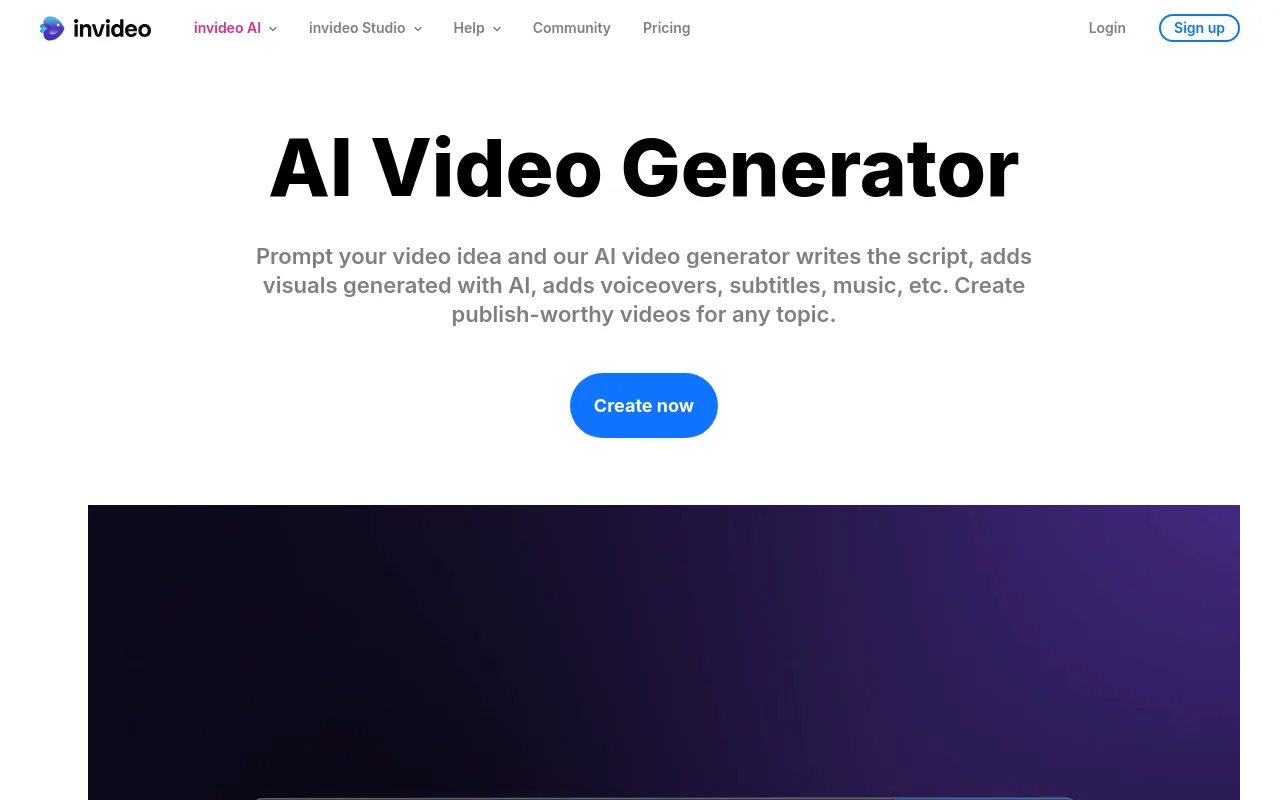
- Best for: Rapid script-to-stock faceless videos.
- Inputs: Single-sentence prompts or detailed outlines.
- Workflow: Enter your prompt, select your target audience, let the AI write the script and choose stock clips, then make text-based edits.
- Strengths: Fast generation of complete drafts. InVideo reports serving over 25M customers across 190 countries (vendor self-claim).
- Limitations: Stock clips can feel repetitive or mismatched without manual adjustment.
- Ideal YouTube channel: Daily trivia, top-10 lists, quick histories.
- Verdict: Excellent for creators who want to test multiple niche channels quickly.
Fliki

- Best for: Converting blog posts and written articles into narrated videos.
- Inputs: Blog URLs, scripts, audio files.
- Workflow: Paste a link, let the AI generate scenes, choose your voices, and export.
- Strengths: Fliki claims support for more than 2,000+ AI voices in more than 80 languages.
- Limitations: The timeline editor is basic, making complex custom editing difficult.
- Ideal YouTube channel: Audiobooks, motivational channels, blog summaries.
- Verdict: Highly efficient for text-heavy content creators.
Pictory

- Best for: Turning long articles into stock-footage summaries.
- Inputs: Text scripts, article links.
- Workflow: Paste text, let the AI extract key sentences, automatically match stock clips, and add captions.
- Strengths: Accurate text extraction and clean caption layouts.
- Limitations: Limited advanced visual customization options.
- Ideal YouTube channel: Business summaries, tech news reviews.
- Verdict: A solid utility tool for turning written content into simple videos.
Runway (Gen-4.5)

- Best for: High-end creative control and custom cinematic clips.
- Inputs: Text prompts, starter images, camera motion settings.
- Workflow: Enter a prompt, adjust camera direction, render a 5-to-10-second clip, and export.
- Strengths: Realistic physics, lighting, and camera movement.
- Limitations: Generates raw clips only; does not include built-in editing, music, or voiceovers.
- Ideal YouTube channel: Film essays, science fiction, cinematic storytelling.
- Verdict: Best for experienced editors who need high-quality custom visuals.
Google Veo 3
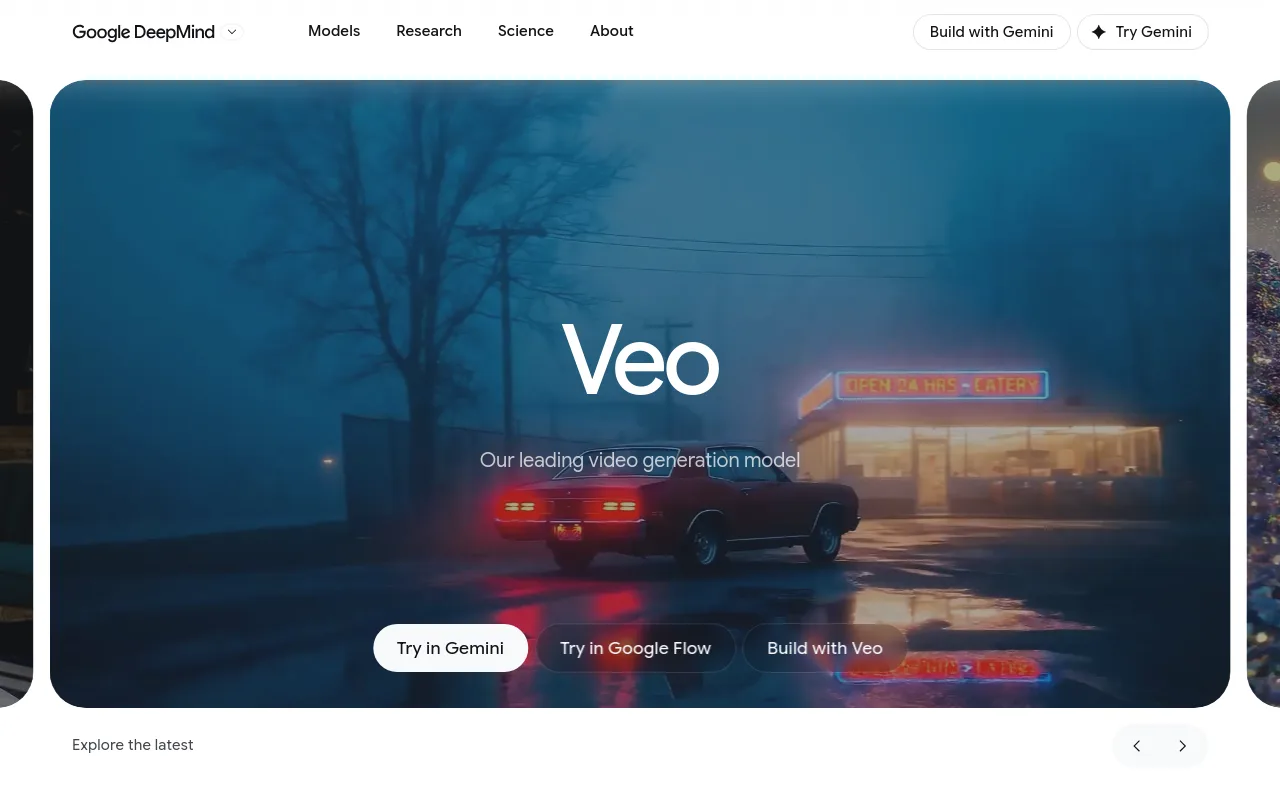
- Best for: Highly detailed prompt adherence and photorealism.
- Inputs: Detailed text prompts.
- Workflow: Generate raw clips via Google AI Studio, then import them into your video editor.
- Strengths: Excellent understanding of cinematic terms, lighting, and complex prompts.
- Limitations: No native timeline editing or audio generation features.
- Ideal YouTube channel: Creative concept channels, visual art.
- Verdict: A powerful model for creators who want unique, high-fidelity visual assets.
Kling 3.0
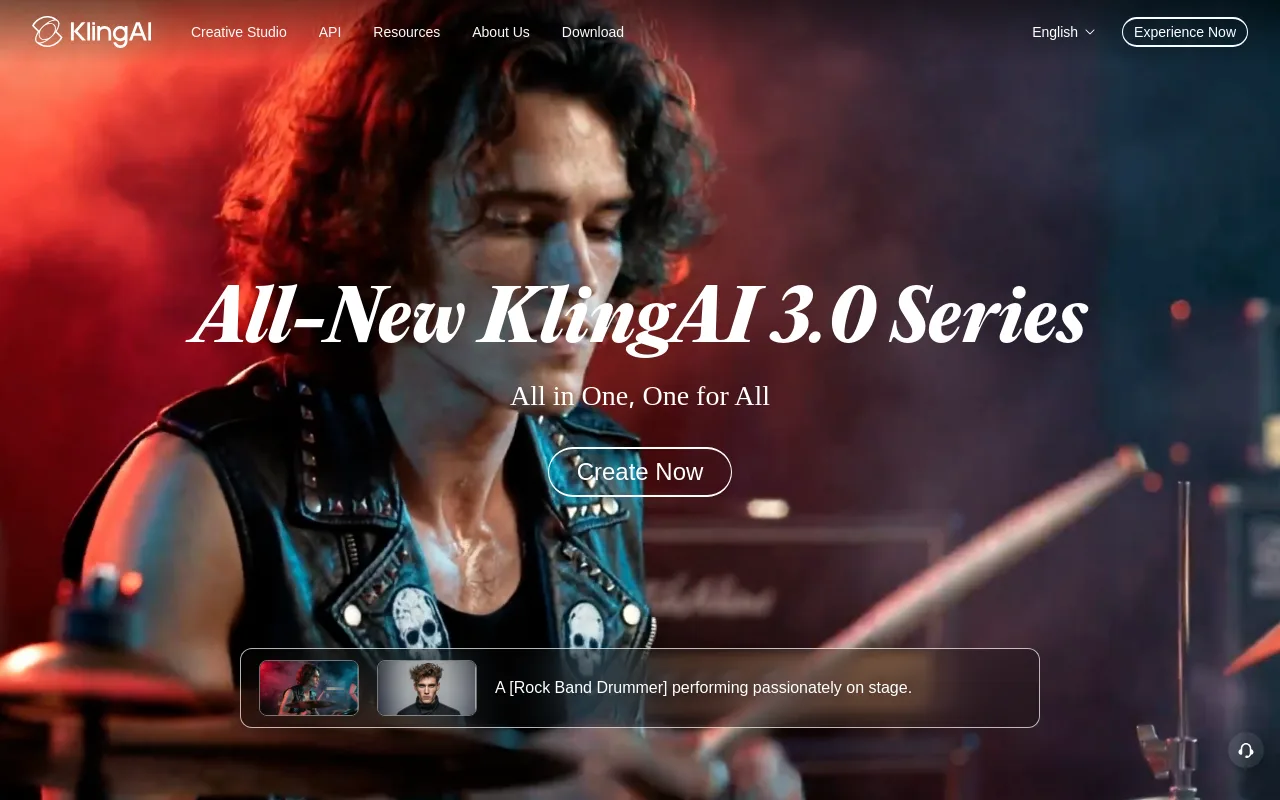
- Best for: Realistic physical interactions and character movement.
- Inputs: Text and image prompts.
- Workflow: Prompt your scene, extend the clip duration if needed, and export.
- Strengths: Handles human motion and object physics with minimal distortion.
- Limitations: Long processing queues on free tiers; requires external assembly.
- Ideal YouTube channel: Fantasy storytelling, speculative fiction.
- Verdict: A strong alternative to Runway for high-quality action shots.
OpusClip
- Best for: Slicing long podcasts and streams into vertical Shorts.
- Inputs: YouTube links, long-form video uploads.
- Workflow: Paste a link, let the AI find key moments, auto-crop to vertical, and review captions.
- Strengths: Accurate virality scoring and smart face-tracking.
- Limitations: Dependent on the audio and video quality of your original upload.
- Ideal YouTube channel: Podcast clips, gaming highlights, stream summaries.
- Verdict: A must-have tool for creators looking to expand into short-form content.
CapCut
- Best for: Mobile-friendly vertical editing with trending templates.
- Inputs: Raw video clips, photos, templates.
- Workflow: Import your footage, apply AI auto-captions, add effects, and export.
- Strengths: Massive library of trending templates and high-quality caption styles.
- Limitations: Requires manual editing; does not generate complete videos from a single prompt.
- Ideal YouTube channel: Lifestyle vlogs, trending Shorts.
- Verdict: The best companion editor for assembling and polishing your raw AI clips.
Chillframe

- Best for: Automated ambient and lofi music channels.
- Inputs: Niche selections and scheduling preferences.
- Workflow: Configure your channel, let the AI generate the music and visuals, assemble the video, and publish directly to YouTube on your schedule.
- Strengths: Provides a completely hands-off publishing workflow. Visuals and audio are generated together, assembled, and uploaded automatically. This allows your channel watch-time to compound over time without manual intervention.
- Limitations: Specialized for ambient, focus, study, and lofi niches; not built for talking-head tutorials.
- Ideal YouTube channel: Lofi study music, sleep sounds, background focus tracks, ambient visual loops.
- Verdict: The ideal choice for creators who want to build a self-sustaining ambient music channel. To compare the niche head-to-head, see our guides to the best lofi video generator and the tools to make lofi videos.
Free AI video generators: what you can realistically make
Many free AI video tools come with limitations, such as heavy watermarks, low resolution (typically 480p or 720p), or very short generation limits. However, you can still build a usable workflow without paying upfront.
If you want to test a new channel concept, we recommend this free workflow:
- Generate B-Roll: Use Google AI Studio to access Veo 3 or use Kling's free daily credits to generate high-quality raw clips.
- Generate Audio: Use free public domain music libraries or basic AI audio tools.
- Assemble: Import your assets into the free version of CapCut to edit, add auto-captions, and export a polished video.
This approach allows you to gauge audience interest before investing in paid plans.
Can AI-generated YouTube videos be monetized?
Yes, AI-generated videos can be monetized, but you must follow YouTube's guidelines. Under YouTube's July 15, 2025 policy update; 'repetitious content' renamed to 'inauthentic content', mass-produced, repetitive, or low-effort content is ineligible for monetization.
To ensure your channel remains eligible for monetization, focus on adding human value:
- Original Commentary: Avoid uploading raw, unedited AI generations. Add your own voiceover, unique curation, or educational analysis.
- Creative Editing: Mix AI-generated clips with text, transitions, sound effects, and original pacing.
- Fact-Checking: Verify all AI-generated scripts to avoid sharing inaccurate information.
Additionally, if your video contains realistic AI-altered or generated content, you must declare it in YouTube Studio using the AI disclosure label, as outlined in YouTube's GenAI disclosure guidelines. Stylized animations, fantasy scenes, and ambient loops generally do not require this disclosure.
A repeatable AI-to-YouTube workflow
To keep your channel active and consistent, use a structured production workflow.
- Draft your script or outline.
- Create a visual shot list.
- Generate the hero visuals and audio, using a hybrid workflow if needed.
- Assemble and edit the assets, adding captions and adjusting pacing.
- Run a pre-publish quality check, verifying audio levels and platform guidelines.
- Publish and schedule.
Pre-Publish Checklist
- Thumbnail and Title: Ensure your thumbnail is clear and your title includes relevant keywords.
- Retention Hook: Make sure the first 5 seconds of your video clearly show what the video is about.
- Audio Balance: Check that your voiceover is clear and not drowned out by background music.
- Captions: Verify that all auto-generated text is accurate and easy to read.
- Originality Check: Ensure your video offers unique value and does not violate YouTube's inauthentic content policy.
FAQs
What is the best AI video generator for long YouTube videos? HeyGen and InVideo AI are the strongest options for long-form content. HeyGen is ideal for presenter-led educational videos, while InVideo AI is best for script-to-stock documentaries.
What is the best free AI video generator for YouTube? Google AI Studio (which provides access to Veo 3) is excellent for generating high-quality raw clips. For finished videos, the free tiers of InVideo AI and Fliki allow you to test their platforms with watermarks.
Which tool is best for faceless YouTube channels? For standard informational or list channels, InVideo AI is highly effective. For ambient, lofi, or study channels, Chillframe offers the most complete solution by generating the music and visuals, assembling the video, and publishing directly to your channel on a schedule you set.
Can an AI tool create a complete video from a script? Yes. Platforms like Fliki and InVideo AI can take a written script, generate a voiceover, automatically match stock or AI visuals, add captions, and export a finished video file.
Which generator makes the most realistic B-roll? Kling 3.0 and Runway Gen-4.5 generate the most realistic B-roll clips, offering precise physics and professional camera controls.
Will YouTube monetize AI-generated videos? Yes, as long as the video contains original human value, commentary, or creative editing. Mass-produced, repetitive, or low-effort clips are rejected under the inauthentic content policy.
Do I need to disclose AI-generated or altered content? You must disclose realistic AI-generated or meaningfully altered content using the disclosure setting in YouTube Studio. Stylized animations, fantasy scenes, and clearly unrealistic content do not require a label.
For creators looking to build a sustainable, hands-off presence in the ambient music niche, Chillframe provides the exact tools you need to automate your production. By handling the music generation, visual assembly, and scheduled publishing, it allows you to grow a faceless YouTube channel while focusing on your long-term strategy.